Batch templates
Fill in a few blanks. Get the whole set.
Each template is a tested batch recipe. Add your photos or a list, pick the options, and it writes every prompt for you — you see the full plan and the cost before anything renders.
No card · Google sign-in · Every prompt editable before you render
 Your photo

 VideoVideo scenes from a scriptOne line per scene, the same style and characters in every frame. For YouTube explainers, documentaries and animation.See the template →


 ProductsMenu photosA list of dishes in, a matching photo for every item on the menu out.See the template →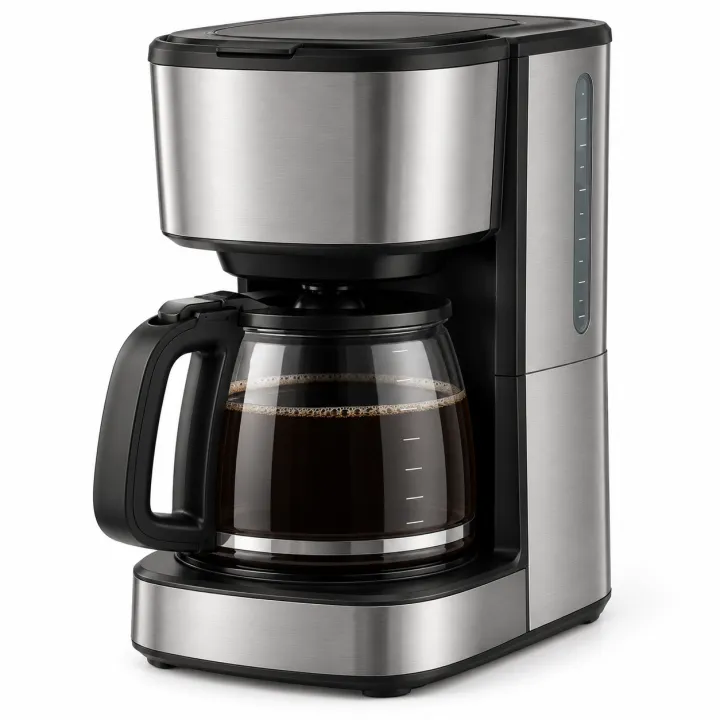
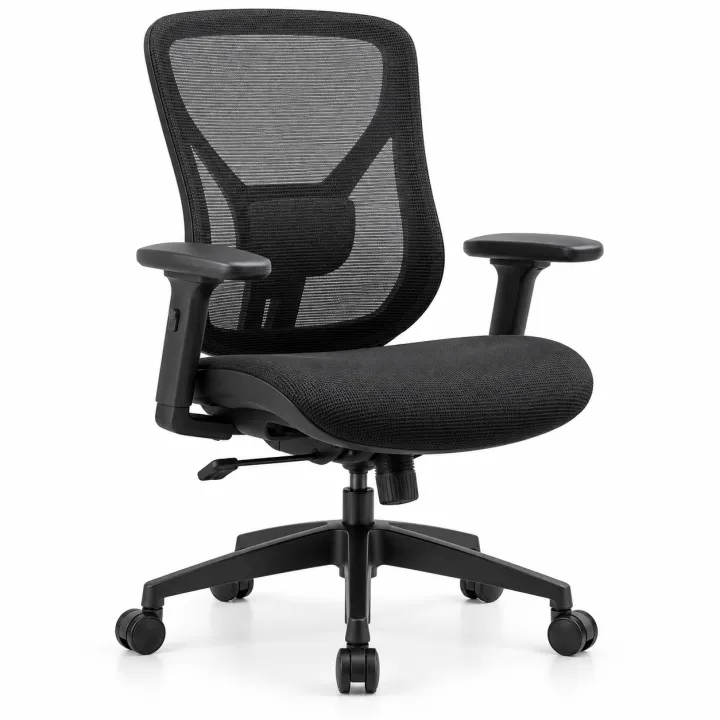
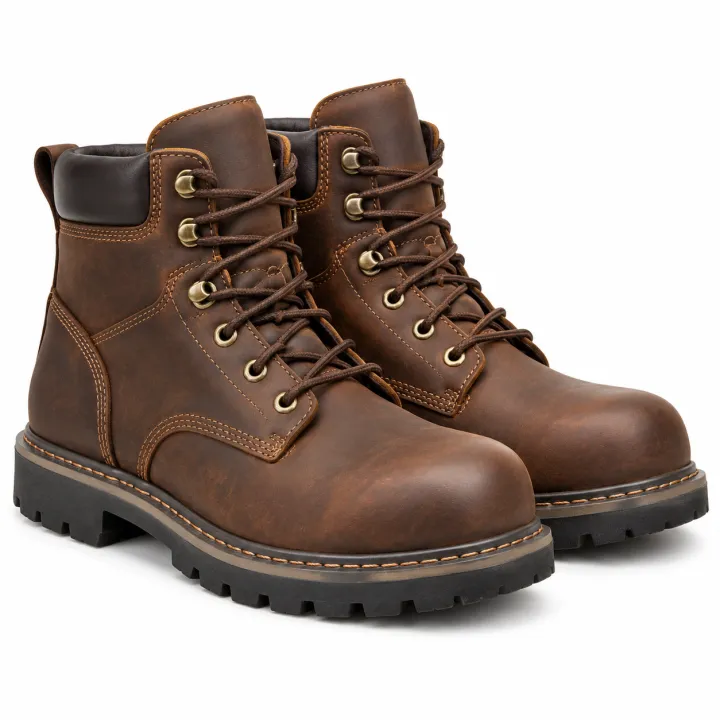
 ProductsCatalog photos from product namesA list of product names or SKUs in, a clean catalog photo for each one out.See the template →
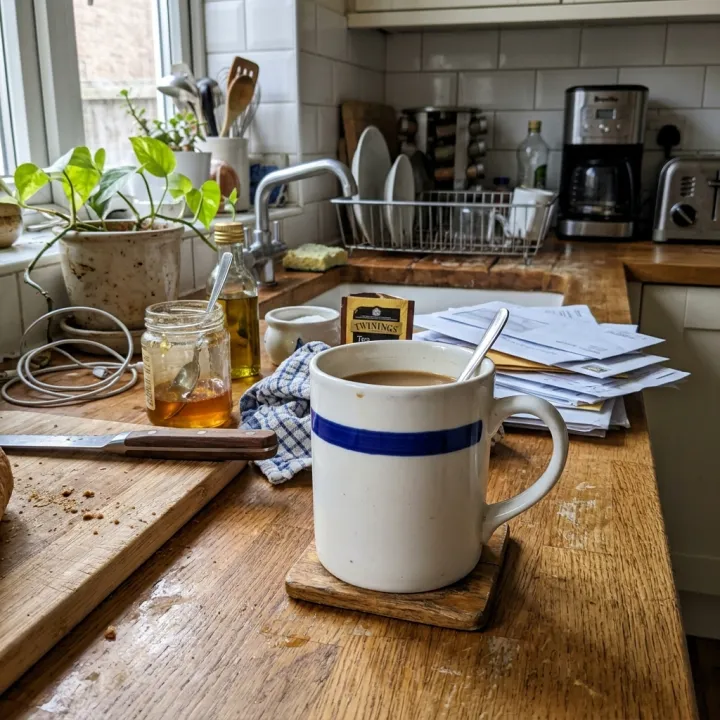 Your photo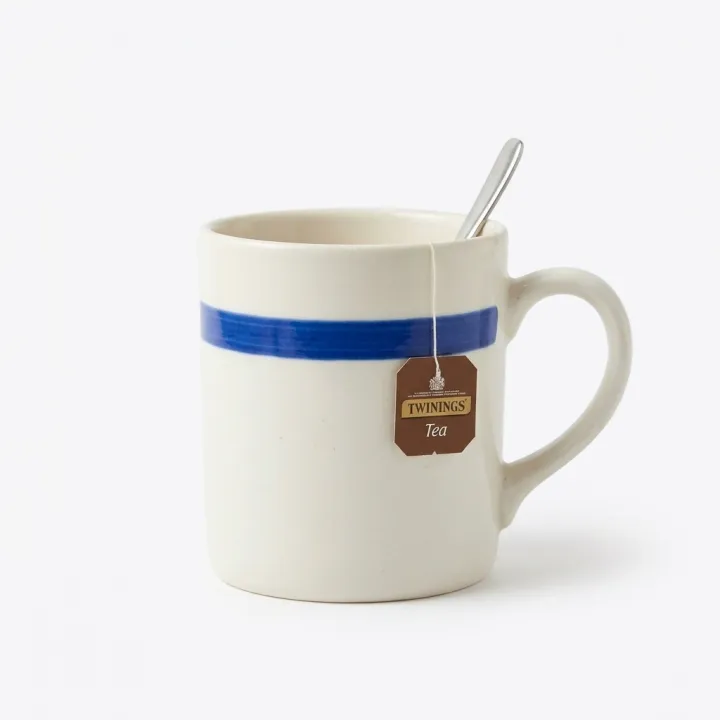
 Your photo
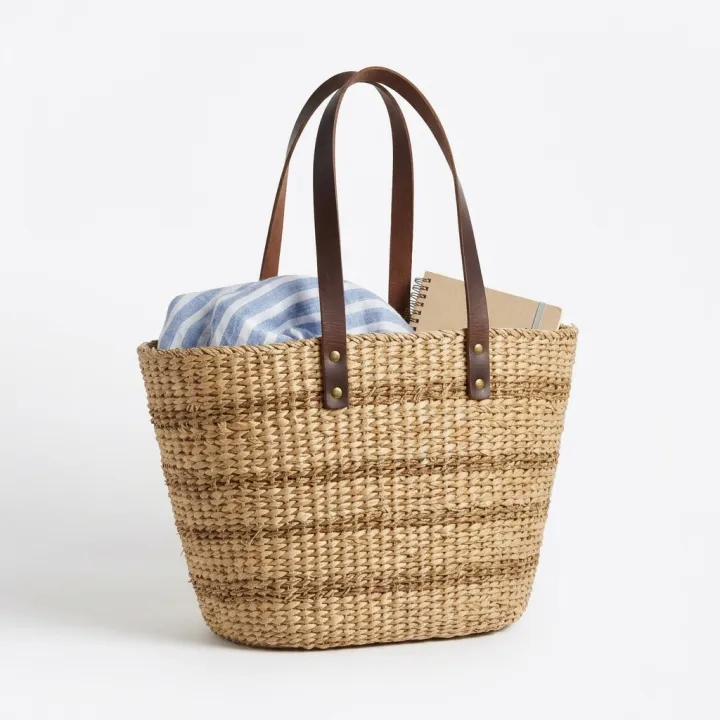 ProductsWhite background packshotsPhone photos in, clean marketplace main images out. One result per photo.See the template →
 Your photo

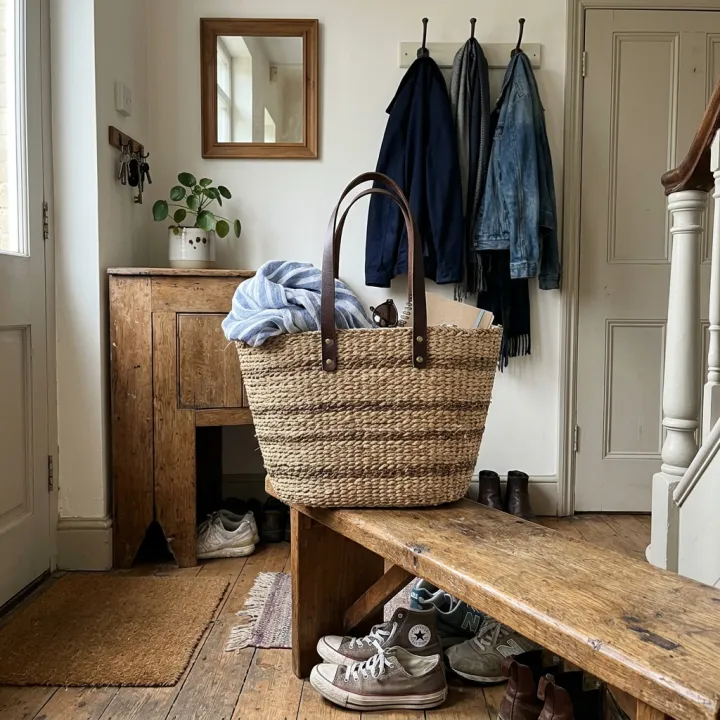
 ProductsProduct in real roomsPut each product into the rooms you pick. Products × scenes.See the template →
 Your photo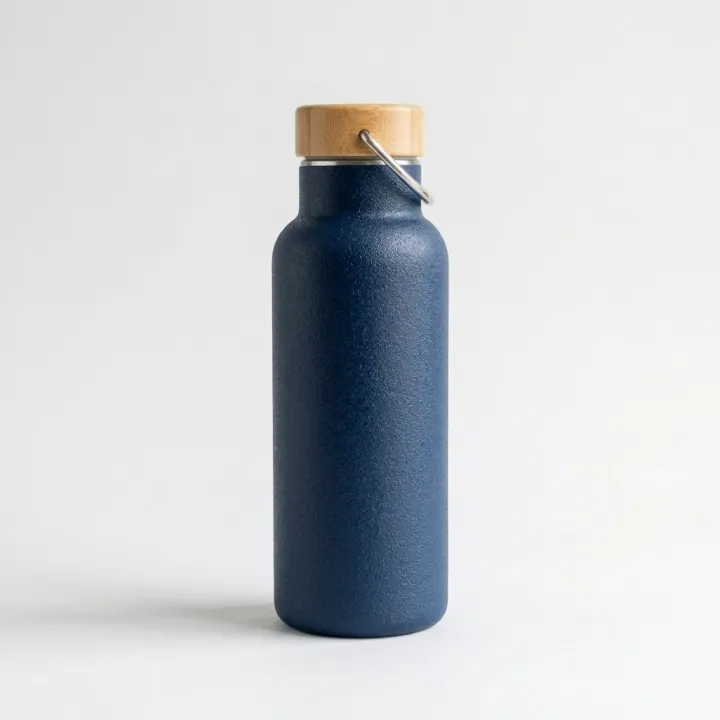
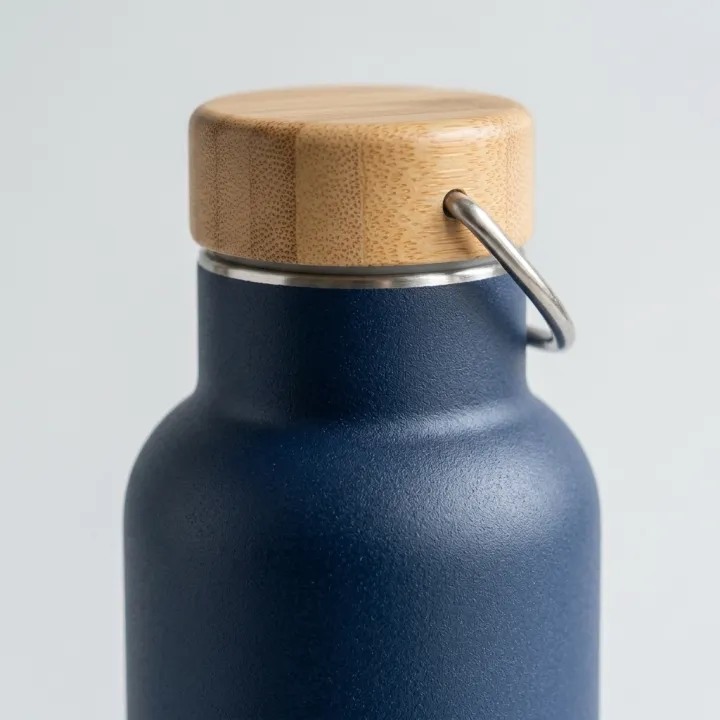
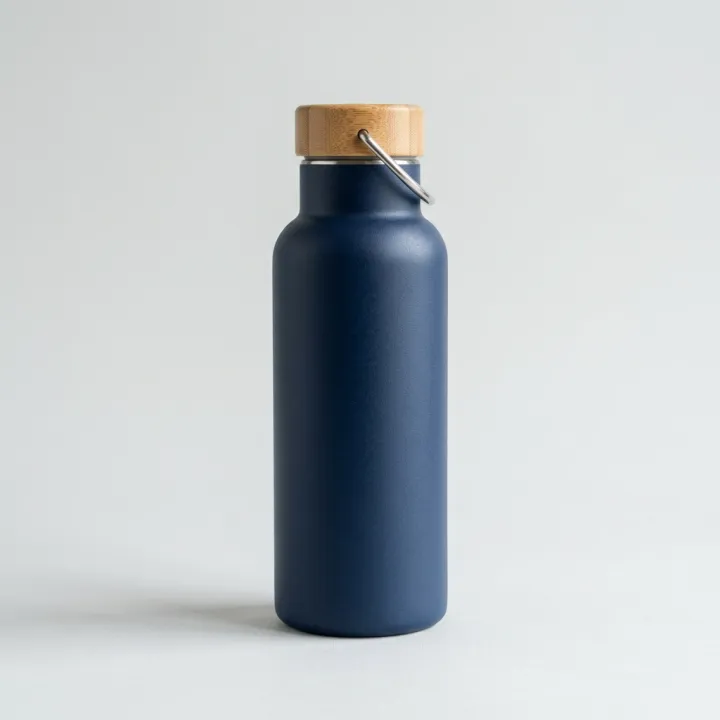
 ProductsListing image setThe full gallery a product page needs: hero, angles, close-ups, in use.See the template →
 Your photo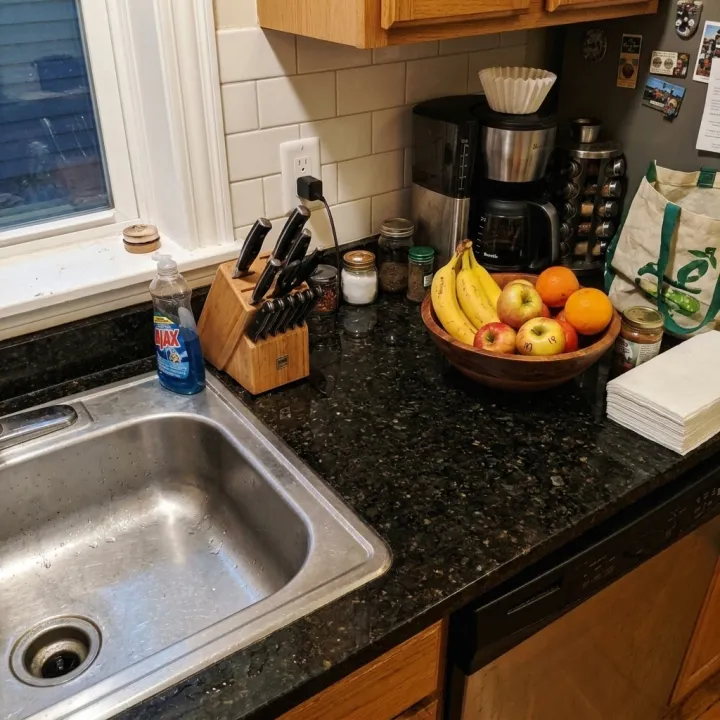
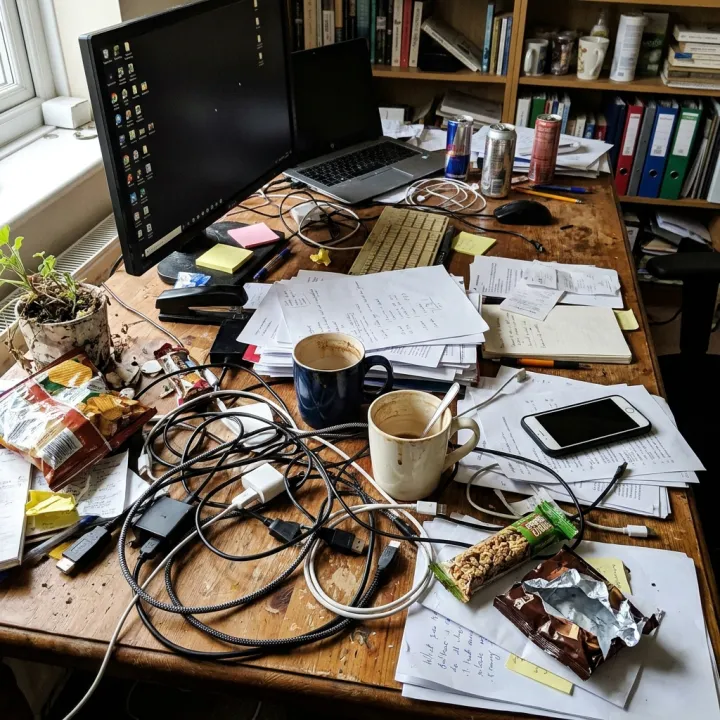 Your photo
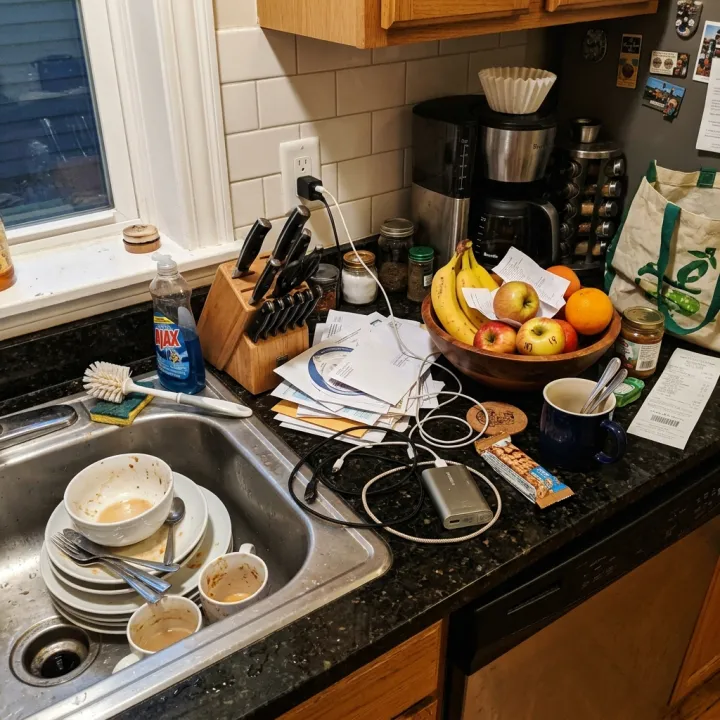
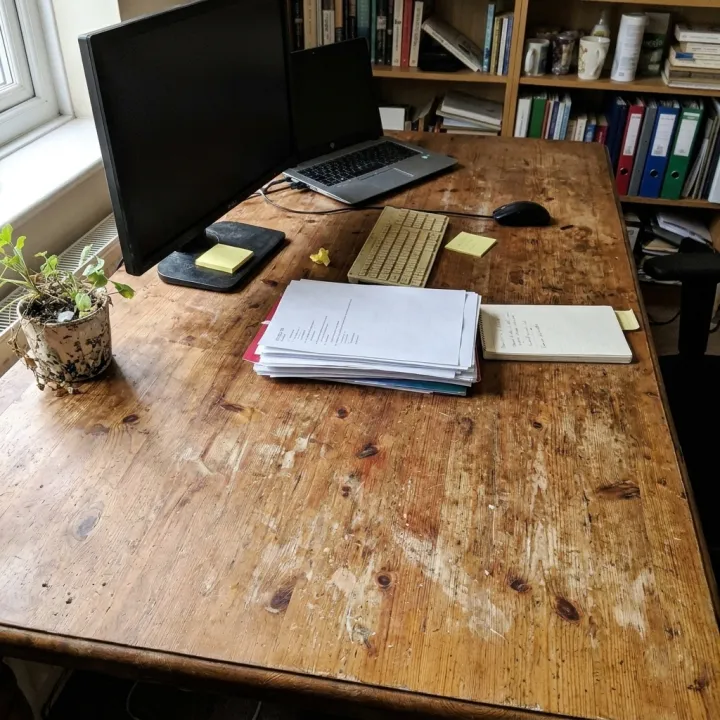 Photo editsSame edit, many photosOne instruction applied to every photo you upload: tidy up, remove text and logos, enhance, real estate touch-up.See the template →
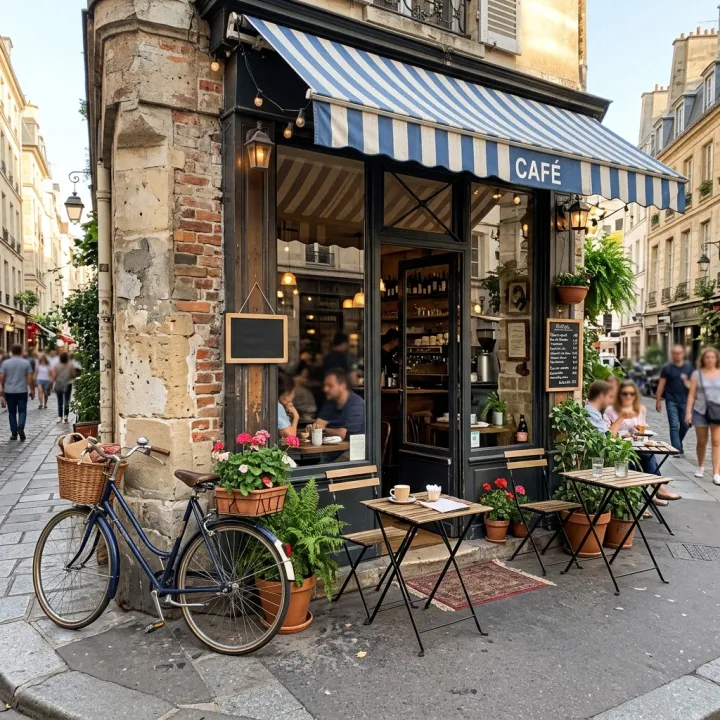 Your photo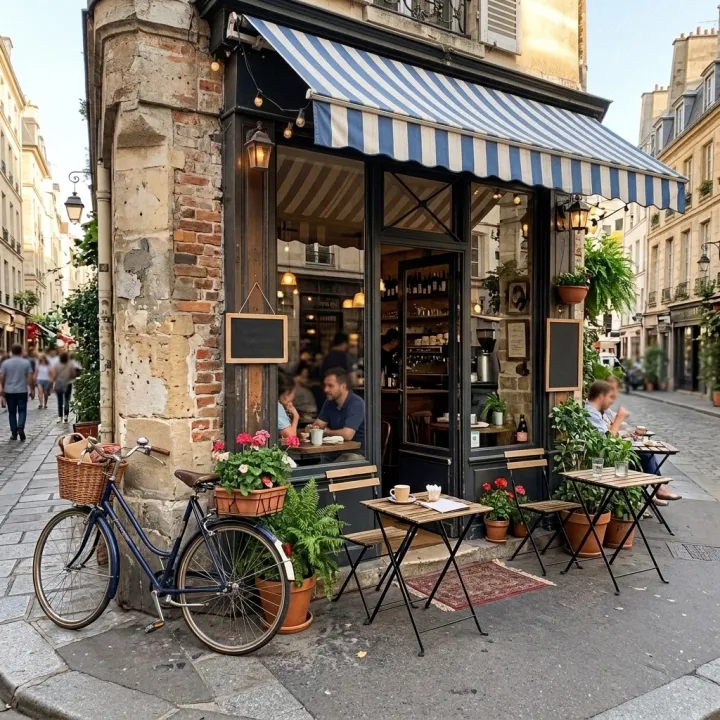
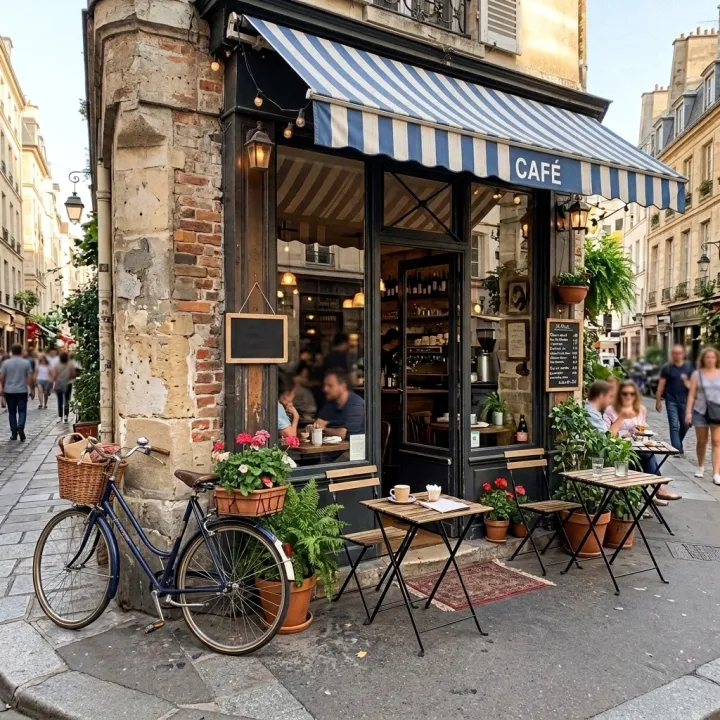
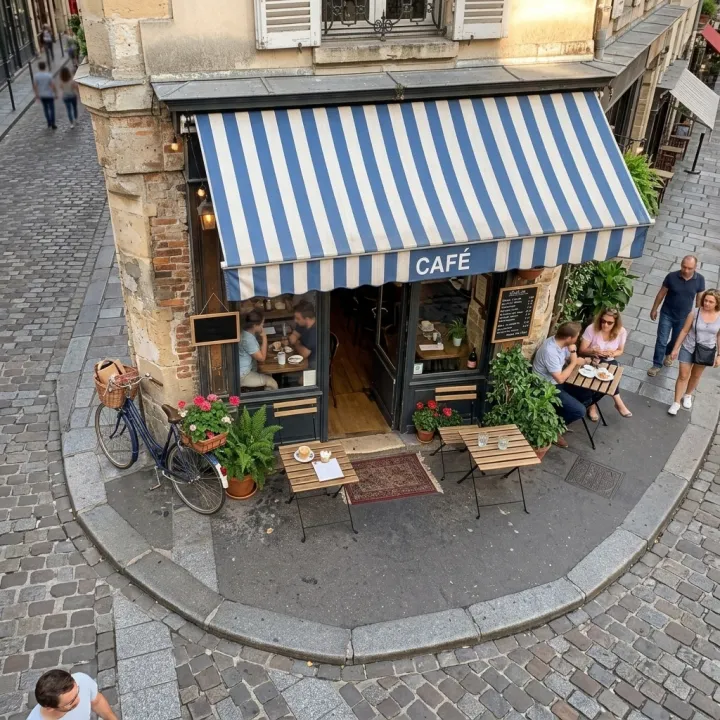 Photo editsNew angles of the same shotOne photo in, the same scene from new camera positions out — same people, objects and light.See the template →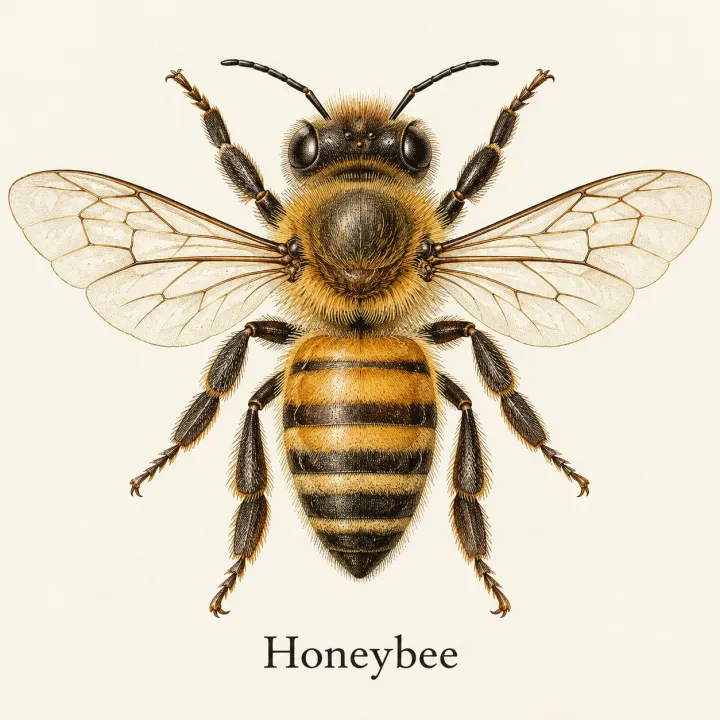
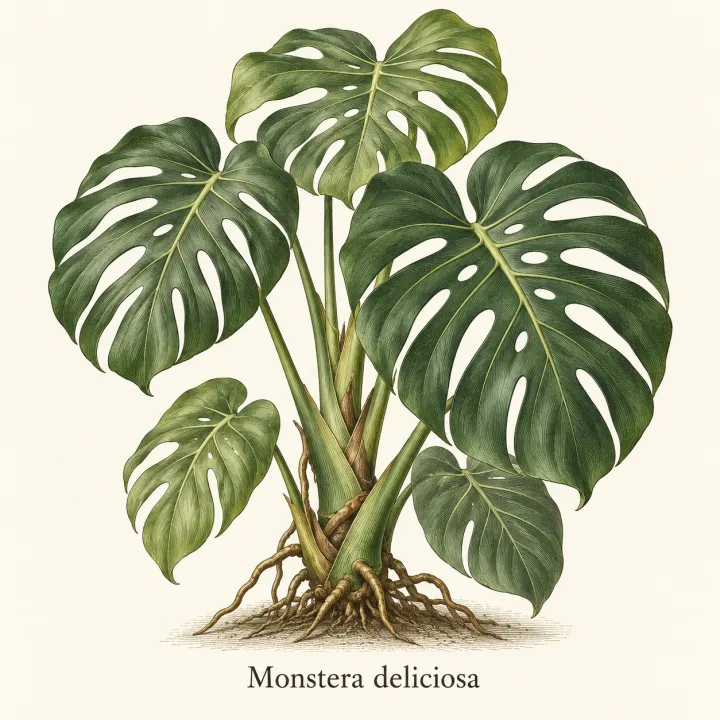
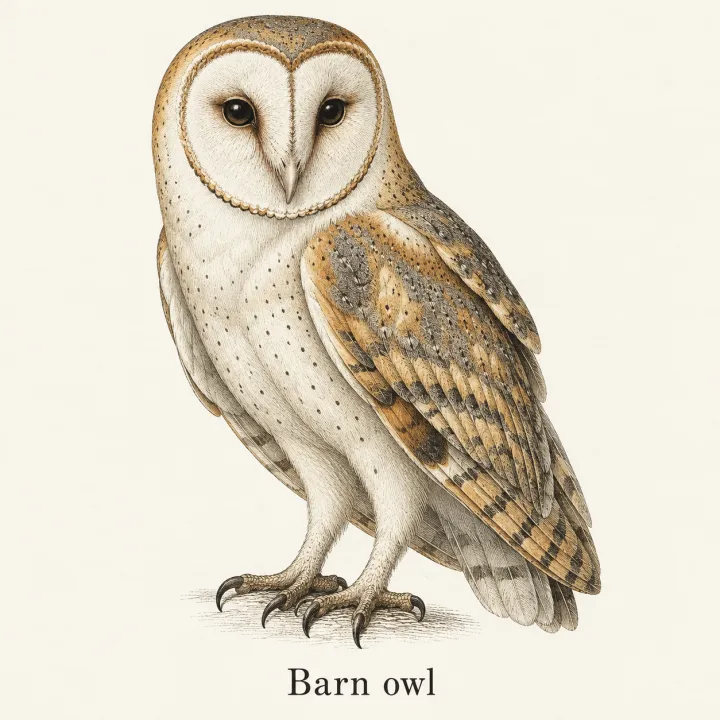
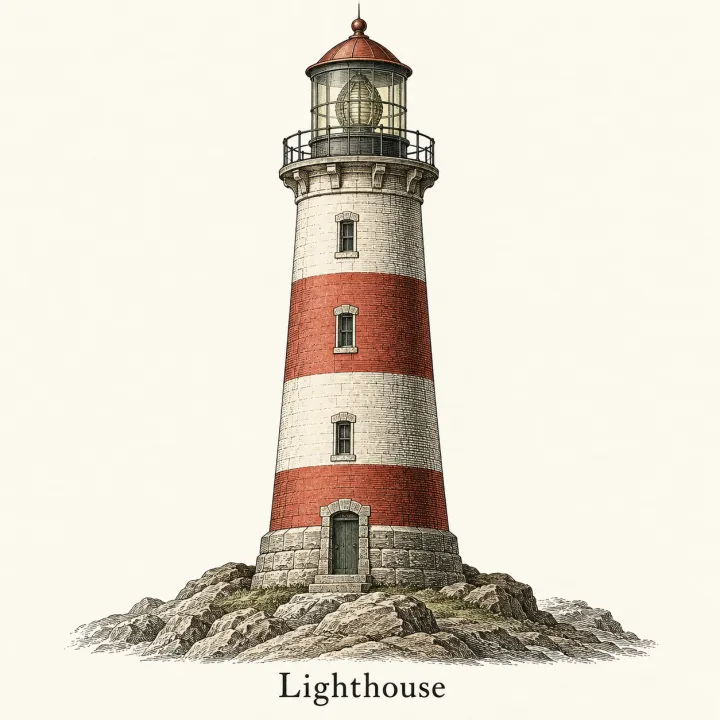 DesignAn image for every itemTurn a list — vocabulary, species, products, quiz answers — into one matching illustration per line.See the template →

 DesignLogos for a list of namesEvery brand name on your list in every logo style you pick.See the template →


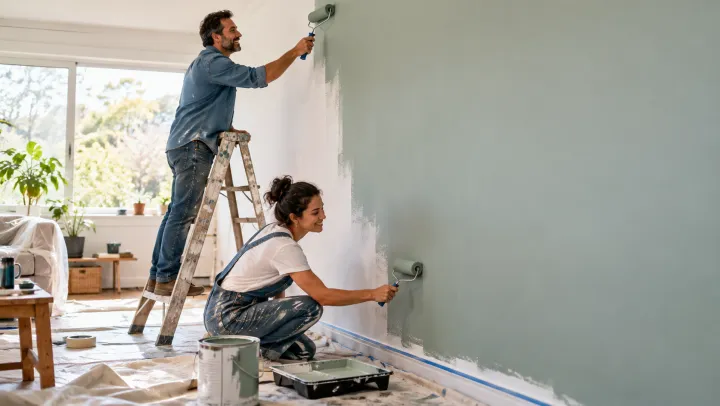 DesignCategory bannersA list of categories or topics in, a matching header banner for each page out.See the template →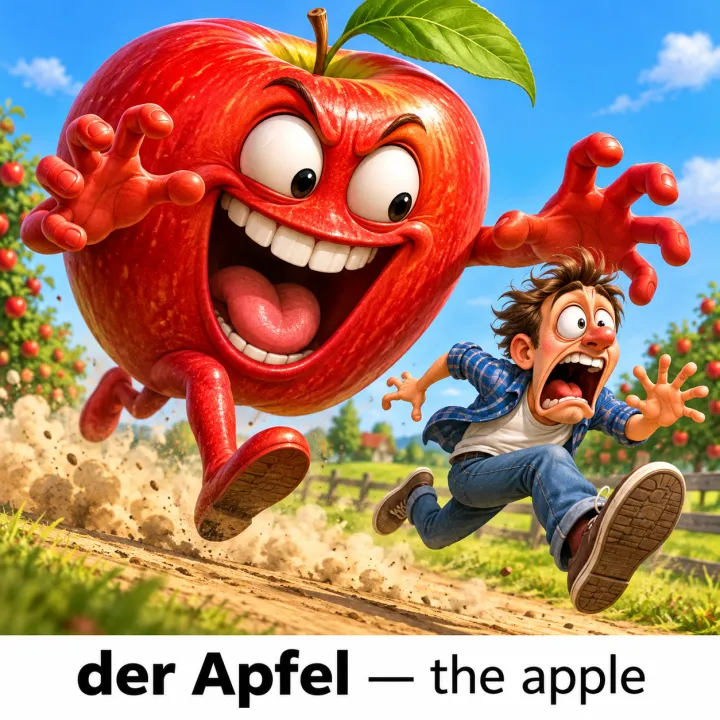
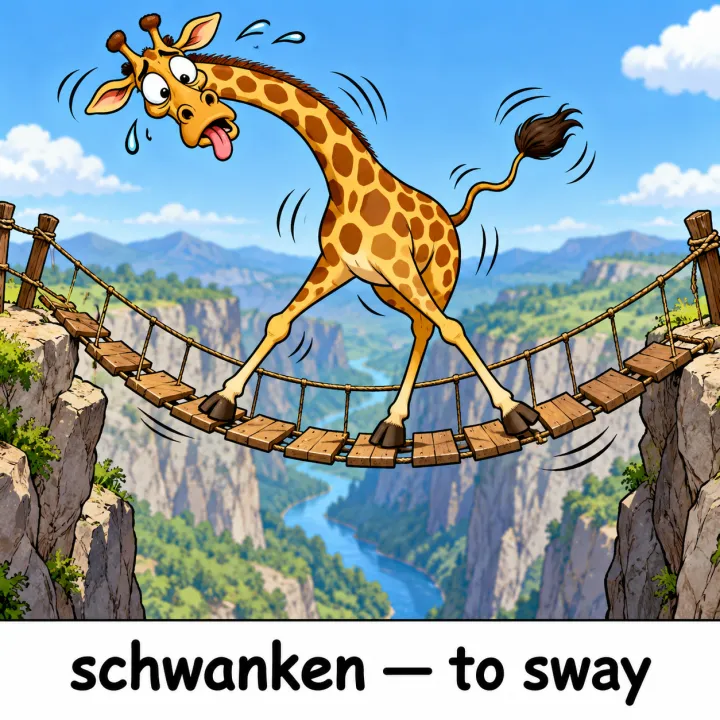
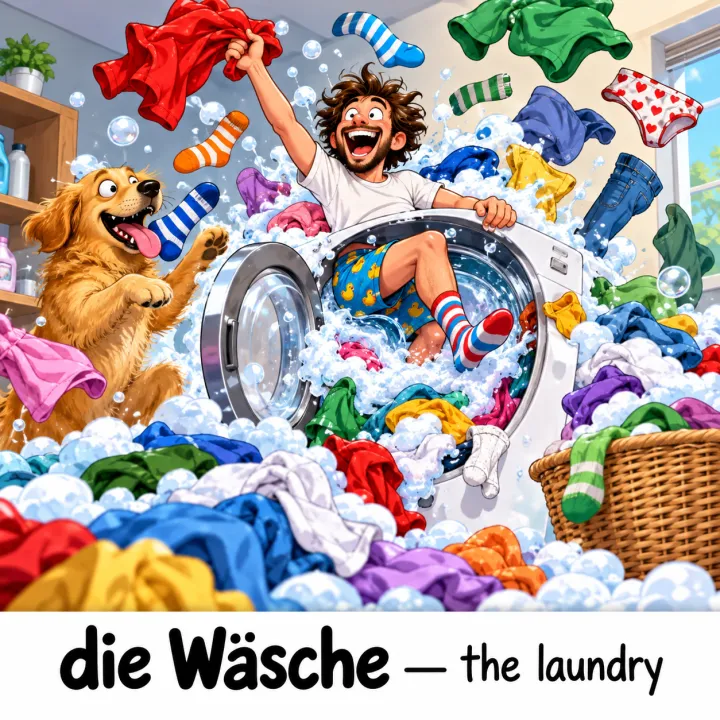
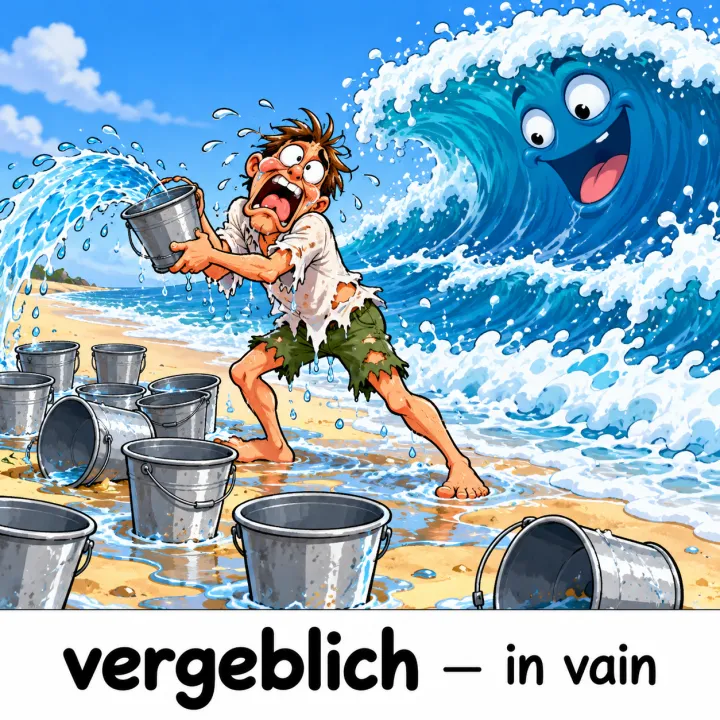 LearningVocabulary picturesA word list in, one memorable picture per word out — with the word and meaning on it if you like.See the template →
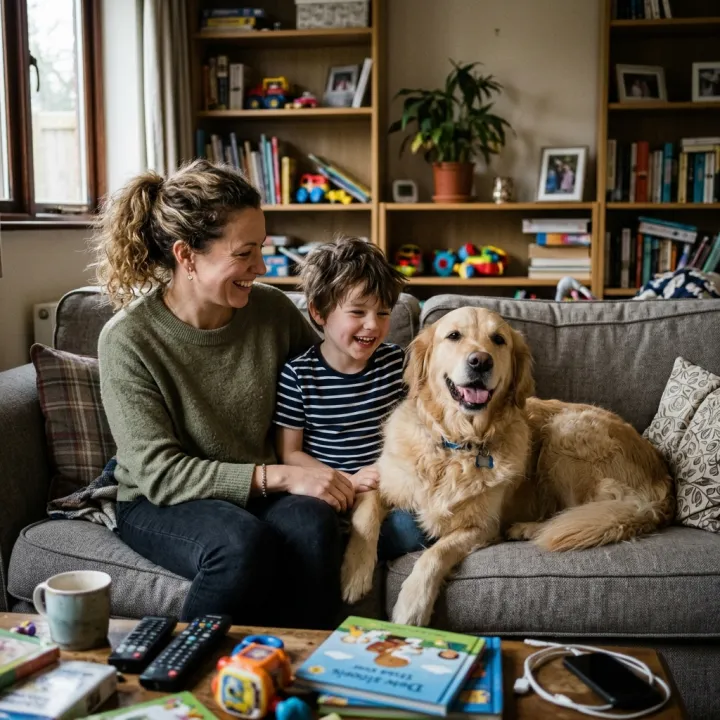 Your photo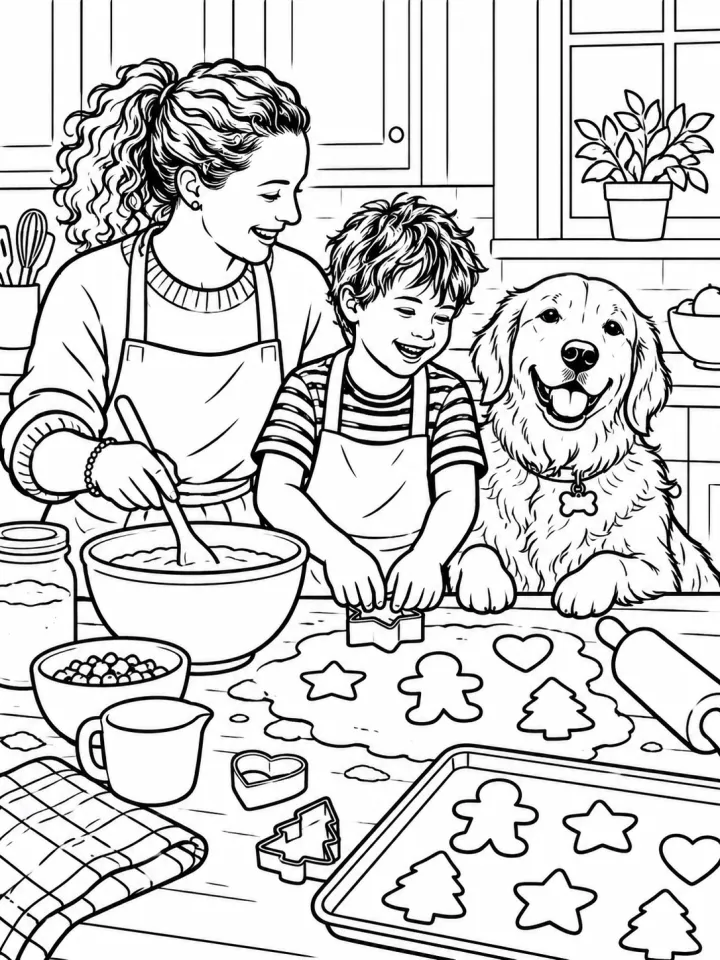
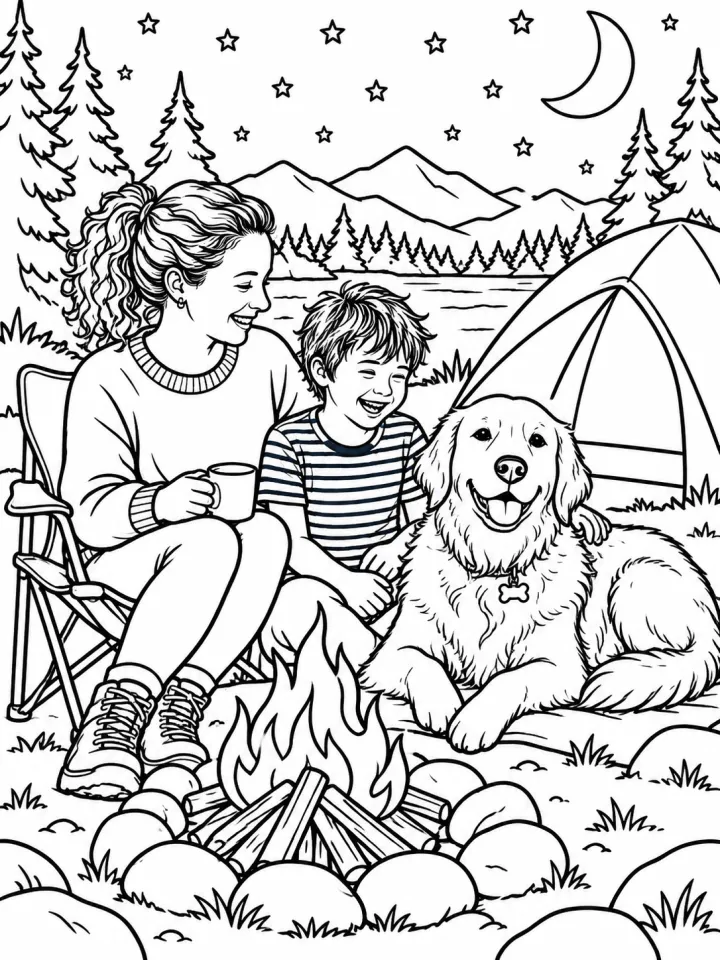
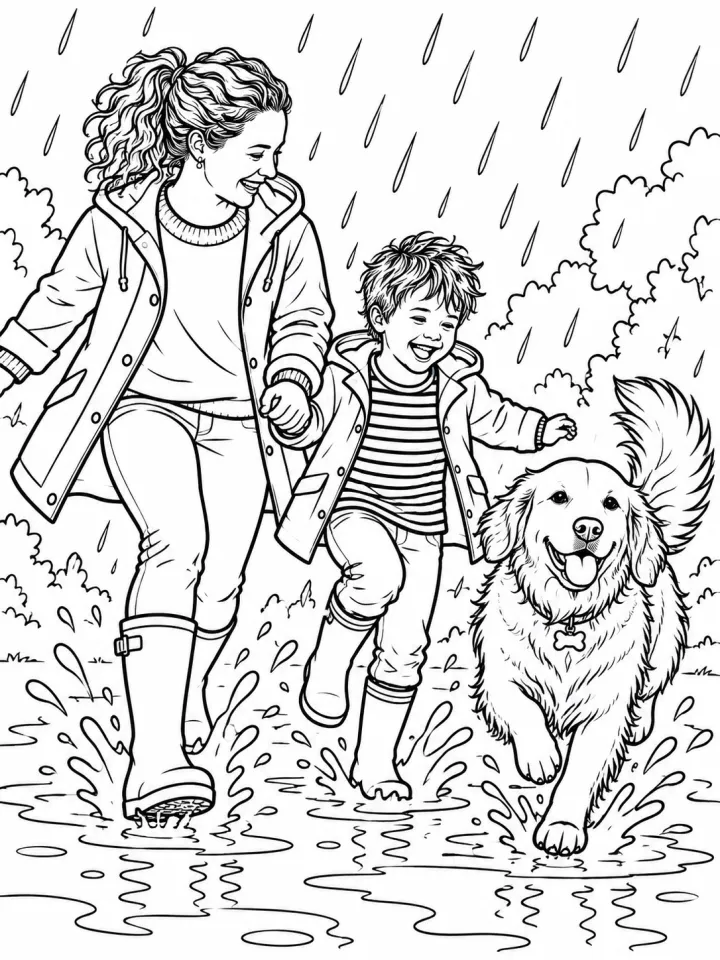 PrintColoring book starring your familyUpload a photo of your people and pets; every page of the coloring book stars them.See the template →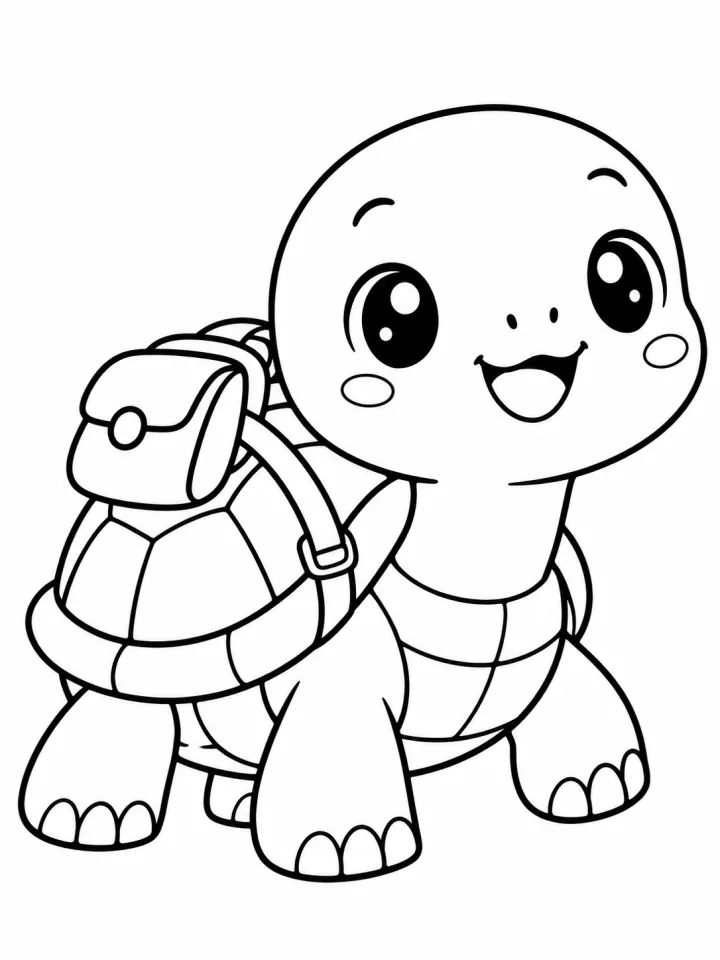
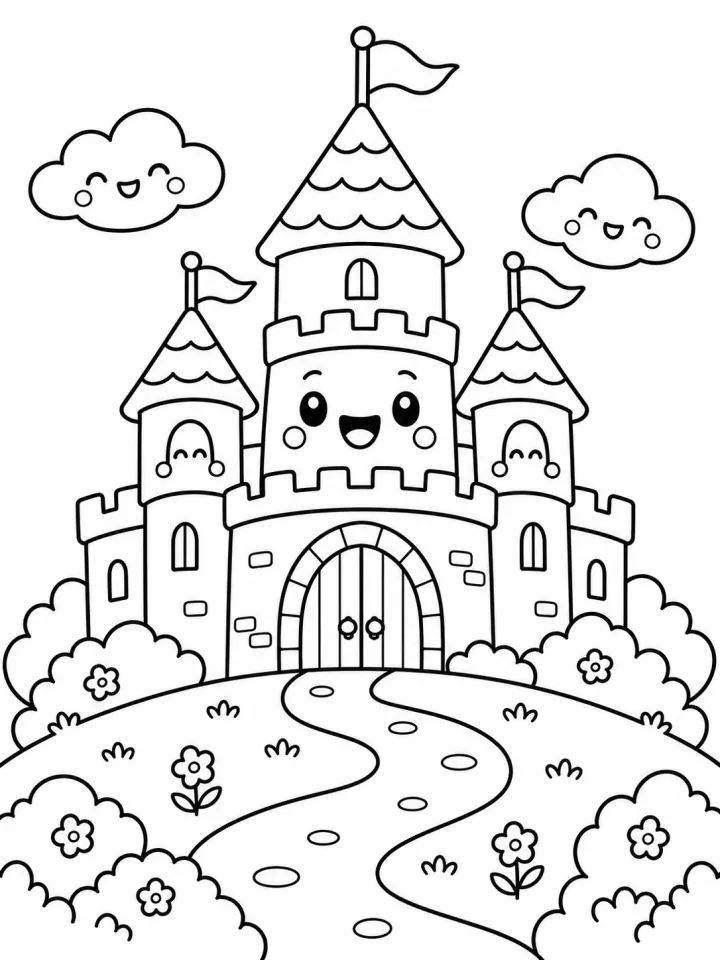
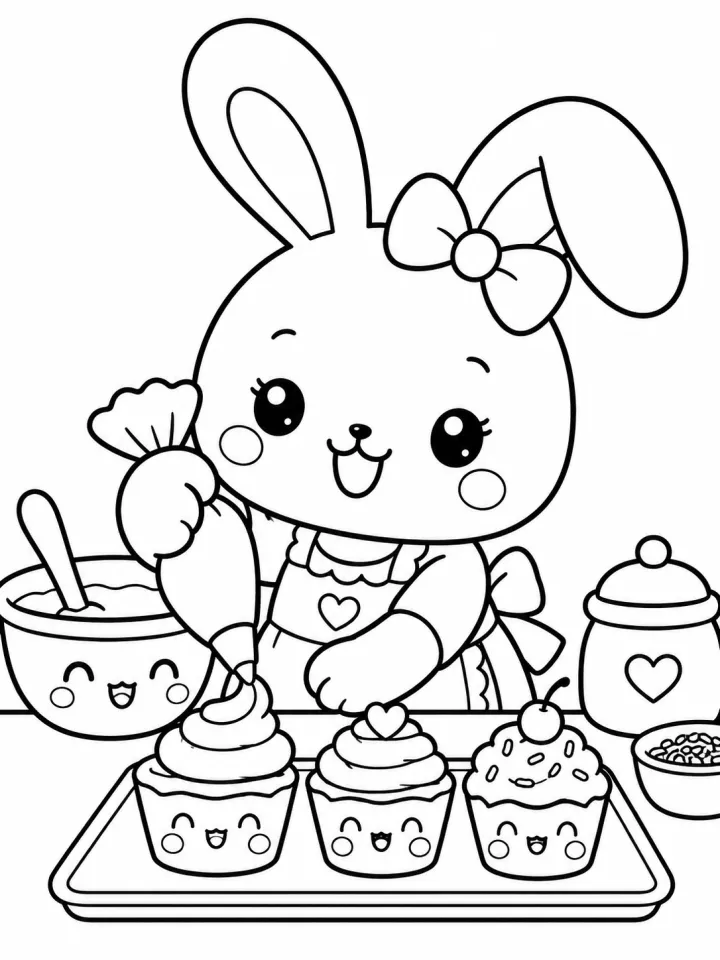
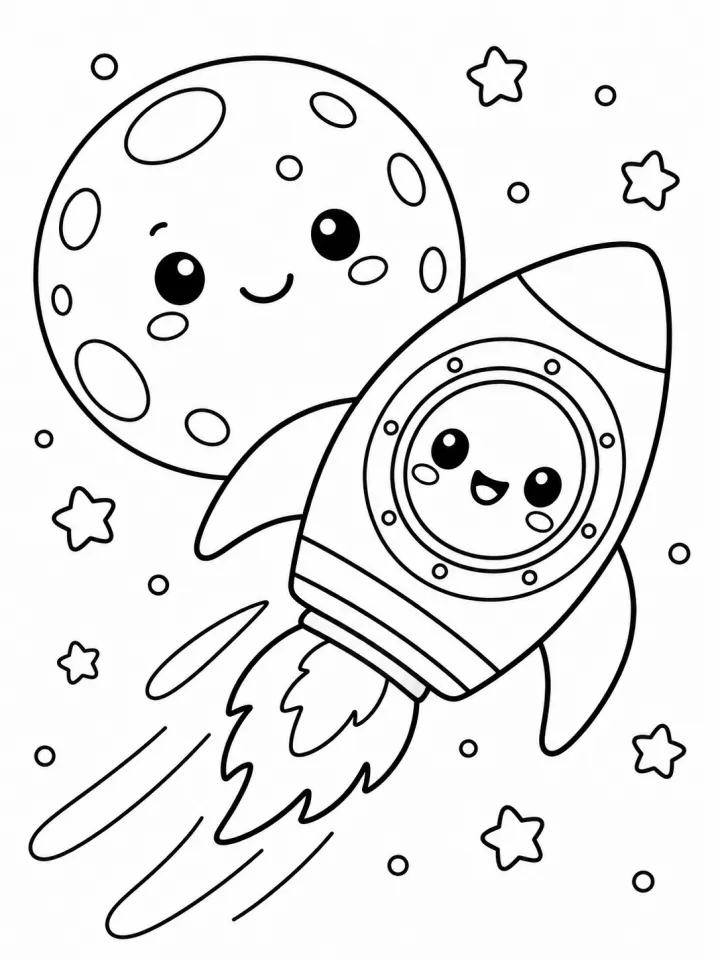 PrintColoring book pagesA list of subjects in, a book's worth of printable line art out.See the template →
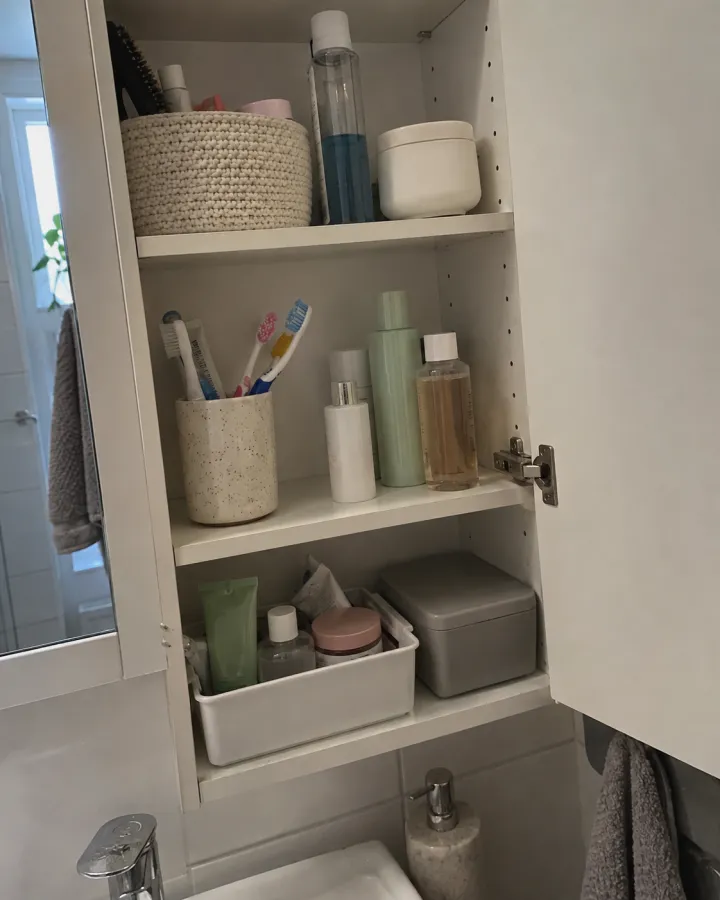
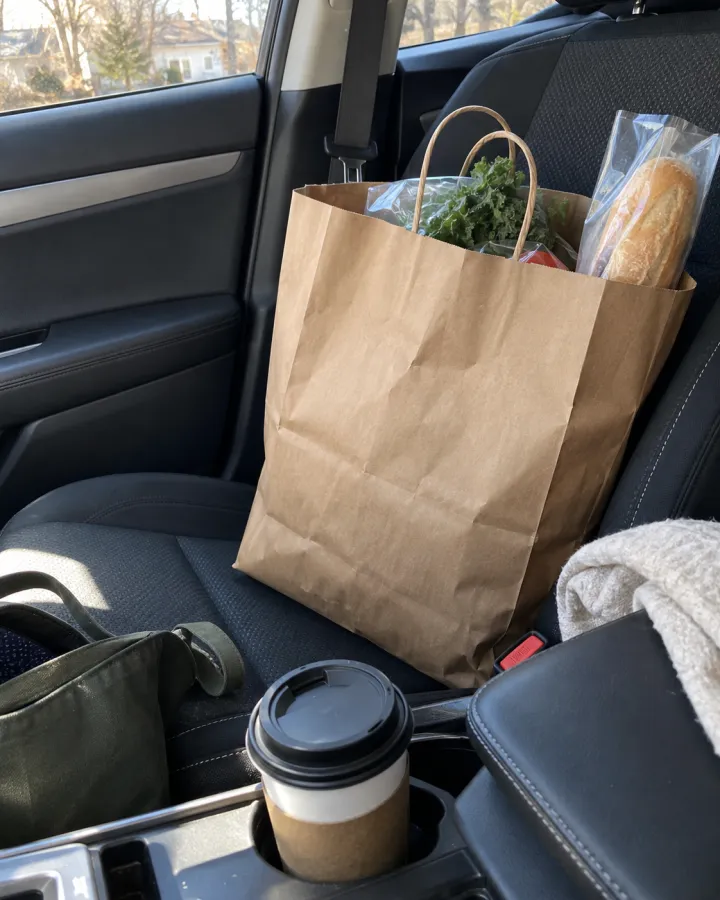
 Social & adsPhone snapshotsReal-looking, unposed phone photos for advertorials and UGC-style ads — one per scene.See the template →
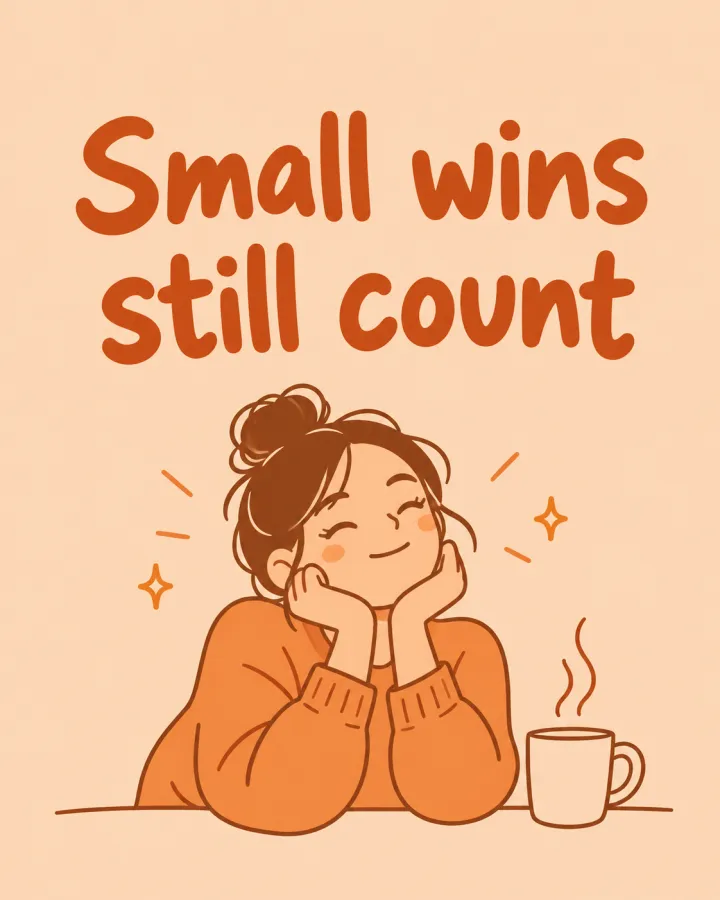

 Social & adsCarousel slides in your styleOne line per slide or post, all in the same look and colors — with the line as a headline if you want.See the template →
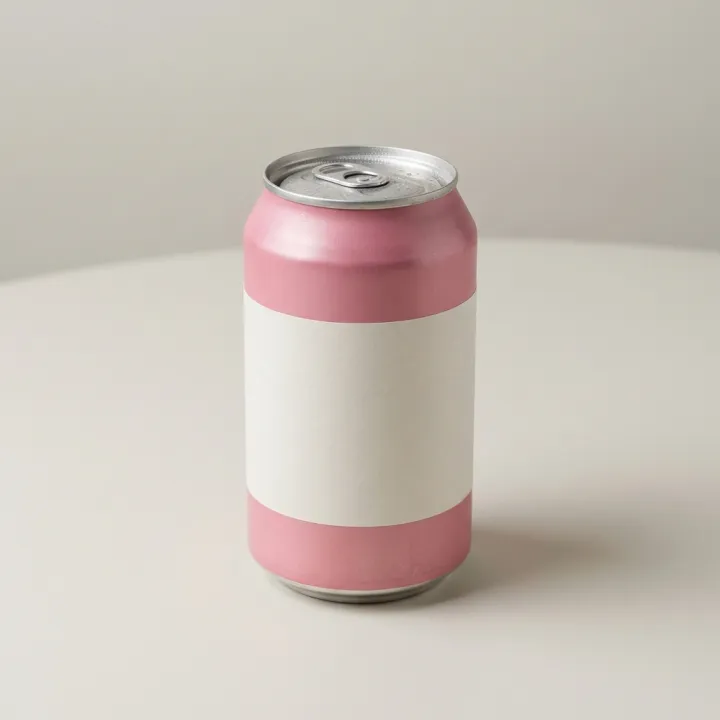 Your photo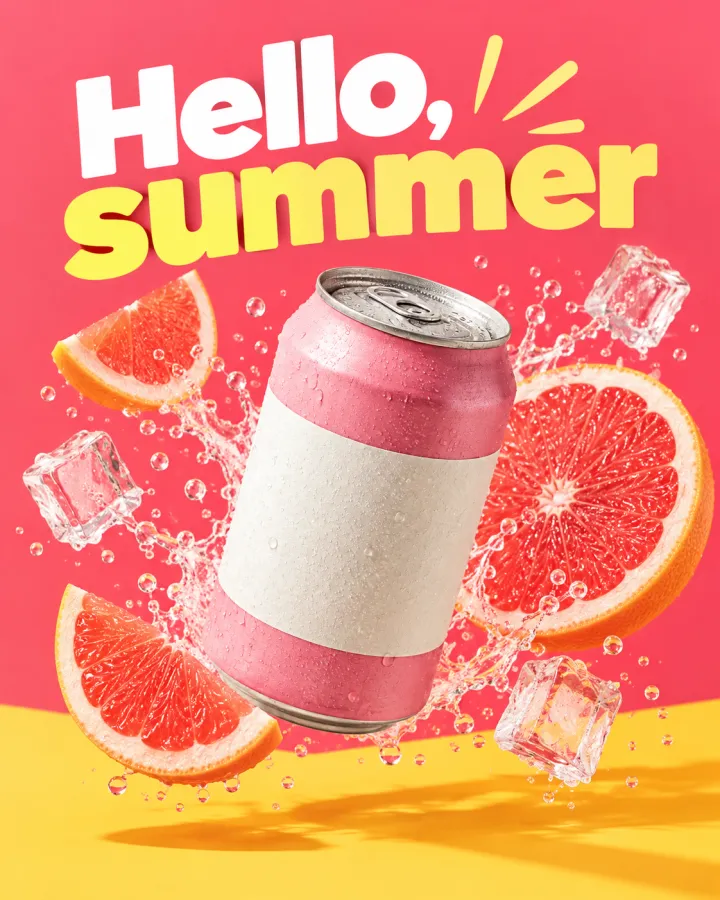
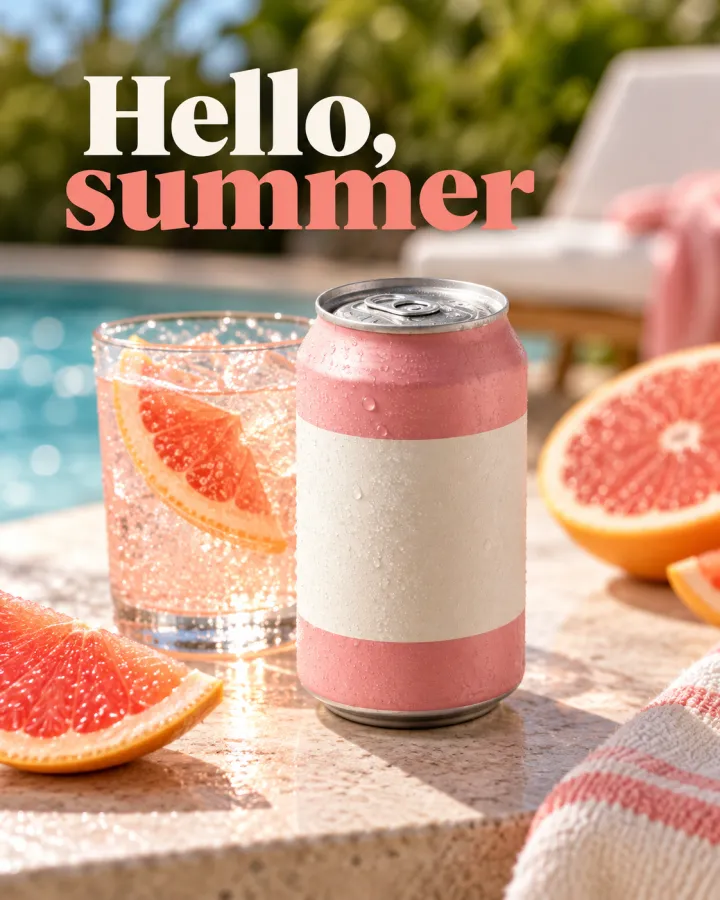
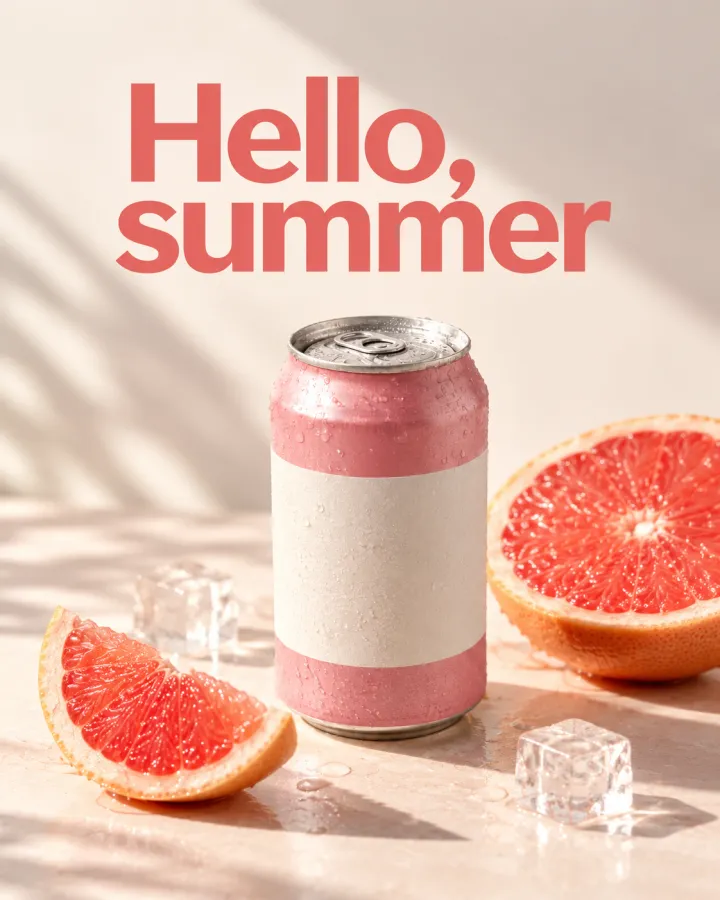 Social & adsAd creative variantsOne offer, several ad styles to test against each other.See the template →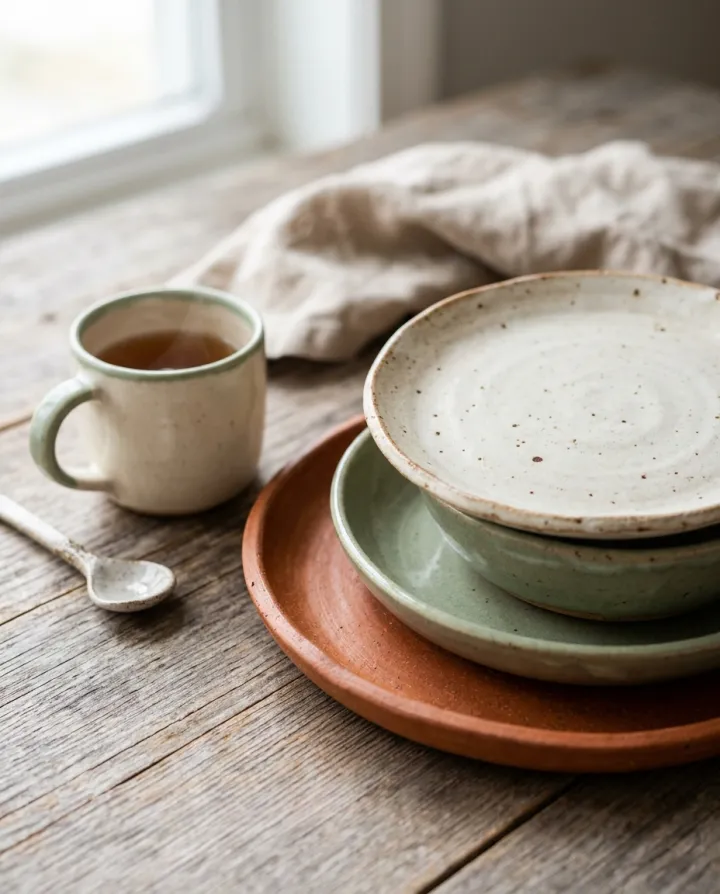
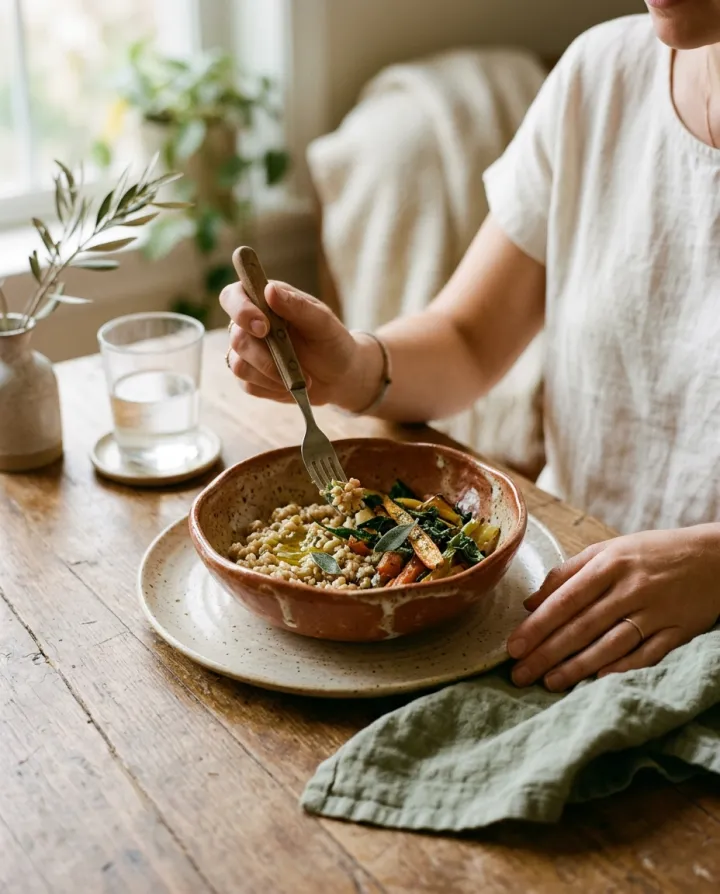
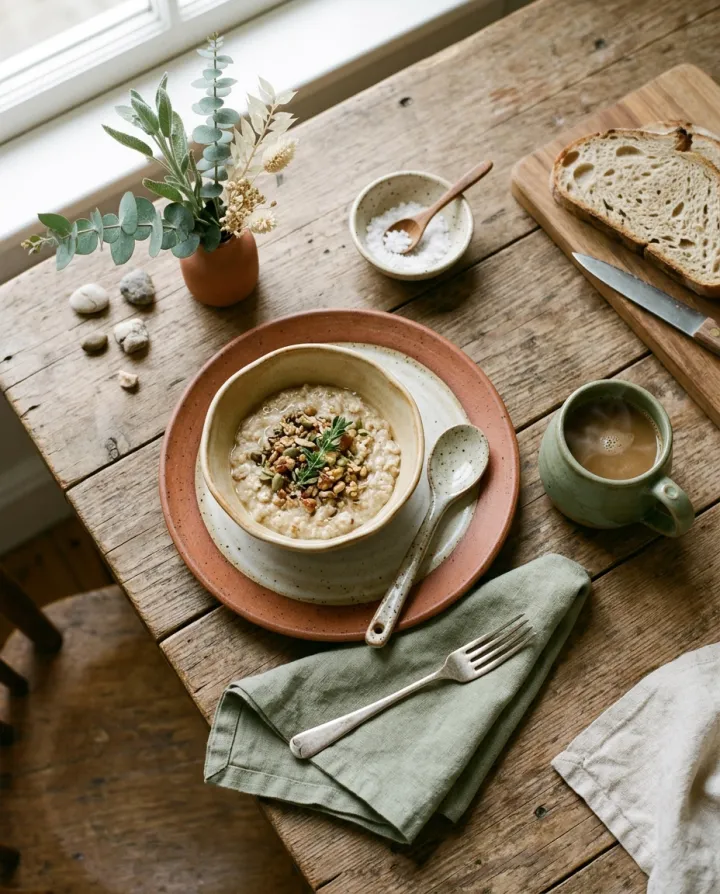
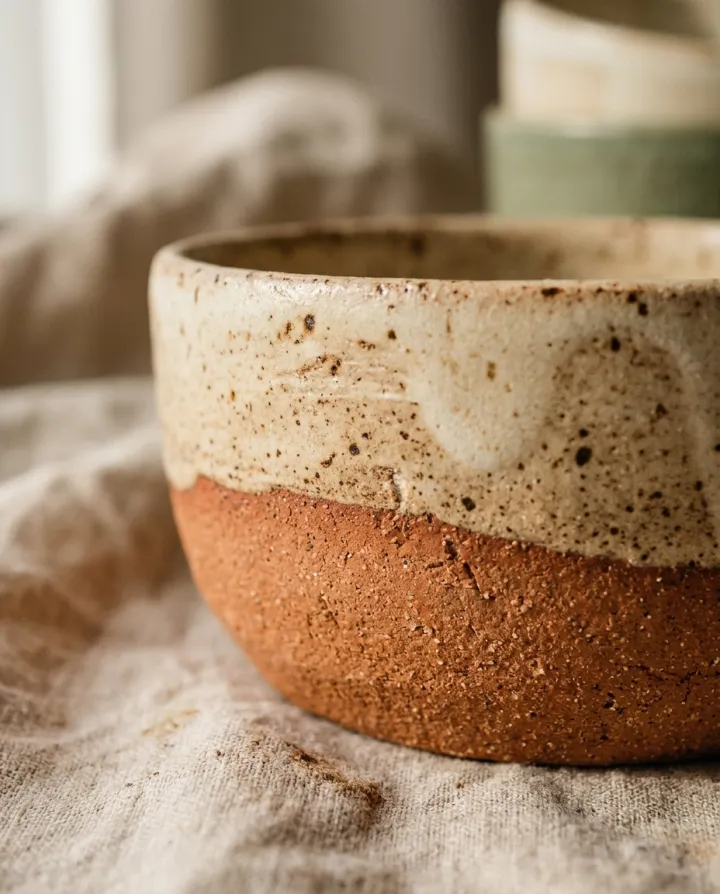
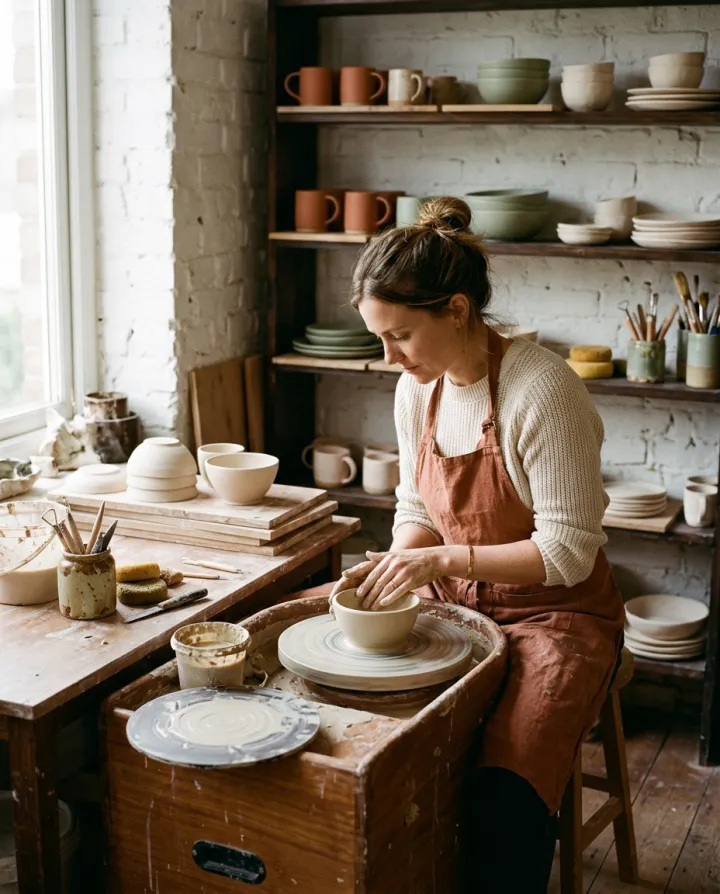
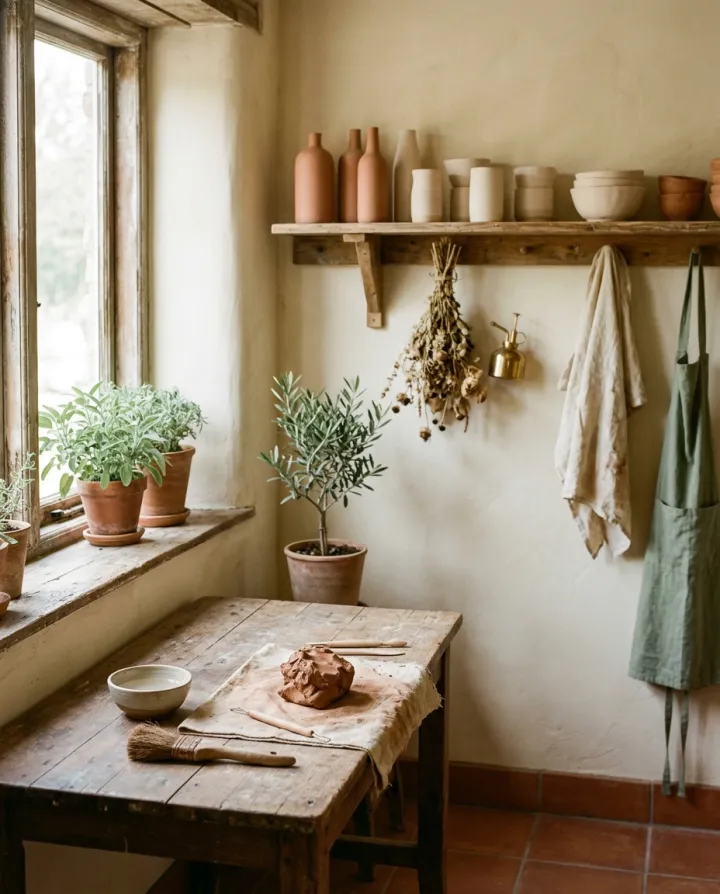

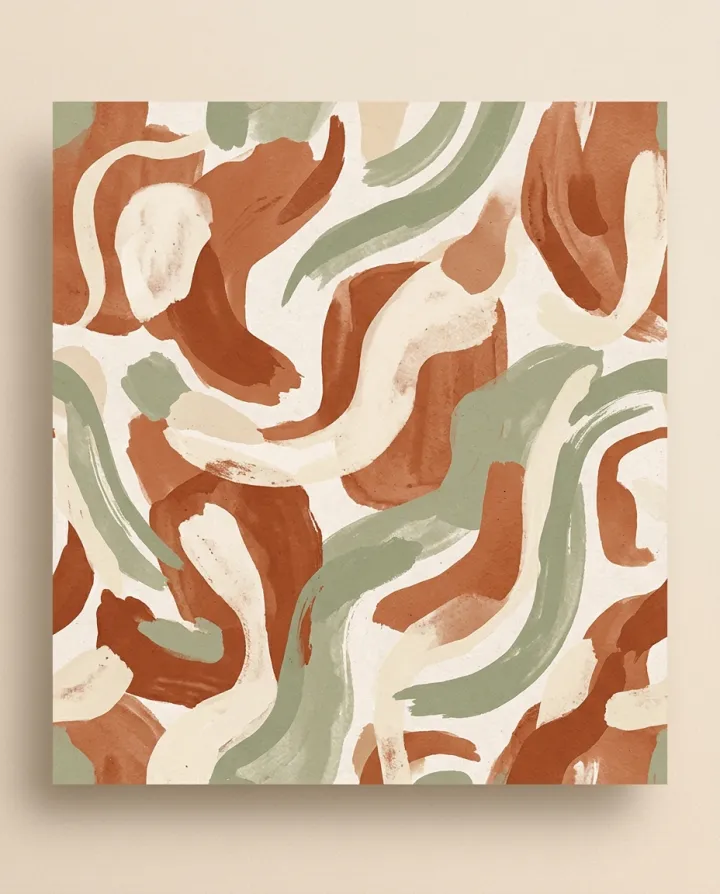
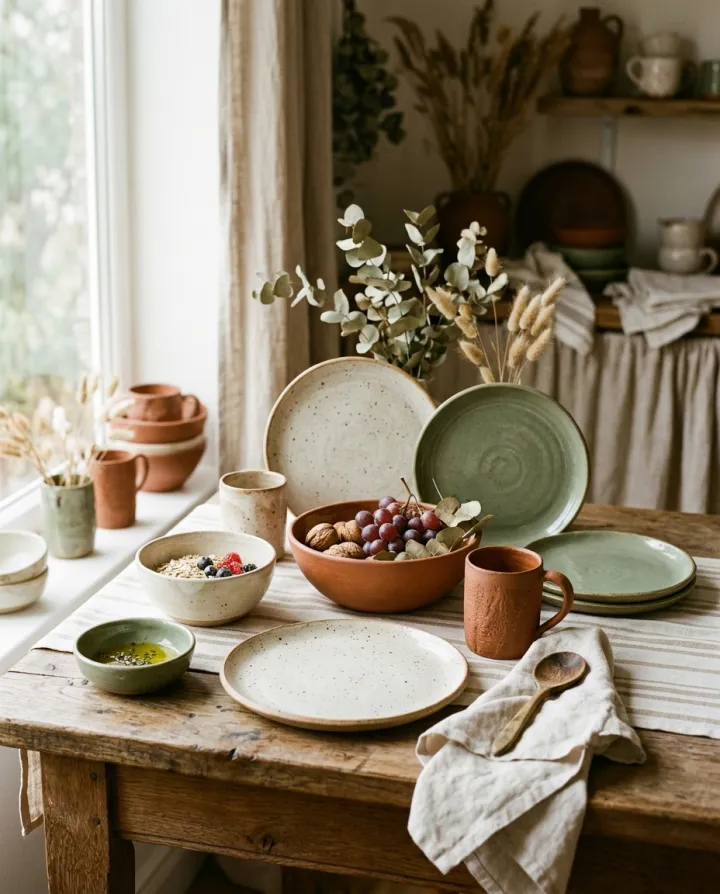 Social & adsInstagram gridNine posts that read as one feed: close-ups, hands, flat lays, mood.See the template →
 Your photo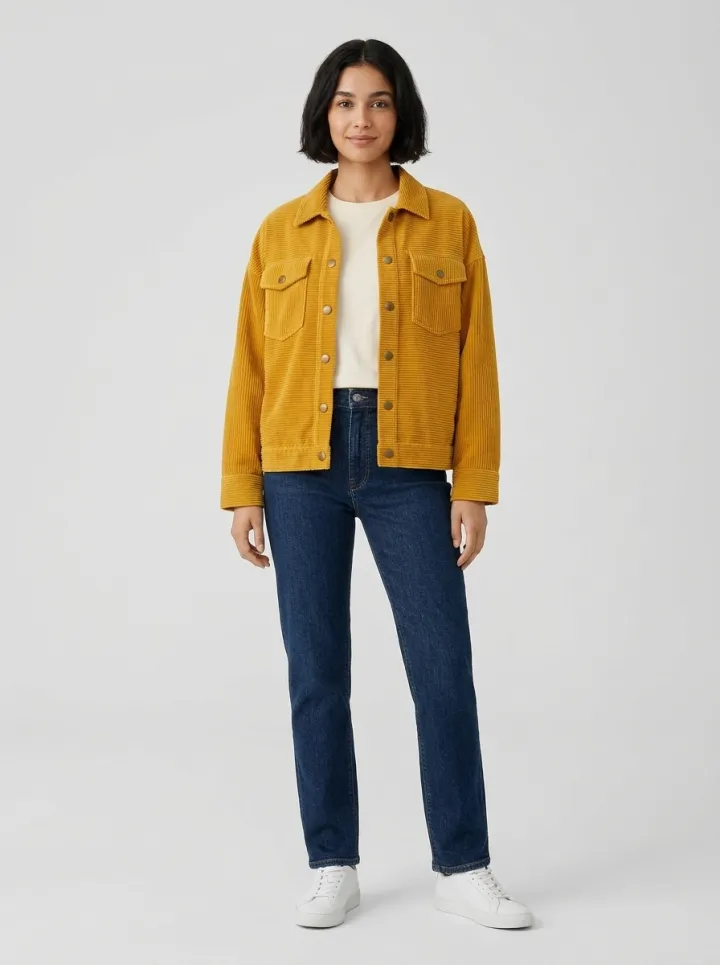
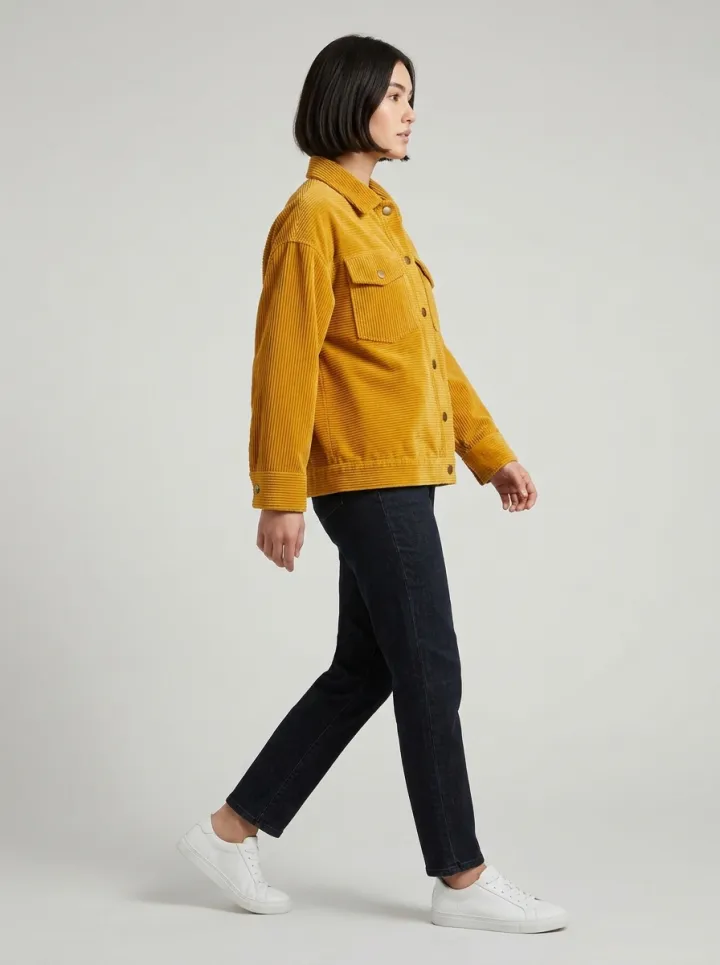
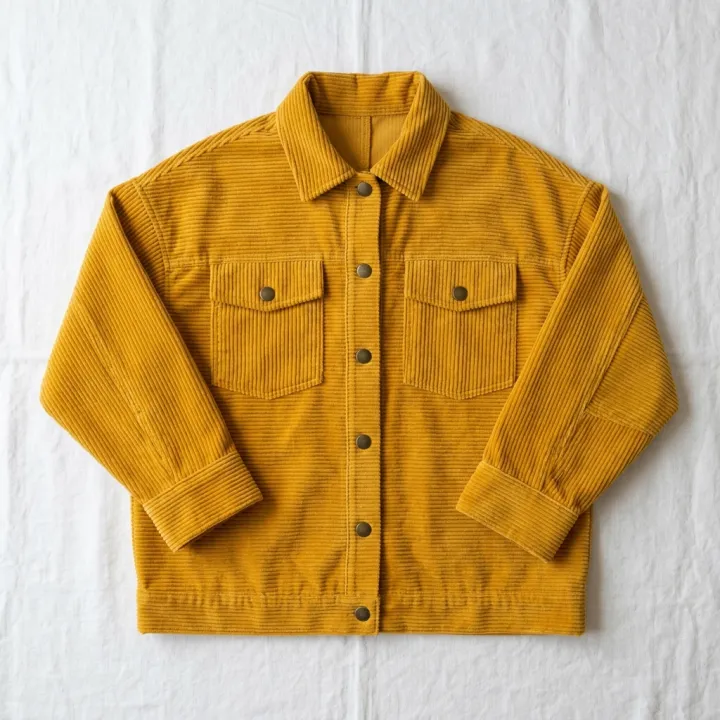
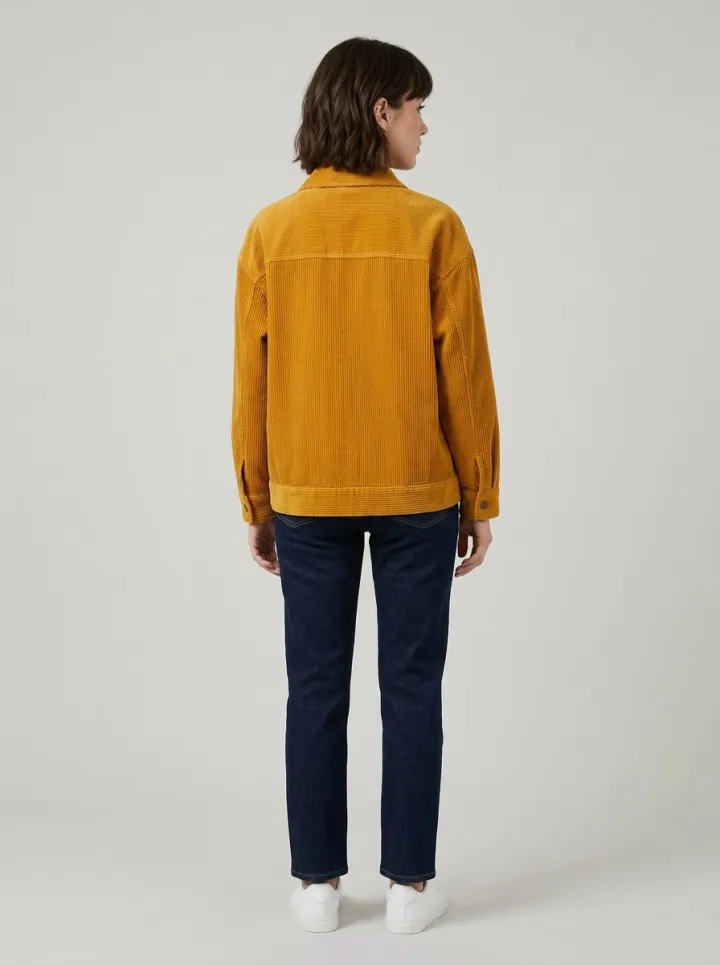 FashionGarment on a modelA flat lay or hanger photo becomes on-model shots from every angle.See the template →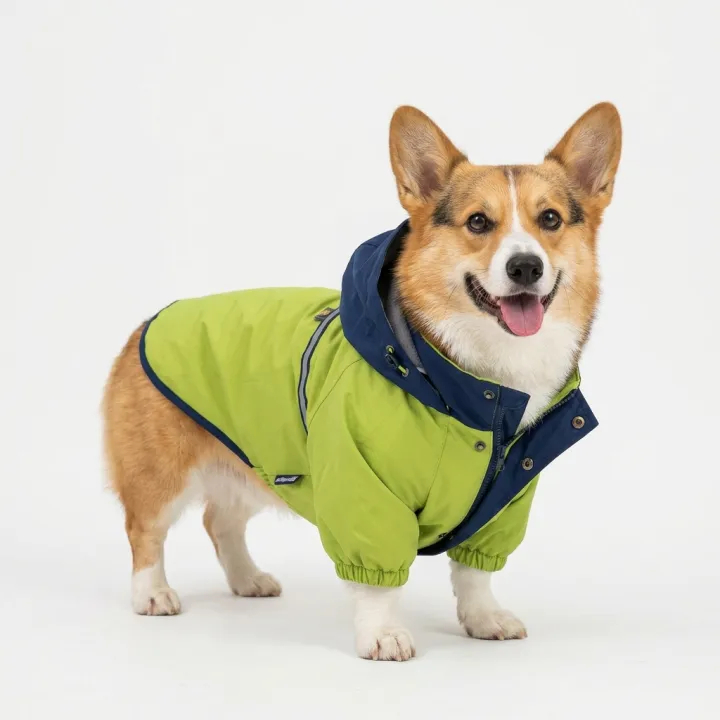
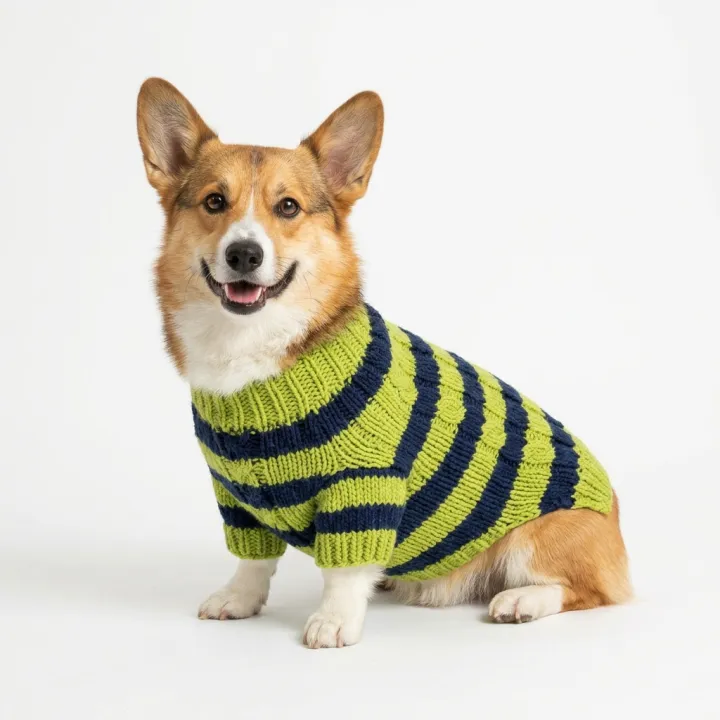
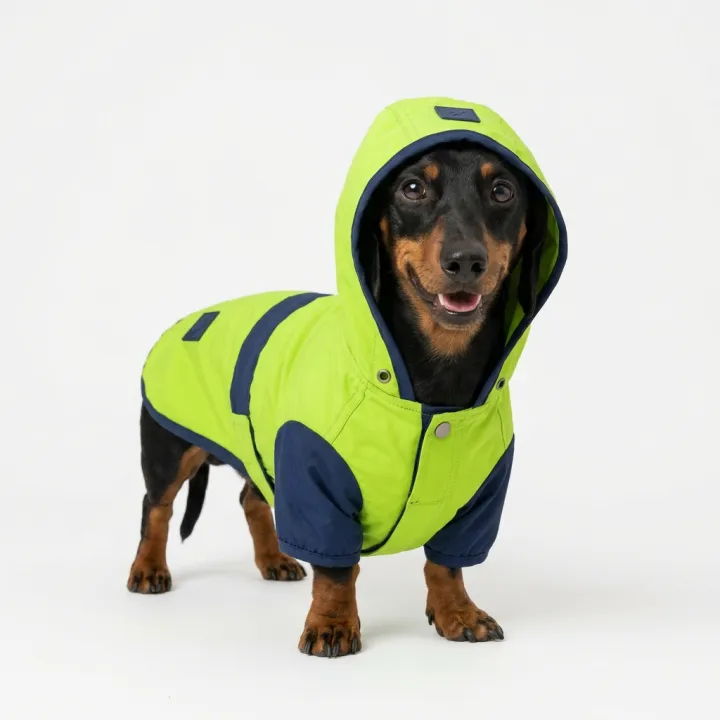
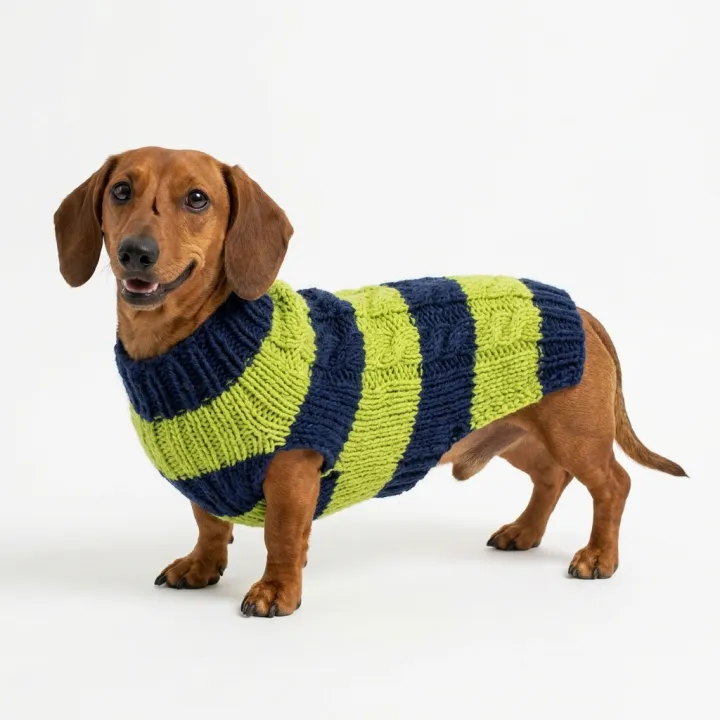 PetsBreeds × outfitsEvery outfit on every breed, for a pet clothing catalog.See the template →
01 How it works
Recipe in, batch out.
- Step 01
Fill in the template
Add your photos, type your list, tick the options. Every option you tick multiplies into its own image.
- Step 02
Check the plan
The template writes one prompt per image and shows the whole list with the credit cost. Edit or remove any line.
- Step 03
Render and download
The batch runs in one go. Keep the results in your library or download them all in one ZIP.
Your set is a few fields away.
Pick the template, fill it in, check the plan, render. 50 free credits to start — no card.
Open the templates