New angles of the same shot
Same scene. New camera positions.
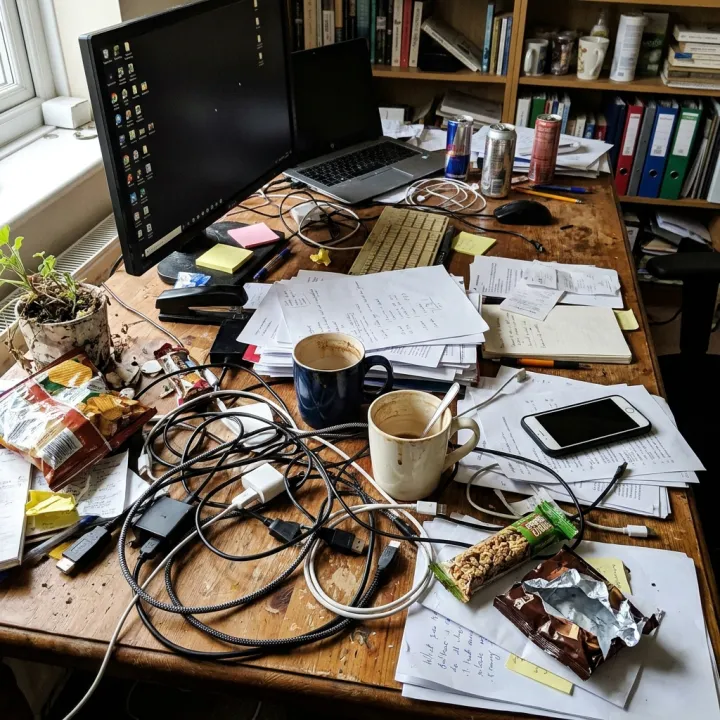
Upload a photo — a storefront, a room, a street, a product setup — and tick the angles you need. Each one comes back as the same scene shot from somewhere else, with the people, objects and light kept the same.
Starts on Nano Banana 2 · auto
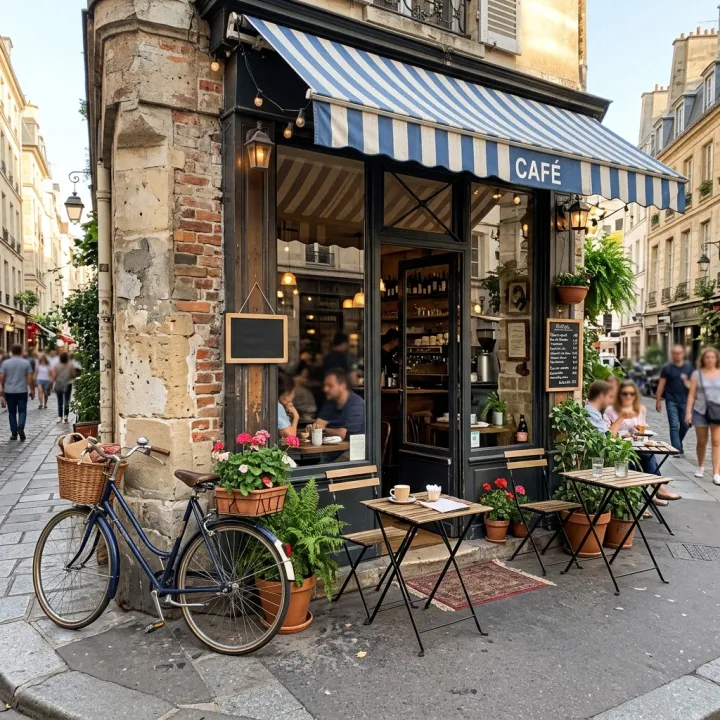 Your photo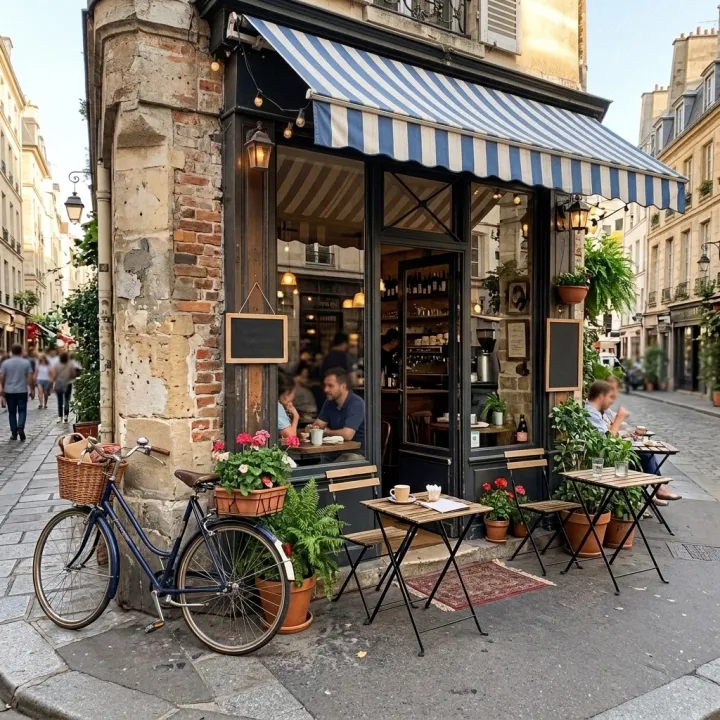
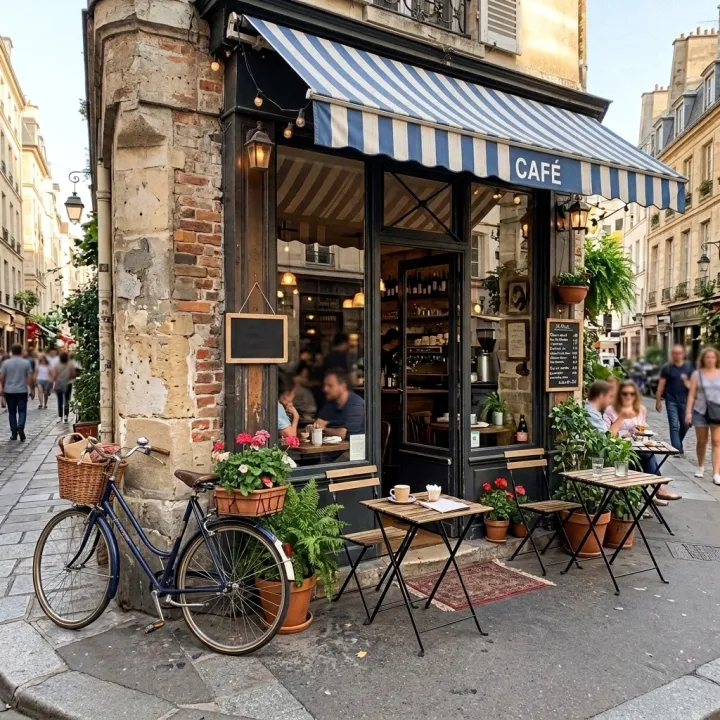
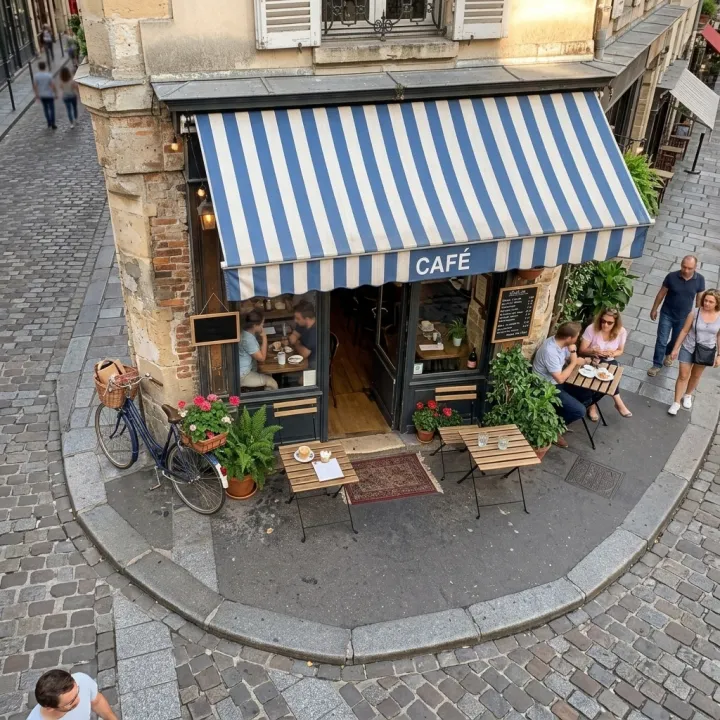
Rendered with this exact recipe.
These images came out of this template, with the prompts below each one. Your batch uses the same recipe with your photos and your words.
- 01 · 45° left
Show the scene in the reference photo from 45 degrees to the left at eye level. Keep everything the same: the people, objects, clothing, signs, lighting, weather and atmosphere; only the camera moves. Photorealistic, no added text, no watermark.
- 02 · 45° right
Show the scene in the reference photo from 45 degrees to the right at eye level. Keep everything the same: the people, objects, clothing, signs, lighting, weather and atmosphere; only the camera moves. Photorealistic, no added text, no watermark.
- 03 · High angle
Show the scene in the reference photo from a high angle looking down. Keep everything the same: the people, objects, clothing, signs, lighting, weather and atmosphere; only the camera moves. Photorealistic, no added text, no watermark.
A few fields, not a prompt.
Photos
One result per photo · Every photo gets every angle you tick.
Angles
Front45° left45° rightHigh angleLow angleClose-upWideAnything elseoptional
e.g. keep the shop sign readable
Recipe in, batch out.
- Step 01
Fill in the template
Add your photos, type your list, tick the options. Every option you tick multiplies into its own image.
- Step 02
Check the plan
The template writes one prompt per image and shows the whole list with the credit cost. Edit or remove any line.
- Step 03
Render and download
The batch runs in one go. Keep the results in your library or download them all in one ZIP.
New angles of the same shot — FAQ
Q1How much of the scene stays the same?
The prompt asks the model to keep people, objects, signs, lighting and weather and only move the camera. Parts the original photo never showed have to be imagined, so check details before you use them.
Q2Can I do several photos at once?
Yes. Every photo gets every angle you tick, so three photos and three angles make nine images.
Q3What ratio do the results have?
The template starts on Auto, so the model picks a ratio for each result. Set a fixed ratio in the settings if you need the images to match.
More templates
All templates →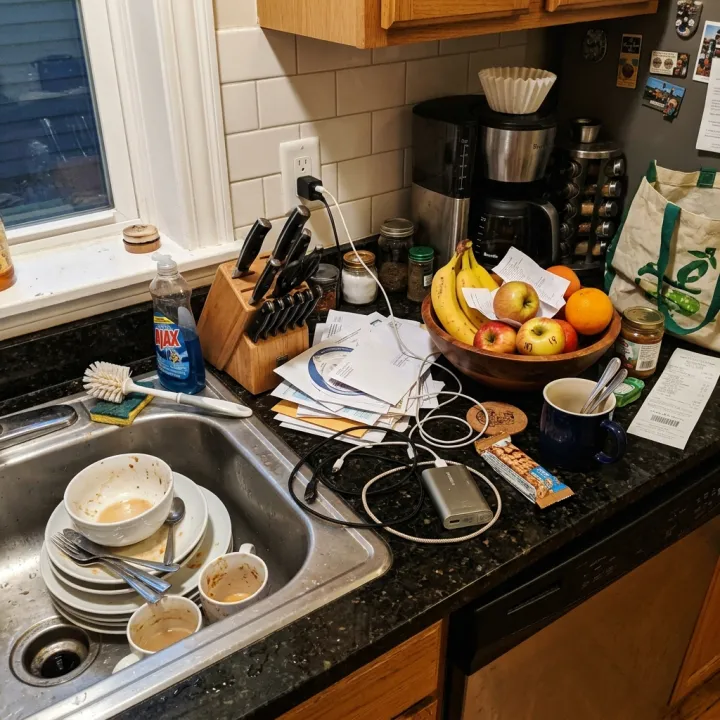 Your photo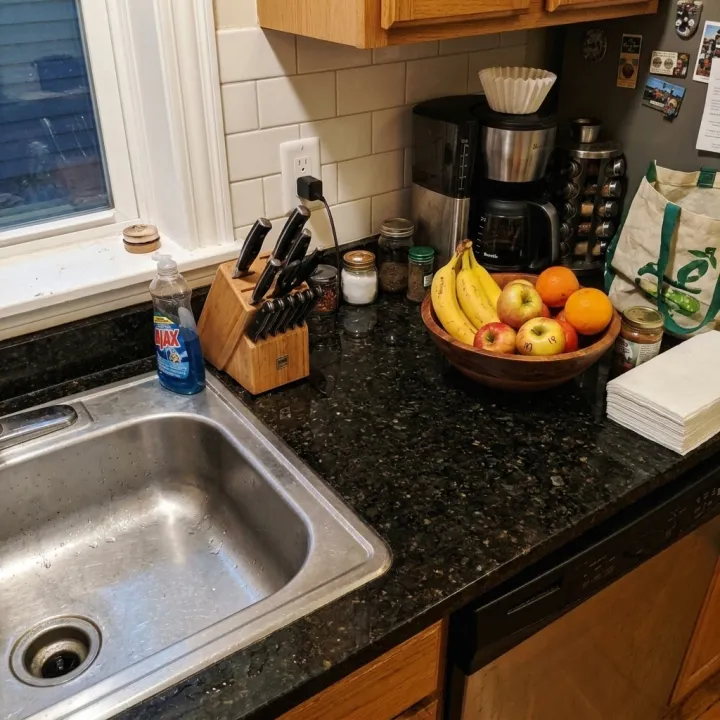
 Your photo
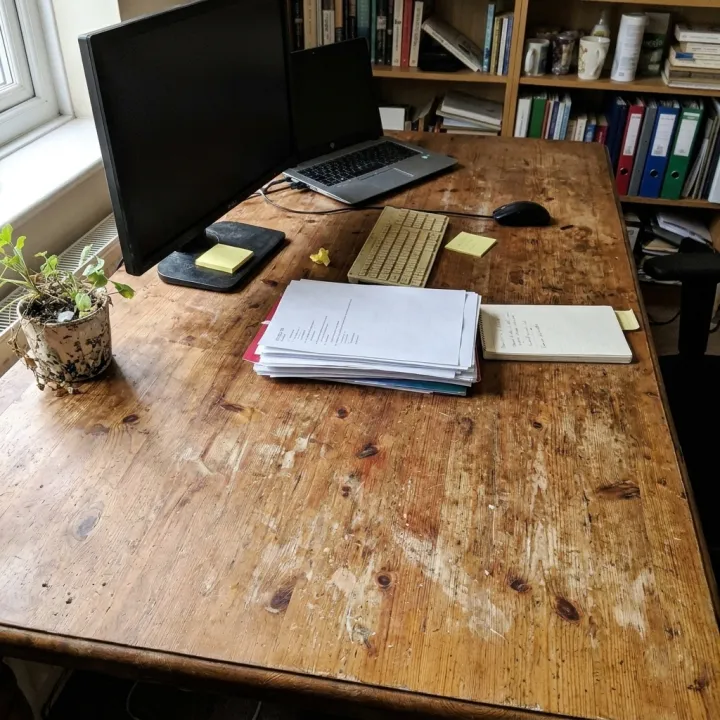 Photo editsSame edit, many photosOne instruction applied to every photo you upload: tidy up, remove text and logos, enhance, real estate touch-up.See the template →
 Your photo

 VideoVideo scenes from a scriptOne line per scene, the same style and characters in every frame. For YouTube explainers, documentaries and animation.See the template →


 ProductsMenu photosA list of dishes in, a matching photo for every item on the menu out.See the template →

 DesignAn image for every itemTurn a list — vocabulary, species, products, quiz answers — into one matching illustration per line.See the template →
Your set is a few fields away.
Pick the template, fill it in, check the plan, render. 50 free credits to start — no card.
Use this template