Category banners
Every category page. Its own banner.
Directories, course sites and marketplaces have dozens of category pages and no images for them. List the categories, pick photo, flat or 3D, and every page gets a wide banner with people doing the thing — and space left for your heading.
Starts on GPT Image 2 · 16:9 · Text only — no photo needed
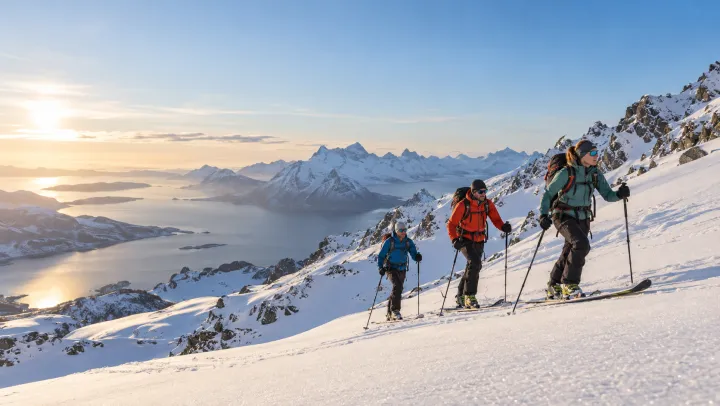
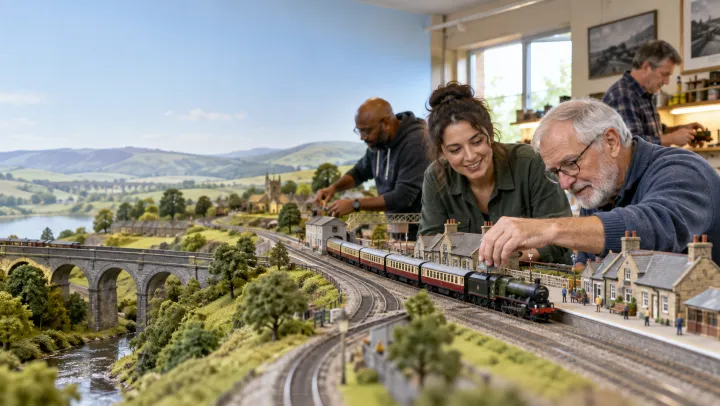


Rendered with this exact recipe.
These images came out of this template, with the prompts below each one. Your batch uses the same recipe with your photos and your words.
- 01 · Ski mountaineering
Header banner for the category "Ski mountaineering": photorealistic candid documentary photograph, natural light, adults of different ages and backgrounds, showing people actually doing it, wide composition with calm space on one side for a heading. No text, no logos, no watermark.
- 02 · Model railways
Header banner for the category "Model railways": photorealistic candid documentary photograph, natural light, adults of different ages and backgrounds, showing people actually doing it, wide composition with calm space on one side for a heading. No text, no logos, no watermark.
- 03 · Community volunteering
Header banner for the category "Community volunteering": photorealistic candid documentary photograph, natural light, adults of different ages and backgrounds, showing people actually doing it, wide composition with calm space on one side for a heading. No text, no logos, no watermark.
- 04 · Home improvement
Header banner for the category "Home improvement": photorealistic candid documentary photograph, natural light, adults of different ages and backgrounds, showing people actually doing it, wide composition with calm space on one side for a heading. No text, no logos, no watermark.
A few fields, not a prompt.
Categories
One per line. Add a scene after a dash if you have one in mind.
Ski mountaineering · Model railways — a club running a big layout
Lookoptional
PhotoFlat illustration3DWebsiteoptional
e.g. a directory of local hobby clubs
Recipe in, batch out.
- Step 01
Fill in the template
Add your photos, type your list, tick the options. Every option you tick multiplies into its own image.
- Step 02
Check the plan
The template writes one prompt per image and shows the whole list with the credit cost. Edit or remove any line.
- Step 03
Render and download
The batch runs in one go. Keep the results in your library or download them all in one ZIP.
Category banners — FAQ
Q1Is there room for my heading?
Yes. Each banner is composed with calm space on one side, so text can sit on top without covering the scene.
Q2Can I describe the scene for a category?
Add it after a dash, for example “Model railways — a club running a big layout”. Without it, the template picks a typical scene.
Q3Can I make narrower banners?
The template starts at 16:9. Pick a wider ratio in the settings if your layout needs one.
More templates
All templates →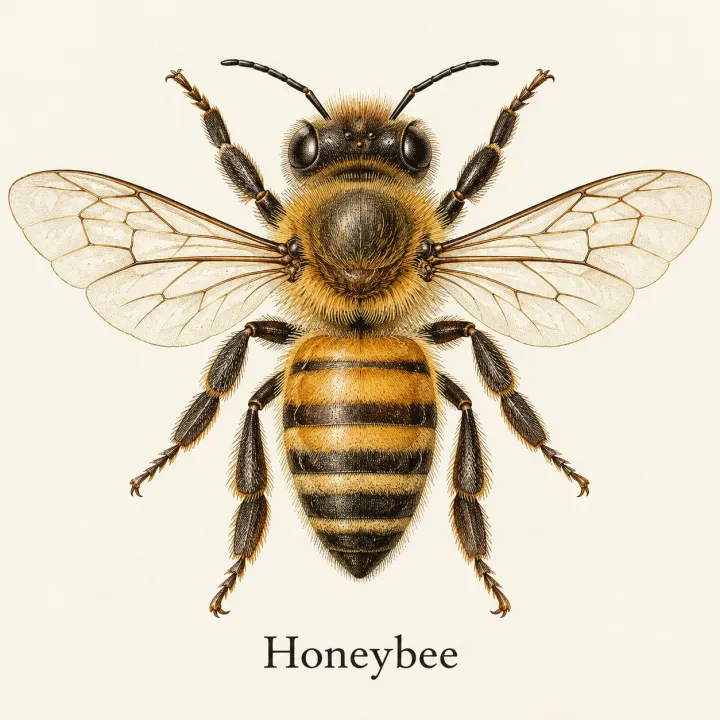
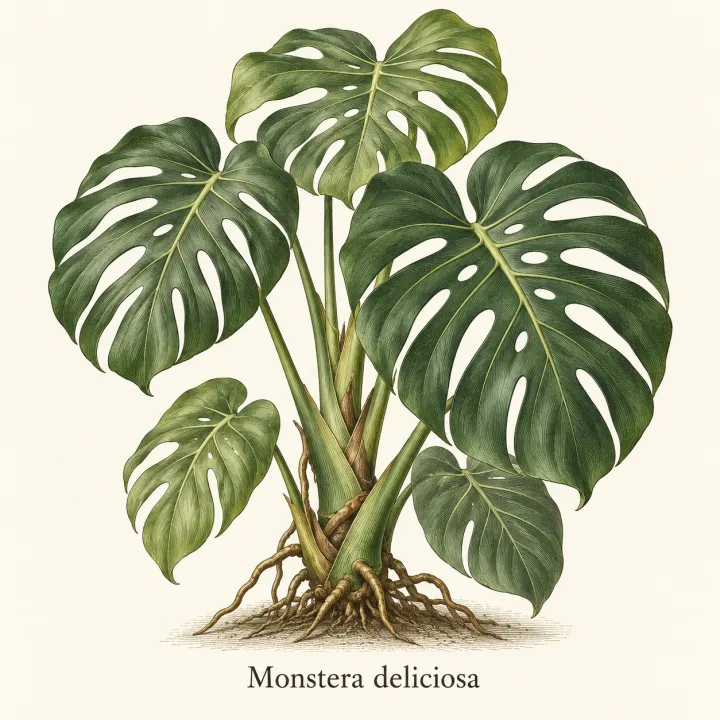
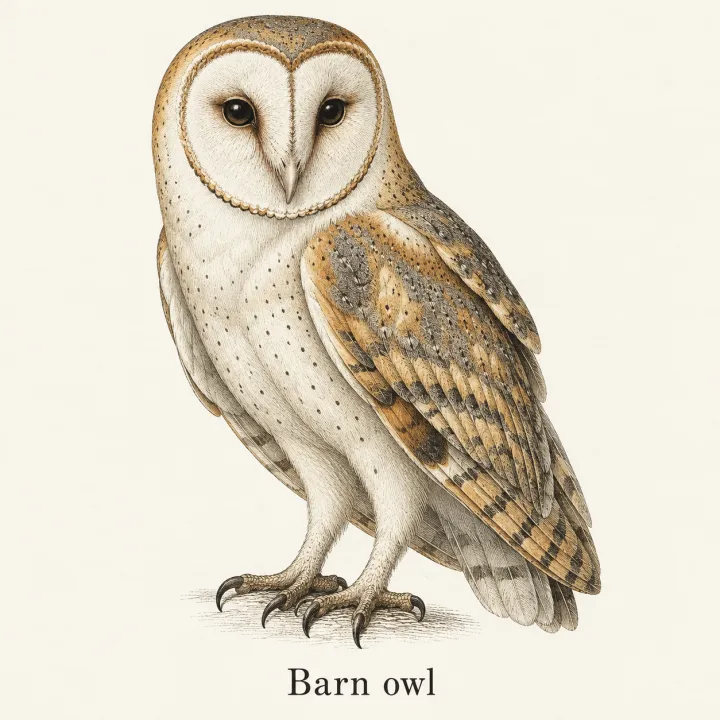
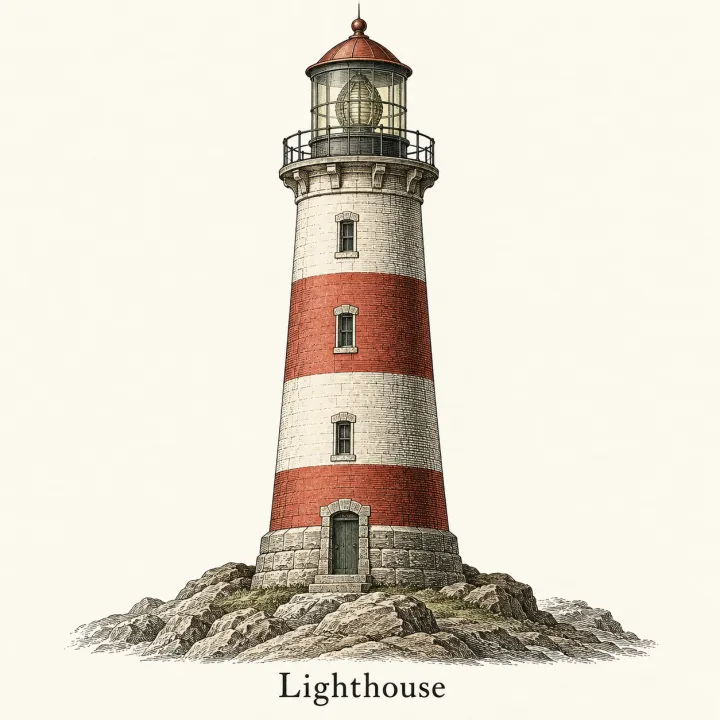 DesignAn image for every itemTurn a list — vocabulary, species, products, quiz answers — into one matching illustration per line.See the template →


 DesignLogos for a list of namesEvery brand name on your list in every logo style you pick.See the template →
 Your photo

 VideoVideo scenes from a scriptOne line per scene, the same style and characters in every frame. For YouTube explainers, documentaries and animation.See the template →


 ProductsMenu photosA list of dishes in, a matching photo for every item on the menu out.See the template →
Your set is a few fields away.
Pick the template, fill it in, check the plan, render. 50 free credits to start — no card.
Use this template