Product in real rooms
One product. Every room it belongs in.
Pick the scenes — kitchen, living room, bedroom, desk, café, picnic — and the light. Each product photo goes into every scene you tick, so three products and four scenes are twelve lifestyle shots in one batch.
Starts on Nano Banana 2 · 4:5
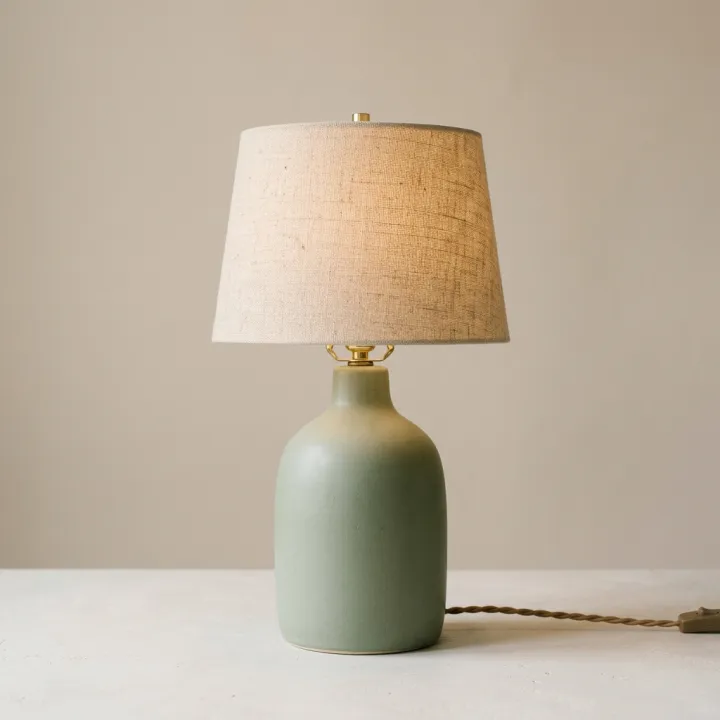 Your photo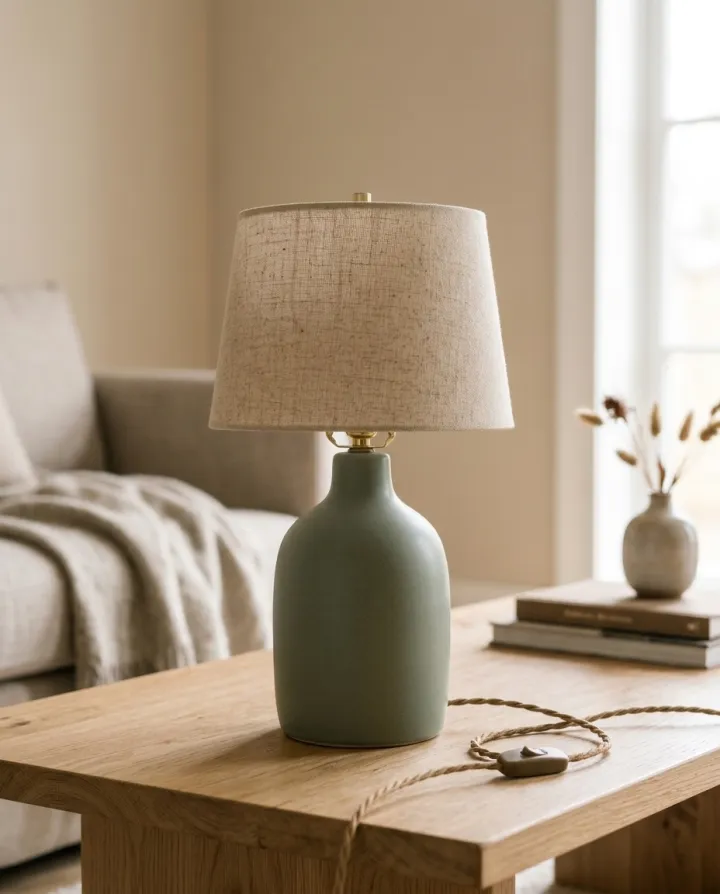
Rendered with this exact recipe.
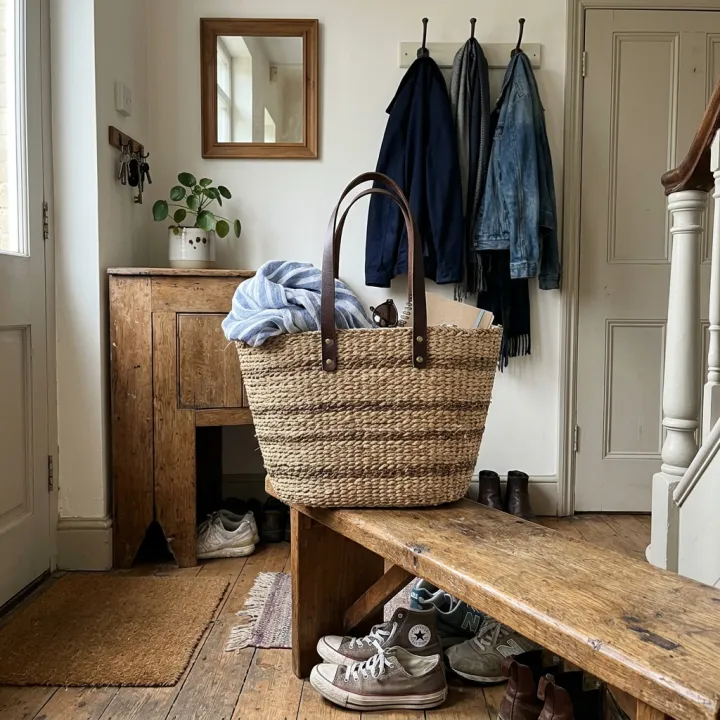
These images came out of this template, with the prompts below each one. Your batch uses the same recipe with your photos and your words.
- 01 · Living room
Lifestyle photo of the exact product from the reference image on a wooden coffee table in a calm, modern living room, soft natural daylight, realistic shallow depth of field, editorial product photography. Keep the product identical to the reference: same shape, colors, materials, label and proportions. No text, no watermark.
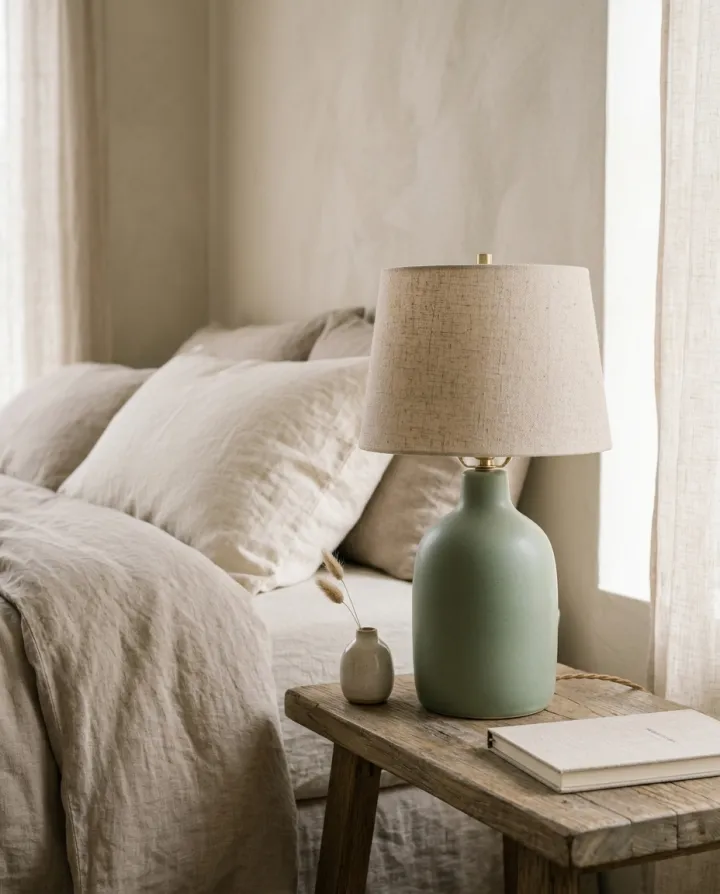
- 02 · Bedroom
Lifestyle photo of the exact product from the reference image on a bedside table in a cozy bedroom with soft linen, soft natural daylight, realistic shallow depth of field, editorial product photography. Keep the product identical to the reference: same shape, colors, materials, label and proportions. No text, no watermark.
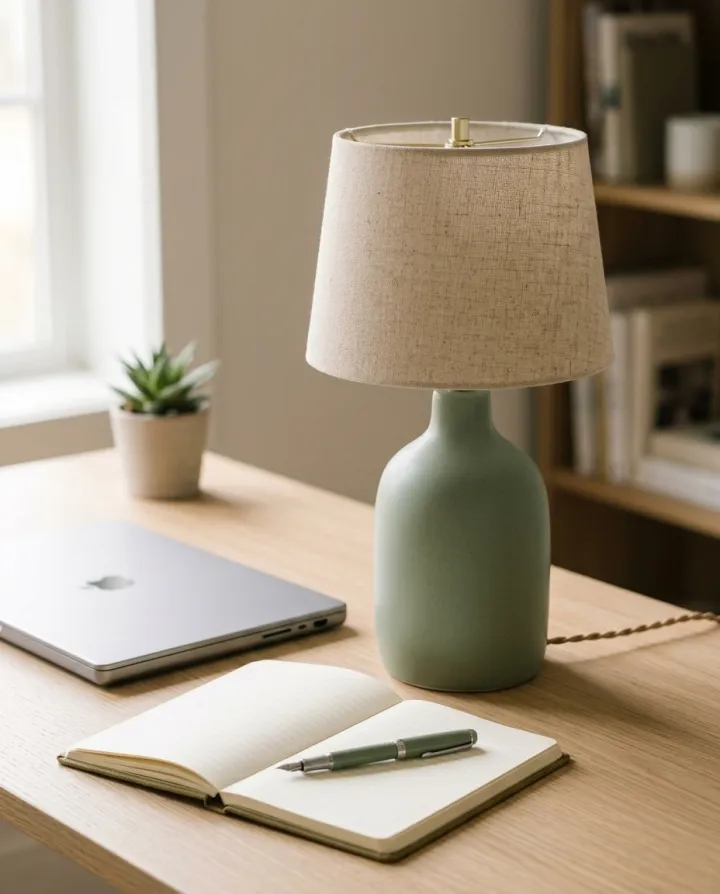
- 03 · Desk
Lifestyle photo of the exact product from the reference image on a tidy work desk next to a laptop and a notebook, soft natural daylight, realistic shallow depth of field, editorial product photography. Keep the product identical to the reference: same shape, colors, materials, label and proportions. No text, no watermark.
A few fields, not a prompt.
Product photos
One result per photo · Every photo goes into every scene.
Scenes
KitchenLiving roomBedroomBathroomDeskCaféPicnicStudio setLightoptional
DaylightGolden hourEvening lampAnything elseoptional
e.g. a sprig of eucalyptus nearby
Recipe in, batch out.
- Step 01
Fill in the template
Add your photos, type your list, tick the options. Every option you tick multiplies into its own image.
- Step 02
Check the plan
The template writes one prompt per image and shows the whole list with the credit cost. Edit or remove any line.
- Step 03
Render and download
The batch runs in one go. Keep the results in your library or download them all in one ZIP.
Product in real rooms — FAQ
Q1How many images will I get?
Photos × scenes × takes. The plan under the form lists every image before you render, with the credit total.
Q2Can I describe my own scene?
Add details in “Anything else” (for example a sprig of eucalyptus nearby), or edit any line of the plan directly. For a completely custom setup, switch the plan to a blank batch and write your own prompts.
Q3Will the product look different from scene to scene?
Every prompt carries the same instruction to keep the product identical to your reference. Lighting and angle change with the scene; the shape and label should not.
More templates
All templates →


 ProductsMenu photosA list of dishes in, a matching photo for every item on the menu out.See the template →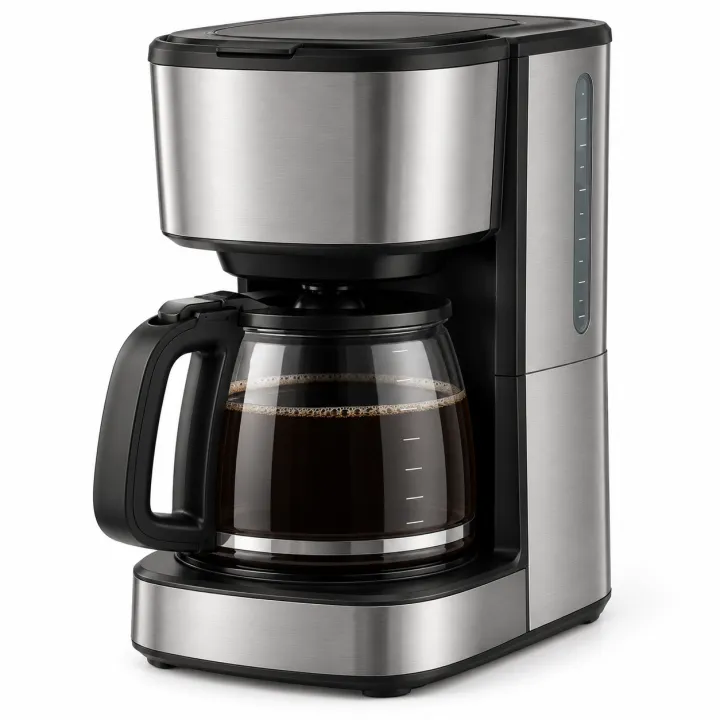
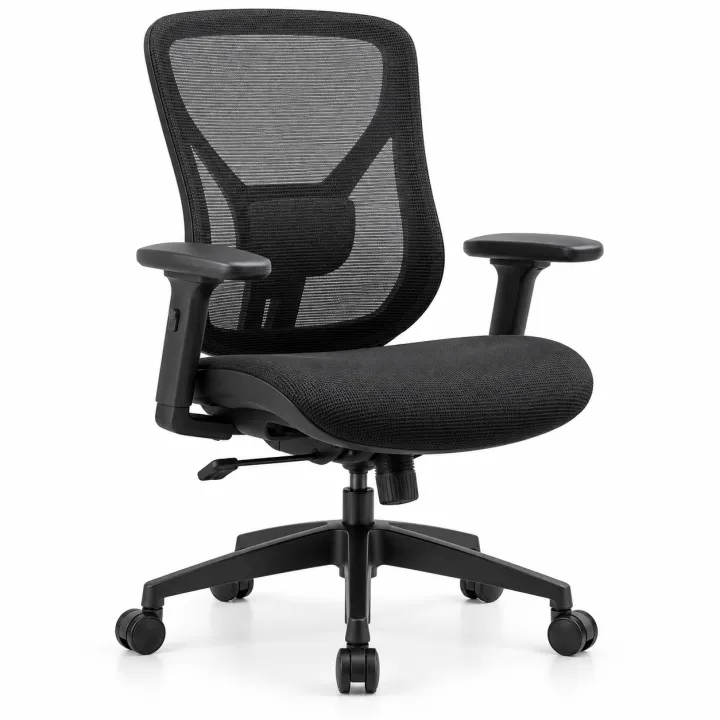
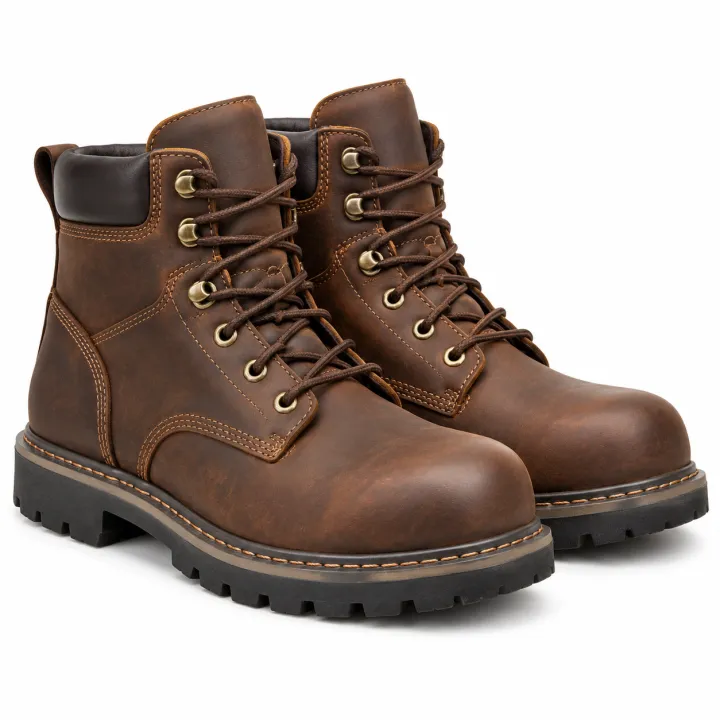
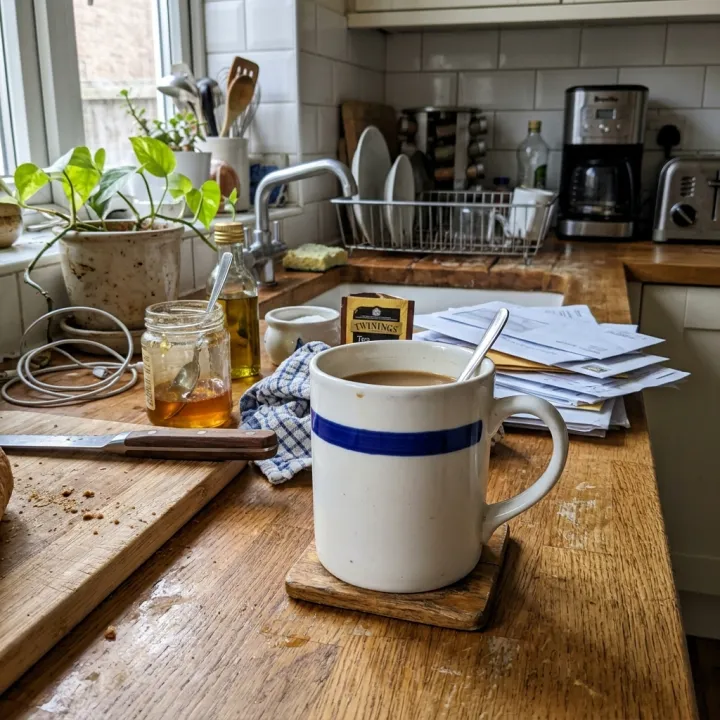
 ProductsCatalog photos from product namesA list of product names or SKUs in, a clean catalog photo for each one out.See the template →
 Your photo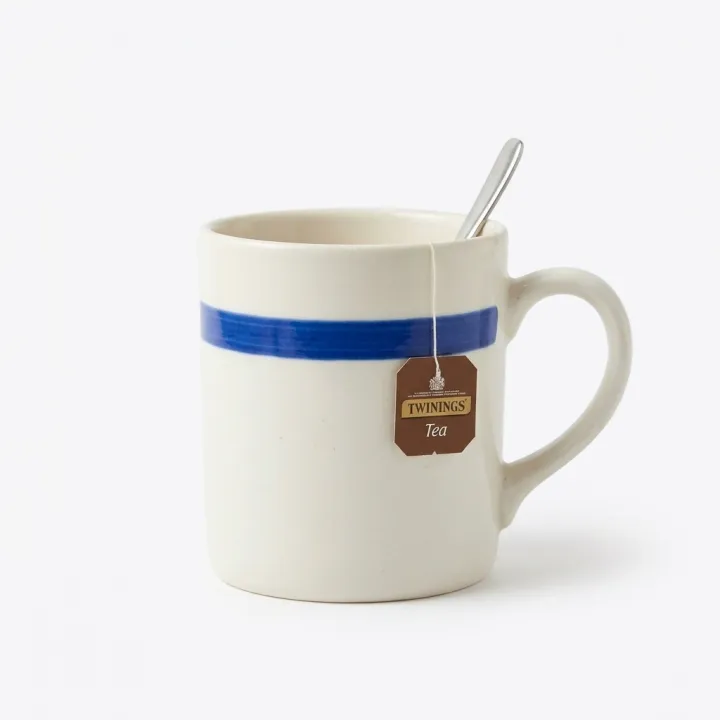
 Your photo
 ProductsWhite background packshotsPhone photos in, clean marketplace main images out. One result per photo.See the template →
 Your photo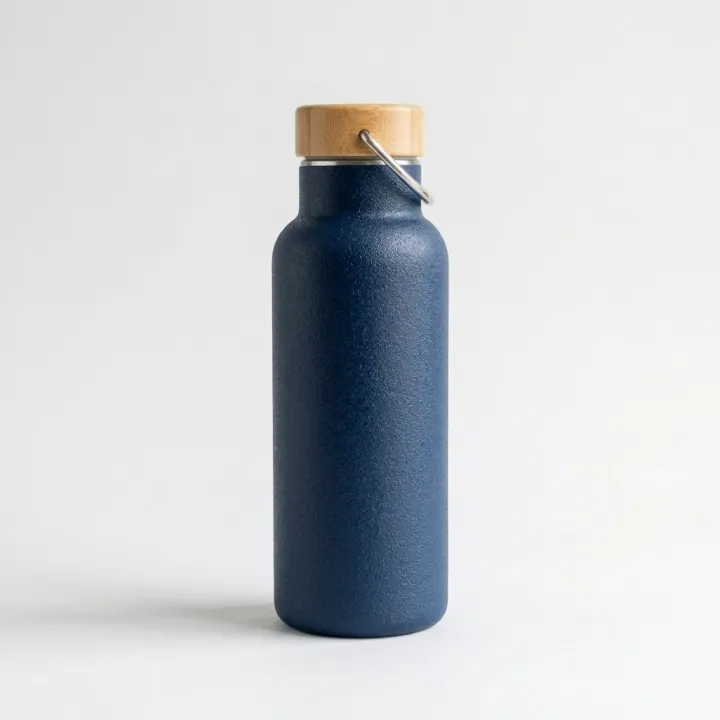
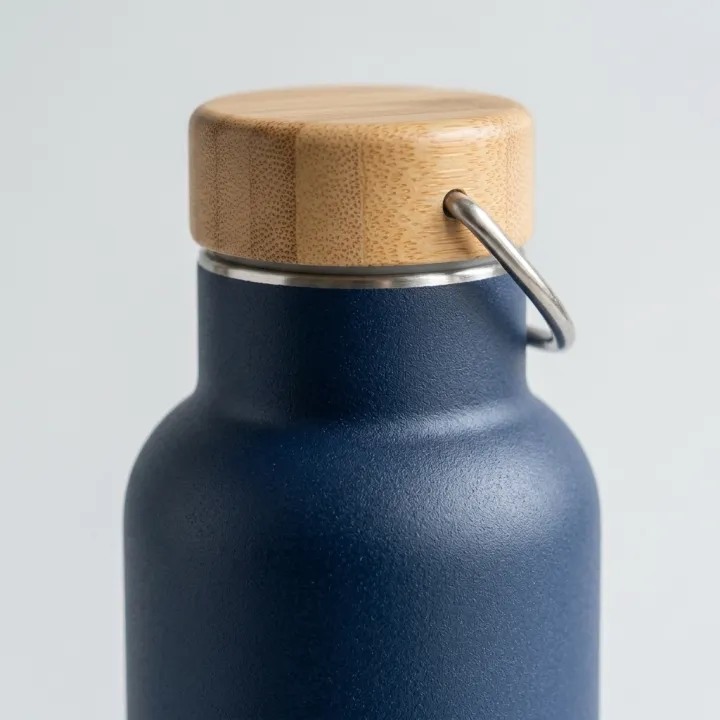
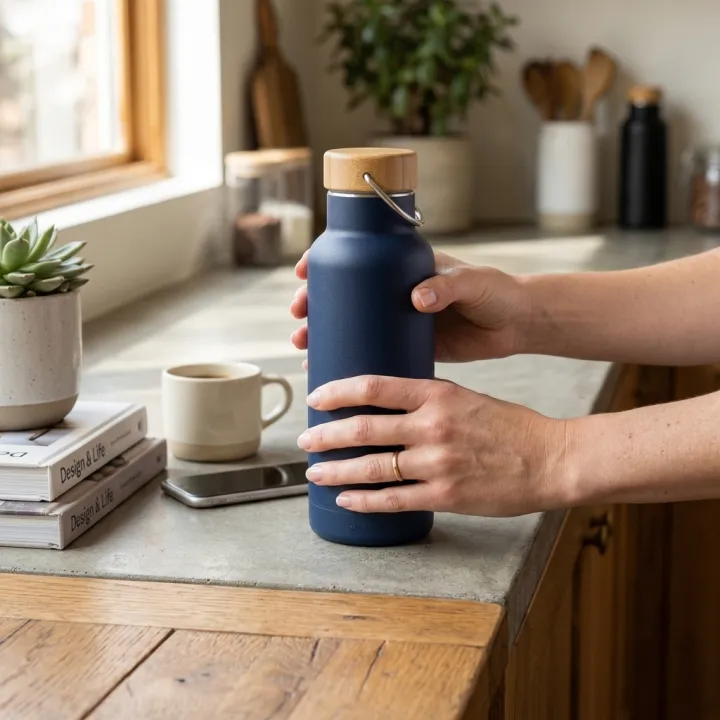 ProductsListing image setThe full gallery a product page needs: hero, angles, close-ups, in use.See the template →
Your set is a few fields away.
Pick the template, fill it in, check the plan, render. 50 free credits to start — no card.
Use this template