Menu photos
Your whole menu. Photographed in one batch.
List the dishes, pick how they're served, the setting and the angle. Every item gets an appetizing photo in the same look, so the menu, the delivery app and the website finally match.
Starts on GPT Image 2 · 1:1 · Text only — no photo needed




Rendered with this exact recipe.
These images came out of this template, with the prompts below each one. Your batch uses the same recipe with your photos and your words.
- 01 · pad thai with shrimp and lime
Professional food photography of pad thai with shrimp and lime, served on a plain white plate, on a restaurant table with the dining room softly blurred behind, 45-degree angle close-up. Appetizing, fresh, realistic portion and true-to-life colors. No text, no logos, no hands, no watermark.
- 02 · margherita pizza
Professional food photography of margherita pizza, served on a plain white plate, on a restaurant table with the dining room softly blurred behind, 45-degree angle close-up. Appetizing, fresh, realistic portion and true-to-life colors. No text, no logos, no hands, no watermark.
- 03 · chicken caesar salad
Professional food photography of chicken caesar salad, served on a plain white plate, on a restaurant table with the dining room softly blurred behind, 45-degree angle close-up. Appetizing, fresh, realistic portion and true-to-life colors. No text, no logos, no hands, no watermark.
- 04 · matcha cheesecake slice
Professional food photography of matcha cheesecake slice, served on a plain white plate, on a restaurant table with the dining room softly blurred behind, 45-degree angle close-up. Appetizing, fresh, realistic portion and true-to-life colors. No text, no logos, no hands, no watermark.
A few fields, not a prompt.
Dishes
One dish per line. Add the main ingredients for a closer match.
pad thai with shrimp and lime · margherita pizza · chicken caesar salad
Servedoptional
White plateWhite bowlWooden boardTakeaway boxSettingoptional
Restaurant tableWhite backgroundDark & moodyBright kitchenAngleoptional
45° close-upOverheadSide viewRestaurant styleoptional
e.g. a casual Thai street-food bar
Recipe in, batch out.
- Step 01
Fill in the template
Add your photos, type your list, tick the options. Every option you tick multiplies into its own image.
- Step 02
Check the plan
The template writes one prompt per image and shows the whole list with the credit cost. Edit or remove any line.
- Step 03
Render and download
The batch runs in one go. Keep the results in your library or download them all in one ZIP.
Menu photos — FAQ
Q1Will the dishes look like mine?
They will look like the dish you describe, not your kitchen's exact plating. Add the main ingredients on each line for a closer match, and label the photos as illustrations if your platform requires it.
Q2Can I get photos on a white background for delivery apps?
Pick “White background” under Setting for clean cut-out style photos, or “Restaurant table” for a more atmospheric look.
Q3Does it work for big menus?
Yes. One line per dish, as many as your plan's batch allows. The plan lists every dish with the credit cost before you render.
More templates
All templates →
 ProductsCatalog photos from product namesA list of product names or SKUs in, a clean catalog photo for each one out.See the template →
 Your photo
 Your photo
 ProductsWhite background packshotsPhone photos in, clean marketplace main images out. One result per photo.See the template →
 Your photo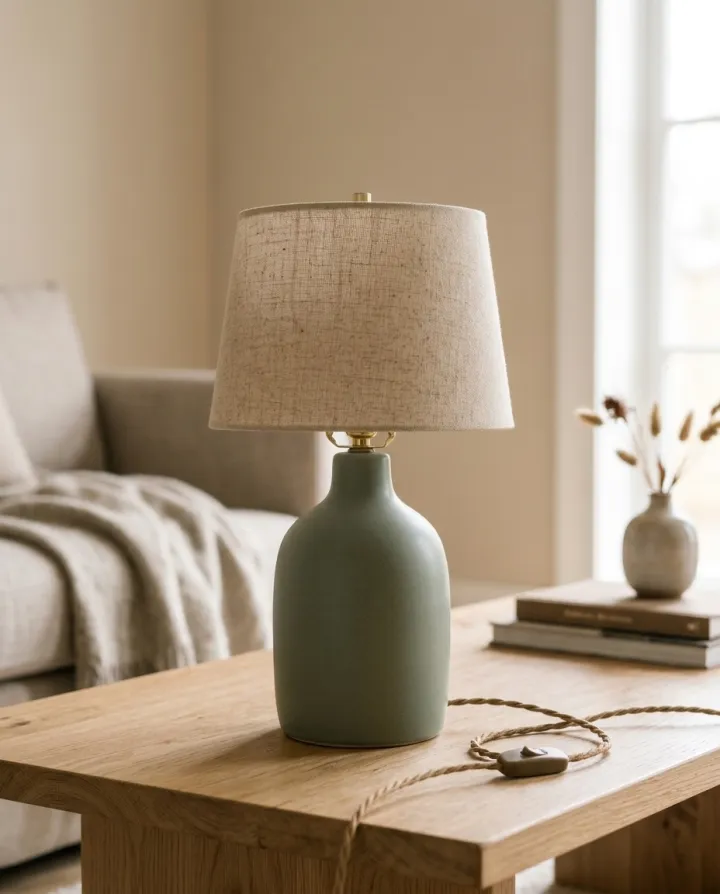
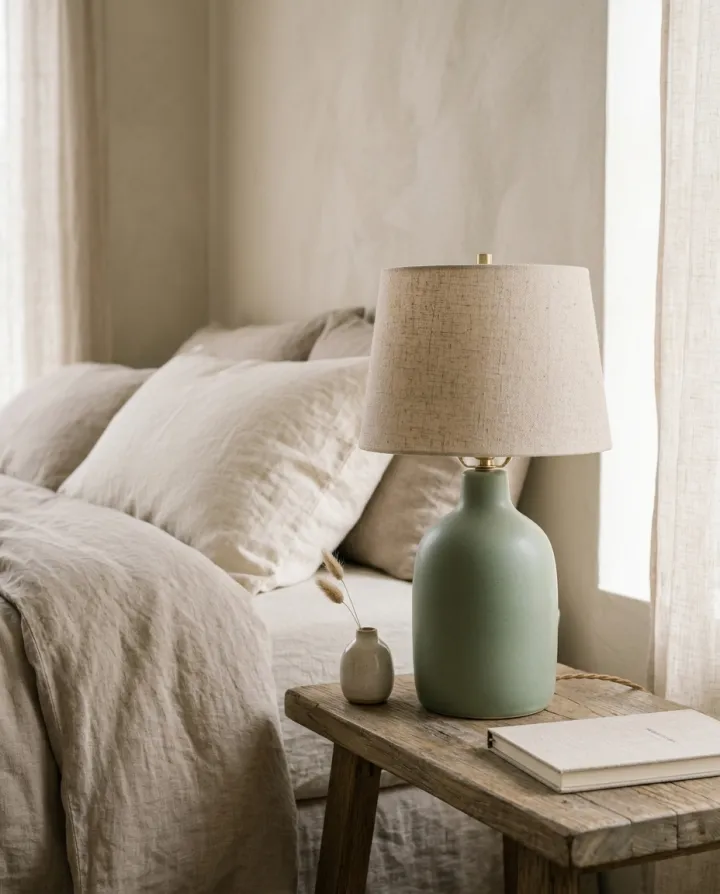
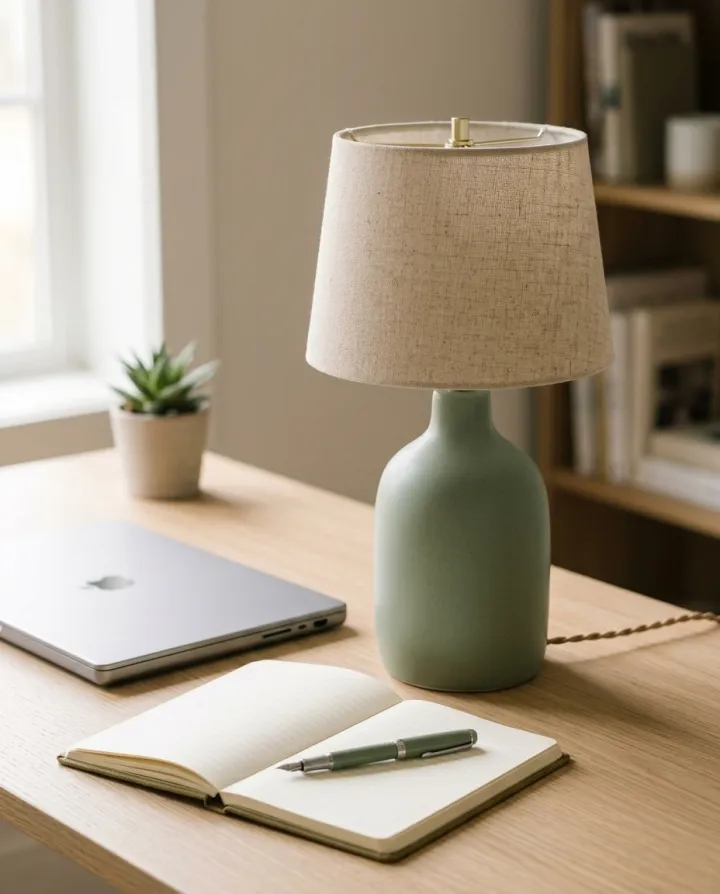 ProductsProduct in real roomsPut each product into the rooms you pick. Products × scenes.See the template →
 Your photo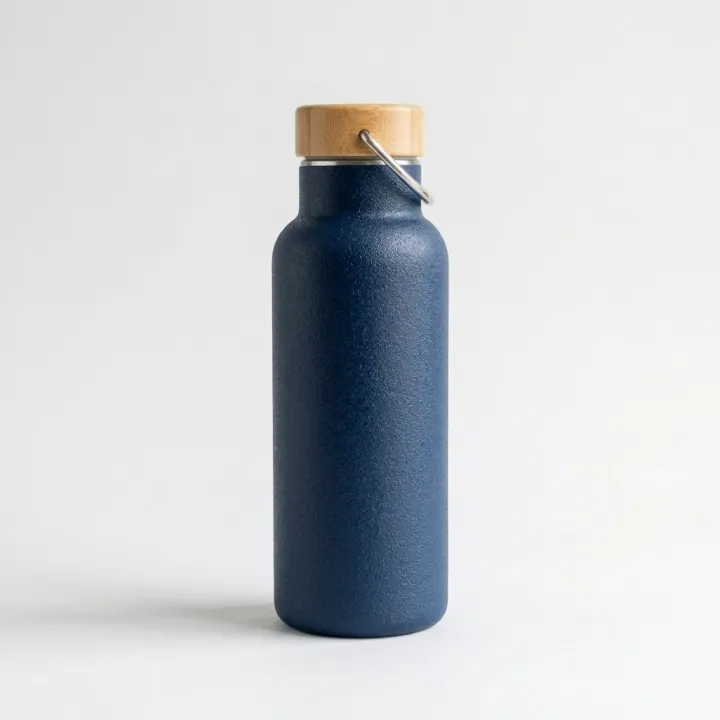
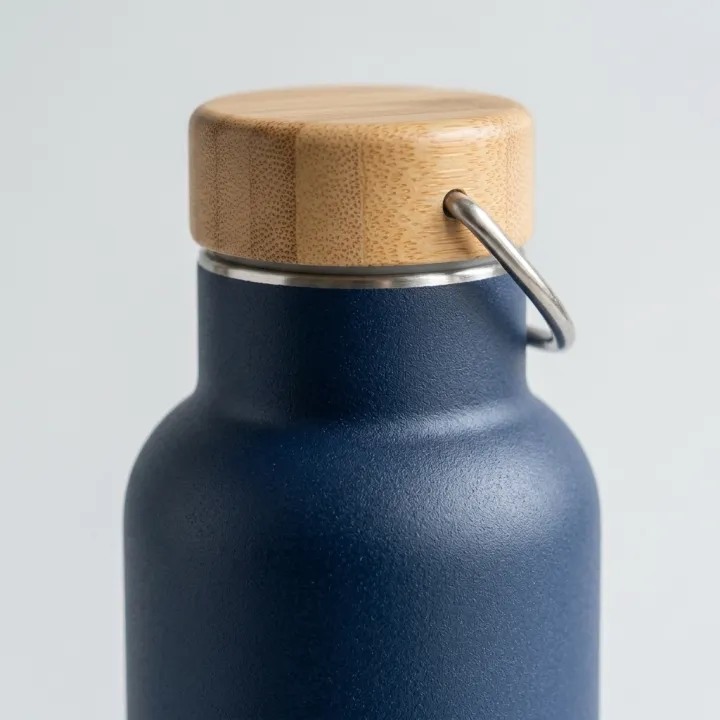
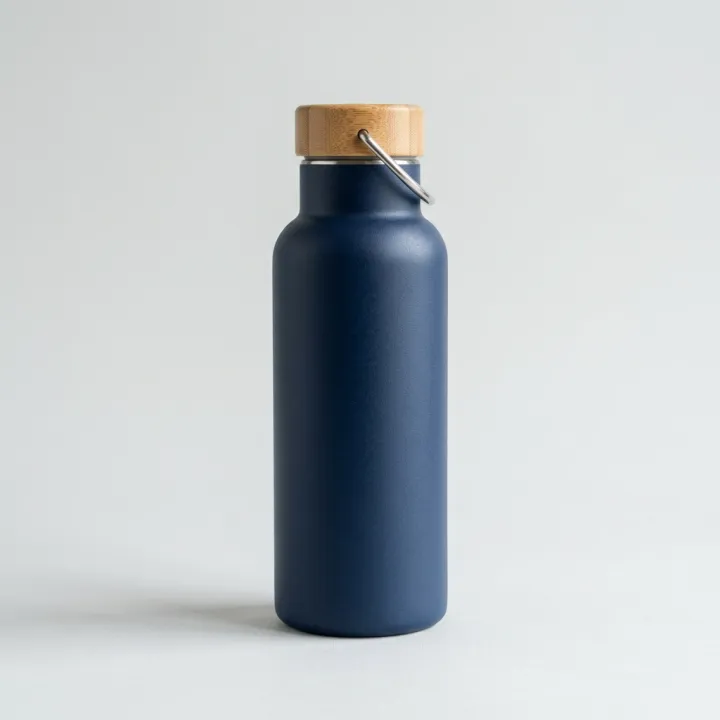
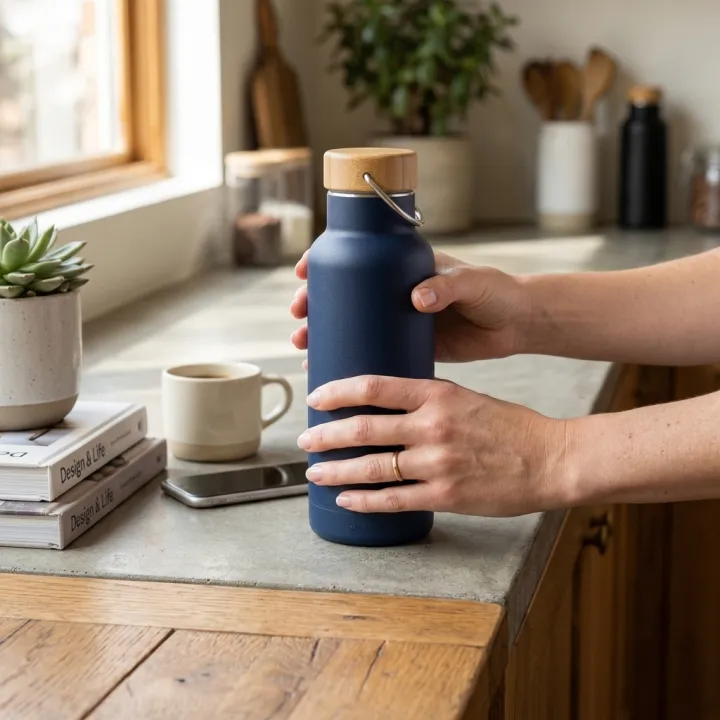 ProductsListing image setThe full gallery a product page needs: hero, angles, close-ups, in use.See the template →
Your set is a few fields away.
Pick the template, fill it in, check the plan, render. 50 free credits to start — no card.
Use this template