Ad creative variants
One offer. Every ad style to test.
Describe what you're selling, pick the styles, and optionally add a product photo, an audience and a headline. You get one creative per style — ready to drop into an A/B test.
Starts on GPT Image 2 · 4:5
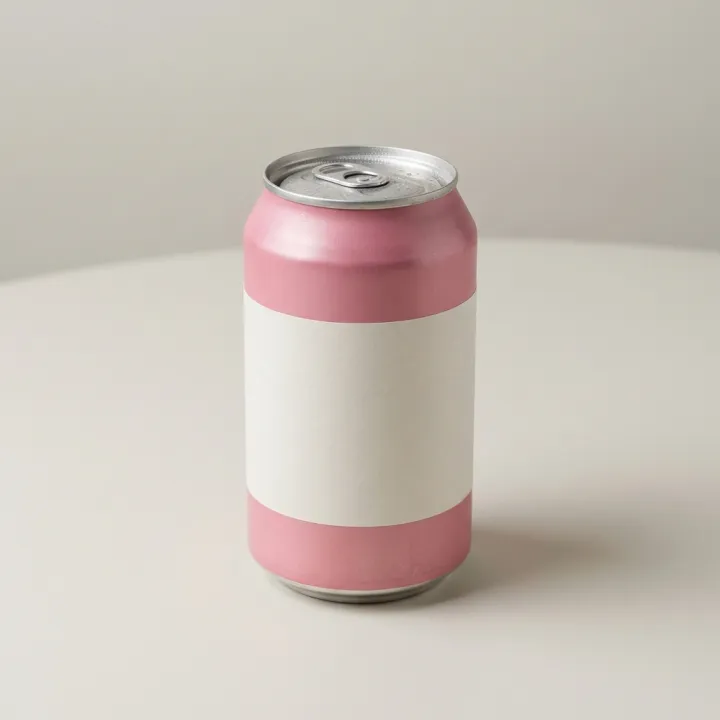 Your photo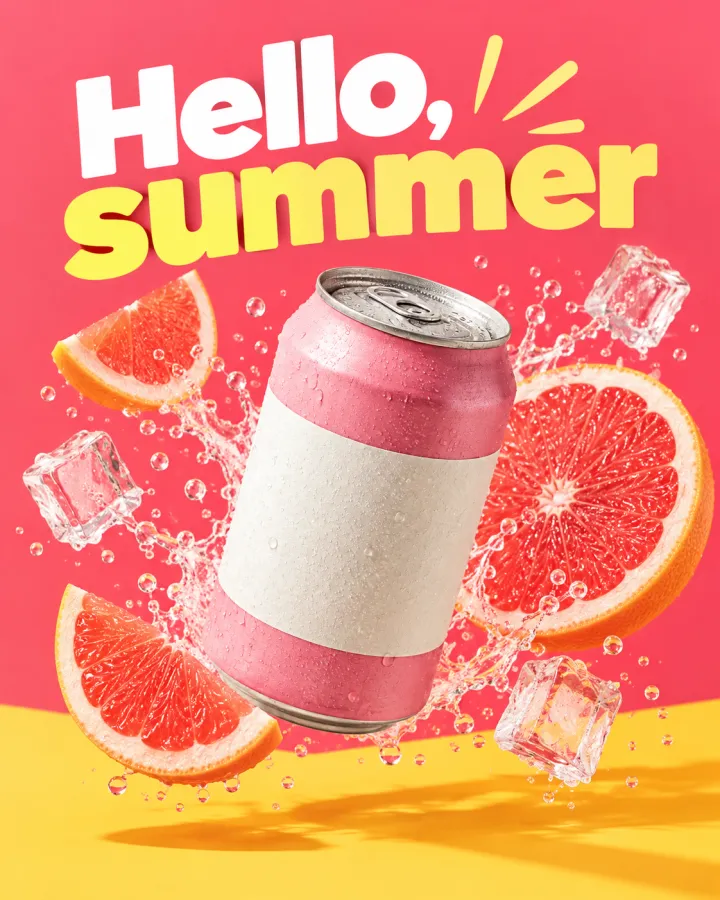
Rendered with this exact recipe.
These images came out of this template, with the prompts below each one. Your batch uses the same recipe with your photos and your words.
- 01 · Color block
Advertising image for a sparkling grapefruit soda, featuring the exact product from the reference image. Style: Bold color-block graphic ad, flat saturated background, dynamic composition. Include the headline "Hello, summer" in bold, legible type and no other text.
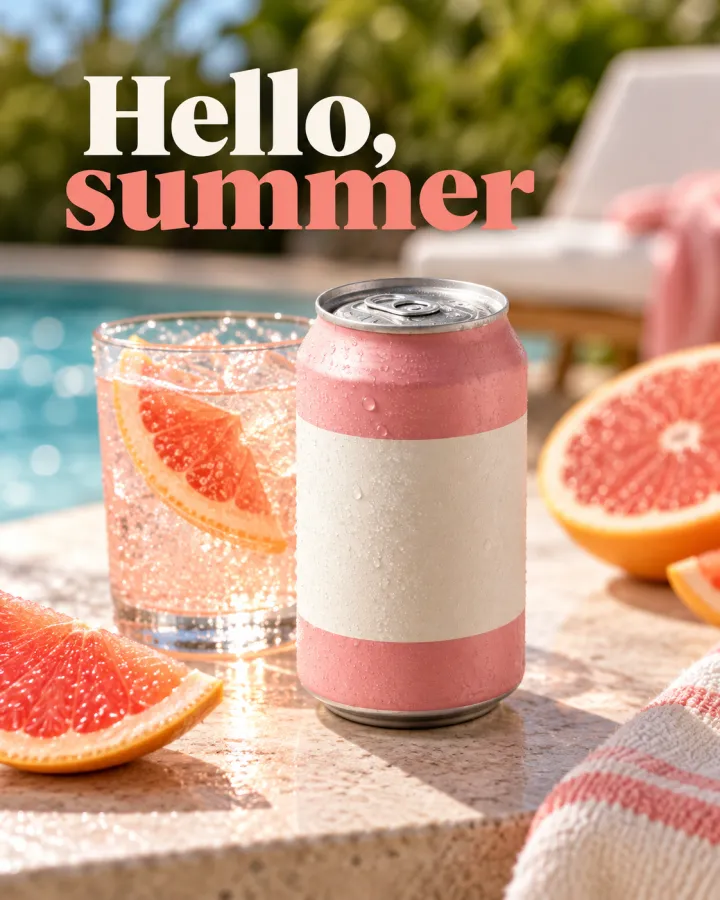
- 02 · Lifestyle
Advertising image for a sparkling grapefruit soda, featuring the exact product from the reference image. Style: Authentic lifestyle photo ad, a real moment of use. Include the headline "Hello, summer" in bold, legible type and no other text.
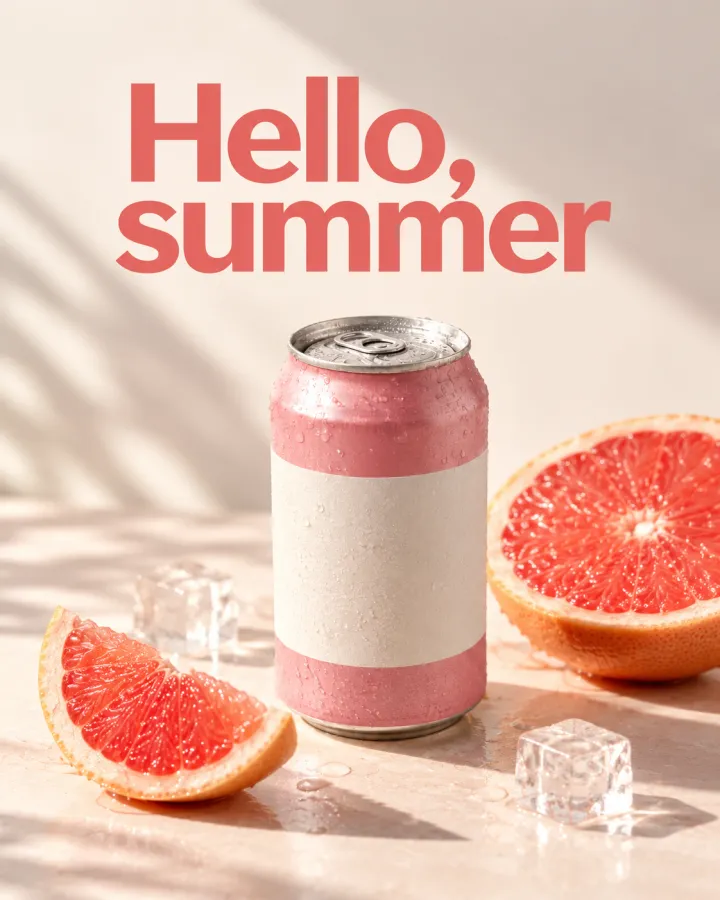
- 03 · Minimal luxury
Advertising image for a sparkling grapefruit soda, featuring the exact product from the reference image. Style: Minimal luxury ad, generous negative space, soft dramatic light. Include the headline "Hello, summer" in bold, legible type and no other text.
A few fields, not a prompt.
What you're selling
e.g. a sparkling grapefruit soda
Product photooptional
One result per photo · Optional. With photos: every style for every photo.
Audienceoptional
e.g. busy parents
Headlineoptional
Leave empty for images without text.
e.g. Hello, summer
Styles
Color blockLifestyleMinimal luxuryUGC phone shot3D renderIllustration
Recipe in, batch out.
- Step 01
Fill in the template
Add your photos, type your list, tick the options. Every option you tick multiplies into its own image.
- Step 02
Check the plan
The template writes one prompt per image and shows the whole list with the credit cost. Edit or remove any line.
- Step 03
Render and download
The batch runs in one go. Keep the results in your library or download them all in one ZIP.
Ad creative variants — FAQ
Q1Can the ads include my headline?
Yes. Type it in the Headline field and the prompt asks for it in bold, legible type with no other text. Leave the field empty for clean images you can add copy to later.
Q2Do I need a product photo?
No. Without photos the template works from your description. With photos, every style is made for every photo.
Q3Which sizes can I use?
The template starts at 4:5 for feeds. Change the ratio in the settings — for example 1:1 for square placements, or a tall ratio for stories where the model offers one — before you render.
More templates
All templates →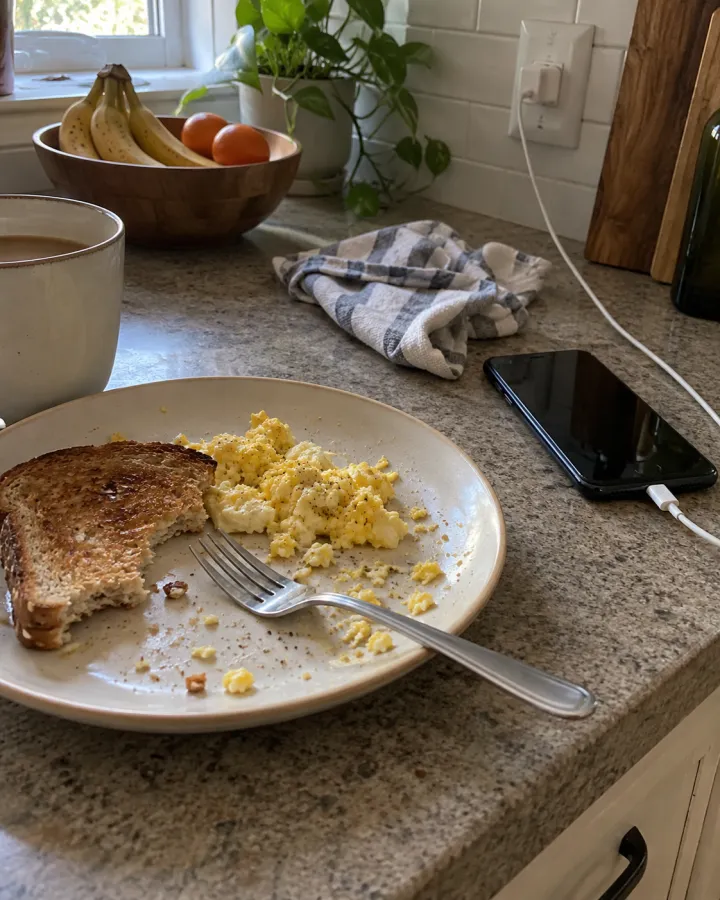
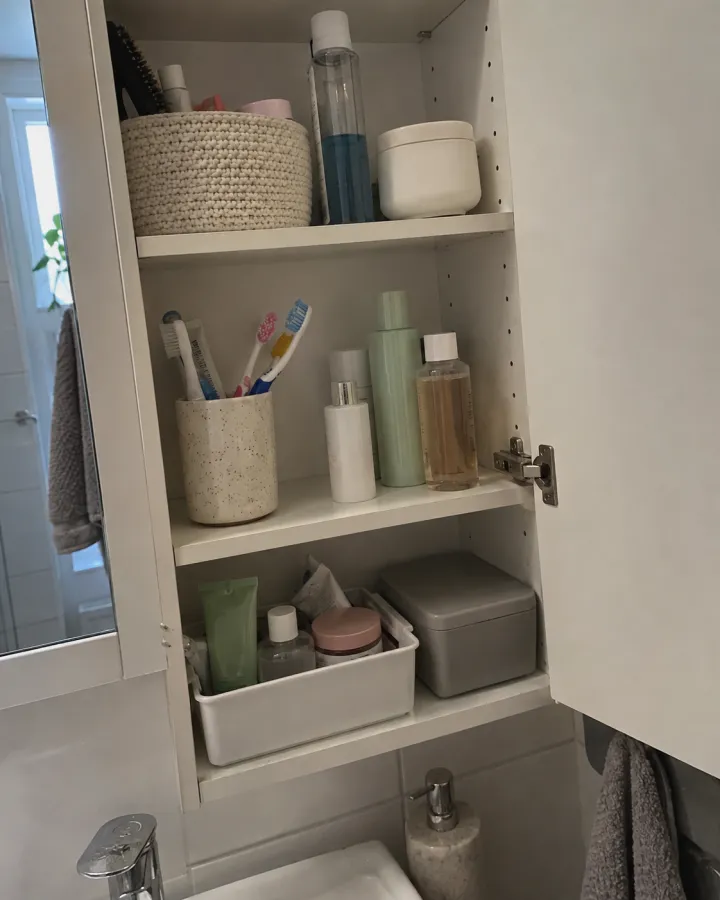
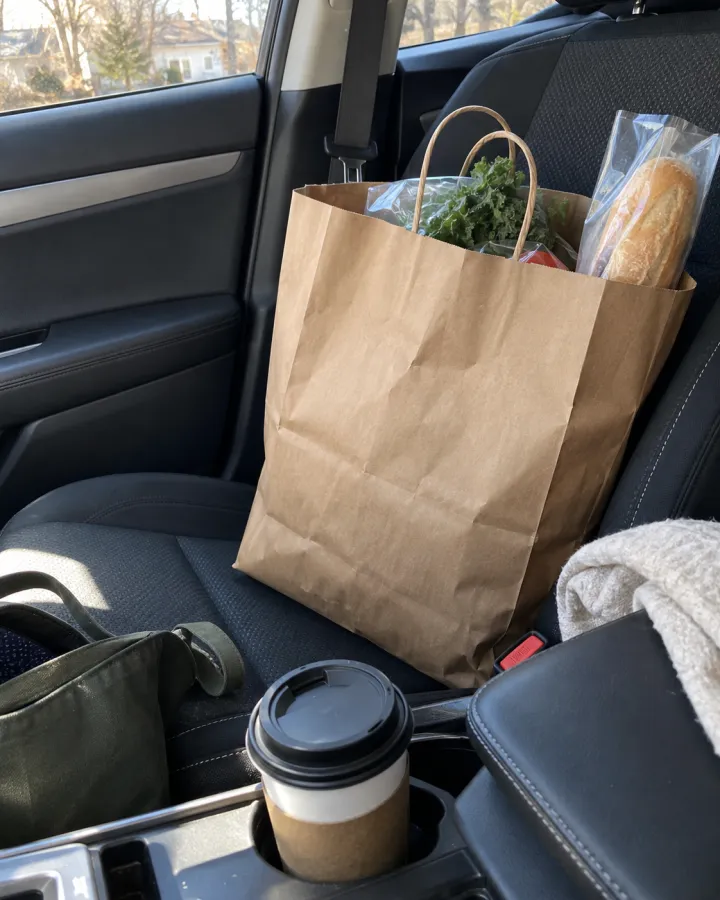
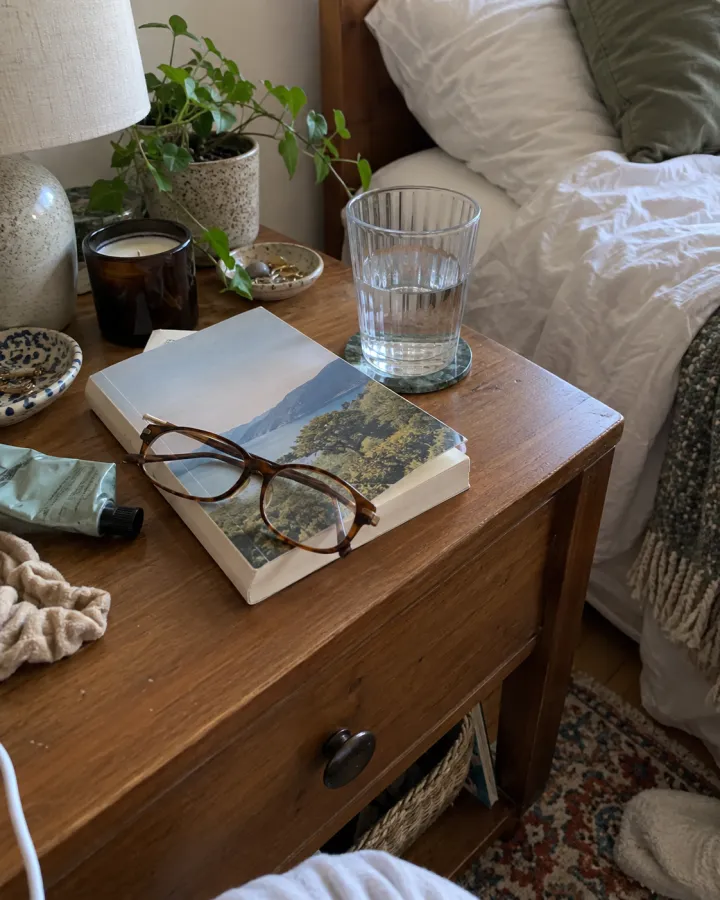 Social & adsPhone snapshotsReal-looking, unposed phone photos for advertorials and UGC-style ads — one per scene.See the template →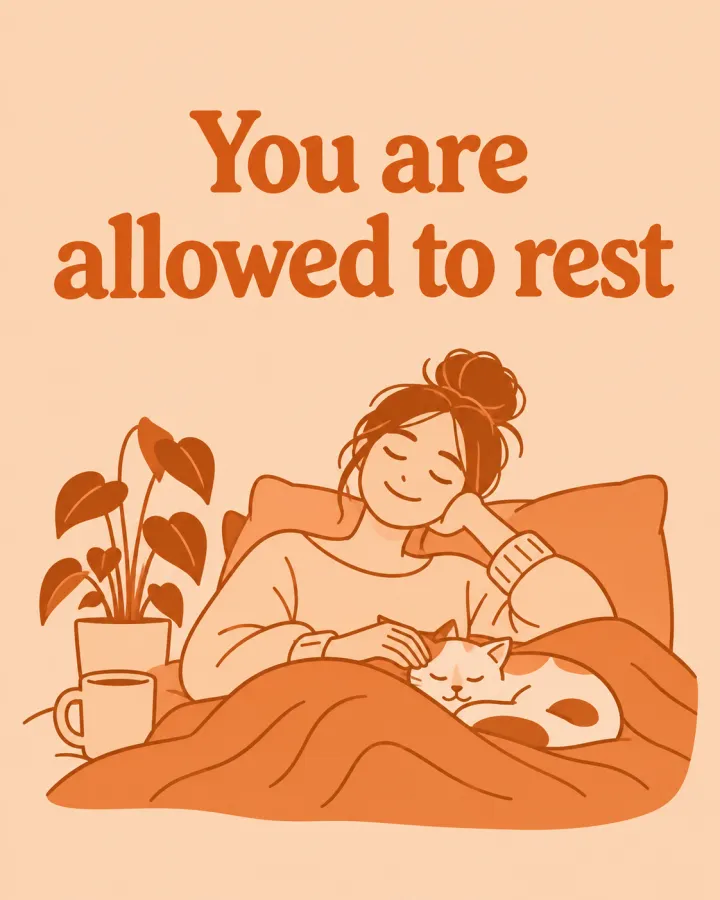
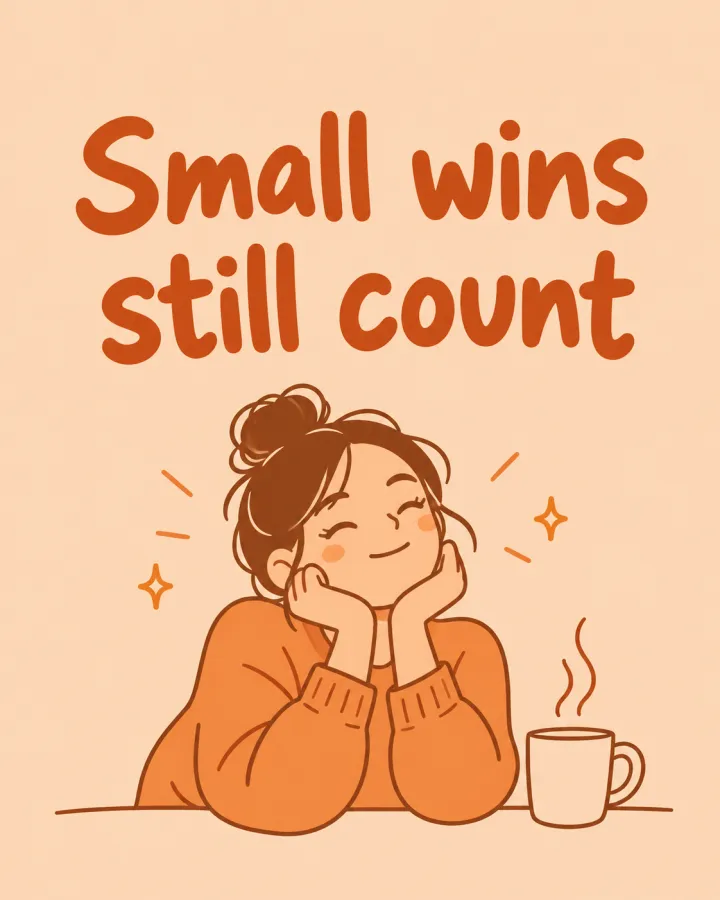

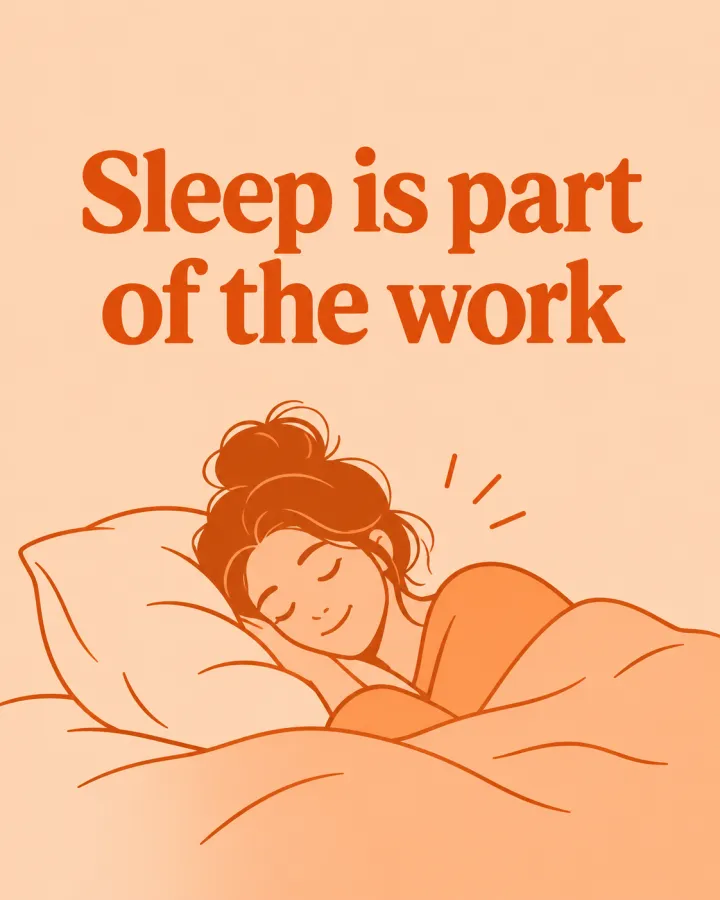 Social & adsCarousel slides in your styleOne line per slide or post, all in the same look and colors — with the line as a headline if you want.See the template →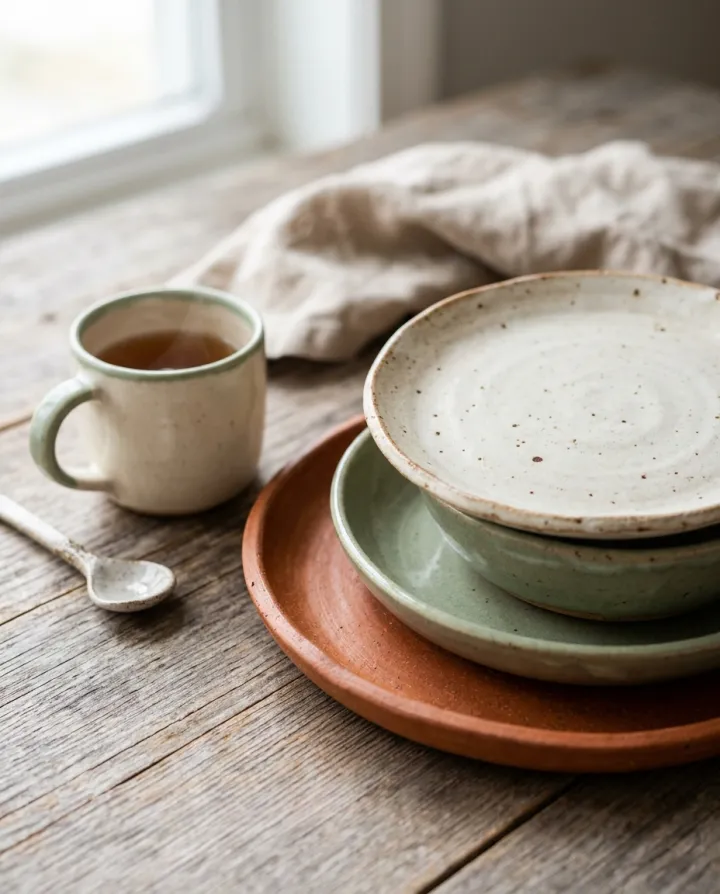

 Social & adsInstagram gridNine posts that read as one feed: close-ups, hands, flat lays, mood.See the template →
 Your photo

 VideoVideo scenes from a scriptOne line per scene, the same style and characters in every frame. For YouTube explainers, documentaries and animation.See the template →
Your set is a few fields away.
Pick the template, fill it in, check the plan, render. 50 free credits to start — no card.
Use this template