White background packshots
Phone photos in. White packshots out.
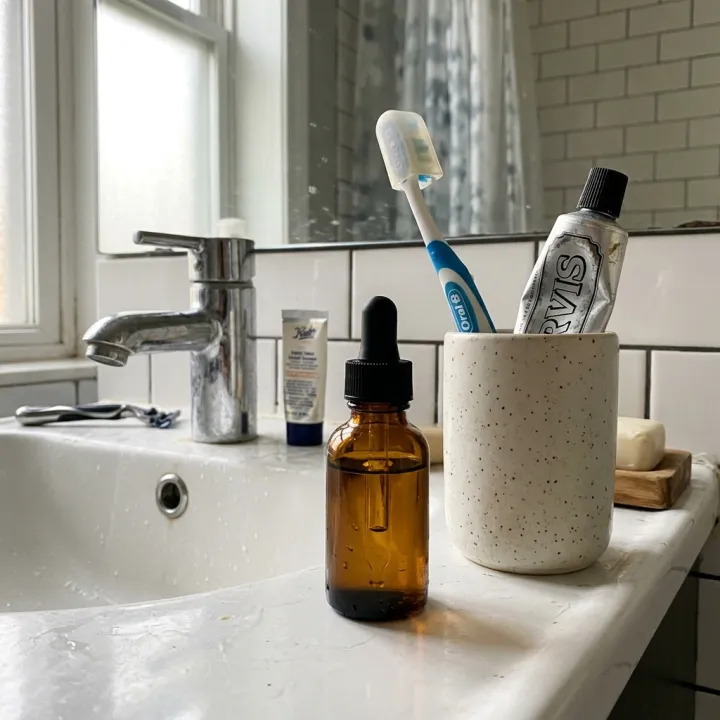
Upload your product photos as they are — kitchen counter, hallway, bathroom sink. Every photo comes back as a centered product on a seamless white, warm white or light grey backdrop, ready for a marketplace main image.
Starts on Nano Banana 2 · 1:1
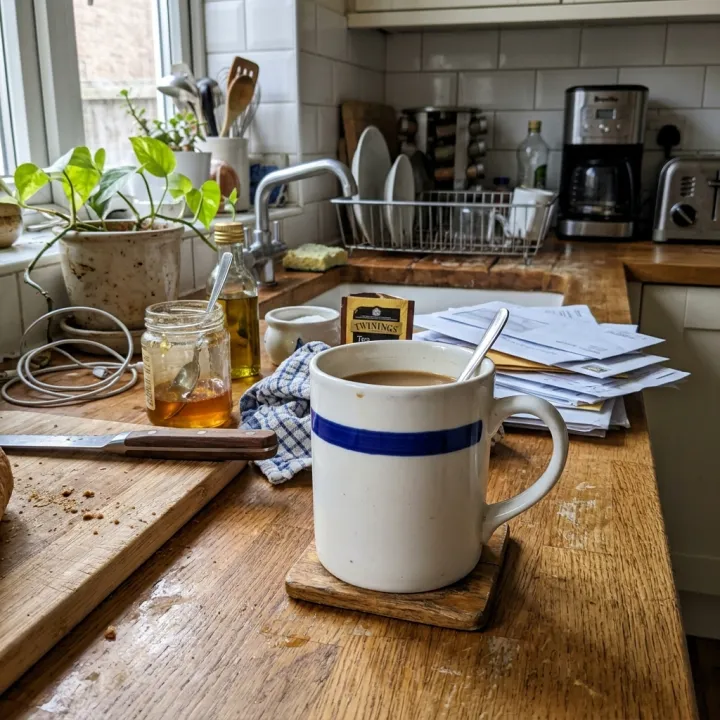 Your photo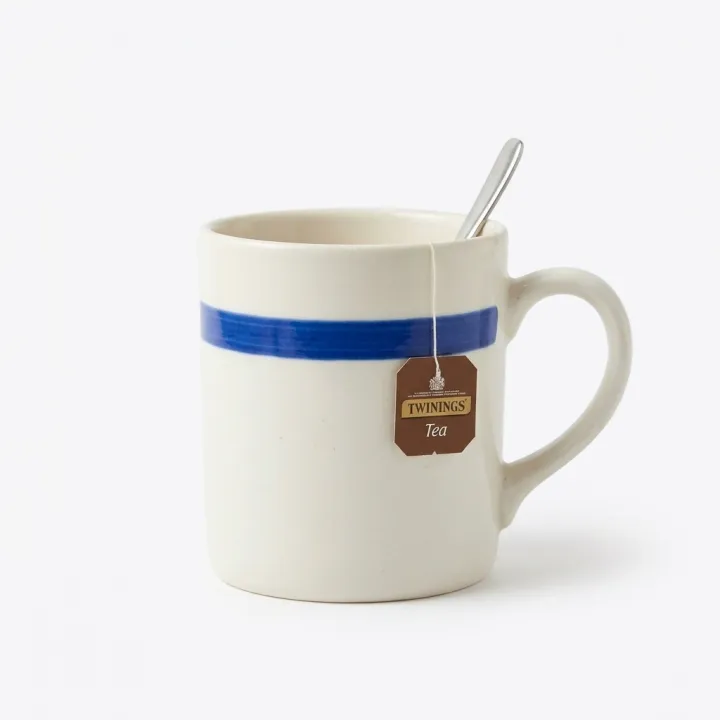
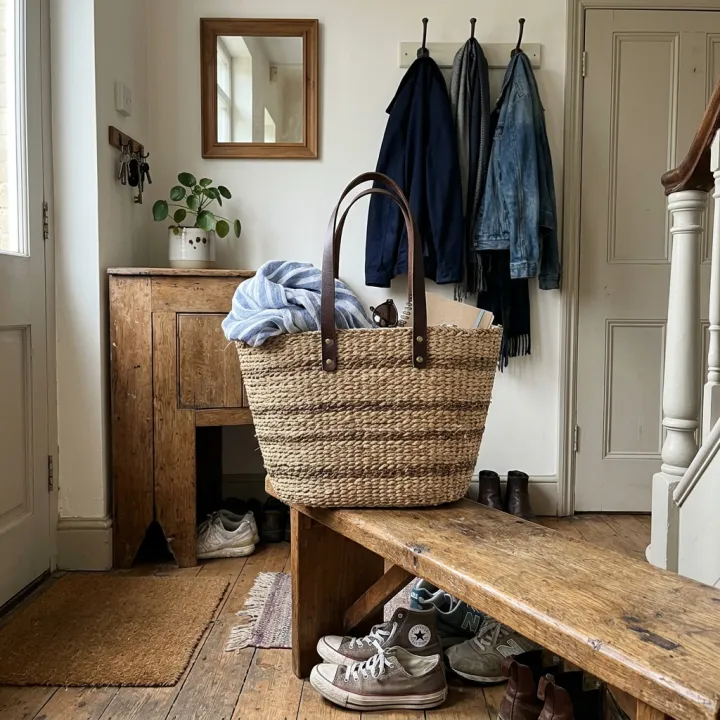 Your photo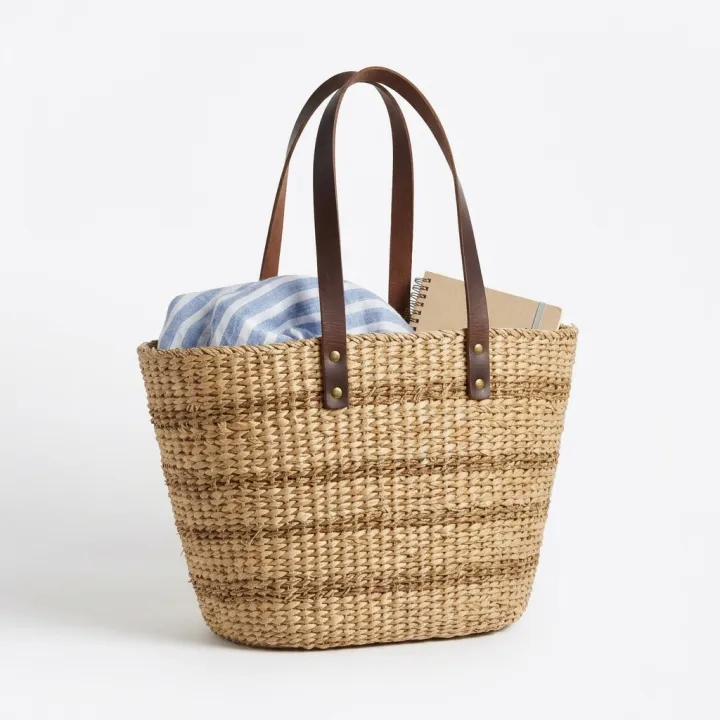
 Your photo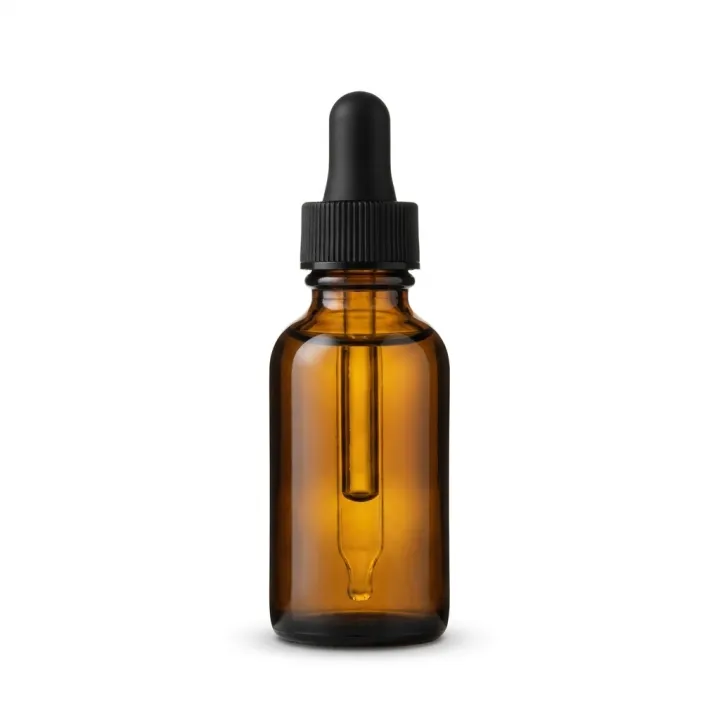
Rendered with this exact recipe.
These images came out of this template, with the prompts below each one. Your batch uses the same recipe with your photos and your words.
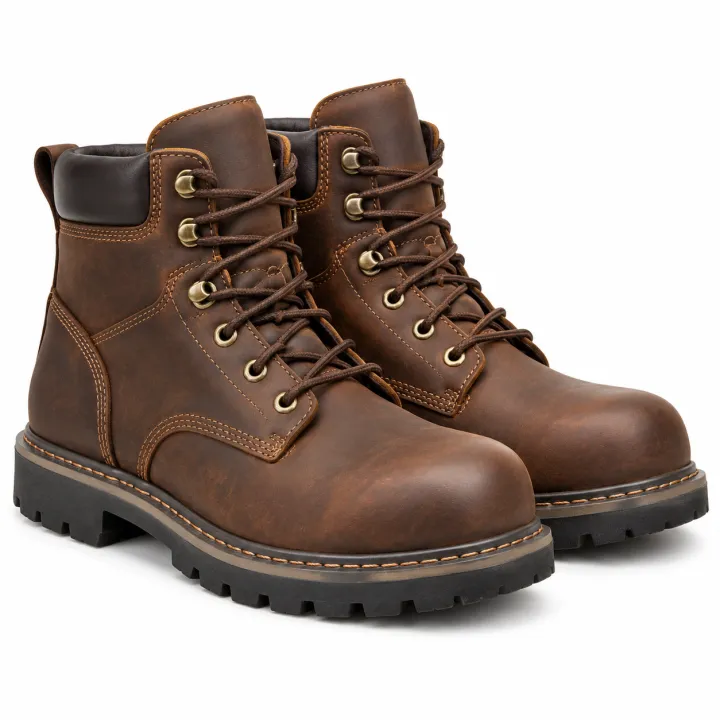
- 01 · White background packshots
Professional e-commerce packshot of the exact product shown in the reference image, alone on a seamless pure white (#FFFFFF) background, centered and filling about 75% of the frame, a soft natural contact shadow under the product, even soft studio lighting, true-to-life colors. Keep the product identical to the reference: same shape, colors, materials, label and proportions. No props, no text, no watermark.
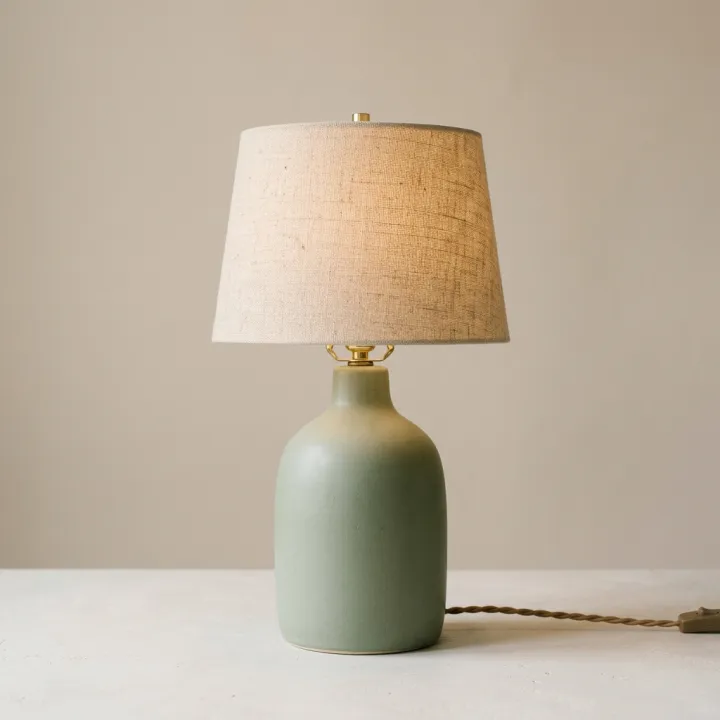
- 02 · White background packshots
Professional e-commerce packshot of the exact product shown in the reference image, alone on a seamless pure white (#FFFFFF) background, centered and filling about 75% of the frame, a soft natural contact shadow under the product, even soft studio lighting, true-to-life colors. Keep the product identical to the reference: same shape, colors, materials, label and proportions. No props, no text, no watermark.
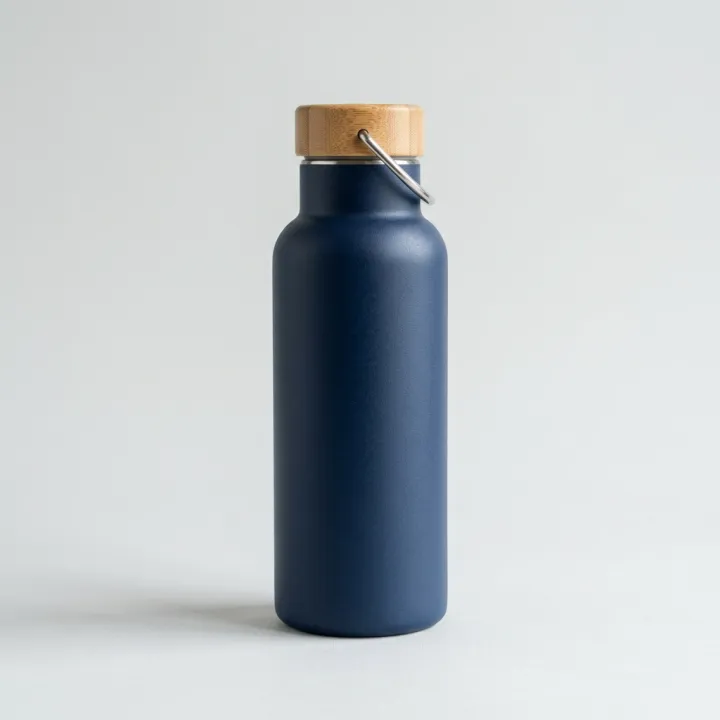
- 03 · White background packshots
Professional e-commerce packshot of the exact product shown in the reference image, alone on a seamless pure white (#FFFFFF) background, centered and filling about 75% of the frame, a soft natural contact shadow under the product, even soft studio lighting, true-to-life colors. Keep the product identical to the reference: same shape, colors, materials, label and proportions. No props, no text, no watermark.
A few fields, not a prompt.
Product photos
One result per photo · One packshot per photo. Any background, any light.
Backdropoptional
Pure whiteWarm whiteLight greyShadowoptional
Soft shadowNoneReflection
Recipe in, batch out.
- Step 01
Fill in the template
Add your photos, type your list, tick the options. Every option you tick multiplies into its own image.
- Step 02
Check the plan
The template writes one prompt per image and shows the whole list with the credit cost. Edit or remove any line.
- Step 03
Render and download
The batch runs in one go. Keep the results in your library or download them all in one ZIP.
White background packshots — FAQ
Q1Does the product stay the same?
The prompt asks the model to keep shape, colors, materials, label and proportions identical to your photo, and the template only offers models that take reference images. Check small print and logos before you publish — fine text is where AI can still slip.
Q2Can I do many products at once?
Yes. Each photo you add becomes its own image, so one batch covers a whole catalog shoot. You see the count and the credit cost before you render.
Q3Is this good enough for Amazon main images?
The recipe follows the usual main-image rules: product alone on pure white, centered, filling most of the frame, no text or props. Always compare against the marketplace's current rules for your category.
More templates
All templates →


 ProductsMenu photosA list of dishes in, a matching photo for every item on the menu out.See the template →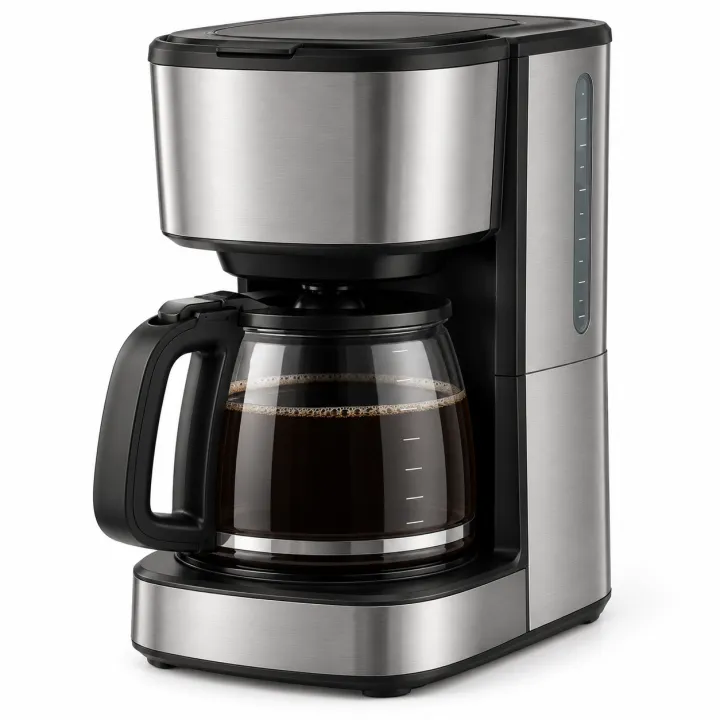
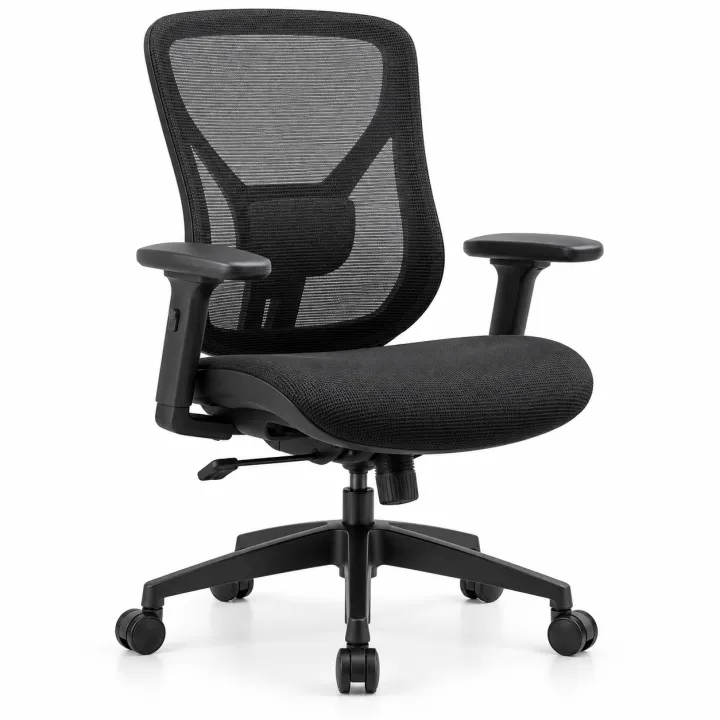
 ProductsCatalog photos from product namesA list of product names or SKUs in, a clean catalog photo for each one out.See the template →
 Your photo

 ProductsProduct in real roomsPut each product into the rooms you pick. Products × scenes.See the template →
 Your photo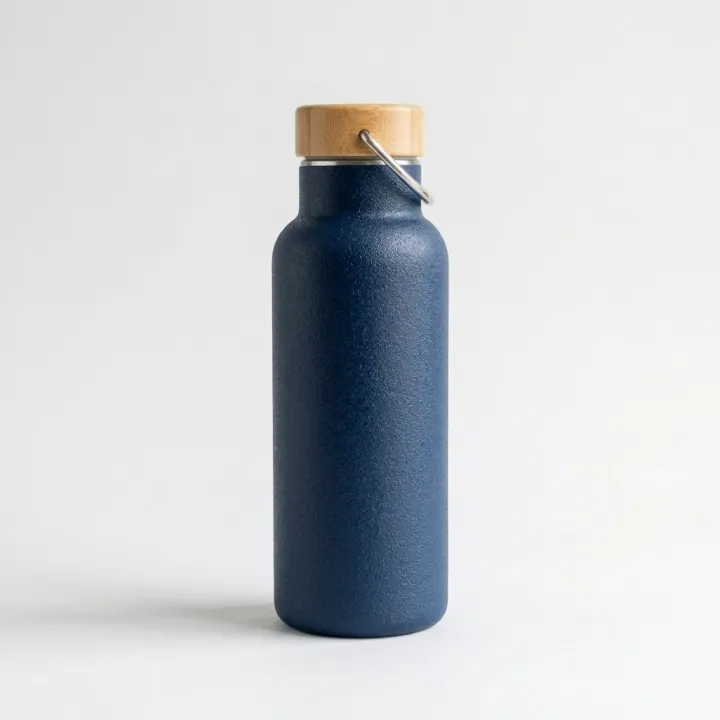
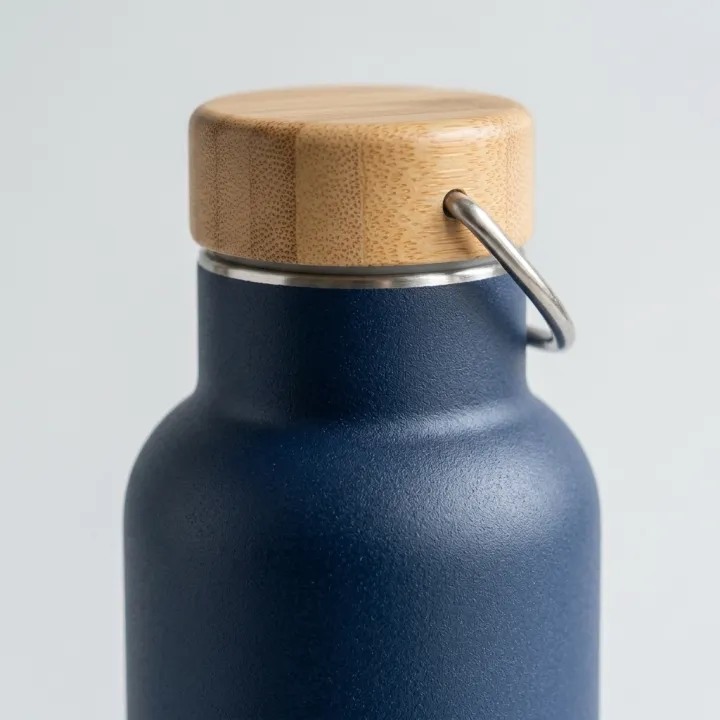
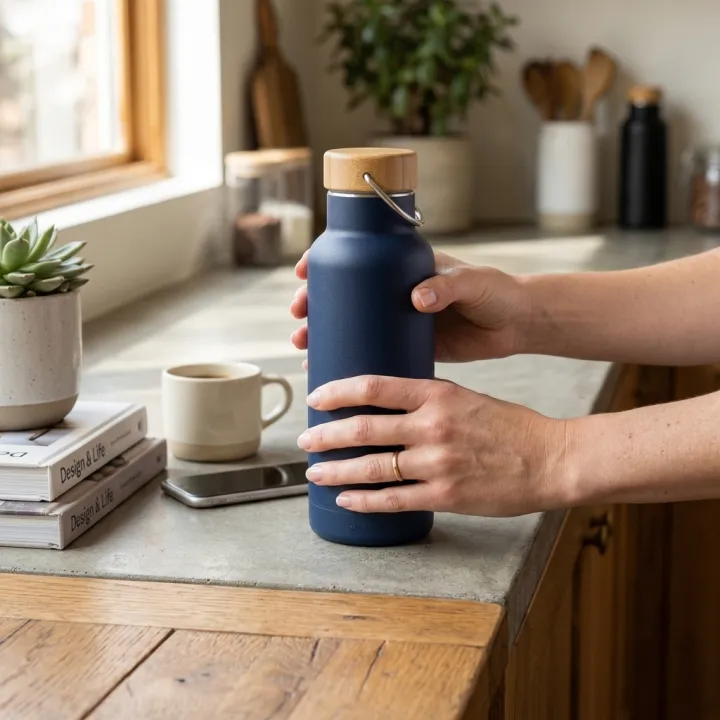 ProductsListing image setThe full gallery a product page needs: hero, angles, close-ups, in use.See the template →
Your set is a few fields away.
Pick the template, fill it in, check the plan, render. 50 free credits to start — no card.
Use this template