Breeds × outfits
Every outfit. On every breed.
List the breeds, tick the outfits, set the colors and the setting. The template renders each outfit on each breed, so a catalog of fits comes out of one batch. Add a photo of your design to carry its pattern.
Starts on Nano Banana 2 · 1:1 · Text only — no photo needed
Rendered with this exact recipe.
These images came out of this template, with the prompts below each one. Your batch uses the same recipe with your photos and your words.
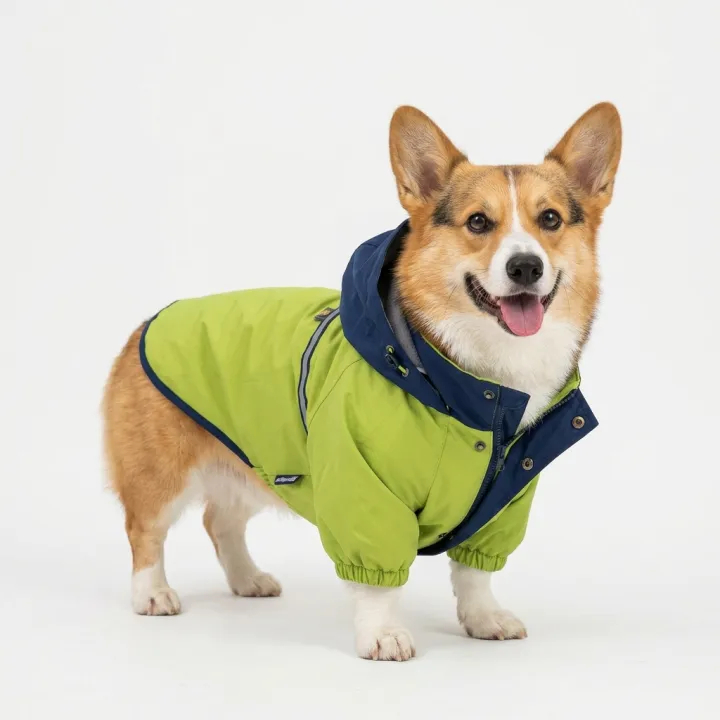
- 01 · corgi · Raincoat
Photo of a corgi wearing a bright raincoat with a hood in lime green and navy, on a plain white studio background, e-commerce product photo. The garment fits naturally, sharp focus on the fabric, happy and relaxed dog, no text, no watermark.
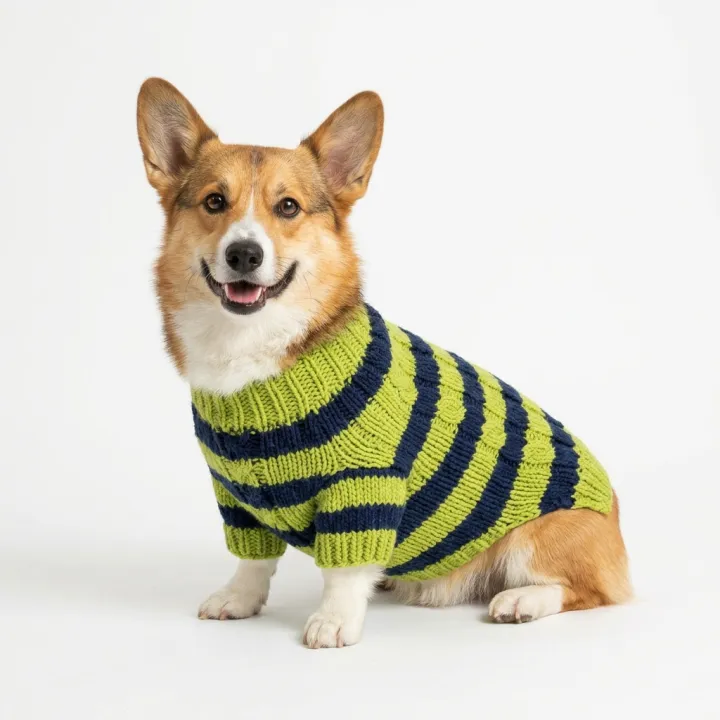
- 02 · corgi · Knit sweater
Photo of a corgi wearing a chunky knit sweater in lime green and navy, on a plain white studio background, e-commerce product photo. The garment fits naturally, sharp focus on the fabric, happy and relaxed dog, no text, no watermark.
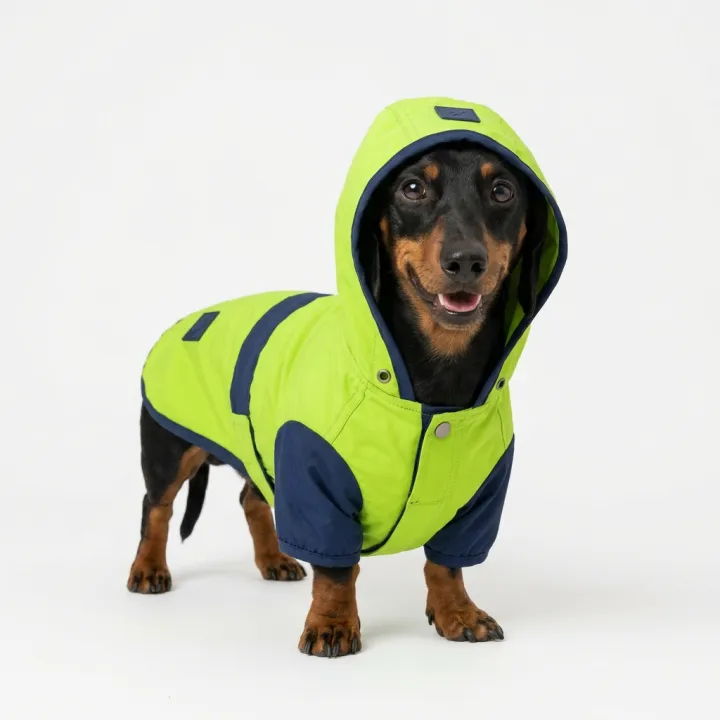
- 03 · dachshund · Raincoat
Photo of a dachshund wearing a bright raincoat with a hood in lime green and navy, on a plain white studio background, e-commerce product photo. The garment fits naturally, sharp focus on the fabric, happy and relaxed dog, no text, no watermark.
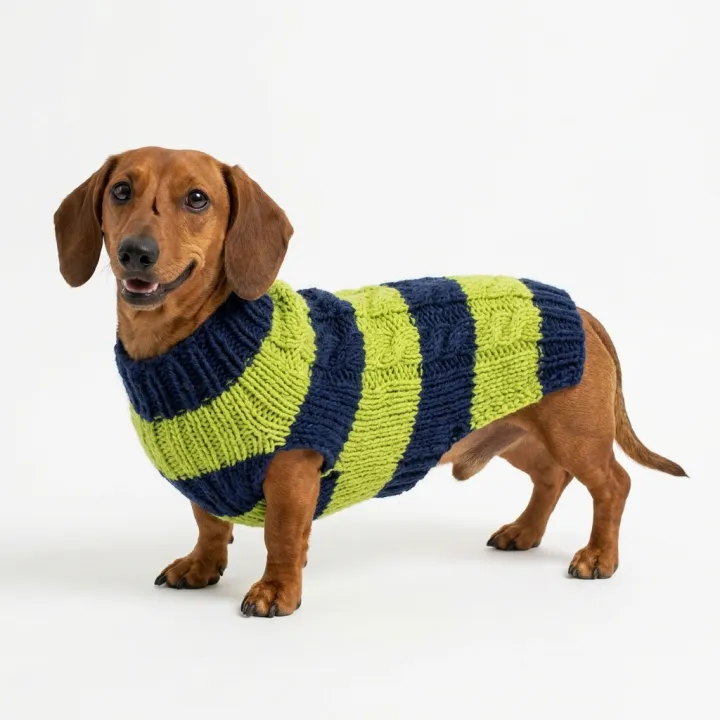
- 04 · dachshund · Knit sweater
Photo of a dachshund wearing a chunky knit sweater in lime green and navy, on a plain white studio background, e-commerce product photo. The garment fits naturally, sharp focus on the fabric, happy and relaxed dog, no text, no watermark.
A few fields, not a prompt.
Breeds
One per line.
corgi · dachshund · french bulldog
Outfits
RaincoatKnit sweaterHoodieBandanaPufferHoliday costumeColorsoptional
e.g. lime green and navy
Your designoptional
All photos in every image · Optional: a photo of your garment or pattern.
Settingoptional
White studioAt homeParkStreet
Recipe in, batch out.
- Step 01
Fill in the template
Add your photos, type your list, tick the options. Every option you tick multiplies into its own image.
- Step 02
Check the plan
The template writes one prompt per image and shows the whole list with the credit cost. Edit or remove any line.
- Step 03
Render and download
The batch runs in one go. Keep the results in your library or download them all in one ZIP.
Breeds × outfits — FAQ
Q1How many images is that?
Breeds × outfits × takes. Two breeds and two outfits make four images; the plan shows the exact list before you render.
Q2Can it use my actual product design?
Add one or two photos of your garment or pattern under “Your design” and every image carries its pattern, colors and details.
Q3Which breeds work?
Any breed you can name. Write one per line, as specific as you like — “black french bulldog puppy” works.
More templates
All templates → Your photo

 VideoVideo scenes from a scriptOne line per scene, the same style and characters in every frame. For YouTube explainers, documentaries and animation.See the template →


 ProductsMenu photosA list of dishes in, a matching photo for every item on the menu out.See the template →
 Your photo
 Your photo
 Photo editsSame edit, many photosOne instruction applied to every photo you upload: tidy up, remove text and logos, enhance, real estate touch-up.See the template →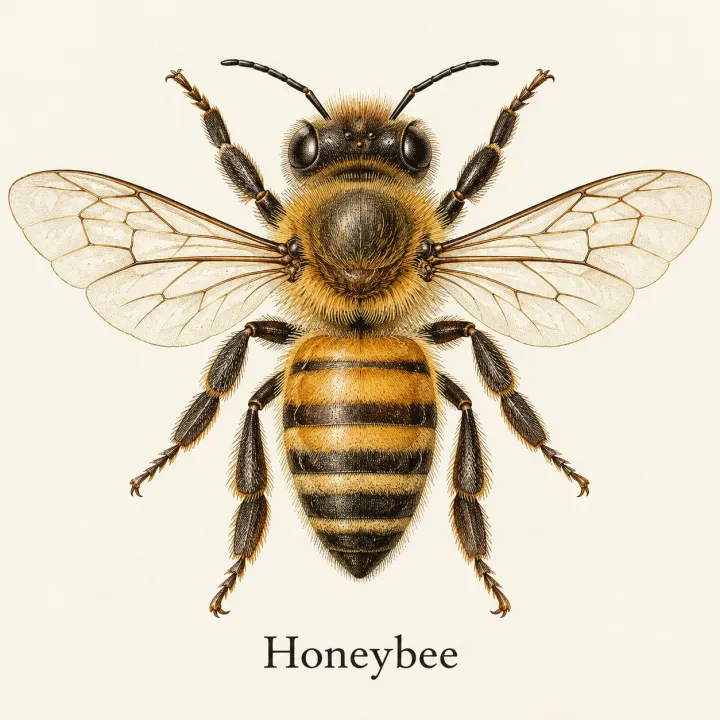
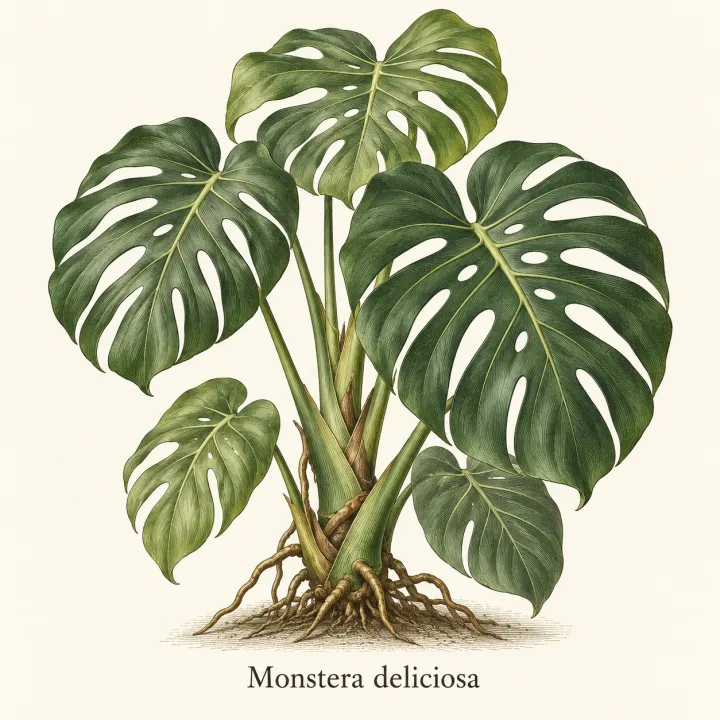
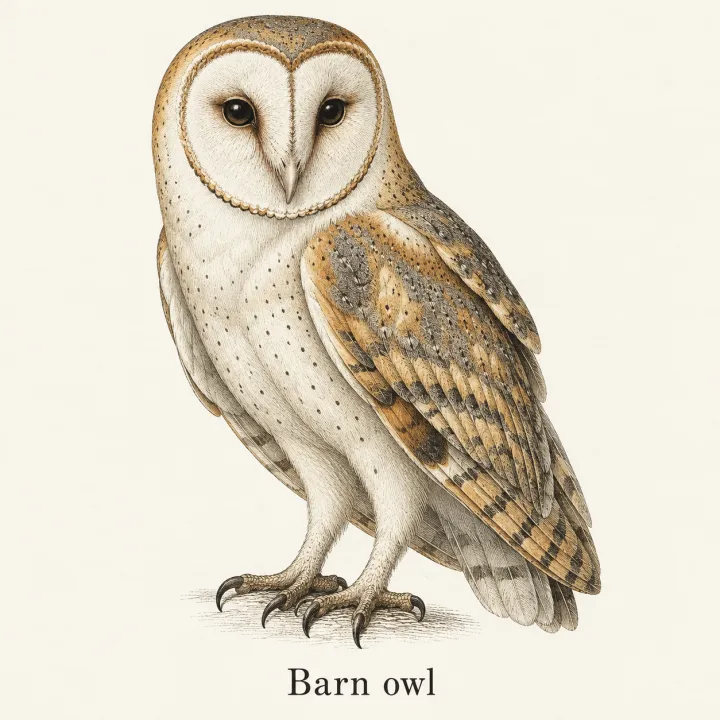
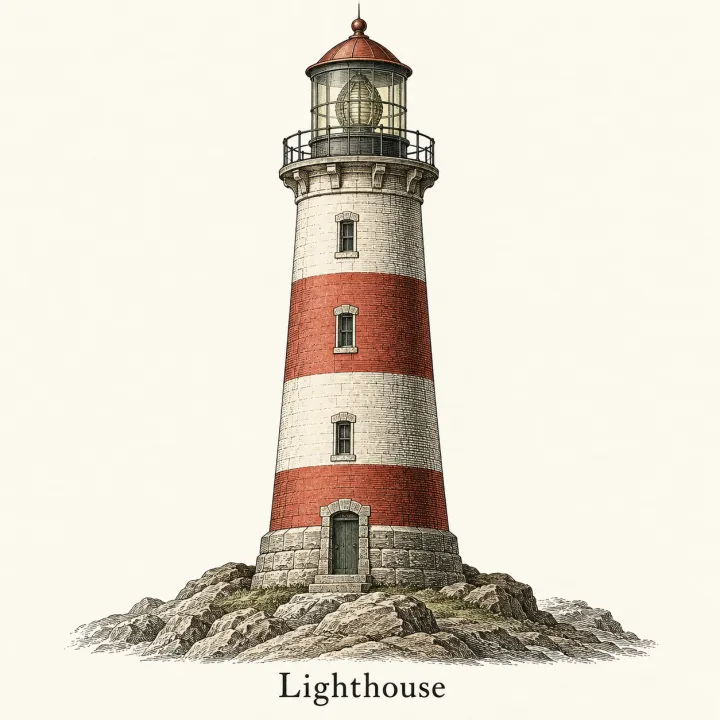 DesignAn image for every itemTurn a list — vocabulary, species, products, quiz answers — into one matching illustration per line.See the template →
Your set is a few fields away.
Pick the template, fill it in, check the plan, render. 50 free credits to start — no card.
Use this template