Same edit, many photos
One instruction. Every photo you upload.
Pick the edit — remove clutter, remove text and logos, enhance, real estate touch-up, white background — or write your own. Each photo comes back edited the same way, with everything else left as it was.
Starts on Nano Banana 2 · auto
 Your photo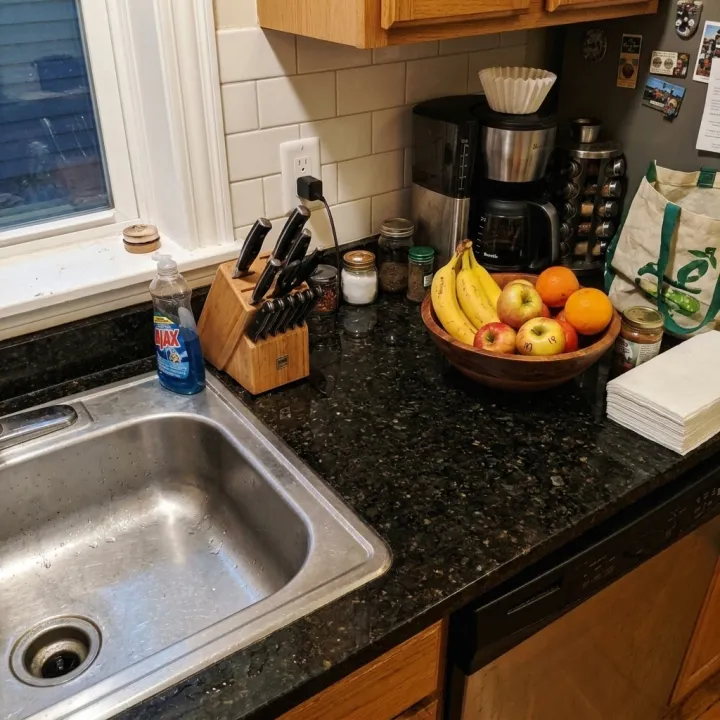
 Your photo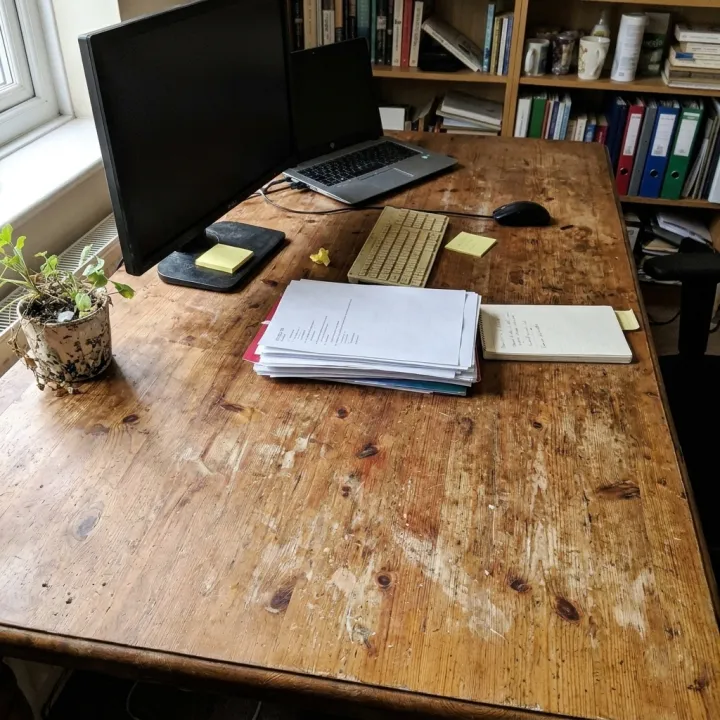
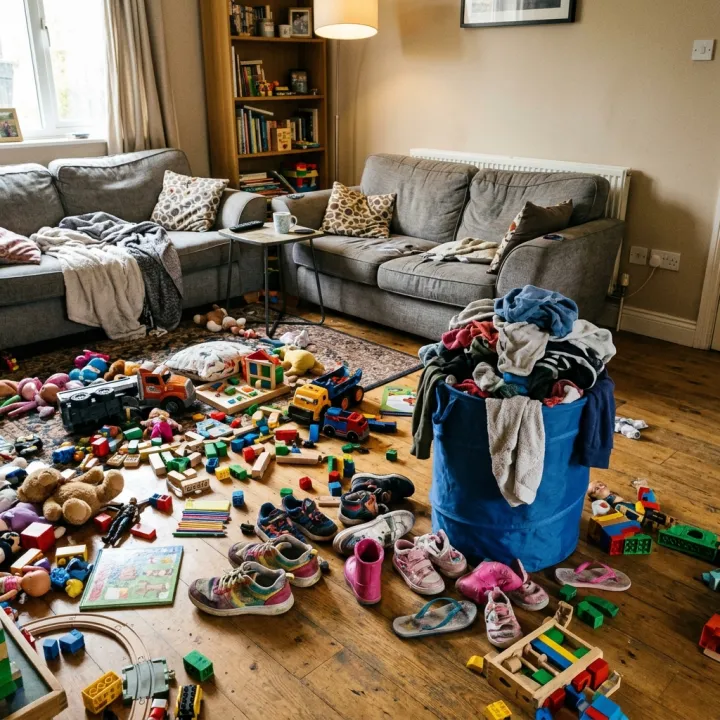 Your photo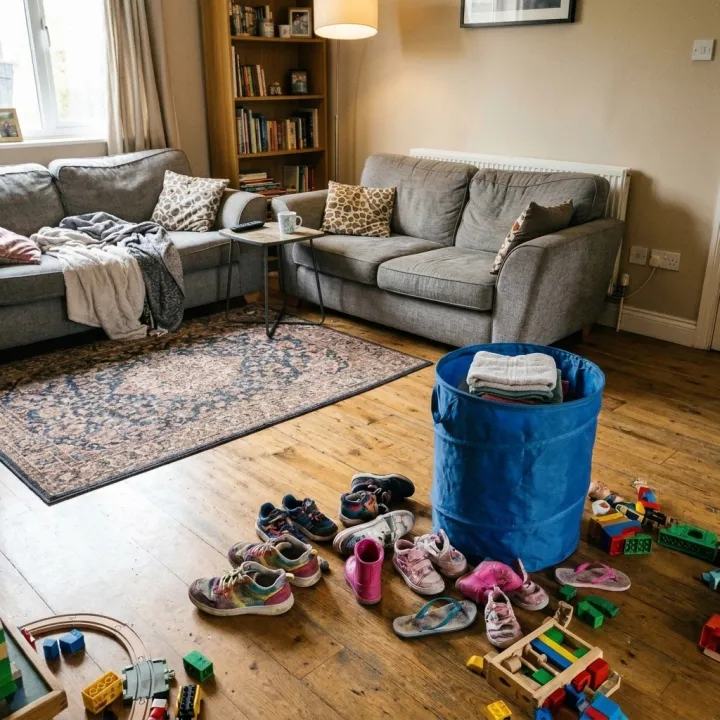
Rendered with this exact recipe.
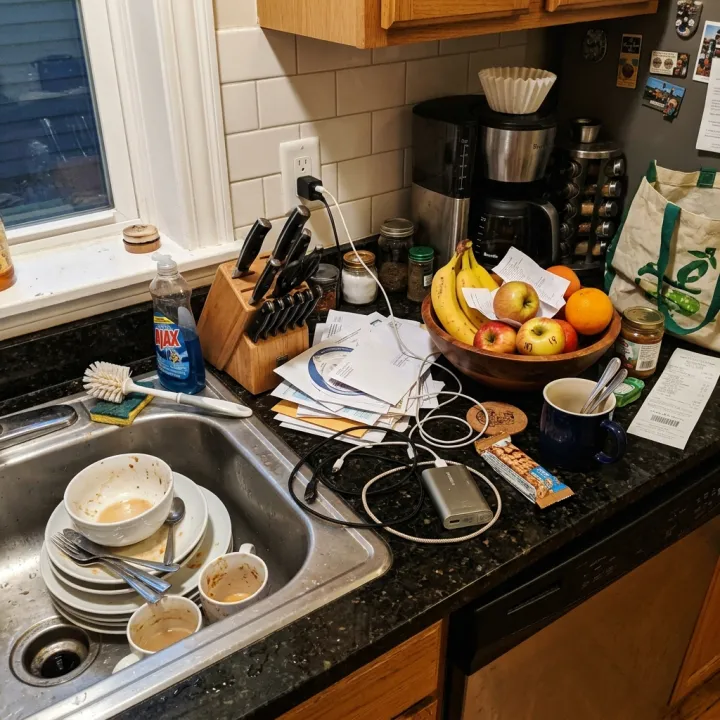
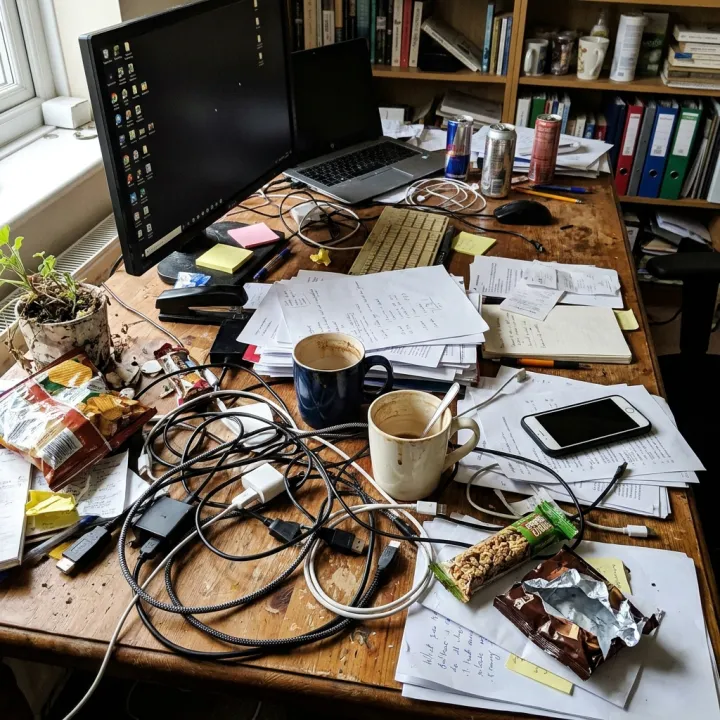
These images came out of this template, with the prompts below each one. Your batch uses the same recipe with your photos and your words.
- 01 · Same edit, many photos
Edit the reference photo. Remove clutter and distracting objects so the scene looks tidy. Change nothing else: keep the framing, objects, people, colors and every detail not mentioned exactly as they are. Photorealistic result, no added text, no watermark.
- 02 · Same edit, many photos
Edit the reference photo. Remove clutter and distracting objects so the scene looks tidy. Change nothing else: keep the framing, objects, people, colors and every detail not mentioned exactly as they are. Photorealistic result, no added text, no watermark.
- 03 · Same edit, many photos
Edit the reference photo. Remove clutter and distracting objects so the scene looks tidy. Change nothing else: keep the framing, objects, people, colors and every detail not mentioned exactly as they are. Photorealistic result, no added text, no watermark.
A few fields, not a prompt.
Photos
One result per photo · One edited result per photo.
Editoptional
Remove clutterRemove text & logosEnhance qualityReal estate touch-upWhite backgroundYour instructionoptional
Optional, added to every photo.
e.g. remove the grey logo on the left of the label
Recipe in, batch out.
- Step 01
Fill in the template
Add your photos, type your list, tick the options. Every option you tick multiplies into its own image.
- Step 02
Check the plan
The template writes one prompt per image and shows the whole list with the credit cost. Edit or remove any line.
- Step 03
Render and download
The batch runs in one go. Keep the results in your library or download them all in one ZIP.
Same edit, many photos — FAQ
Q1Will it change things I didn't ask for?
Every prompt tells the model to keep framing, objects, people and colors exactly as they are. AI edits can still drift on small details, so check fine print, faces and product labels before you publish.
Q2Can I write my own edit?
Yes. Add it under “Your instruction” — for example the exact logo or sticker to remove — and it is applied to every photo, on top of the edit you picked.
Q3Can I remove other people's watermarks?
Only edit photos you own or have the rights to. Removing a watermark from someone else's image can break their license.
More templates
All templates →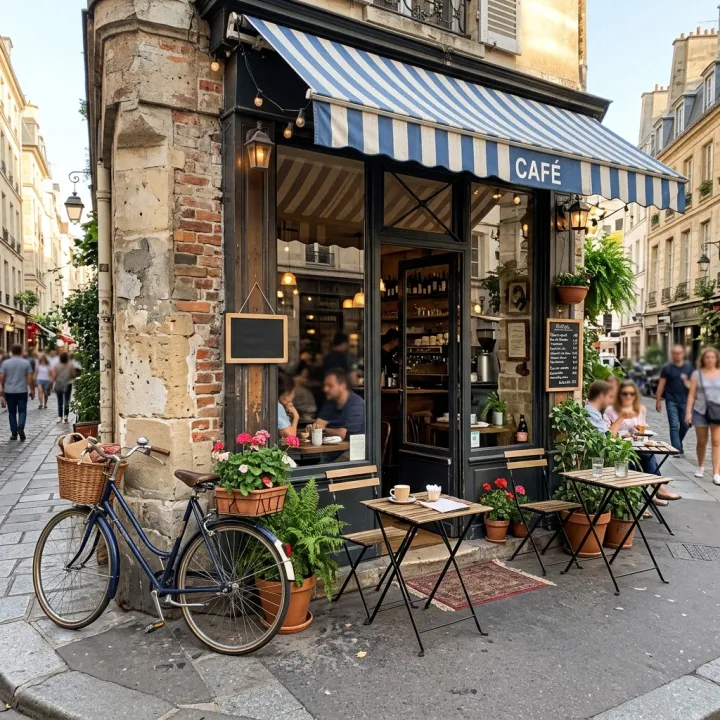 Your photo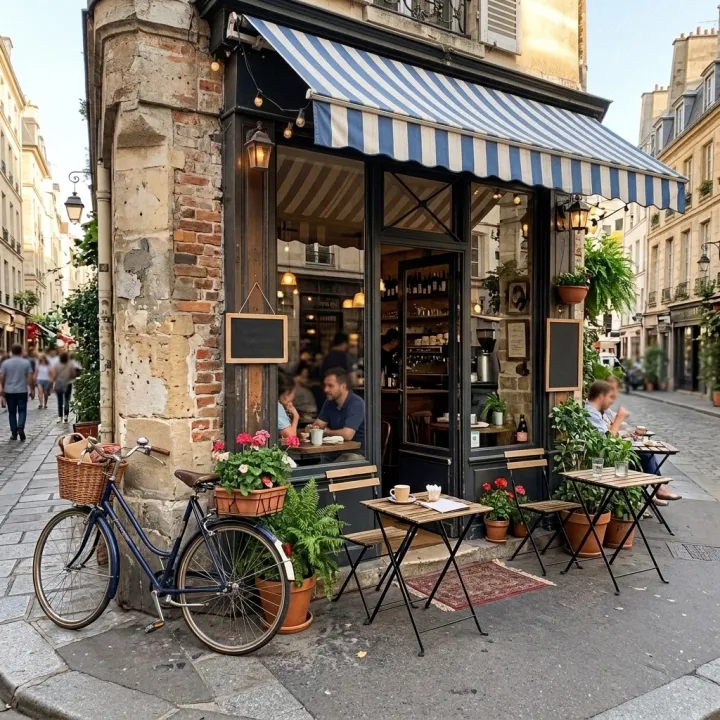
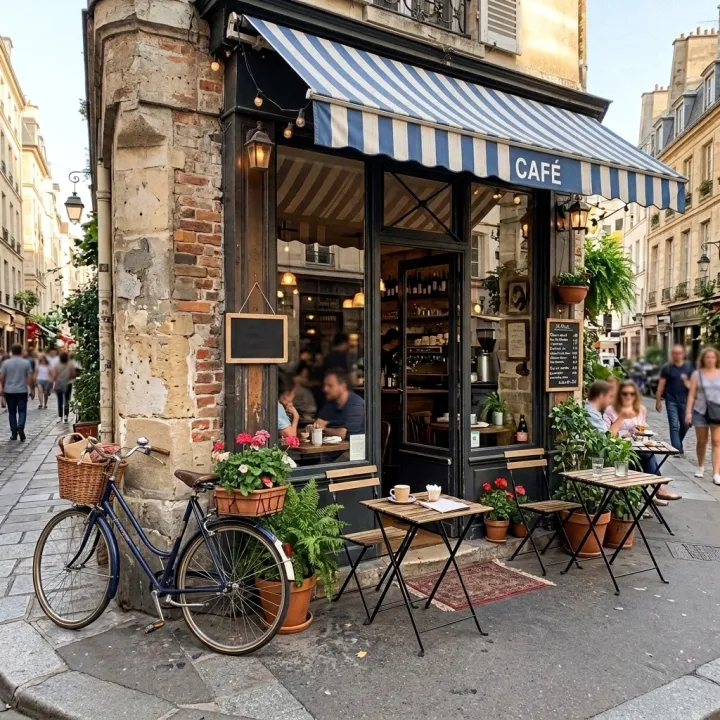
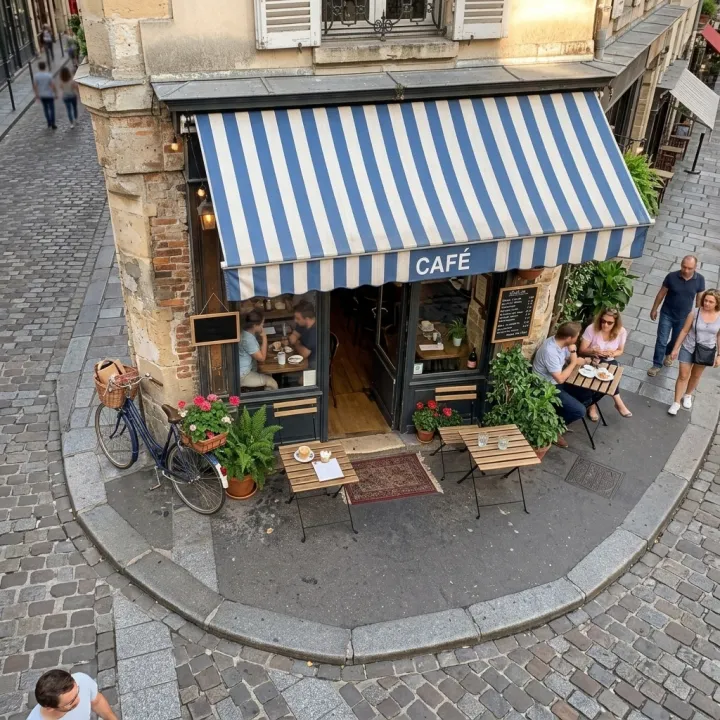 Photo editsNew angles of the same shotOne photo in, the same scene from new camera positions out — same people, objects and light.See the template →
 Your photo

 VideoVideo scenes from a scriptOne line per scene, the same style and characters in every frame. For YouTube explainers, documentaries and animation.See the template →


 ProductsMenu photosA list of dishes in, a matching photo for every item on the menu out.See the template →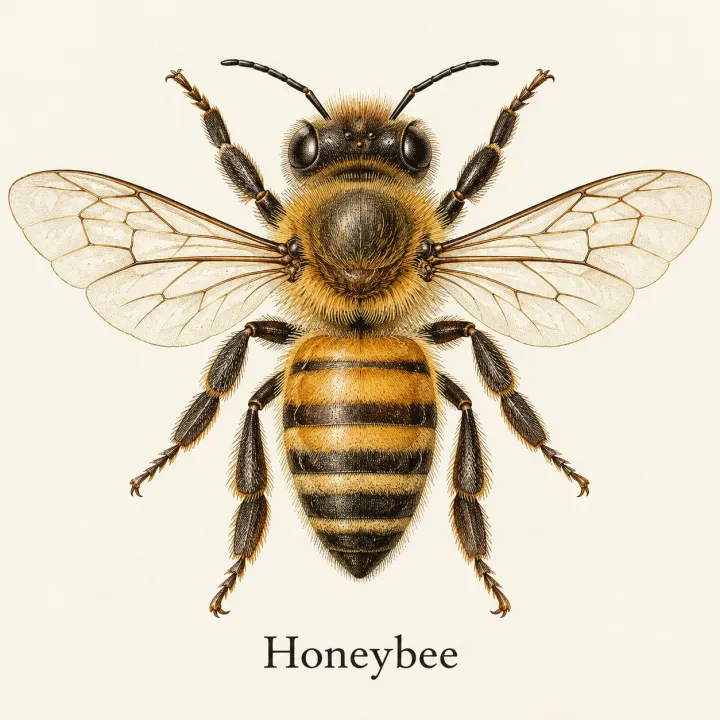
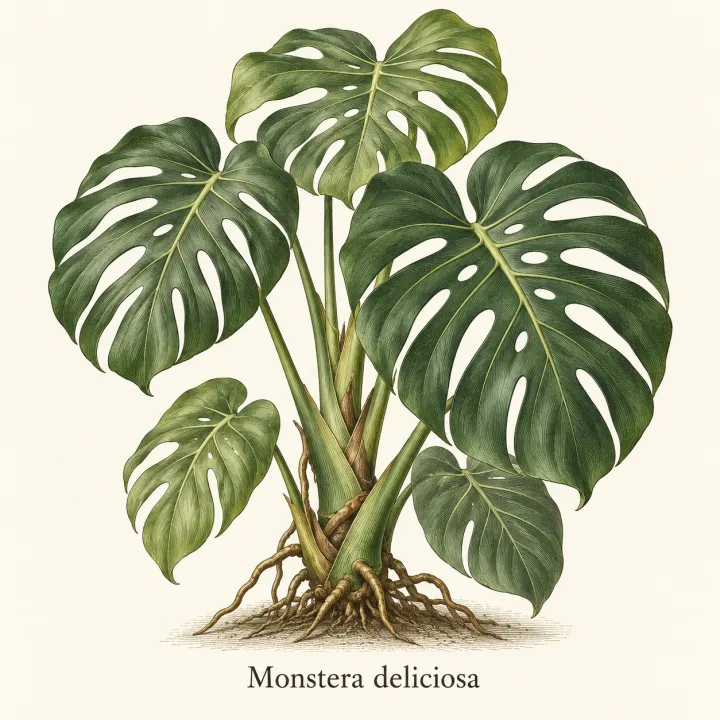
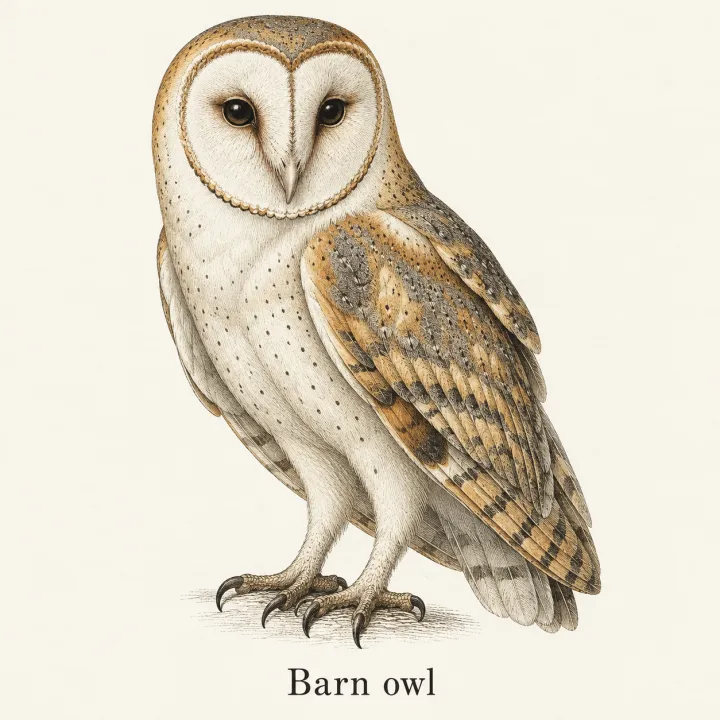
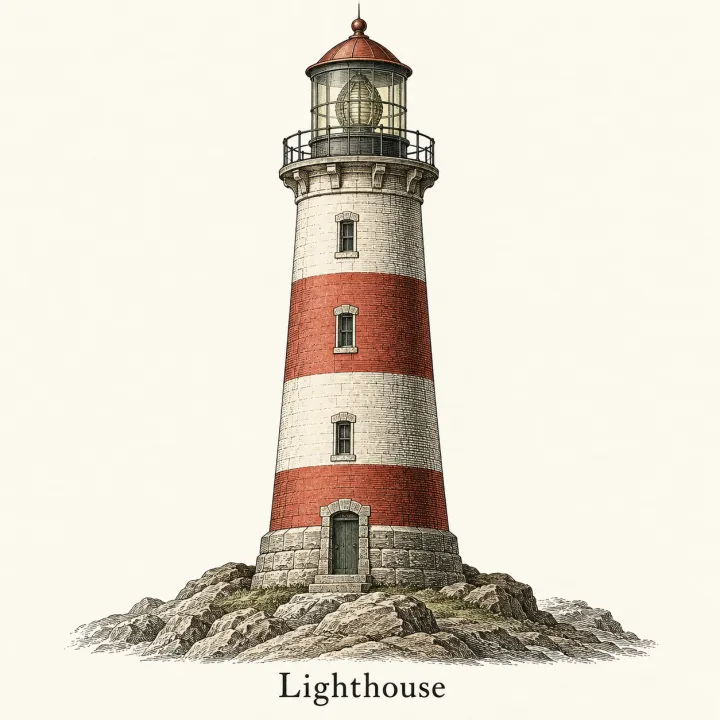 DesignAn image for every itemTurn a list — vocabulary, species, products, quiz answers — into one matching illustration per line.See the template →
Your set is a few fields away.
Pick the template, fill it in, check the plan, render. 50 free credits to start — no card.
Use this template