Video scenes from a script
Your script, scene by scene. Same characters throughout.
Paste the scenes one per line, pick a style — 2D cartoon, stickman, documentary photo, anime, watercolor — and add a character sheet if you have one. Every line becomes a 16:9 frame that matches the rest of the series.
Starts on Nano Banana 2 · 16:9
 Your photo


Rendered with this exact recipe.
These images came out of this template, with the prompts below each one. Your batch uses the same recipe with your photos and your words.
- 01 · Mia oversleeps and races out the door with toast in her mouth
Scene illustration for a video: Mia oversleeps and races out the door with toast in her mouth. Style: clean colorful 2D cartoon illustration, bold dark outlines, flat shading. Characters: the characters exactly as in the reference images (same faces, proportions, colors and outfits). Keep the same style and characters as every other scene in the series. One single frame, no panels, no captions, no text, no watermark.
- 02 · Mia compares two savings accounts on her laptop at the kitchen table
Scene illustration for a video: Mia compares two savings accounts on her laptop at the kitchen table. Style: clean colorful 2D cartoon illustration, bold dark outlines, flat shading. Characters: the characters exactly as in the reference images (same faces, proportions, colors and outfits). Keep the same style and characters as every other scene in the series. One single frame, no panels, no captions, no text, no watermark.
- 03 · Mia plants a tiny money tree in a pot on her windowsill
Scene illustration for a video: Mia plants a tiny money tree in a pot on her windowsill. Style: clean colorful 2D cartoon illustration, bold dark outlines, flat shading. Characters: the characters exactly as in the reference images (same faces, proportions, colors and outfits). Keep the same style and characters as every other scene in the series. One single frame, no panels, no captions, no text, no watermark.
A few fields, not a prompt.
Scenes
One scene per line, in order.
Mia oversleeps and races out the door · Mia compares two savings accounts · Mia plants a tiny money tree
Styleoptional
2D cartoonStickmanDocumentary photoAnimeWatercolorCharacter referencesoptional
All photos in every image · Optional: a character sheet or frames to match. Used in every scene.
Recurring charactersoptional
Optional. One per line.
Mia: curly orange bob, round glasses, mustard sweater
World & eraoptional
e.g. a small Roman town, 100 AD
Recipe in, batch out.
- Step 01
Fill in the template
Add your photos, type your list, tick the options. Every option you tick multiplies into its own image.
- Step 02
Check the plan
The template writes one prompt per image and shows the whole list with the credit cost. Edit or remove any line.
- Step 03
Render and download
The batch runs in one go. Keep the results in your library or download them all in one ZIP.
Video scenes from a script — FAQ
Q1How do I keep the same character in every scene?
Upload a character sheet or a few frames under “Character references” — they are attached to every scene — and describe recurring characters once under “Recurring characters”. The style line travels with every prompt too.
Q2Can I make vertical frames for Shorts or TikTok?
Yes. The template starts at 16:9; switch the ratio in the settings, for example to 9:16, before you render.
Q3Can I paste a long script?
Paste the scenes, one per line. Long lists are fine — the plan shows every scene with the total cost before you render, and you can remove or rewrite any line.
More templates
All templates →


 ProductsMenu photosA list of dishes in, a matching photo for every item on the menu out.See the template →
 Your photo
 Your photo
 Photo editsSame edit, many photosOne instruction applied to every photo you upload: tidy up, remove text and logos, enhance, real estate touch-up.See the template →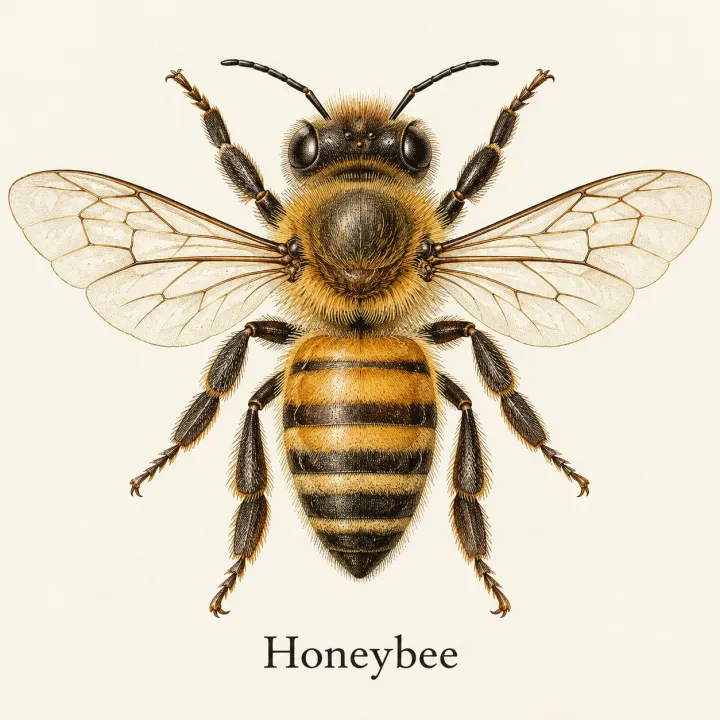
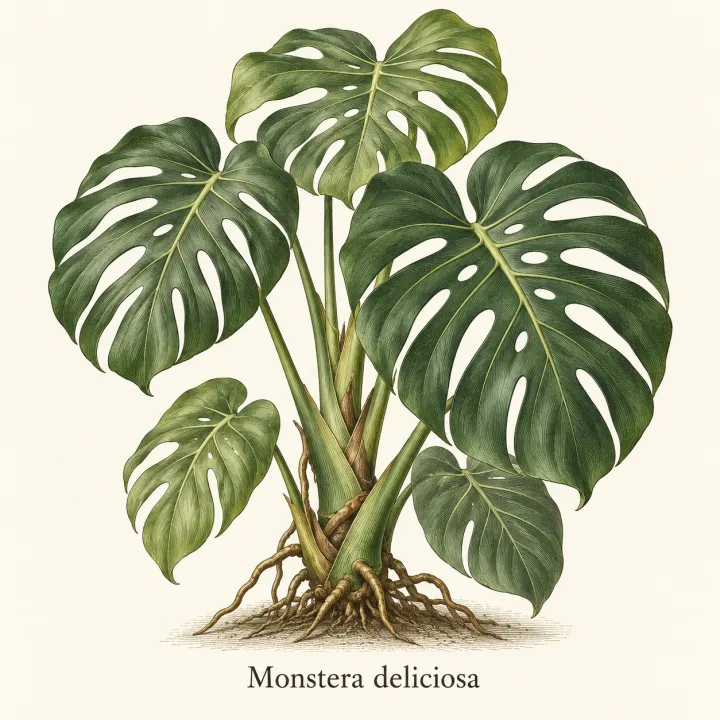
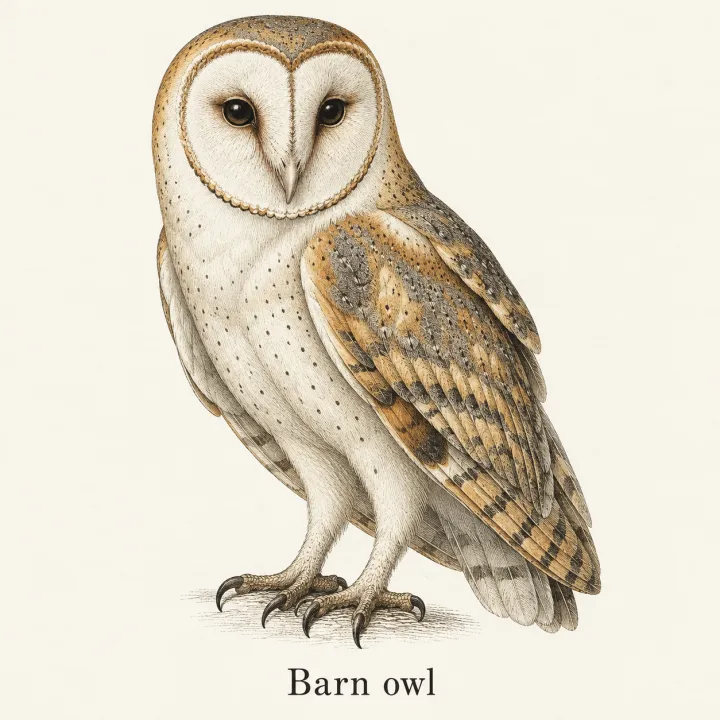
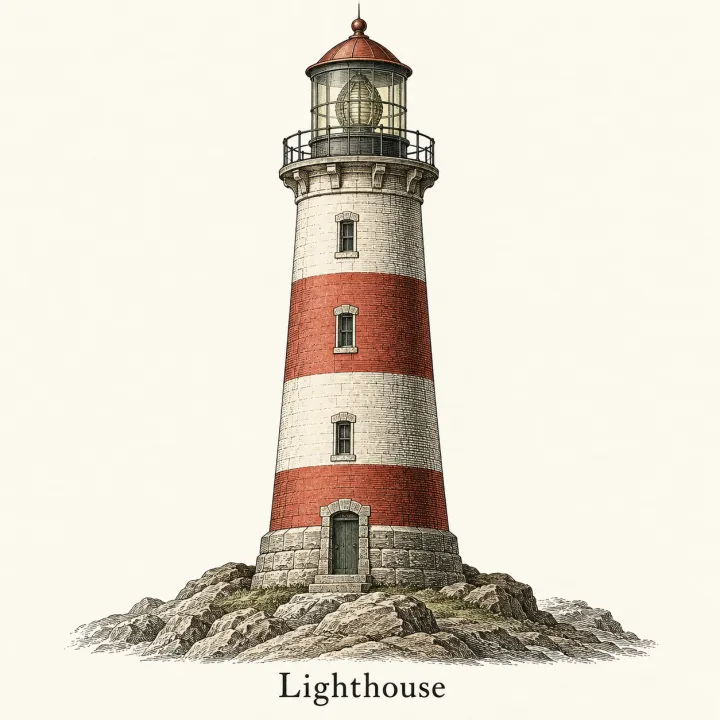 DesignAn image for every itemTurn a list — vocabulary, species, products, quiz answers — into one matching illustration per line.See the template →

 DesignLogos for a list of namesEvery brand name on your list in every logo style you pick.See the template →
Your set is a few fields away.
Pick the template, fill it in, check the plan, render. 50 free credits to start — no card.
Use this template