An image for every item
A list of things. A picture of each one.
Vocabulary for flashcards, species for a field guide, parts for a catalog, answers for a quiz. Paste the list, pick a style and whether to print the name, and every line gets its own matching illustration.
Starts on GPT Image 2 · 1:1 · Text only — no photo needed
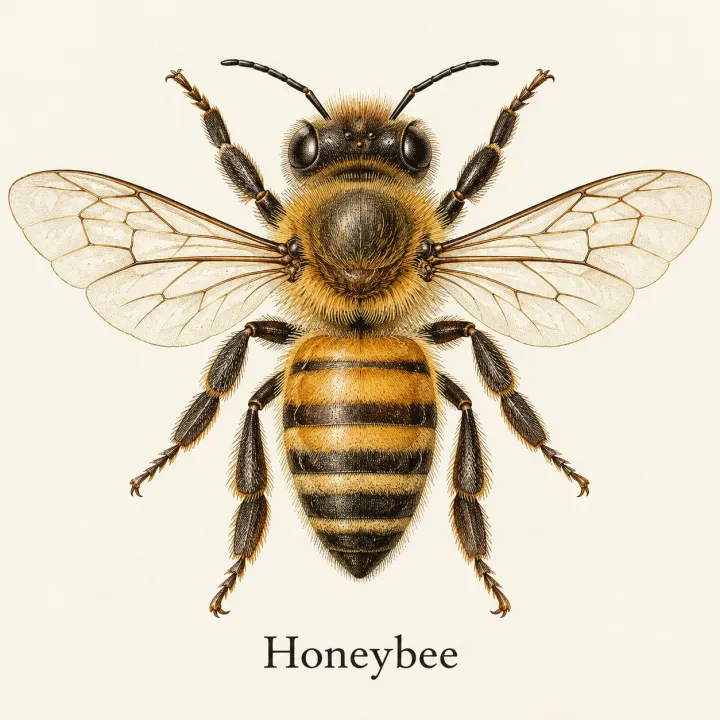
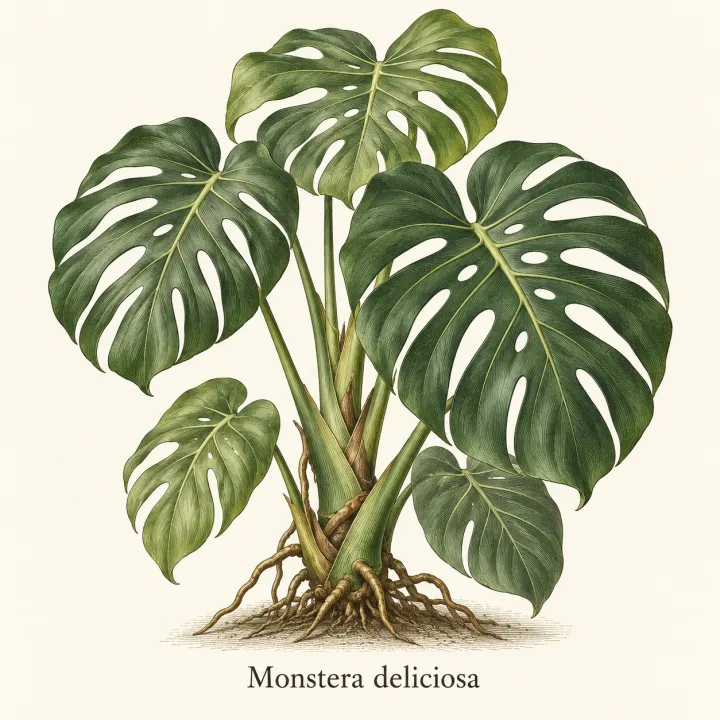
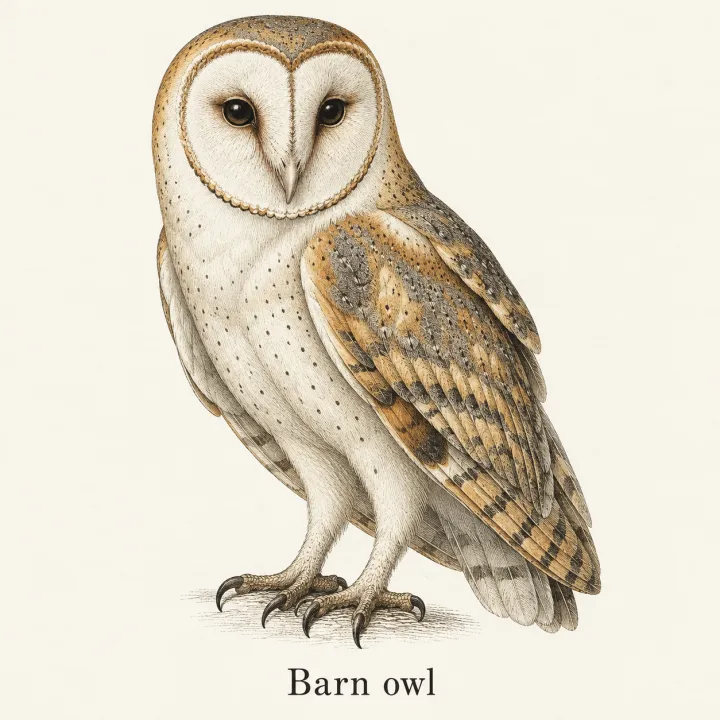
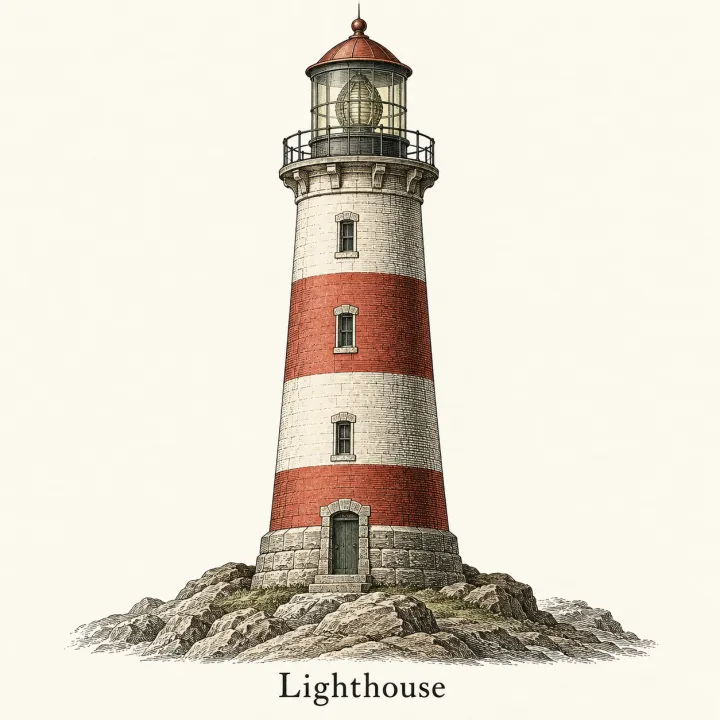
Rendered with this exact recipe.
These images came out of this template, with the prompts below each one. Your batch uses the same recipe with your photos and your words.
- 01 · Honeybee
Illustration of Honeybee, vintage encyclopedia plate, fine engraved lines, muted colors. One subject, centered, accurate and recognizable details, plain light background, its name written once below it in clean, legible type, spelled exactly as given, no watermark.
- 02 · Monstera deliciosa
Illustration of Monstera deliciosa, vintage encyclopedia plate, fine engraved lines, muted colors. One subject, centered, accurate and recognizable details, plain light background, its name written once below it in clean, legible type, spelled exactly as given, no watermark.
- 03 · Barn owl
Illustration of Barn owl, vintage encyclopedia plate, fine engraved lines, muted colors. One subject, centered, accurate and recognizable details, plain light background, its name written once below it in clean, legible type, spelled exactly as given, no watermark.
- 04 · Lighthouse
Illustration of Lighthouse, vintage encyclopedia plate, fine engraved lines, muted colors. One subject, centered, accurate and recognizable details, plain light background, its name written once below it in clean, legible type, spelled exactly as given, no watermark.
A few fields, not a prompt.
Items
One per line. Add a short description after a dash for accuracy.
Honeybee · Monstera deliciosa — split-leaf houseplant · Barn owl
Styleoptional
Editorial illustrationPhotoWatercolorVintage plateFlat iconName on the imageoptional
No textShow the nameMade foroptional
e.g. a German vocabulary course for kids
Recipe in, batch out.
- Step 01
Fill in the template
Add your photos, type your list, tick the options. Every option you tick multiplies into its own image.
- Step 02
Check the plan
The template writes one prompt per image and shows the whole list with the credit cost. Edit or remove any line.
- Step 03
Render and download
The batch runs in one go. Keep the results in your library or download them all in one ZIP.
An image for every item — FAQ
Q1How do I make the images accurate?
Add a short description after a dash on each line — for example “Barn owl — heart-shaped white face, golden wings”. The more specific the line, the closer the picture.
Q2Can the name appear on the image?
Choose “Show the name” and the item's name is written below it. It starts on GPT Image 2, which handles short text well; still check the spelling before you print.
Q3Is it good for flashcards and worksheets?
Yes. Use the flat icon or editorial style on a plain background, square format, so the images drop straight into cards and worksheets.
More templates
All templates →


 DesignLogos for a list of namesEvery brand name on your list in every logo style you pick.See the template →

 DesignCategory bannersA list of categories or topics in, a matching header banner for each page out.See the template →
 Your photo

 VideoVideo scenes from a scriptOne line per scene, the same style and characters in every frame. For YouTube explainers, documentaries and animation.See the template →


 ProductsMenu photosA list of dishes in, a matching photo for every item on the menu out.See the template →
Your set is a few fields away.
Pick the template, fill it in, check the plan, render. 50 free credits to start — no card.
Use this template