Coloring book pages
A list of subjects. A book of coloring pages.
One subject per line — a turtle with a tiny backpack, a castle on a hill — and pick a style. Every line becomes a portrait page of clean black line art on white, in the same style.
Starts on GPT Image 2 · 3:4 · Text only — no photo needed
Rendered with this exact recipe.
These images came out of this template, with the prompts below each one. Your batch uses the same recipe with your photos and your words.
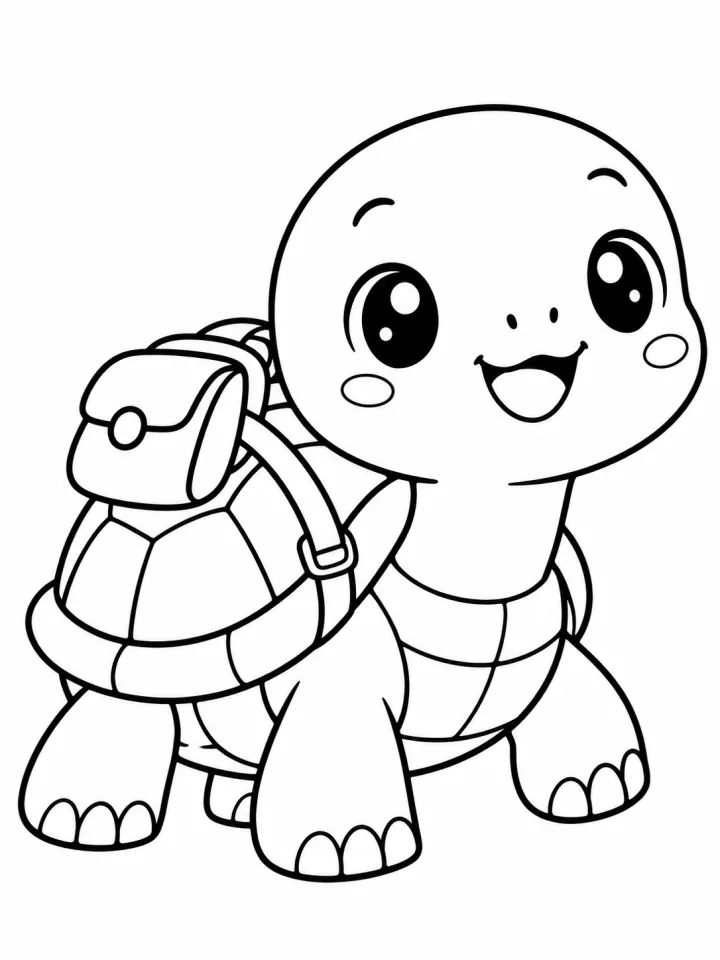
- 01 · a turtle with a tiny backpack
Coloring book page of a turtle with a tiny backpack, cute kawaii style with rounded shapes and happy faces, clean black line art on pure white, closed outlines, no shading, no gray fill, no color, no text, no border.
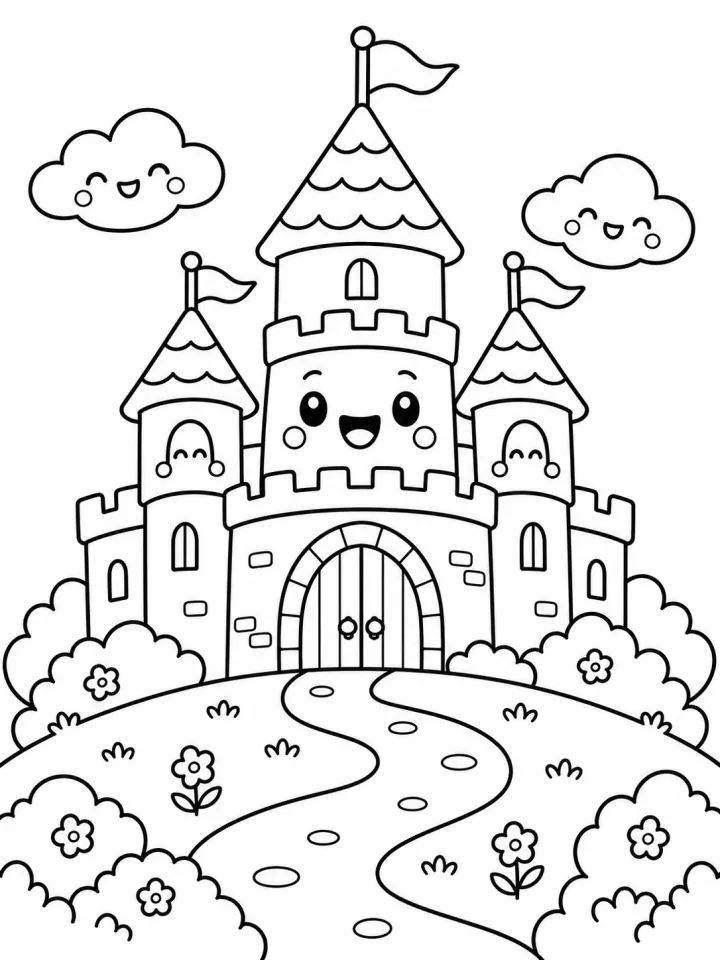
- 02 · a castle on a hill
Coloring book page of a castle on a hill, cute kawaii style with rounded shapes and happy faces, clean black line art on pure white, closed outlines, no shading, no gray fill, no color, no text, no border.
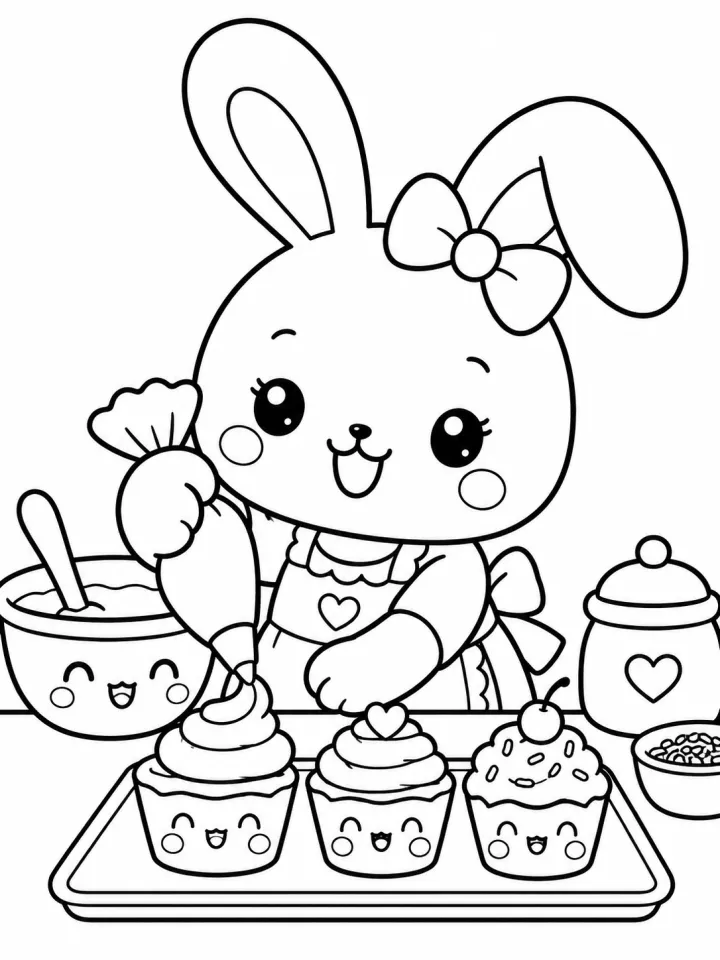
- 03 · a bunny baking cupcakes
Coloring book page of a bunny baking cupcakes, cute kawaii style with rounded shapes and happy faces, clean black line art on pure white, closed outlines, no shading, no gray fill, no color, no text, no border.
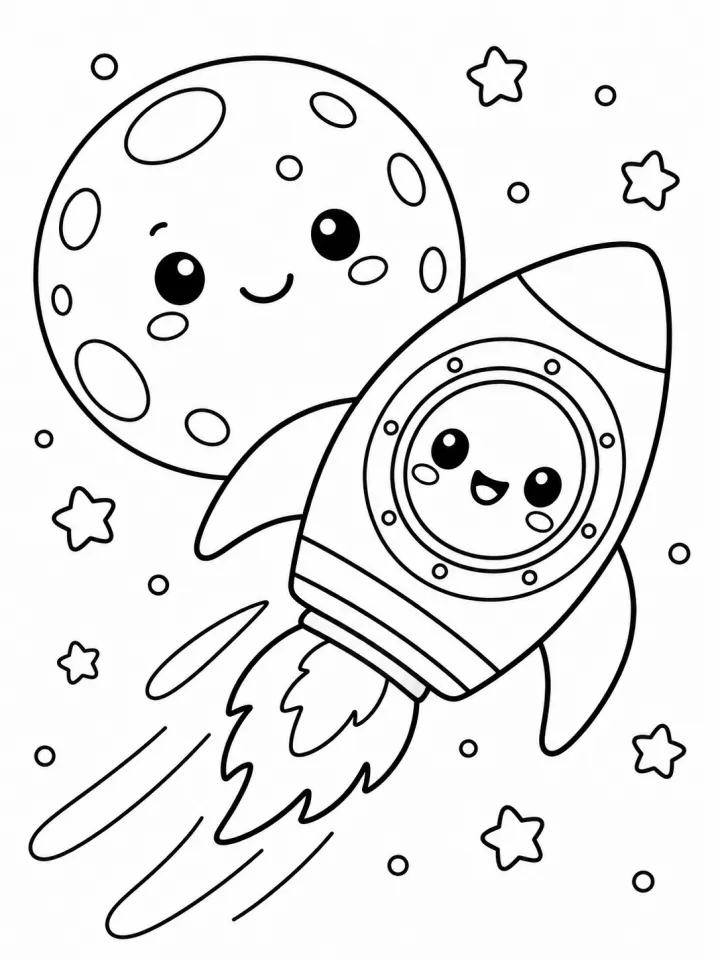
- 04 · a rocket flying past the moon
Coloring book page of a rocket flying past the moon, cute kawaii style with rounded shapes and happy faces, clean black line art on pure white, closed outlines, no shading, no gray fill, no color, no text, no border.
A few fields, not a prompt.
Subjects
One page per line.
a turtle with a tiny backpack · a castle on a hill · a bunny baking cupcakes
Styleoptional
Easy, for kidsKawaiiDetailedMandala
Recipe in, batch out.
- Step 01
Fill in the template
Add your photos, type your list, tick the options. Every option you tick multiplies into its own image.
- Step 02
Check the plan
The template writes one prompt per image and shows the whole list with the credit cost. Edit or remove any line.
- Step 03
Render and download
The batch runs in one go. Keep the results in your library or download them all in one ZIP.
Coloring book pages — FAQ
Q1Will the pages be pure black and white?
The recipe asks for black line art on pure white with closed outlines, no shading, no gray and no color, and it starts on GPT Image 2, which follows this well. Check each page before printing.
Q2What page size is it?
It starts at 3:4 portrait. Switch to 2:3 or another ratio in the settings and pick 2K or 4K for print.
Q3Can I make several versions of each page?
Yes. Raise the takes per prompt and keep the cleanest version of every page.
More templates
All templates →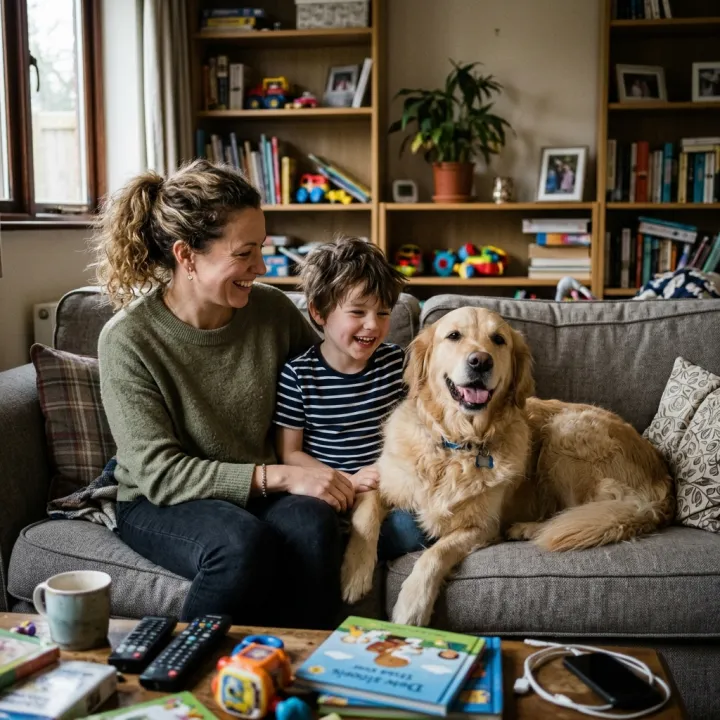 Your photo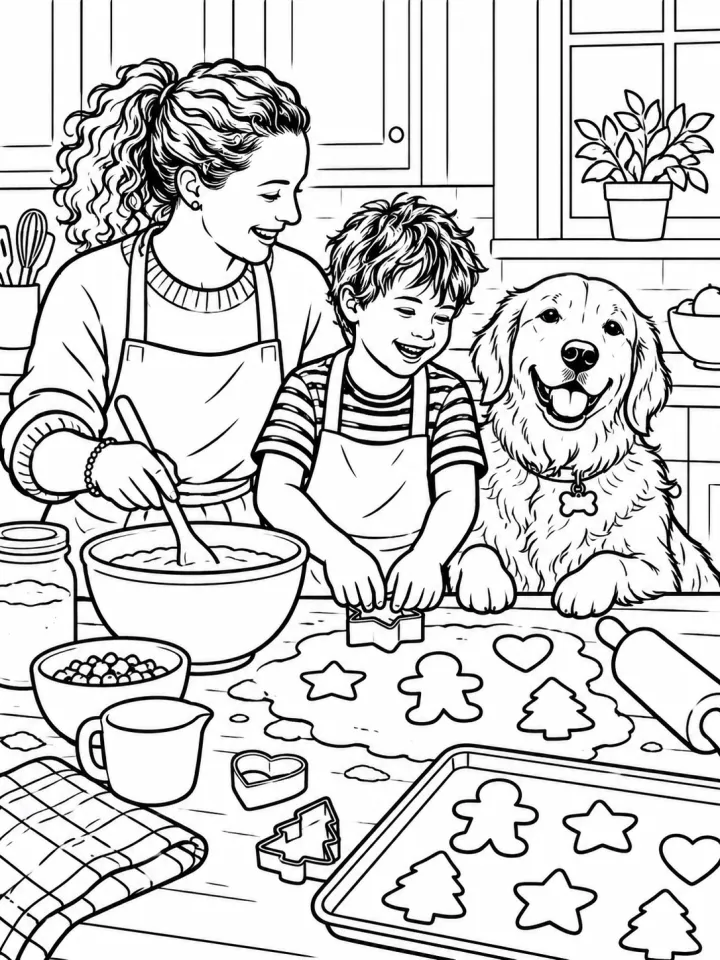
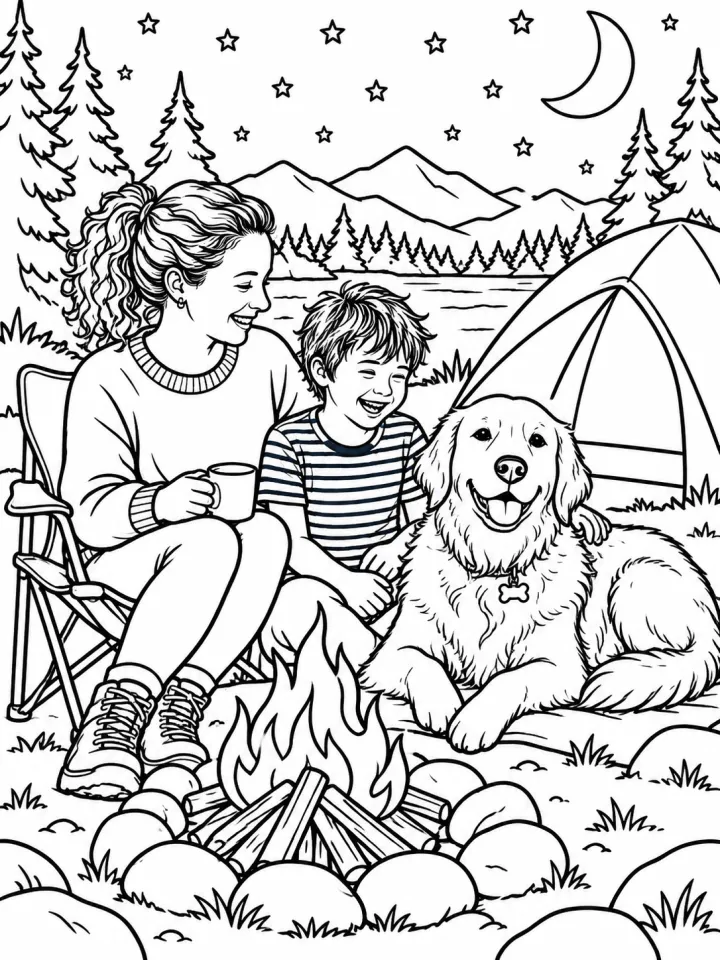
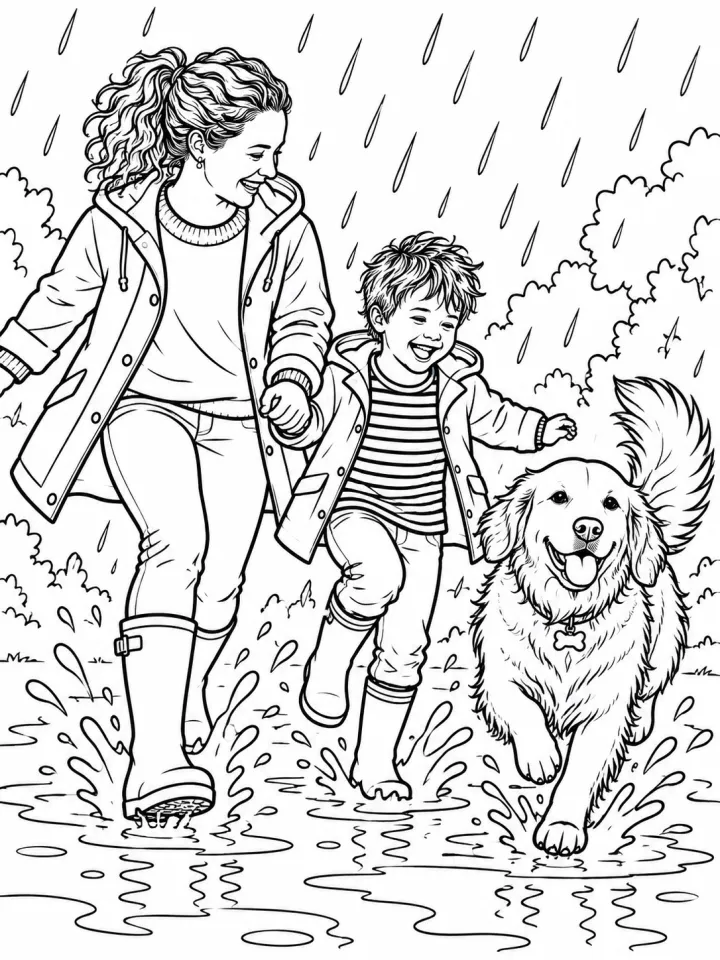 PrintColoring book starring your familyUpload a photo of your people and pets; every page of the coloring book stars them.See the template →
 Your photo

 VideoVideo scenes from a scriptOne line per scene, the same style and characters in every frame. For YouTube explainers, documentaries and animation.See the template →


 ProductsMenu photosA list of dishes in, a matching photo for every item on the menu out.See the template →
 Your photo
 Your photo
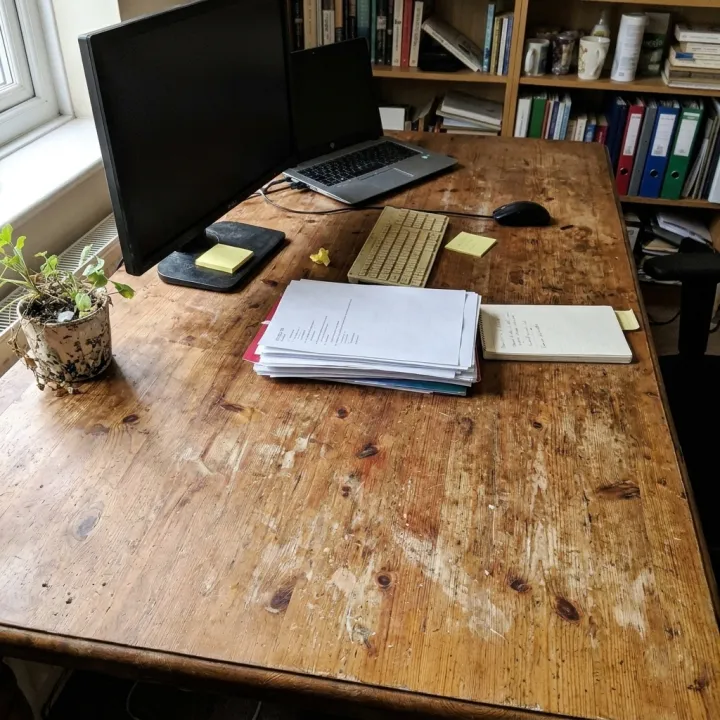 Photo editsSame edit, many photosOne instruction applied to every photo you upload: tidy up, remove text and logos, enhance, real estate touch-up.See the template →
Your set is a few fields away.
Pick the template, fill it in, check the plan, render. 50 free credits to start — no card.
Use this template