Catalog photos from product names
A product list in. A catalog of photos out.
For product lists that have no photos yet — supplies, parts, equipment, merchandise. Paste one product per line, pick the background and angle, and every item gets a consistent catalog photo.
Starts on GPT Image 2 · 1:1 · Text only — no photo needed
Rendered with this exact recipe.
These images came out of this template, with the prompts below each one. Your batch uses the same recipe with your photos and your words.
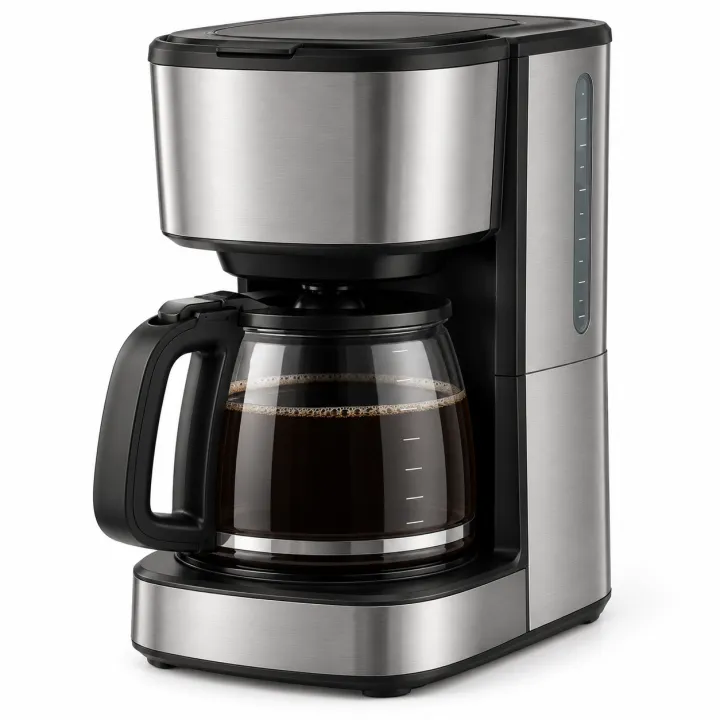
- 01 · stainless steel 12-cup drip coffee maker
E-commerce catalog photo of stainless steel 12-cup drip coffee maker: the product alone, centered, three-quarter view, on a seamless pure white background, even soft studio lighting, realistic materials and proportions. Unbranded: no logos, no text, no packaging unless the line names it, no watermark.
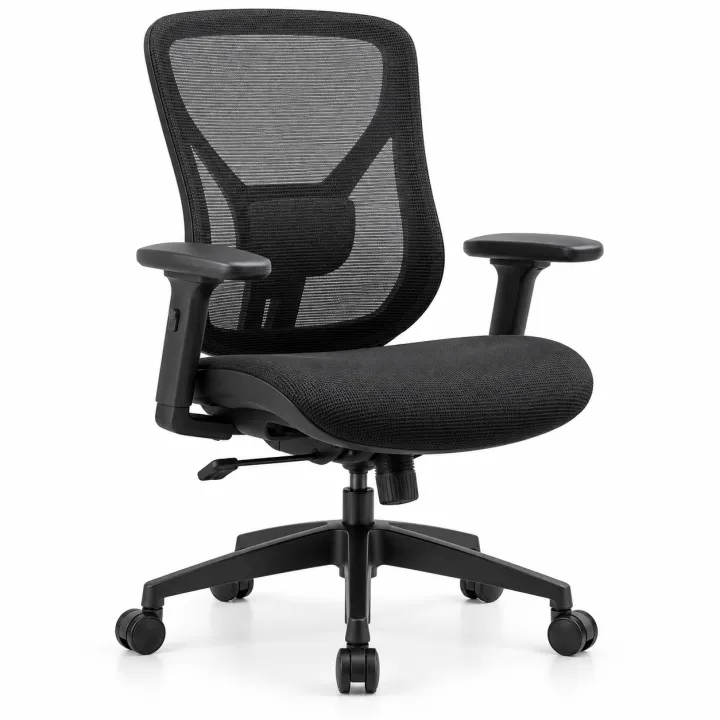
- 02 · ergonomic black mesh office chair
E-commerce catalog photo of ergonomic black mesh office chair: the product alone, centered, three-quarter view, on a seamless pure white background, even soft studio lighting, realistic materials and proportions. Unbranded: no logos, no text, no packaging unless the line names it, no watermark.
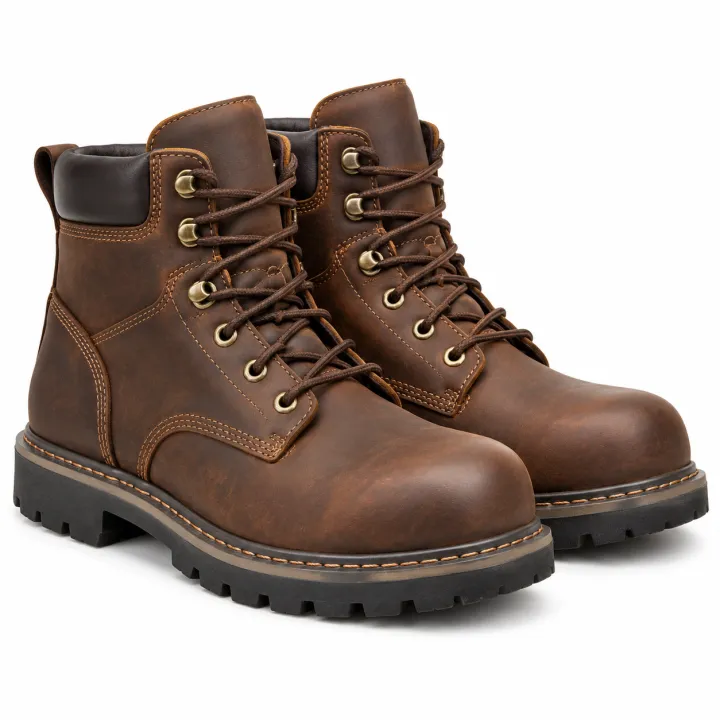
- 03 · brown leather steel-toe work boots
E-commerce catalog photo of brown leather steel-toe work boots: the product alone, centered, three-quarter view, on a seamless pure white background, even soft studio lighting, realistic materials and proportions. Unbranded: no logos, no text, no packaging unless the line names it, no watermark.
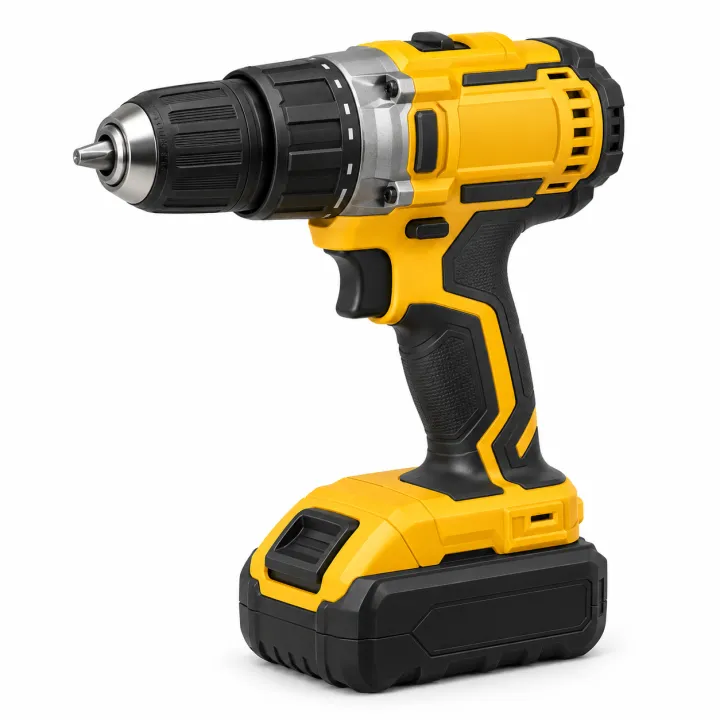
- 04 · 18V cordless drill with battery
E-commerce catalog photo of 18V cordless drill with battery: the product alone, centered, three-quarter view, on a seamless pure white background, even soft studio lighting, realistic materials and proportions. Unbranded: no logos, no text, no packaging unless the line names it, no watermark.
A few fields, not a prompt.
Products
One product per line, as specific as your catalog description.
stainless steel 12-cup drip coffee maker · ergonomic black mesh office chair
Backgroundoptional
WhiteLight greyIn useAngleoptional
¾ viewFrontTop-down
Recipe in, batch out.
- Step 01
Fill in the template
Add your photos, type your list, tick the options. Every option you tick multiplies into its own image.
- Step 02
Check the plan
The template writes one prompt per image and shows the whole list with the credit cost. Edit or remove any line.
- Step 03
Render and download
The batch runs in one go. Keep the results in your library or download them all in one ZIP.
Catalog photos from product names — FAQ
Q1Will it show my exact product?
It shows a realistic, unbranded version of the product you describe, not a photo of your exact item. For real product photos, upload them to the white background template instead.
Q2What should each line say?
Use your catalog description: material, size, color and type. “Brown leather steel-toe work boots” gives a closer match than “boots”.
Q3Why are there no logos?
Each image is generated unbranded on purpose, so it doesn't invent or copy brand marks.
More templates
All templates →


 ProductsMenu photosA list of dishes in, a matching photo for every item on the menu out.See the template →
 Your photo
 Your photo
 ProductsWhite background packshotsPhone photos in, clean marketplace main images out. One result per photo.See the template →
 Your photo
 ProductsProduct in real roomsPut each product into the rooms you pick. Products × scenes.See the template →
 Your photo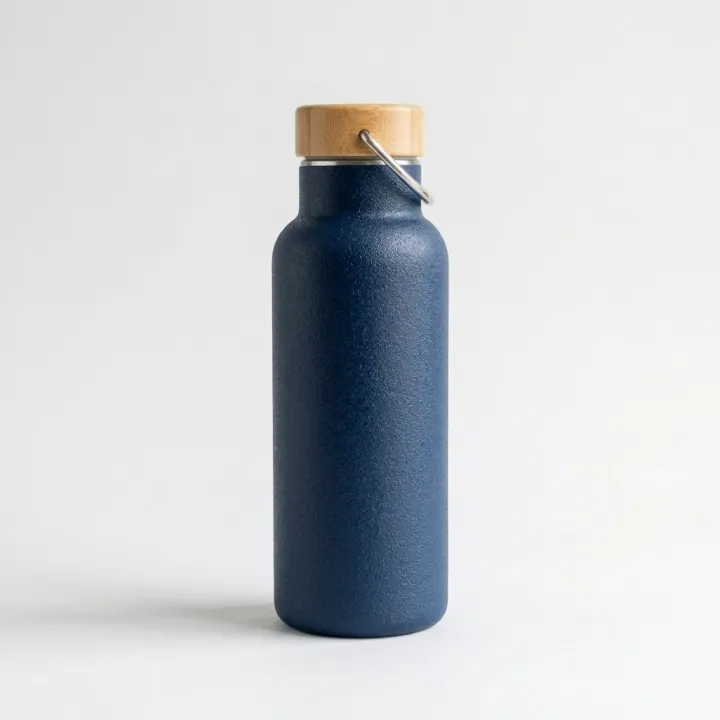
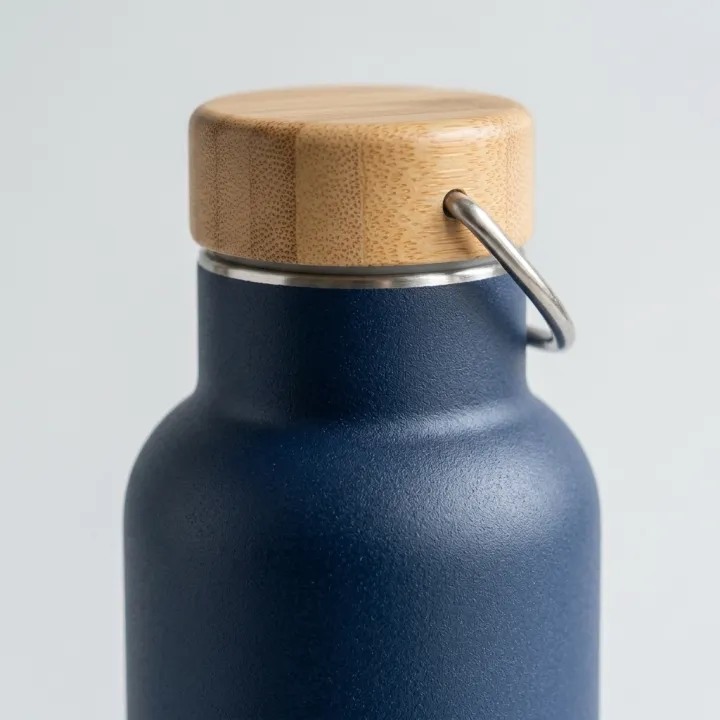
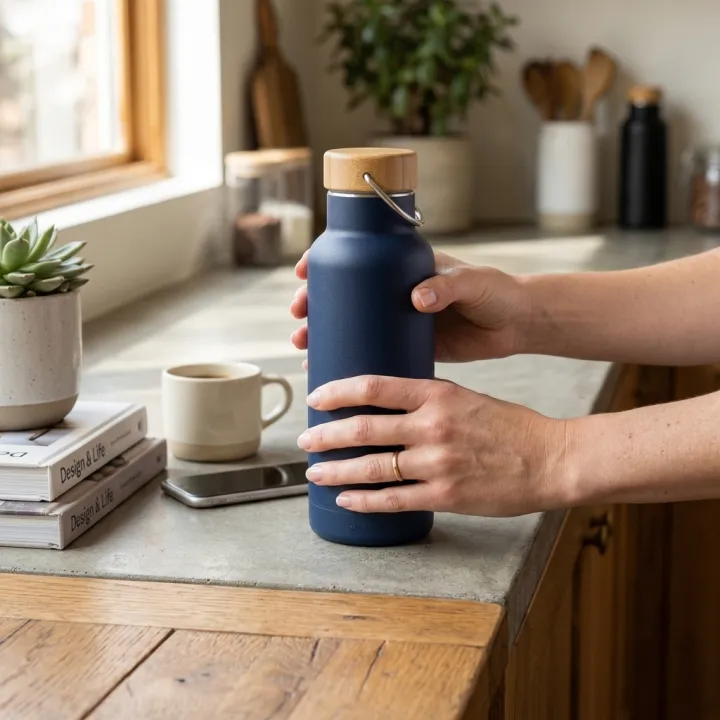 ProductsListing image setThe full gallery a product page needs: hero, angles, close-ups, in use.See the template →
Your set is a few fields away.
Pick the template, fill it in, check the plan, render. 50 free credits to start — no card.
Use this template