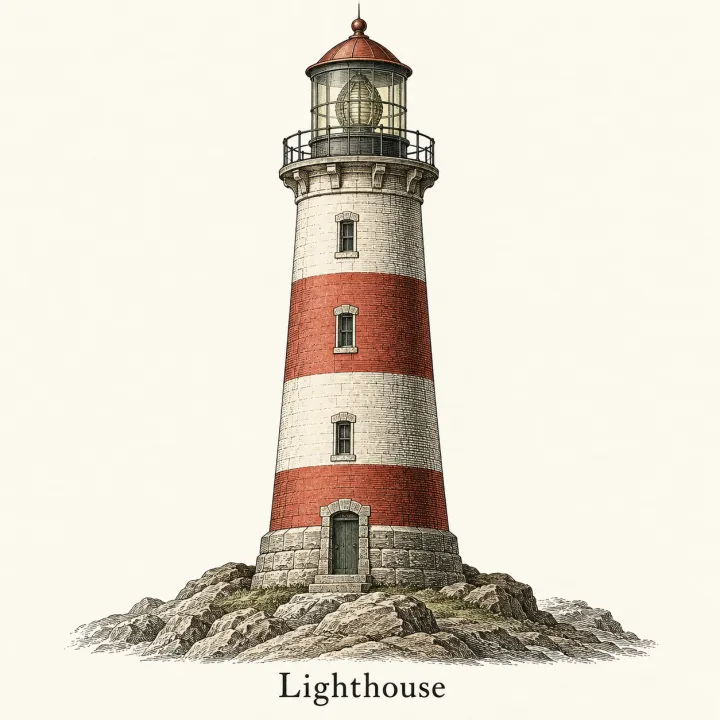
台本から動画のシーン画像
台本を、シーンごとに。キャラクターは最後まで同じ。
シーンを1行に1つずつ貼り付けて、スタイルを選び(2Dカートゥーン、棒人間、ドキュメンタリー写真、アニメ、水彩)、キャラクターシートがあれば追加してください。どの行も、シリーズ全体とそろった16:9のコマになります。
初期モデル Nano Banana 2 · 16:9
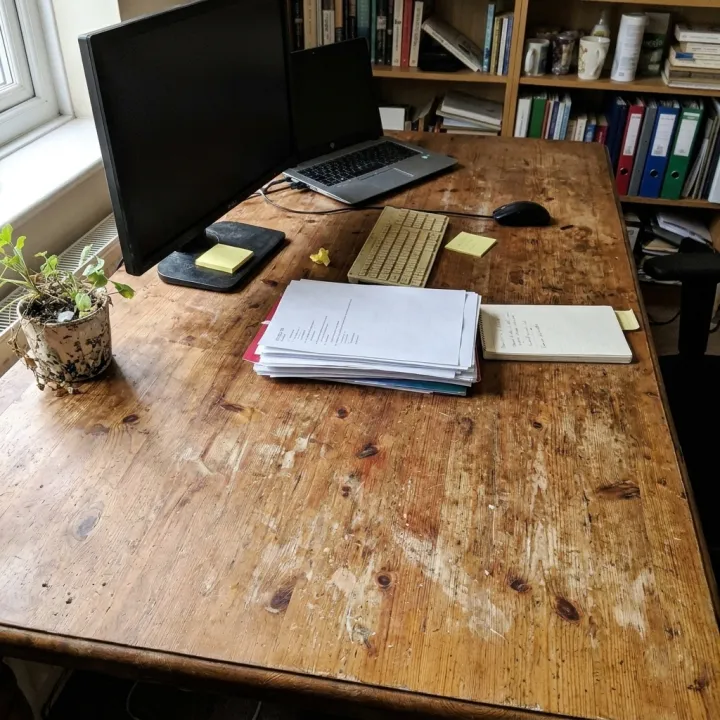
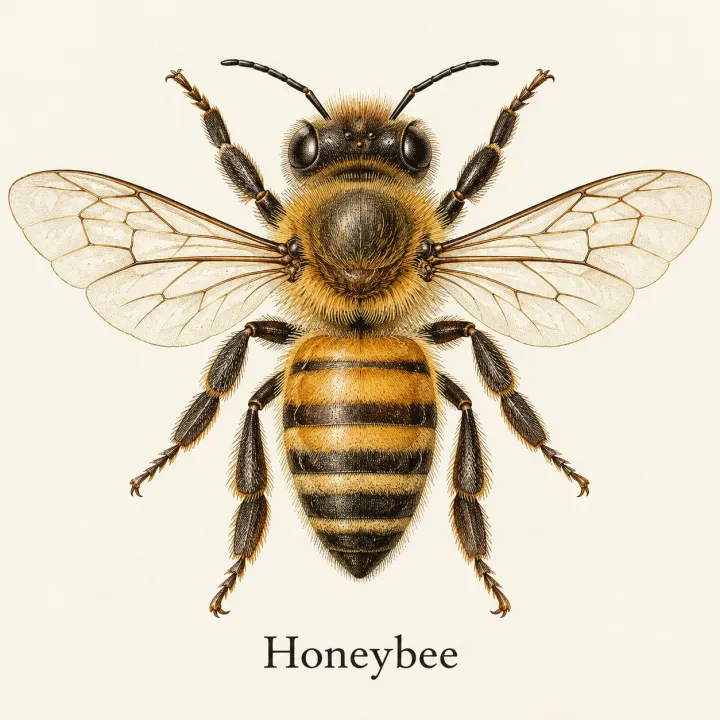
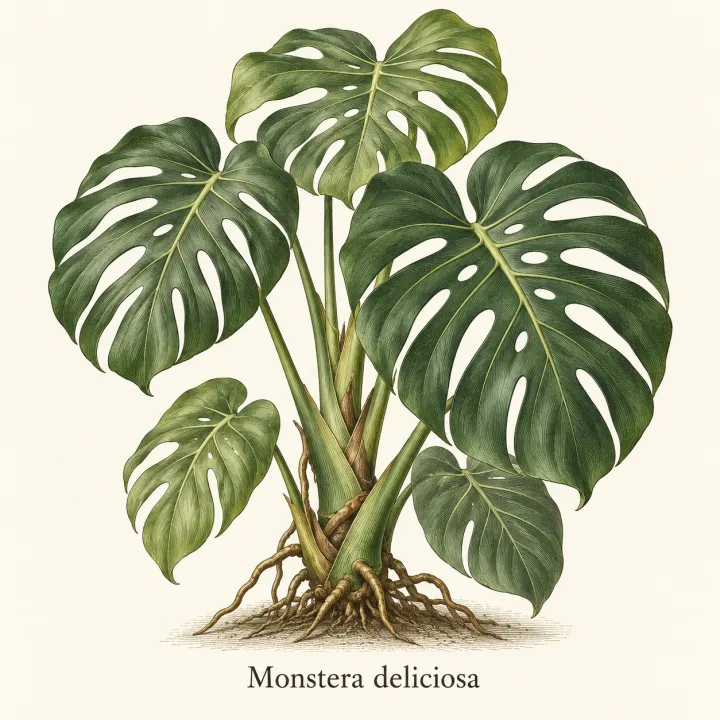
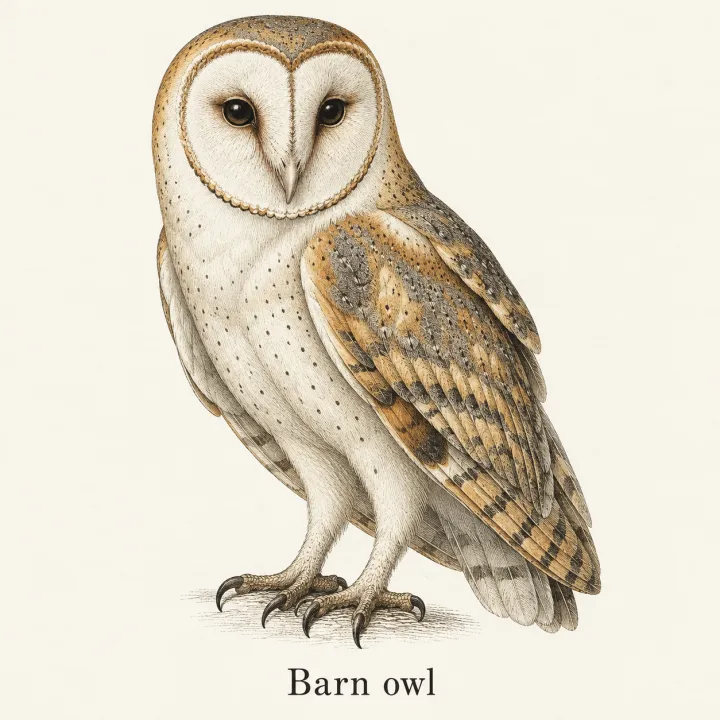
 元の写真
元の写真


このレシピそのままで生成しました。
これらの画像はこのテンプレートで生成したもので、各画像の下にプロンプトを載せています。あなたのバッチでも、同じレシピにあなたの写真と言葉を組み合わせて生成します。
- 01 · Mia oversleeps and races out the door with toast in her mouth
Scene illustration for a video: Mia oversleeps and races out the door with toast in her mouth. Style: clean colorful 2D cartoon illustration, bold dark outlines, flat shading. Characters: the characters exactly as in the reference images (same faces, proportions, colors and outfits). Keep the same style and characters as every other scene in the series. One single frame, no panels, no captions, no text, no watermark.
- 02 · Mia compares two savings accounts on her laptop at the kitchen table
Scene illustration for a video: Mia compares two savings accounts on her laptop at the kitchen table. Style: clean colorful 2D cartoon illustration, bold dark outlines, flat shading. Characters: the characters exactly as in the reference images (same faces, proportions, colors and outfits). Keep the same style and characters as every other scene in the series. One single frame, no panels, no captions, no text, no watermark.
- 03 · Mia plants a tiny money tree in a pot on her windowsill
Scene illustration for a video: Mia plants a tiny money tree in a pot on her windowsill. Style: clean colorful 2D cartoon illustration, bold dark outlines, flat shading. Characters: the characters exactly as in the reference images (same faces, proportions, colors and outfits). Keep the same style and characters as every other scene in the series. One single frame, no panels, no captions, no text, no watermark.
必要なのはプロンプトではなく、いくつかの項目だけ。
シーン
1行に1シーンずつ、順番どおりに入力します。
ミアが寝坊して家を飛び出す · ミアが2つの普通預金口座を比べる · ミアが小さな金のなる木を植える
スタイル任意
2Dカートゥーン棒人間ドキュメンタリー写真アニメ水彩キャラクター参照任意
すべての写真を各画像に使用 · 任意:合わせたいキャラクターシートやコマ。すべてのシーンに使います。
登場キャラクター任意
任意。1行に1人。
ミア:オレンジのくせ毛のボブ、丸メガネ、マスタード色のセーター
世界観・時代任意
例:紀元100年ごろのローマの小さな町
レシピを入れれば、バッチで完成。
- Step 01
テンプレートに入力する
写真を追加し、リストを入力し、オプションにチェックを入れます。チェックしたオプションごとに、それぞれ別の画像が作られます。
- Step 02
プランを確認する
テンプレートが画像1枚につき1つのプロンプトを書き出し、クレジット費用とあわせて一覧で表示します。どの行も編集・削除できます。
- Step 03
生成してダウンロード
バッチは一度にまとめて実行されます。結果はライブラリに保存することも、ZIPひとつでまとめてダウンロードすることもできます。
台本から動画のシーン画像 — よくある質問
Q1すべてのシーンで同じキャラクターを保つには?
「キャラクター参照」にキャラクターシートや数枚のコマをアップロードすると、すべてのシーンに添付されます。繰り返し登場するキャラクターは「登場キャラクター」に一度書いておくだけでOKです。スタイルの指定もすべてのプロンプトに含まれます。
Q2ショート動画やTikTok用の縦長のコマも作れますか?
はい。テンプレートは16:9で始まります。生成前に設定で比率を、たとえば9:16に切り替えてください。
Q3長い台本を貼り付けても大丈夫ですか?
シーンを1行に1つずつ貼り付けてください。長いリストでも問題ありません。生成前にプランで全シーンと合計費用を確認でき、どの行も削除・書き直しできます。




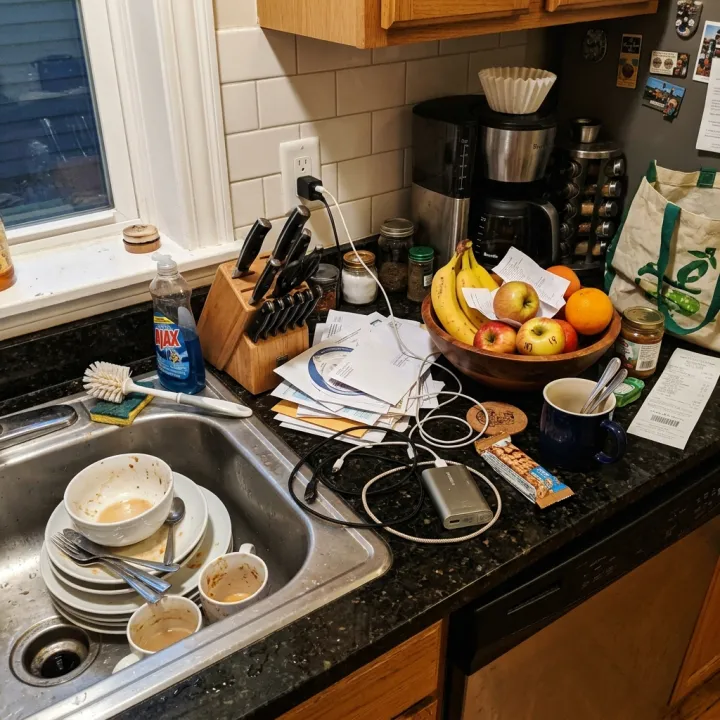 元の写真
元の写真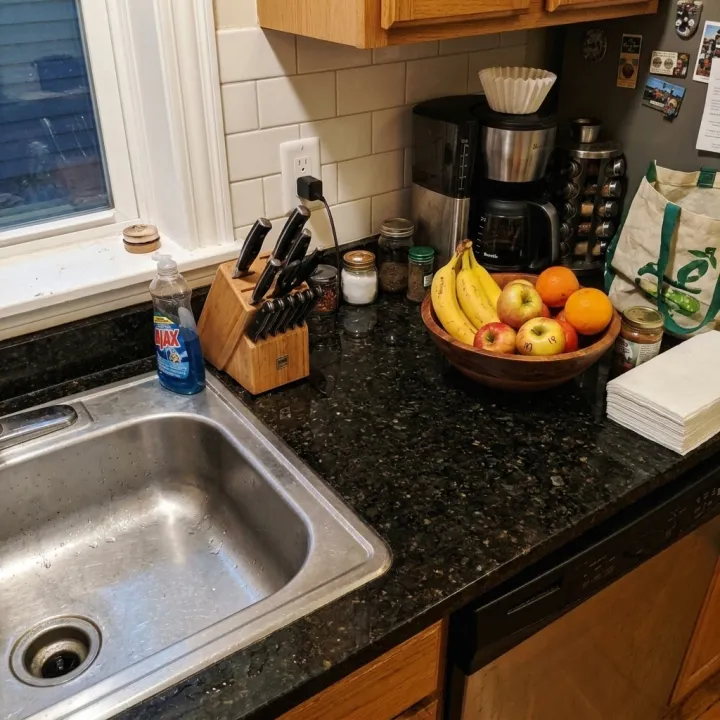
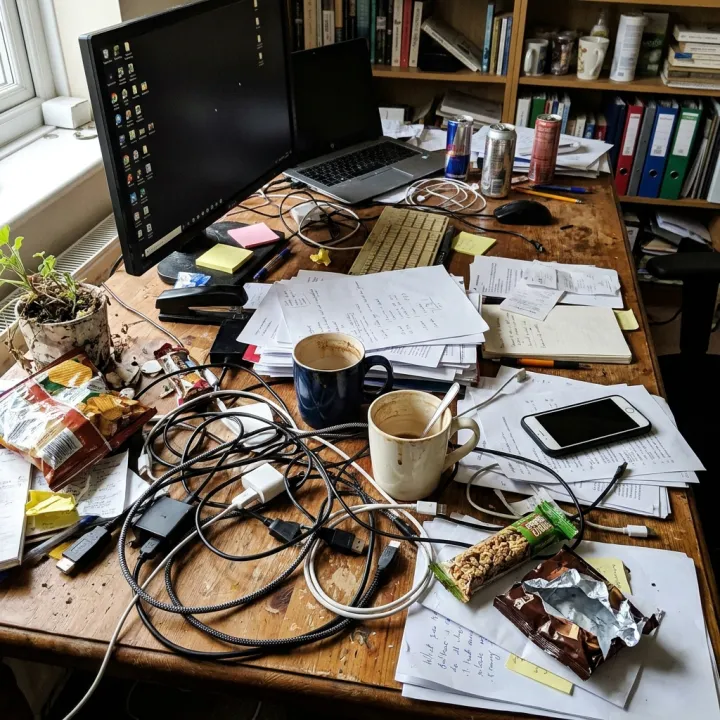 元の写真
元の写真