Videoszenen aus einem Skript
Dein Skript, Szene für Szene. Durchgehend dieselben Figuren.
Füg die Szenen ein, eine pro Zeile, wähl einen Stil — 2D-Cartoon, Strichmännchen, Dokumentarfoto, Anime, Aquarell — und ergänz ein Figurenblatt, falls du eins hast. Jede Zeile wird zu einem 16:9-Bild, das zum Rest der Serie passt.
Startet mit Nano Banana 2 · 16:9
 Dein Foto


Gerendert mit genau diesem Rezept.
Diese Bilder stammen aus dieser Vorlage, mit dem Prompt jeweils darunter. Deine Serie nutzt dasselbe Rezept mit deinen Fotos und deinen Worten.
- 01 · Mia oversleeps and races out the door with toast in her mouth
Scene illustration for a video: Mia oversleeps and races out the door with toast in her mouth. Style: clean colorful 2D cartoon illustration, bold dark outlines, flat shading. Characters: the characters exactly as in the reference images (same faces, proportions, colors and outfits). Keep the same style and characters as every other scene in the series. One single frame, no panels, no captions, no text, no watermark.
- 02 · Mia compares two savings accounts on her laptop at the kitchen table
Scene illustration for a video: Mia compares two savings accounts on her laptop at the kitchen table. Style: clean colorful 2D cartoon illustration, bold dark outlines, flat shading. Characters: the characters exactly as in the reference images (same faces, proportions, colors and outfits). Keep the same style and characters as every other scene in the series. One single frame, no panels, no captions, no text, no watermark.
- 03 · Mia plants a tiny money tree in a pot on her windowsill
Scene illustration for a video: Mia plants a tiny money tree in a pot on her windowsill. Style: clean colorful 2D cartoon illustration, bold dark outlines, flat shading. Characters: the characters exactly as in the reference images (same faces, proportions, colors and outfits). Keep the same style and characters as every other scene in the series. One single frame, no panels, no captions, no text, no watermark.
Ein paar Felder, kein Prompt.
Szenen
Eine Szene pro Zeile, in der richtigen Reihenfolge.
Mia verschläft und stürzt aus der Tür · Mia vergleicht zwei Sparkonten · Mia pflanzt einen winzigen Geldbaum
Stiloptional
2D-CartoonStrichmännchenDokumentarfotoAnimeAquarellFiguren-Referenzenoptional
Alle Fotos in jedem Bild · Optional: ein Figurenblatt oder Standbilder als Vorlage. Wird in jeder Szene verwendet.
Wiederkehrende Figurenoptional
Optional. Eine pro Zeile.
Mia: orangefarbener Lockenbob, runde Brille, senfgelber Pulli
Welt & Epocheoptional
z. B. eine kleine römische Stadt, 100 n. Chr.
Rezept rein, Serie raus.
- Step 01
Vorlage ausfüllen
Füg deine Fotos hinzu, tipp deine Liste ein, hak die Optionen an. Jede angehakte Option wird zu einem eigenen Bild.
- Step 02
Plan prüfen
Die Vorlage schreibt einen Prompt pro Bild und zeigt die ganze Liste mit den Credit-Kosten. Du kannst jede Zeile bearbeiten oder entfernen.
- Step 03
Rendern und herunterladen
Die Serie läuft in einem Durchgang. Behalte die Ergebnisse in deiner Bibliothek oder lade alle zusammen als ZIP herunter.
Videoszenen aus einem Skript — FAQ
Q1Wie bleibt dieselbe Figur in jeder Szene?
Lade unter „Figuren-Referenzen“ ein Figurenblatt oder ein paar Standbilder hoch — sie werden jeder Szene beigefügt — und beschreib wiederkehrende Figuren einmal unter „Wiederkehrende Figuren“. Auch die Stilzeile geht mit jedem Prompt mit.
Q2Kann ich Hochformat-Bilder für Shorts oder TikTok machen?
Ja. Die Vorlage startet mit 16:9; ändere das Seitenverhältnis vor dem Rendern in den Einstellungen, zum Beispiel auf 9:16.
Q3Kann ich ein langes Skript einfügen?
Füg die Szenen ein, eine pro Zeile. Lange Listen sind kein Problem — der Plan zeigt jede Szene mit den Gesamtkosten, bevor du renderst, und du kannst jede Zeile entfernen oder umschreiben.
Weitere Vorlagen
Alle Vorlagen →


 ProdukteSpeisekarten-FotosEine Liste mit Gerichten rein, ein passendes Foto für jeden Punkt auf der Karte raus.Vorlage ansehen →
 Dein Foto
 Dein Foto
 BildbearbeitungGleiche Bearbeitung, viele FotosEine Anweisung für jedes Foto, das du hochlädst: aufräumen, Text und Logos entfernen, Qualität verbessern, Immobilienfotos retuschieren.Vorlage ansehen →
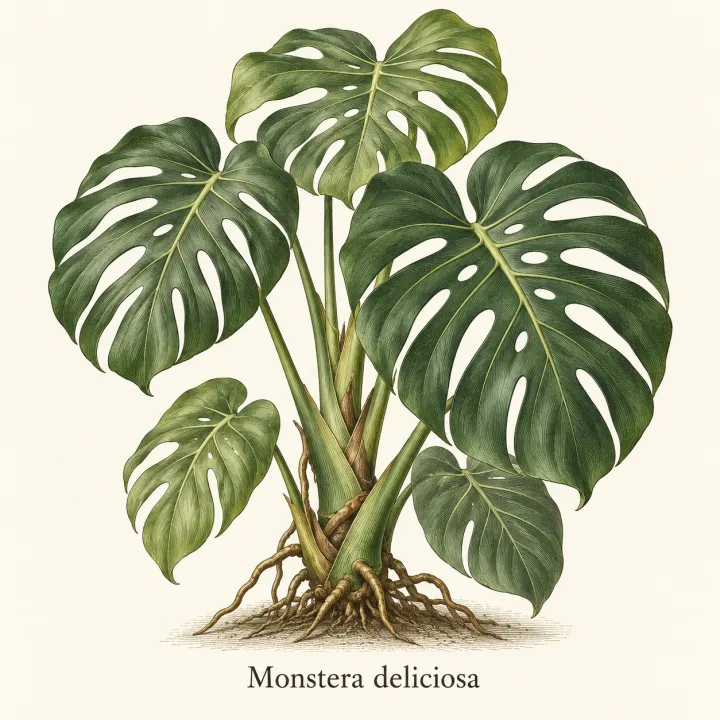
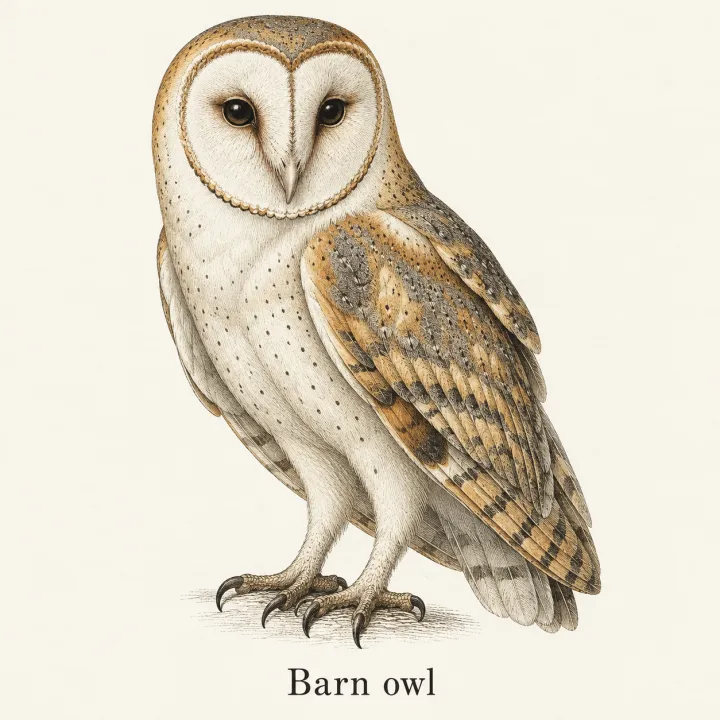
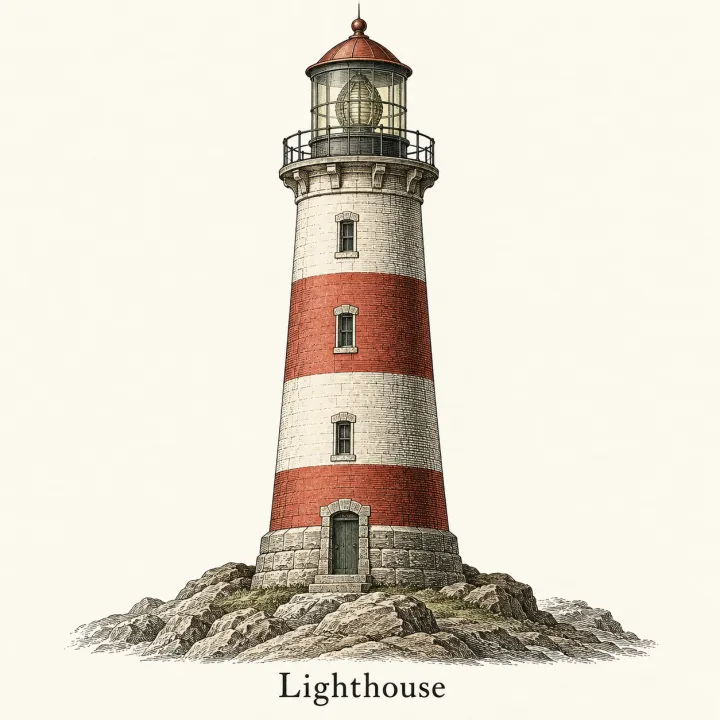 DesignEin Bild für jeden EintragMach aus einer Liste — Vokabeln, Arten, Produkte, Quiz-Antworten — eine passende Illustration pro Zeile.Vorlage ansehen →

 DesignLogos für eine NamenslisteJeder Markenname auf deiner Liste in jedem Logo-Stil, den du wählst.Vorlage ansehen →
Dein Set ist nur ein paar Felder entfernt.
Vorlage wählen, ausfüllen, Plan prüfen, rendern. 50 Gratis-Credits zum Start — keine Karte.
Diese Vorlage nutzen