Marketplace listing photos
Your photo in. The listing image out.
Drop in your current product photos — phone shots included. Each comes back as a clean marketplace listing image on the background you pick, with the product untouched.
Starts on GPT Image 2 · 1:1
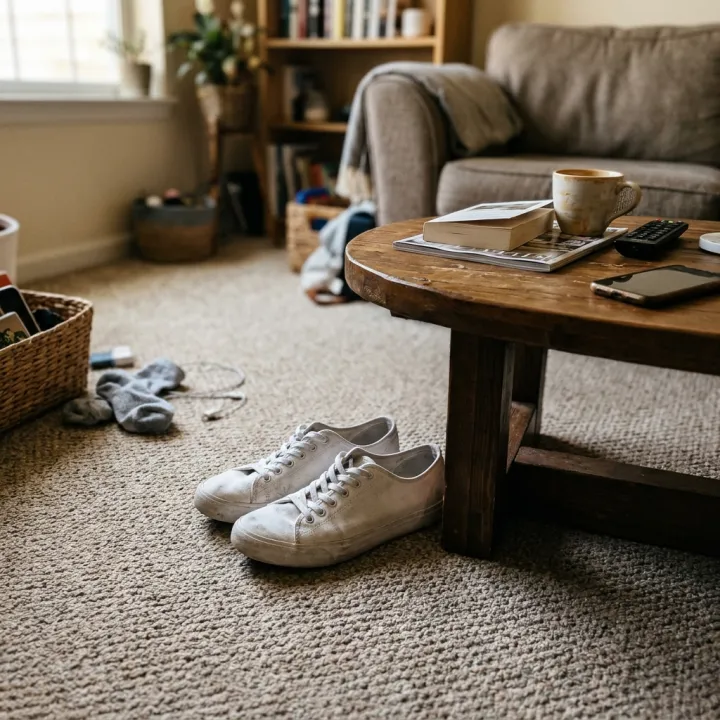 Your photo
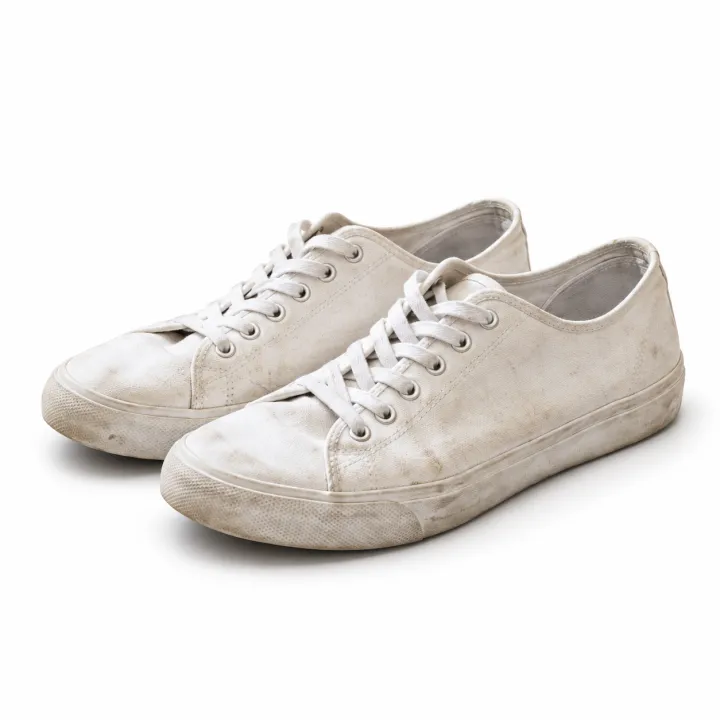
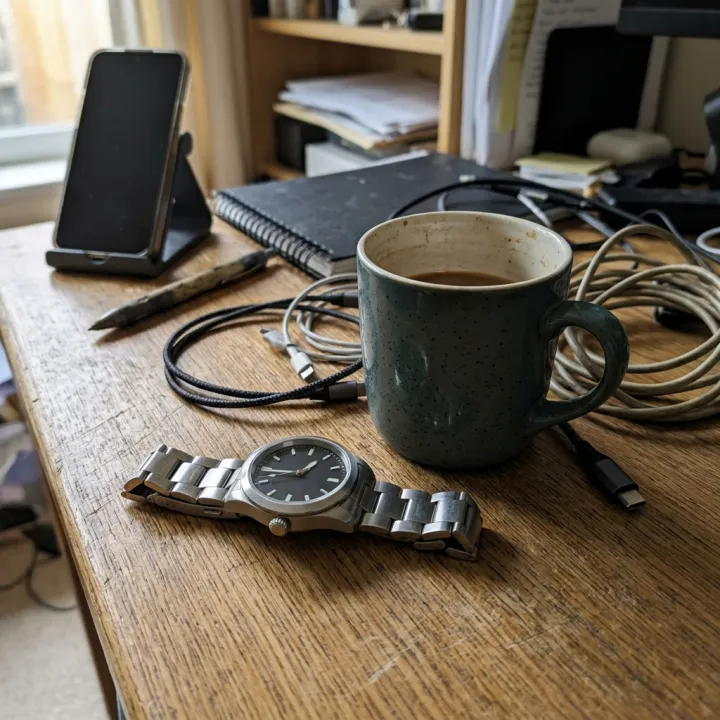 Your photo
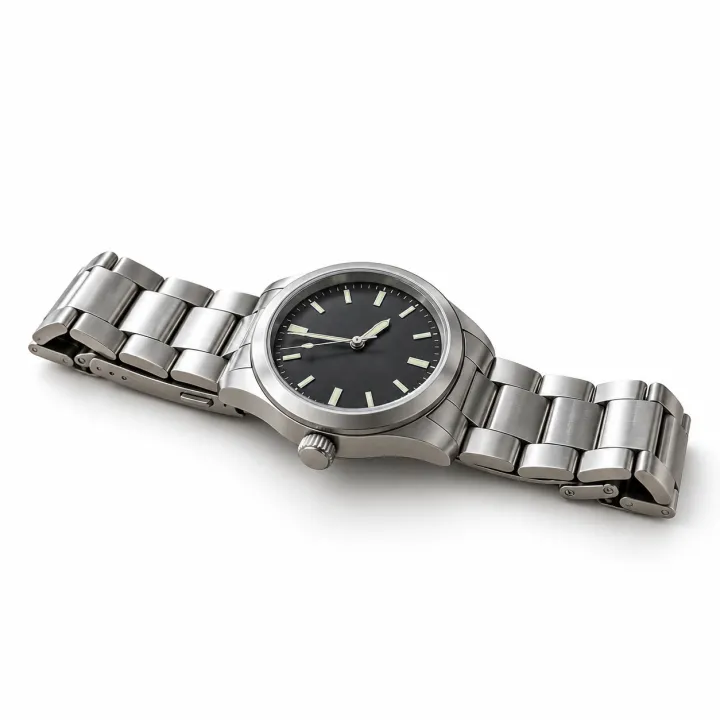
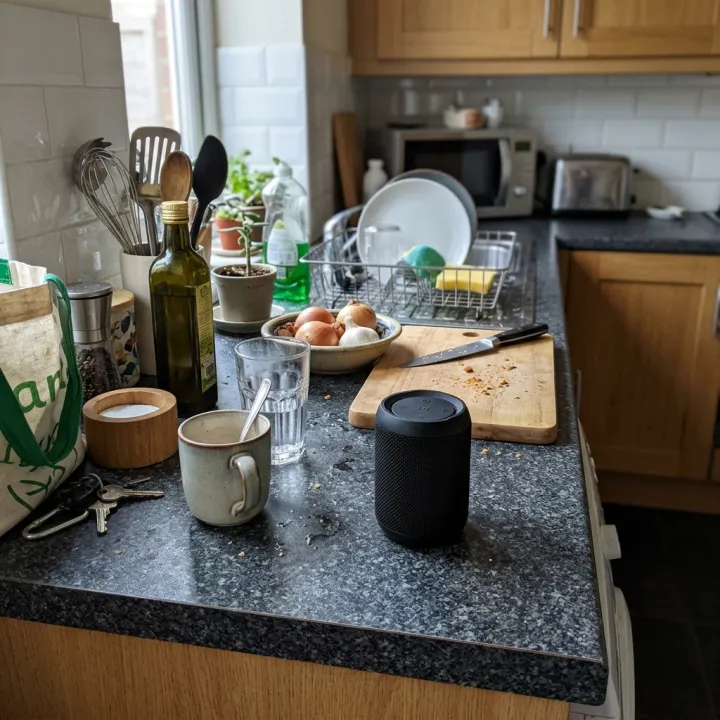 Your photo
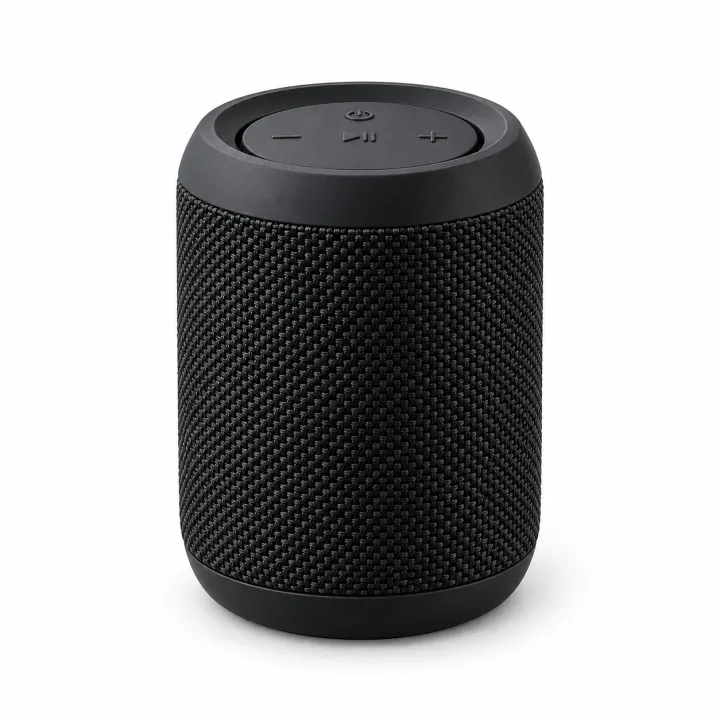
Rendered with this exact recipe.
These images came out of this template, with the prompts below each one. Your batch uses the same recipe with your photos and your words.
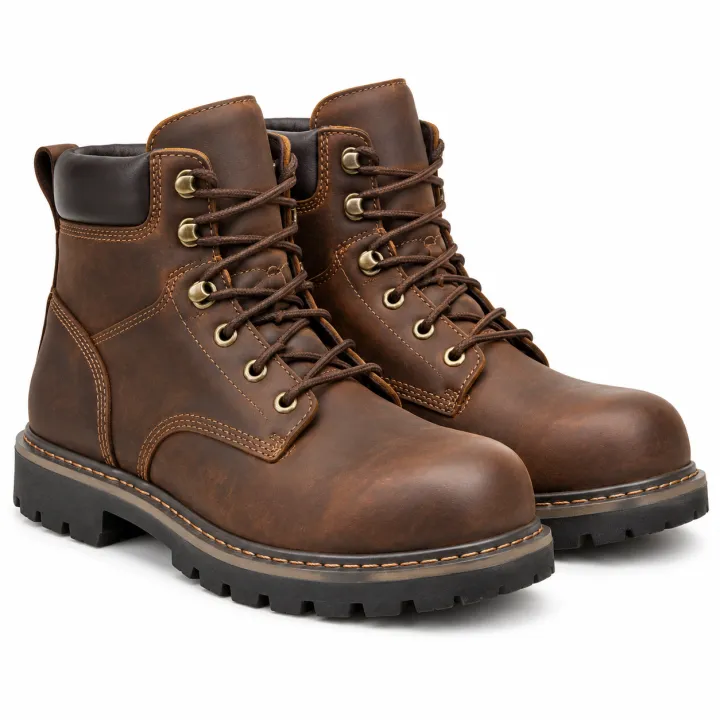
- 01 · Marketplace listing photos
Premium marketplace listing photo of the product in the product photo, on a seamless pure-white studio background: soft even studio lighting, subtle grounded shadow, generous margin around the product. Keep the product identical to the reference: same shape, colors, materials, label and proportions. No props, no text, no watermark.
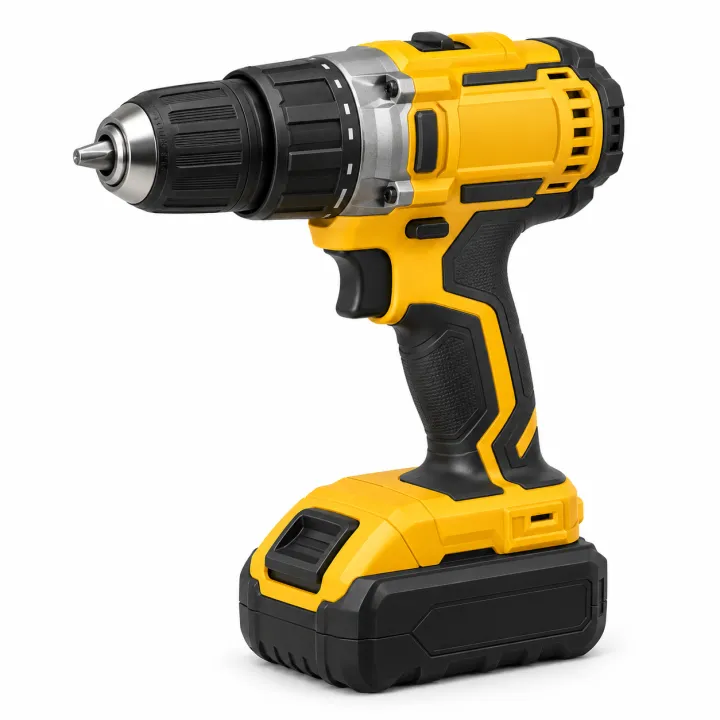
- 02 · Marketplace listing photos
Premium marketplace listing photo of the product in the product photo, on a seamless pure-white studio background: soft even studio lighting, subtle grounded shadow, generous margin around the product. Keep the product identical to the reference: same shape, colors, materials, label and proportions. No props, no text, no watermark.
- 03 · Marketplace listing photos
Premium marketplace listing photo of the product in the product photo, on a seamless pure-white studio background: soft even studio lighting, subtle grounded shadow, generous margin around the product. Keep the product identical to the reference: same shape, colors, materials, label and proportions. No props, no text, no watermark.
A few fields, not a prompt.
Product photos
One result per photo · One result per photo.
Backgroundoptional
Pure whiteSoft grey gradientDaylight blur
Recipe in, batch out.
- Step 01
Fill in the template
Add your photos, type your list, tick the options. Every option you tick multiplies into its own image.
- Step 02
Check the plan
The template writes one prompt per image and shows the whole list with the credit cost. Edit or remove any line.
- Step 03
Render and download
The batch runs in one go. Keep the results in your library or download them all in one ZIP.
Marketplace listing photos — FAQ
Q1Will my product stay exactly the same?
Yes: the prompt keeps the shape, colors, materials, label and proportions identical to your photo, changing only the background and lighting.
Q2Which marketplaces is it for?
eBay, Amazon, Etsy, Shopify — anywhere a clean square main image sells. Pure white fits Amazon's rules; soft grey reads premium on eBay.
Q3Phone photos or studio shots?
Both work. Cleaner input still gives cleaner output, but this template is built for the photos sellers already have.
More templates
All templates →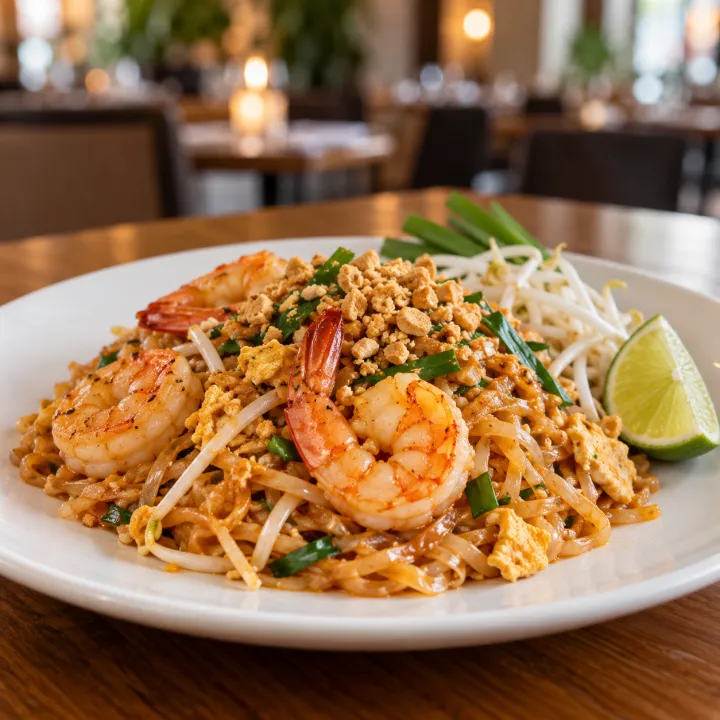
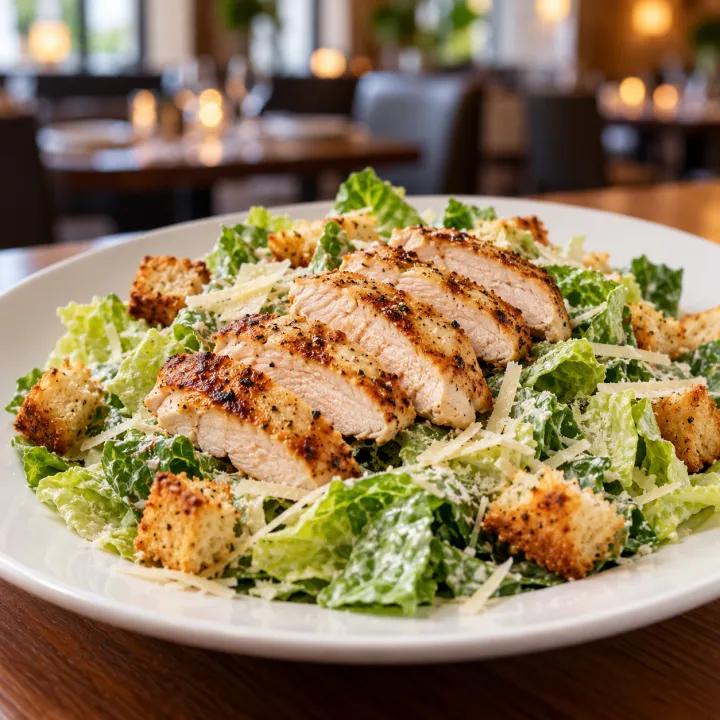
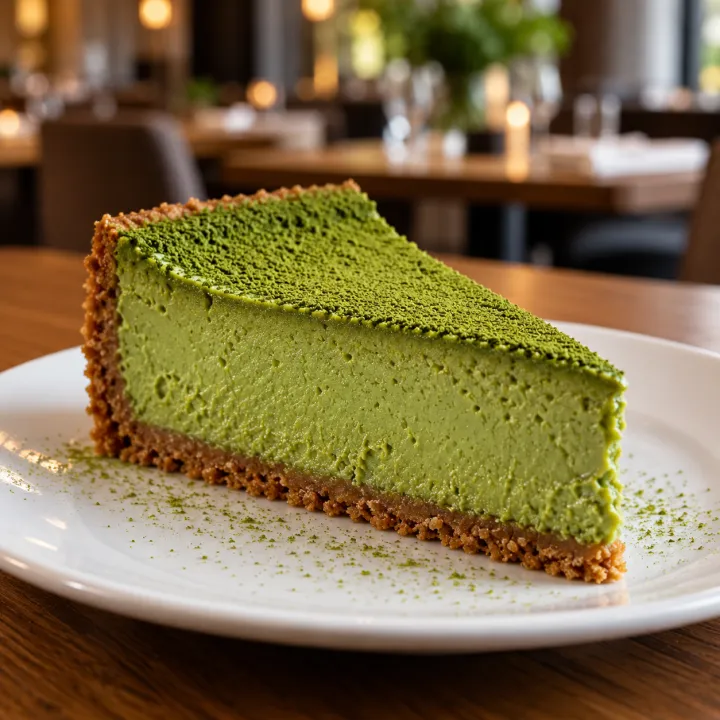 ProductsMenu photosA list of dishes in, a matching photo for every item on the menu out.See the template →
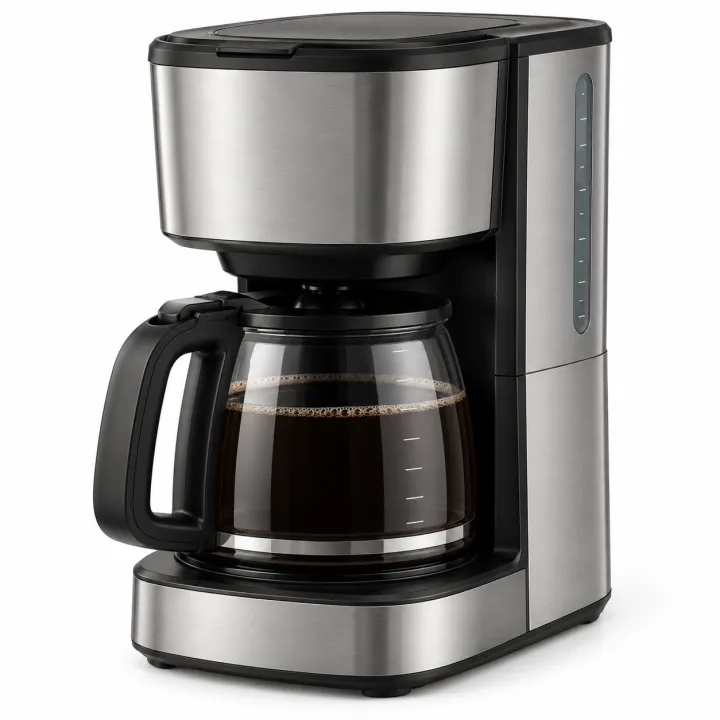
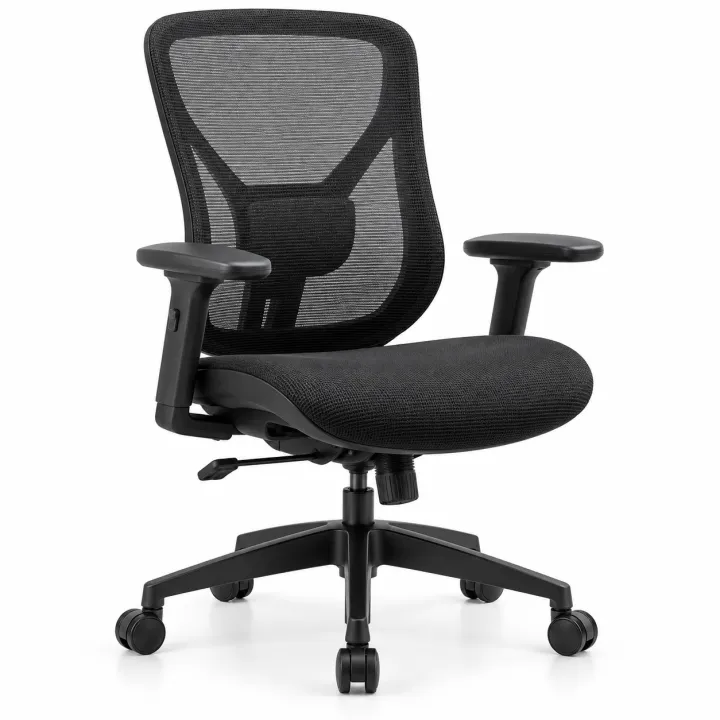
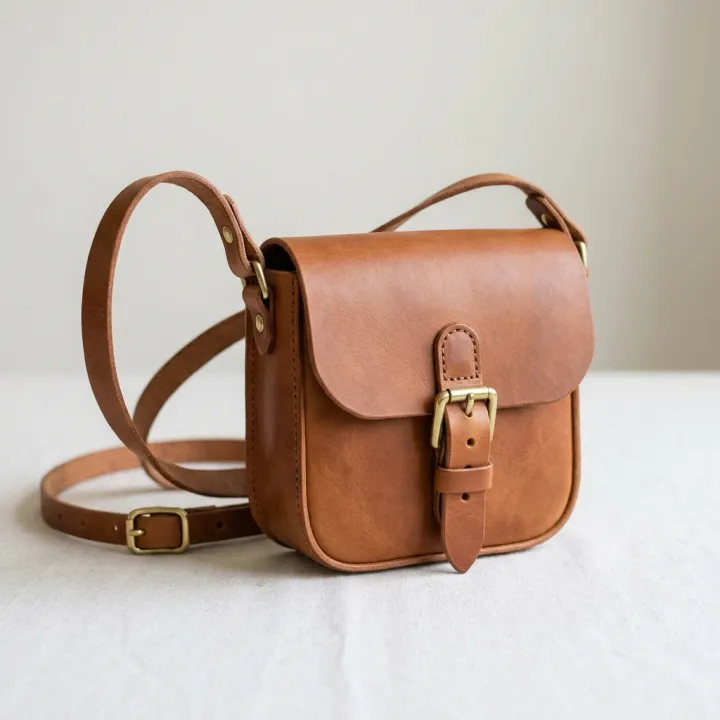
 ProductsCatalog photos from product namesA list of product names or SKUs in, a clean catalog photo for each one out.See the template →
 Your photo
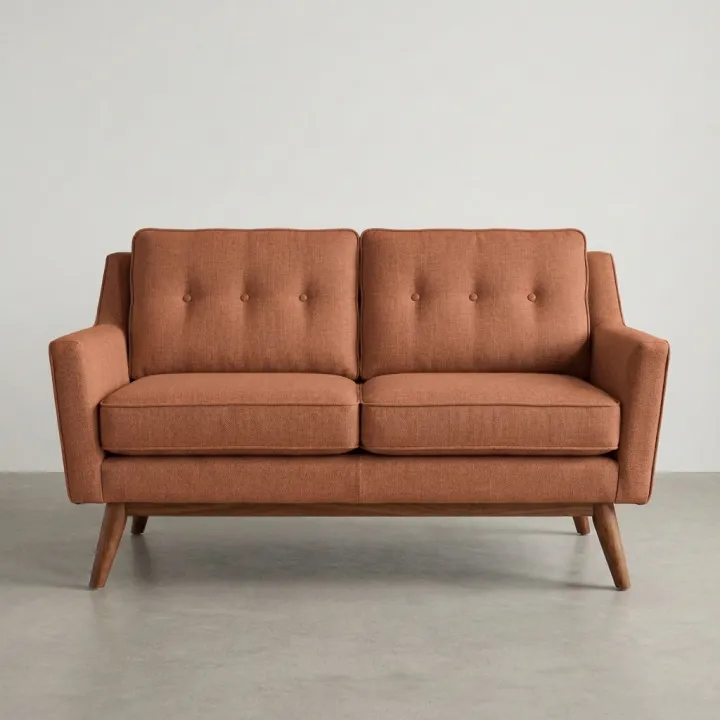
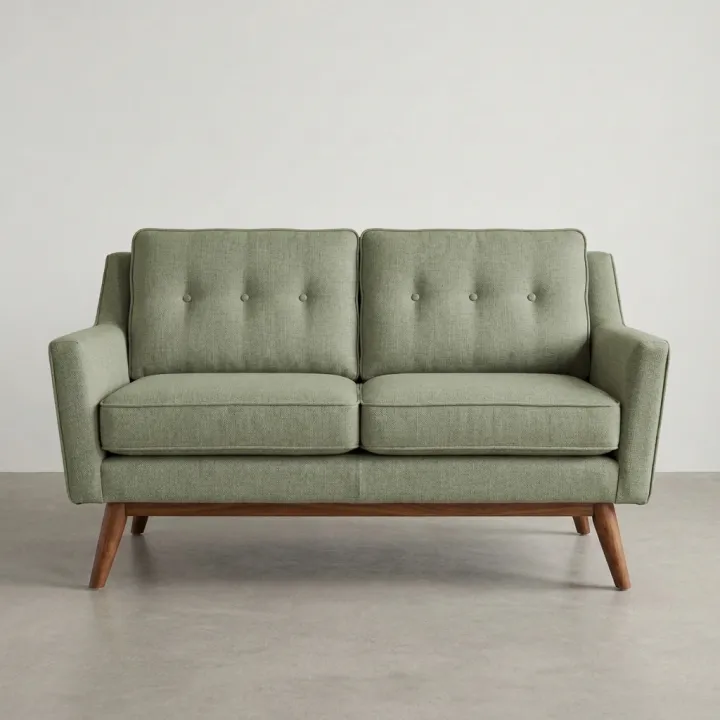
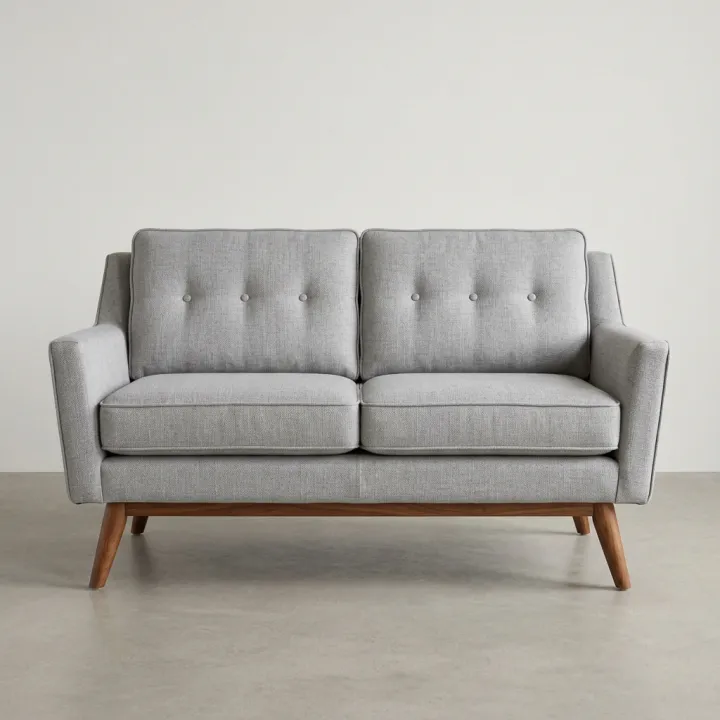
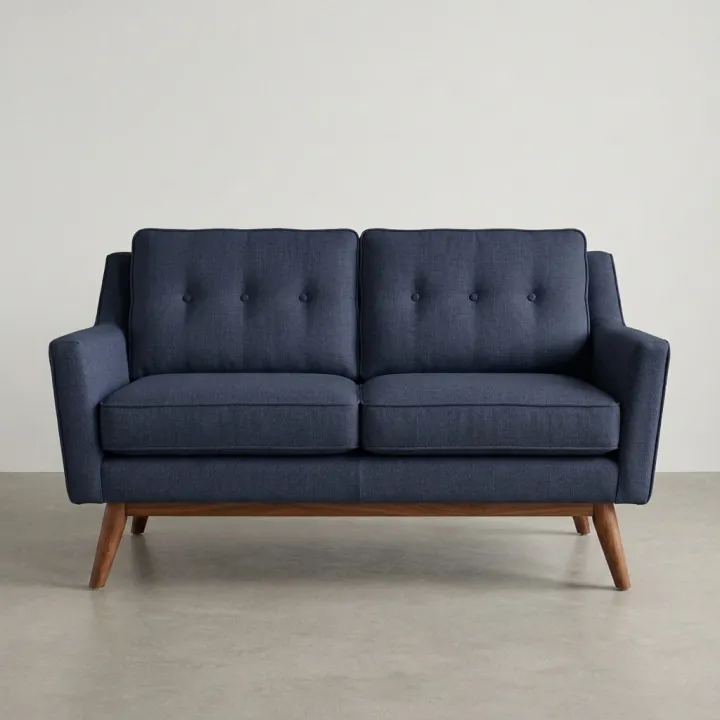 ProductsColor variants of one productOne product photo, one image per color on your list. Hex codes welcome.See the template →
 Your photo
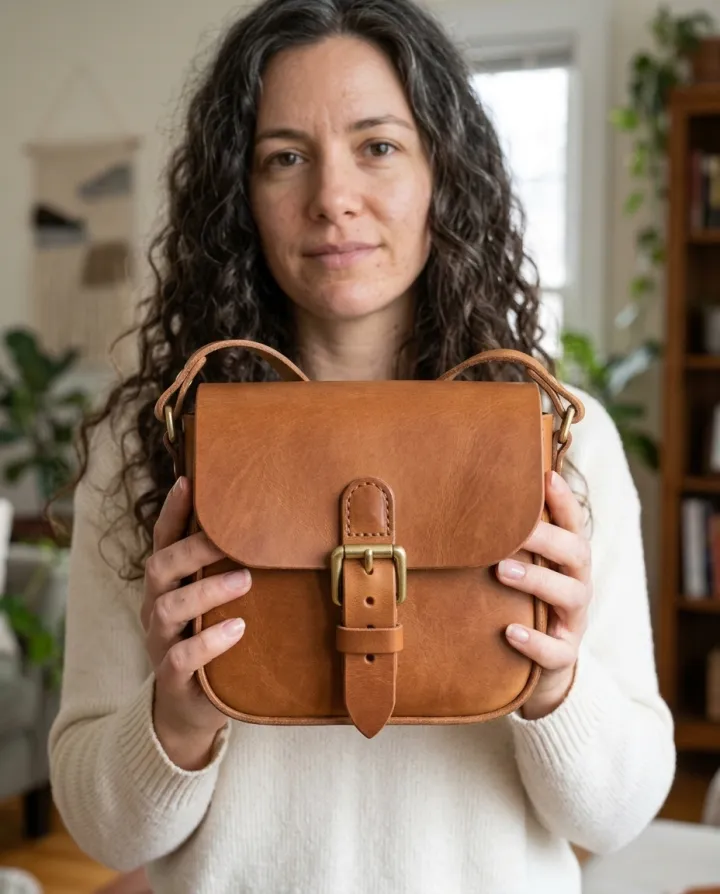
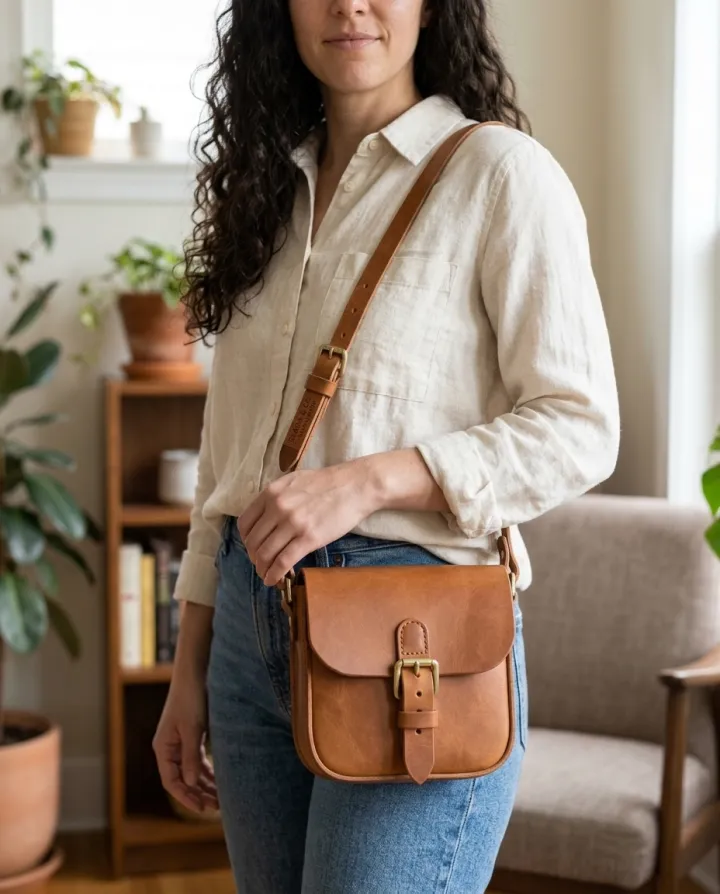
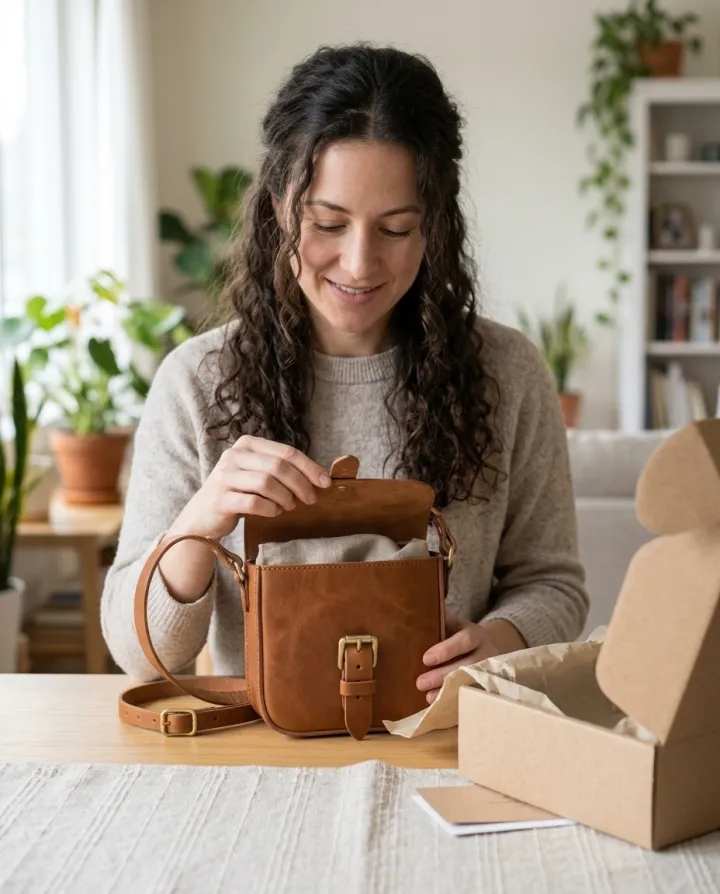 ProductsProduct with a personYour product held, worn, used or unboxed by a person: photos for ads and product pages.See the template →
Your set is a few fields away.
Pick the template, fill it in, check the plan, render. 50 free credits to start — no card.
Use this template