Color variants of one product
One product photo. Every colorway.
For shops that sell one product in many colors but only have photos of one. Upload the photo, list the colors — names, hex codes or both — and say which part changes. Each color comes back as the same shot, recolored.
Starts on Nano Banana 2 · auto
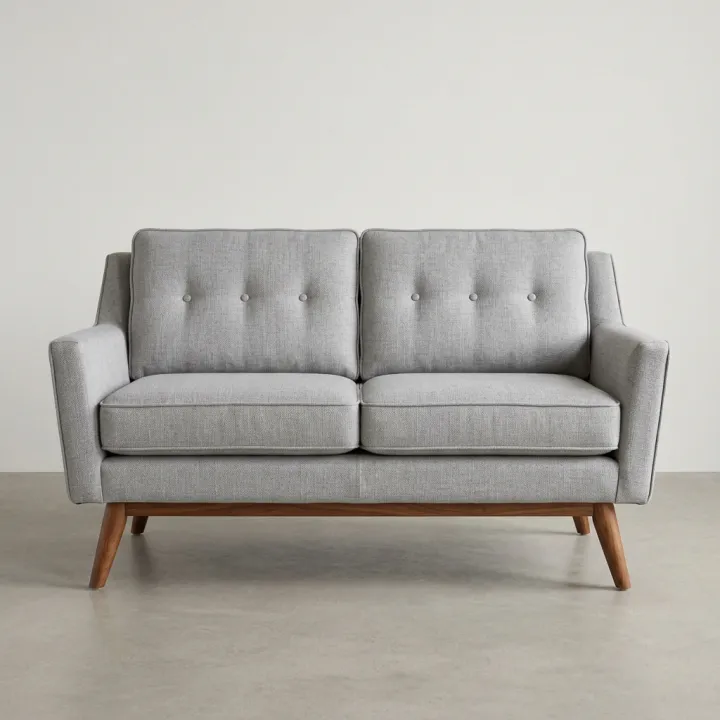 Your photo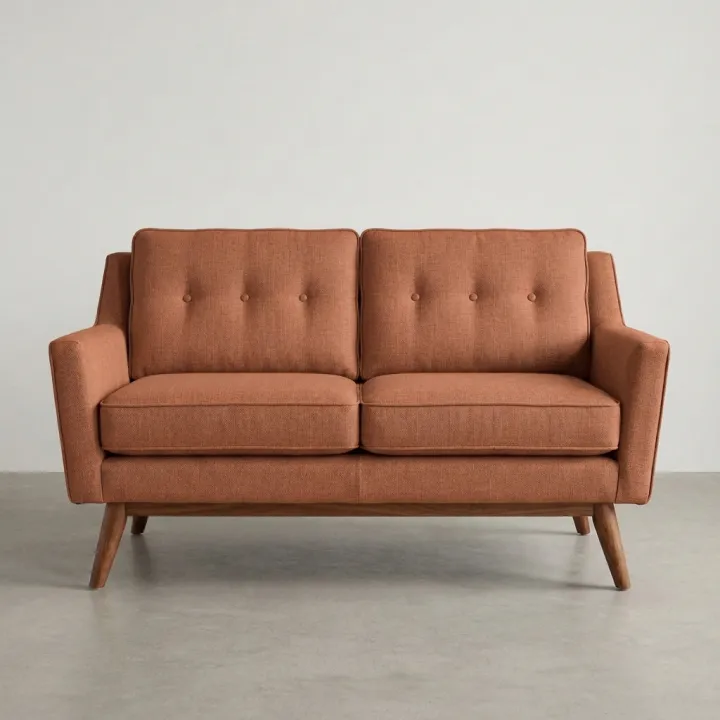
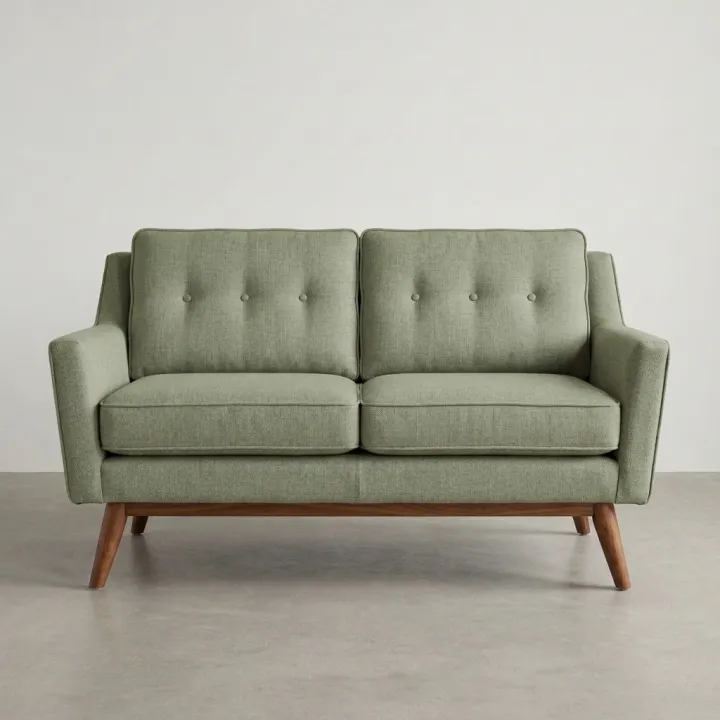
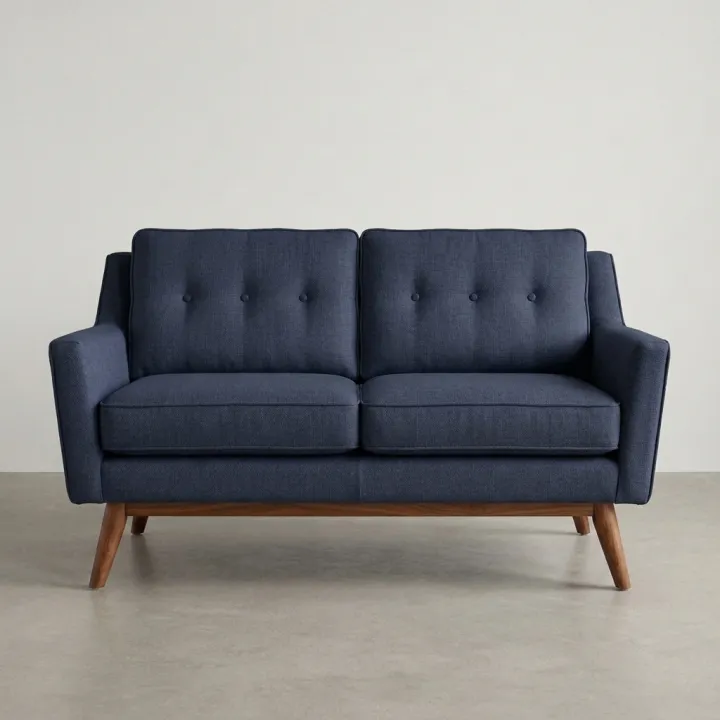
Rendered with this exact recipe.
These images came out of this template, with the prompts below each one. Your batch uses the same recipe with your photos and your words.
- 01 · Terracotta #C8643C
Recolor the exact product in the reference photo to this color: Terracotta #C8643C. Recolor only the sofa upholstery. Match the color exactly, including any hex code given. Keep the shape, texture, stitching, hardware, lighting, shadows, background and framing exactly the same. Photorealistic product photo, no text, no watermark.
- 02 · Sage green #9CAF88
Recolor the exact product in the reference photo to this color: Sage green #9CAF88. Recolor only the sofa upholstery. Match the color exactly, including any hex code given. Keep the shape, texture, stitching, hardware, lighting, shadows, background and framing exactly the same. Photorealistic product photo, no text, no watermark.
- 03 · Navy #1F2A44
Recolor the exact product in the reference photo to this color: Navy #1F2A44. Recolor only the sofa upholstery. Match the color exactly, including any hex code given. Keep the shape, texture, stitching, hardware, lighting, shadows, background and framing exactly the same. Photorealistic product photo, no text, no watermark.
A few fields, not a prompt.
Product photos
One result per photo · Every photo gets every color.
Colors
One per line: a name, a hex code, or both.
Terracotta #C8643C · Sage green #9CAF88
What to recoloroptional
e.g. the sofa upholstery, not the legs
Recipe in, batch out.
- Step 01
Fill in the template
Add your photos, type your list, tick the options. Every option you tick multiplies into its own image.
- Step 02
Check the plan
The template writes one prompt per image and shows the whole list with the credit cost. Edit or remove any line.
- Step 03
Render and download
The batch runs in one go. Keep the results in your library or download them all in one ZIP.
Color variants of one product — FAQ
Q1How exact are the colors?
The prompt passes your hex code to the model, which gets close but is not a color-managed proof. Compare each result with your swatch and adjust the code if it runs warm or cool.
Q2Can I change only part of the product?
Yes. Fill in “What to recolor”, for example the upholstery but not the legs, or the strap but not the buckle. Without it, the main material changes.
Q3Can these replace real photos?
They are great for showing every option before you shoot every color. Once a color sells, check the image against the real product so buyers get what they see.
More templates
All templates →


 ProductsMenu photosA list of dishes in, a matching photo for every item on the menu out.See the template →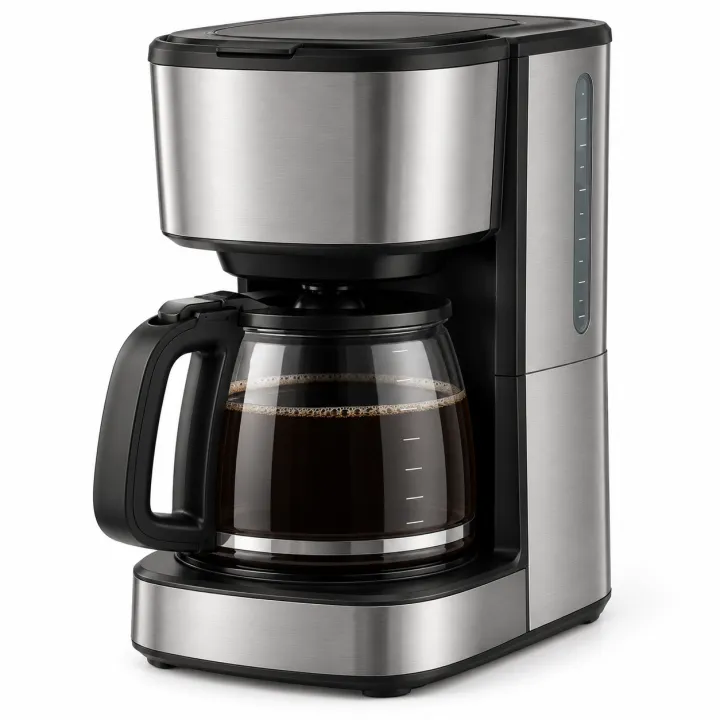
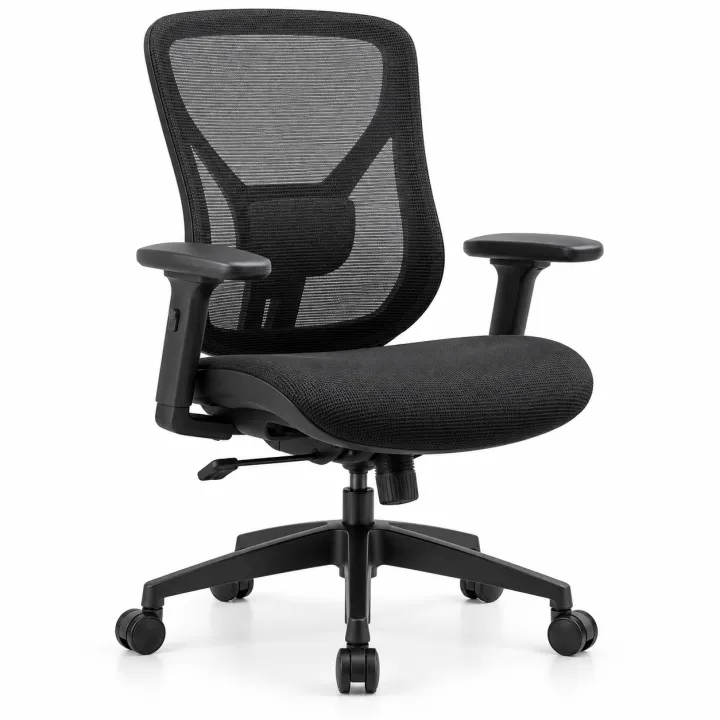
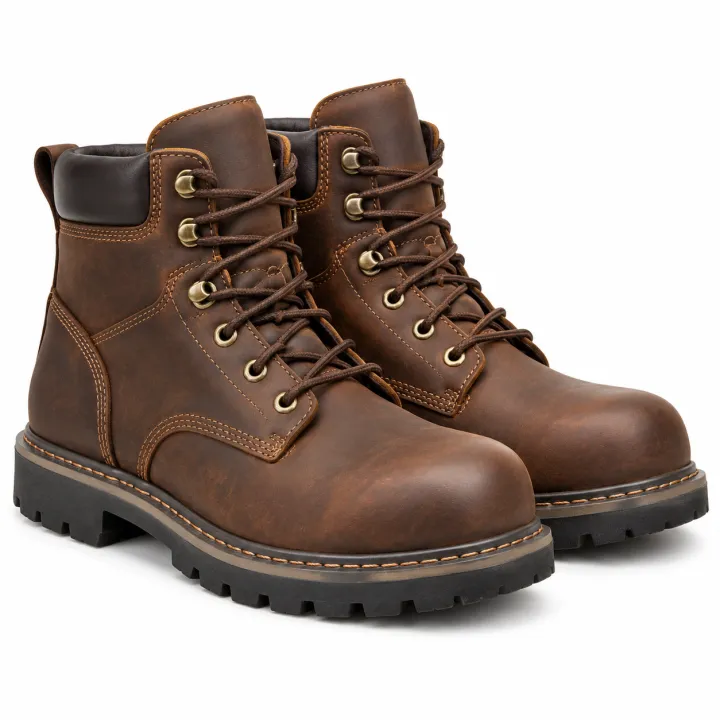
 ProductsCatalog photos from product namesA list of product names or SKUs in, a clean catalog photo for each one out.See the template →
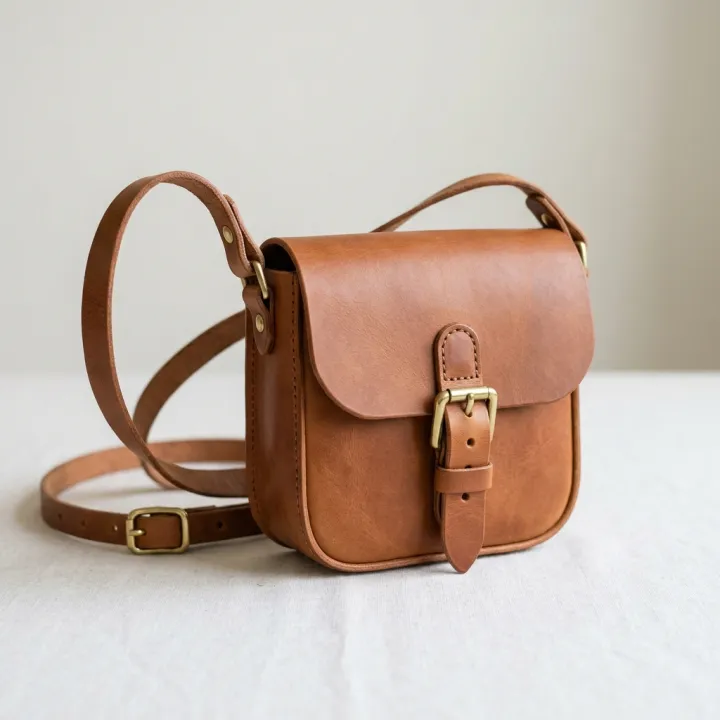 Your photo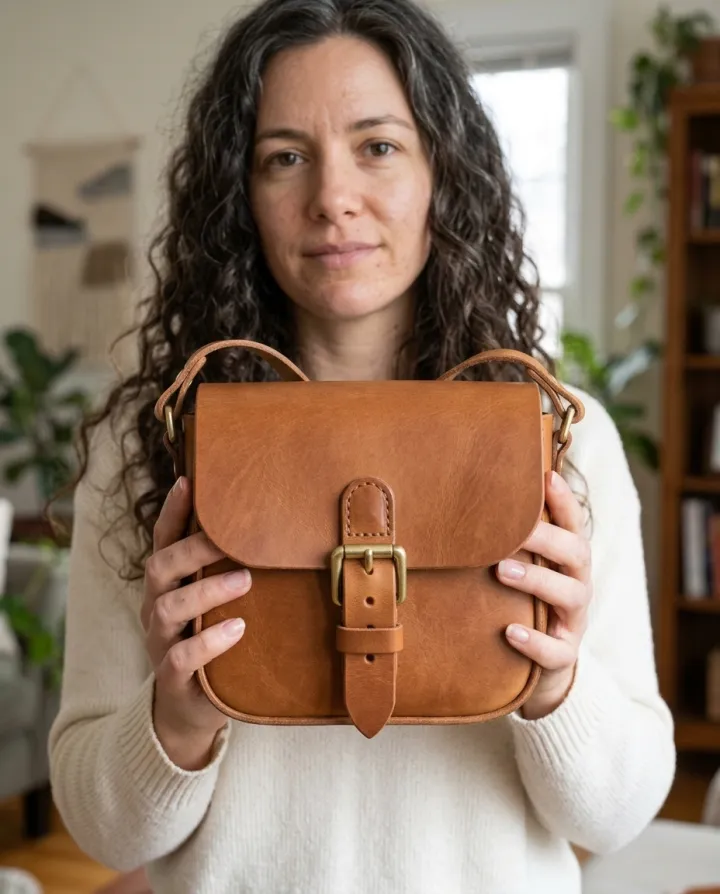
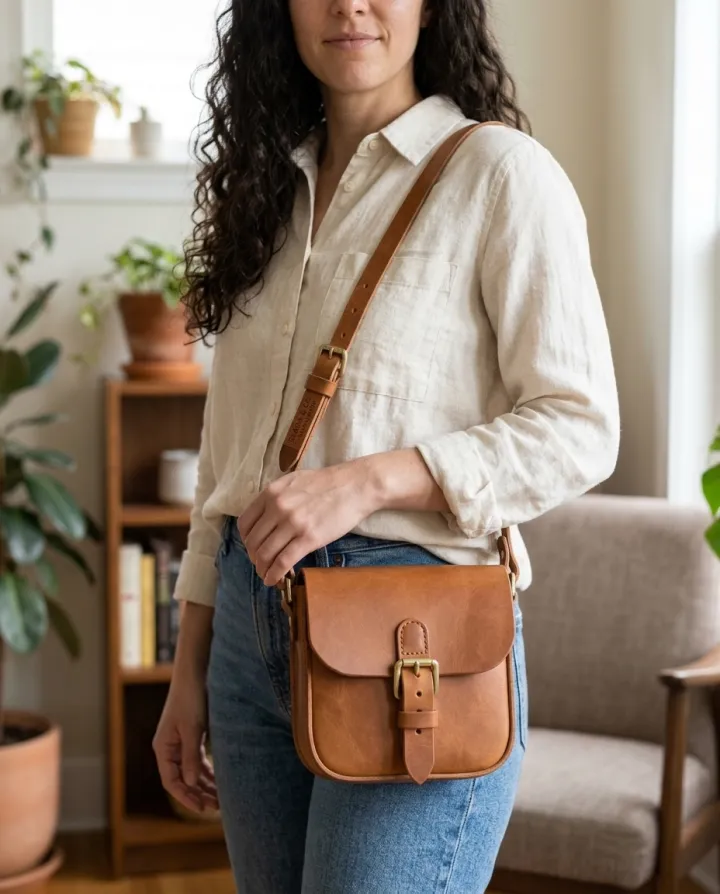
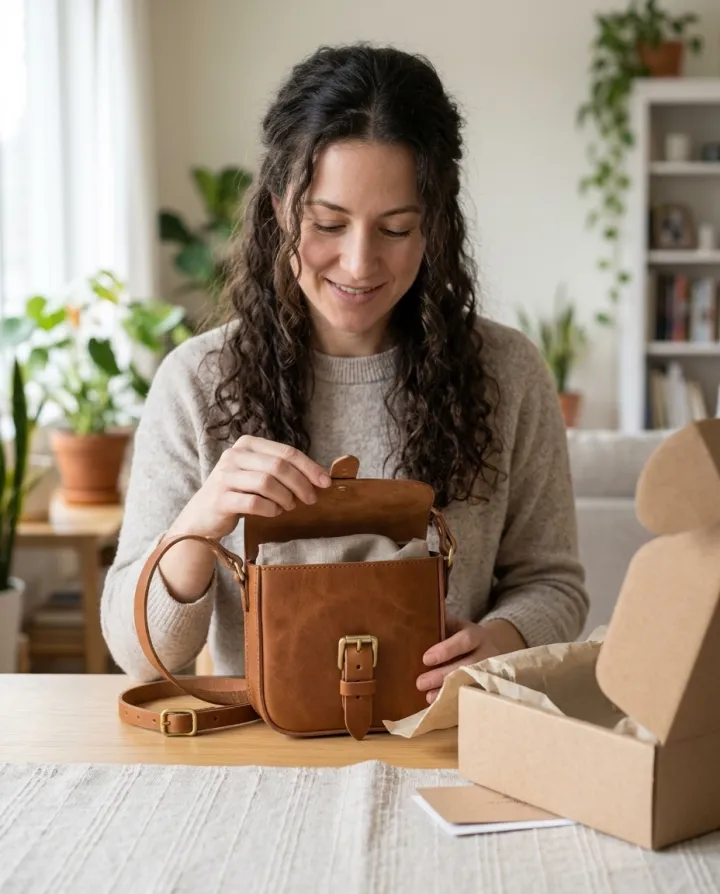 ProductsProduct with a personYour product held, worn, used or unboxed by a person: photos for ads and product pages.See the template →
 Your photo
 Your photo
 ProductsWhite background packshotsPhone photos in, clean marketplace main images out. One result per photo.See the template →
Your set is a few fields away.
Pick the template, fill it in, check the plan, render. 50 free credits to start — no card.
Use this template