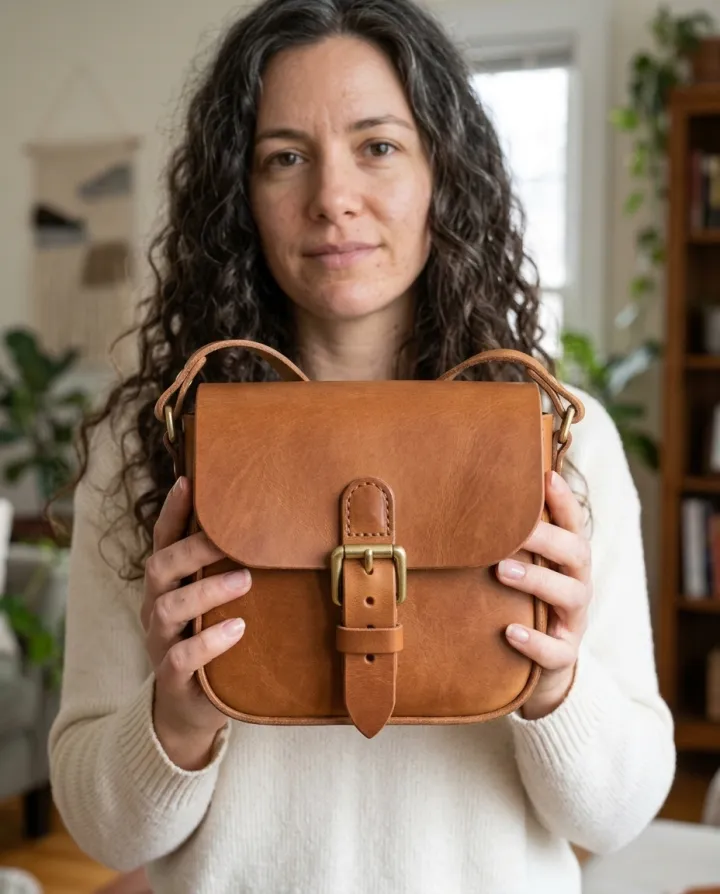
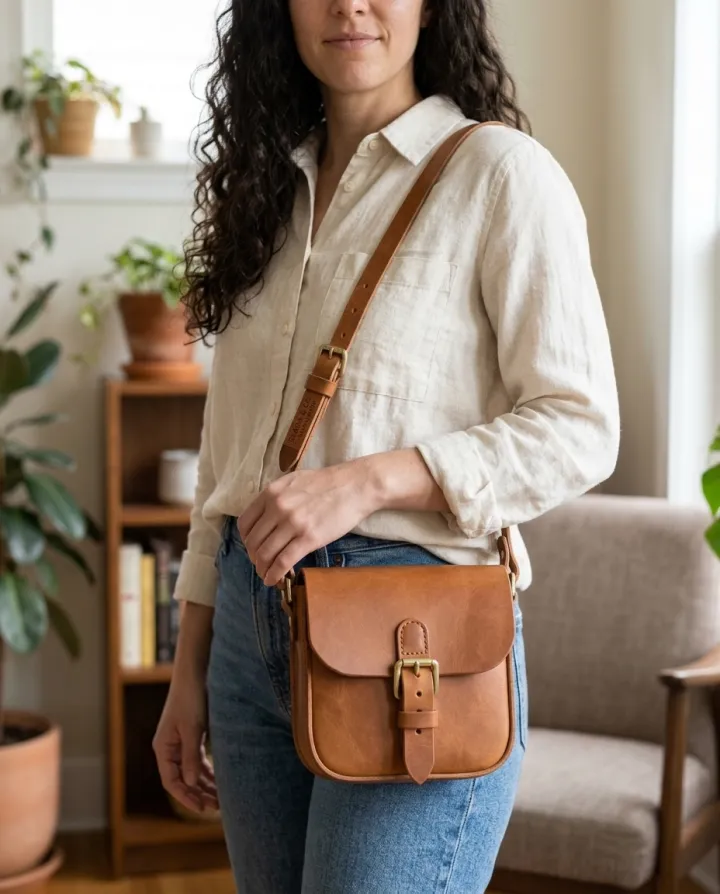
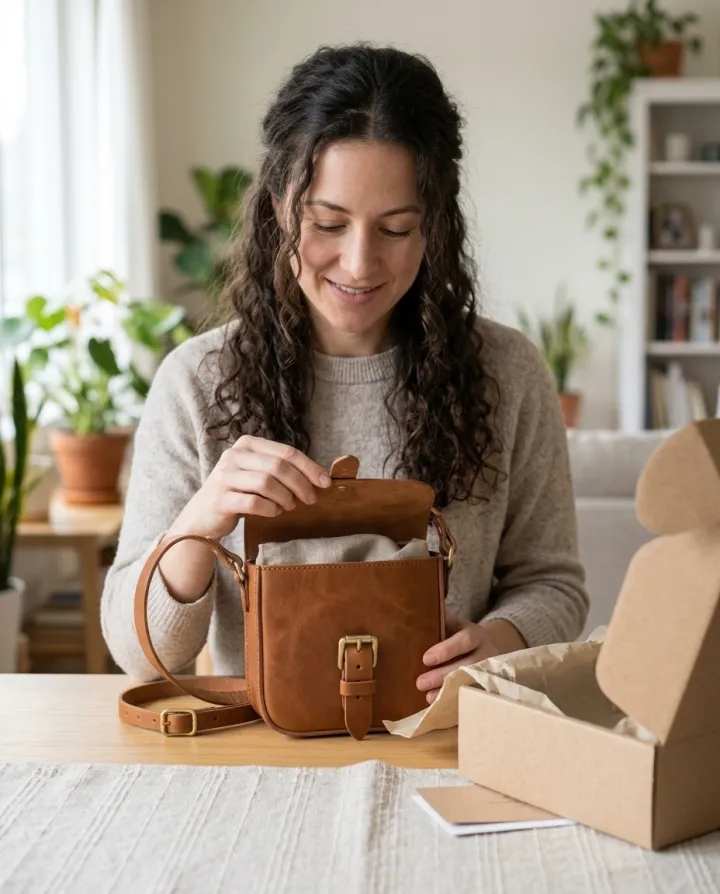
マーケットプレイス出品画像
手持ちの写真を。出品画像を返す。
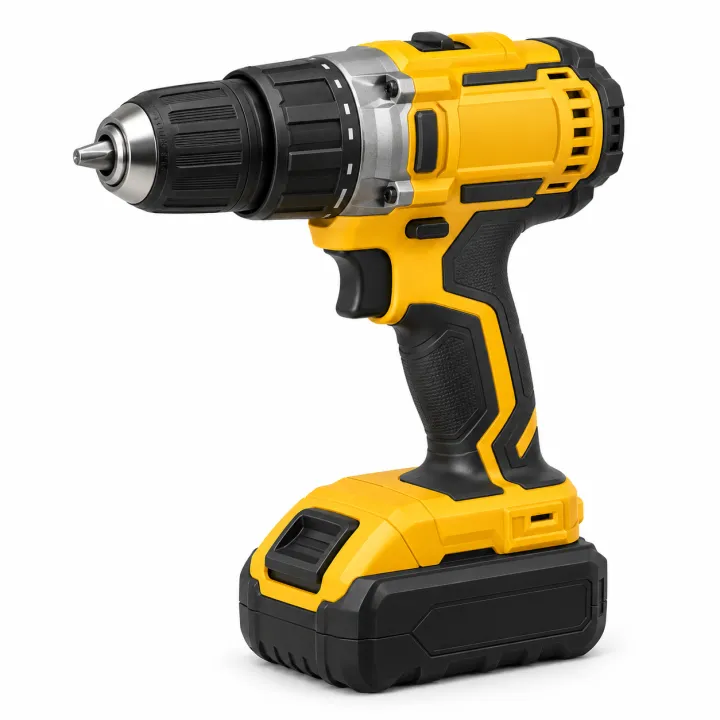
今ある商品写真 — スマホ撮影も OK — を投入。選んだ背景の清潔なマーケットプレイス画像として、商品を一切変えずに戻ってきます。
初期モデル GPT Image 2 · 1:1
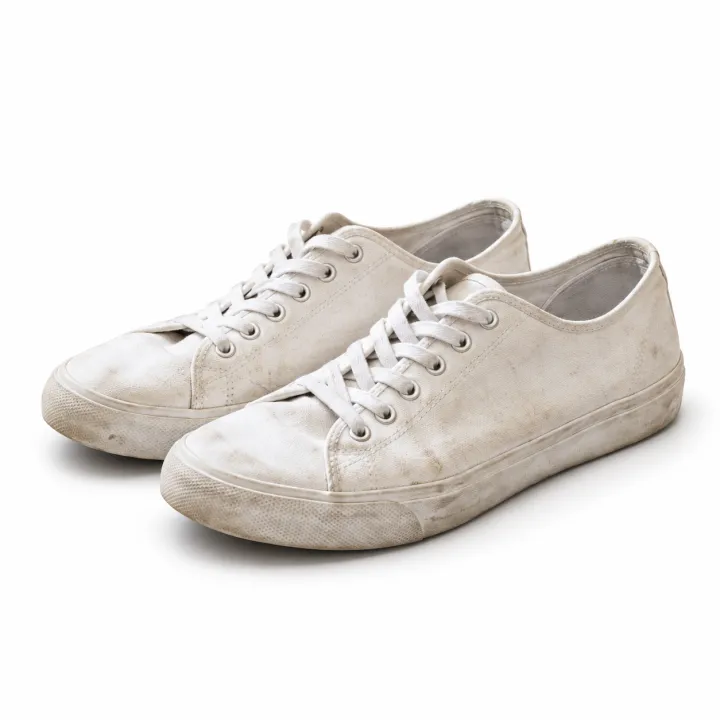
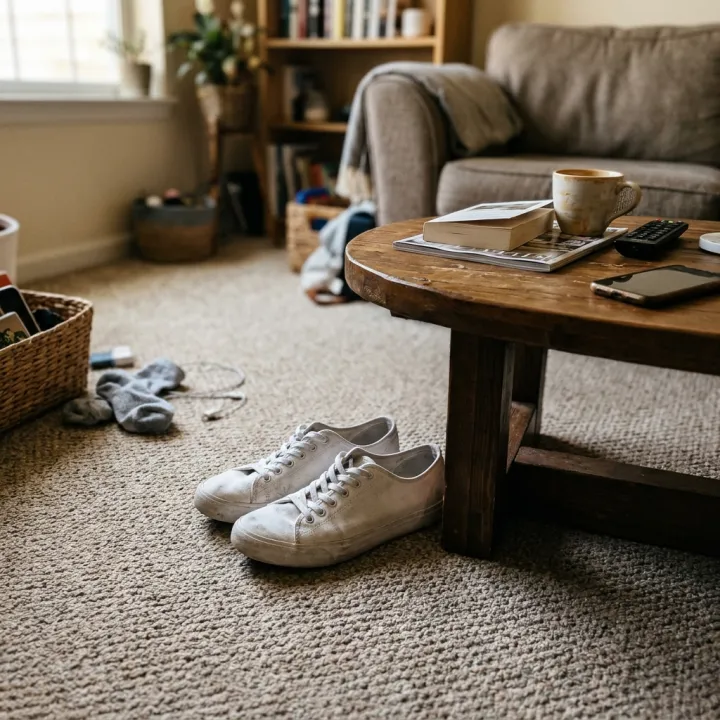 元の写真
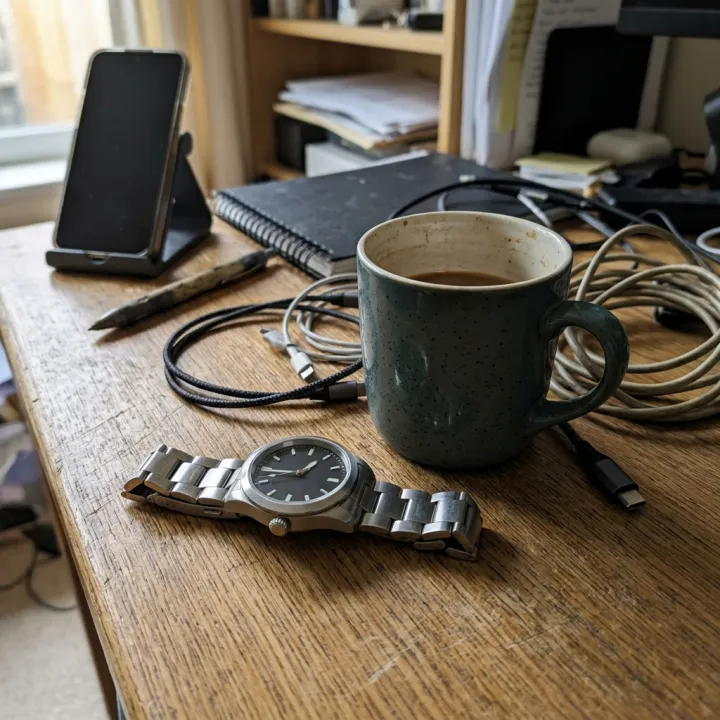 元の写真
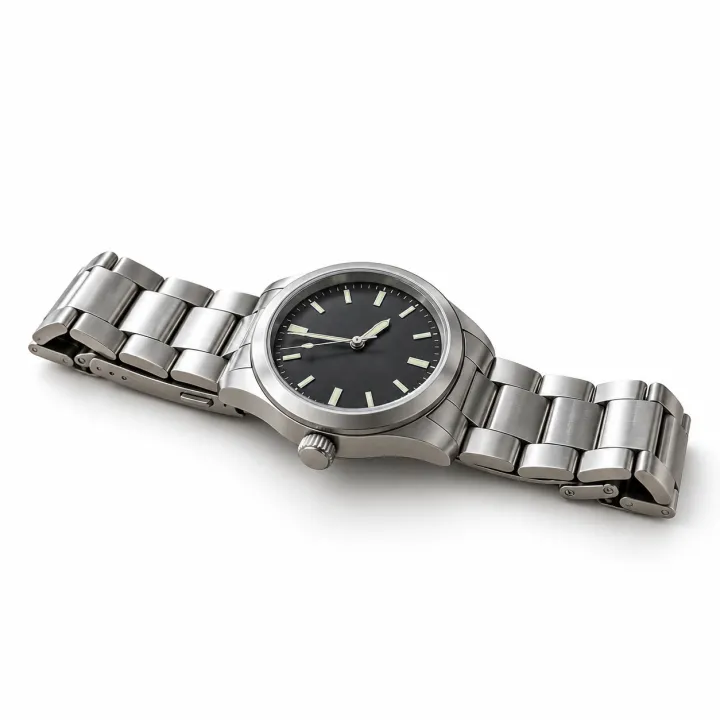
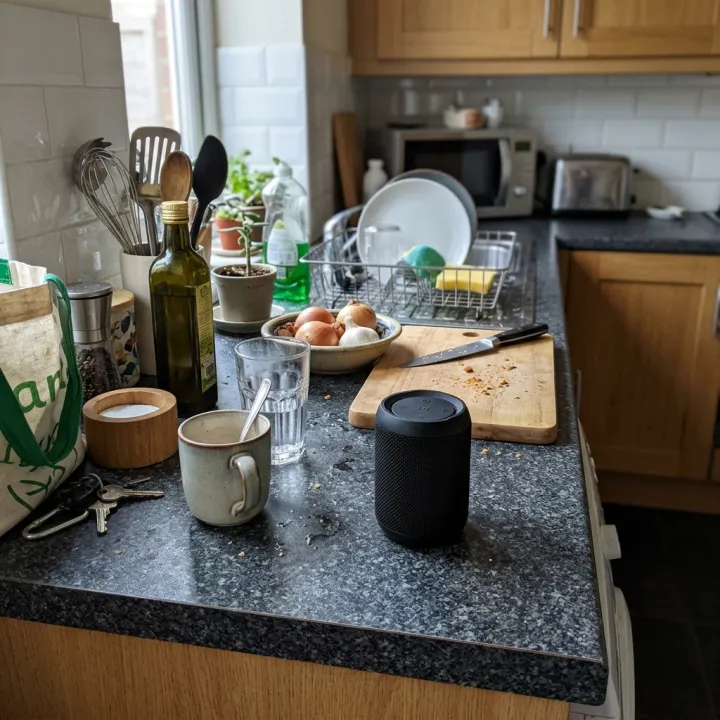 元の写真
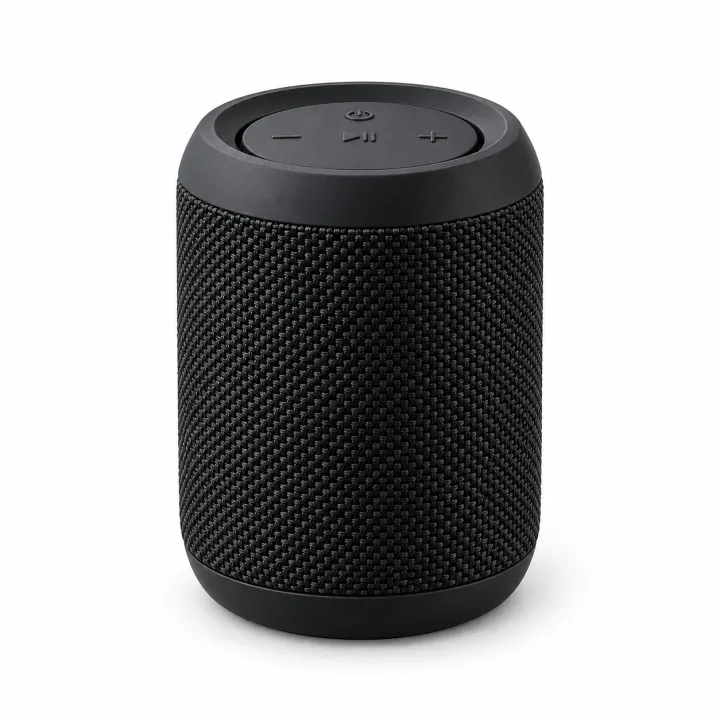
このレシピそのままで生成しました。
これらの画像はこのテンプレートで生成したもので、各画像の下にプロンプトを載せています。あなたのバッチでも、同じレシピにあなたの写真と言葉を組み合わせて生成します。
- 01 · マーケットプレイス出品画像
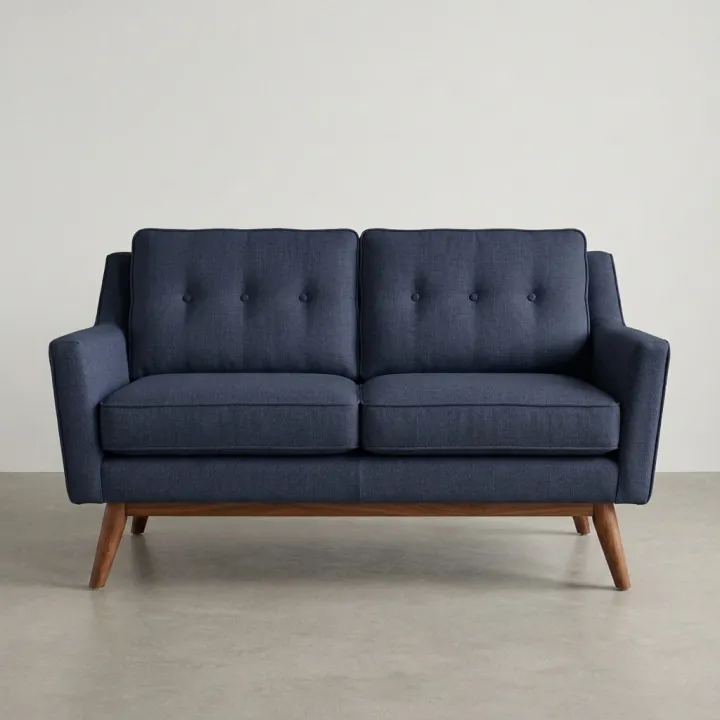
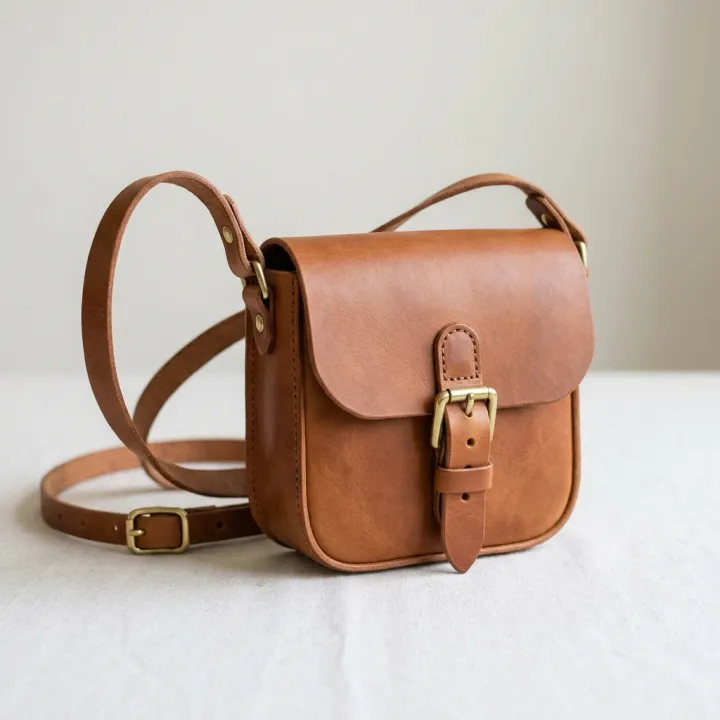
Premium marketplace listing photo of the product in the product photo, on a seamless pure-white studio background: soft even studio lighting, subtle grounded shadow, generous margin around the product. Keep the product identical to the reference: same shape, colors, materials, label and proportions. No props, no text, no watermark.
- 02 · マーケットプレイス出品画像
Premium marketplace listing photo of the product in the product photo, on a seamless pure-white studio background: soft even studio lighting, subtle grounded shadow, generous margin around the product. Keep the product identical to the reference: same shape, colors, materials, label and proportions. No props, no text, no watermark.
- 03 · マーケットプレイス出品画像
Premium marketplace listing photo of the product in the product photo, on a seamless pure-white studio background: soft even studio lighting, subtle grounded shadow, generous margin around the product. Keep the product identical to the reference: same shape, colors, materials, label and proportions. No props, no text, no watermark.
必要なのはプロンプトではなく、いくつかの項目だけ。
商品写真
写真ごとに1枚ずつ生成 · 写真1枚につき1枚生成。
背景任意
ピュアホワイト淡いグレーのグラデぼかした自然光
レシピを入れれば、バッチで完成。
- Step 01
テンプレートに入力する
写真を追加し、リストを入力し、オプションにチェックを入れます。チェックしたオプションごとに、それぞれ別の画像が作られます。
- Step 02
プランを確認する
テンプレートが画像1枚につき1つのプロンプトを書き出し、クレジット費用とあわせて一覧で表示します。どの行も編集・削除できます。
- Step 03
生成してダウンロード
バッチは一度にまとめて実行されます。結果はライブラリに保存することも、ZIPひとつでまとめてダウンロードすることもできます。
マーケットプレイス出品画像 — よくある質問
Q1商品はまったく同じままですか?
はい。形状・色・素材・ラベル・比率を写真どおりに維持し、背景とライティングだけを変えます。
Q2どのマーケットプレイス向き?
eBay・Amazon・Etsy・Shopify など、正方形の清潔なメイン画像が効くところ全般。Amazon の規定にはピュアホワイト、eBay ではグレーが上質に見えます。
Q3スマホ写真でも大丈夫?
どちらでも動きます。きれいな入力ほどきれいな出力になりますが、このテンプレートは売り手が「すでに持っている写真」向けに作られています。
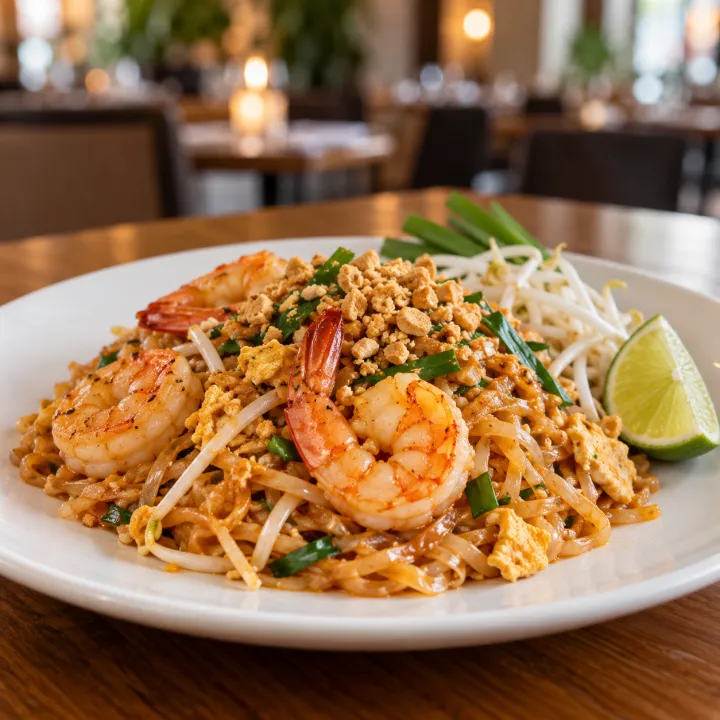
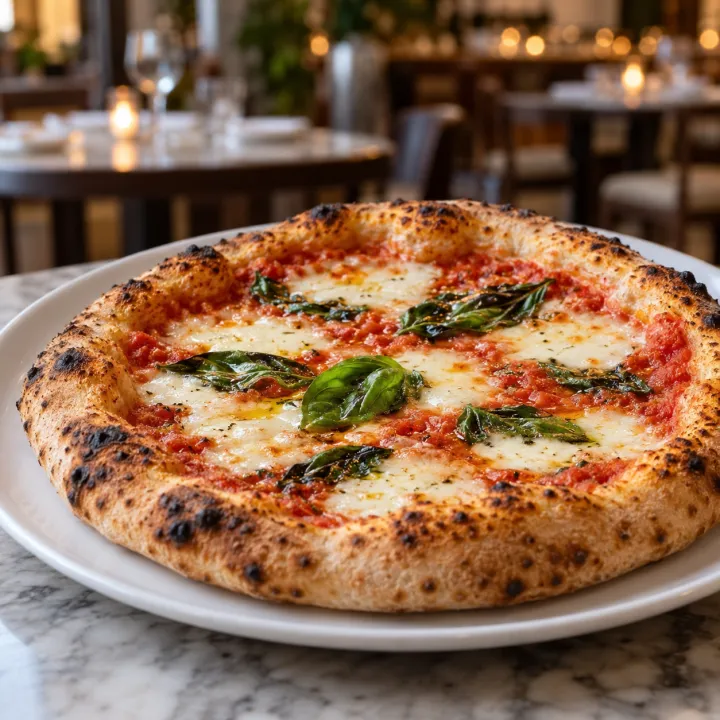
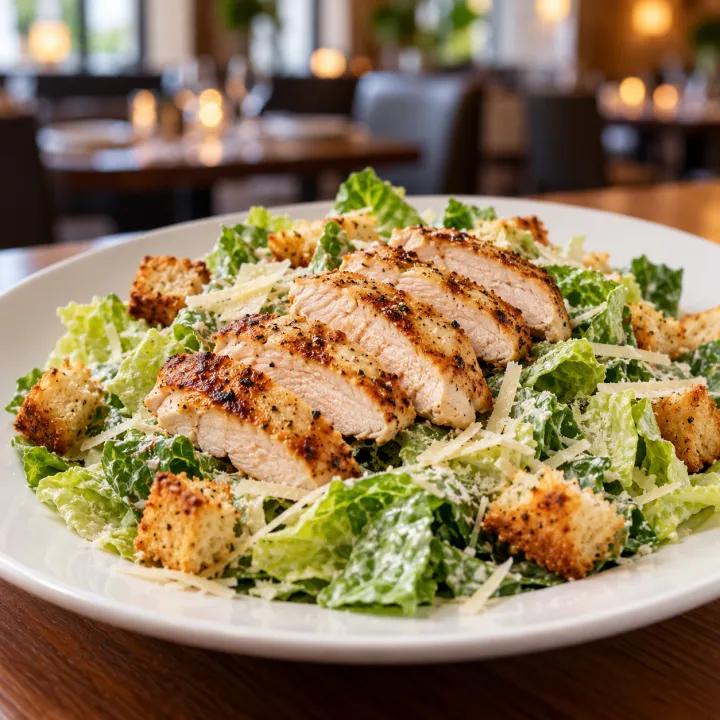
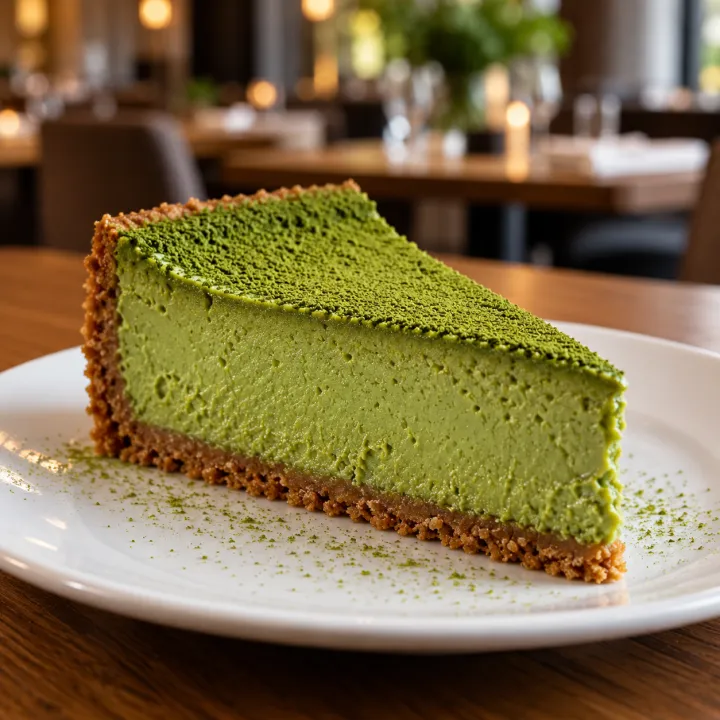
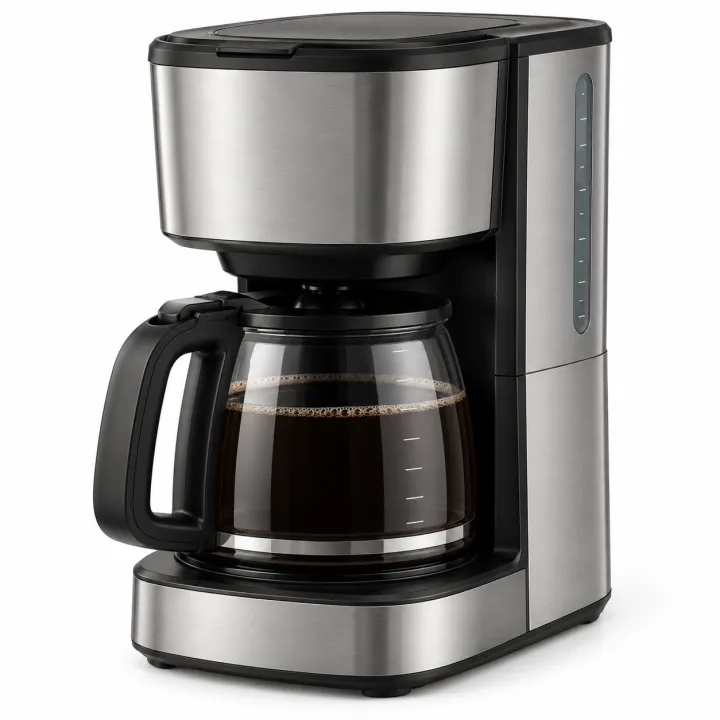
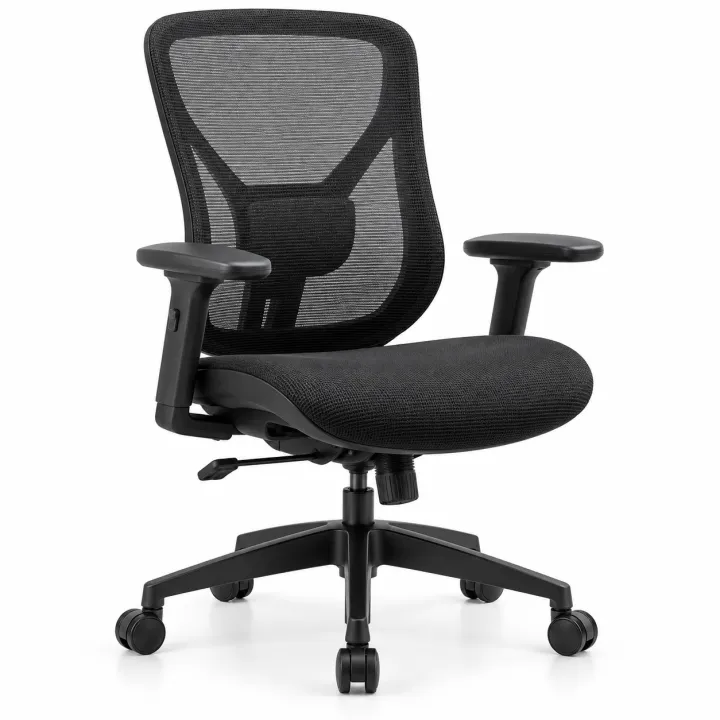
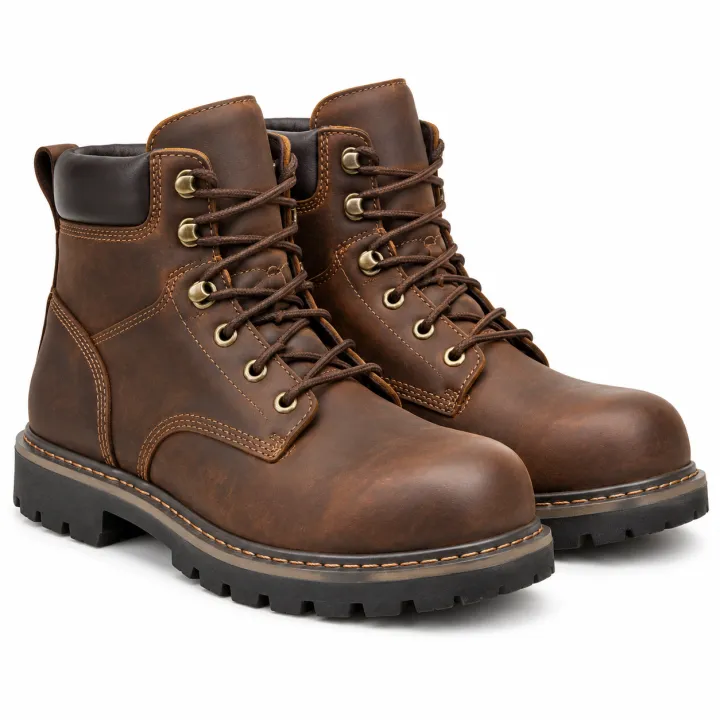
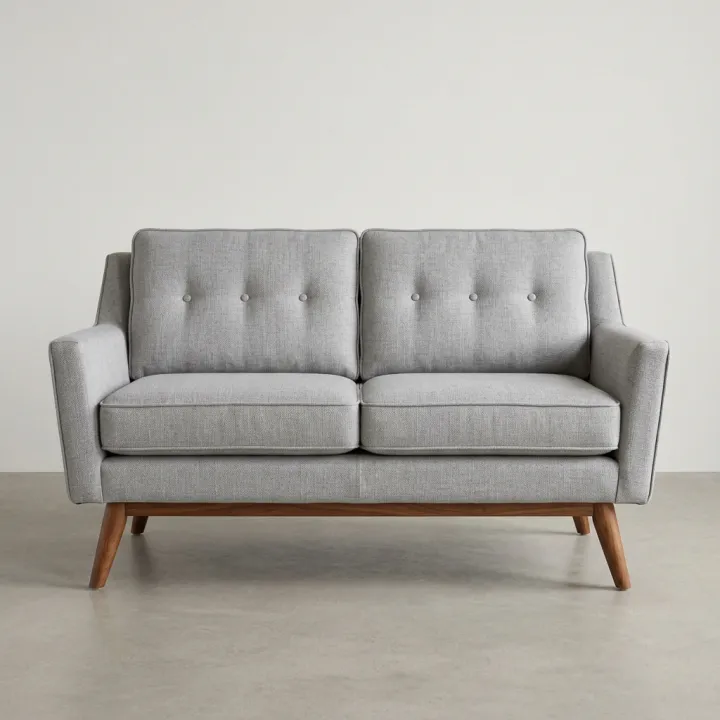 元の写真
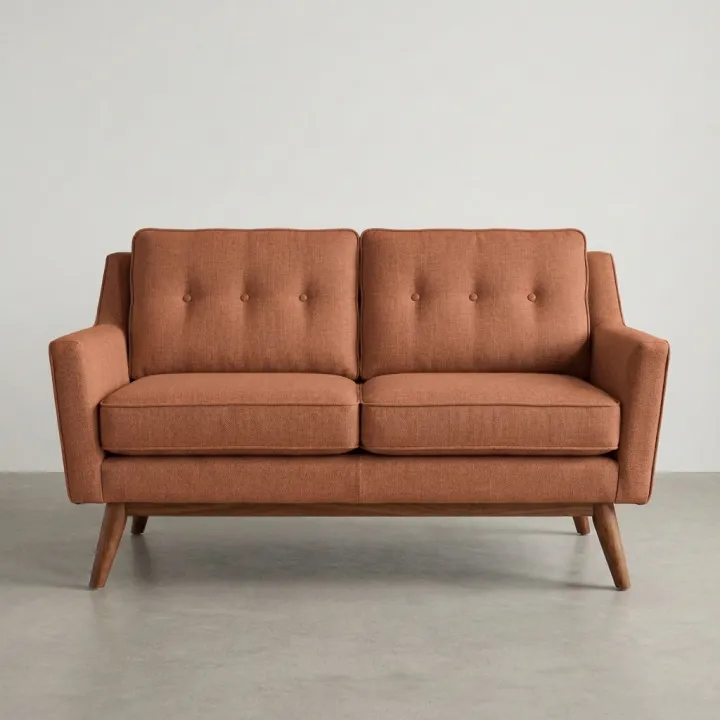
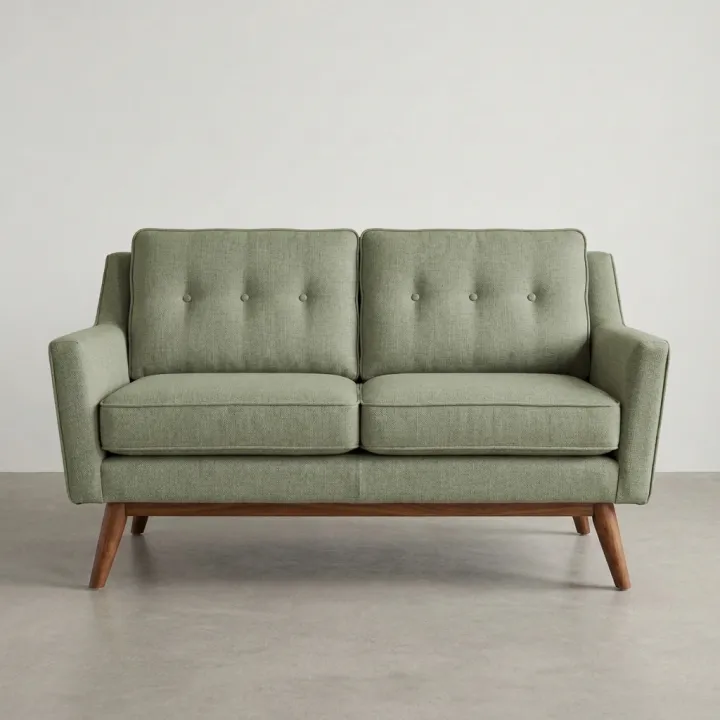
 元の写真