Product with a person
Your product. In someone’s hands.
Product photos with a person in them sell better than a product on a table, but a shoot takes a day. Upload the product, tick the shots and describe who should be in them. Each shot comes back with the same product and a believable person.
Starts on Nano Banana 2 · 4:5
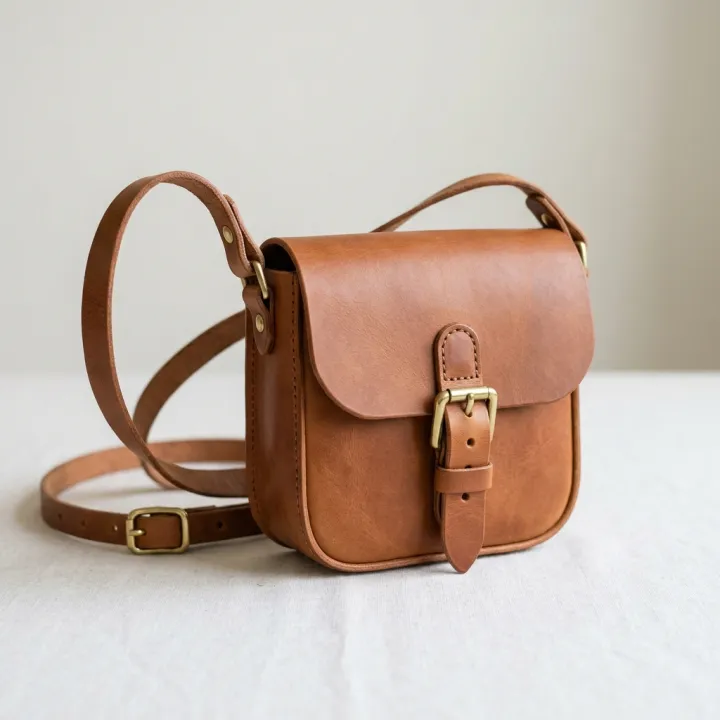 Your photo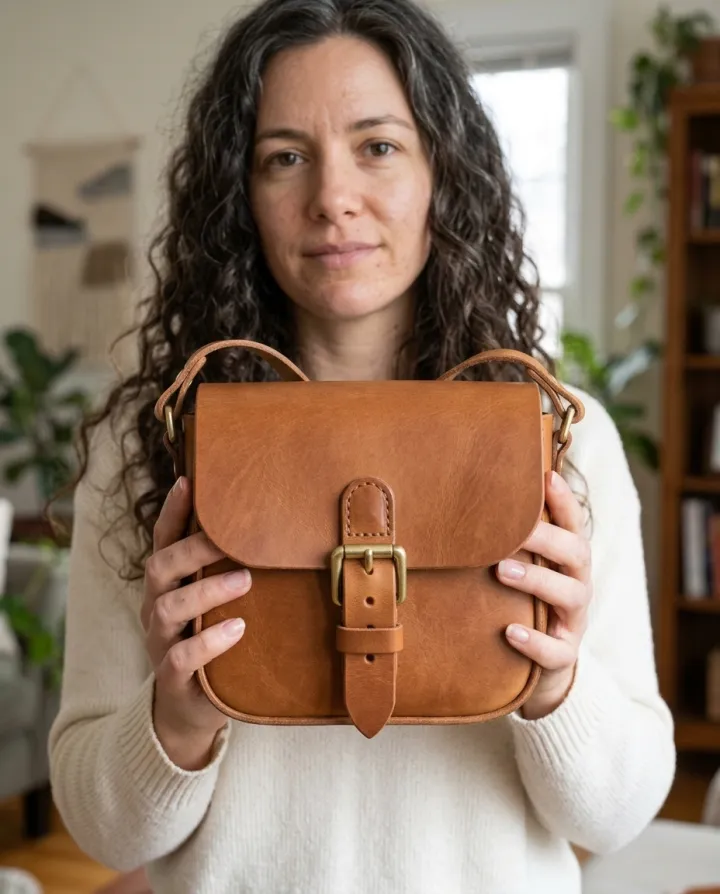
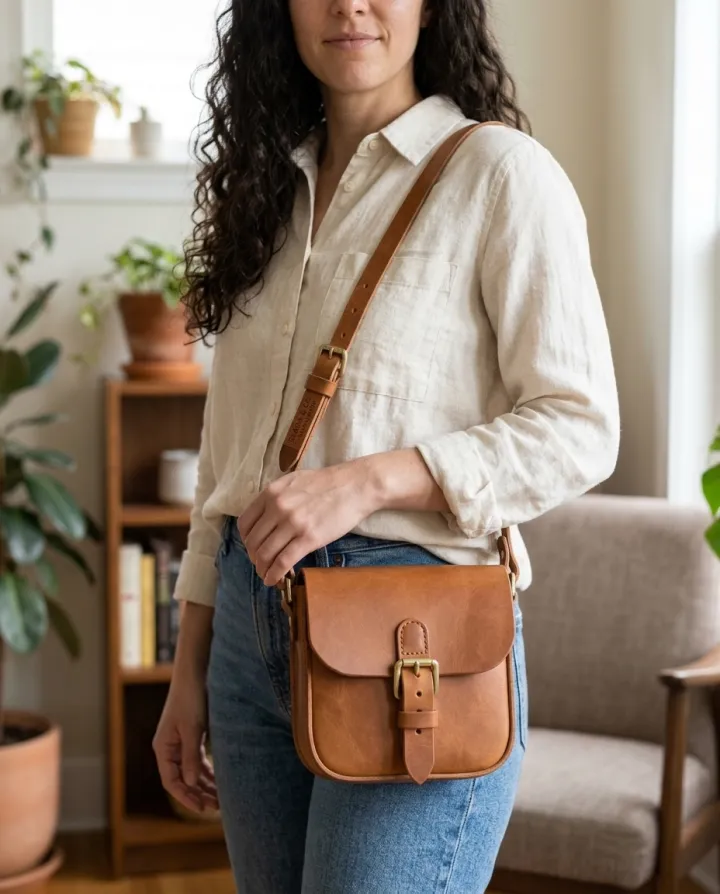
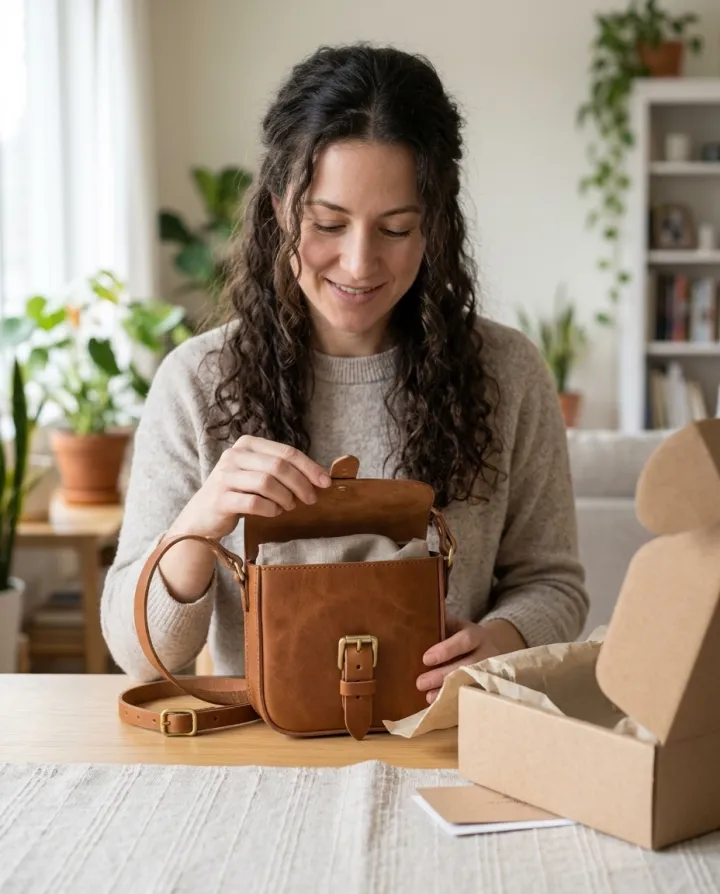
Rendered with this exact recipe.
These images came out of this template, with the prompts below each one. Your batch uses the same recipe with your photos and your words.
- 01 · In hand
Photo of the exact product from the reference image held up in one hand toward the camera, close-up; the person: a woman in her 30s with long dark curly hair, at home in soft daylight. A real-looking person with natural hands and a relaxed pose; the product is clearly the focus. Keep the product identical to the reference: same shape, colors, materials, label and proportions. No text, no watermark.
- 02 · Worn / carried
Photo of the exact product from the reference image worn or carried by a person, waist-up; the person: a woman in her 30s with long dark curly hair, at home in soft daylight. A real-looking person with natural hands and a relaxed pose; the product is clearly the focus. Keep the product identical to the reference: same shape, colors, materials, label and proportions. No text, no watermark.
- 03 · Unboxing
Photo of the exact product from the reference image being unboxed by a person at a table, hands visible; the person: a woman in her 30s with long dark curly hair, at home in soft daylight. A real-looking person with natural hands and a relaxed pose; the product is clearly the focus. Keep the product identical to the reference: same shape, colors, materials, label and proportions. No text, no watermark.
A few fields, not a prompt.
Product photos
One result per photo · Every photo gets every shot.
Shots
In handWorn / carriedIn useUnboxingAs a giftMirror selfieWhooptional
e.g. a woman in her 30s with long dark curly hair
Settingoptional
HomeStreetParkStudio
Recipe in, batch out.
- Step 01
Fill in the template
Add your photos, type your list, tick the options. Every option you tick multiplies into its own image.
- Step 02
Check the plan
The template writes one prompt per image and shows the whole list with the credit cost. Edit or remove any line.
- Step 03
Render and download
The batch runs in one go. Keep the results in your library or download them all in one ZIP.
Product with a person — FAQ
Q1Is the person a real model?
No. The person is generated from your description. The template does not take photos of people, so nobody’s likeness is used.
Q2Will the product look exactly like mine?
The prompt asks the model to keep the shape, colors, materials and label from your photo. Small details like fine print can change, so check each image before it goes into an ad.
Q3How is this different from “Product in real rooms”?
That template puts the product on a surface in a room. This one puts it with a person: in a hand, worn, in use or being unboxed.
More templates
All templates →


 ProductsMenu photosA list of dishes in, a matching photo for every item on the menu out.See the template →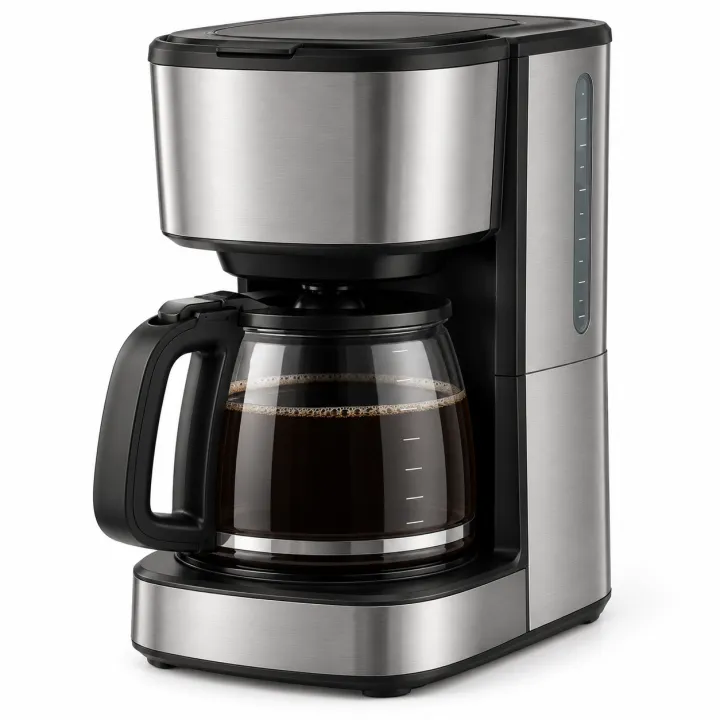
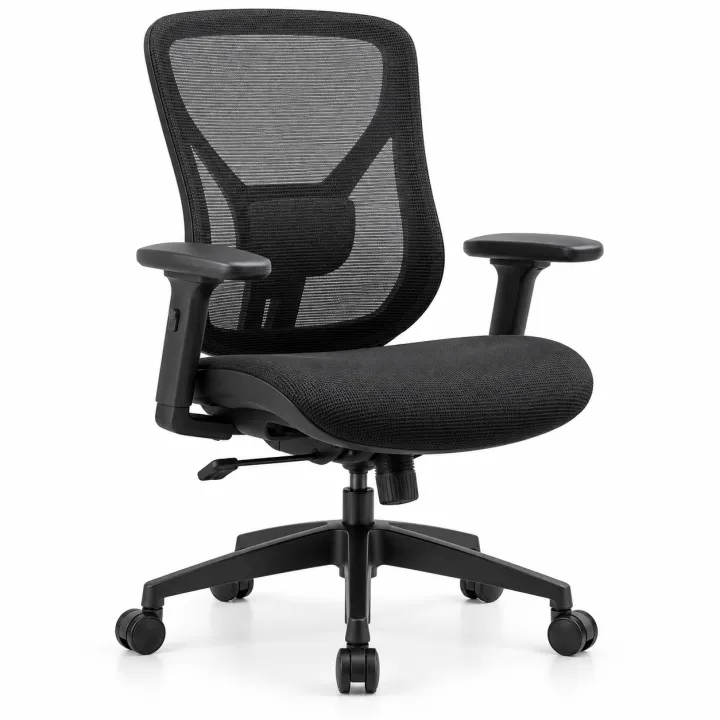
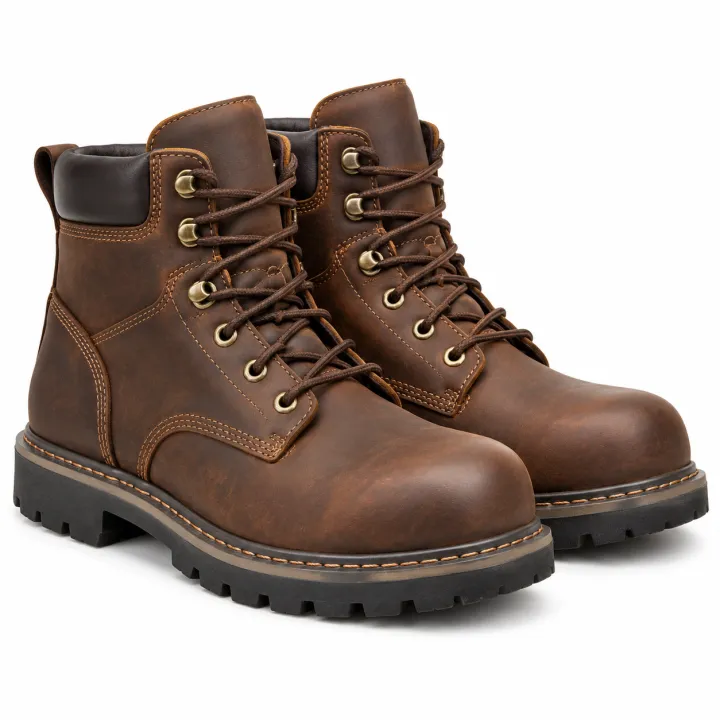
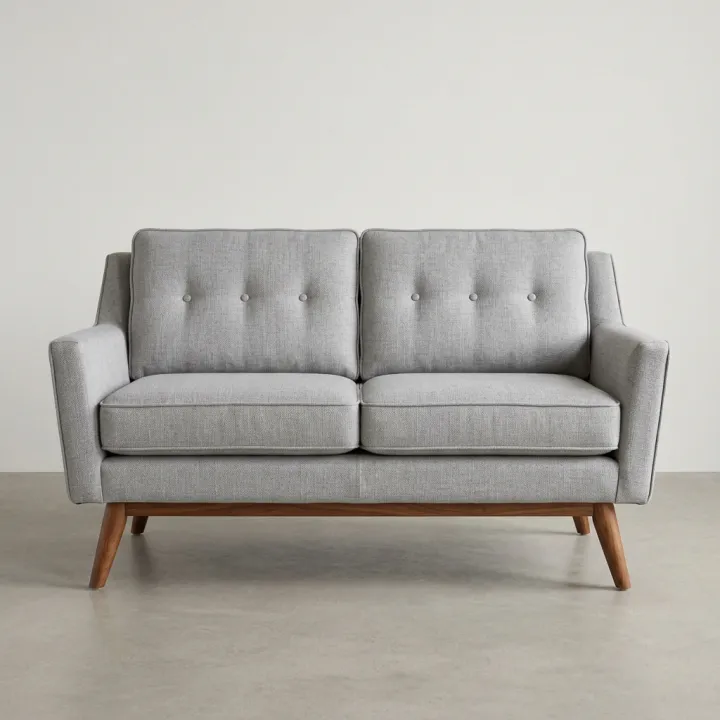
 ProductsCatalog photos from product namesA list of product names or SKUs in, a clean catalog photo for each one out.See the template →
 Your photo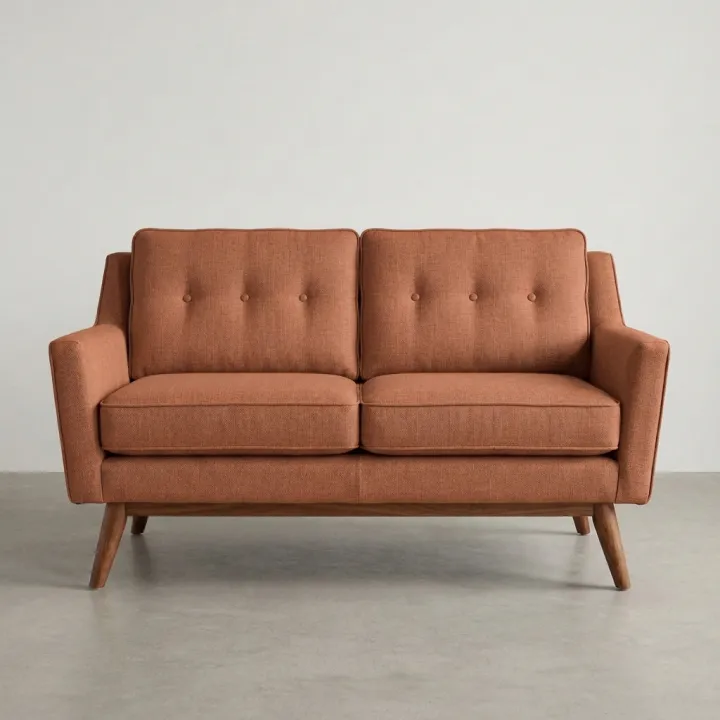
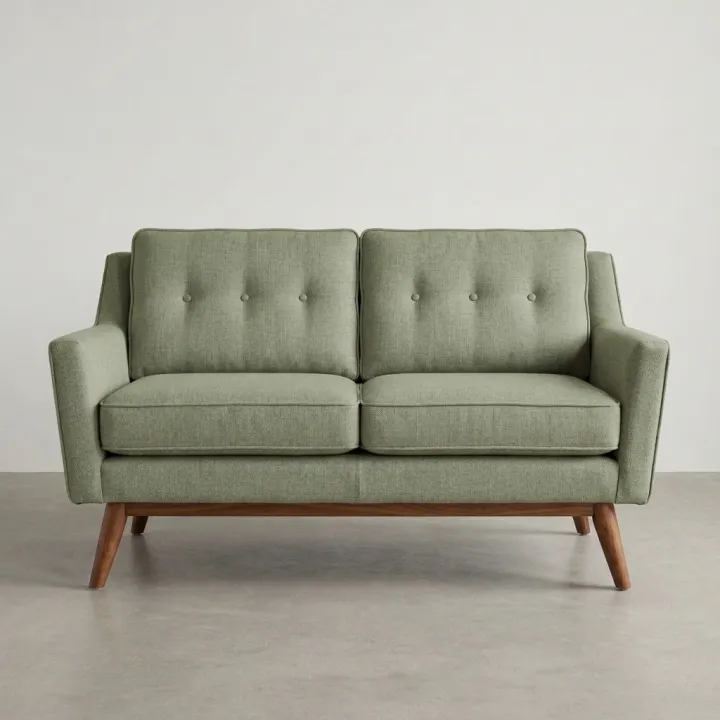
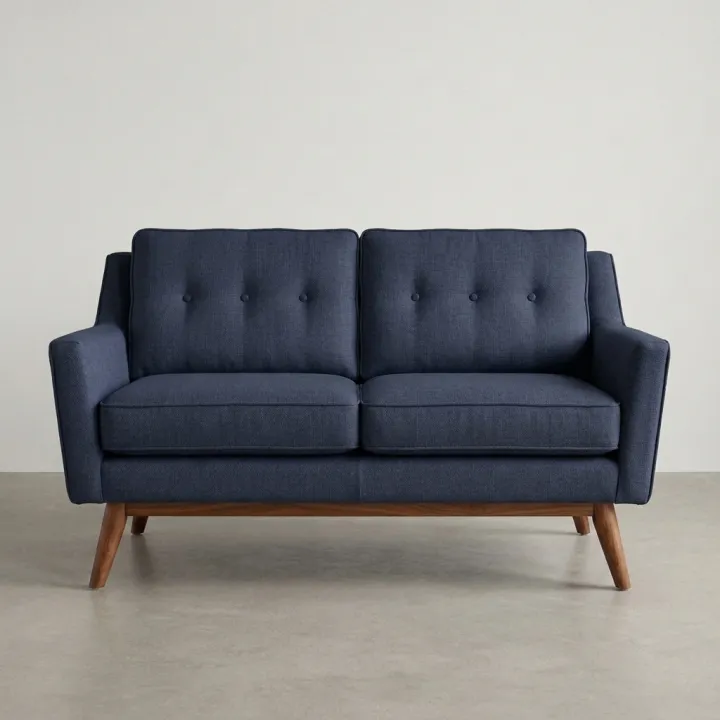 ProductsColor variants of one productOne product photo, one image per color on your list. Hex codes welcome.See the template →
 Your photo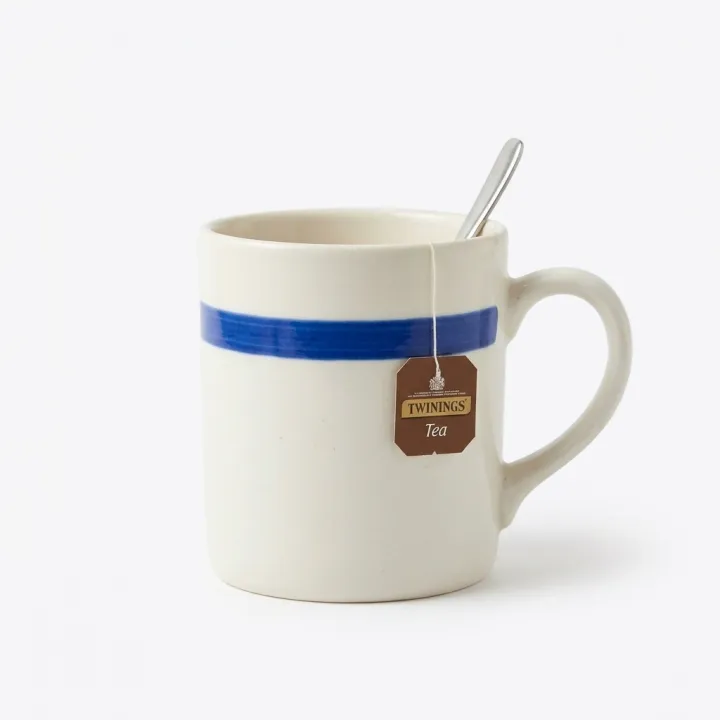
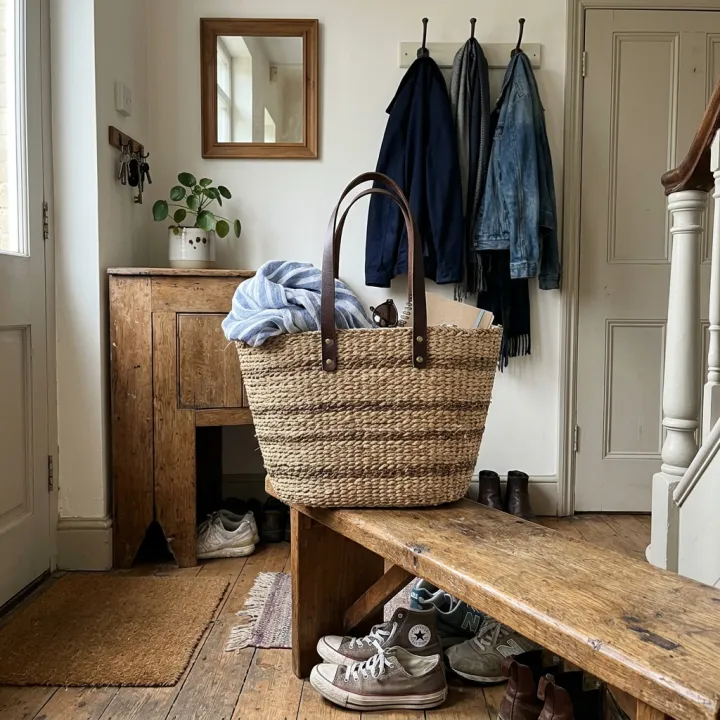 Your photo
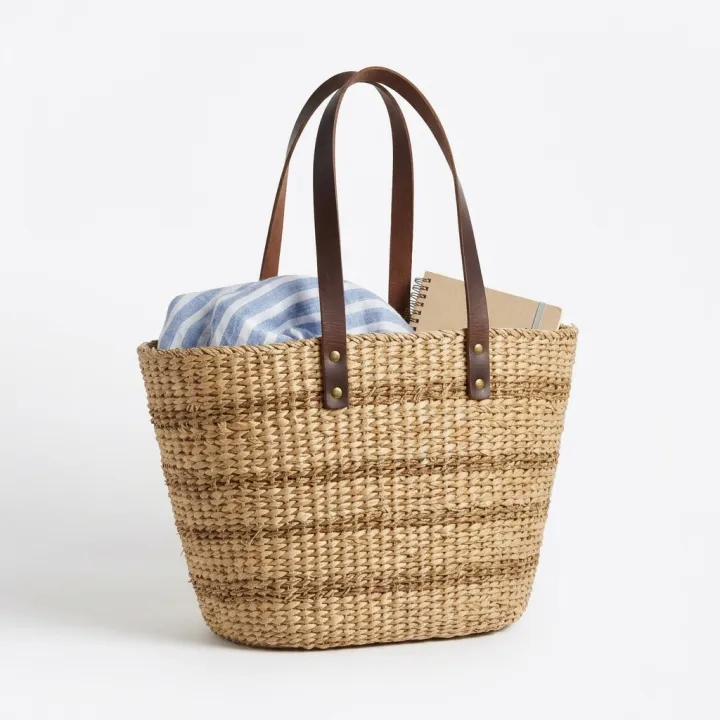 ProductsWhite background packshotsPhone photos in, clean marketplace main images out. One result per photo.See the template →
Your set is a few fields away.
Pick the template, fill it in, check the plan, render. 50 free credits to start — no card.
Use this template