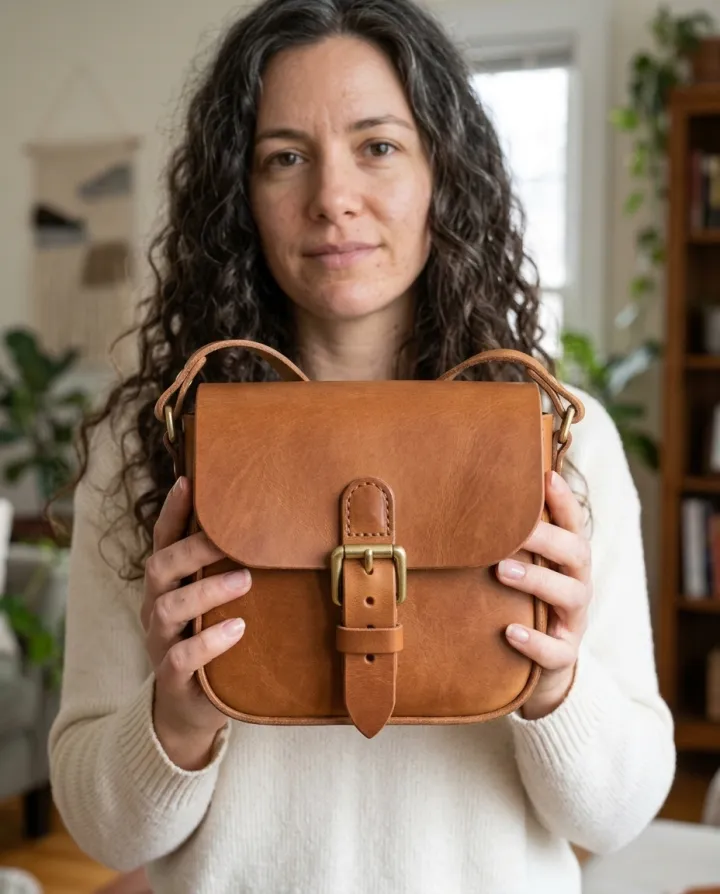
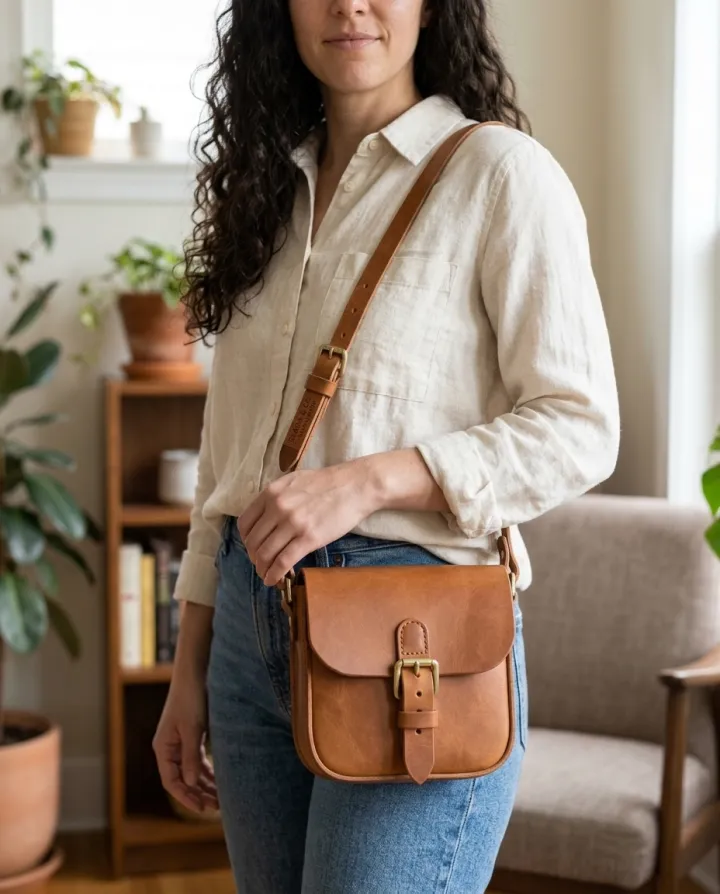
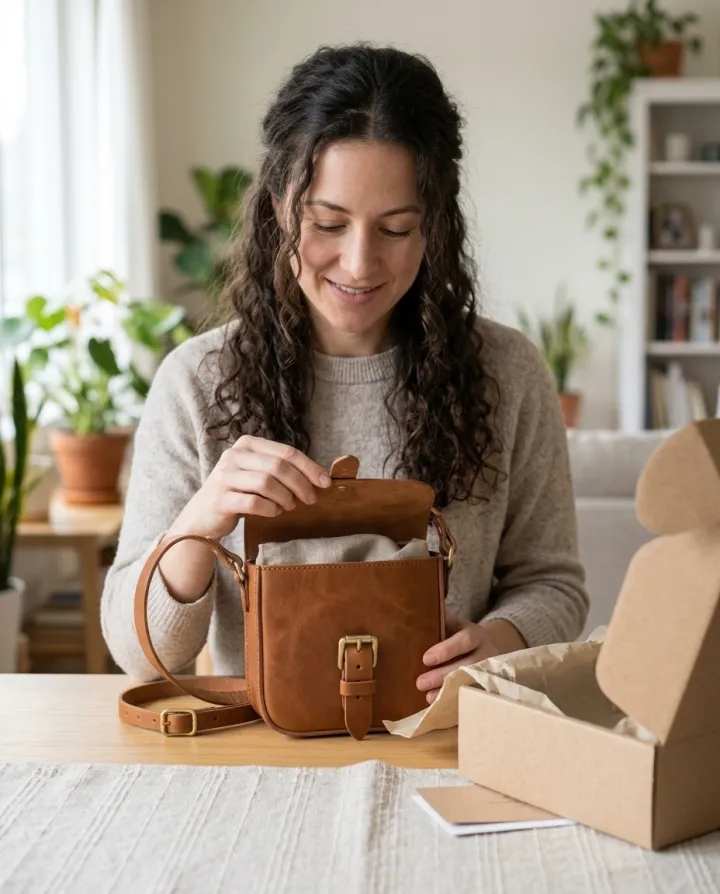
마켓플레이스 상품 이미지
갖고 있는 사진을. 출품 이미지로.
지금 갖고 있는 상품 사진 — 폰 사진 포함 — 을 넣으세요. 고른 배경의 깔끔한 마켓플레이스 이미지로, 상품은 그대로 돌아옵니다.
기본 모델 GPT Image 2 · 1:1
 내 사진
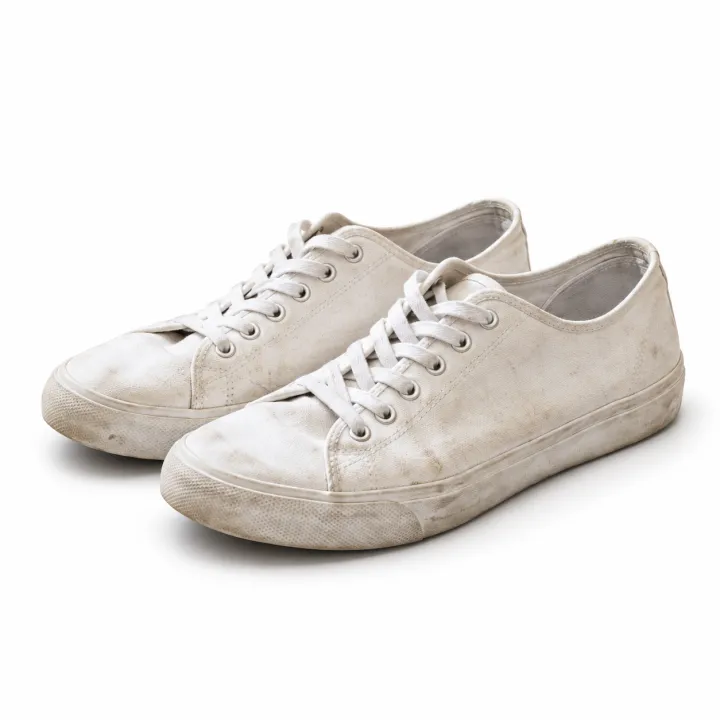
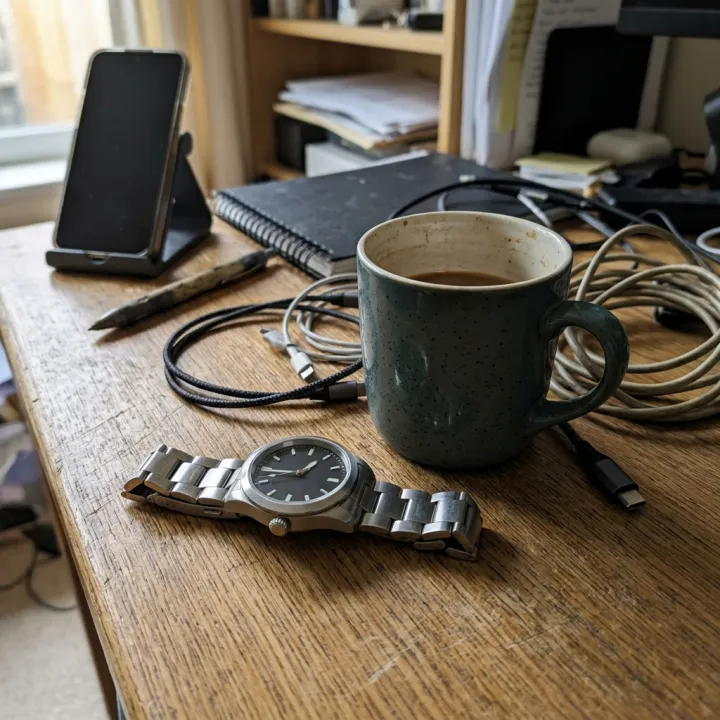 내 사진
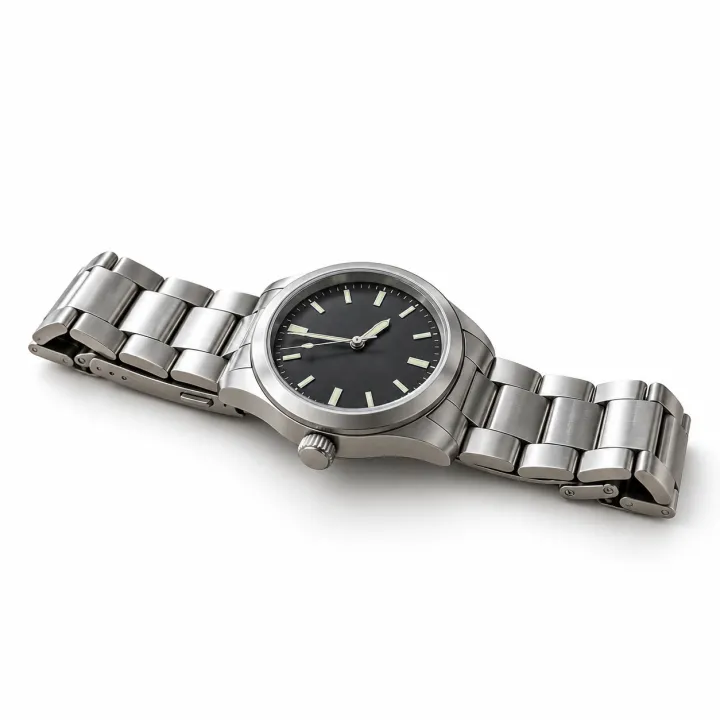
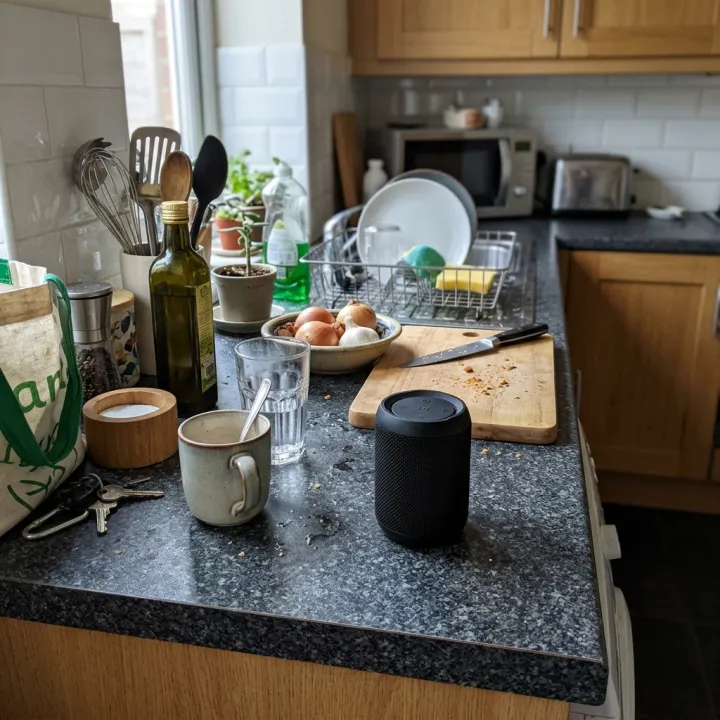 내 사진
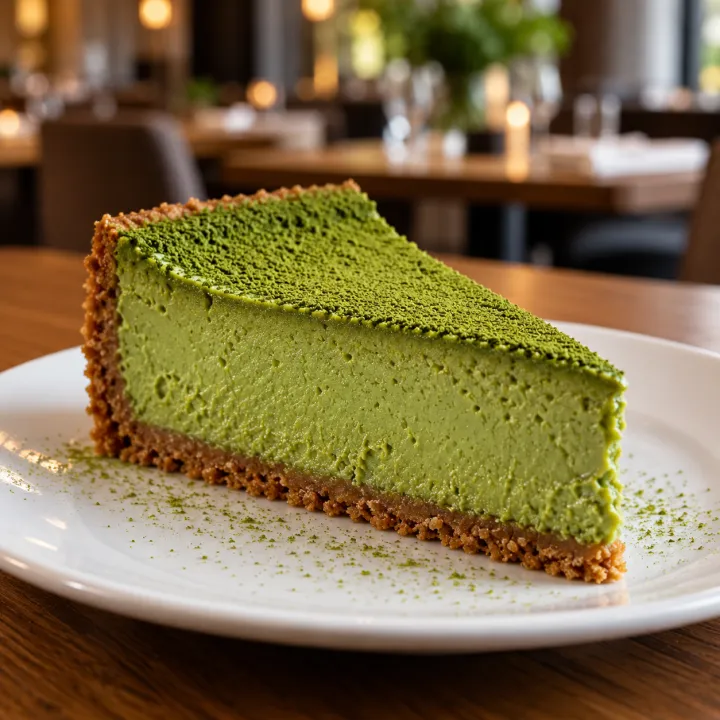
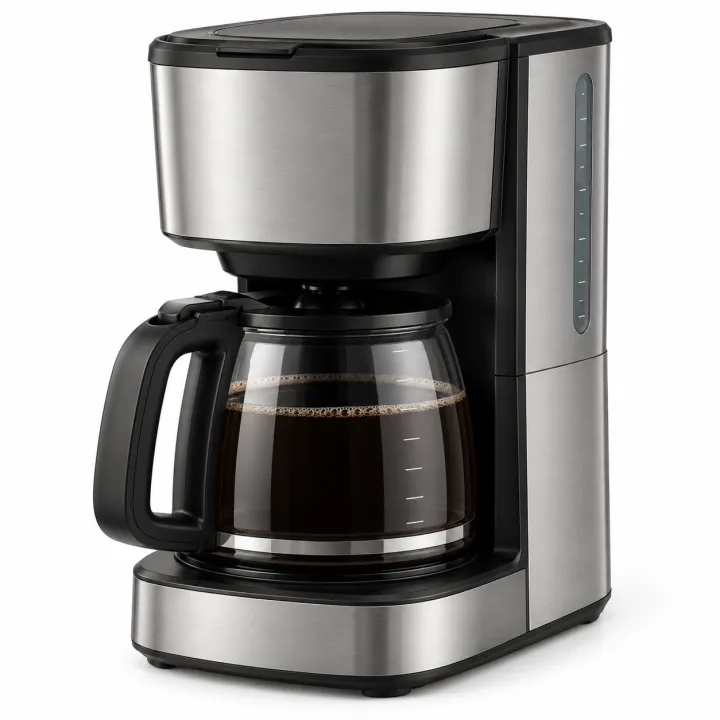
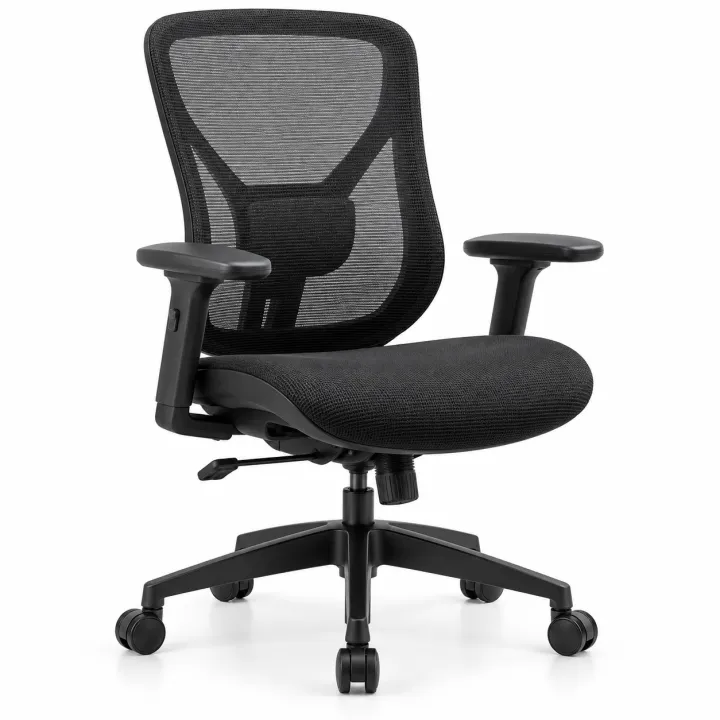
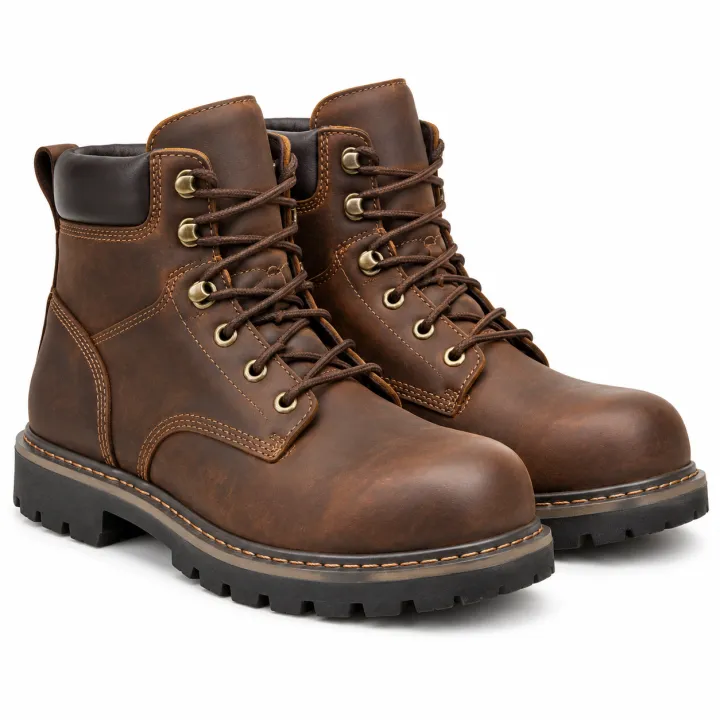
바로 이 레시피로 렌더링했어요.
이 이미지들은 이 템플릿으로 만든 것이고, 각 이미지 아래에 프롬프트가 있어요. 내 배치도 같은 레시피에 내 사진과 내 문구를 넣어 만들어져요.
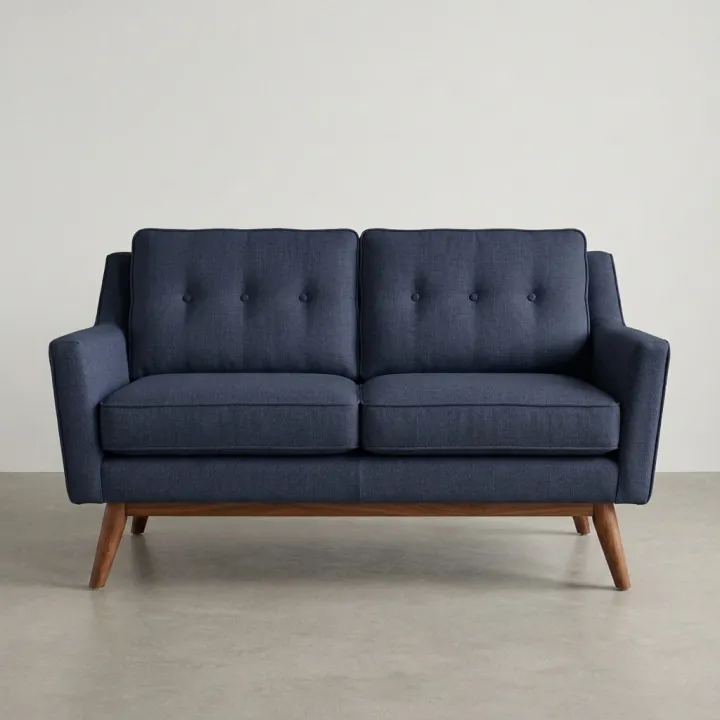
- 01 · 마켓플레이스 상품 이미지
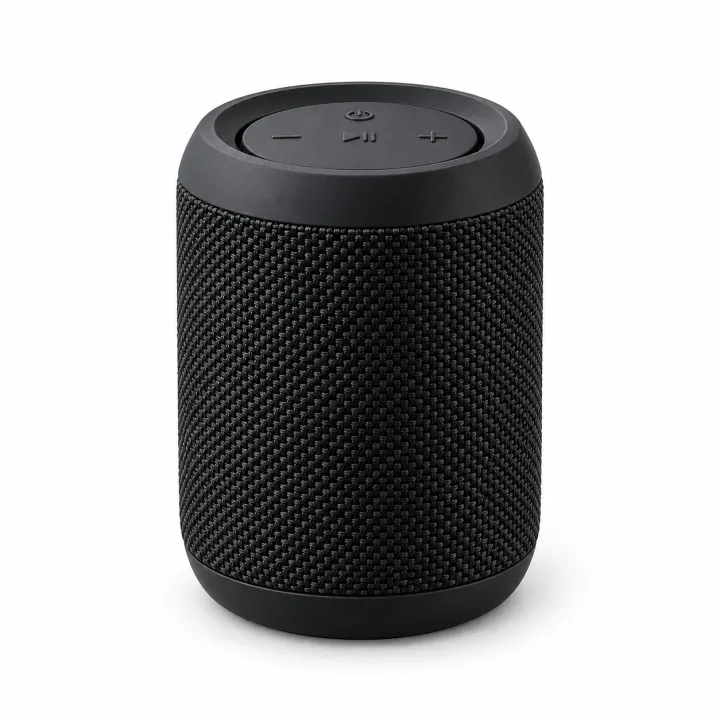
Premium marketplace listing photo of the product in the product photo, on a seamless pure-white studio background: soft even studio lighting, subtle grounded shadow, generous margin around the product. Keep the product identical to the reference: same shape, colors, materials, label and proportions. No props, no text, no watermark.
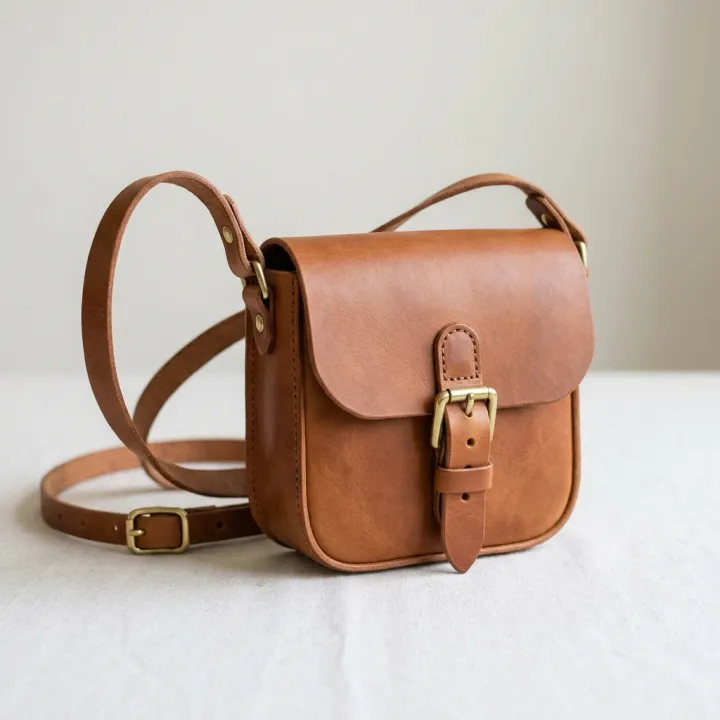
- 02 · 마켓플레이스 상품 이미지
Premium marketplace listing photo of the product in the product photo, on a seamless pure-white studio background: soft even studio lighting, subtle grounded shadow, generous margin around the product. Keep the product identical to the reference: same shape, colors, materials, label and proportions. No props, no text, no watermark.
- 03 · 마켓플레이스 상품 이미지
Premium marketplace listing photo of the product in the product photo, on a seamless pure-white studio background: soft even studio lighting, subtle grounded shadow, generous margin around the product. Keep the product identical to the reference: same shape, colors, materials, label and proportions. No props, no text, no watermark.
필요한 건 항목 몇 개, 프롬프트가 아니에요.
상품 사진
사진마다 결과 1장 · 사진마다 한 장 생성.
배경선택
순백연한 그레이 그러데이션아웃포커스 자연광
레시피를 넣으면 배치가 나와요.
- Step 01
템플릿 채우기
사진을 넣고, 리스트를 입력하고, 옵션을 체크하세요. 체크한 옵션마다 각각의 이미지로 곱해져요.
- Step 02
계획 확인하기
템플릿이 이미지마다 프롬프트를 하나씩 쓰고, 전체 목록을 크레딧 비용과 함께 보여 줘요. 어떤 줄이든 고치거나 지울 수 있어요.
- Step 03
렌더링하고 다운로드
배치는 한 번에 실행돼요. 결과는 라이브러리에 보관하거나 ZIP 하나로 전부 다운로드하세요.
마켓플레이스 상품 이미지 — FAQ
Q1상품이 정확히 그대로인가요?
네. 형태·색·재질·라벨·비율을 사진 그대로 유지하고 배경과 조명만 바꿉니다.
Q2어떤 마켓플레이스용인가요?
eBay·Amazon·Etsy·Shopify 등 깔끔한 정방형 대표 이미지가 효과 있는 곳 어디나. Amazon 규정엔 순백, eBay에선 그레이가 프리미엄으로 보입니다.
Q3폰 사진도 되나요?
둘 다 됩니다. 깨끗한 입력이 더 좋은 결과를 내지만, 이 템플릿은 판매자가 이미 갖고 있는 사진을 위해 만들어졌어요.
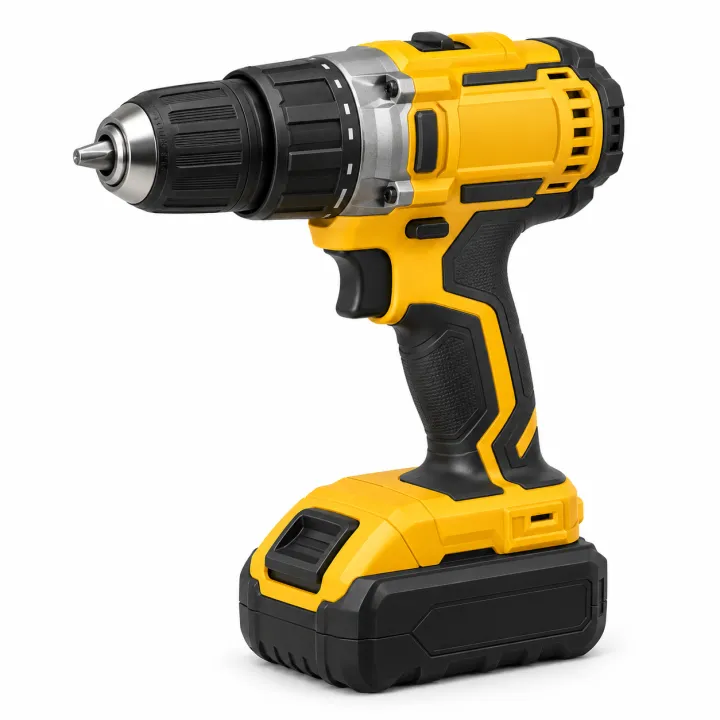
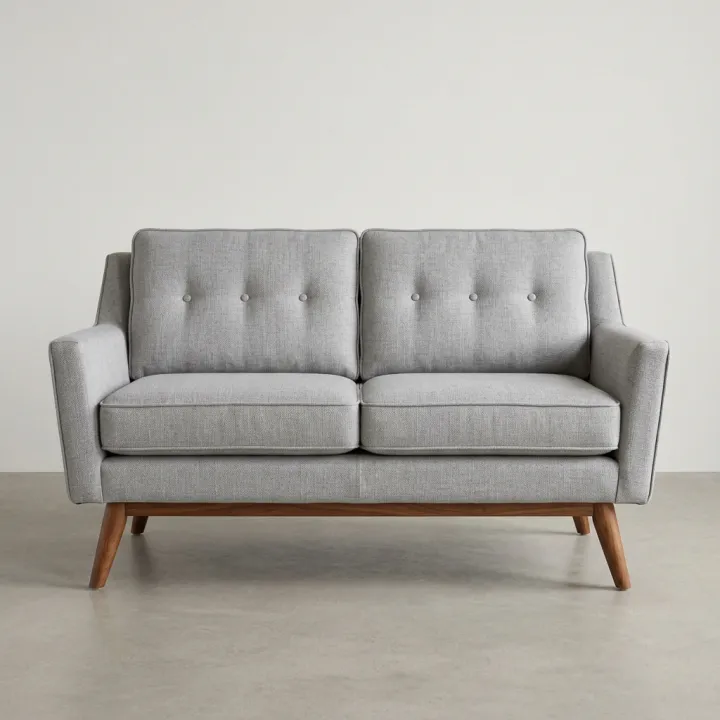 내 사진
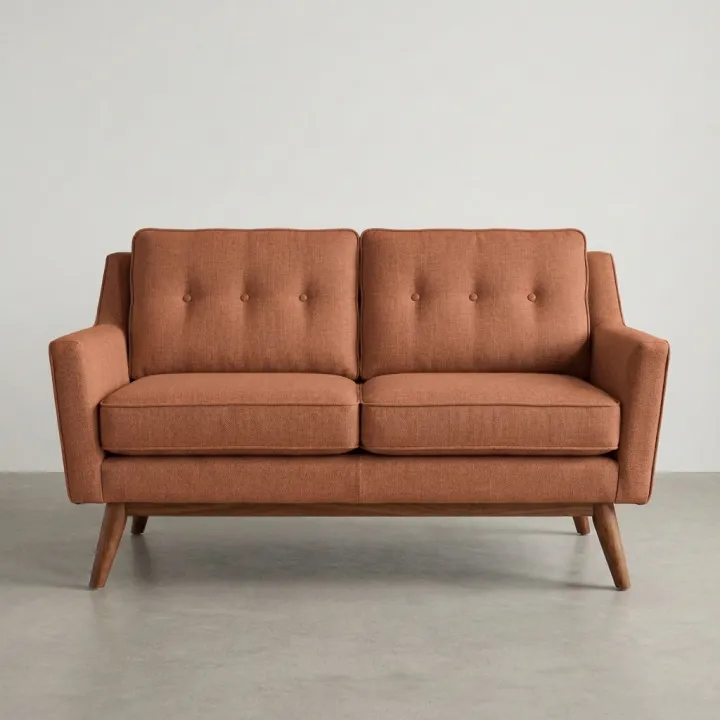
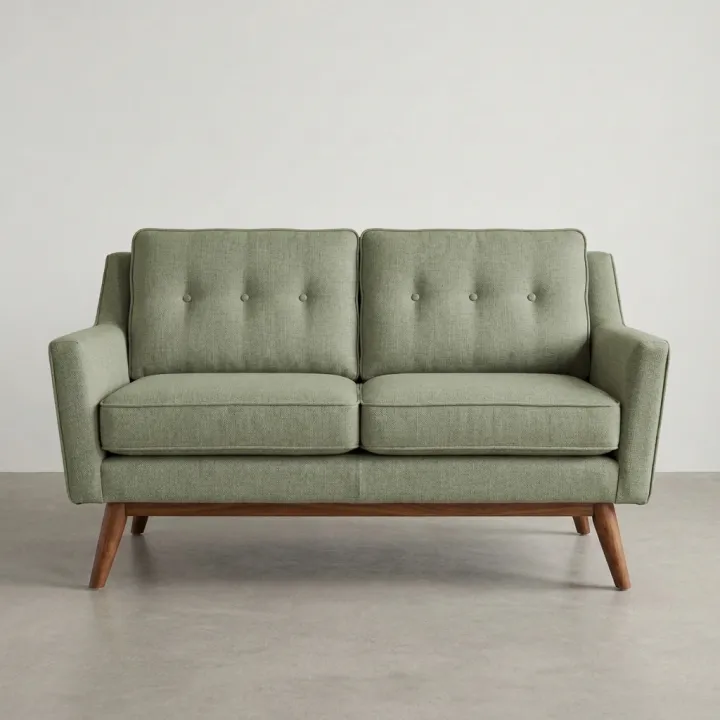
 내 사진