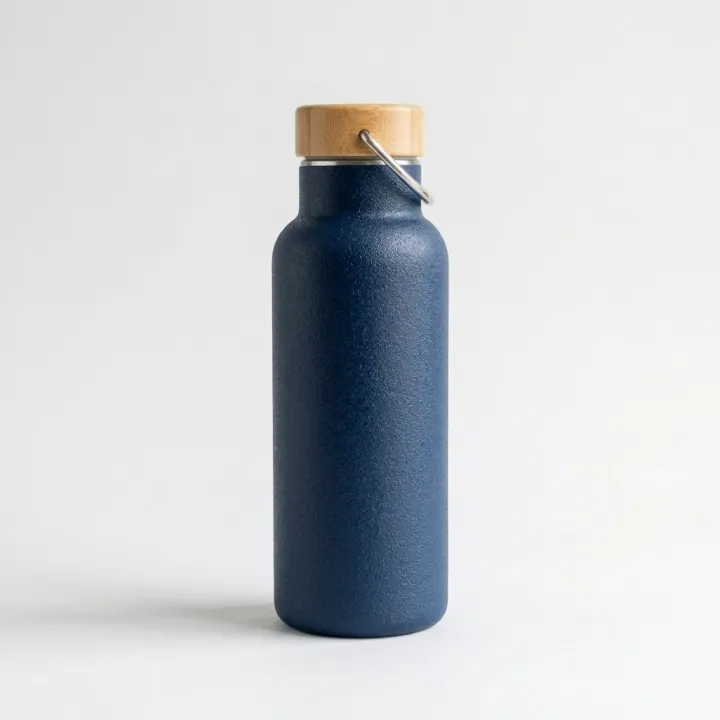
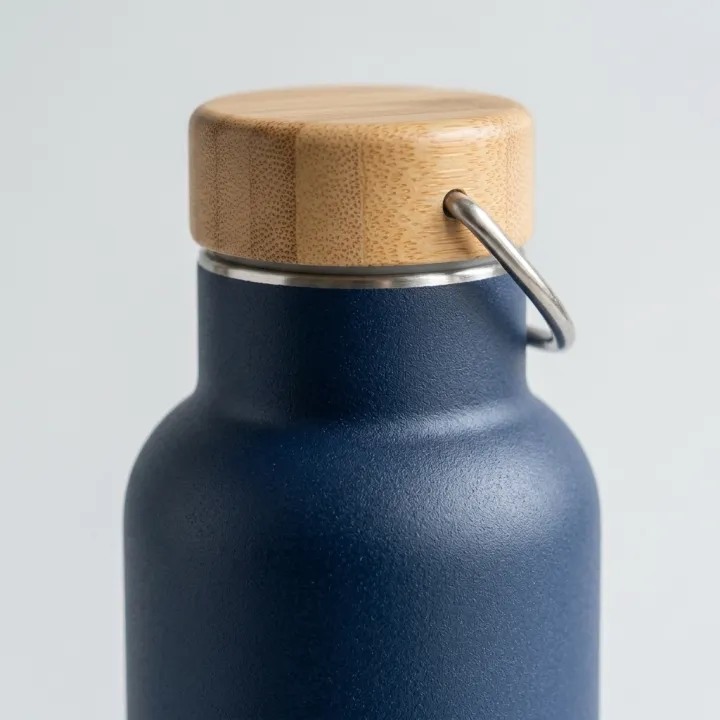
白背景の商品画像
スマホ写真を入れれば、白背景の商品画像に。
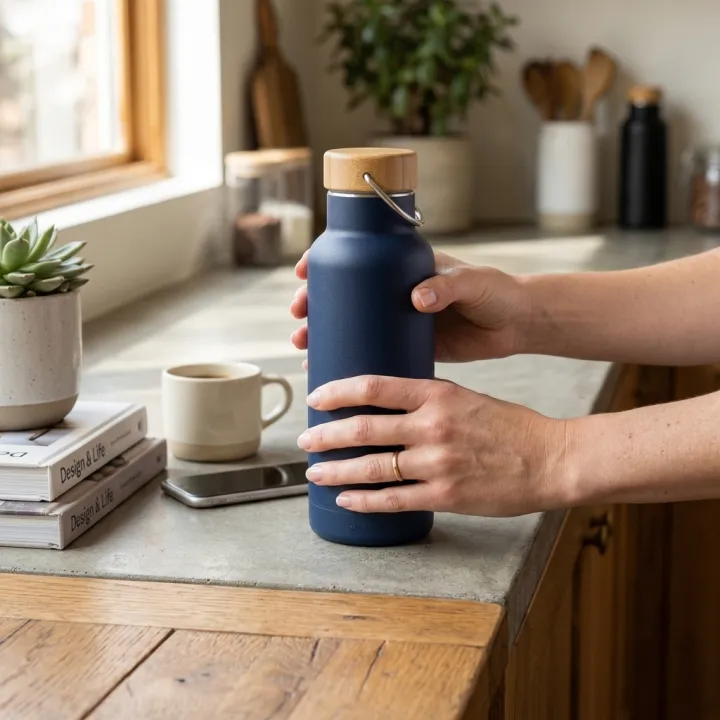
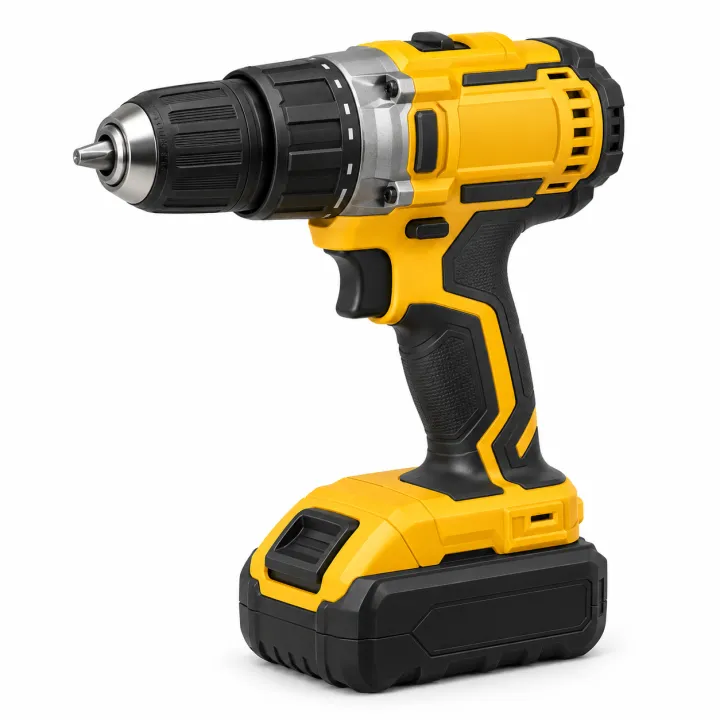
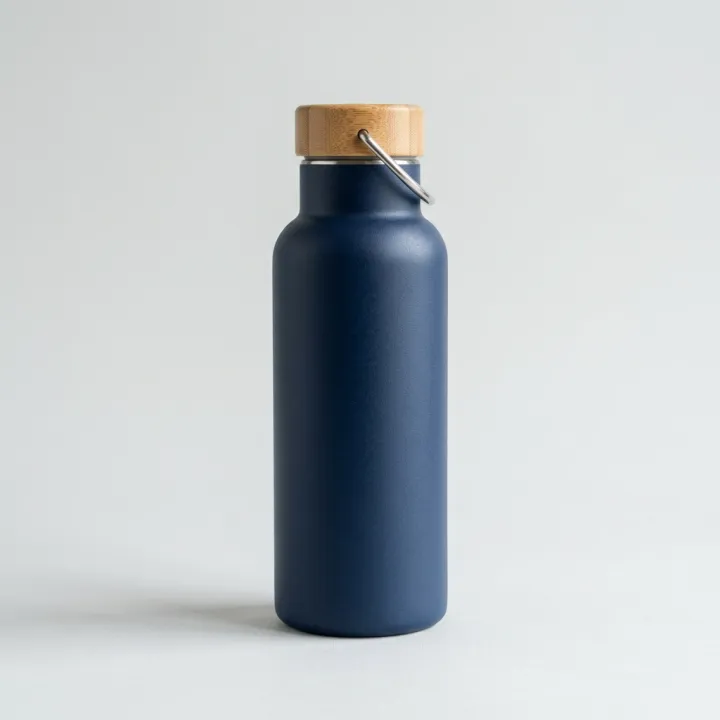
キッチンのカウンター、廊下、洗面台。撮ったままの商品写真をアップロードしてください。どの写真も、継ぎ目のない純白・温かみのある白・ライトグレーの背景の中央に商品を配置した、モールのメイン画像にそのまま使える画像になります。
初期モデル Nano Banana 2 · 1:1
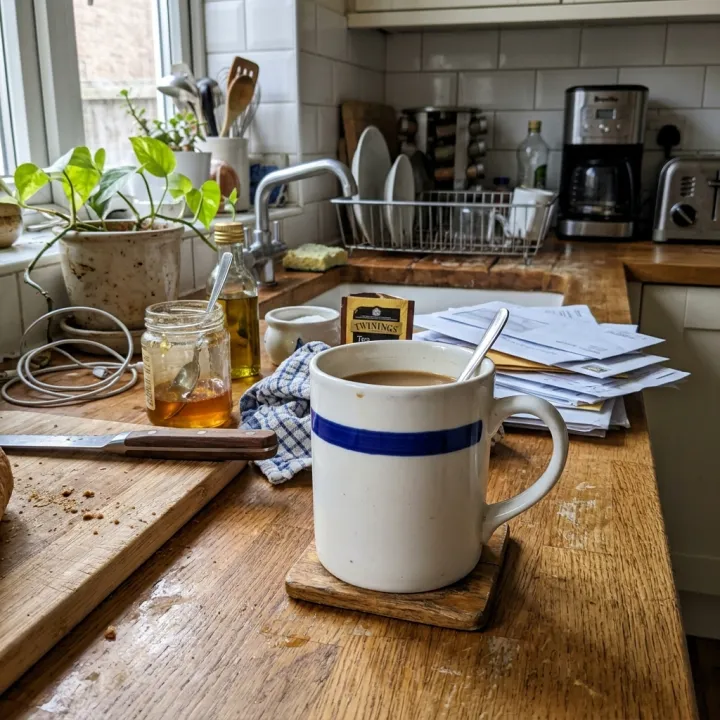 元の写真
元の写真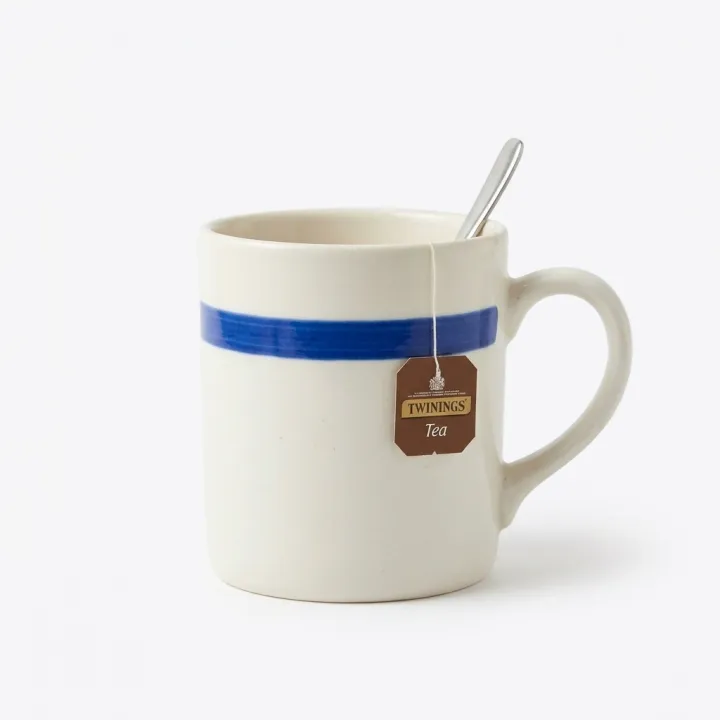
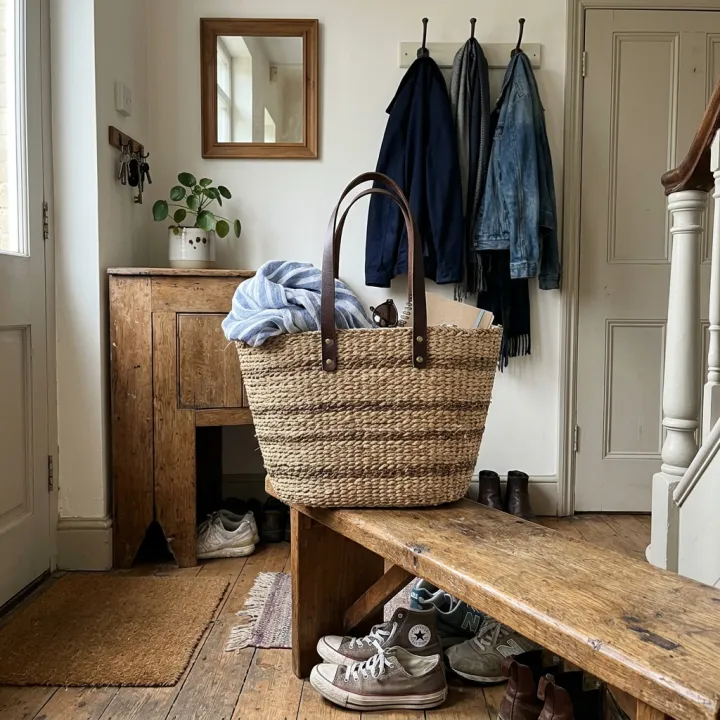 元の写真
元の写真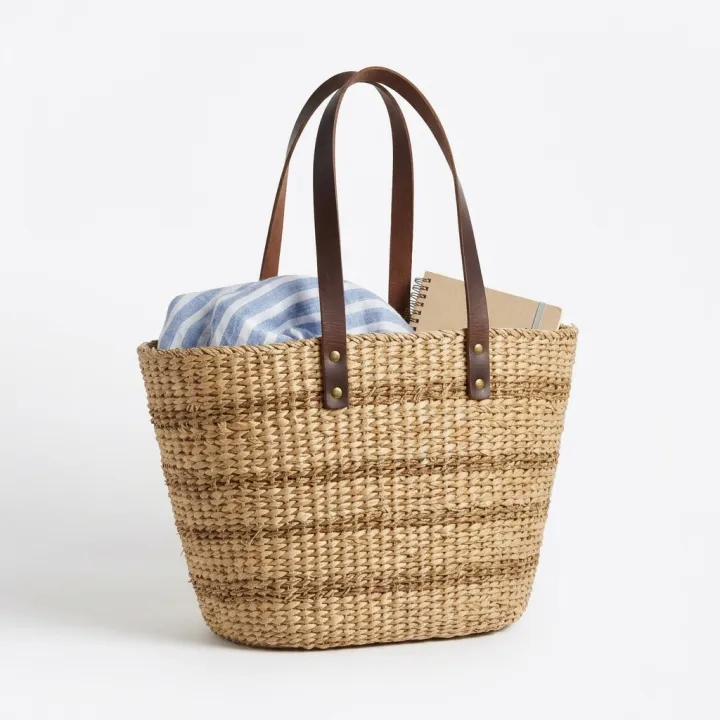
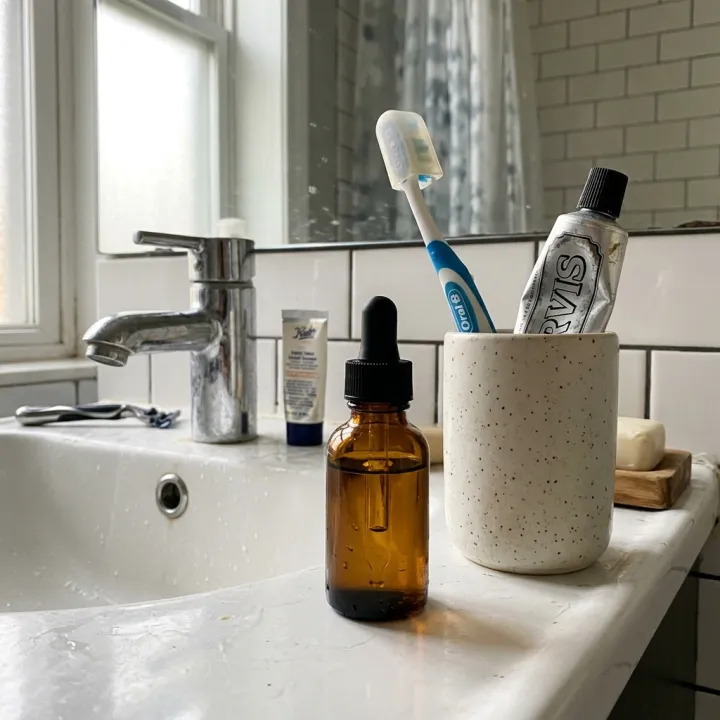 元の写真
元の写真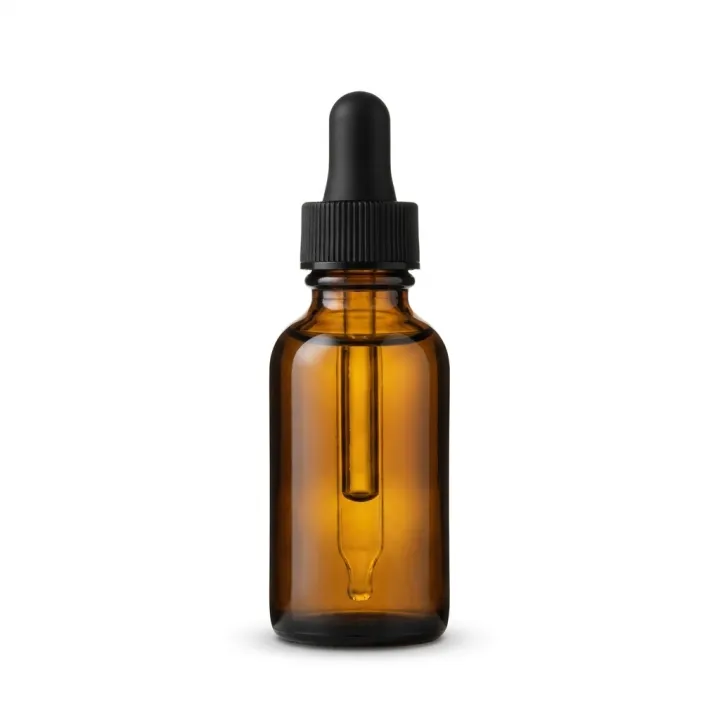
このレシピそのままで生成しました。
これらの画像はこのテンプレートで生成したもので、各画像の下にプロンプトを載せています。あなたのバッチでも、同じレシピにあなたの写真と言葉を組み合わせて生成します。
- 01 · 白背景の商品画像
Professional e-commerce packshot of the exact product shown in the reference image, alone on a seamless pure white (#FFFFFF) background, centered and filling about 75% of the frame, a soft natural contact shadow under the product, even soft studio lighting, true-to-life colors. Keep the product identical to the reference: same shape, colors, materials, label and proportions. No props, no text, no watermark.
- 02 · 白背景の商品画像
Professional e-commerce packshot of the exact product shown in the reference image, alone on a seamless pure white (#FFFFFF) background, centered and filling about 75% of the frame, a soft natural contact shadow under the product, even soft studio lighting, true-to-life colors. Keep the product identical to the reference: same shape, colors, materials, label and proportions. No props, no text, no watermark.
- 03 · 白背景の商品画像
Professional e-commerce packshot of the exact product shown in the reference image, alone on a seamless pure white (#FFFFFF) background, centered and filling about 75% of the frame, a soft natural contact shadow under the product, even soft studio lighting, true-to-life colors. Keep the product identical to the reference: same shape, colors, materials, label and proportions. No props, no text, no watermark.
必要なのはプロンプトではなく、いくつかの項目だけ。
商品写真
写真ごとに1枚ずつ生成 · 写真ごとに1枚の白背景画像を作ります。背景や照明は問いません。
背景任意
純白温かみのある白ライトグレー影任意
やわらかい影なし映り込み
レシピを入れれば、バッチで完成。
- Step 01
テンプレートに入力する
写真を追加し、リストを入力し、オプションにチェックを入れます。チェックしたオプションごとに、それぞれ別の画像が作られます。
- Step 02
プランを確認する
テンプレートが画像1枚につき1つのプロンプトを書き出し、クレジット費用とあわせて一覧で表示します。どの行も編集・削除できます。
- Step 03
生成してダウンロード
バッチは一度にまとめて実行されます。結果はライブラリに保存することも、ZIPひとつでまとめてダウンロードすることもできます。
白背景の商品画像 — よくある質問
Q1商品の見た目は変わりませんか?
プロンプトでは、形・色・素材・ラベル・比率を写真と同じに保つようモデルに指示しています。また、このテンプレートでは参照画像に対応したモデルだけを選べます。細かい文字やロゴは、公開前に必ず確認してください。小さな文字はAIがまだ間違えやすい部分です。
Q2たくさんの商品をまとめて処理できますか?
はい。追加した写真がそれぞれ1枚の画像になるので、1回のバッチでカタログ撮影をまるごとカバーできます。生成前に枚数とクレジット費用を確認できます。
Q3Amazonのメイン画像として使えますか?
このレシピは一般的なメイン画像のルールに沿っています。純白の背景に商品だけを中央に置き、フレームの大部分を占めるようにし、文字や小物は入れません。必ずカテゴリごとのマーケットプレイスの最新ルールと照らし合わせてください。




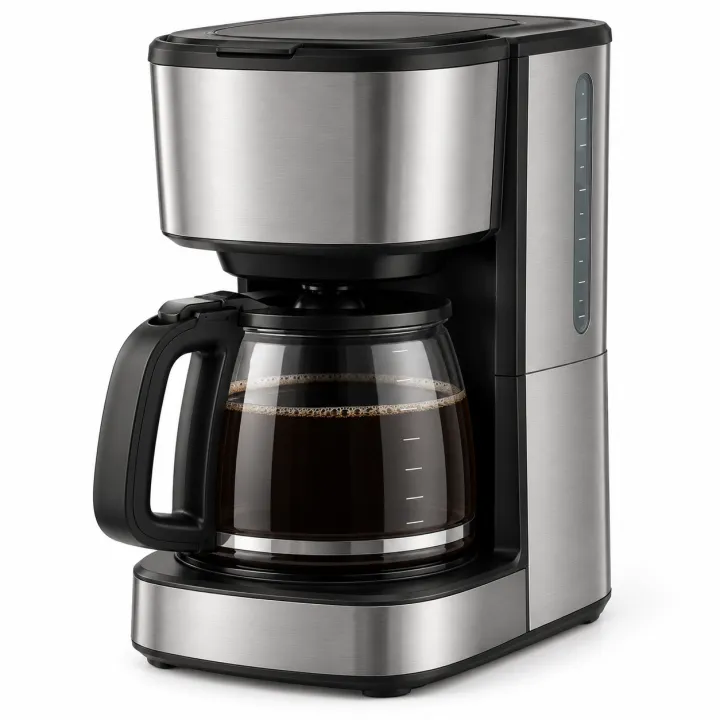
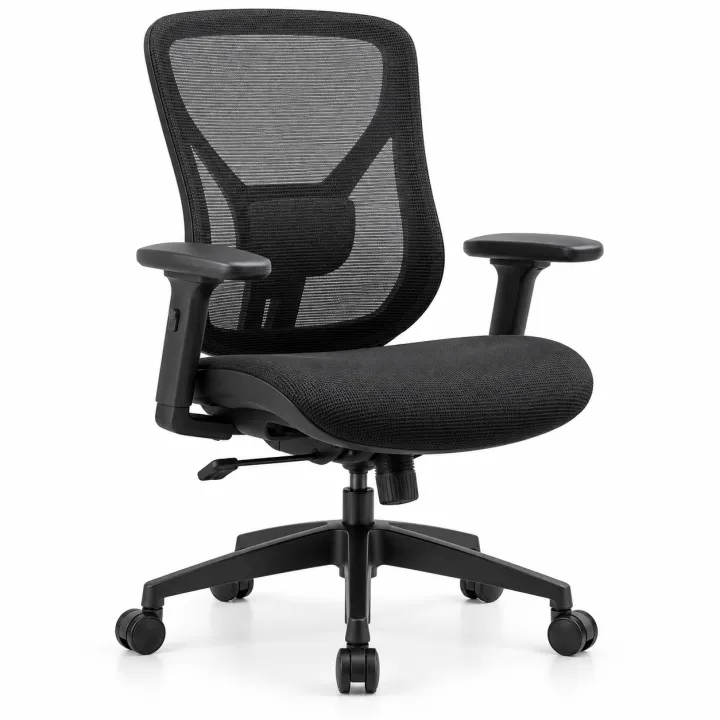
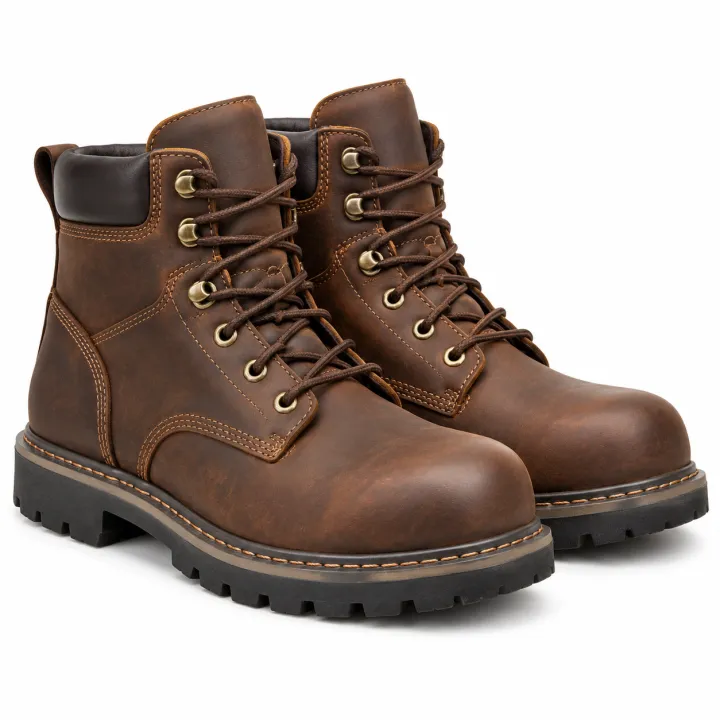
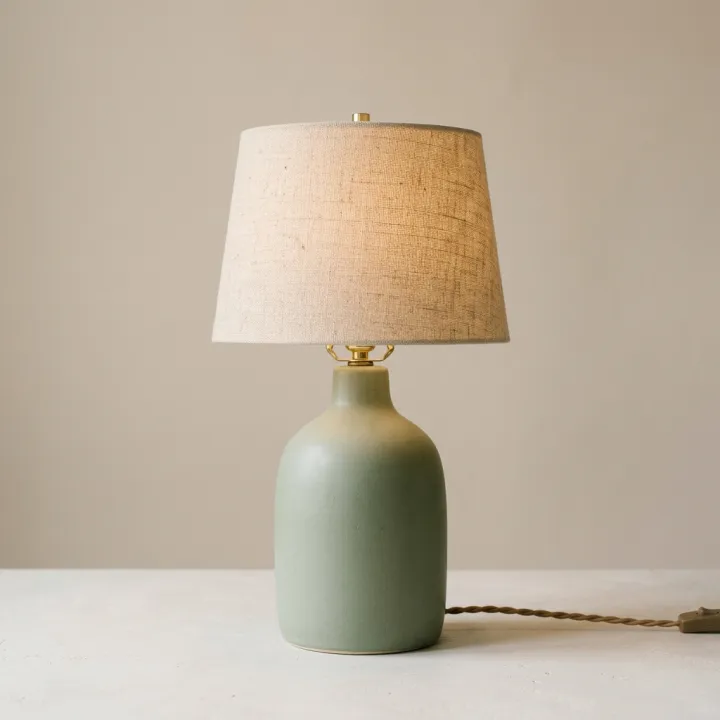 元の写真
元の写真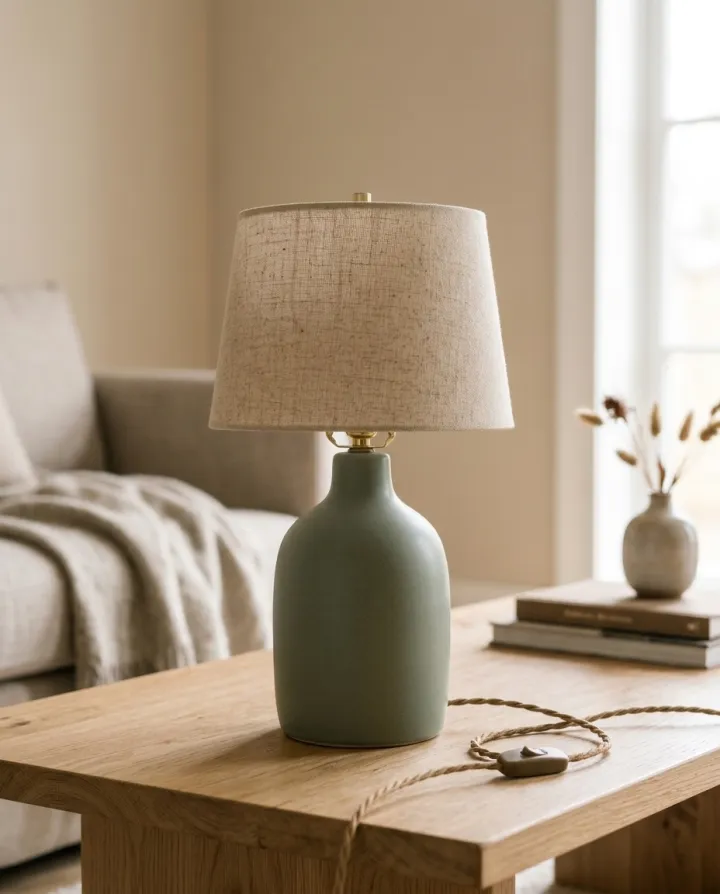
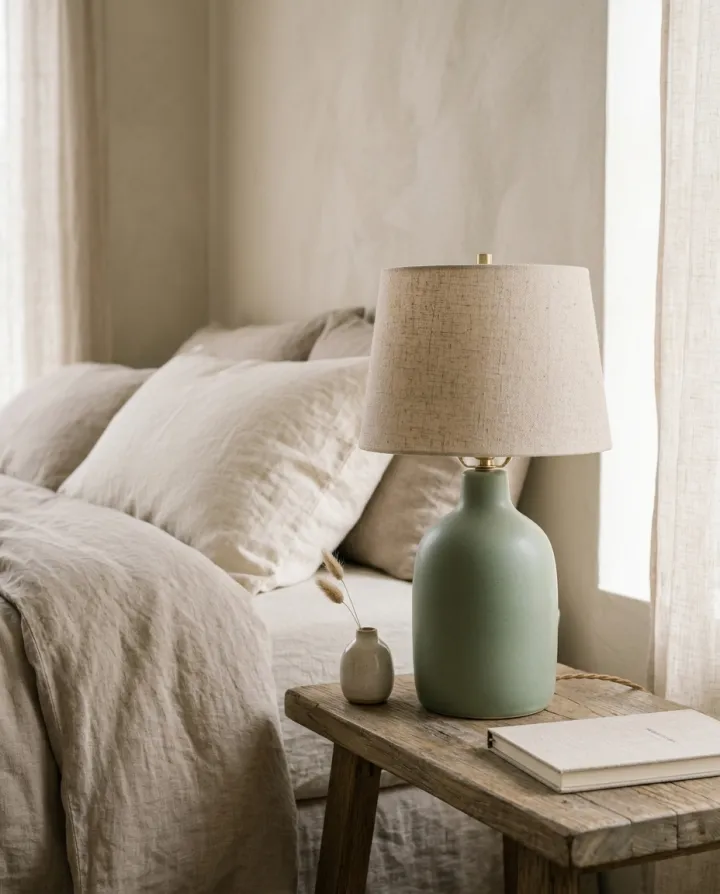
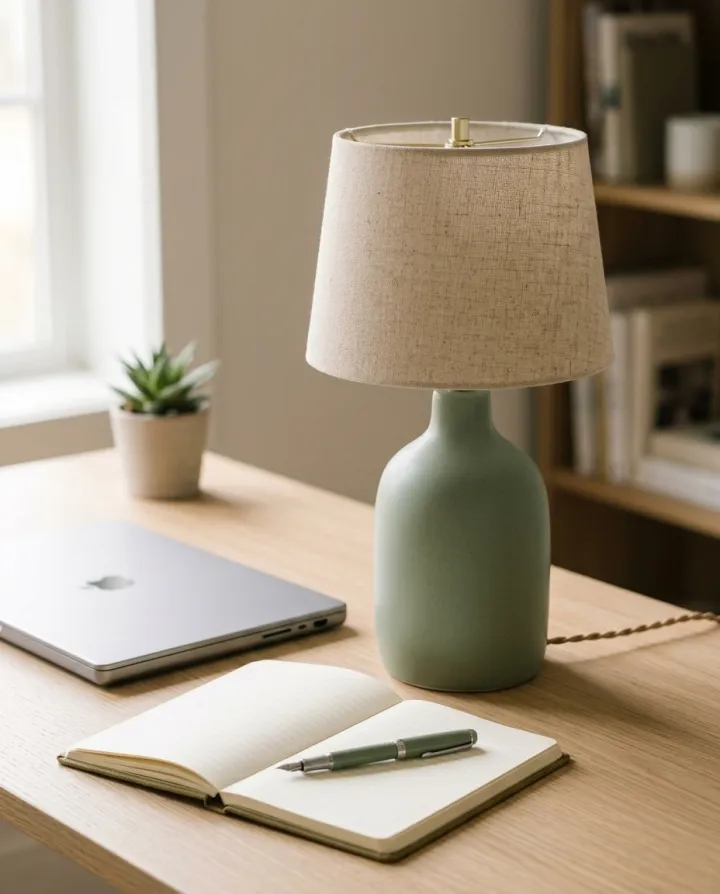
 元の写真
元の写真