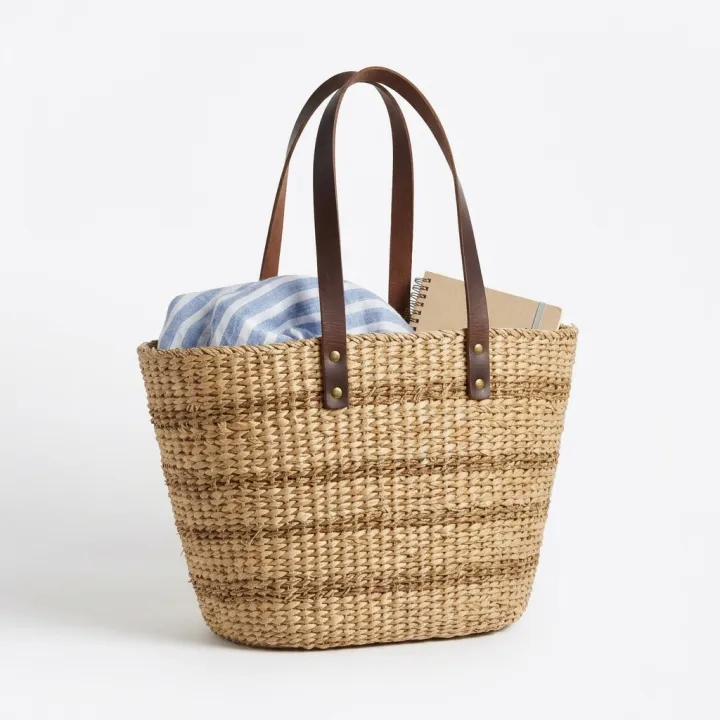
人が持つ・使う商品写真
あなたの商品を、誰かの手に。
人が写っている商品写真は、テーブルに置いただけの写真よりよく売れます。でも撮影には丸1日かかります。商品をアップロードしてショットにチェックを入れ、写ってほしい人物を書いてください。どのショットも同じ商品と自然な人物で返ってきます。
初期モデル Nano Banana 2 · 4:5
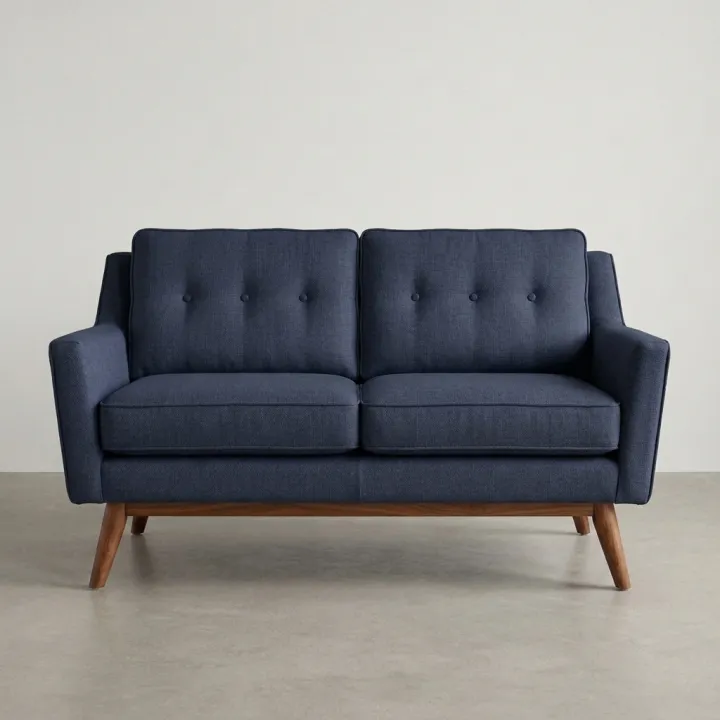
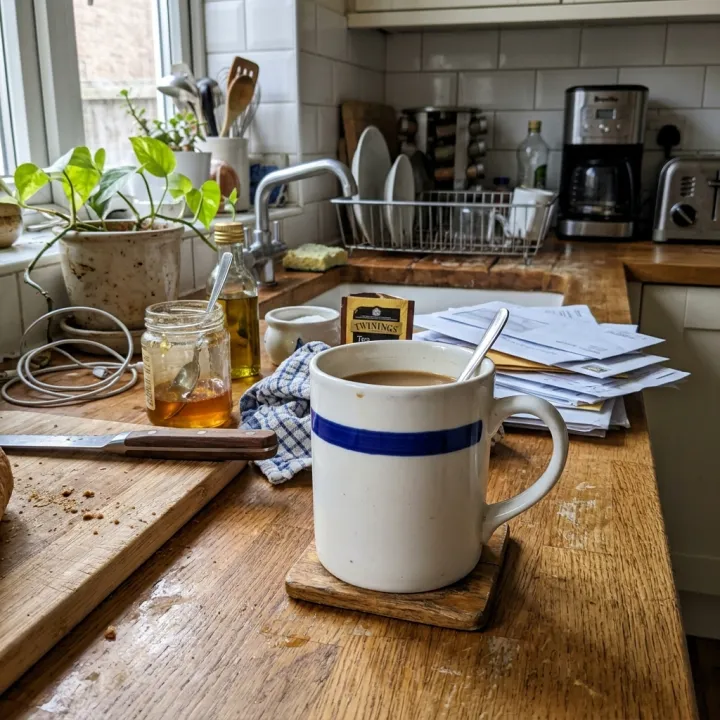
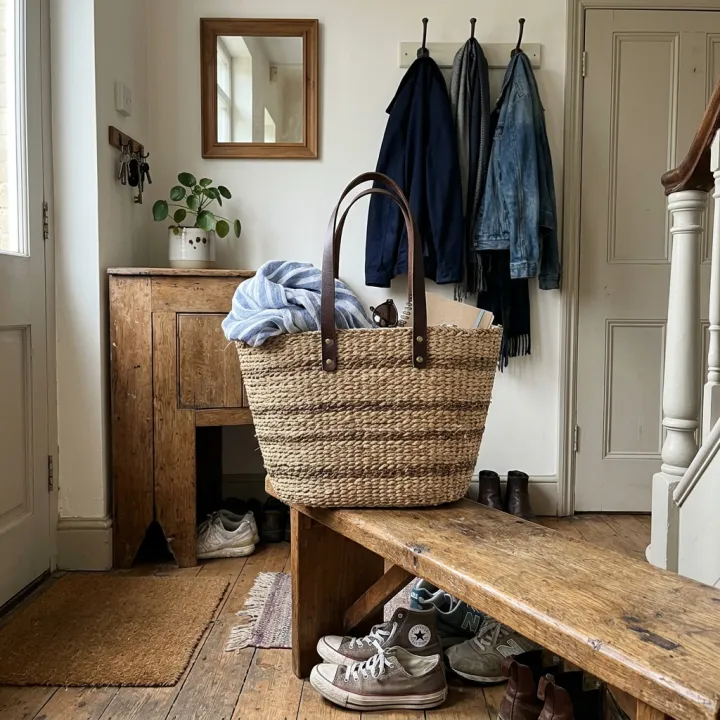
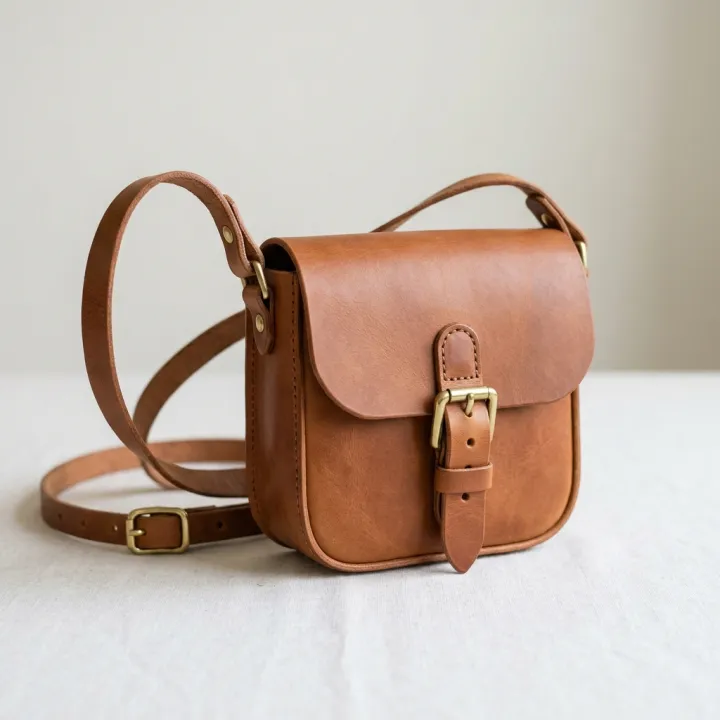 元の写真
元の写真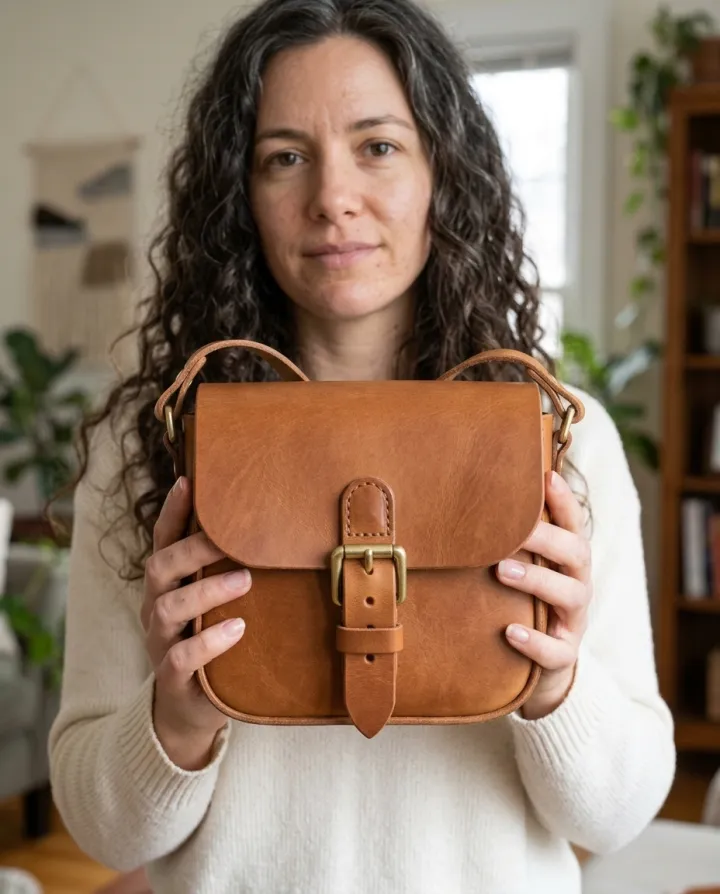
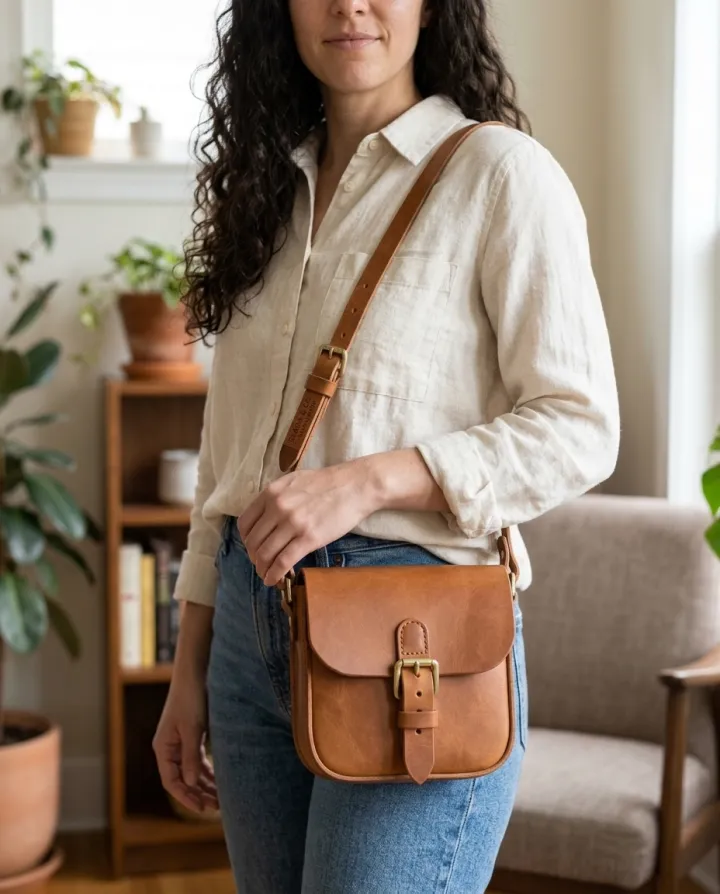
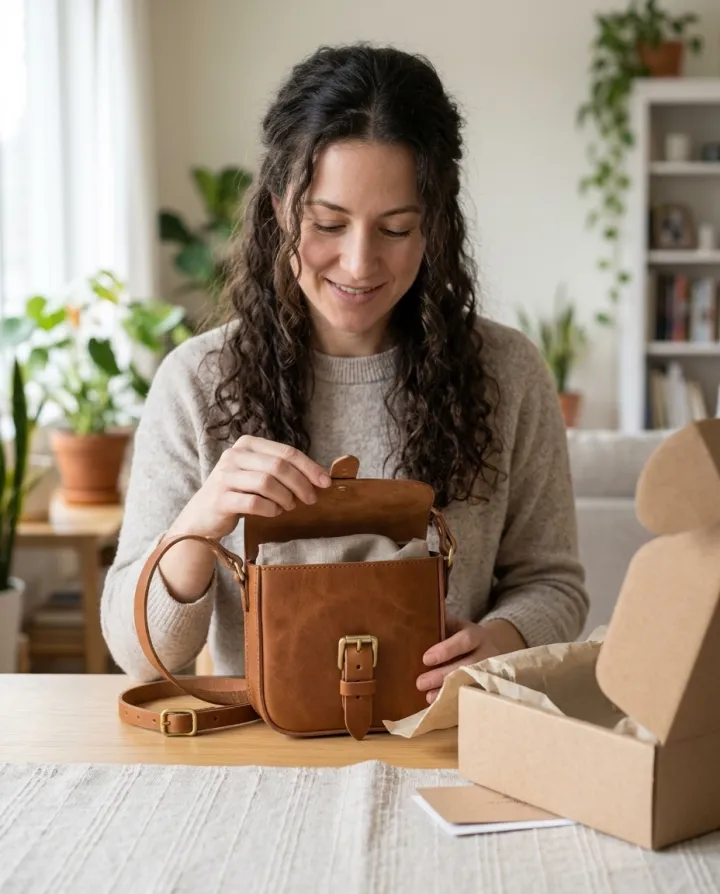
このレシピそのままで生成しました。
これらの画像はこのテンプレートで生成したもので、各画像の下にプロンプトを載せています。あなたのバッチでも、同じレシピにあなたの写真と言葉を組み合わせて生成します。
- 01 · 手に持つ
Photo of the exact product from the reference image held up in one hand toward the camera, close-up; the person: a woman in her 30s with long dark curly hair, at home in soft daylight. A real-looking person with natural hands and a relaxed pose; the product is clearly the focus. Keep the product identical to the reference: same shape, colors, materials, label and proportions. No text, no watermark.
- 02 · 身につける
Photo of the exact product from the reference image worn or carried by a person, waist-up; the person: a woman in her 30s with long dark curly hair, at home in soft daylight. A real-looking person with natural hands and a relaxed pose; the product is clearly the focus. Keep the product identical to the reference: same shape, colors, materials, label and proportions. No text, no watermark.
- 03 · 開封
Photo of the exact product from the reference image being unboxed by a person at a table, hands visible; the person: a woman in her 30s with long dark curly hair, at home in soft daylight. A real-looking person with natural hands and a relaxed pose; the product is clearly the focus. Keep the product identical to the reference: same shape, colors, materials, label and proportions. No text, no watermark.
必要なのはプロンプトではなく、いくつかの項目だけ。
商品写真
写真ごとに1枚ずつ生成 · どの写真もすべてのショットで作られます。
ショット
手に持つ身につける使用中開封プレゼントミラーセルフィー人物任意
例:黒髪のロングカールの30代女性
場所任意
自宅街なか公園スタジオ
レシピを入れれば、バッチで完成。
- Step 01
テンプレートに入力する
写真を追加し、リストを入力し、オプションにチェックを入れます。チェックしたオプションごとに、それぞれ別の画像が作られます。
- Step 02
プランを確認する
テンプレートが画像1枚につき1つのプロンプトを書き出し、クレジット費用とあわせて一覧で表示します。どの行も編集・削除できます。
- Step 03
生成してダウンロード
バッチは一度にまとめて実行されます。結果はライブラリに保存することも、ZIPひとつでまとめてダウンロードすることもできます。
人が持つ・使う商品写真 — よくある質問
Q1写っているのは実在のモデルですか?
いいえ。人物は説明文から生成されます。このテンプレートは人物の写真を受け付けないので、誰かの容姿が使われることはありません。
Q2商品は自分のものとまったく同じになりますか?
プロンプトで写真の形・色・素材・ラベルを保つよう指定しています。細かい文字などは変わることがあるので、広告に使う前に1枚ずつ確認してください。
Q3「商品を実際の部屋に」との違いは?
そちらは商品を部屋の中の台や棚に置きます。こちらは人と一緒に写します。手に持つ、身につける、使う、開封するシーンです。




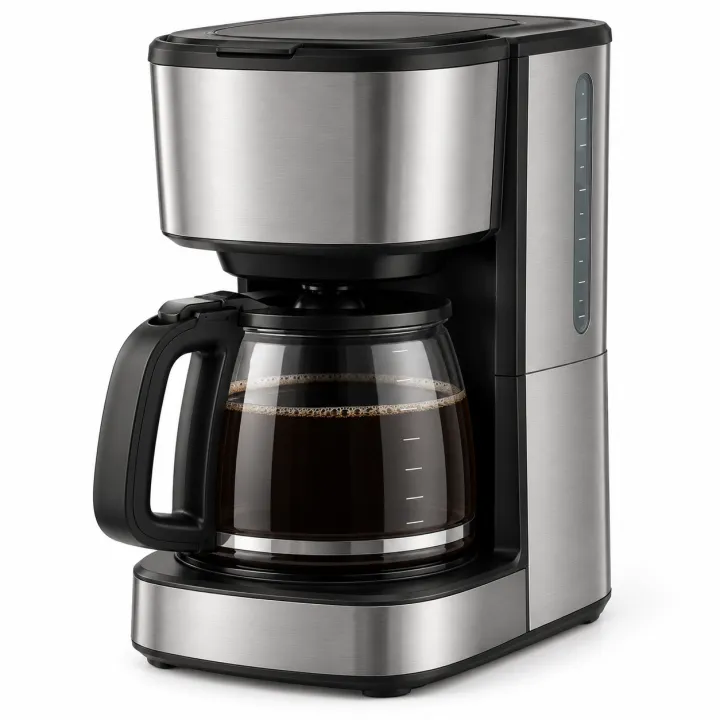
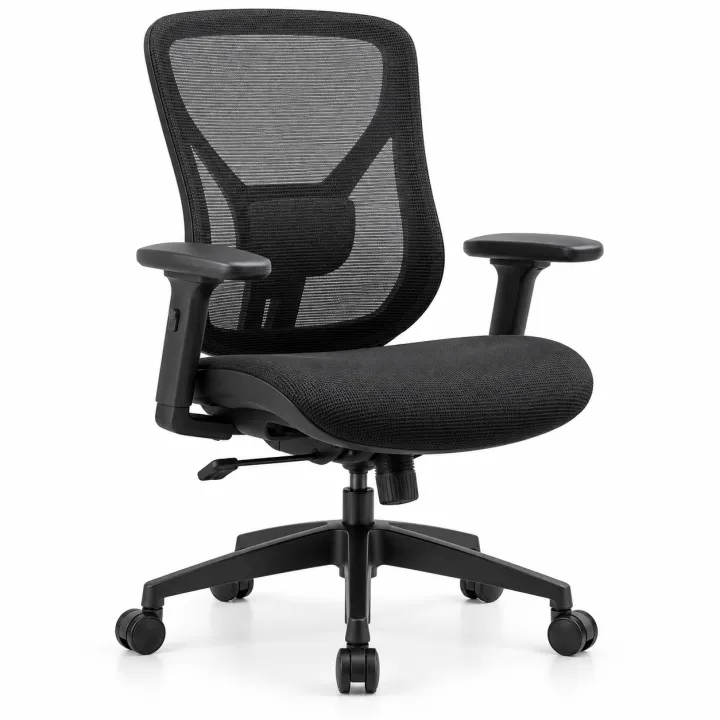
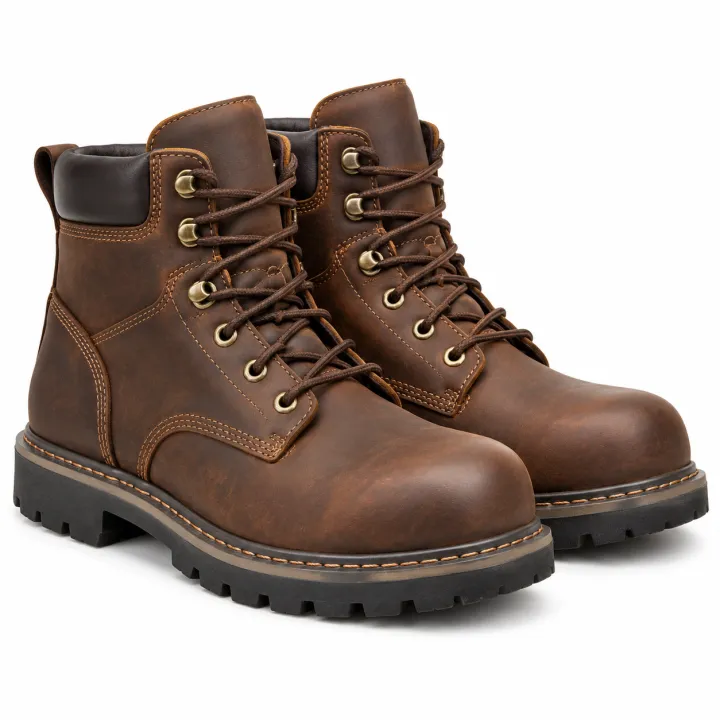
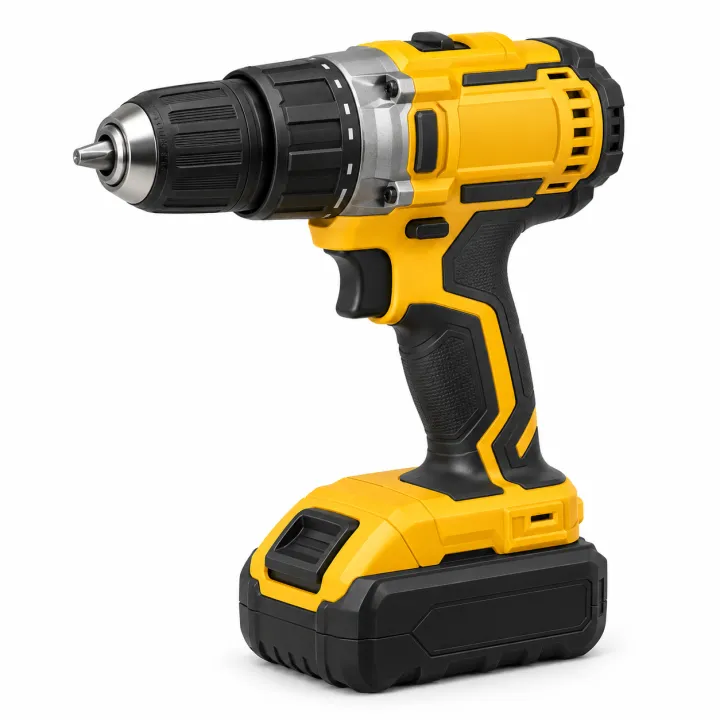
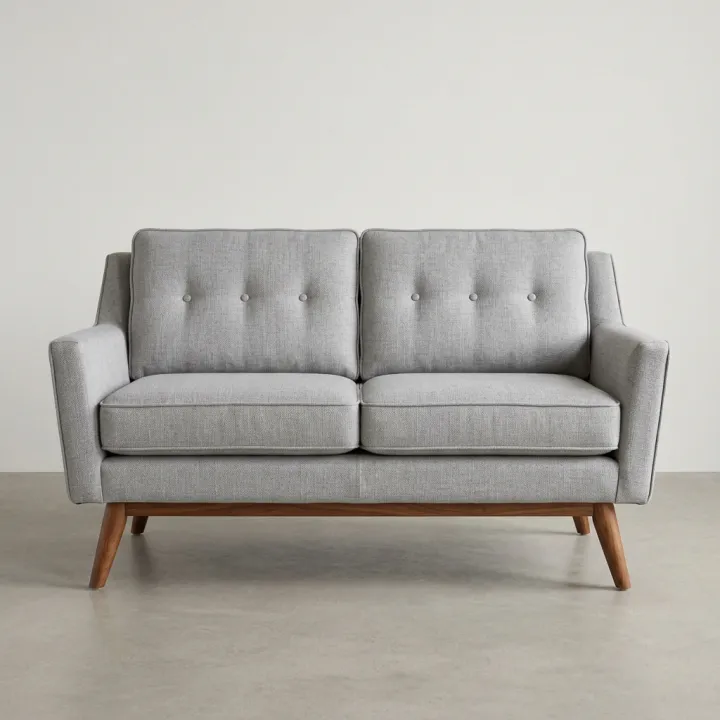 元の写真
元の写真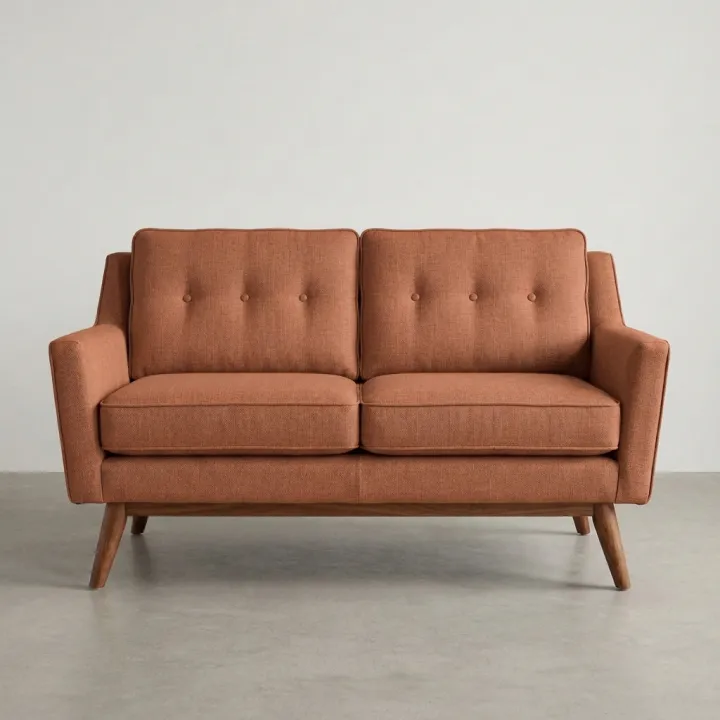
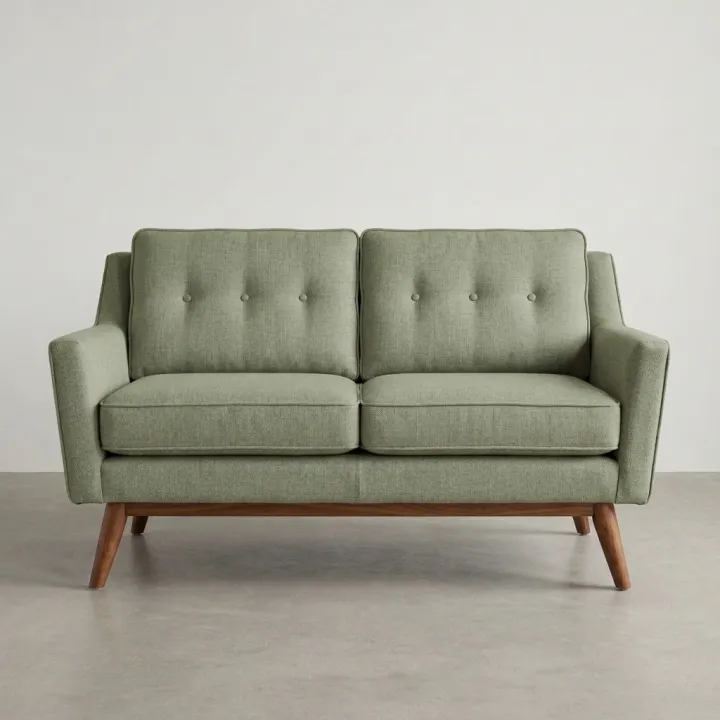
 元の写真
元の写真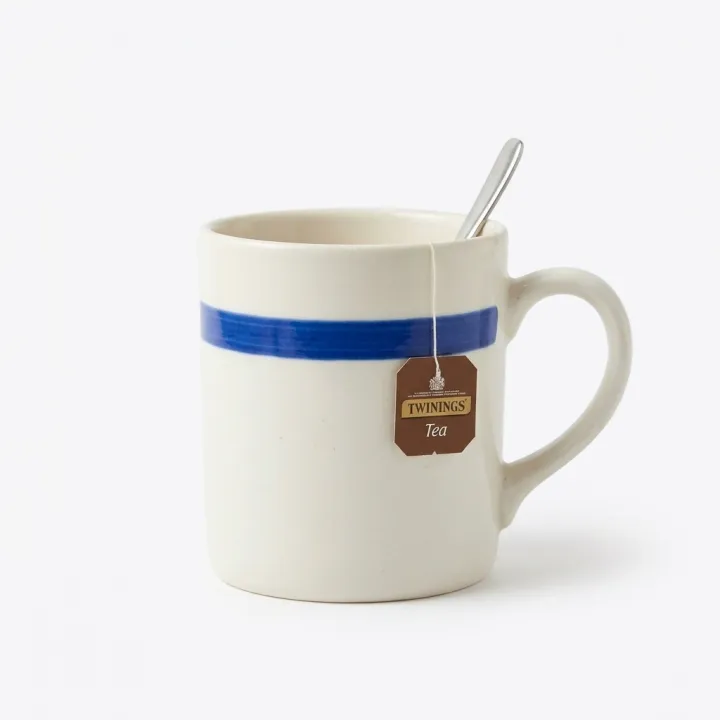
 元の写真
元の写真