Pixel game kit
One style. A whole kit.
Paste every asset your game needs. Pick icons, characters, tiles or UI, lock a palette, and bulkimg renders the set in one pixel style.
Starts on Nano Banana 2 · 1:1 · Text only — no photo needed
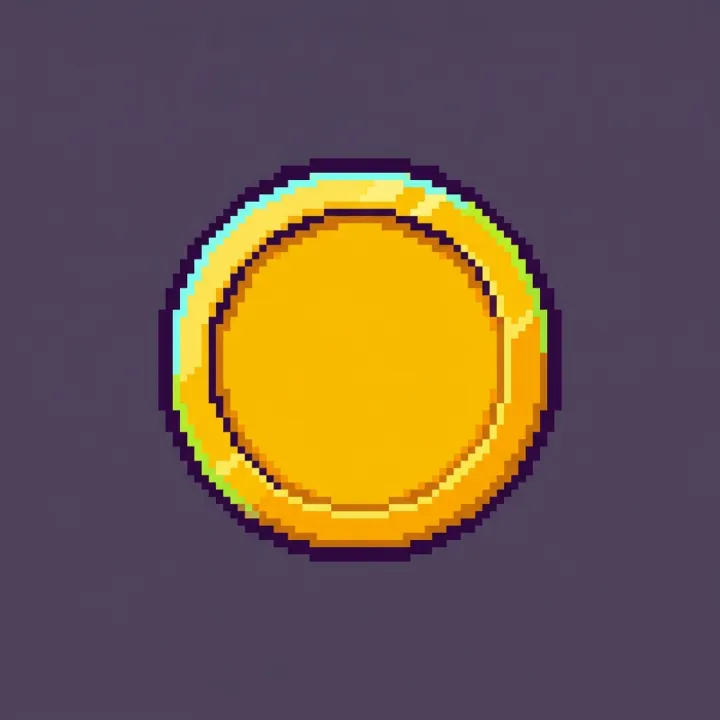

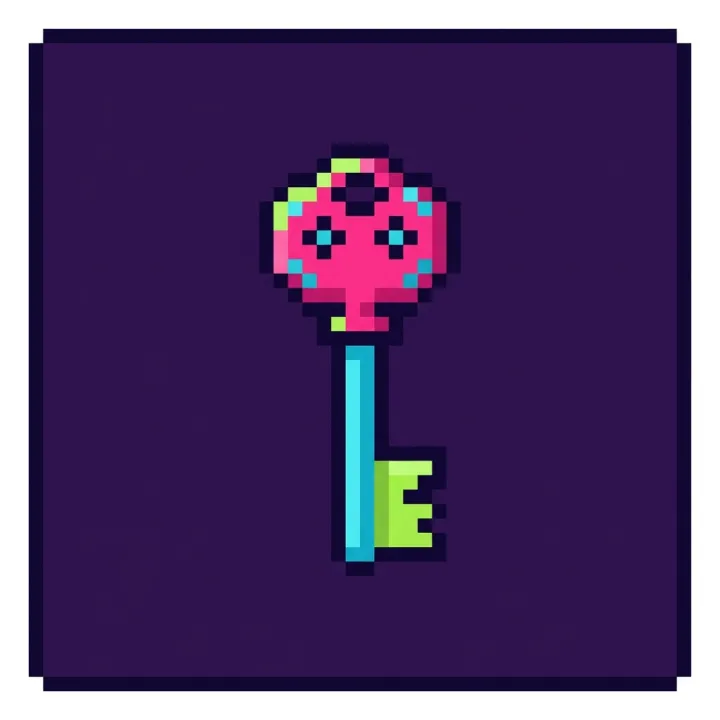
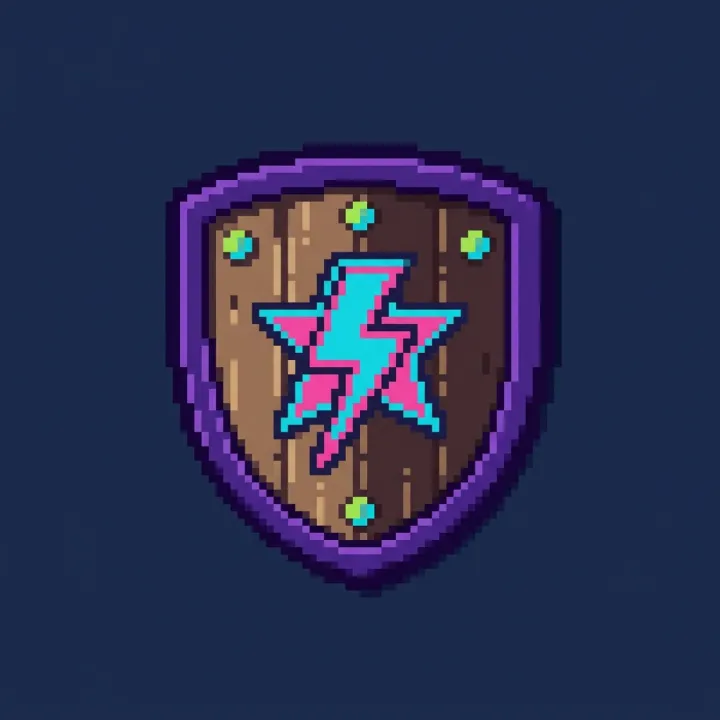
Rendered with this exact recipe.
These images came out of this template, with the prompts below each one. Your batch uses the same recipe with your photos and your words.
- 01 · a round gold coin with no markings
Pixel-art game asset: a round gold coin with no markings. Draw it as a single inventory icon, front-facing, centered with generous margin. Crisp pixels, no anti-aliasing, no gradients, a small limited palette of hot pink, cyan, lime and deep purple, for a game set in a neon mall in the year 2000. The same pixel scale, outline weight and light direction as every other asset in the kit. Flat background, no text, no watermark.
- 02 · a heart-shaped potion bottle
Pixel-art game asset: a heart-shaped potion bottle. Draw it as a single inventory icon, front-facing, centered with generous margin. Crisp pixels, no anti-aliasing, no gradients, a small limited palette of hot pink, cyan, lime and deep purple, for a game set in a neon mall in the year 2000. The same pixel scale, outline weight and light direction as every other asset in the kit. Flat background, no text, no watermark.
- 03 · a small iron key
Pixel-art game asset: a small iron key. Draw it as a single inventory icon, front-facing, centered with generous margin. Crisp pixels, no anti-aliasing, no gradients, a small limited palette of hot pink, cyan, lime and deep purple, for a game set in a neon mall in the year 2000. The same pixel scale, outline weight and light direction as every other asset in the kit. Flat background, no text, no watermark.
- 04 · a wooden shield
Pixel-art game asset: a wooden shield. Draw it as a single inventory icon, front-facing, centered with generous margin. Crisp pixels, no anti-aliasing, no gradients, a small limited palette of hot pink, cyan, lime and deep purple, for a game set in a neon mall in the year 2000. The same pixel scale, outline weight and light direction as every other asset in the kit. Flat background, no text, no watermark.
A few fields, not a prompt.
Assets
One asset per line.
a gold coin · a heart potion · an iron key · a wooden shield
Asset typeoptional
IconCharacterTileUI elementPropPaletteoptional
Optional, shared by the whole kit.
e.g. hot pink, cyan, lime, deep purple
Settingoptional
Optional.
e.g. a neon mall in the year 2000
Recipe in, batch out.
- Step 01
Fill in the template
Add your photos, type your list, tick the options. Every option you tick multiplies into its own image.
- Step 02
Check the plan
The template writes one prompt per image and shows the whole list with the credit cost. Edit or remove any line.
- Step 03
Render and download
The batch runs in one go. Keep the results in your library or download them all in one ZIP.
Pixel game kit — FAQ
Q1Will the tiles repeat?
The tile option asks for a seamless square that repeats edge to edge. Check the seams before you drop them into an engine — pixel models still miss an edge now and then.
Q2How do I keep the kit consistent?
One batch, one asset type, one palette. The prompt repeats the same pixel scale, outline and light direction on every line.
Q3What about characters and UI?
Switch the asset type: characters stand on a shared ground line, UI covers buttons, badges and frames. Isolated props and icons are the other two.
More templates
All templates →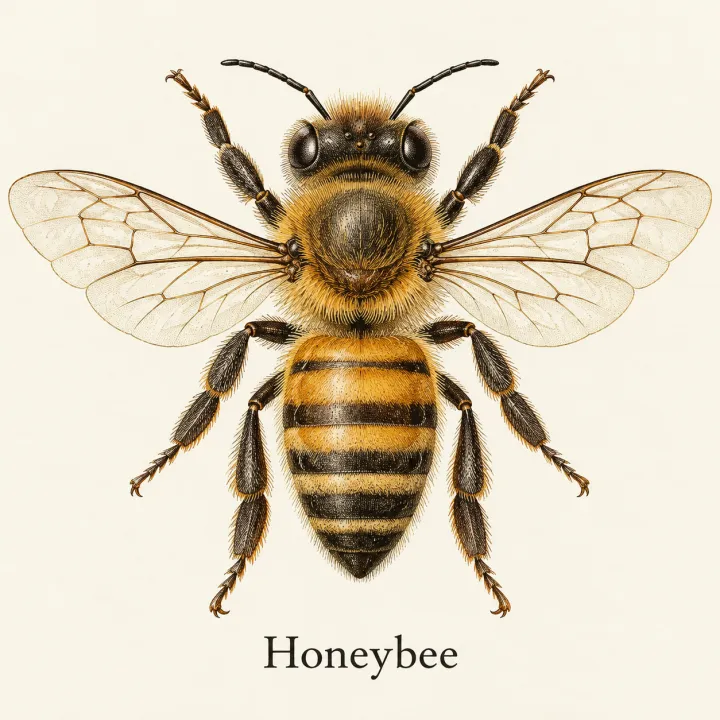
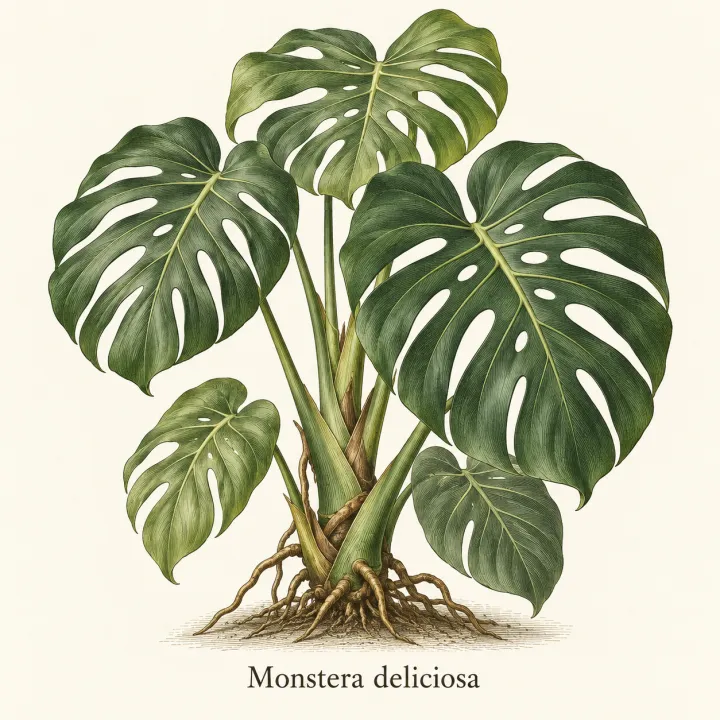
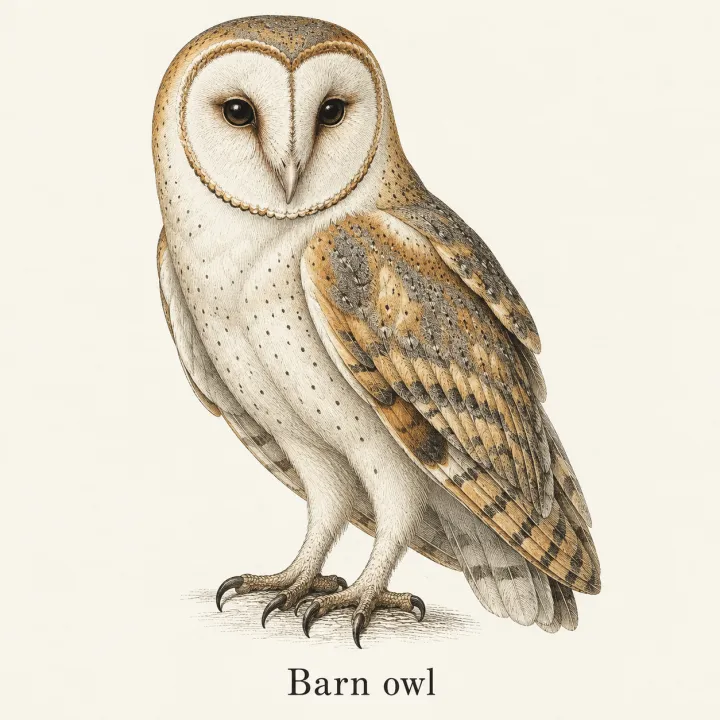
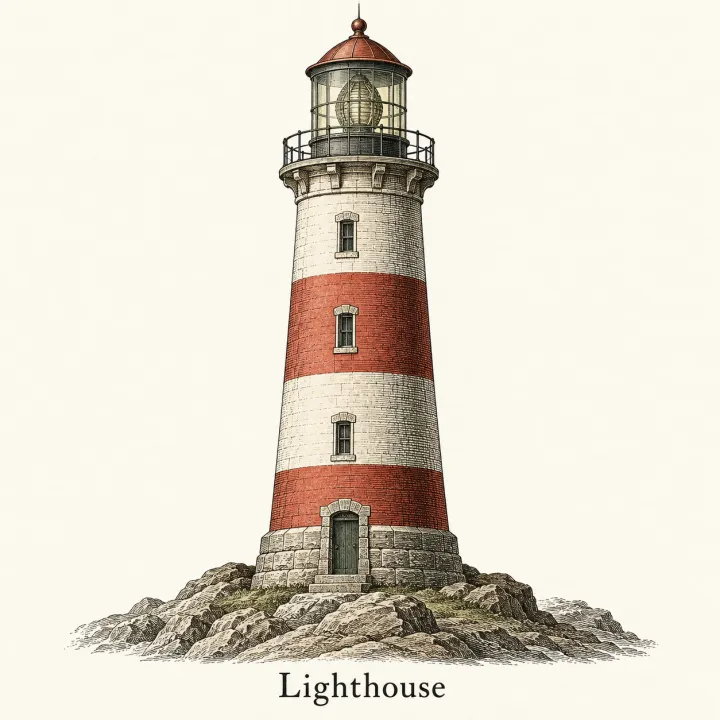 DesignAn image for every itemTurn a list — vocabulary, species, products, quiz answers — into one matching illustration per line.See the template →
 DesignLogos for a list of namesEvery brand name on your list in every logo style you pick.See the template →

 DesignIcon set for a catalogueA list of names in, one crisp icon per item out: same style, one accent colour, transparent background, readable at small sizes.See the template →


 DesignCategory bannersA list of categories or topics in, a matching header banner for each page out.See the template →
Your set is a few fields away.
Pick the template, fill it in, check the plan, render. 50 free credits to start — no card.
Use this template