Icon set for a catalogue
A list of names. An icon for each.
Paste your catalogue, category or instrument list and bulkimg renders one icon per line in a single style — one accent colour, transparent background, a whole set per batch.
Starts on GPT Image 2 · 1:1 · Text only — no photo needed



Rendered with this exact recipe.
These images came out of this template, with the prompts below each one. Your batch uses the same recipe with your photos and your words.
- 01 · acoustic guitar
Icon of acoustic guitar. clean outline icon, uniform stroke weight, one accent colour: #4b62ff. Single object, centered with generous margin, plain background, crisp silhouette that stays readable at 48 pixels. Same stroke weight, perspective and level of detail across the whole set. No text, no watermark.
- 02 · a West African kora, round gourd body and long neck
Icon of a West African kora, round gourd body and long neck. clean outline icon, uniform stroke weight, one accent colour: #4b62ff. Single object, centered with generous margin, plain background, crisp silhouette that stays readable at 48 pixels. Same stroke weight, perspective and level of detail across the whole set. No text, no watermark.
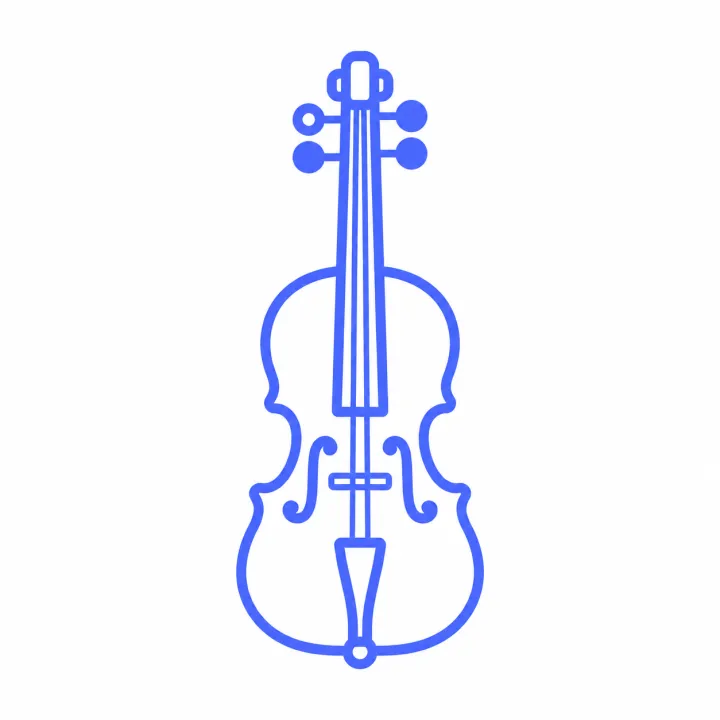
- 03 · violin
Icon of violin. clean outline icon, uniform stroke weight, one accent colour: #4b62ff. Single object, centered with generous margin, plain background, crisp silhouette that stays readable at 48 pixels. Same stroke weight, perspective and level of detail across the whole set. No text, no watermark.
- 04 · brass trumpet
Icon of brass trumpet. clean outline icon, uniform stroke weight, one accent colour: #4b62ff. Single object, centered with generous margin, plain background, crisp silhouette that stays readable at 48 pixels. Same stroke weight, perspective and level of detail across the whole set. No text, no watermark.
A few fields, not a prompt.
Items
One item per line.
acoustic guitar · electric bass · violin · cello
Styleoptional
OutlineFlatGlossy stickerAccent colouroptional
Optional.
e.g. #4b62ff
Style referenceoptional
All photos in every image · Optional: an icon the whole set follows.
Recipe in, batch out.
- Step 01
Fill in the template
Add your photos, type your list, tick the options. Every option you tick multiplies into its own image.
- Step 02
Check the plan
The template writes one prompt per image and shows the whole list with the credit cost. Edit or remove any line.
- Step 03
Render and download
The batch runs in one go. Keep the results in your library or download them all in one ZIP.
Icon set for a catalogue — FAQ
Q1Are the backgrounds really transparent?
Yes — the template runs on GPT Image 2 with transparent output, so the PNGs drop straight into your site or app.
Q2How do I keep the set consistent?
Pick one style and one accent colour, and paste every item into a single batch: the prompt repeats the same stroke weight and level of detail for each icon.
Q3Can it match icons I already have?
Attach one or two of your existing icons as a style reference and every new icon follows them.
More templates
All templates →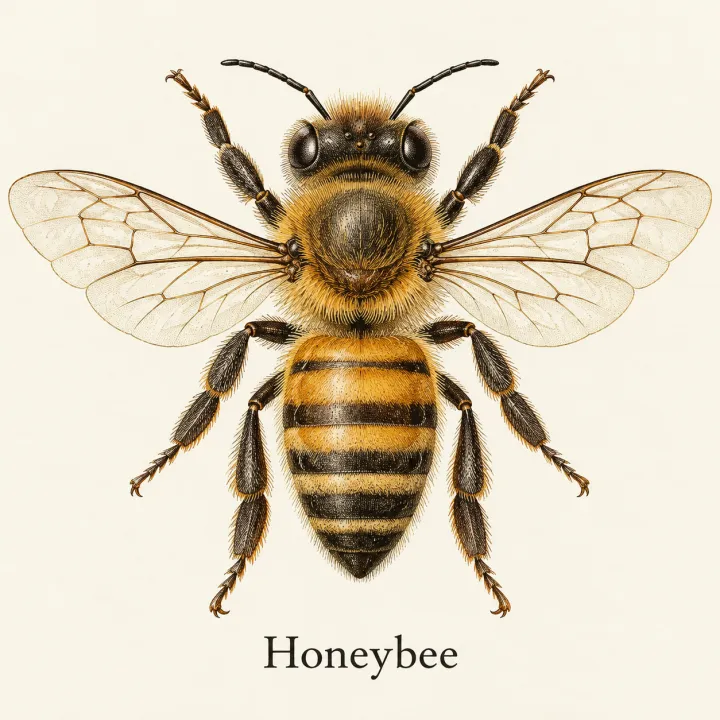
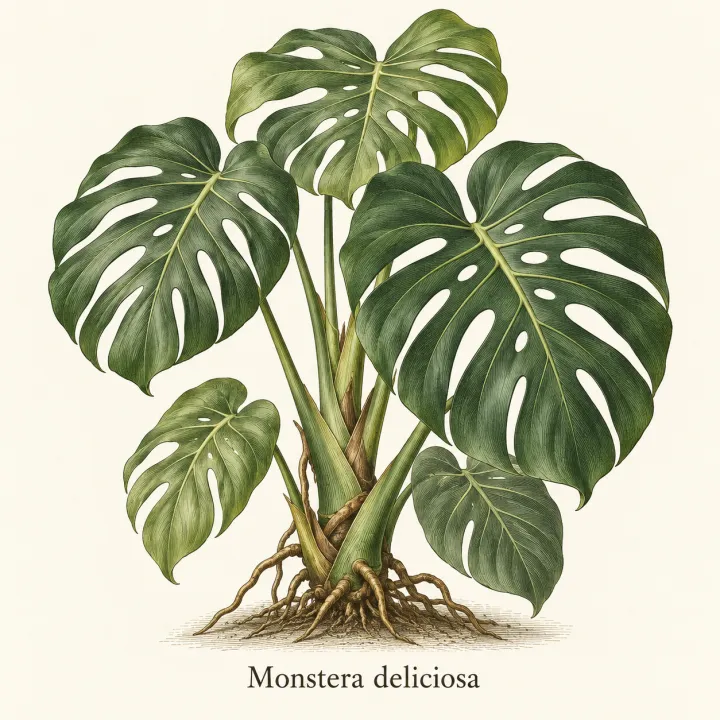
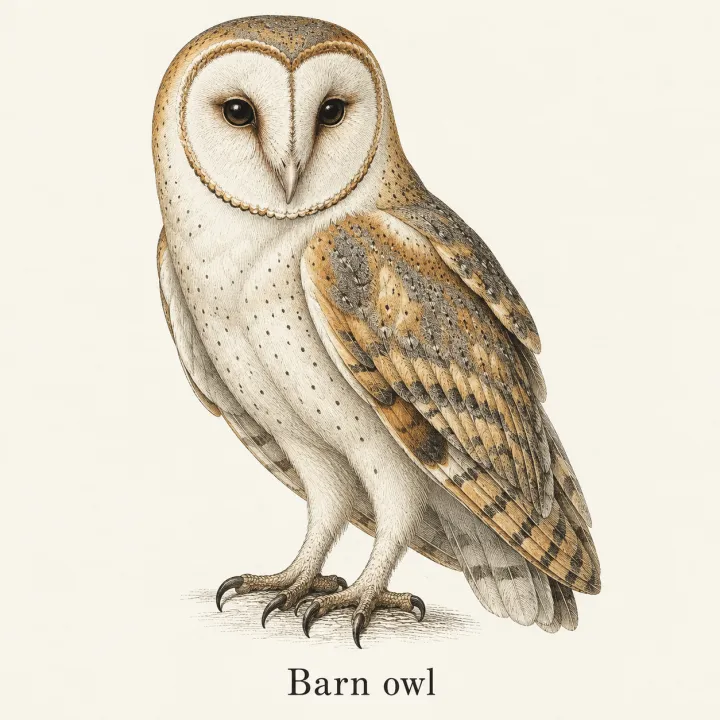
 DesignAn image for every itemTurn a list — vocabulary, species, products, quiz answers — into one matching illustration per line.See the template →



 DesignLogos for a list of namesEvery brand name on your list in every logo style you pick.See the template →



 DesignCategory bannersA list of categories or topics in, a matching header banner for each page out.See the template →
 DesignGame asset setA list of objects in one art style, view and palette: props, items and icons for your game.See the template →
Your set is a few fields away.
Pick the template, fill it in, check the plan, render. 50 free credits to start — no card.
Use this template