픽셀 게임 키트
하나의 스타일로. 키트 전체를.
게임에 필요한 에셋을 전부 붙여넣으세요. 아이콘, 캐릭터, 타일, UI 중 고르고 팔레트를 고정하면 bulkimg가 하나의 픽셀 스타일로 세트를 그립니다.
기본 모델 Nano Banana 2 · 1:1 · 텍스트만 — 사진 없이도 돼요
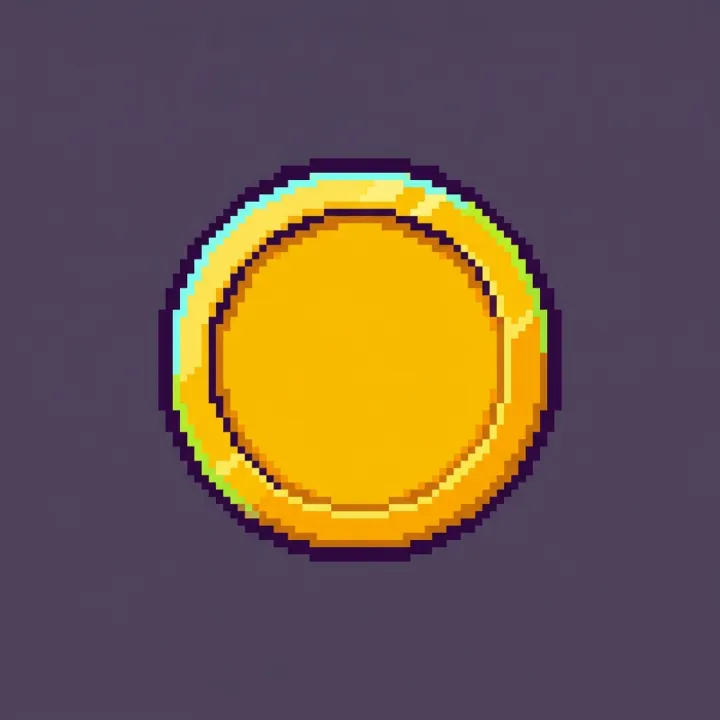

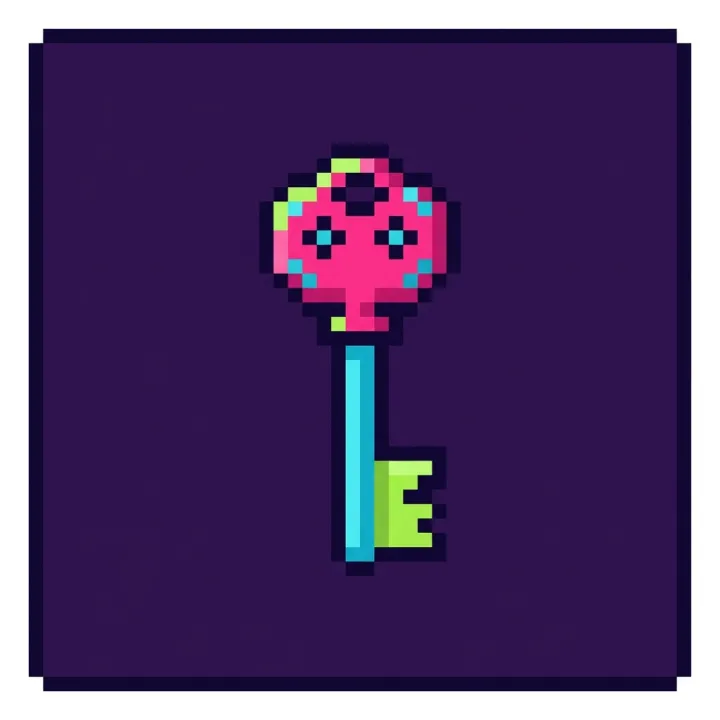

바로 이 레시피로 렌더링했어요.
이 이미지들은 이 템플릿으로 만든 것이고, 각 이미지 아래에 프롬프트가 있어요. 내 배치도 같은 레시피에 내 사진과 내 문구를 넣어 만들어져요.
- 01 · a round gold coin with no markings
Pixel-art game asset: a round gold coin with no markings. Draw it as a single inventory icon, front-facing, centered with generous margin. Crisp pixels, no anti-aliasing, no gradients, a small limited palette of hot pink, cyan, lime and deep purple, for a game set in a neon mall in the year 2000. The same pixel scale, outline weight and light direction as every other asset in the kit. Flat background, no text, no watermark.
- 02 · a heart-shaped potion bottle
Pixel-art game asset: a heart-shaped potion bottle. Draw it as a single inventory icon, front-facing, centered with generous margin. Crisp pixels, no anti-aliasing, no gradients, a small limited palette of hot pink, cyan, lime and deep purple, for a game set in a neon mall in the year 2000. The same pixel scale, outline weight and light direction as every other asset in the kit. Flat background, no text, no watermark.
- 03 · a small iron key
Pixel-art game asset: a small iron key. Draw it as a single inventory icon, front-facing, centered with generous margin. Crisp pixels, no anti-aliasing, no gradients, a small limited palette of hot pink, cyan, lime and deep purple, for a game set in a neon mall in the year 2000. The same pixel scale, outline weight and light direction as every other asset in the kit. Flat background, no text, no watermark.
- 04 · a wooden shield
Pixel-art game asset: a wooden shield. Draw it as a single inventory icon, front-facing, centered with generous margin. Crisp pixels, no anti-aliasing, no gradients, a small limited palette of hot pink, cyan, lime and deep purple, for a game set in a neon mall in the year 2000. The same pixel scale, outline weight and light direction as every other asset in the kit. Flat background, no text, no watermark.
필요한 건 항목 몇 개, 프롬프트가 아니에요.
에셋
한 줄에 하나.
금화 · 하트 포션 · 쇠 열쇠 · 나무 방패
종류선택
아이콘캐릭터타일UI소품팔레트선택
선택. 키트 전체가 공유.
예: 핫핑크, 시안, 라임, 딥 퍼플
배경 세계선택
선택.
예: 2000년의 네온 몰
레시피를 넣으면 배치가 나와요.
- Step 01
템플릿 채우기
사진을 넣고, 리스트를 입력하고, 옵션을 체크하세요. 체크한 옵션마다 각각의 이미지로 곱해져요.
- Step 02
계획 확인하기
템플릿이 이미지마다 프롬프트를 하나씩 쓰고, 전체 목록을 크레딧 비용과 함께 보여 줘요. 어떤 줄이든 고치거나 지울 수 있어요.
- Step 03
렌더링하고 다운로드
배치는 한 번에 실행돼요. 결과는 라이브러리에 보관하거나 ZIP 하나로 전부 다운로드하세요.
픽셀 게임 키트 — FAQ
Q1타일은 반복되나요?
타일 옵션은 가장자리가 맞물리는 심리스 정사각형을 요구합니다. 엔진에 넣기 전에 이음새를 확인하세요. 픽셀 모델은 가끔 가장자리를 놓칩니다.
Q2키트 통일감은요?
배치 하나, 종류 하나, 팔레트 하나. 프롬프트가 픽셀 크기, 외곽선, 빛 방향을 모든 줄에 반복합니다.
Q3캐릭터와 UI는요?
종류를 바꾸면 됩니다. 캐릭터는 공통 바닥선에 서고, UI는 버튼·배지·프레임입니다. 소품과 아이콘이 나머지 둘입니다.