Old photo restoration
Fix the damage. Keep the faces.
Scan the shoebox once and drop every photo in: each comes back repaired, colorized or sharpened, with faces, poses and framing exactly as they were.
Starts on Nano Banana 2 · auto
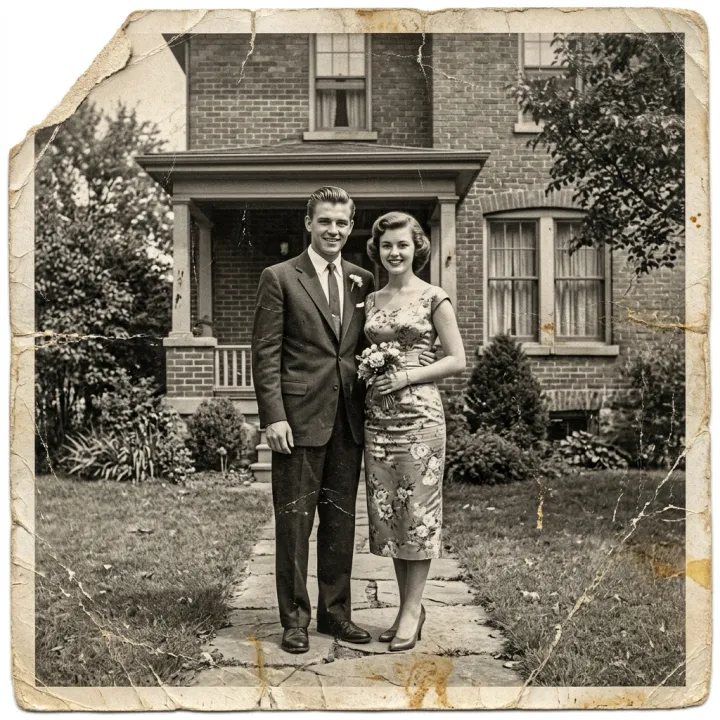 Your photo
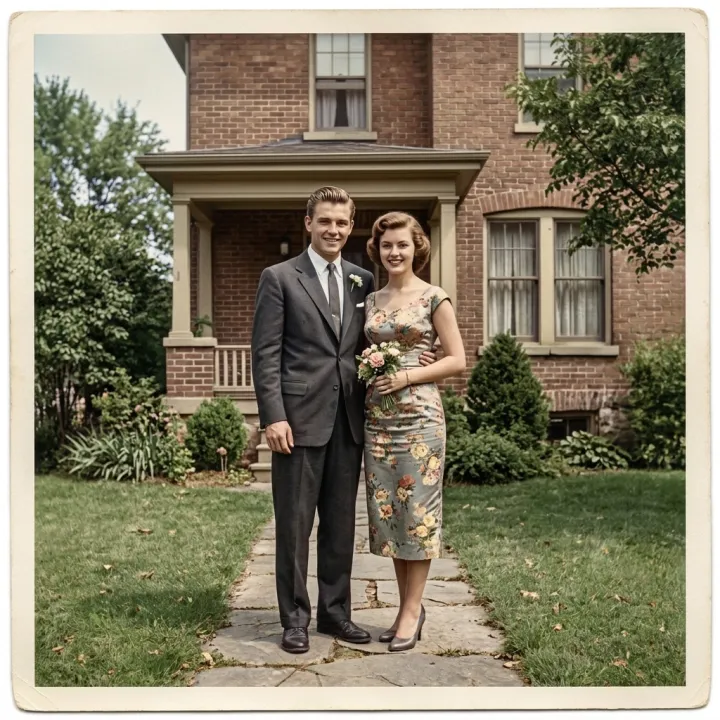
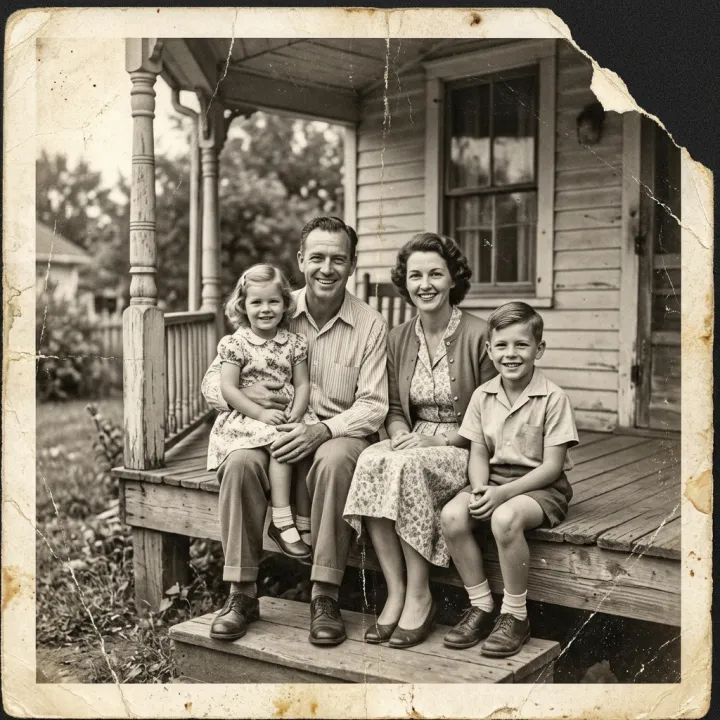 Your photo
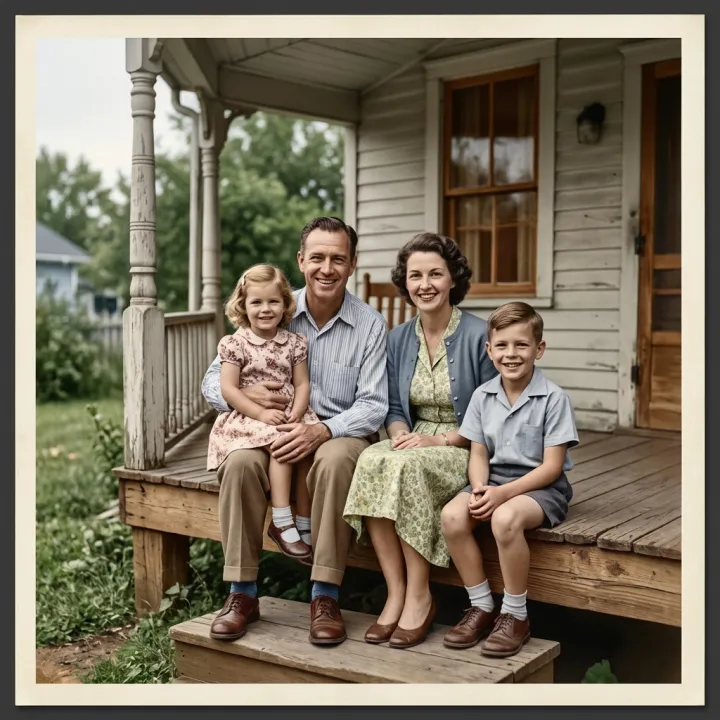
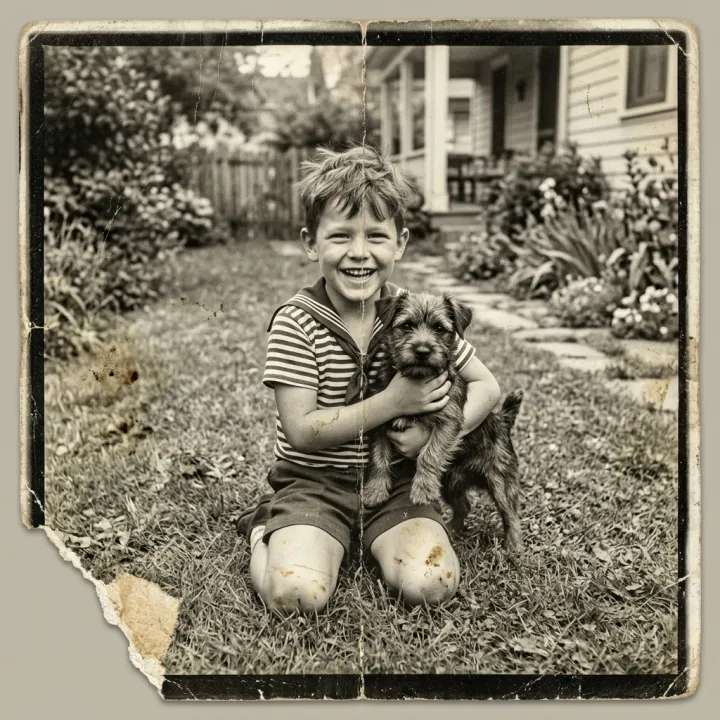 Your photo
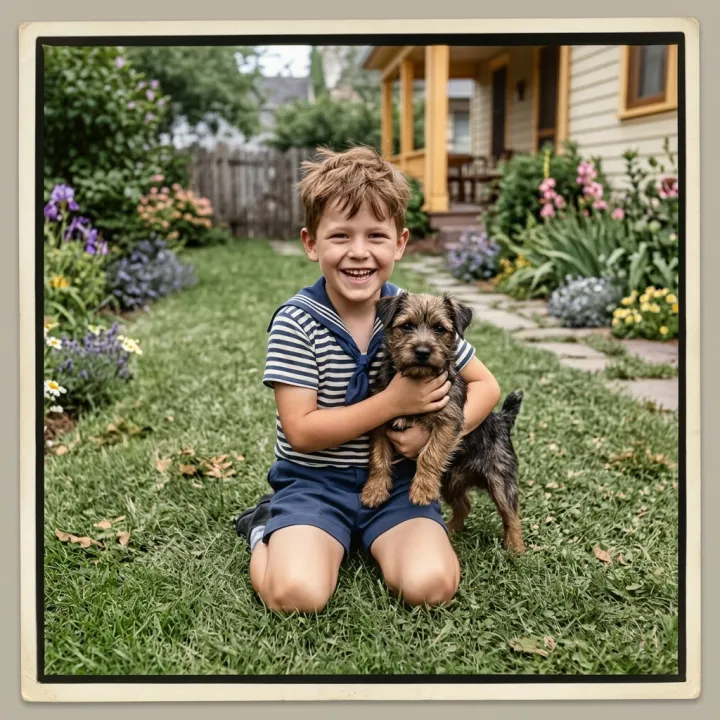
Rendered with this exact recipe.
These images came out of this template, with the prompts below each one. Your batch uses the same recipe with your photos and your words.
- 01 · Old photo restoration
Restore it (repair scratches, creases, stains and fading), then colorize it with natural, period-appropriate colors, in the old photograph. Keep every person's face, expression, pose, clothing, the composition and the framing exactly as in the original — do not beautify, age or replace anyone, and invent no new people or objects. Natural, believable photographic result, no added text, no watermark.
- 02 · Old photo restoration
Restore it (repair scratches, creases, stains and fading), then colorize it with natural, period-appropriate colors, in the old photograph. Keep every person's face, expression, pose, clothing, the composition and the framing exactly as in the original — do not beautify, age or replace anyone, and invent no new people or objects. Natural, believable photographic result, no added text, no watermark.
- 03 · Old photo restoration
Restore it (repair scratches, creases, stains and fading), then colorize it with natural, period-appropriate colors, in the old photograph. Keep every person's face, expression, pose, clothing, the composition and the framing exactly as in the original — do not beautify, age or replace anyone, and invent no new people or objects. Natural, believable photographic result, no added text, no watermark.
A few fields, not a prompt.
Old photos
One result per photo · One result per photo.
Joboptional
RestoreRestore + colorizeRestore + sharpen facesAnything elseoptional
Optional, added to every photo.
e.g. keep the sepia tone, crop out the white border
Recipe in, batch out.
- Step 01
Fill in the template
Add your photos, type your list, tick the options. Every option you tick multiplies into its own image.
- Step 02
Check the plan
The template writes one prompt per image and shows the whole list with the credit cost. Edit or remove any line.
- Step 03
Render and download
The batch runs in one go. Keep the results in your library or download them all in one ZIP.
Old photo restoration — FAQ
Q1Will the people still look like themselves?
The prompt pins every face, expression, pose and the framing to your scan and forbids adding or replacing people. Only the damage — and the color, if you ask for it — changes.
Q2Can it keep my black-and-white look?
Yes. Restore repairs scratches, creases and fading and stays black and white or sepia like your original. Pick colorize when you want color.
Q3Which scans work best?
Flat scans at 300 dpi, or a straight phone photo of the print. Badly blurred faces get sharper but can't be fully recovered, so check those results.
More templates
All templates →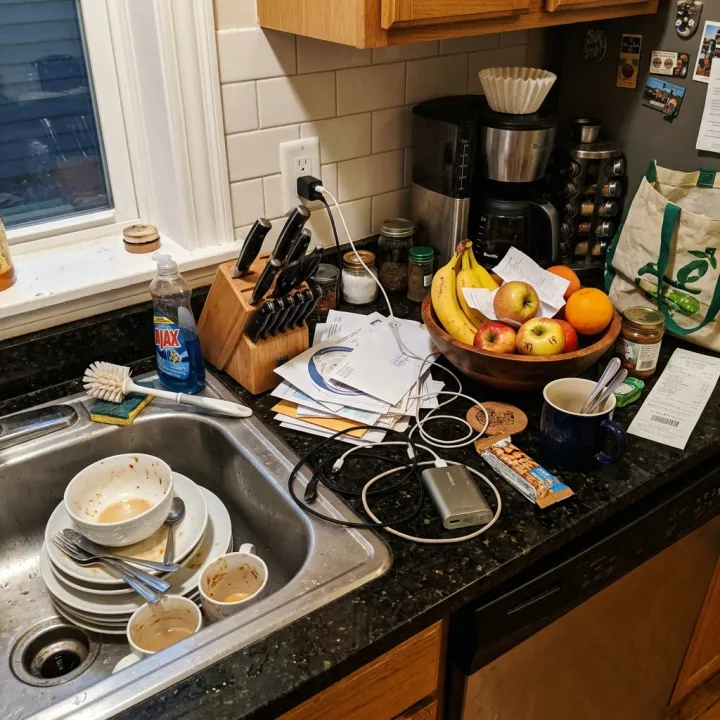 Your photo
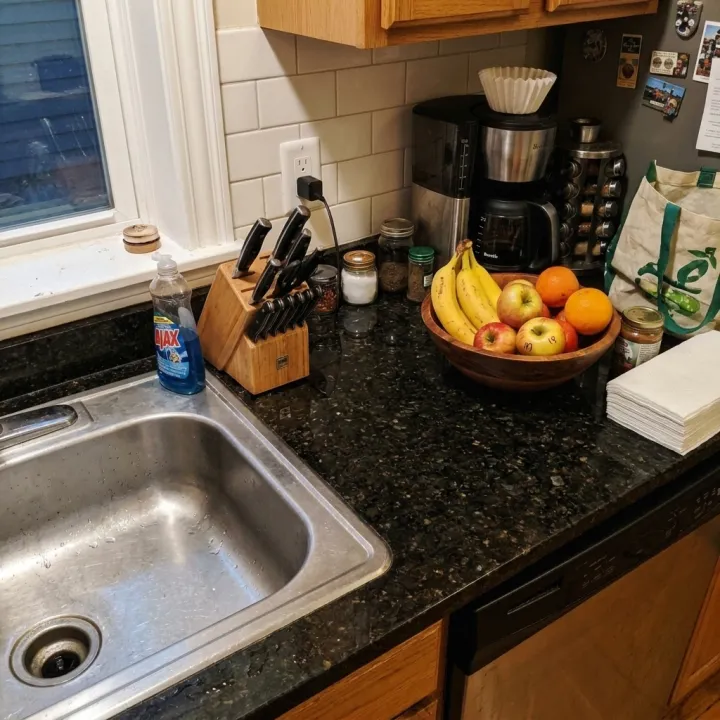
 Your photo
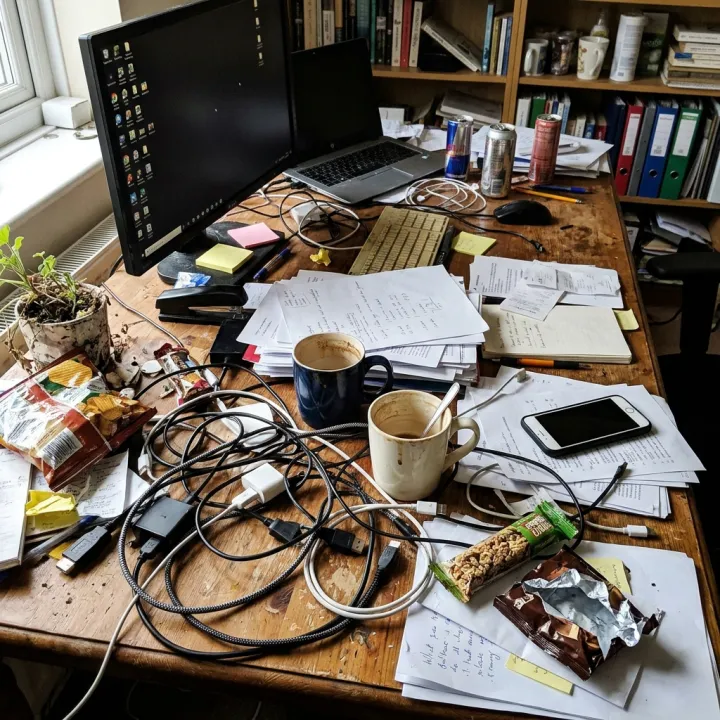
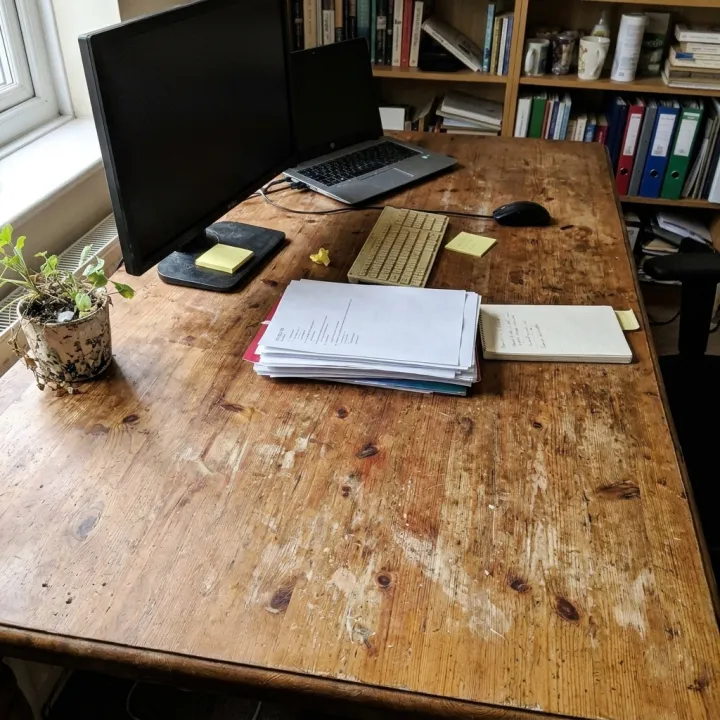 Photo editsSame edit, many photosOne instruction applied to every photo you upload: tidy up, remove text and logos, enhance, real estate touch-up.See the template →
 Your photo
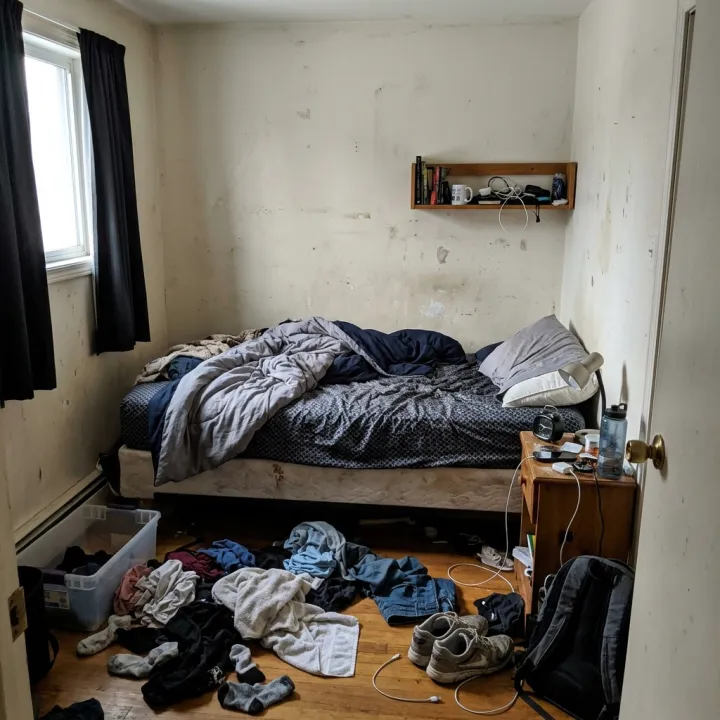 Your photo
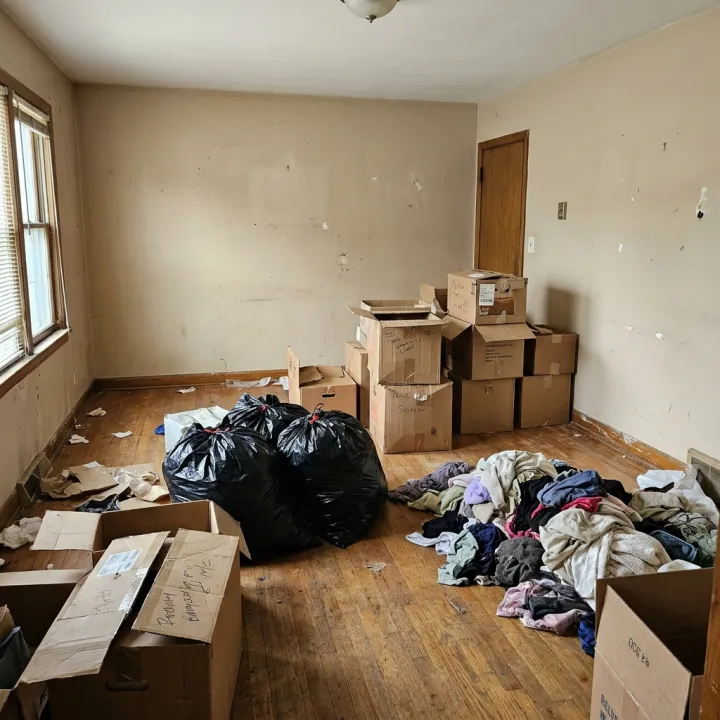
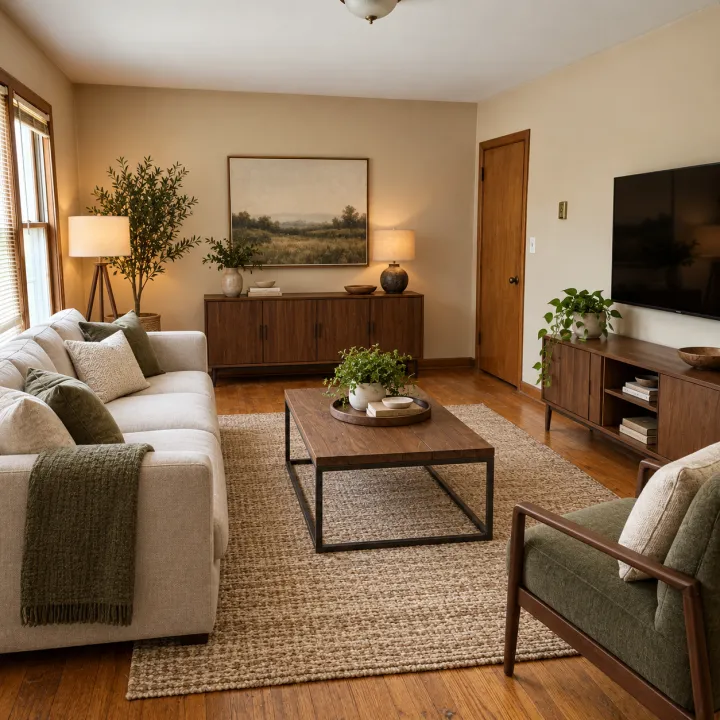
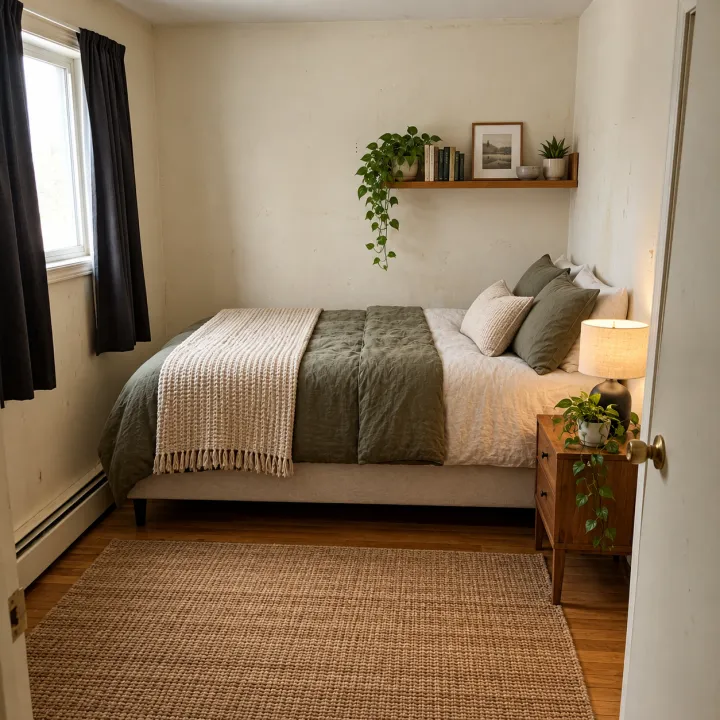 Photo editsRoom cleanup & stagingUpload room photos and get them decluttered, deep-cleaned or virtually furnished — walls and layout kept exactly as photographed. For listings.See the template →
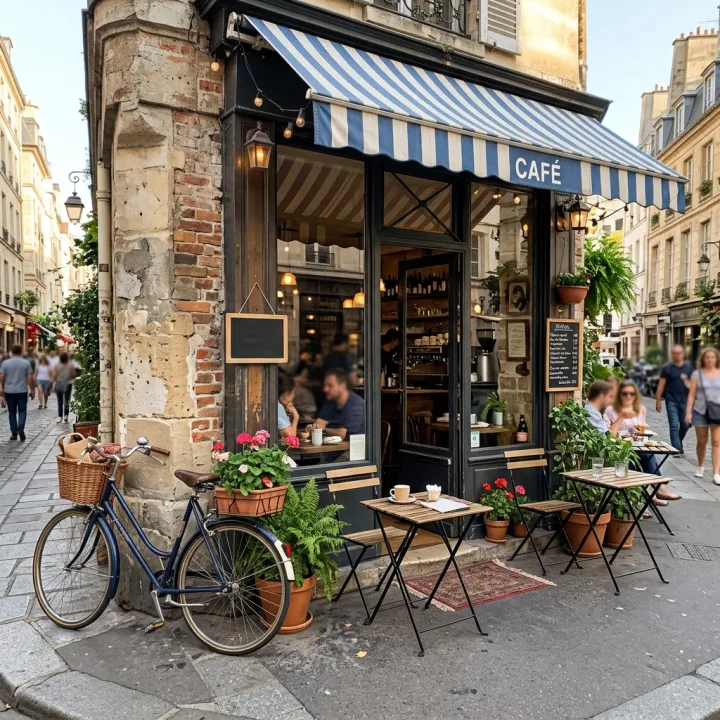 Your photo
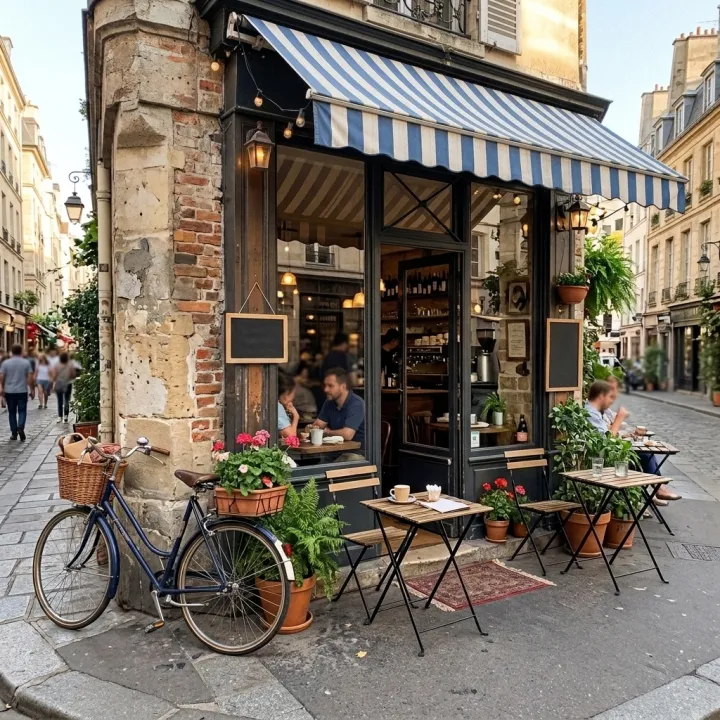
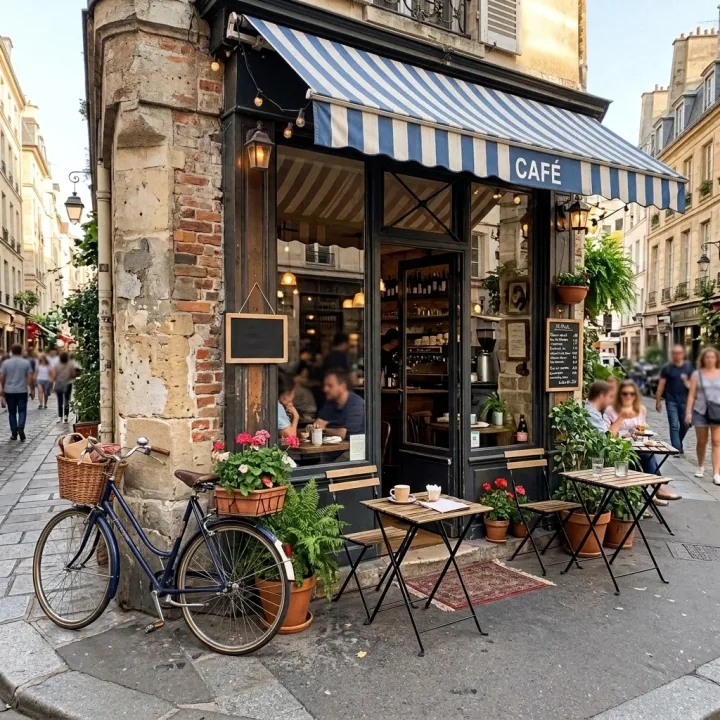
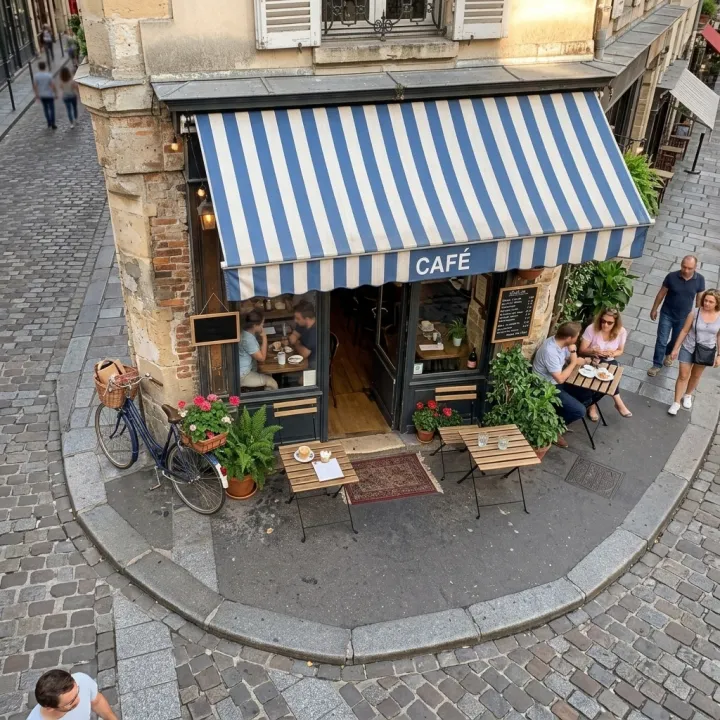 Photo editsNew angles of the same shotOne photo in, the same scene from new camera positions out — same people, objects and light.See the template →
 Your photo
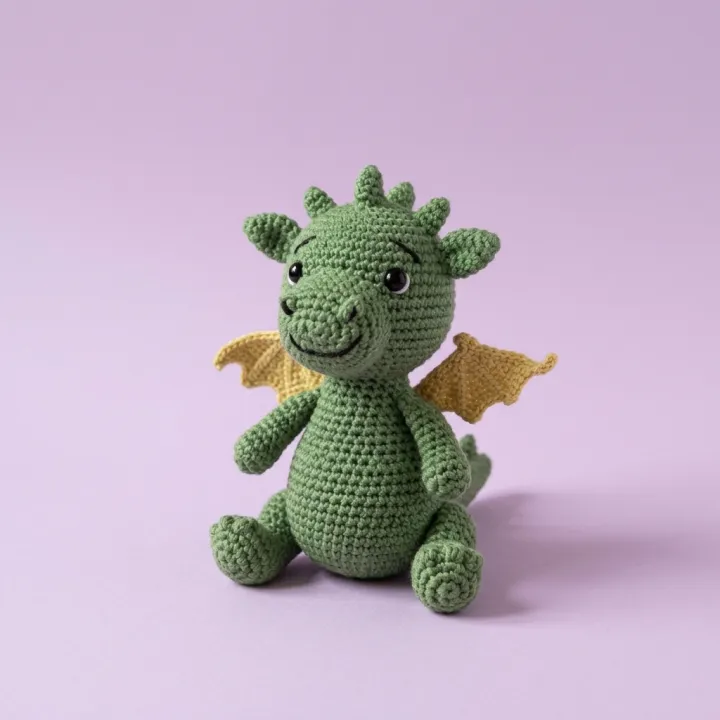
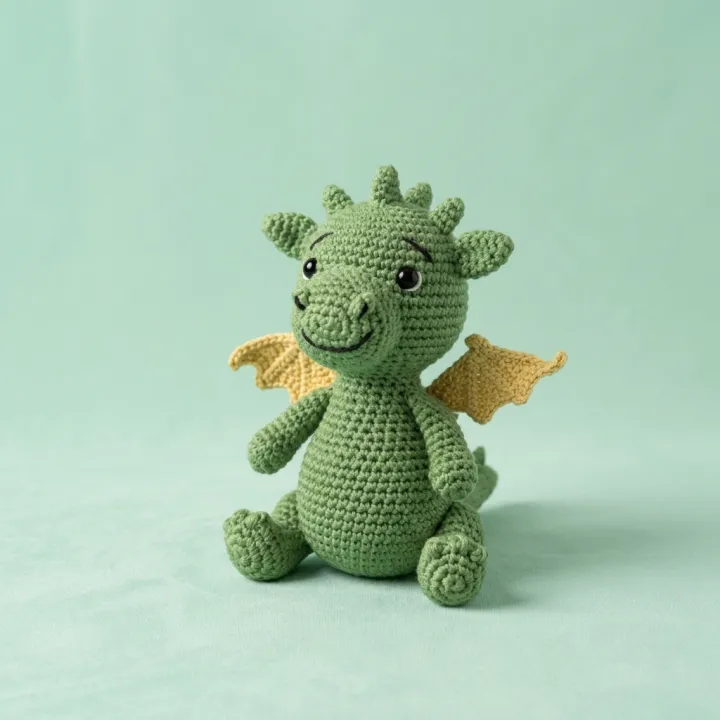
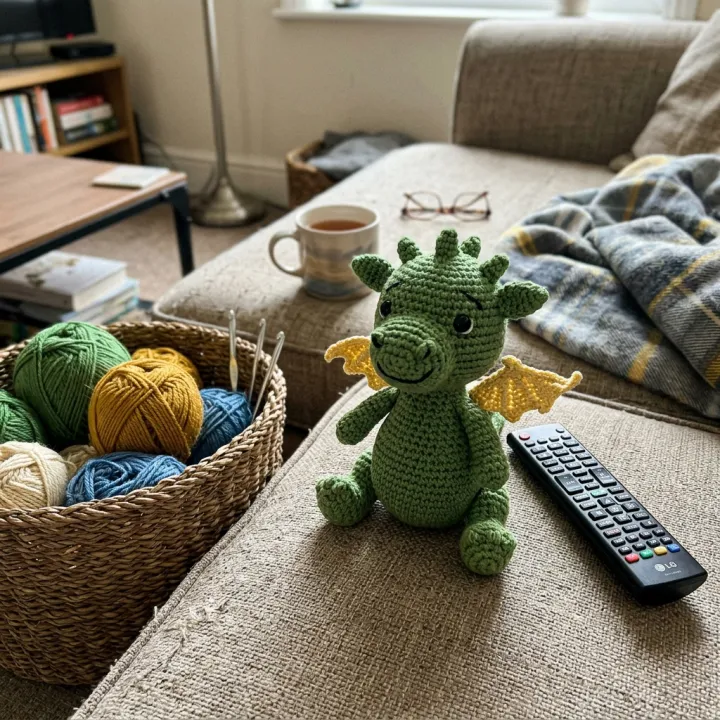
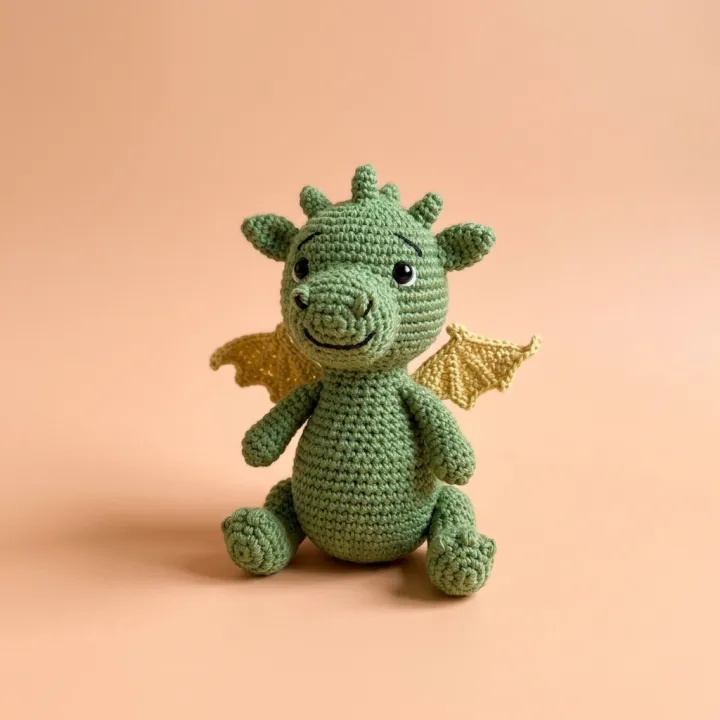 Photo editsNew background, same itemYour photos on clean colored or styled backdrops: the item itself stays untouched, the clutter goes. For handmade shops and product pages.See the template →
Your set is a few fields away.
Pick the template, fill it in, check the plan, render. 50 free credits to start — no card.
Use this template