古い写真の修復
傷は消す。顔はそのまま。
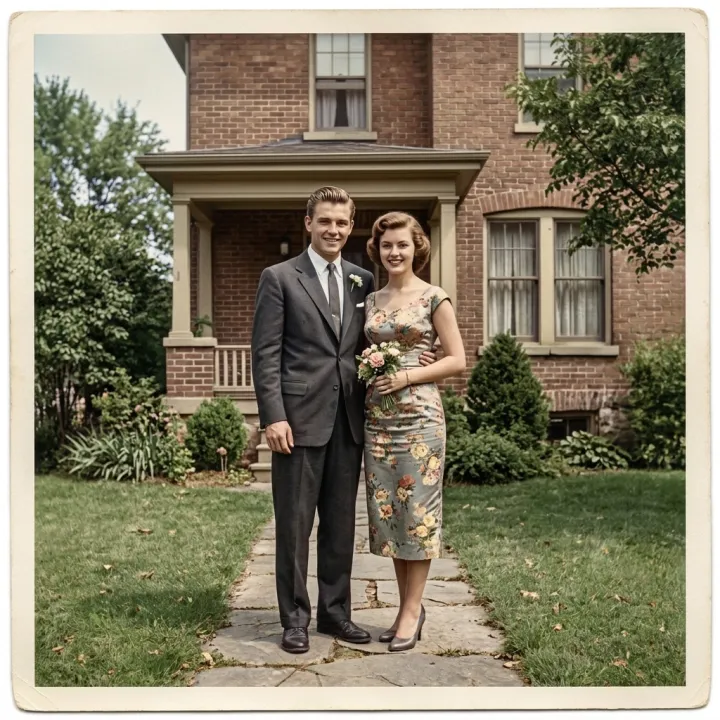
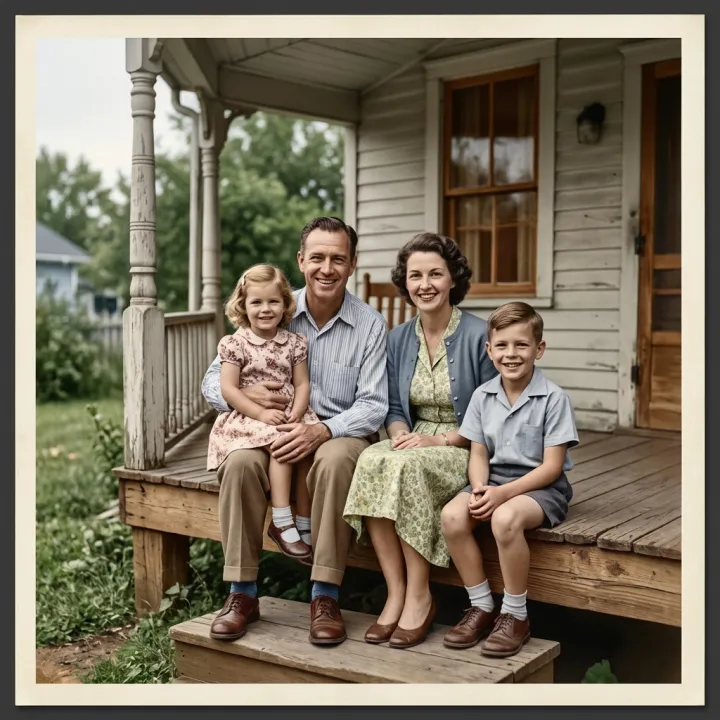
靴箱の写真を一度スキャンして、全部投入。どの写真も修復・カラー化・シャープ化され、顔、ポーズ、構図は元のままで戻ります。
初期モデル Nano Banana 2 · auto
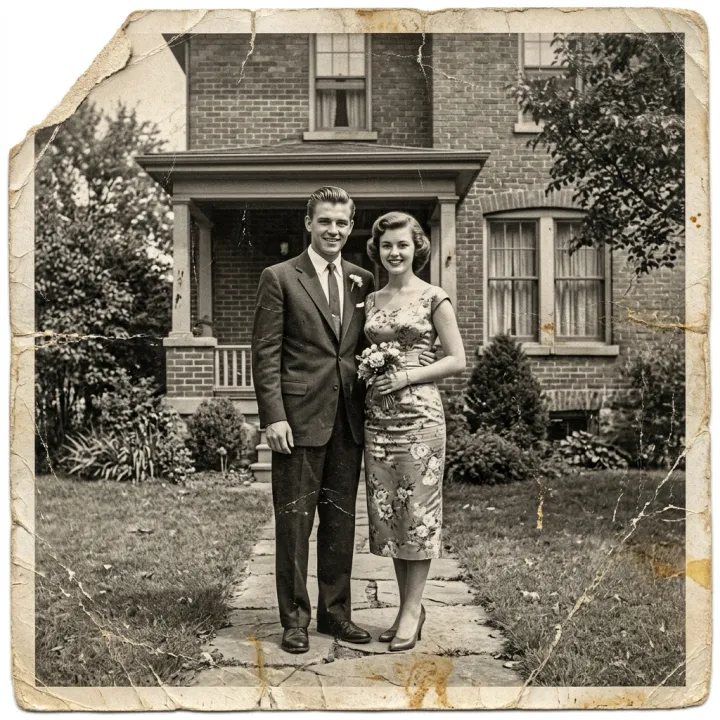 元の写真
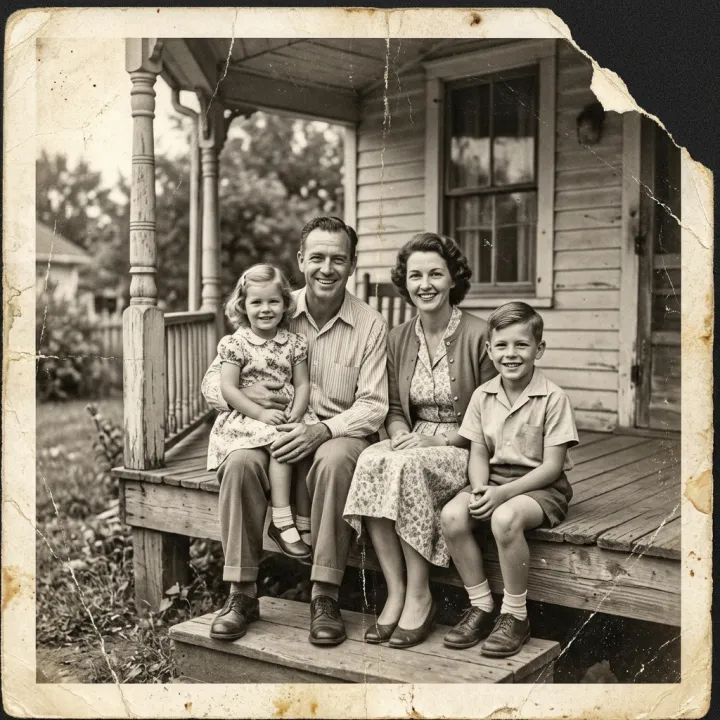 元の写真
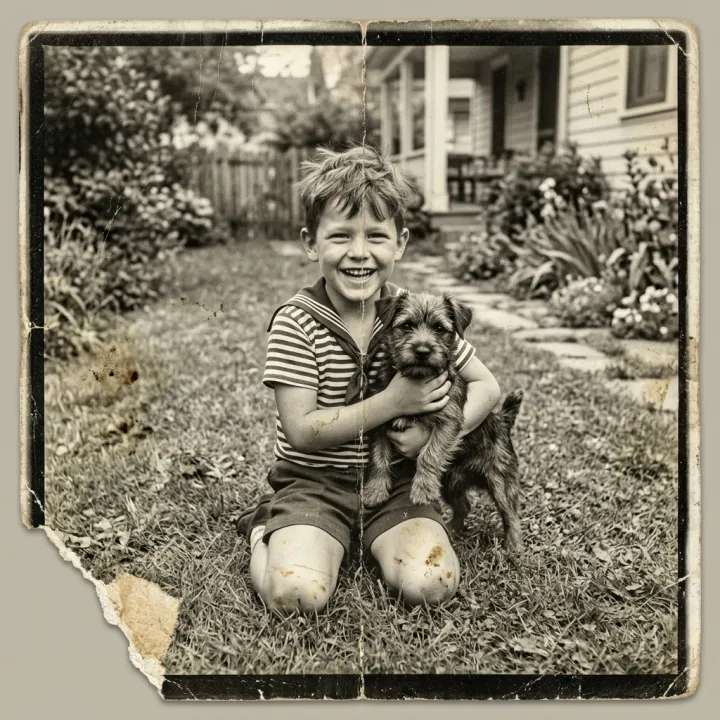 元の写真
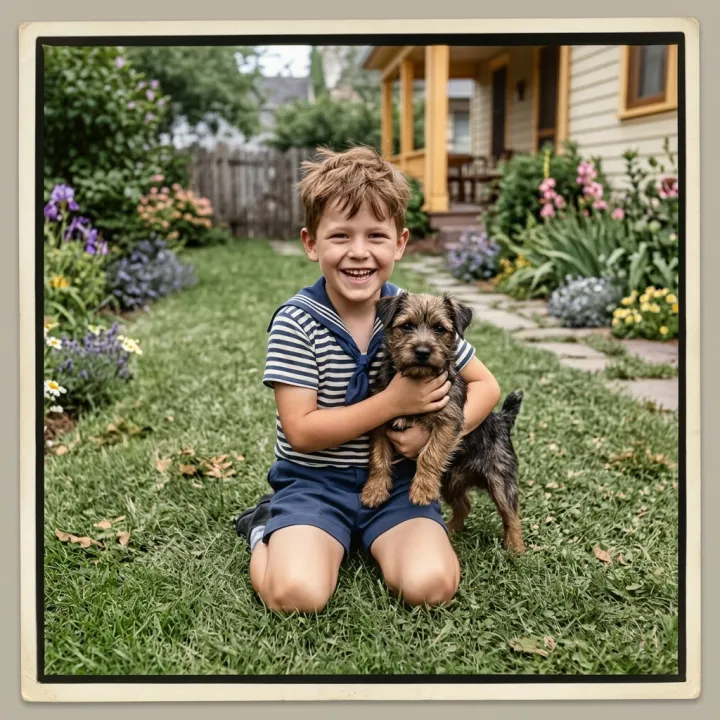
このレシピそのままで生成しました。
これらの画像はこのテンプレートで生成したもので、各画像の下にプロンプトを載せています。あなたのバッチでも、同じレシピにあなたの写真と言葉を組み合わせて生成します。
- 01 · 古い写真の修復
Restore it (repair scratches, creases, stains and fading), then colorize it with natural, period-appropriate colors, in the old photograph. Keep every person's face, expression, pose, clothing, the composition and the framing exactly as in the original — do not beautify, age or replace anyone, and invent no new people or objects. Natural, believable photographic result, no added text, no watermark.
- 02 · 古い写真の修復
Restore it (repair scratches, creases, stains and fading), then colorize it with natural, period-appropriate colors, in the old photograph. Keep every person's face, expression, pose, clothing, the composition and the framing exactly as in the original — do not beautify, age or replace anyone, and invent no new people or objects. Natural, believable photographic result, no added text, no watermark.
- 03 · 古い写真の修復
Restore it (repair scratches, creases, stains and fading), then colorize it with natural, period-appropriate colors, in the old photograph. Keep every person's face, expression, pose, clothing, the composition and the framing exactly as in the original — do not beautify, age or replace anyone, and invent no new people or objects. Natural, believable photographic result, no added text, no watermark.
必要なのはプロンプトではなく、いくつかの項目だけ。
古い写真
写真ごとに1枚ずつ生成 · 写真1枚につき1枚生成。
処理任意
修復修復+カラー化修復+顔をくっきりその他の指示任意
任意。すべての写真に追加されます。
例:セピア調を残す、白い縁をトリミングする
レシピを入れれば、バッチで完成。
- Step 01
テンプレートに入力する
写真を追加し、リストを入力し、オプションにチェックを入れます。チェックしたオプションごとに、それぞれ別の画像が作られます。
- Step 02
プランを確認する
テンプレートが画像1枚につき1つのプロンプトを書き出し、クレジット費用とあわせて一覧で表示します。どの行も編集・削除できます。
- Step 03
生成してダウンロード
バッチは一度にまとめて実行されます。結果はライブラリに保存することも、ZIPひとつでまとめてダウンロードすることもできます。
古い写真の修復 — よくある質問
Q1写っている人は本人のままですか?
プロンプトが顔、表情、ポーズ、構図をスキャンどおりに固定し、人物の追加や差し替えを禁止します。変わるのは傷と、頼んだ場合の色だけです。
Q2白黒のままにできますか?
はい。「修復」は傷・折れ・色あせを直し、元と同じ白黒またはセピアのままです。色を付けたいときは「カラー化」を選んでください。
Q3どんなスキャンが向いていますか?
300dpiの平らなスキャン、またはプリントをまっすぐ撮ったスマホ写真。ひどくぼけた顔は鮮明になりますが完全には復元できないので、結果を確認してください。
ほかのテンプレート
すべてのテンプレート →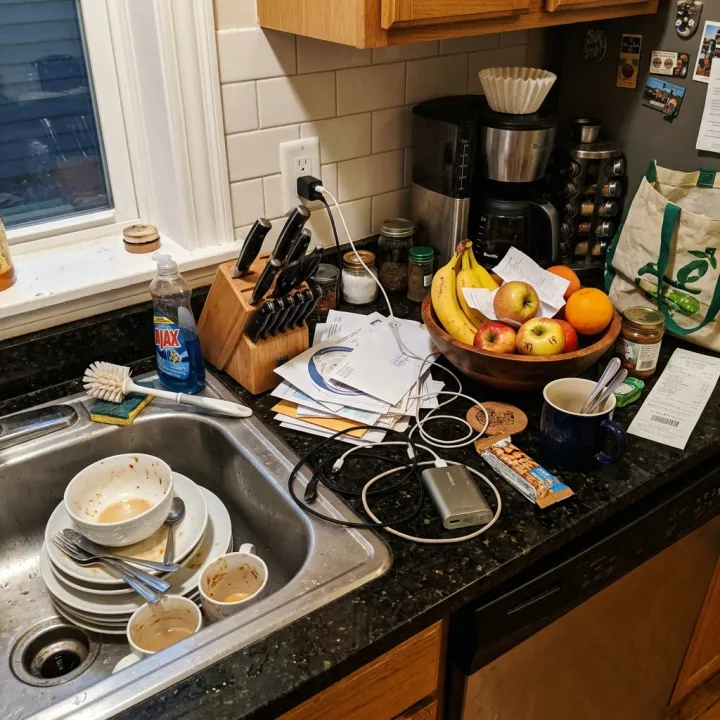 元の写真
 元の写真
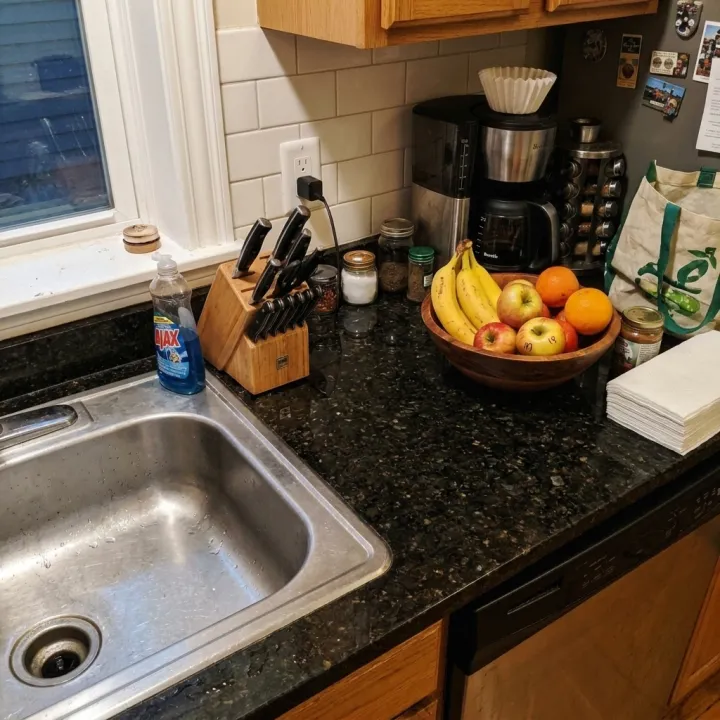
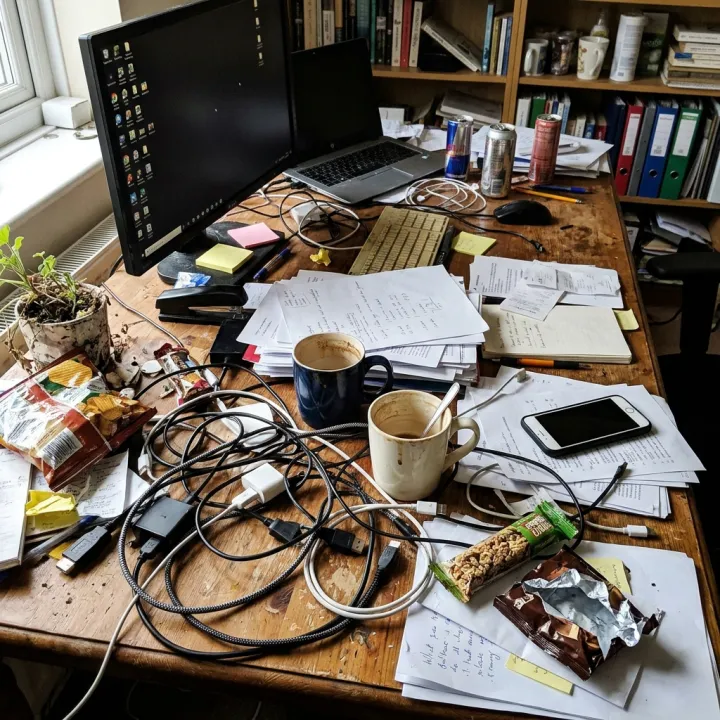
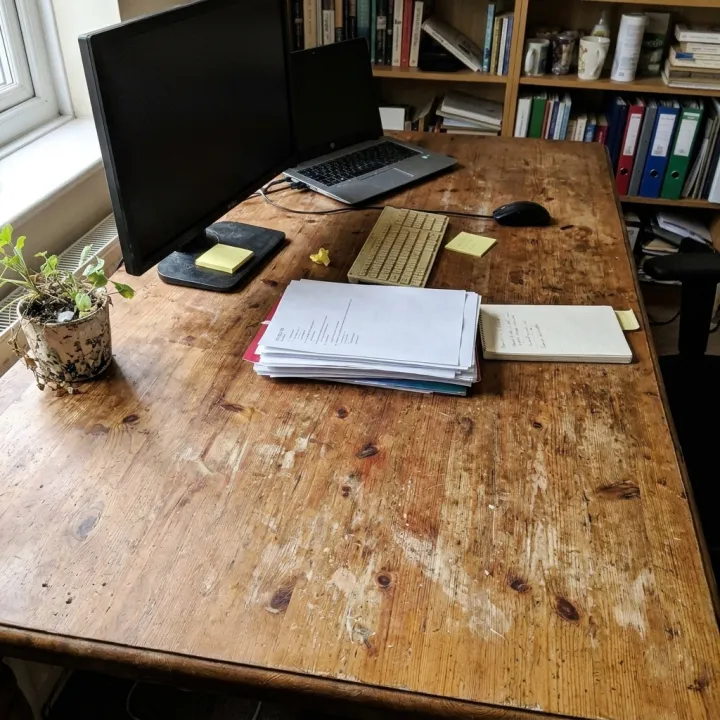 写真編集たくさんの写真に同じ編集アップロードしたすべての写真に、1つの指示を適用します。不要物の除去、文字やロゴの除去、画質の補正、不動産写真の補正に。テンプレートを見る →
 元の写真
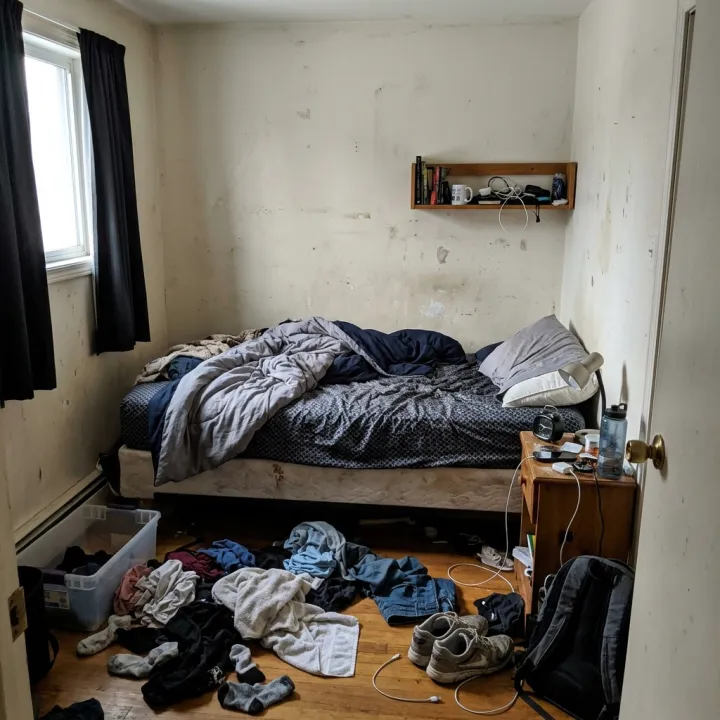 元の写真
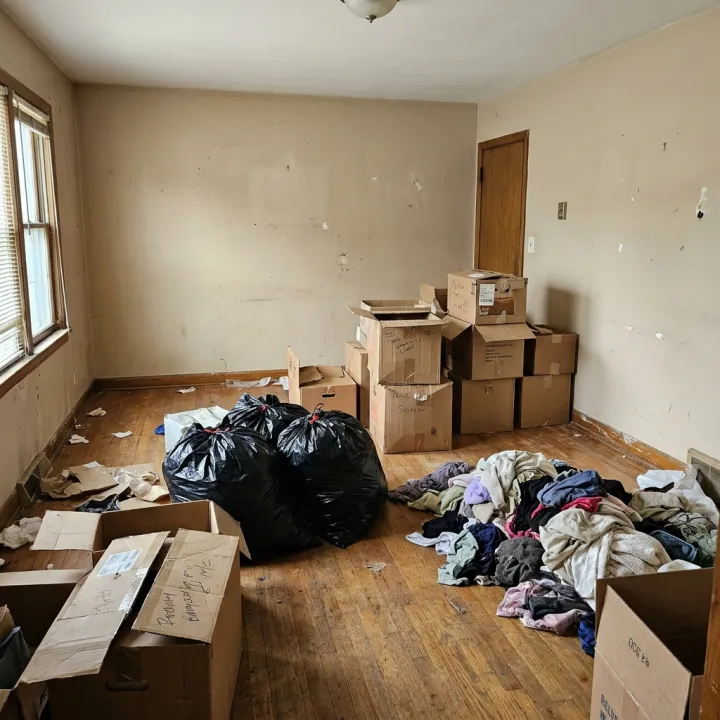
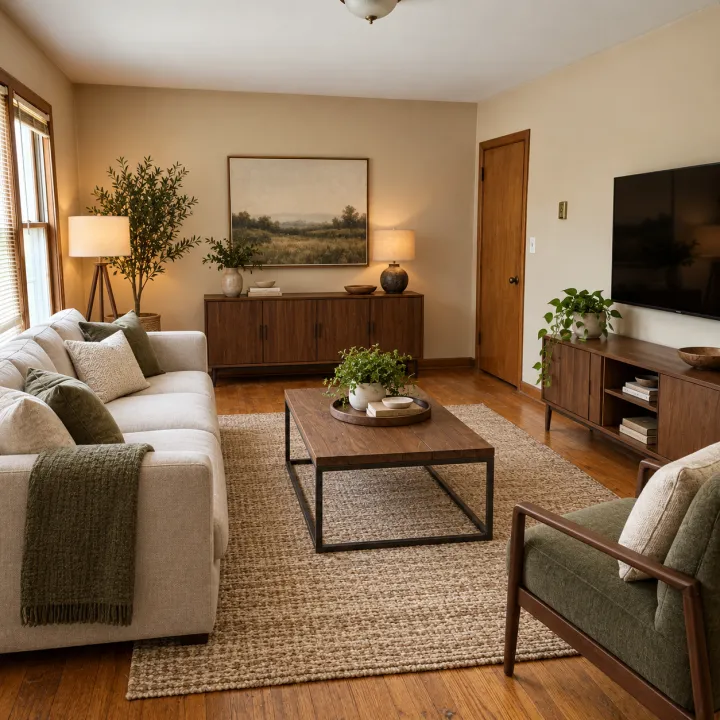
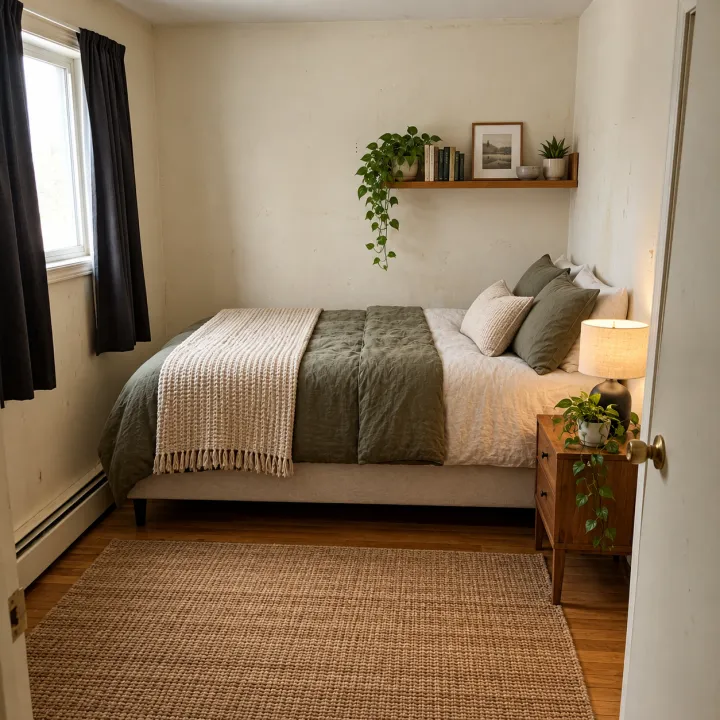 写真編集部屋のクリーンアップ&ステージング部屋の写真をアップロードするだけ。散らかった物を消し、清掃し、家具を仮設置 — 壁と間取りは撮影どおりキープ。不動産投稿に。テンプレートを見る →
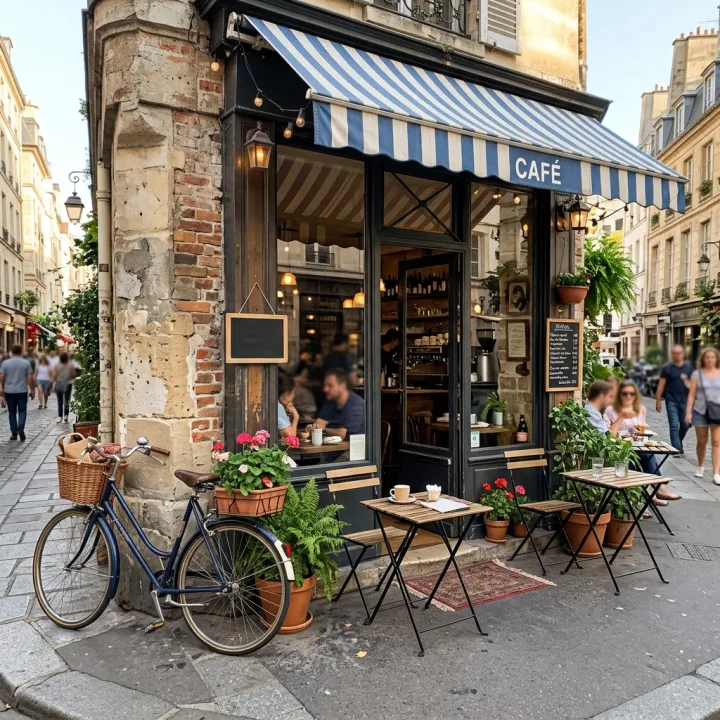 元の写真
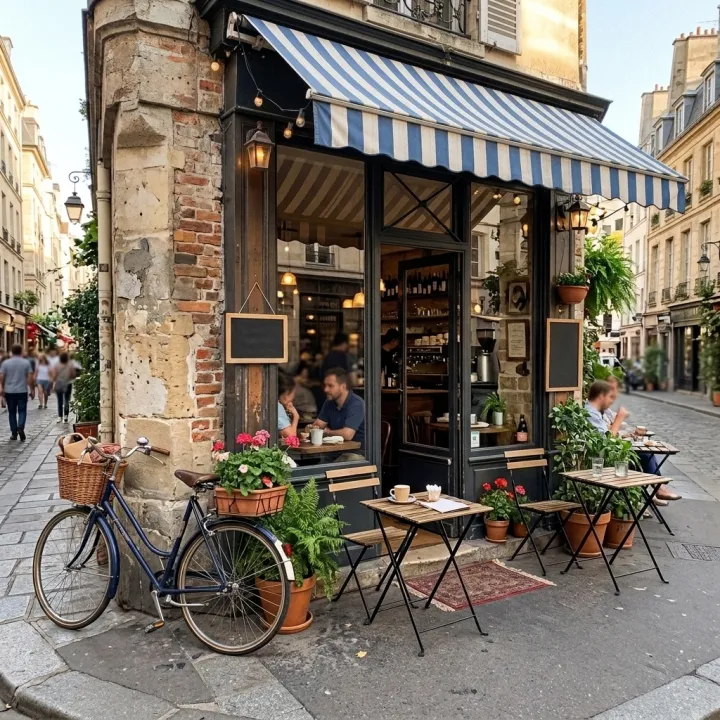
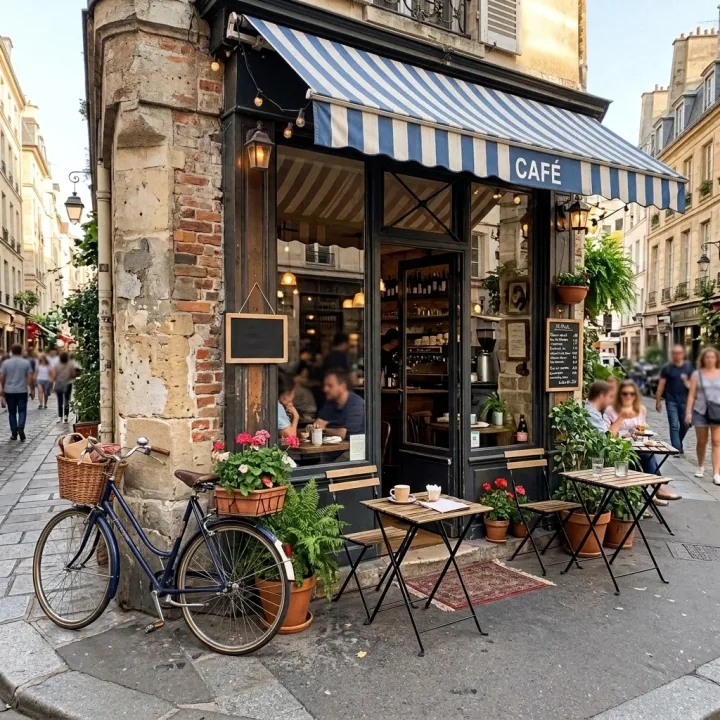
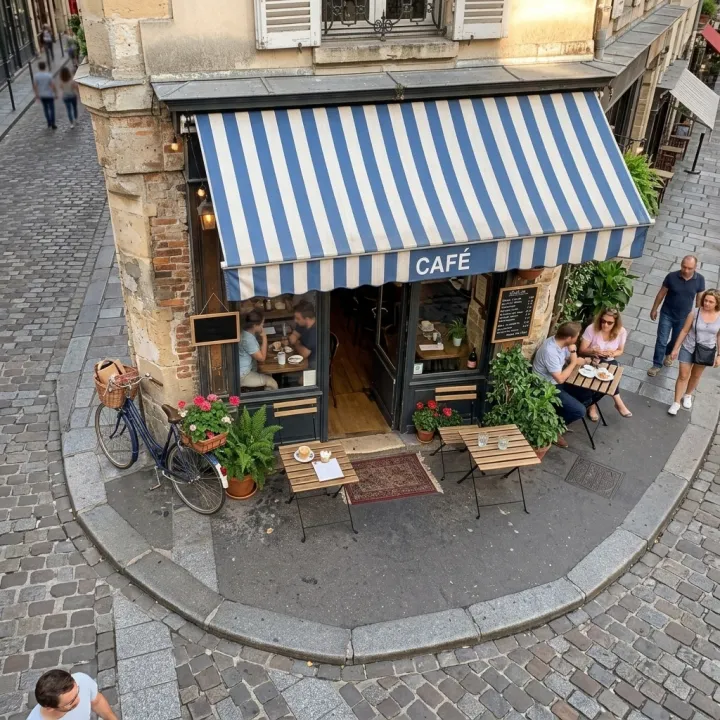 写真編集同じ写真を別アングルで写真1枚から、同じシーンを別のカメラ位置で。人物も物も光もそのままです。テンプレートを見る →
 元の写真
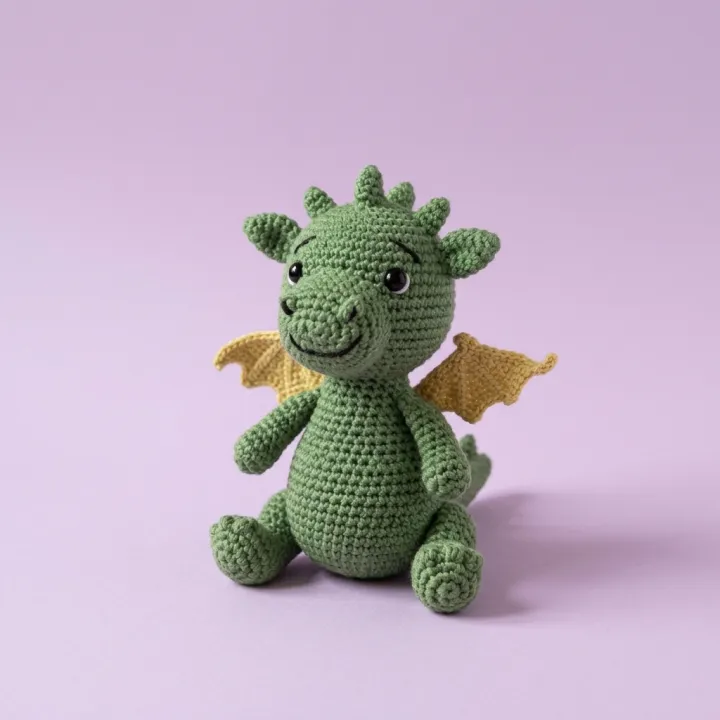
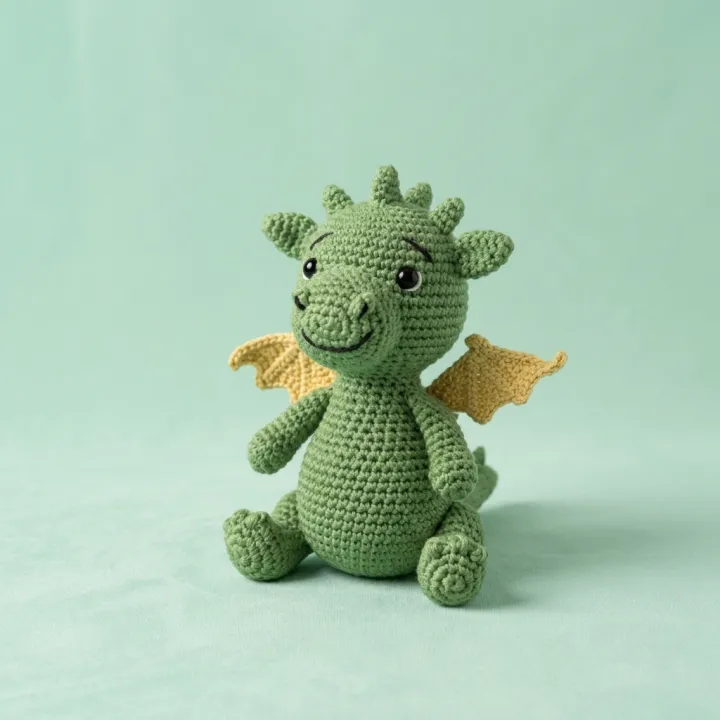
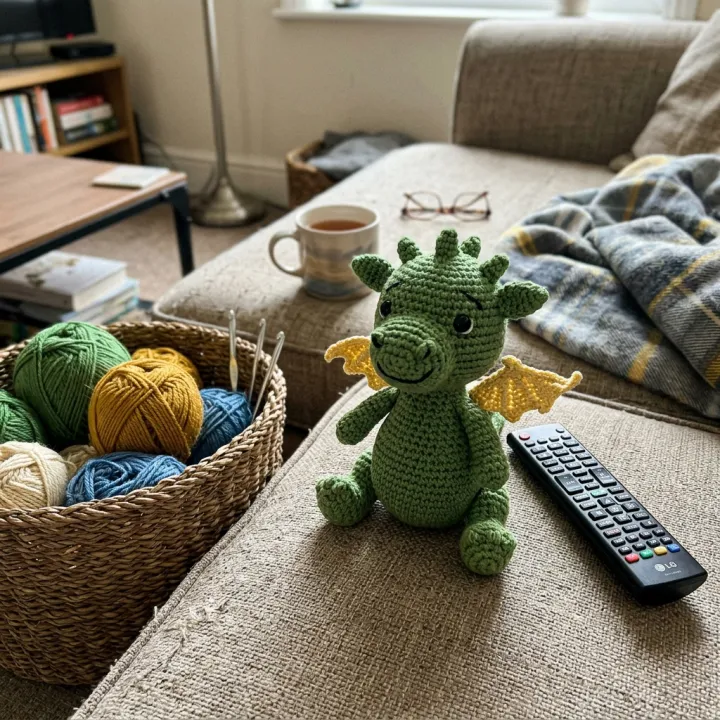
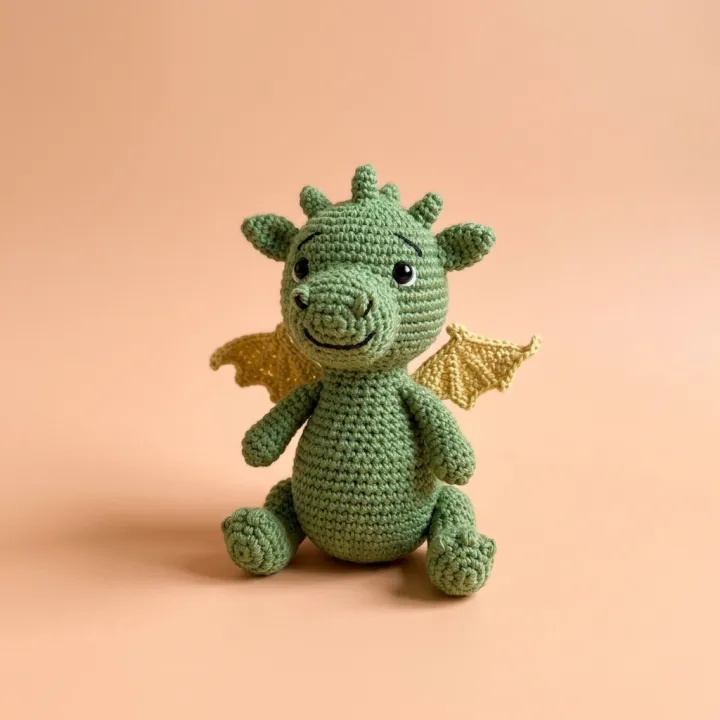 写真編集背景だけ変えて商品はそのまま写真の背景を、すっきりした色や素材の背景に。商品そのものはそのまま、ごちゃごちゃは消えます。ハンドメイドショップや商品ページに。テンプレートを見る →