リストの項目ごとに1枚
モノのリストに、1つずつ絵を。
単語カード用の単語、図鑑用の生き物、カタログ用のパーツ、クイズの答え。リストを貼り付けて、スタイルと名前を入れるかどうかを選べば、どの行にもぴったりのイラストが1枚ずつできます。
初期モデル GPT Image 2 · 1:1 · テキストのみ — 写真は不要です
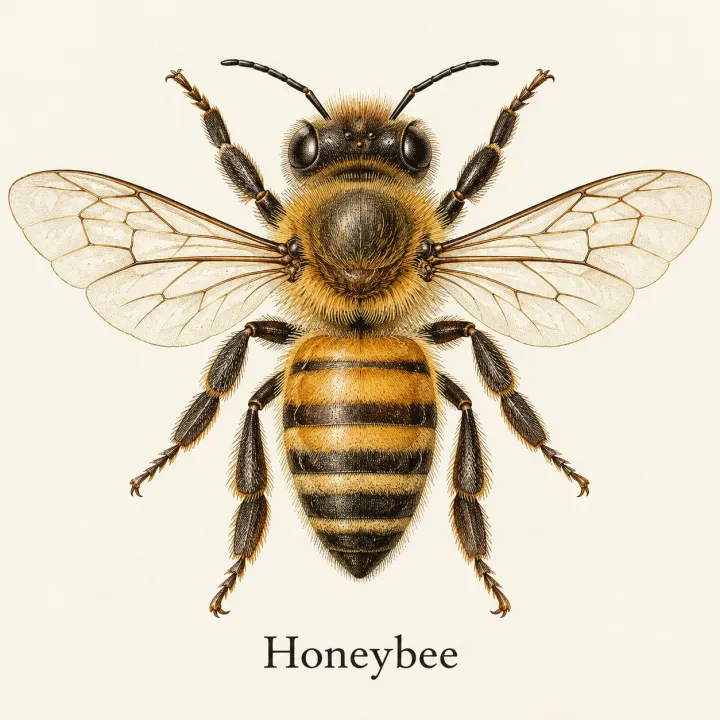
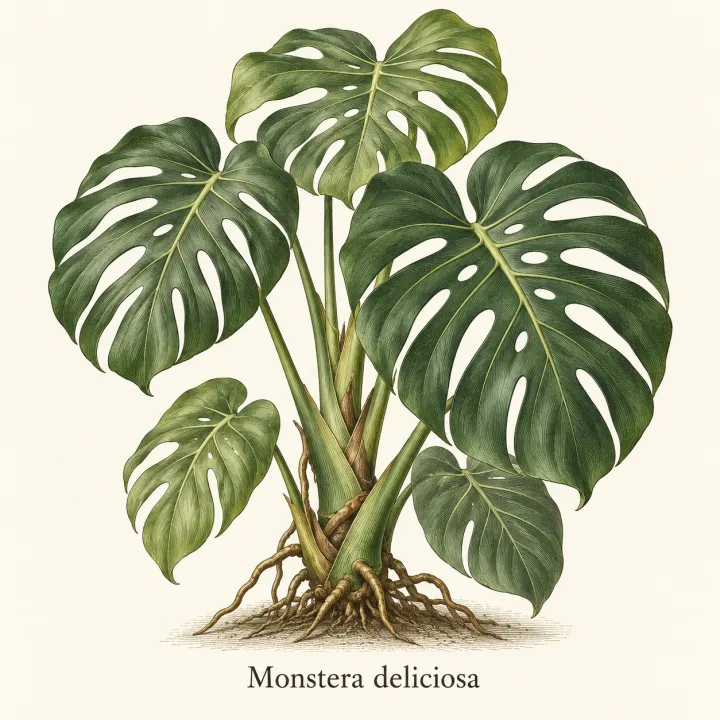
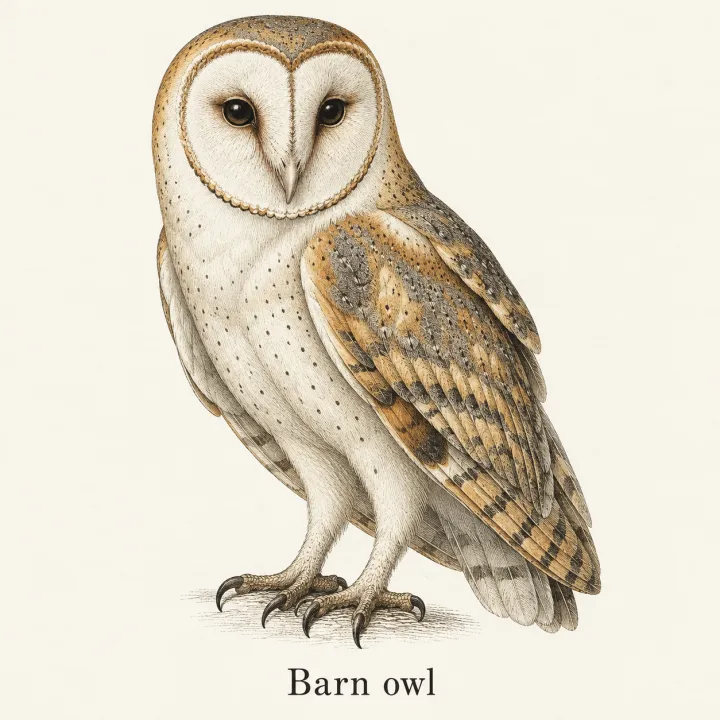
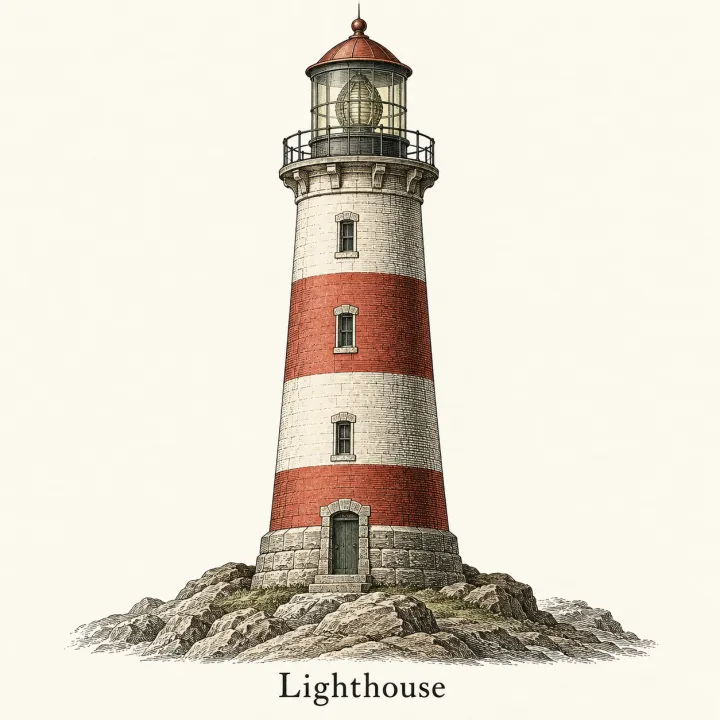
このレシピそのままで生成しました。
これらの画像はこのテンプレートで生成したもので、各画像の下にプロンプトを載せています。あなたのバッチでも、同じレシピにあなたの写真と言葉を組み合わせて生成します。
- 01 · Honeybee
Illustration of Honeybee, vintage encyclopedia plate, fine engraved lines, muted colors. One subject, centered, accurate and recognizable details, plain light background, its name written once below it in clean, legible type, spelled exactly as given, no watermark.
- 02 · Monstera deliciosa
Illustration of Monstera deliciosa, vintage encyclopedia plate, fine engraved lines, muted colors. One subject, centered, accurate and recognizable details, plain light background, its name written once below it in clean, legible type, spelled exactly as given, no watermark.
- 03 · Barn owl
Illustration of Barn owl, vintage encyclopedia plate, fine engraved lines, muted colors. One subject, centered, accurate and recognizable details, plain light background, its name written once below it in clean, legible type, spelled exactly as given, no watermark.
- 04 · Lighthouse
Illustration of Lighthouse, vintage encyclopedia plate, fine engraved lines, muted colors. One subject, centered, accurate and recognizable details, plain light background, its name written once below it in clean, legible type, spelled exactly as given, no watermark.
必要なのはプロンプトではなく、いくつかの項目だけ。
項目
1行に1つ。ダッシュの後に短い説明を加えると、より正確になります。
ミツバチ · モンステラ・デリシオサ — 葉に切れ込みのある観葉植物 · メンフクロウ
スタイル任意
エディトリアルイラスト写真水彩ヴィンテージ図版フラットアイコン画像に名前を入れる任意
文字なし名前を表示用途・対象任意
例:子ども向けのドイツ語単語コース
レシピを入れれば、バッチで完成。
- Step 01
テンプレートに入力する
写真を追加し、リストを入力し、オプションにチェックを入れます。チェックしたオプションごとに、それぞれ別の画像が作られます。
- Step 02
プランを確認する
テンプレートが画像1枚につき1つのプロンプトを書き出し、クレジット費用とあわせて一覧で表示します。どの行も編集・削除できます。
- Step 03
生成してダウンロード
バッチは一度にまとめて実行されます。結果はライブラリに保存することも、ZIPひとつでまとめてダウンロードすることもできます。
リストの項目ごとに1枚 — よくある質問
Q1画像を正確にするには?
各行のダッシュの後に短い説明を加えてください。たとえば「メンフクロウ — ハート形の白い顔、金色の翼」のように。行が具体的なほど、絵も近くなります。
Q2画像に名前を入れられますか?
「名前を表示」を選ぶと、項目の名前が絵の下に入ります。短い文字が得意なGPT Image 2で始まりますが、印刷前に綴りを確認してください。
Q3単語カードやワークシートに向いていますか?
はい。フラットアイコンかエディトリアルのスタイルを無地の背景・正方形で使えば、カードやワークシートにそのまま貼り込めます。

 元の写真
元の写真





