Seasons, weather and twilight
One photo. Every season and every light.
Upload exteriors, gardens or street views and tick the looks you need: twilight with glowing windows, golden hour, snow, autumn leaves, rain. The building and the camera stay put; only the sky, light and season move.
Starts on Nano Banana 2 · auto
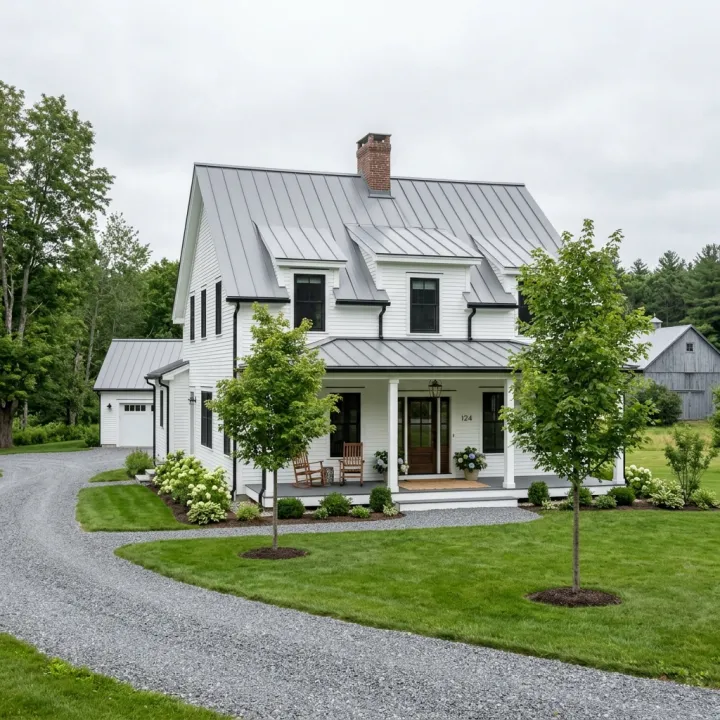 Your photo
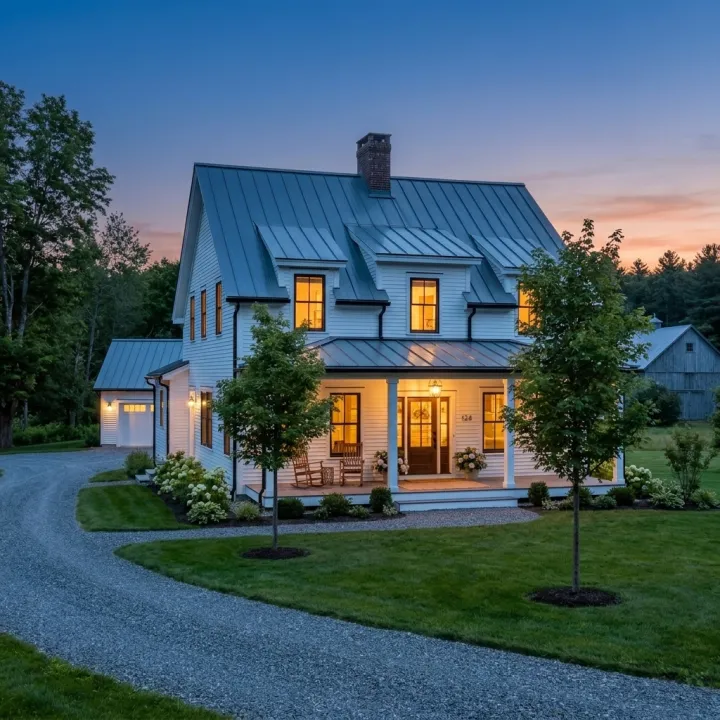
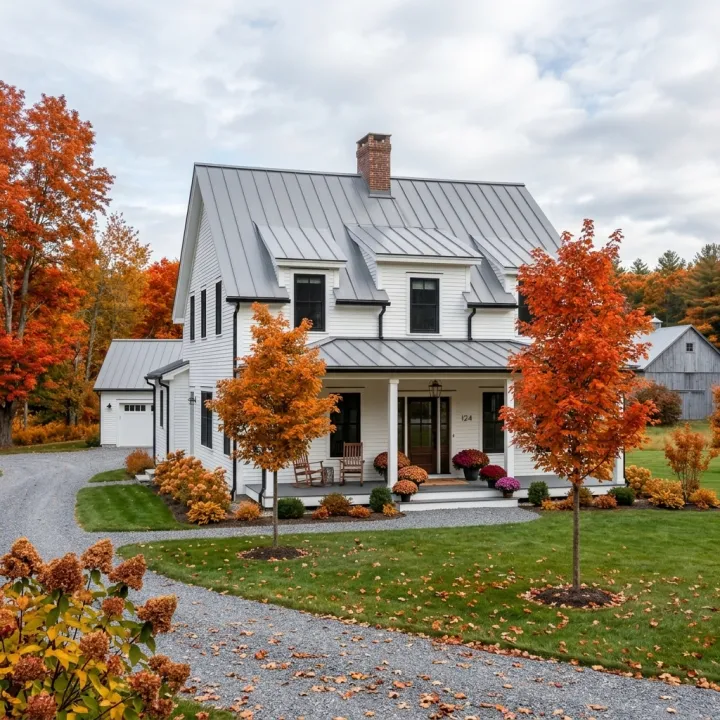
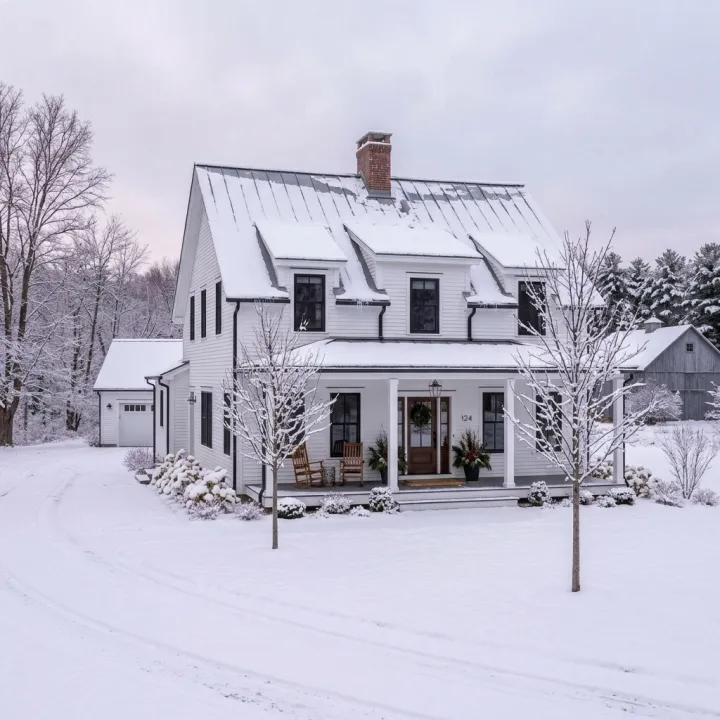
Rendered with this exact recipe.
These images came out of this template, with the prompts below each one. Your batch uses the same recipe with your photos and your words.
- 01 · Twilight
Show the scene in the reference photo at dusk as a virtual twilight shot: deep blue sky with a soft sunset glow, warm light glowing from every window and outdoor lamp. Keep the buildings, architecture, layout, objects and camera angle exactly the same; change only the season, weather, sky and light, and how plants and surfaces respond to them. Photorealistic, natural colors, no added people, no text, no watermark.
- 02 · Autumn
Show the scene in the reference photo in autumn, with orange and red foliage and a few fallen leaves on the ground. Keep the buildings, architecture, layout, objects and camera angle exactly the same; change only the season, weather, sky and light, and how plants and surfaces respond to them. Photorealistic, natural colors, no added people, no text, no watermark.
- 03 · Snowy winter
Show the scene in the reference photo in winter, with fresh snow on the roofs, trees and ground. Keep the buildings, architecture, layout, objects and camera angle exactly the same; change only the season, weather, sky and light, and how plants and surfaces respond to them. Photorealistic, natural colors, no added people, no text, no watermark.
A few fields, not a prompt.
Photos
One result per photo · Every photo gets every look you tick.
Looks
TwilightGolden hourNightSpringSummerAutumnSnowy winterRainy dayMisty morningAnything elseoptional
e.g. turn the pool lights on
Recipe in, batch out.
- Step 01
Fill in the template
Add your photos, type your list, tick the options. Every option you tick multiplies into its own image.
- Step 02
Check the plan
The template writes one prompt per image and shows the whole list with the credit cost. Edit or remove any line.
- Step 03
Render and download
The batch runs in one go. Keep the results in your library or download them all in one ZIP.
Seasons, weather and twilight — FAQ
Q1Can I use it for real estate listings?
Twilight and seasonal versions of a listing are common marketing images. They are edited images, so follow your market's rules on disclosing them, and keep the original daytime photo in the listing too.
Q2Will the house change?
The prompt keeps the architecture, layout, objects and camera angle the same and changes only the sky, weather, light and plants. Check windows and small details, and re-run any that drift.
Q3Does it work on interiors?
Golden hour, night and twilight work well through windows. Seasons show best on exteriors, gardens and streets.
More templates
All templates →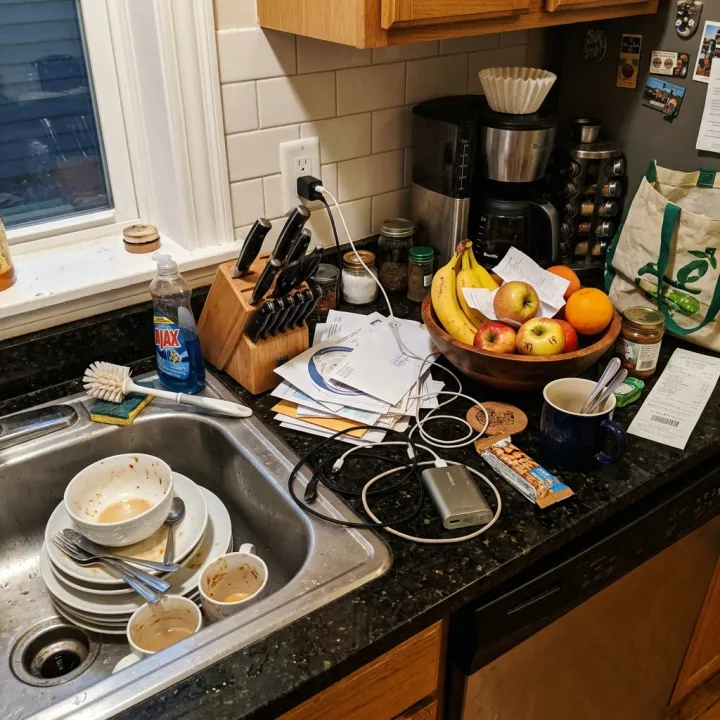 Your photo
 Your photo
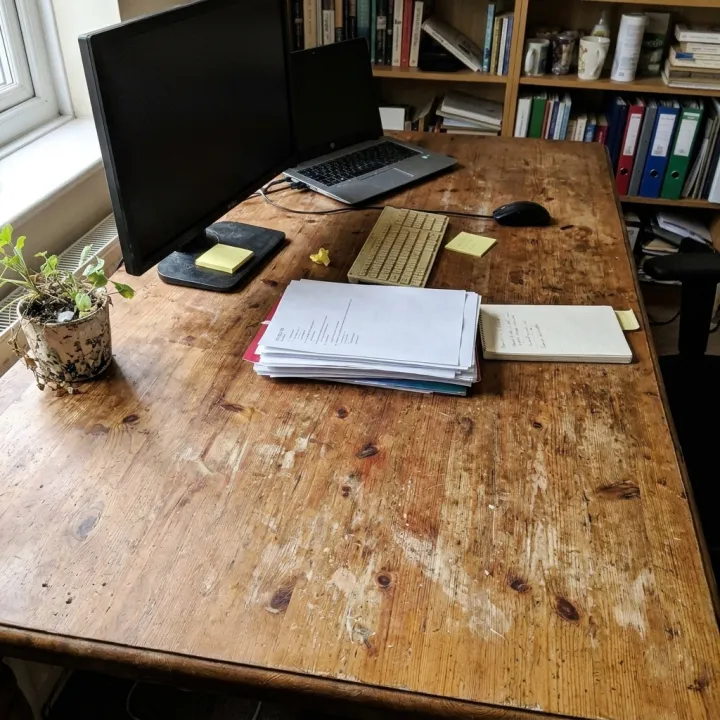 Photo editsSame edit, many photosOne instruction applied to every photo you upload: tidy up, remove text and logos, enhance, real estate touch-up.See the template →
 Your photo
 Your photo
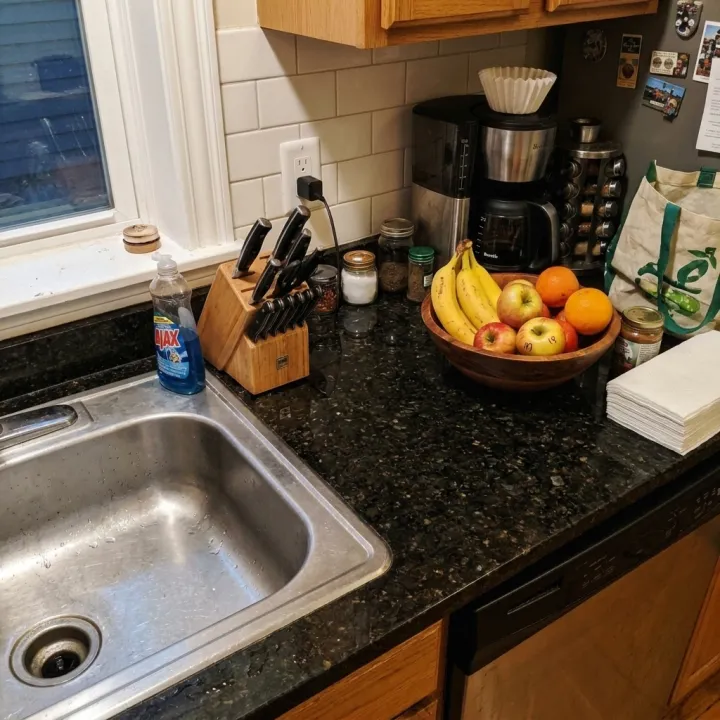
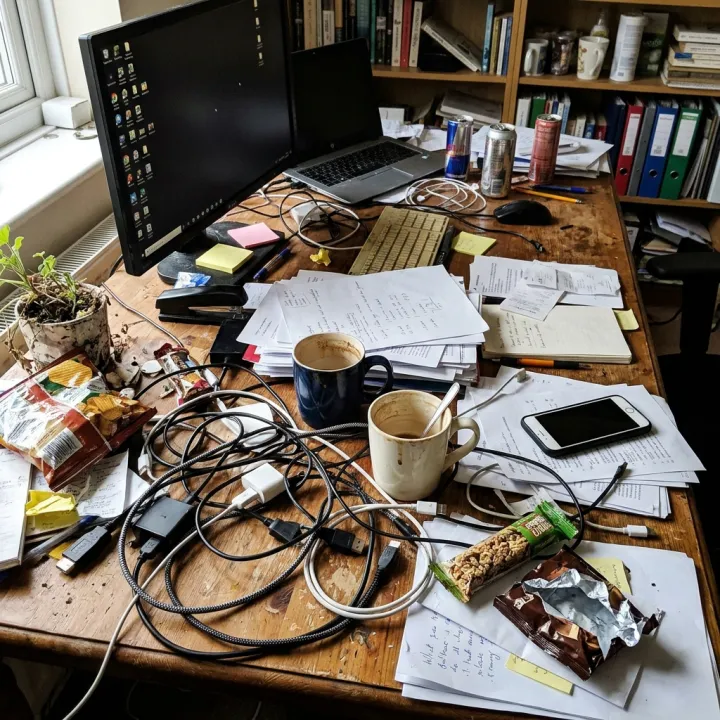
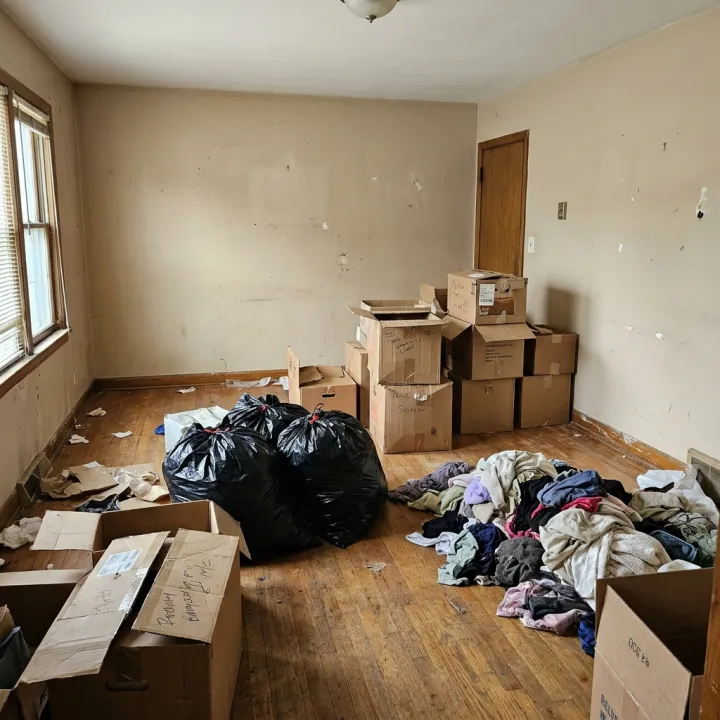
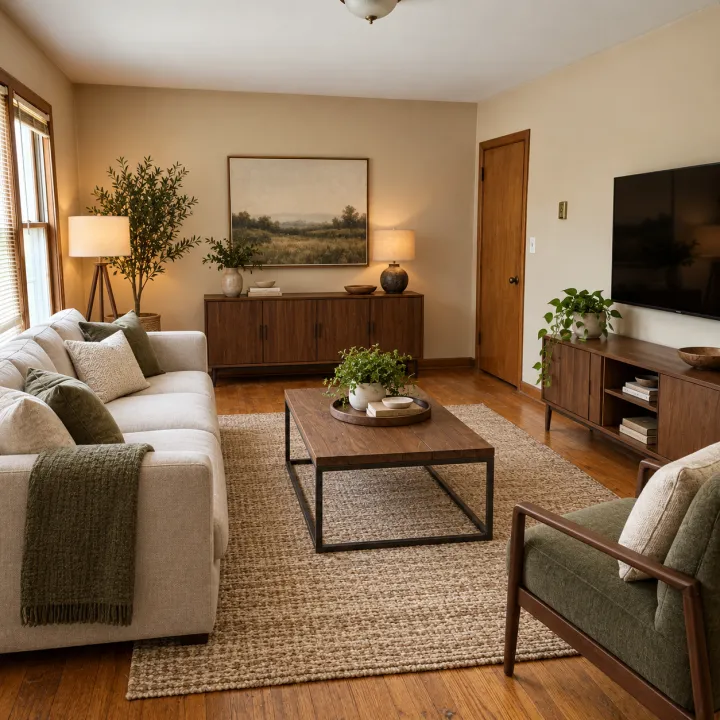
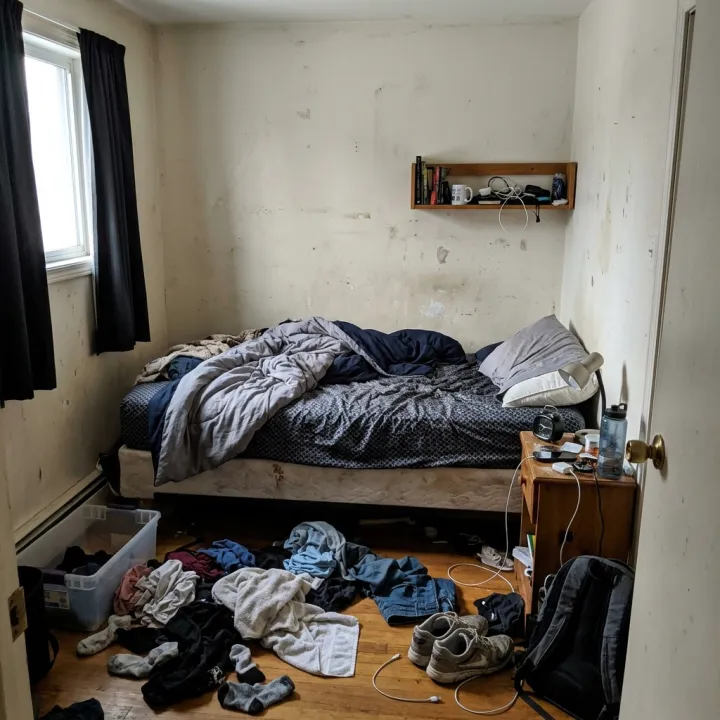
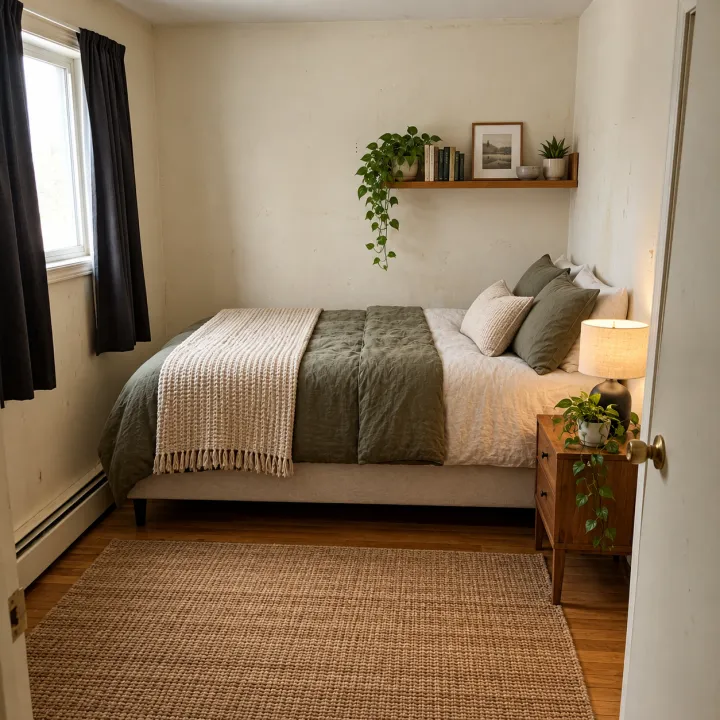 Photo editsRoom cleanup & stagingUpload room photos and get them decluttered, deep-cleaned or virtually furnished — walls and layout kept exactly as photographed. For listings.See the template →
 Your photo
 Your photo
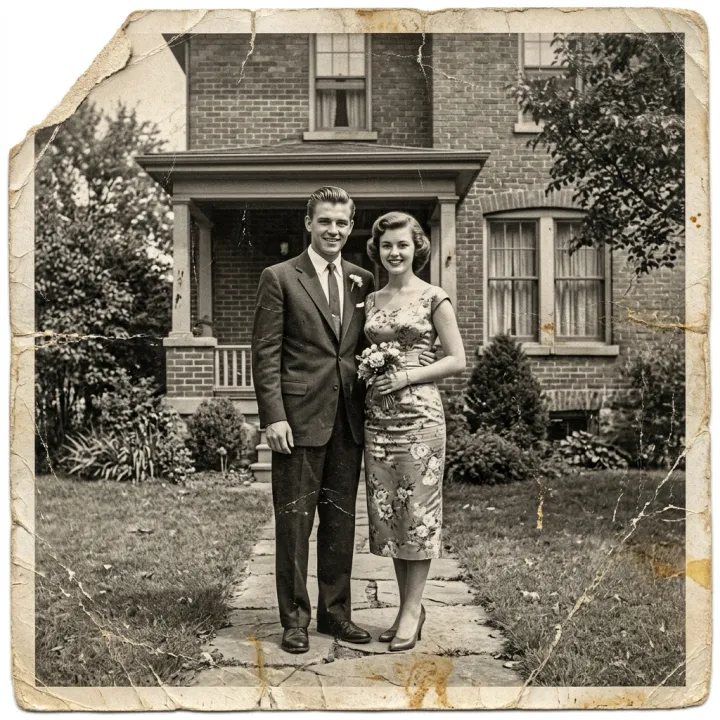
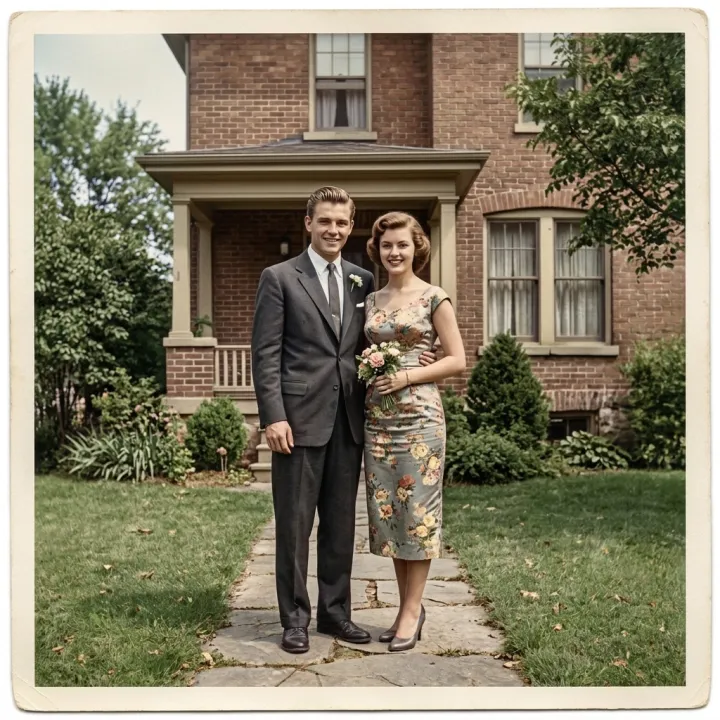
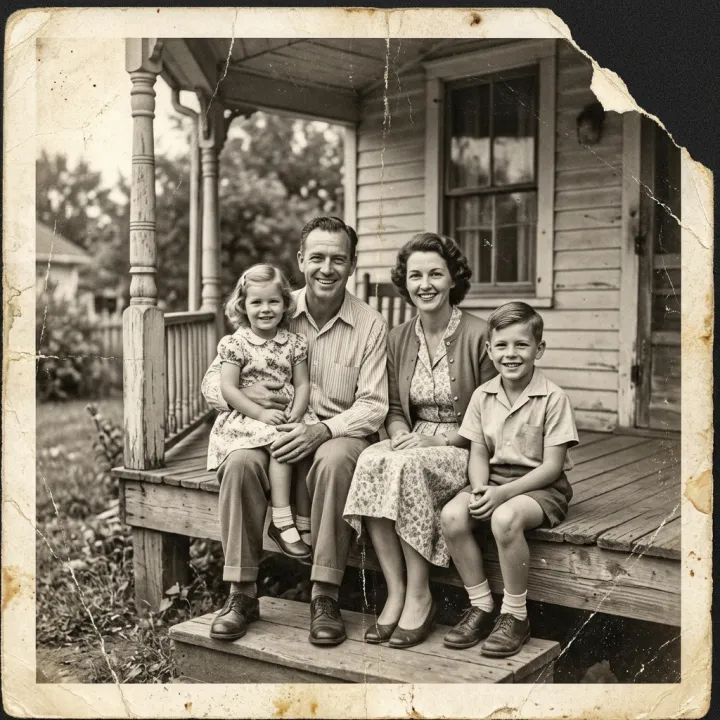
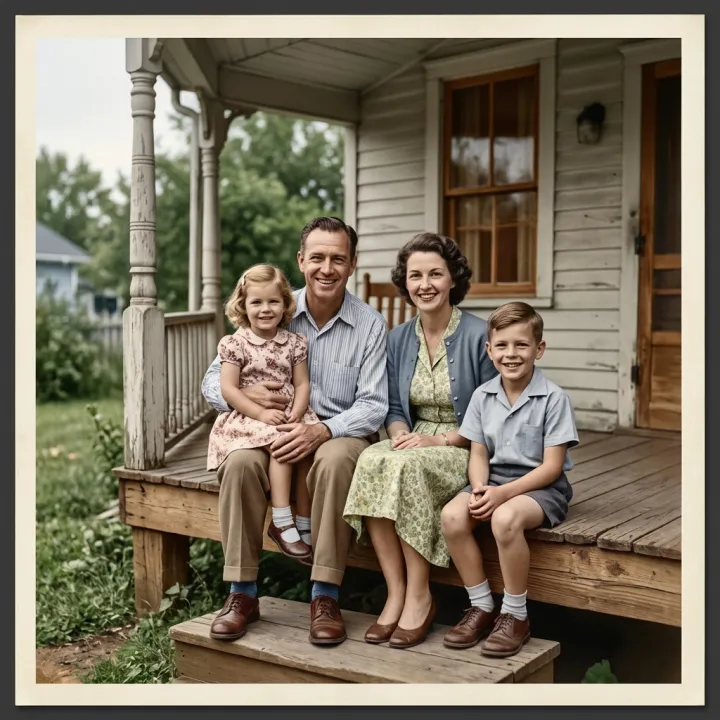 Photo editsOld photo restorationUpload scanned family or archive photos and get them repaired, colorized or sharpened — faces, poses and framing kept exactly as in the original.See the template →
 Your photo


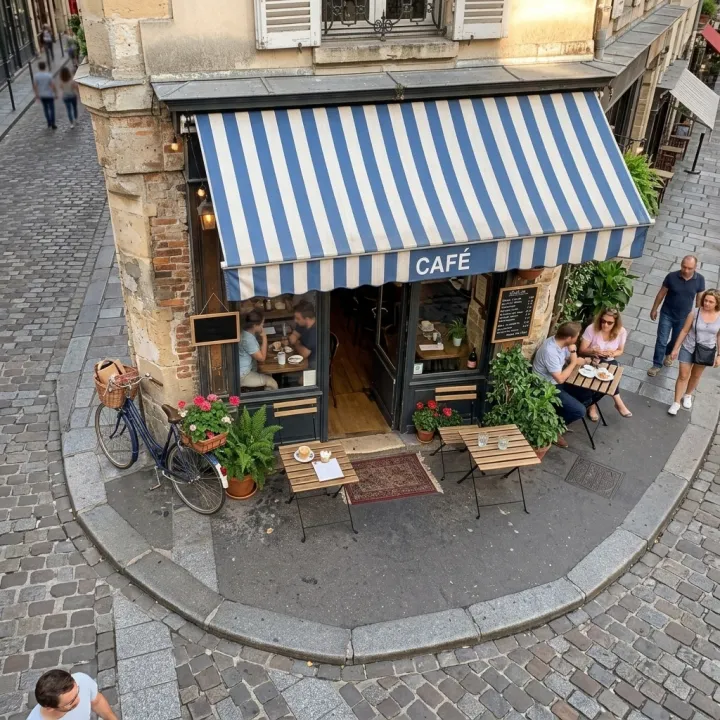 Photo editsNew angles of the same shotOne photo in, the same scene from new camera positions out — same people, objects and light.See the template →
Your set is a few fields away.
Pick the template, fill it in, check the plan, render. 50 free credits to start — no card.
Use this template