背景だけ変えて商品はそのまま
商品はそのまま、背景は自由に。
ソファやキッチンのテーブルで撮った写真を入れて、使いたい背景にチェックを入れてください。どの写真もそれぞれの背景で返ってきます。商品はそのまま、周りの散らかりは消えます。
初期モデル Nano Banana 2 · auto
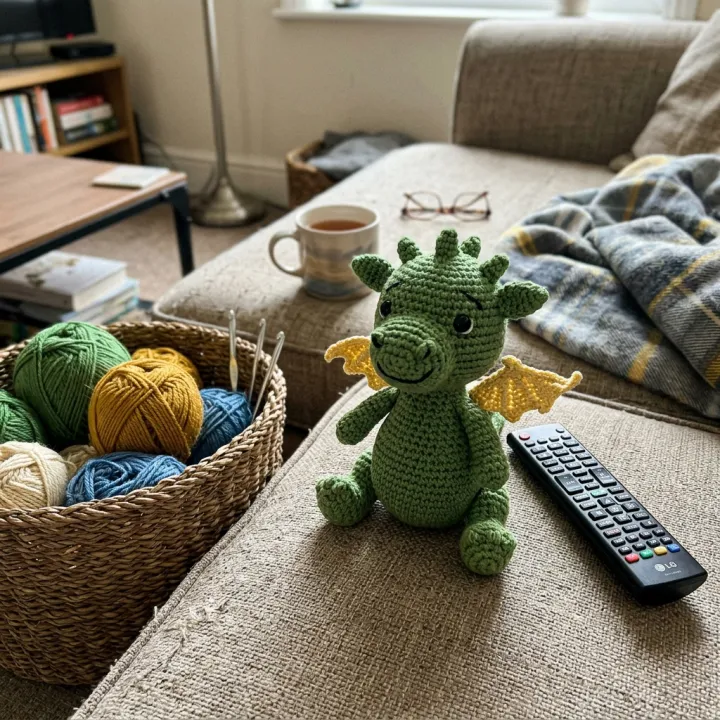 元の写真
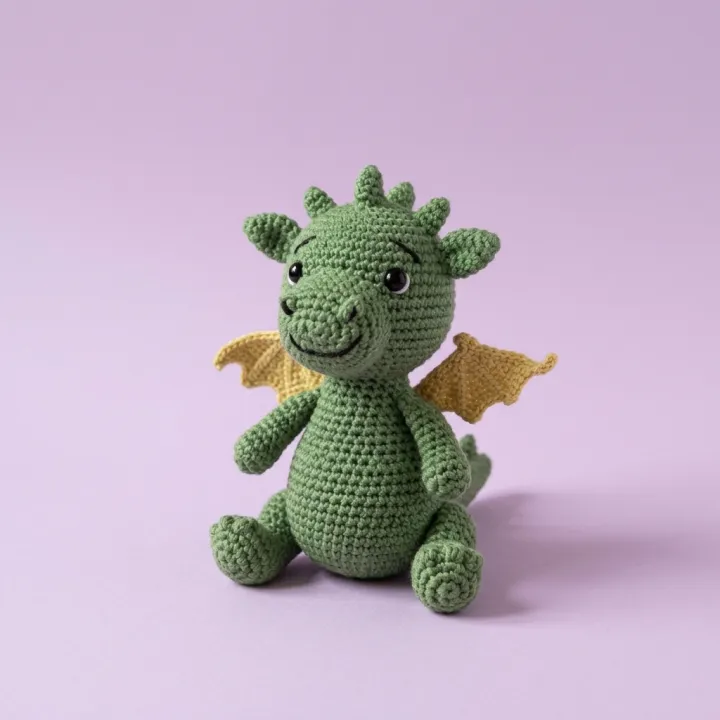
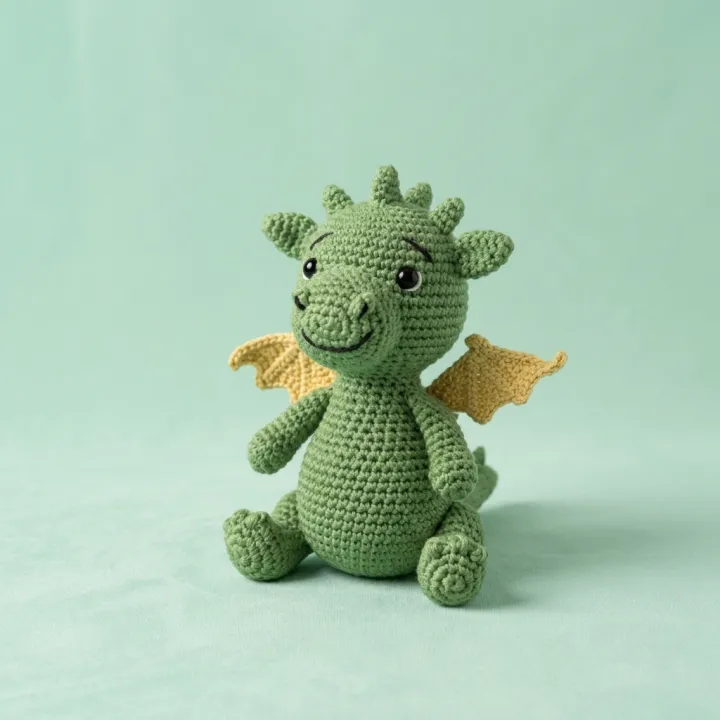
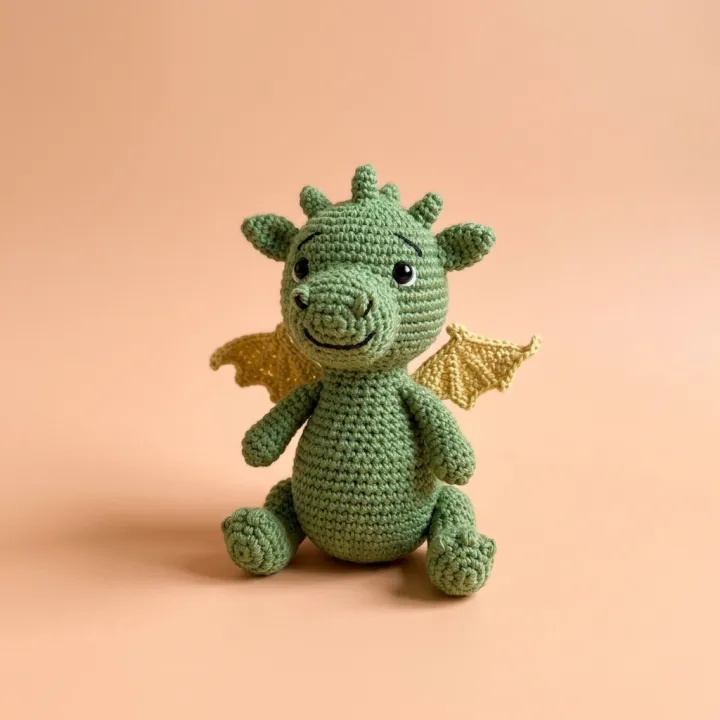
このレシピそのままで生成しました。
これらの画像はこのテンプレートで生成したもので、各画像の下にプロンプトを載せています。あなたのバッチでも、同じレシピにあなたの写真と言葉を組み合わせて生成します。
- 01 · パステルライラック
Replace only the background of the reference photo with a smooth pastel lilac backdrop. Keep the main subject exactly as photographed: same shape, colors, texture, stitches, print and details, same size and position, and any hand or person holding it unchanged; do not redraw or restyle it. The item is the only object left: take out everything else that was around it (furniture, remotes, cups, cables, clutter). Match the light to the new background with a soft natural shadow. No text, no watermark.
- 02 · ミント
Replace only the background of the reference photo with a smooth pastel mint-green backdrop. Keep the main subject exactly as photographed: same shape, colors, texture, stitches, print and details, same size and position, and any hand or person holding it unchanged; do not redraw or restyle it. The item is the only object left: take out everything else that was around it (furniture, remotes, cups, cables, clutter). Match the light to the new background with a soft natural shadow. No text, no watermark.
- 03 · ピーチ
Replace only the background of the reference photo with a smooth soft peach backdrop. Keep the main subject exactly as photographed: same shape, colors, texture, stitches, print and details, same size and position, and any hand or person holding it unchanged; do not redraw or restyle it. The item is the only object left: take out everything else that was around it (furniture, remotes, cups, cables, clutter). Match the light to the new background with a soft natural shadow. No text, no watermark.
必要なのはプロンプトではなく、いくつかの項目だけ。
写真
写真ごとに1枚ずつ生成 · すべての写真を、チェックしたすべての背景で作ります。
背景
パステルライラックパステルピンクミントスカイブルーピーチクリームチャコールリネンオークのテーブル大理石その他の指示任意
例:持っている手は残す
レシピを入れれば、バッチで完成。
- Step 01
テンプレートに入力する
写真を追加し、リストを入力し、オプションにチェックを入れます。チェックしたオプションごとに、それぞれ別の画像が作られます。
- Step 02
プランを確認する
テンプレートが画像1枚につき1つのプロンプトを書き出し、クレジット費用とあわせて一覧で表示します。どの行も編集・削除できます。
- Step 03
生成してダウンロード
バッチは一度にまとめて実行されます。結果はライブラリに保存することも、ZIPひとつでまとめてダウンロードすることもできます。
背景だけ変えて商品はそのまま — よくある質問
Q1商品が変わってしまいませんか?
プロンプトでは、撮影したとおりの形・色・質感・縫い目・プリントと、画面内の大きさや位置をそのまま保つよう指定しています。変わるのは背景と周りの光だけです。
Q2何枚できあがりますか?
写真の枚数 × 背景の数です。写真5枚に背景3種類なら15枚。生成前に、出図計画で全部の画像と費用を確認できます。
Q3Amazon用に真っ白な背景が必要です。
それには「白背景の商品画像」テンプレートを使ってください。モールの商品画像向けに作られています。こちらはショップやフィードに統一感を出す、色や素材の背景用です。
ほかのテンプレート
すべてのテンプレート →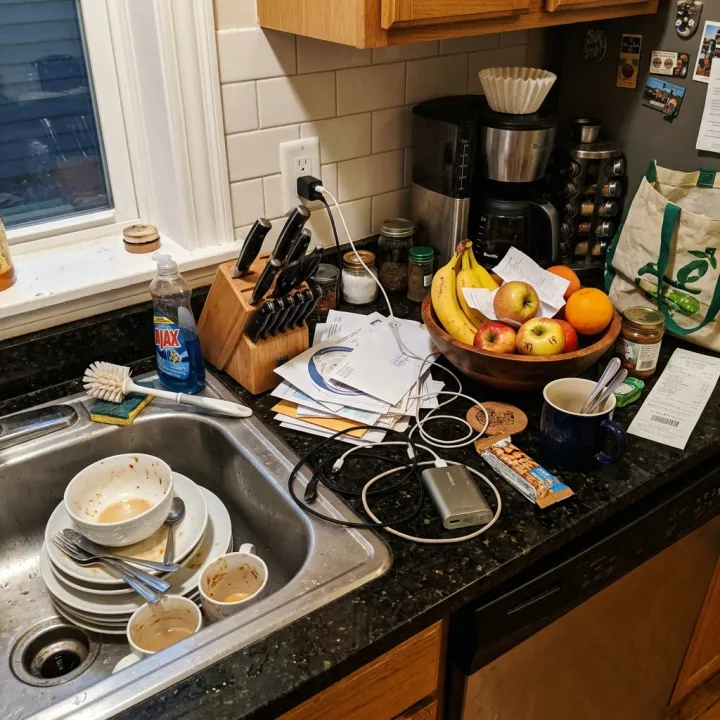 元の写真
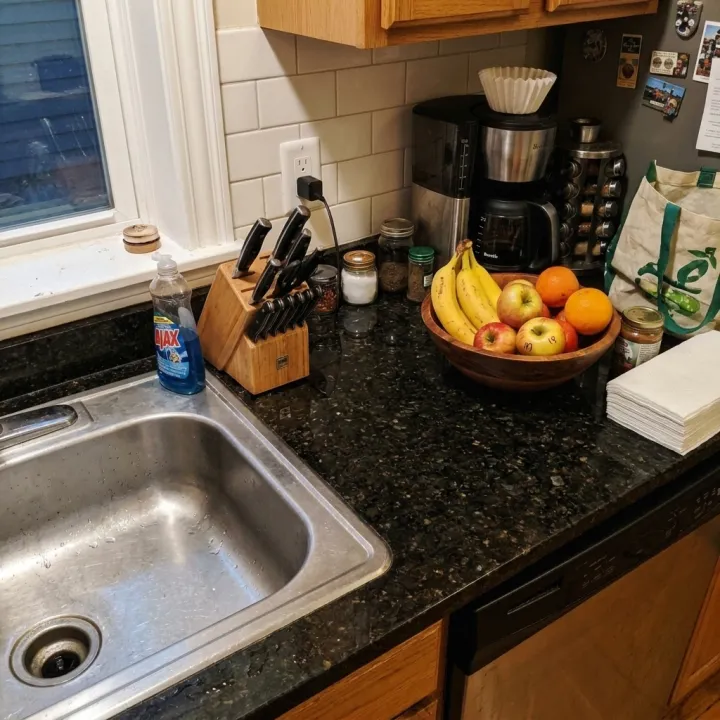
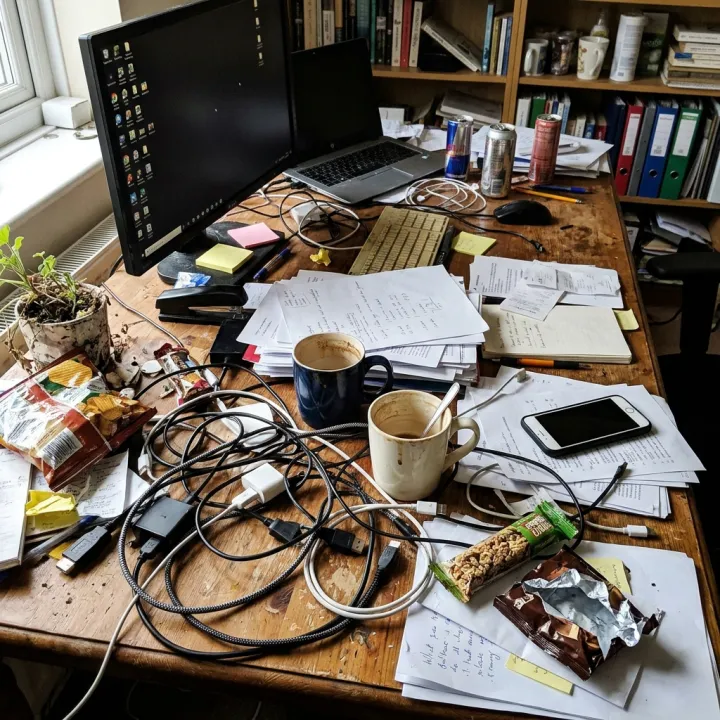 元の写真
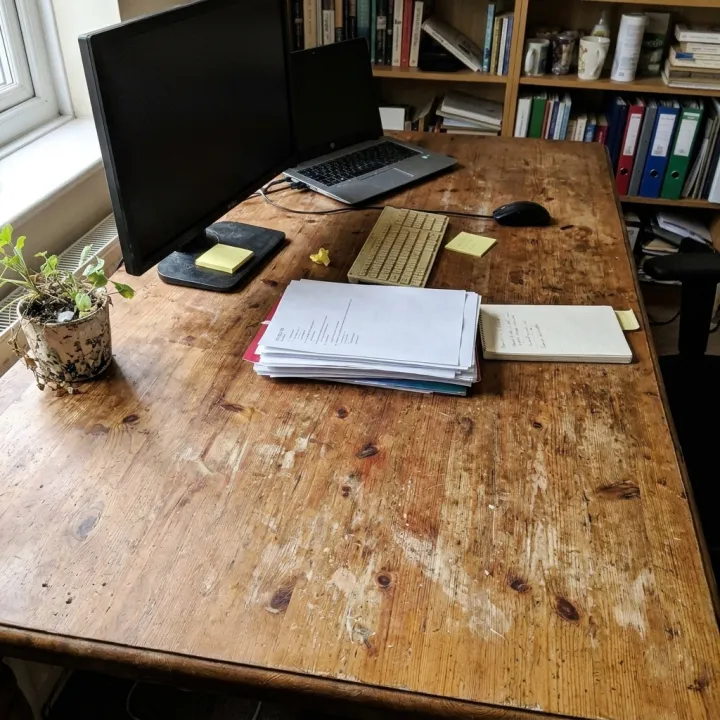 写真編集たくさんの写真に同じ編集アップロードしたすべての写真に、1つの指示を適用します。不要物の除去、文字やロゴの除去、画質の補正、不動産写真の補正に。テンプレートを見る →
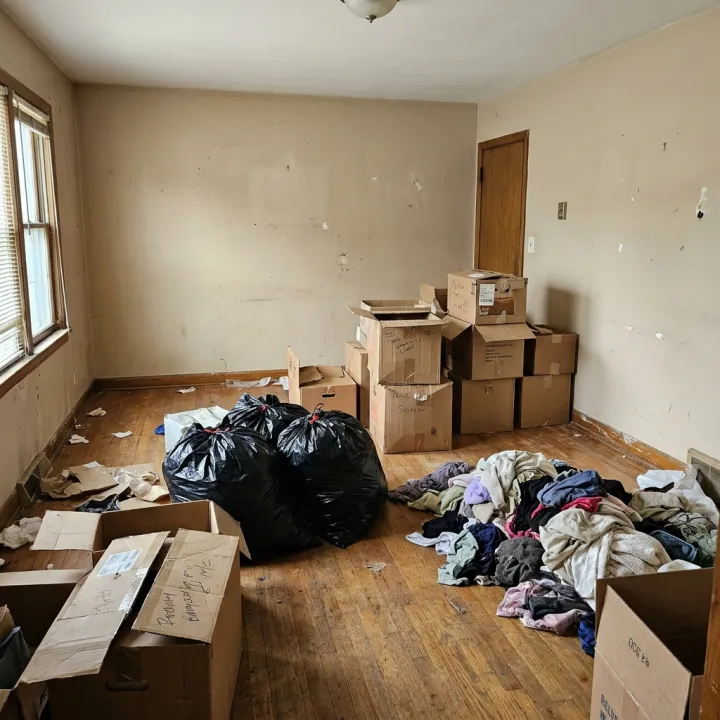 元の写真
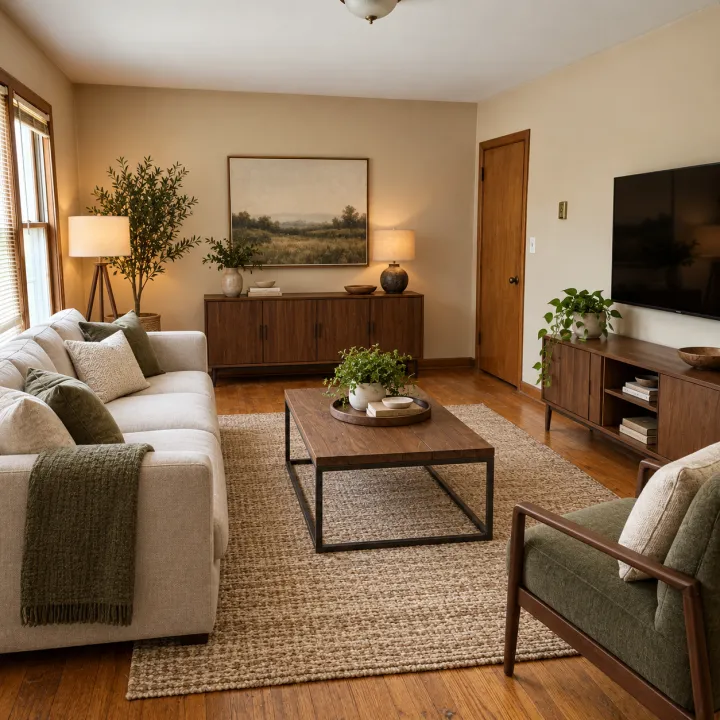
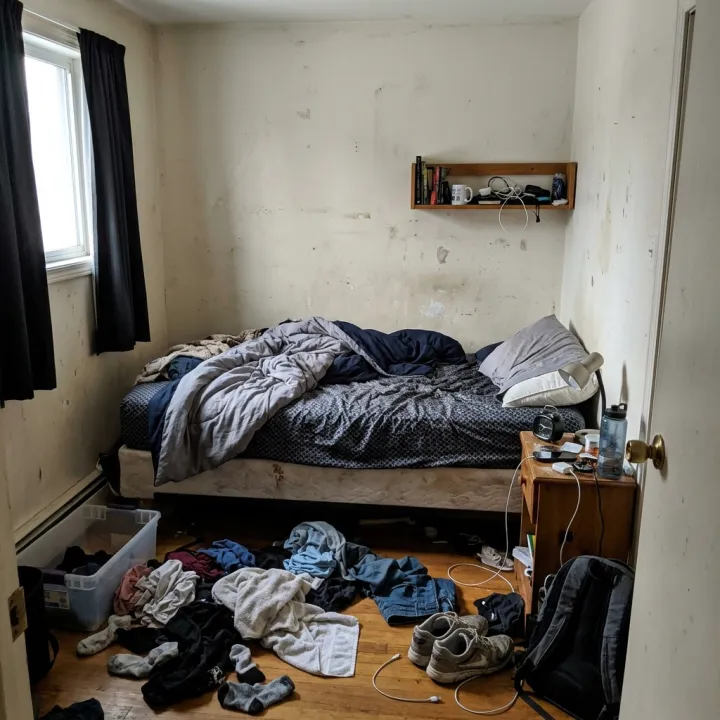 元の写真
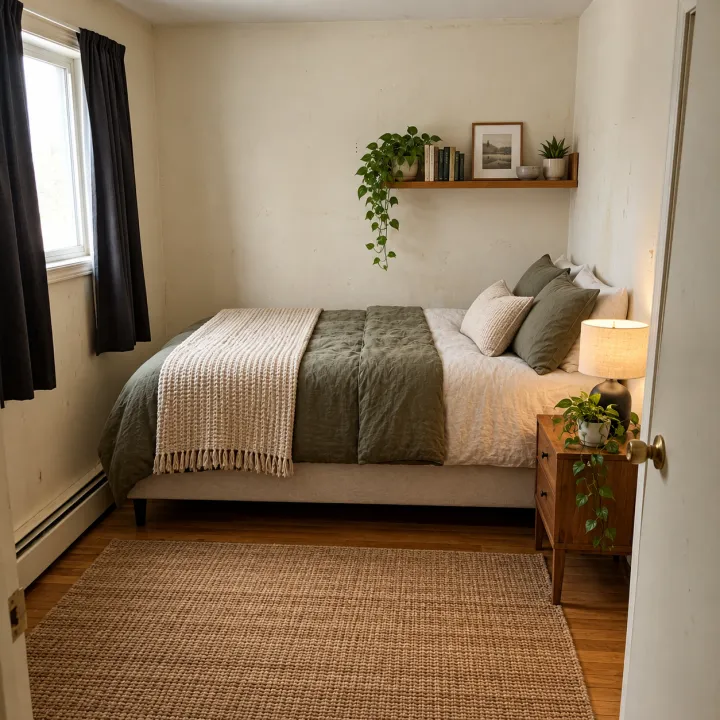 写真編集部屋のクリーンアップ&ステージング部屋の写真をアップロードするだけ。散らかった物を消し、清掃し、家具を仮設置 — 壁と間取りは撮影どおりキープ。不動産投稿に。テンプレートを見る →
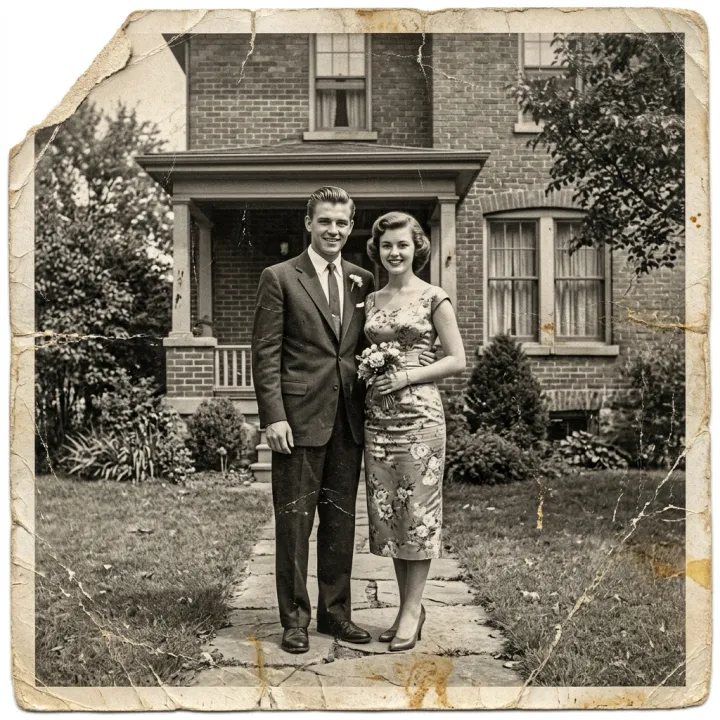 元の写真
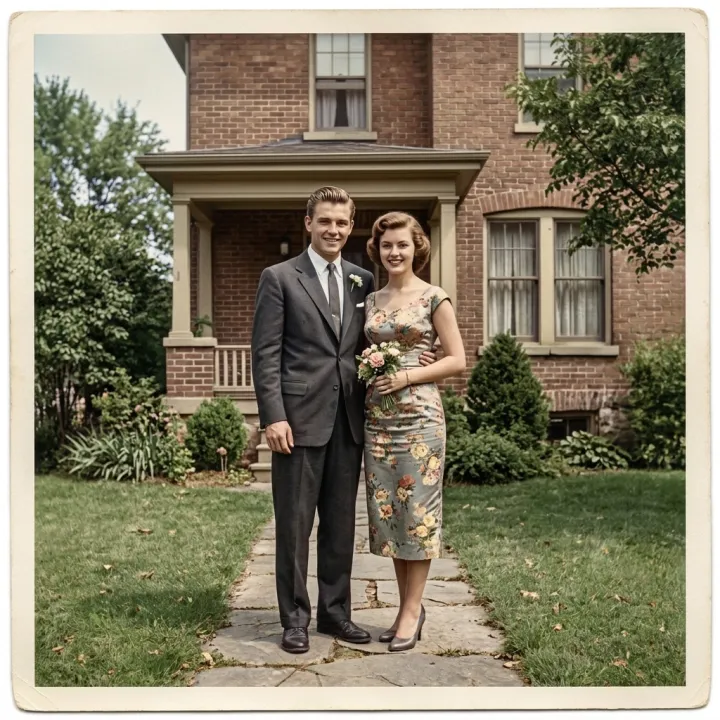
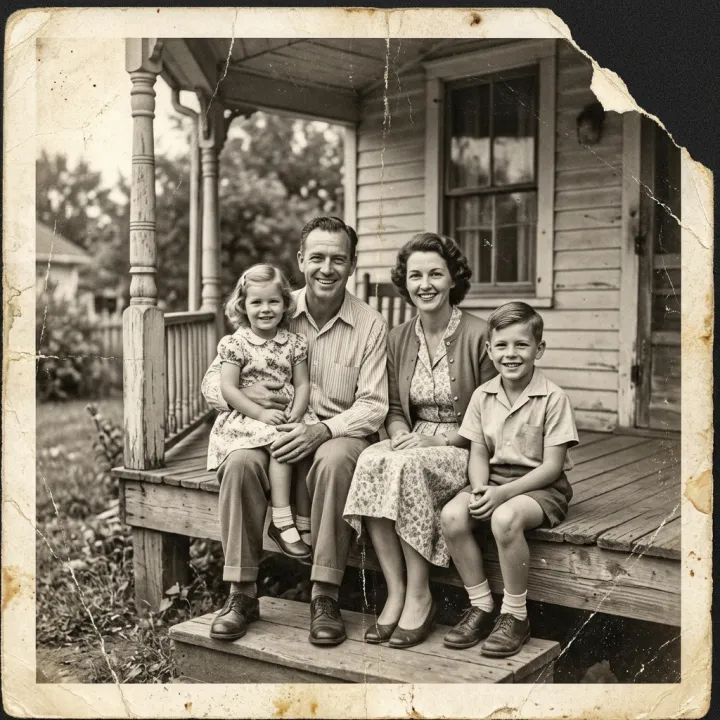 元の写真
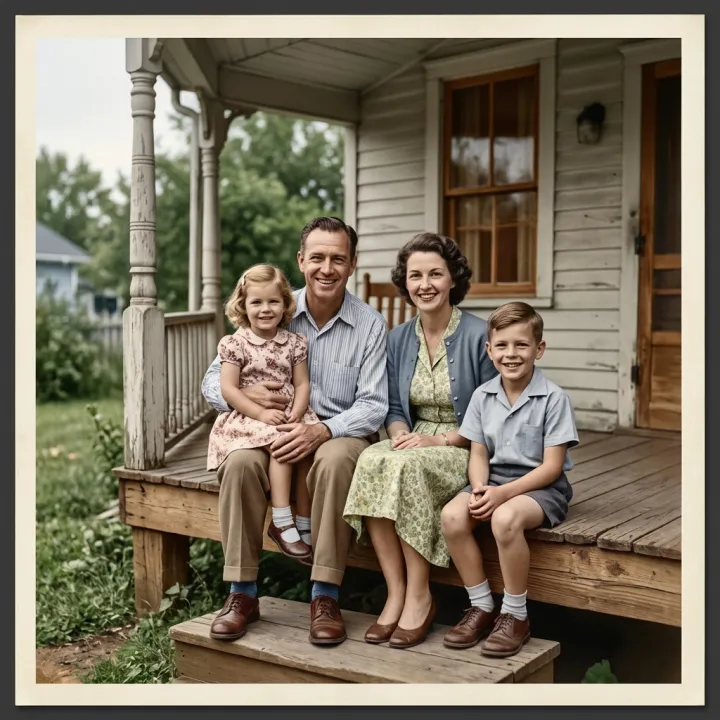 写真編集古い写真の修復スキャンした家族写真やアーカイブ写真をアップロードするだけ。修復・カラー化・シャープ化 — 顔、ポーズ、構図は元のままキープ。テンプレートを見る →
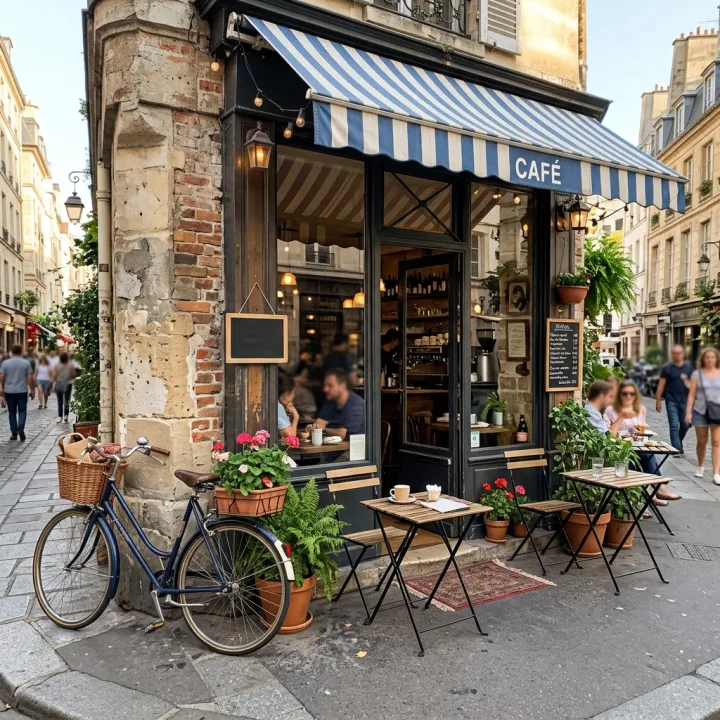 元の写真
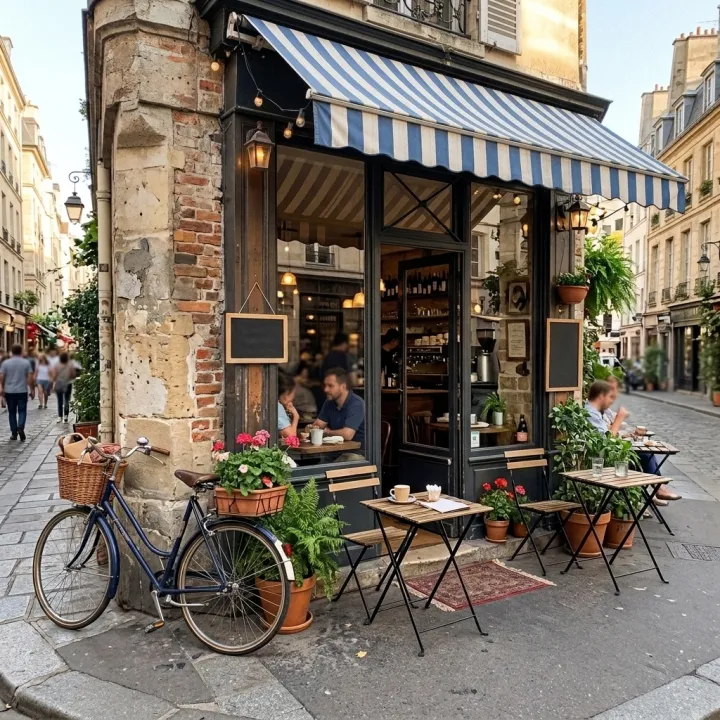
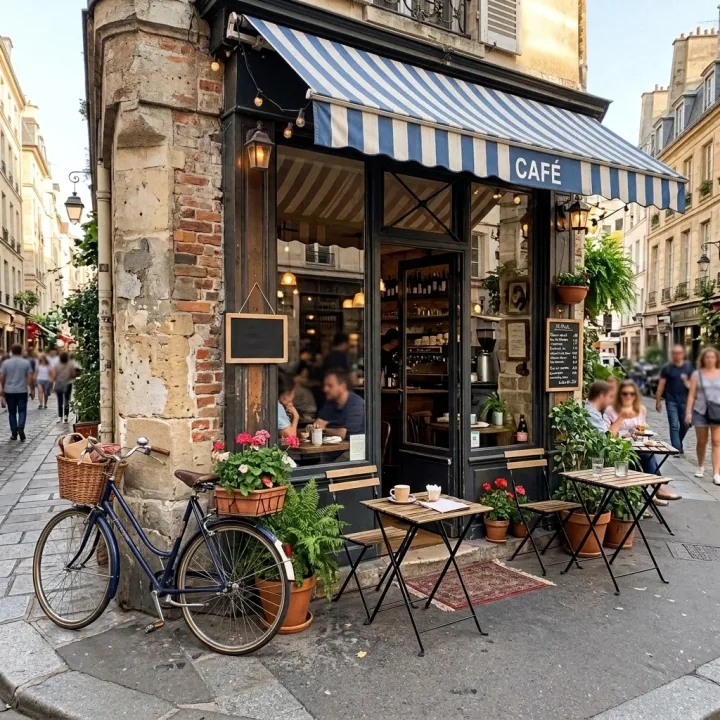
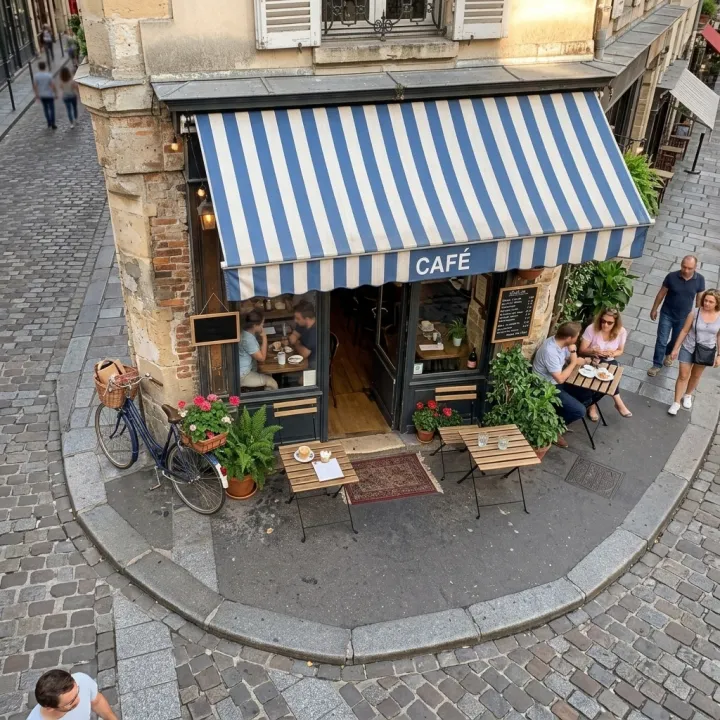 写真編集同じ写真を別アングルで写真1枚から、同じシーンを別のカメラ位置で。人物も物も光もそのままです。テンプレートを見る →