배경만 새로, 상품은 그대로
상품은 그대로, 배경은 마음대로.
소파나 식탁 위에서 찍은 사진을 넣고 원하는 배경을 체크하세요. 모든 사진이 배경마다 한 장씩 나와요. 상품은 그대로 두고 주변의 지저분한 것만 사라져요.
기본 모델 Nano Banana 2 · auto
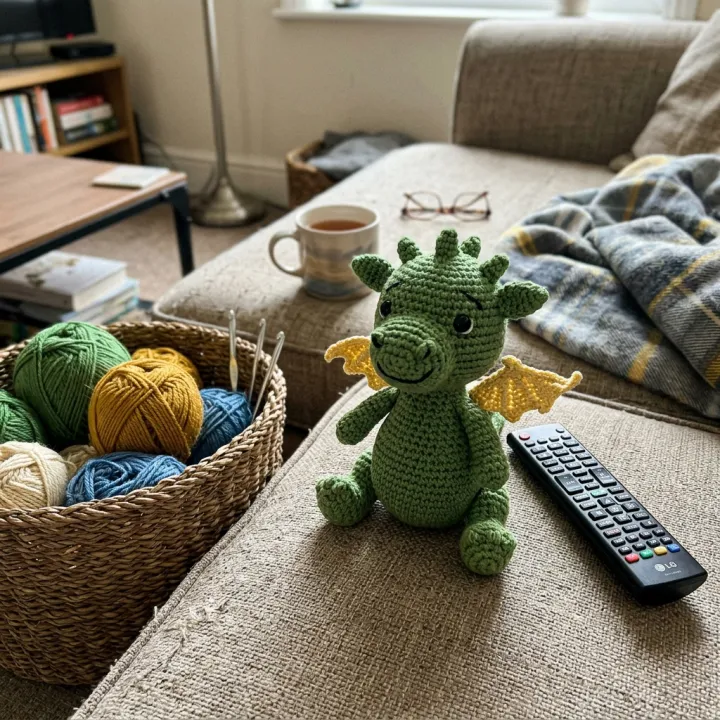 내 사진
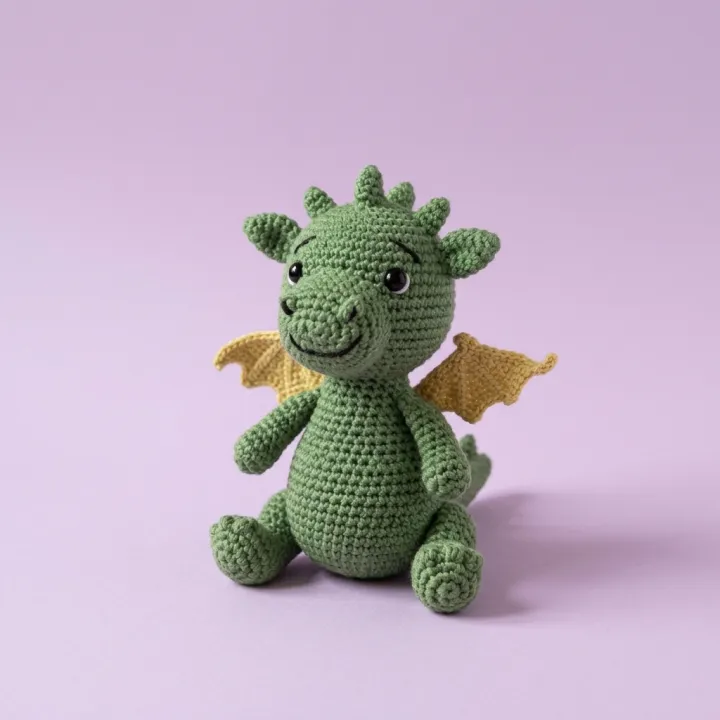
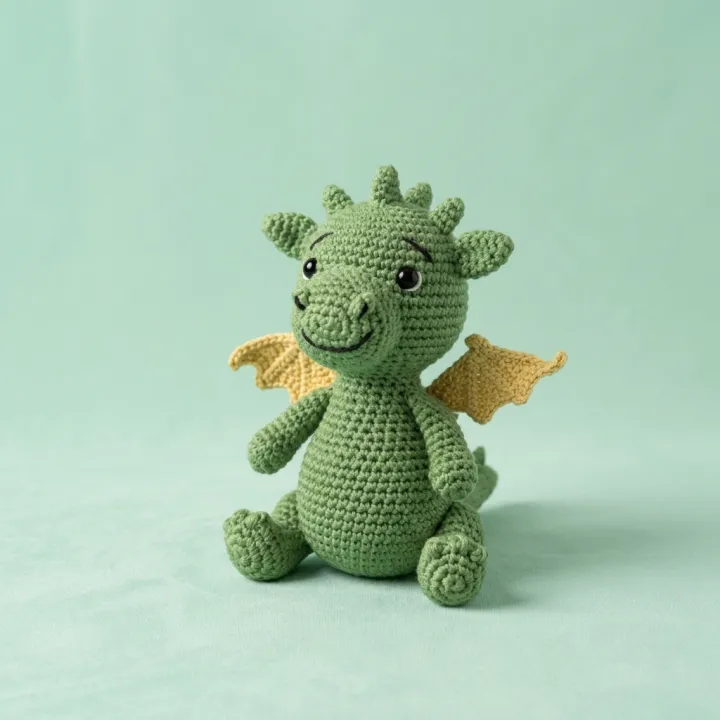
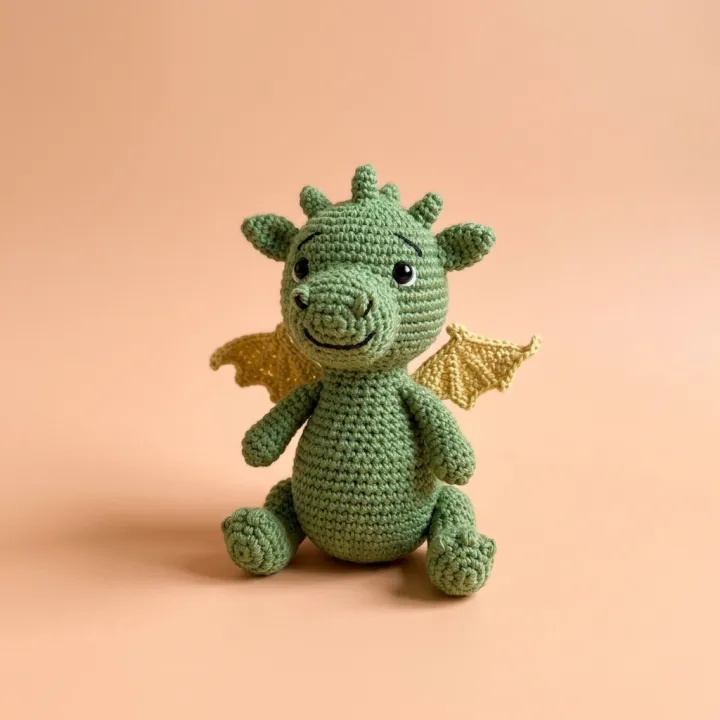
바로 이 레시피로 렌더링했어요.
이 이미지들은 이 템플릿으로 만든 것이고, 각 이미지 아래에 프롬프트가 있어요. 내 배치도 같은 레시피에 내 사진과 내 문구를 넣어 만들어져요.
- 01 · 파스텔 라일락
Replace only the background of the reference photo with a smooth pastel lilac backdrop. Keep the main subject exactly as photographed: same shape, colors, texture, stitches, print and details, same size and position, and any hand or person holding it unchanged; do not redraw or restyle it. The item is the only object left: take out everything else that was around it (furniture, remotes, cups, cables, clutter). Match the light to the new background with a soft natural shadow. No text, no watermark.
- 02 · 민트
Replace only the background of the reference photo with a smooth pastel mint-green backdrop. Keep the main subject exactly as photographed: same shape, colors, texture, stitches, print and details, same size and position, and any hand or person holding it unchanged; do not redraw or restyle it. The item is the only object left: take out everything else that was around it (furniture, remotes, cups, cables, clutter). Match the light to the new background with a soft natural shadow. No text, no watermark.
- 03 · 피치
Replace only the background of the reference photo with a smooth soft peach backdrop. Keep the main subject exactly as photographed: same shape, colors, texture, stitches, print and details, same size and position, and any hand or person holding it unchanged; do not redraw or restyle it. The item is the only object left: take out everything else that was around it (furniture, remotes, cups, cables, clutter). Match the light to the new background with a soft natural shadow. No text, no watermark.
필요한 건 항목 몇 개, 프롬프트가 아니에요.
사진
사진마다 결과 1장 · 모든 사진이 체크한 모든 배경으로 나와요.
배경
파스텔 라일락파스텔 핑크민트하늘색피치크림차콜리넨오크 테이블대리석기타 요청선택
예: 들고 있는 손은 그대로
레시피를 넣으면 배치가 나와요.
- Step 01
템플릿 채우기
사진을 넣고, 리스트를 입력하고, 옵션을 체크하세요. 체크한 옵션마다 각각의 이미지로 곱해져요.
- Step 02
계획 확인하기
템플릿이 이미지마다 프롬프트를 하나씩 쓰고, 전체 목록을 크레딧 비용과 함께 보여 줘요. 어떤 줄이든 고치거나 지울 수 있어요.
- Step 03
렌더링하고 다운로드
배치는 한 번에 실행돼요. 결과는 라이브러리에 보관하거나 ZIP 하나로 전부 다운로드하세요.
배경만 새로, 상품은 그대로 — FAQ
Q1상품이 바뀌지는 않나요?
프롬프트는 찍은 그대로의 형태, 색, 질감, 스티치, 프린트와 화면 속 크기와 위치를 유지하라고 요청해요. 바뀌는 건 배경과 주변 조명뿐이에요.
Q2이미지는 몇 장 나오나요?
사진 수 × 배경 수예요. 사진 5장에 배경 3개면 15장이고, 생성 전에 계획에서 모든 이미지와 비용을 보여 줘요.
Q3아마존용으로 완전한 흰 배경이 필요해요.
그럴 땐 ‘흰 배경 누끼 이미지’ 템플릿을 쓰세요. 쇼핑몰 대표 이미지용으로 만들어졌어요. 이 템플릿은 숍이나 피드를 통일감 있게 보이게 하는 컬러·소품 배경용이에요.
다른 템플릿
모든 템플릿 →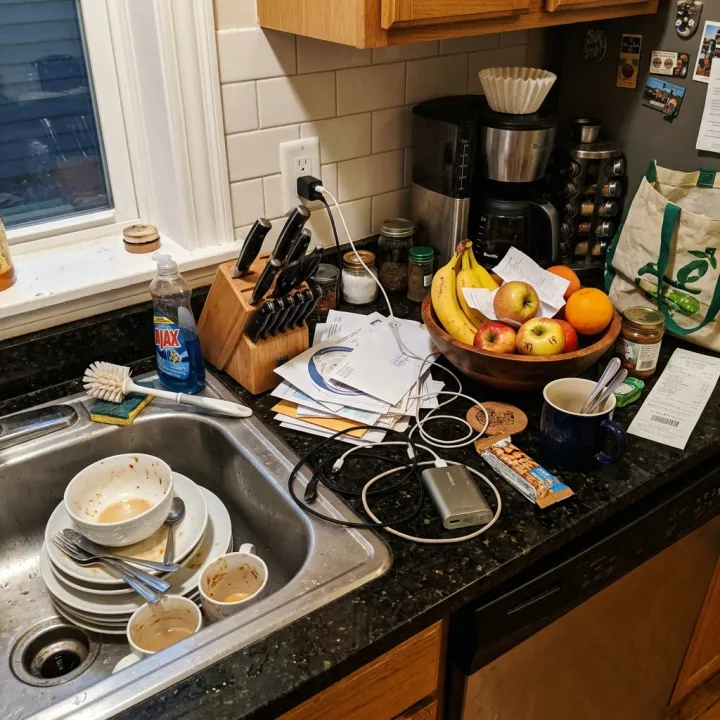 내 사진
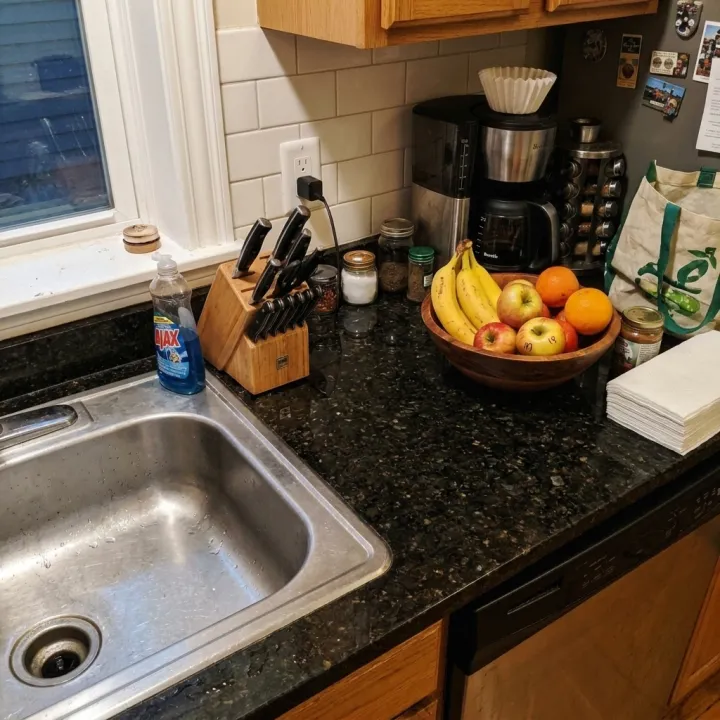
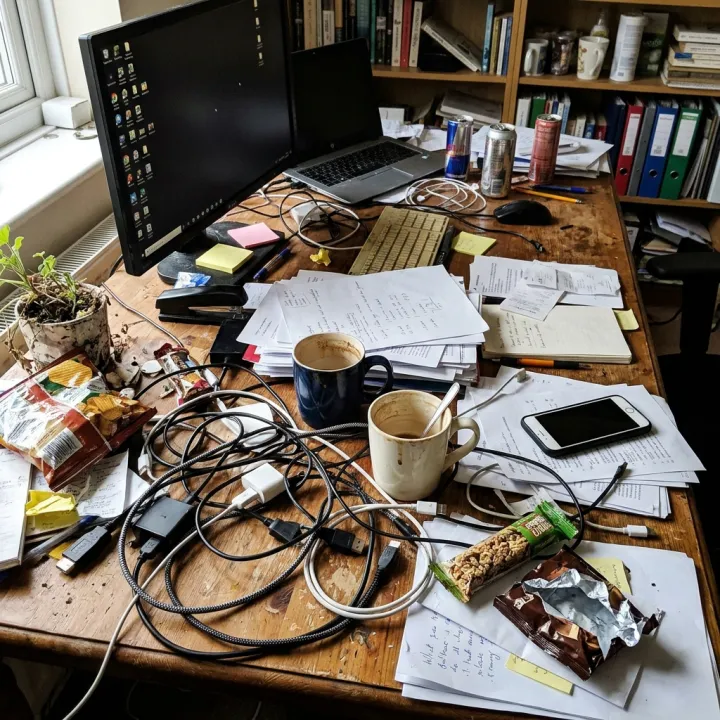 내 사진
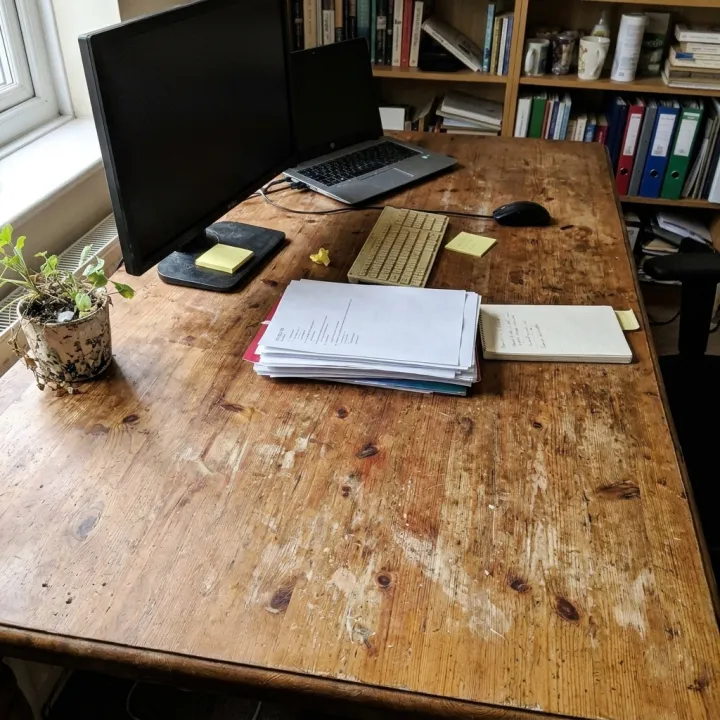 사진 편집여러 사진에 같은 편집올린 모든 사진에 지시 하나를 적용해요. 잡동사니 정리, 텍스트·로고 제거, 화질 개선, 부동산 사진 보정에.템플릿 보기 →
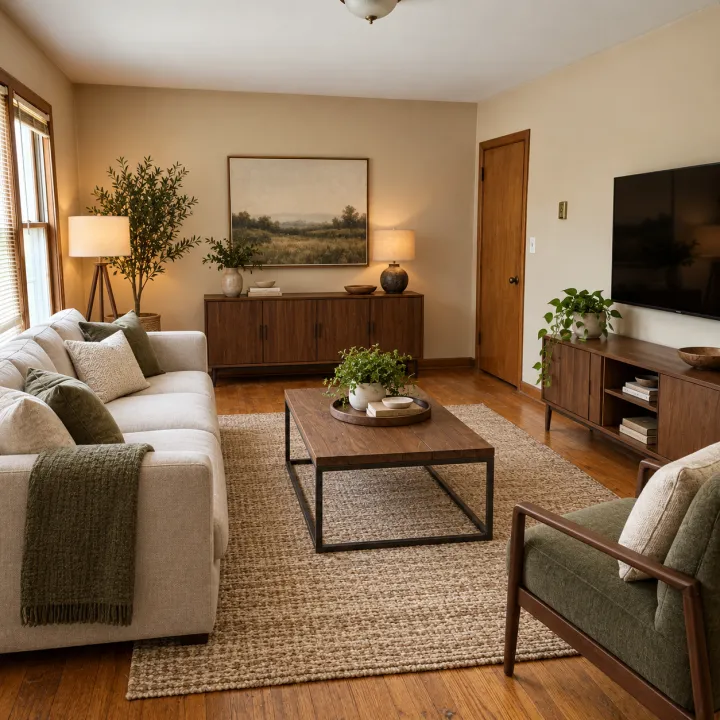
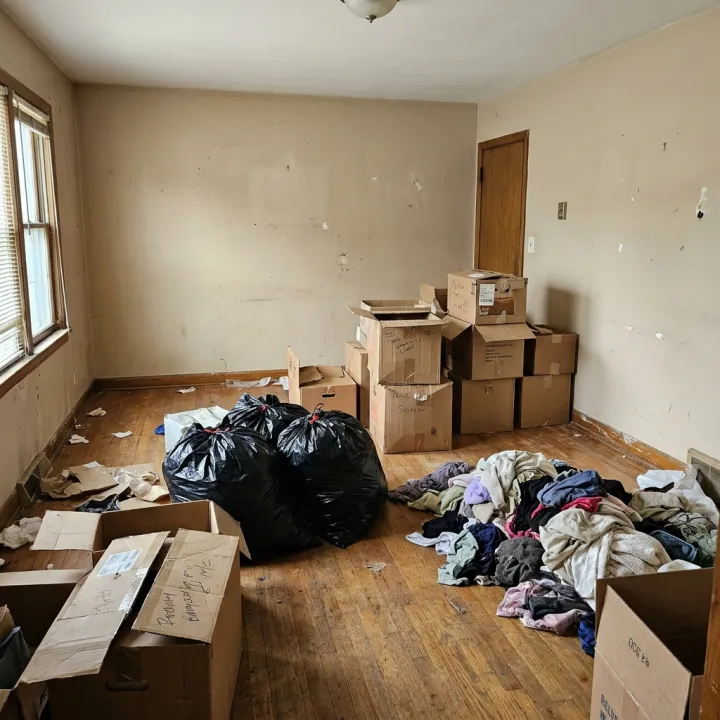 내 사진
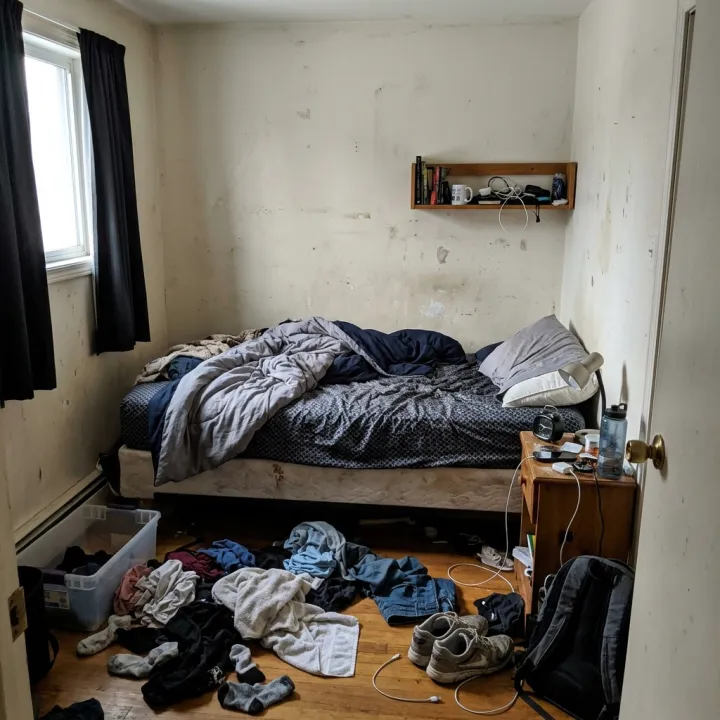 내 사진
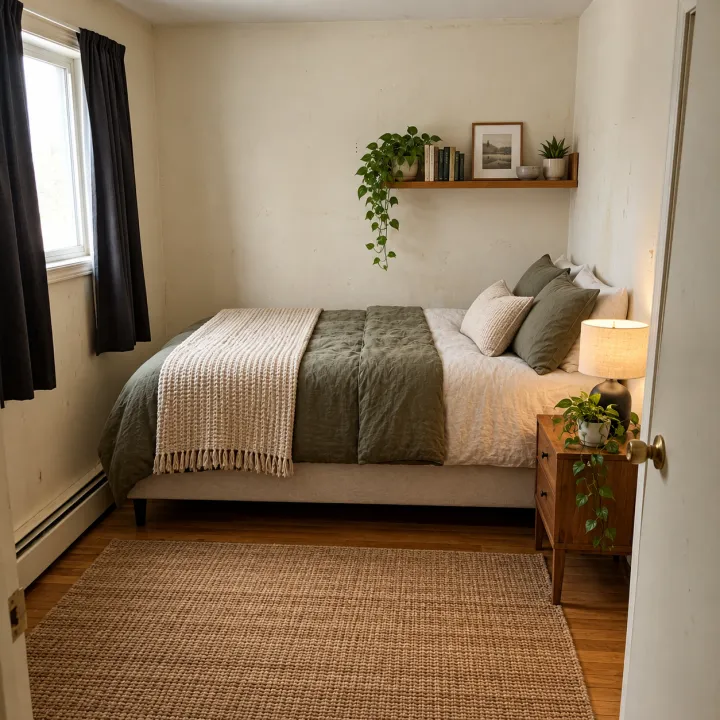 사진 편집방 정리 & 스테이징방 사진을 올리면 잡동사니 제거, 딥클리닝, 가상 가구 배치까지 — 벽과 구조는 촬영 그대로. 부동산 매물용.템플릿 보기 →
 내 사진
 내 사진
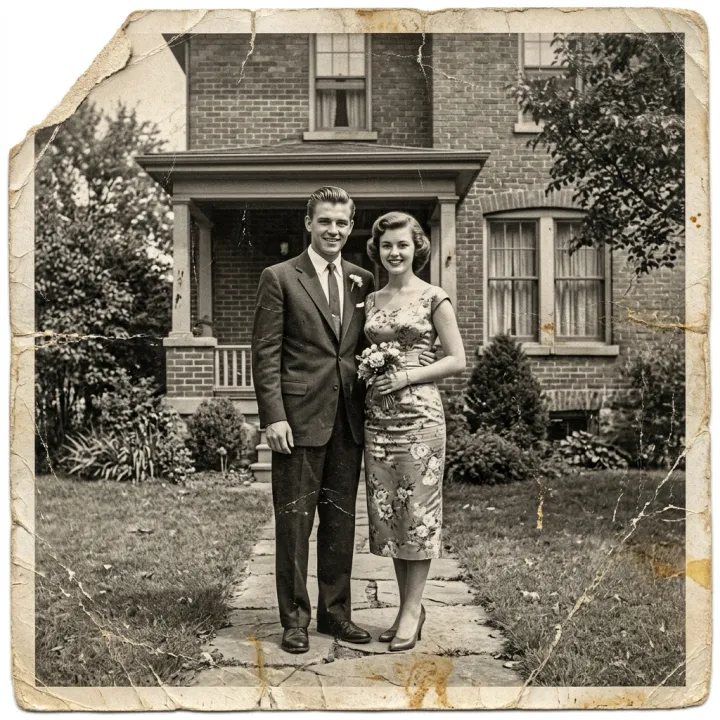
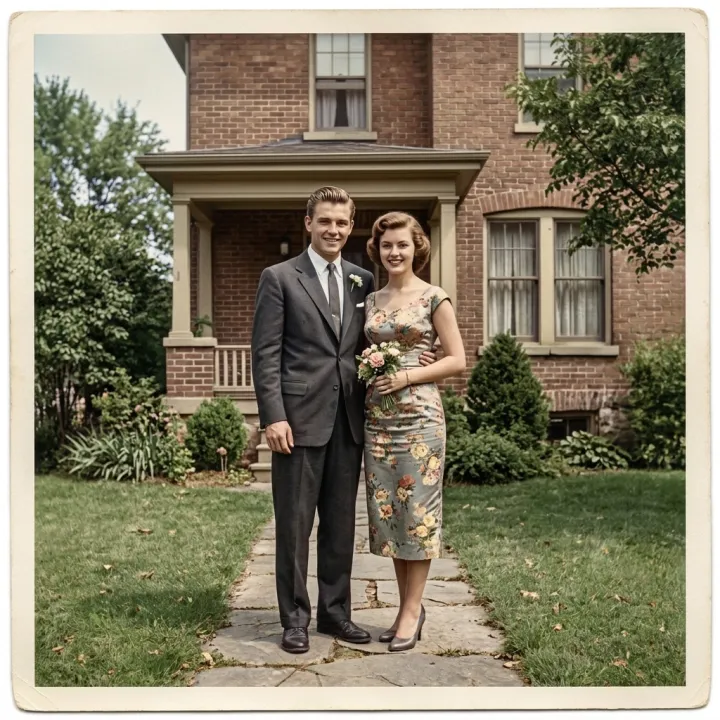
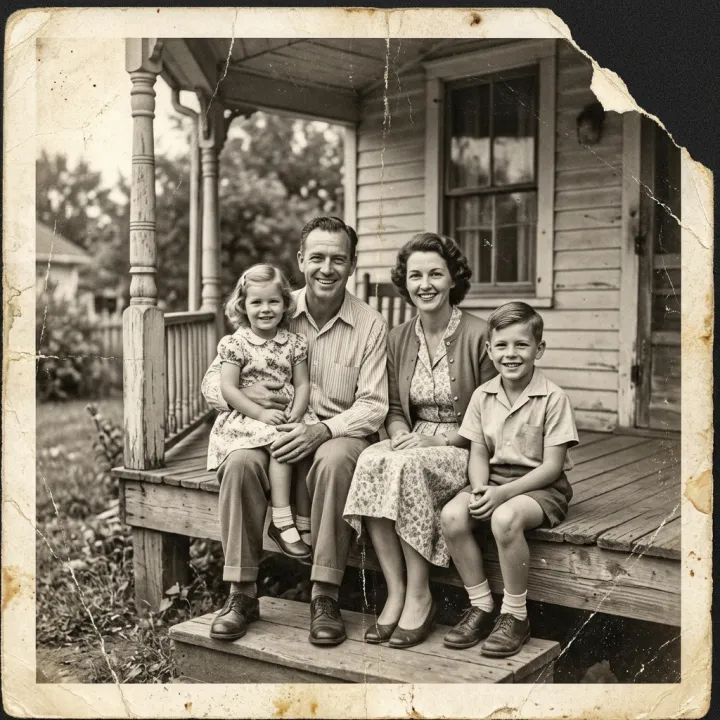
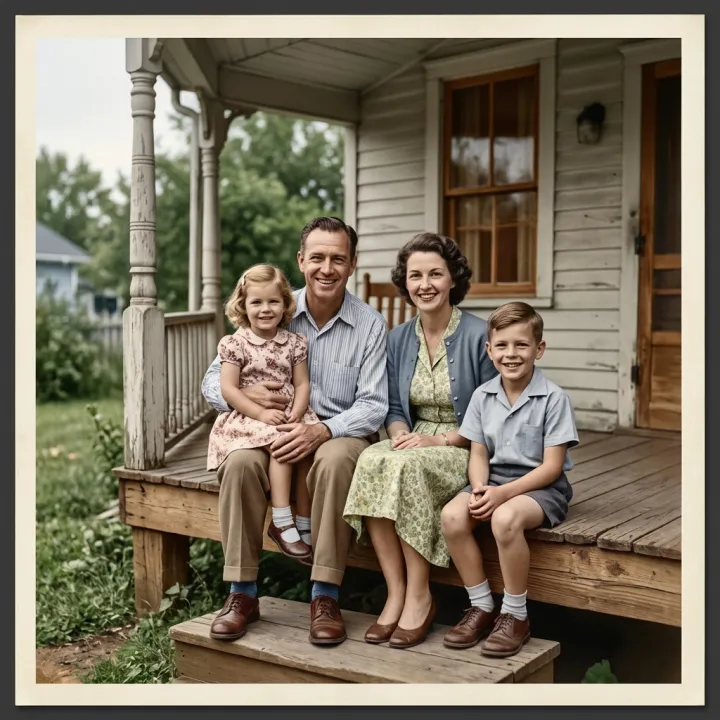 사진 편집오래된 사진 복원스캔한 가족·아카이브 사진을 올리면 복원, 컬러화, 선명화까지 — 얼굴, 포즈, 구도는 원본 그대로 유지합니다.템플릿 보기 →
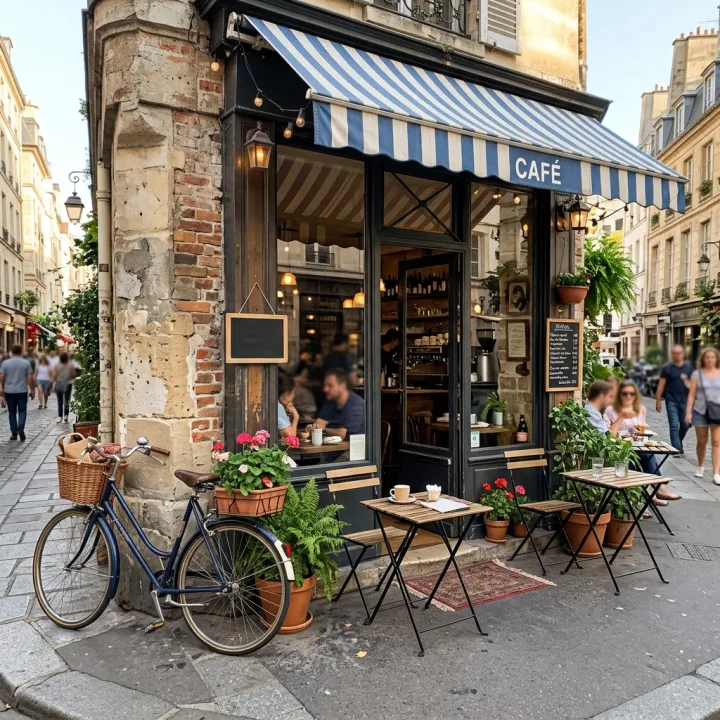 내 사진
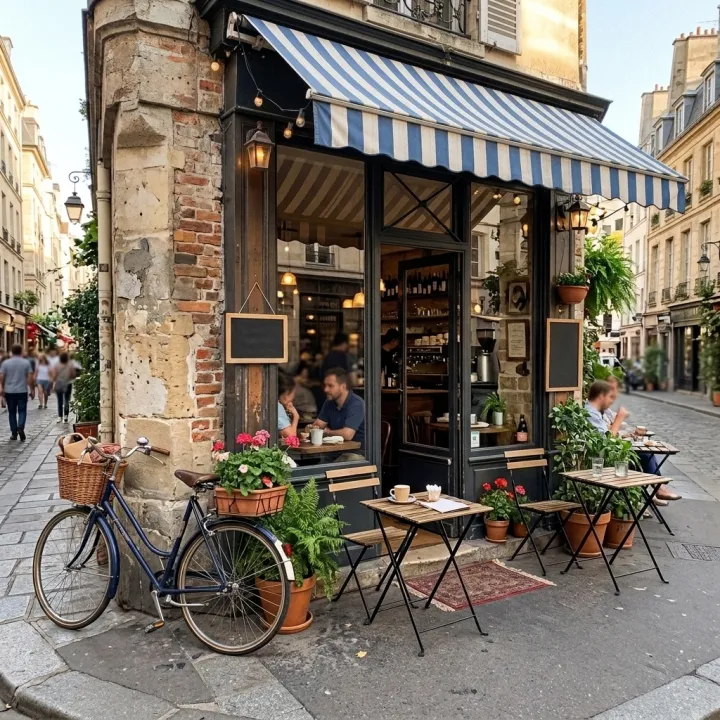
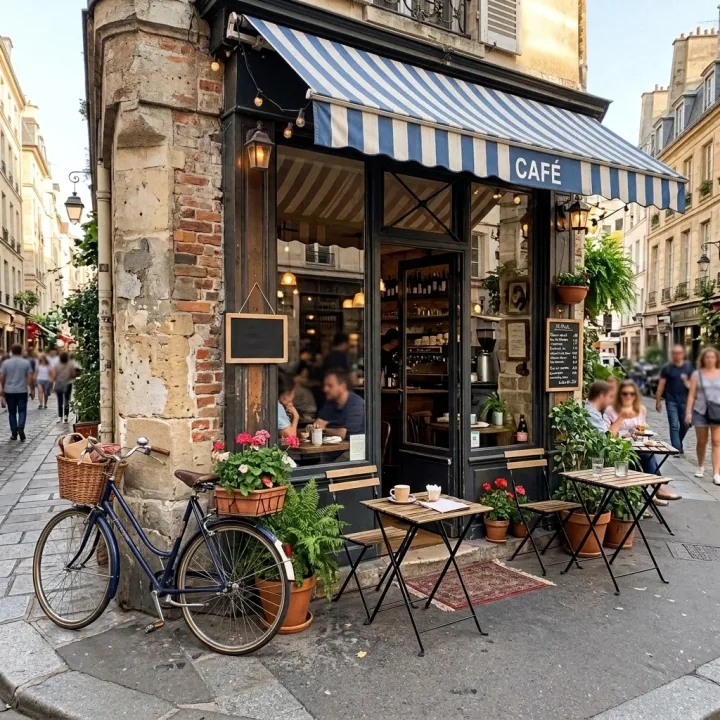
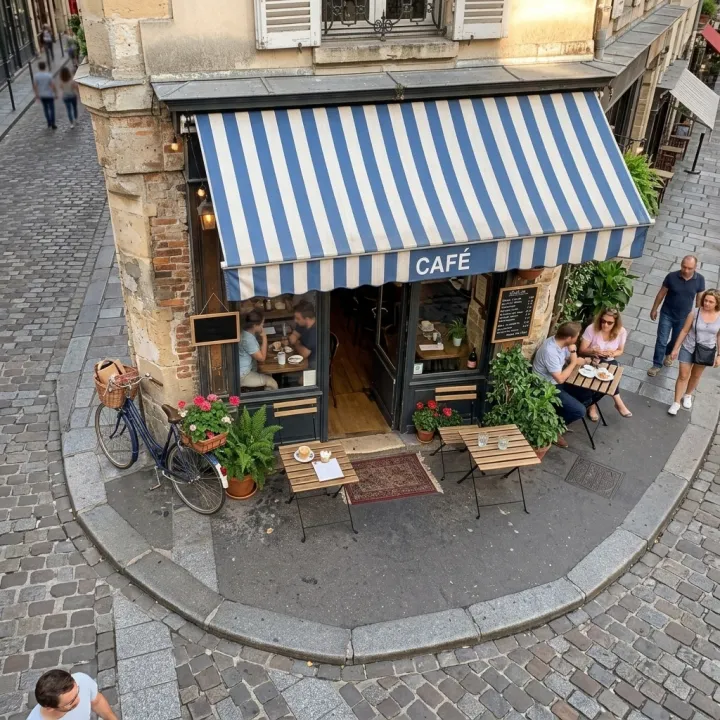 사진 편집같은 사진, 새로운 앵글사진 한 장을 넣으면 같은 장면을 다른 카메라 위치에서. 사람, 사물, 빛은 그대로예요.템플릿 보기 →