単語の暗記イラスト
単語リストを入れれば、忘れられない絵に。
単語と意味を貼り付け、おもしろ・シュール、シンプルなカートゥーン、写真から選び、単語を絵に入れるかどうかを決めてください。どの単語にも専用の絵ができるので、単語カード、ワークシート、語学アプリに使えます。
初期モデル GPT Image 2 · 1:1 · テキストのみ — 写真は不要です
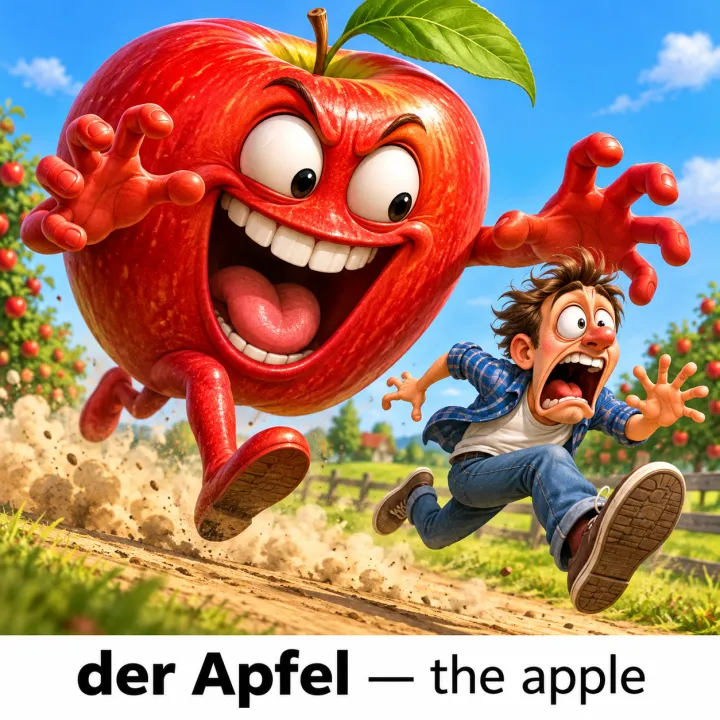
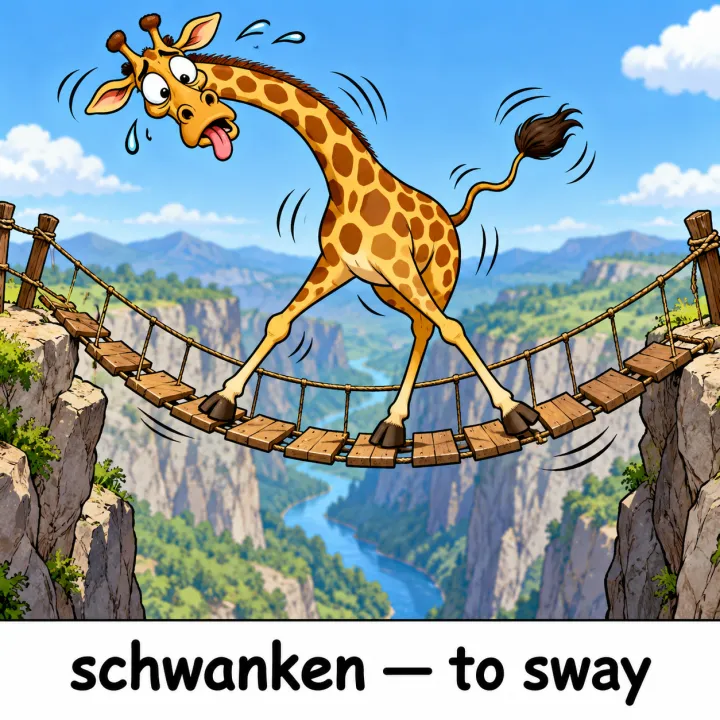
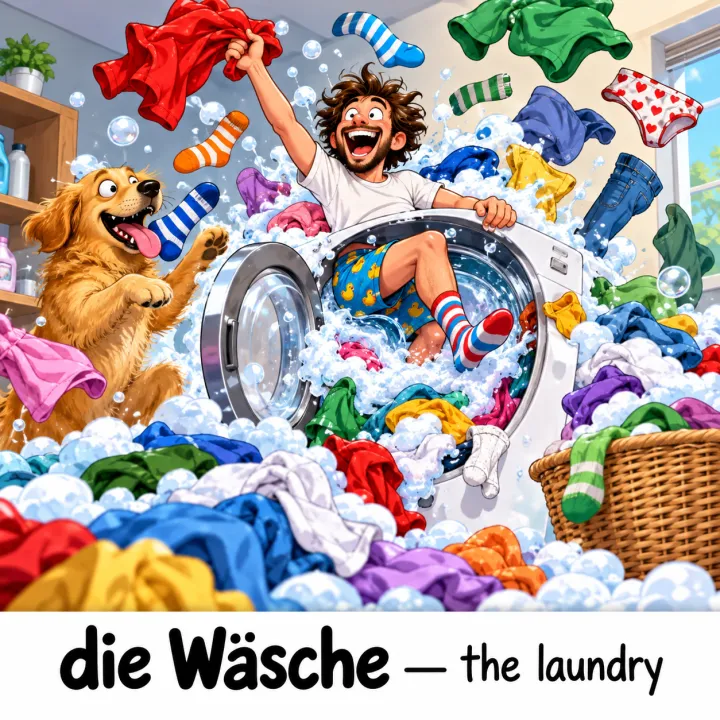
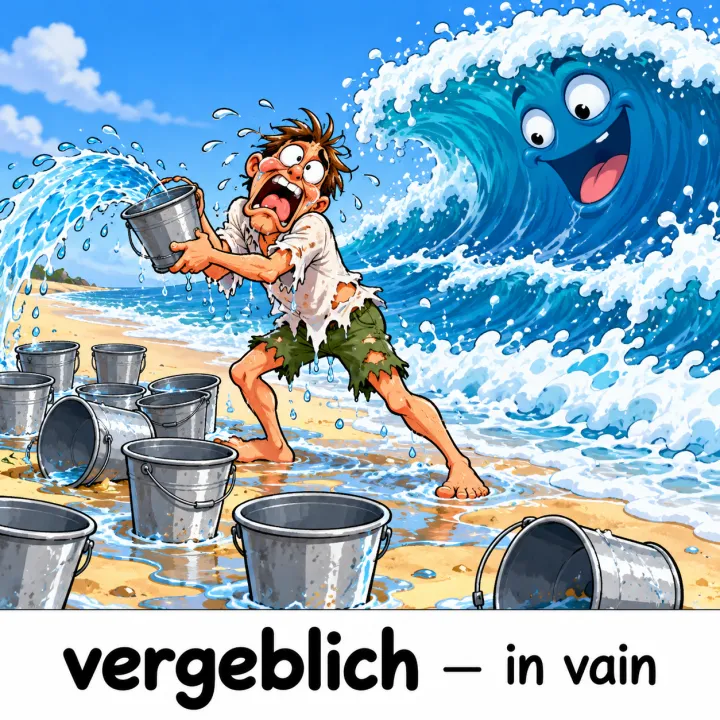
このレシピそのままで生成しました。
これらの画像はこのテンプレートで生成したもので、各画像の下にプロンプトを載せています。あなたのバッチでも、同じレシピにあなたの写真と言葉を組み合わせて生成します。
- 01 · der Apfel — the apple
Vocabulary picture for der Apfel — the apple: one single scene, an absurd, exaggerated, funny cartoon scene that makes the meaning unforgettable, for English speakers learning German. Write the word and its meaning once in a white strip along the bottom, spelled exactly as given. No other text, no watermark.
- 02 · schwanken — to sway
Vocabulary picture for schwanken — to sway: one single scene, an absurd, exaggerated, funny cartoon scene that makes the meaning unforgettable, for English speakers learning German. Write the word and its meaning once in a white strip along the bottom, spelled exactly as given. No other text, no watermark.
- 03 · die Wäsche — the laundry
Vocabulary picture for die Wäsche — the laundry: one single scene, an absurd, exaggerated, funny cartoon scene that makes the meaning unforgettable, for English speakers learning German. Write the word and its meaning once in a white strip along the bottom, spelled exactly as given. No other text, no watermark.
- 04 · vergeblich — in vain
Vocabulary picture for vergeblich — in vain: one single scene, an absurd, exaggerated, funny cartoon scene that makes the meaning unforgettable, for English speakers learning German. Write the word and its meaning once in a white strip along the bottom, spelled exactly as given. No other text, no watermark.
必要なのはプロンプトではなく、いくつかの項目だけ。
単語
1行に1つ:単語 — 意味。
apple — りんご · sway — 揺れる
スタイル任意
おもしろ・シュールシンプルなカートゥーン写真絵に入れる文字任意
単語+意味文字なし学習者任意
例:英語を学ぶ日本の中学生
レシピを入れれば、バッチで完成。
- Step 01
テンプレートに入力する
写真を追加し、リストを入力し、オプションにチェックを入れます。チェックしたオプションごとに、それぞれ別の画像が作られます。
- Step 02
プランを確認する
テンプレートが画像1枚につき1つのプロンプトを書き出し、クレジット費用とあわせて一覧で表示します。どの行も編集・削除できます。
- Step 03
生成してダウンロード
バッチは一度にまとめて実行されます。結果はライブラリに保存することも、ZIPひとつでまとめてダウンロードすることもできます。
単語の暗記イラスト — よくある質問
Q1なぜおもしろくてシュールなのですか?
大げさで意外な場面は、ありふれた場面より記憶に残りやすいからです。これが記憶術に使う絵の考え方です。小さな学習者には「シンプルなカートゥーン」を選んでください。
Q2絵の中の単語の綴りは正しく入りますか?
プロンプトでは入力したとおりの単語と意味を指定しています。また、短い文字が得意なGPT Image 2で始まります。印刷前にアクセント記号や特殊な文字を確認してください。
Q3どの言語でも使えますか?
はい。教える言語で、各行を「単語 — 意味」の形で書いてください。
ほかのテンプレート
すべてのテンプレート → 元の写真
元の写真

 動画台本から動画のシーン画像1行につき1シーン。どのコマも同じスタイル・同じキャラクターで。YouTubeの解説動画、ドキュメンタリー、アニメーションに。テンプレートを見る →


 商品メニュー写真料理のリストを入れれば、メニューの全品にぴったりの写真ができます。テンプレートを見る →
 元の写真
元の写真
 元の写真
元の写真 写真編集たくさんの写真に同じ編集アップロードしたすべての写真に、1つの指示を適用します。不要物の除去、文字やロゴの除去、画質の補正、不動産写真の補正に。テンプレートを見る →
 デザインリストの項目ごとに1枚単語、生き物、商品、クイズの答え — リストを、1行につき1枚のイラストにします。テンプレートを見る →