폰으로 찍은 듯한 사진
연출이 아니라 방금 찍은 듯한 사진.
애드버토리얼과 UGC 광고에는 누군가 방금 휴대폰을 꺼내 찍은 듯한 사진이 필요해요. 장면을 적고, 조명을 고르고, 나와야 할 상품이 있으면 추가하세요. 모든 줄이 살짝 기울고 생활감 있는, 진짜 같은 폰 사진으로 나와요.
기본 모델 GPT Image 2 · 4:5 · 텍스트만 — 사진 없이도 돼요
바로 이 레시피로 렌더링했어요.
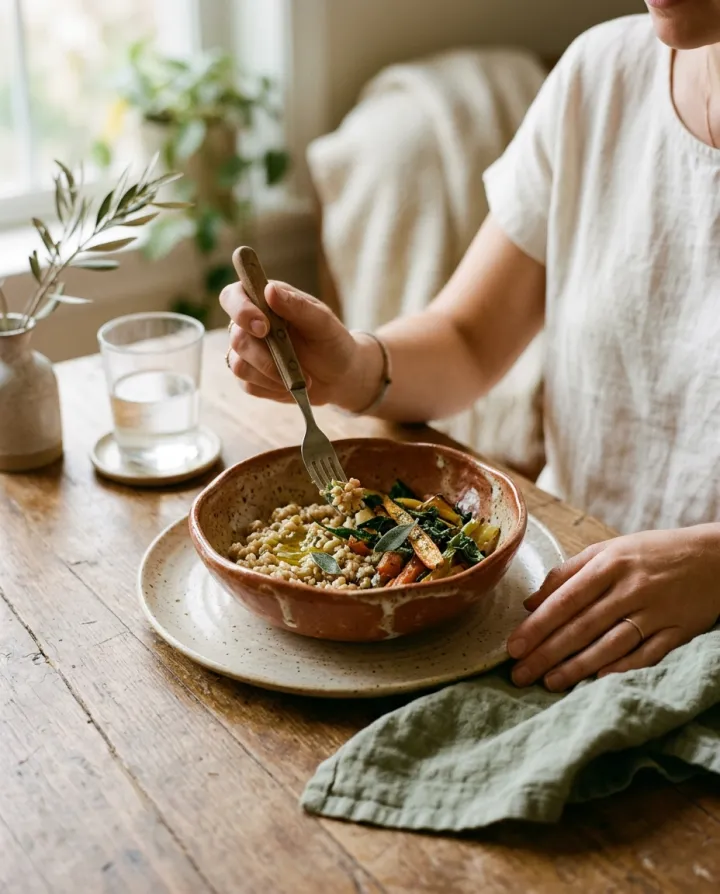
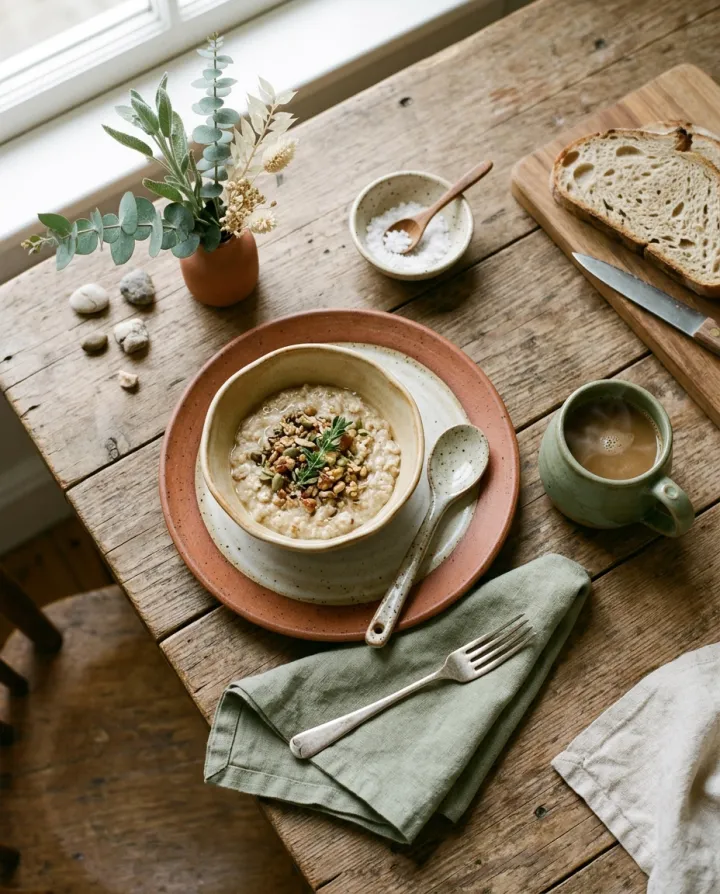
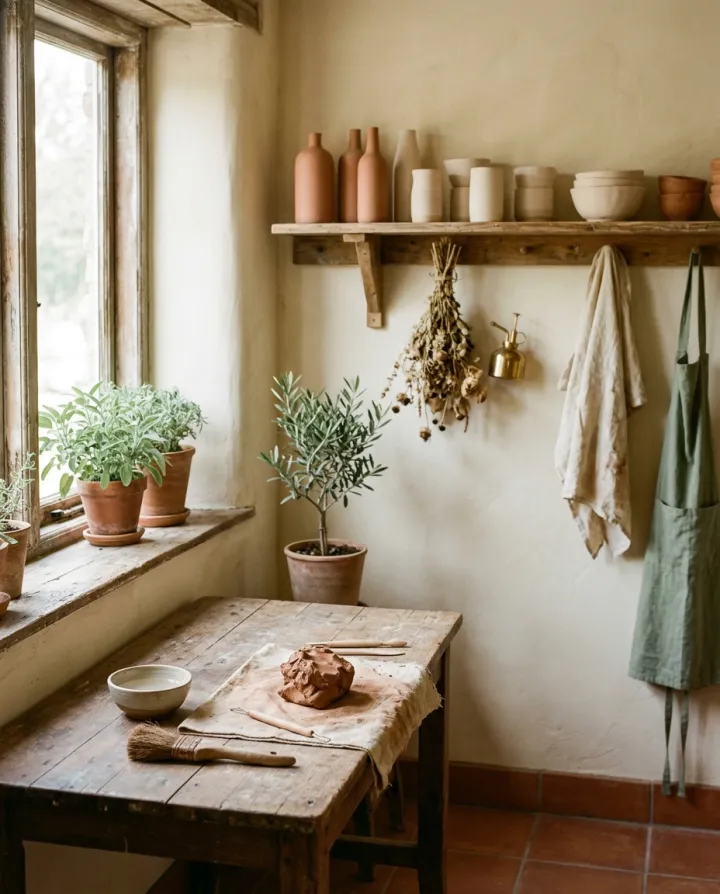
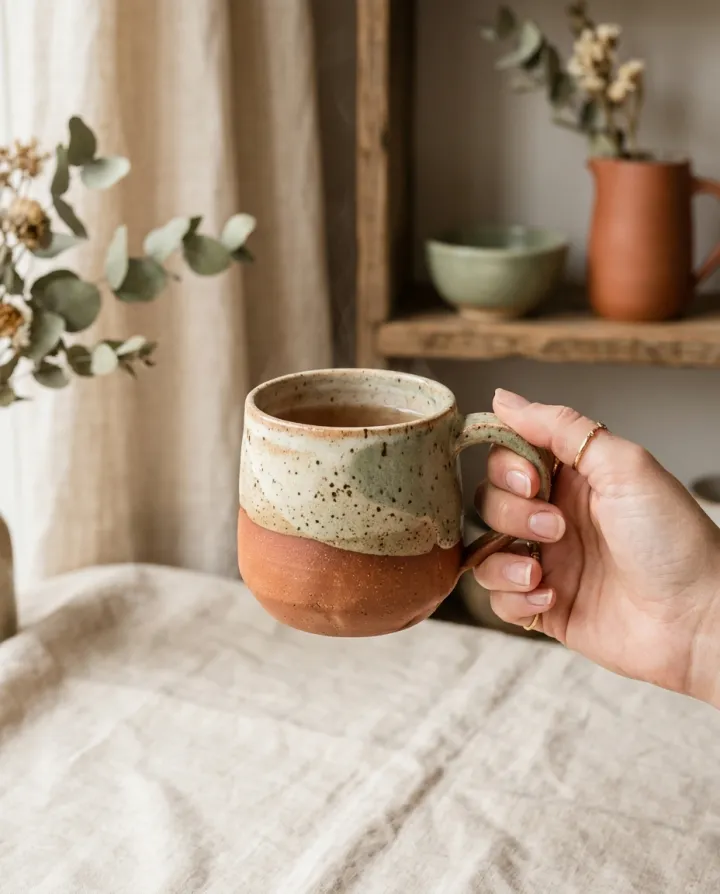
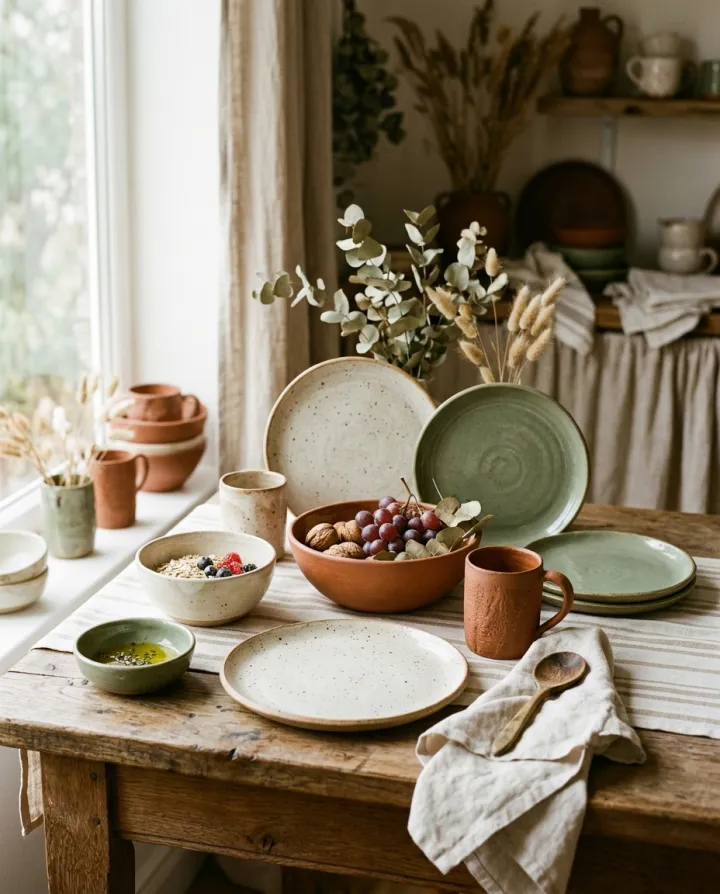
이 이미지들은 이 템플릿으로 만든 것이고, 각 이미지 아래에 프롬프트가 있어요. 내 배치도 같은 레시피에 내 사진과 내 문구를 넣어 만들어져요.
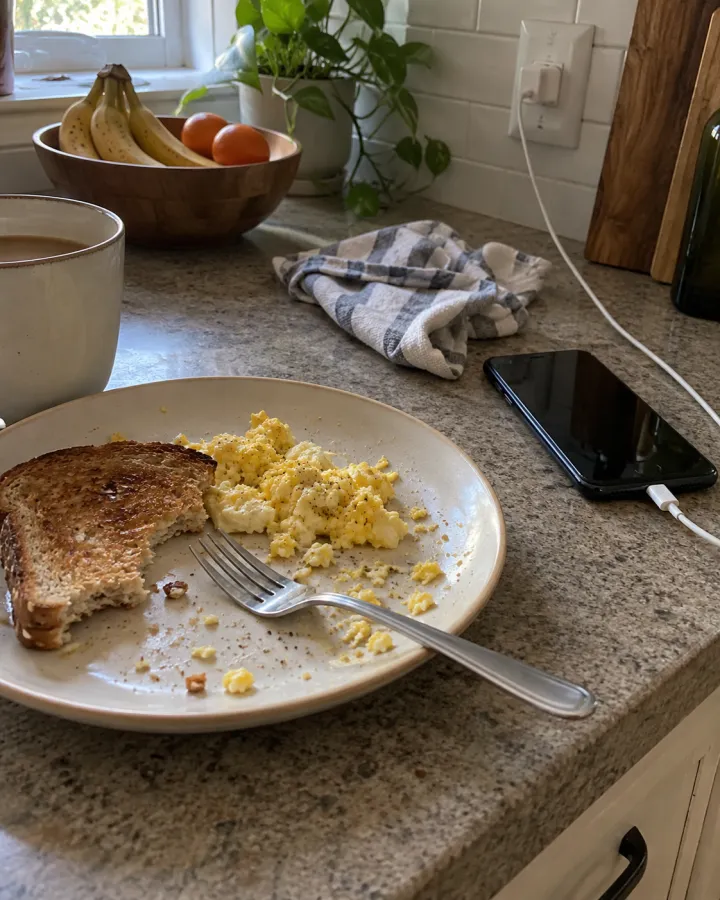
- 01 · a kitchen counter with a half-eaten breakfast and a phone charging
Candid smartphone photo of a kitchen counter with a half-eaten breakfast and a phone charging, ordinary indoor daylight. Snapped quickly without composing: slightly tilted, imperfect framing, real-life clutter, natural phone-camera noise. Looks like a real person's photo, not an ad. No brand names or logos, no text overlays, no watermark.
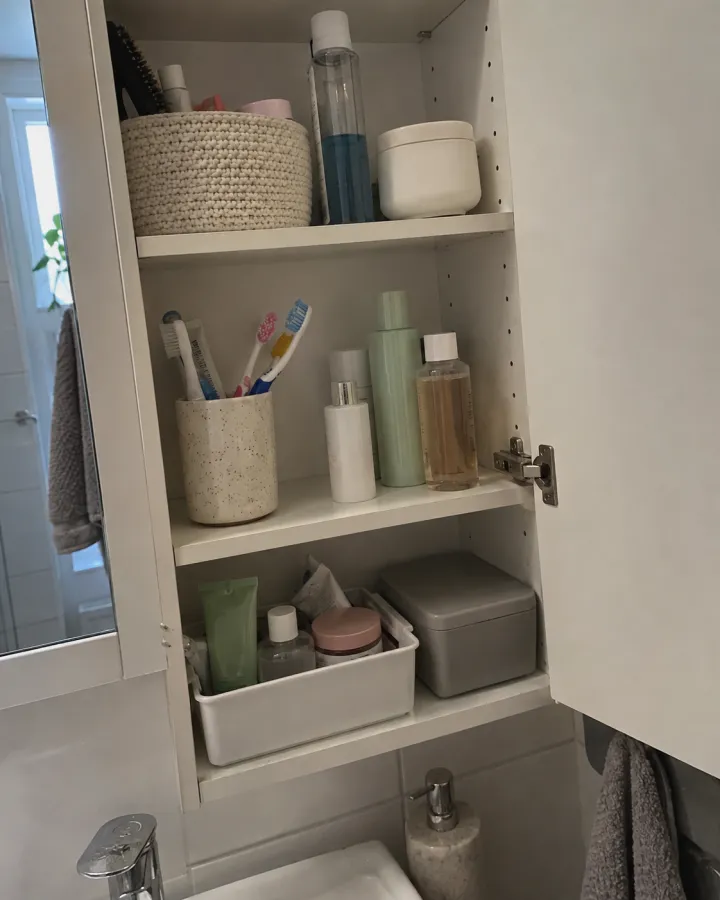
- 02 · an open bathroom cabinet with a few bottles and a toothbrush cup
Candid smartphone photo of an open bathroom cabinet with a few bottles and a toothbrush cup, ordinary indoor daylight. Snapped quickly without composing: slightly tilted, imperfect framing, real-life clutter, natural phone-camera noise. Looks like a real person's photo, not an ad. No brand names or logos, no text overlays, no watermark.
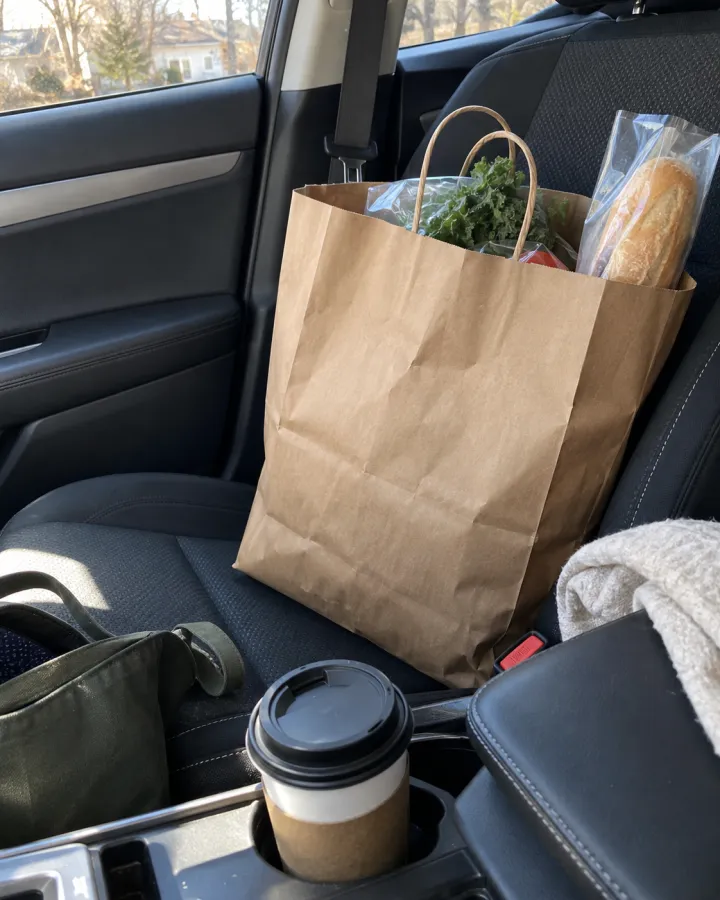
- 03 · a car's passenger seat with a plain paper grocery bag and a coffee cup
Candid smartphone photo of a car's passenger seat with a plain paper grocery bag and a coffee cup, ordinary indoor daylight. Snapped quickly without composing: slightly tilted, imperfect framing, real-life clutter, natural phone-camera noise. Looks like a real person's photo, not an ad. No brand names or logos, no text overlays, no watermark.
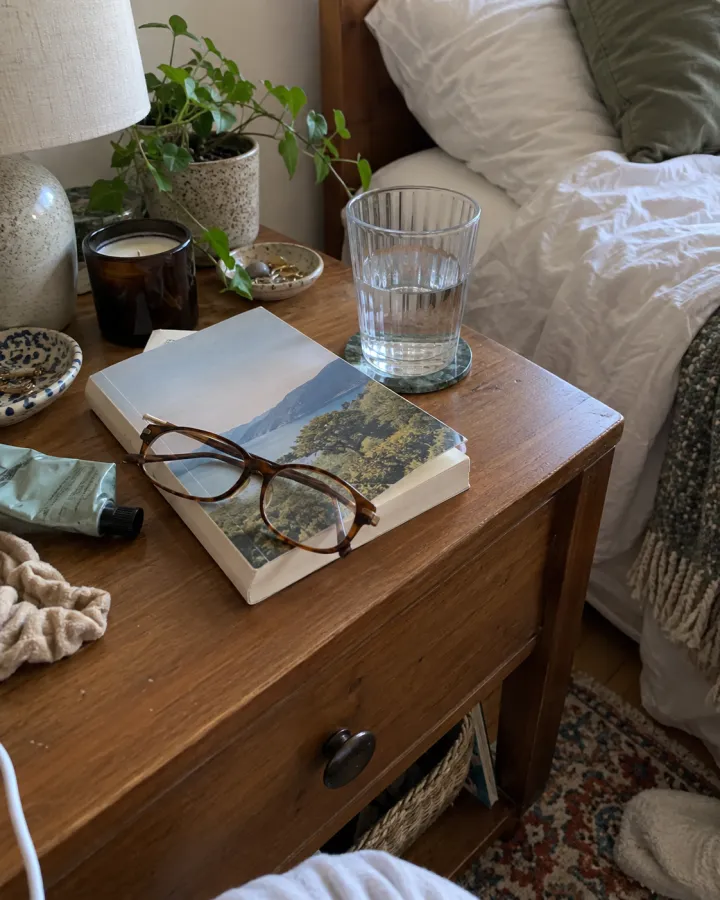
- 04 · a messy bedside table with a book, glasses and a glass of water
Candid smartphone photo of a messy bedside table with a book, glasses and a glass of water, ordinary indoor daylight. Snapped quickly without composing: slightly tilted, imperfect framing, real-life clutter, natural phone-camera noise. Looks like a real person's photo, not an ad. No brand names or logos, no text overlays, no watermark.
필요한 건 항목 몇 개, 프롬프트가 아니에요.
장면
한 줄에 한 장면. 화면에 담길 것을 적어 주세요.
아침 식사와 충전 중인 휴대폰이 놓인 주방 조리대 · 문이 열린 욕실 수납장
상품 사진선택
모든 사진을 각 이미지에 사용 · 선택. 모든 장면에 자연스럽게 배치돼요.
조명선택
낮의 자연광이른 아침밤 플래시스탠드 조명
레시피를 넣으면 배치가 나와요.
- Step 01
템플릿 채우기
사진을 넣고, 리스트를 입력하고, 옵션을 체크하세요. 체크한 옵션마다 각각의 이미지로 곱해져요.
- Step 02
계획 확인하기
템플릿이 이미지마다 프롬프트를 하나씩 쓰고, 전체 목록을 크레딧 비용과 함께 보여 줘요. 어떤 줄이든 고치거나 지울 수 있어요.
- Step 03
렌더링하고 다운로드
배치는 한 번에 실행돼요. 결과는 라이브러리에 보관하거나 ZIP 하나로 전부 다운로드하세요.
폰으로 찍은 듯한 사진 — FAQ
Q1왜 일부러 어설프게 보이나요?
잘 다듬은 스튜디오 사진은 바로 광고로 보여요. 이 프롬프트는 기울어진 구도, 어수선한 배경, 폰 카메라 노이즈를 요청해서 실제 사람이 찍은 사진처럼 느껴지게 해요.
Q2사진에 제 상품이 나오게 할 수 있나요?
‘상품 사진’에 상품 사진을 추가하면 모든 장면에 자연스럽게 배치돼요.
Q3실제 고객 사진처럼 써도 되나요?
아니요. 연출 이미지로 쓰고, AI 생성 이미지에 관한 광고 플랫폼 규정을 따르세요. 실제 고객 후기인 것처럼 내세우지 마세요.




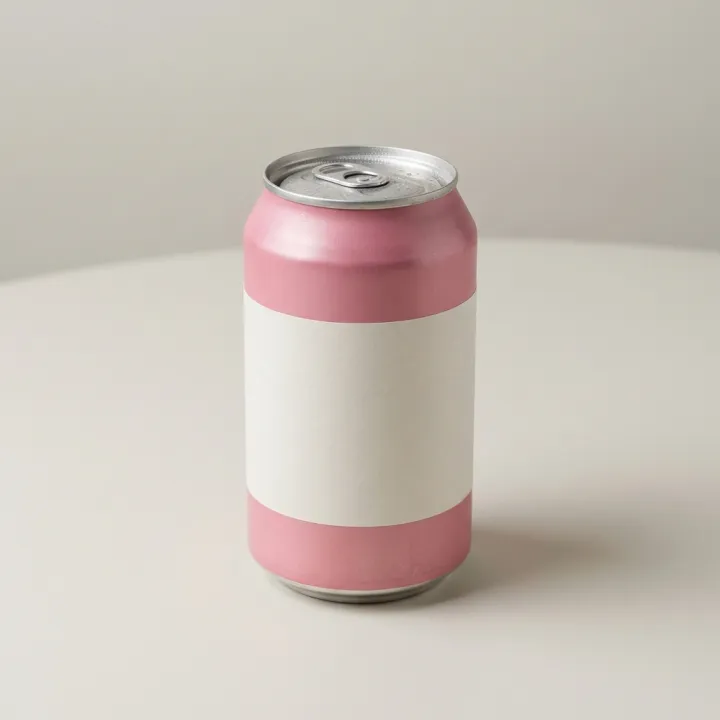 내 사진
내 사진
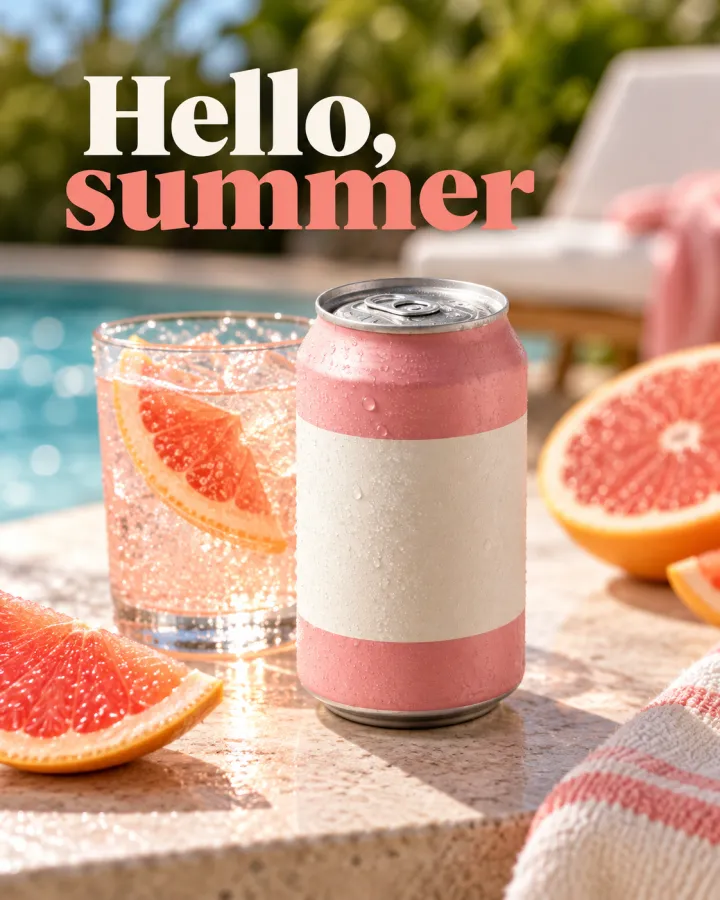
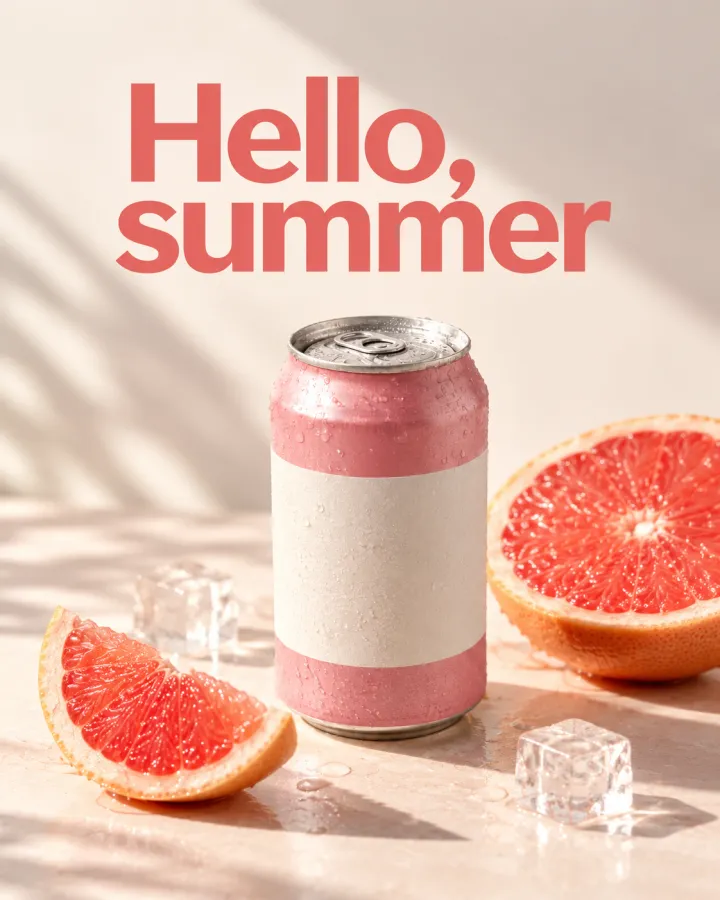
 내 사진
내 사진

