家族が主役のぬりえ
家族が主役のぬりえを1冊。
描いてほしい人やペットがはっきり写った写真をアップロードし、ページのアイデアを書き出して、スタイルを選んでください。クッキー作りもキャンプも水たまり遊びも、どのページにもみんなが登場します。くっきりした黒の線画なので、そのまま印刷したり、オーダーメイド品として販売したりできます。
初期モデル GPT Image 2 · 3:4
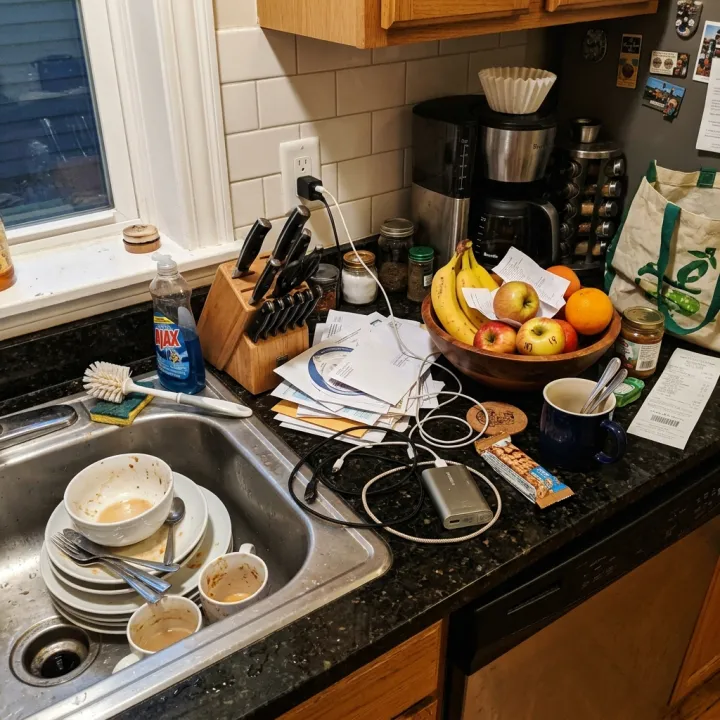
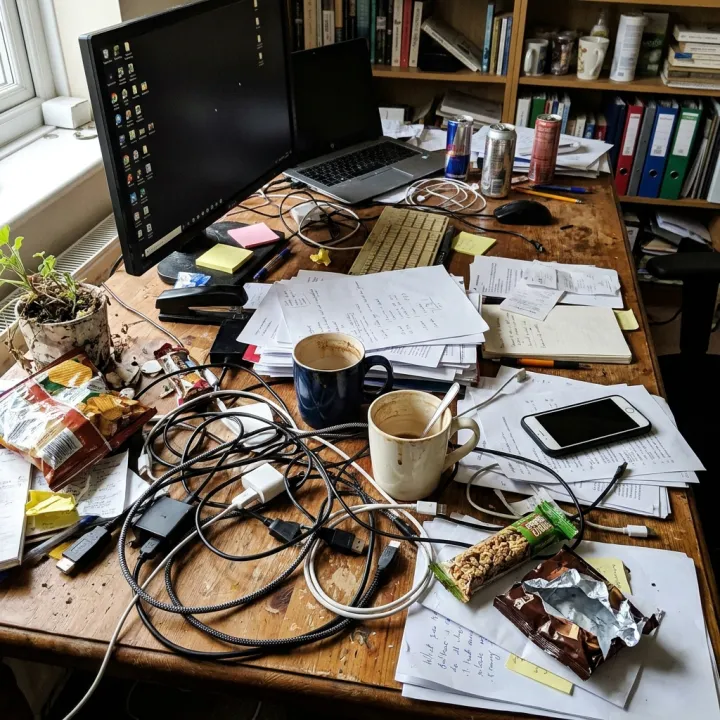
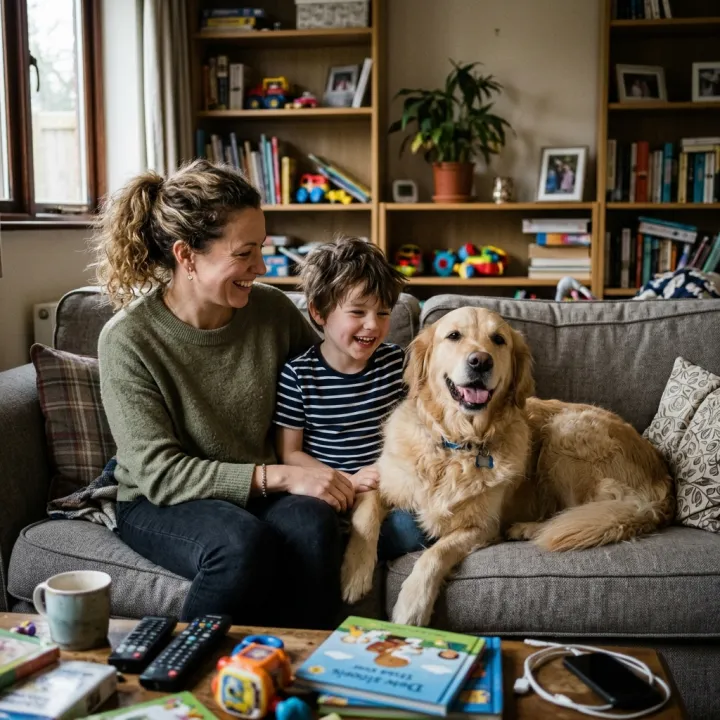 元の写真
元の写真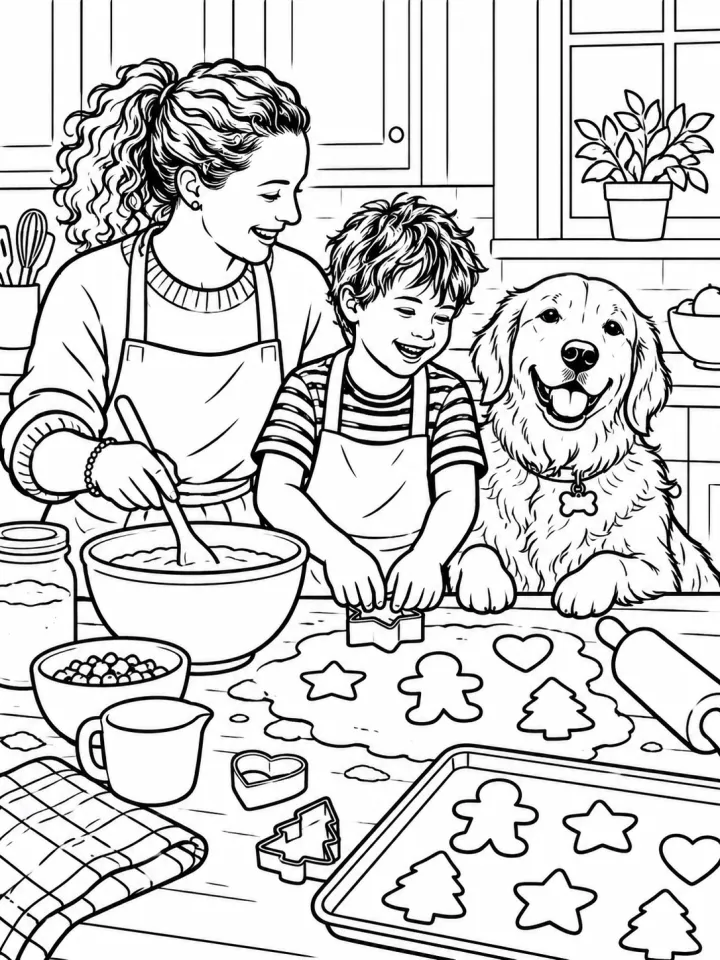
このレシピそのままで生成しました。
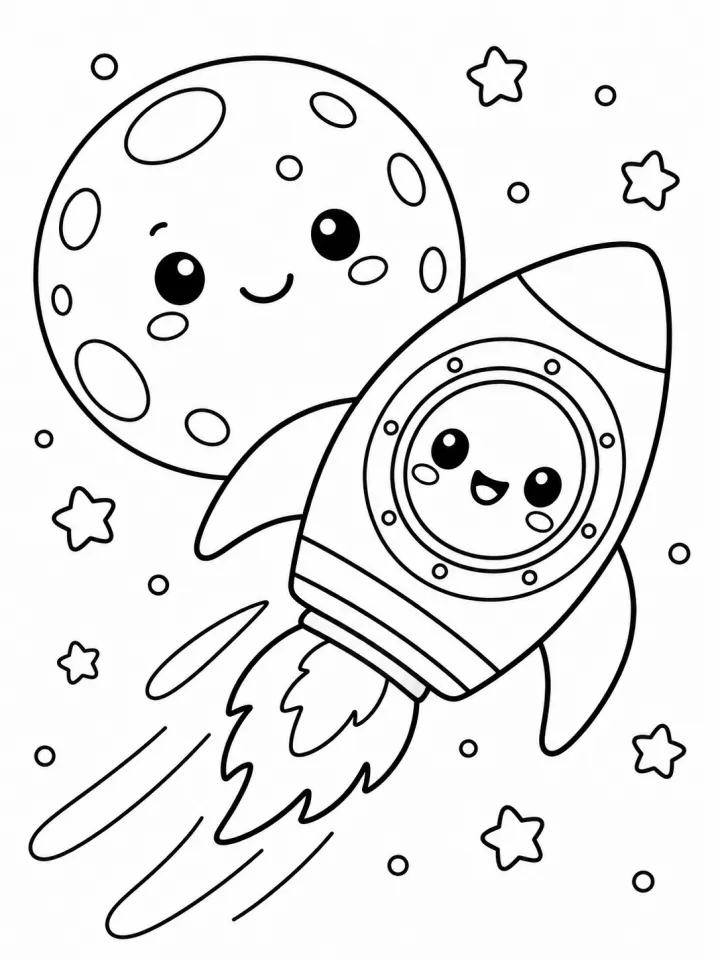
これらの画像はこのテンプレートで生成したもので、各画像の下にプロンプトを載せています。あなたのバッチでも、同じレシピにあなたの写真と言葉を組み合わせて生成します。
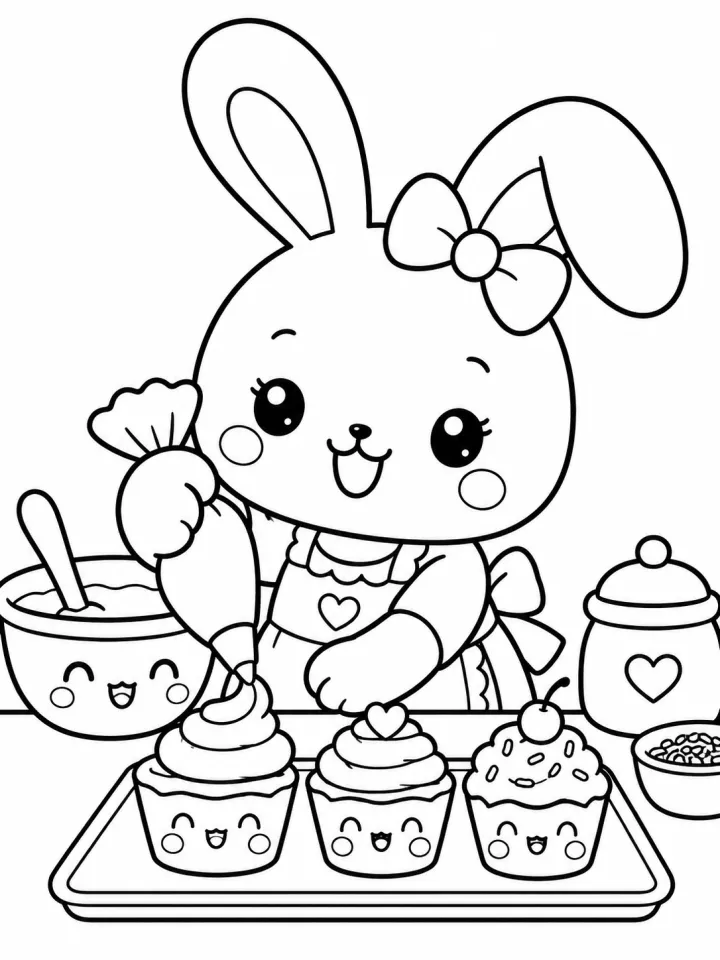
- 01 · baking cookies together in the kitchen
Coloring book page starring the people and pets from the reference photos, drawn as recognizable coloring-book characters with the same hairstyles, clothing details, breed and markings: baking cookies together in the kitchen. Style: bold, easy outlines with large open areas, for kids. Clean black line art on pure white, closed outlines, no shading, no gray fill, no color, no text, no border.
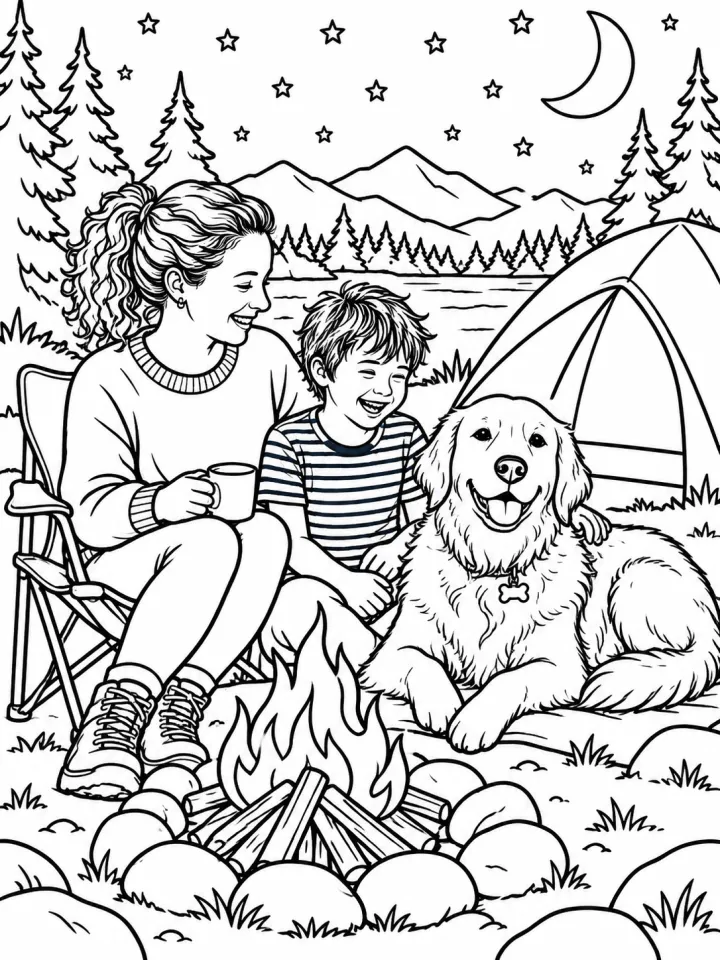
- 02 · camping under the stars
Coloring book page starring the people and pets from the reference photos, drawn as recognizable coloring-book characters with the same hairstyles, clothing details, breed and markings: camping under the stars. Style: bold, easy outlines with large open areas, for kids. Clean black line art on pure white, closed outlines, no shading, no gray fill, no color, no text, no border.
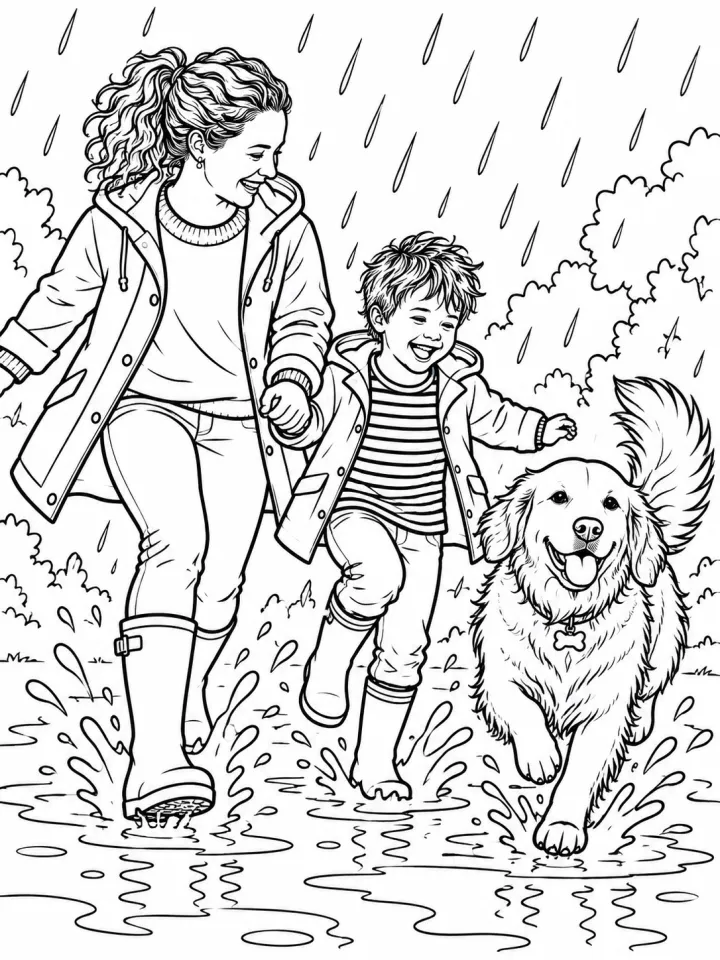
- 03 · splashing through puddles on a rainy day
Coloring book page starring the people and pets from the reference photos, drawn as recognizable coloring-book characters with the same hairstyles, clothing details, breed and markings: splashing through puddles on a rainy day. Style: bold, easy outlines with large open areas, for kids. Clean black line art on pure white, closed outlines, no shading, no gray fill, no color, no text, no border.
必要なのはプロンプトではなく、いくつかの項目だけ。
人物・ペット
すべての写真を各画像に使用 · 描いてほしい人やペットがはっきり写った写真。すべてのページに使います。
ページ
1行につき1ページ。
いっしょにクッキーを焼く · 星空の下でキャンプ · 水たまりでバシャバシャ遊ぶ
スタイル任意
子ども向けやさしめかわいい細密
レシピを入れれば、バッチで完成。
- Step 01
テンプレートに入力する
写真を追加し、リストを入力し、オプションにチェックを入れます。チェックしたオプションごとに、それぞれ別の画像が作られます。
- Step 02
プランを確認する
テンプレートが画像1枚につき1つのプロンプトを書き出し、クレジット費用とあわせて一覧で表示します。どの行も編集・削除できます。
- Step 03
生成してダウンロード
バッチは一度にまとめて実行されます。結果はライブラリに保存することも、ZIPひとつでまとめてダウンロードすることもできます。
家族が主役のぬりえ — よくある質問
Q1キャラクターは私たちに似ますか?
写真をもとに、ぬりえのキャラクターとして描きます。髪型や服装、ペットの種類や模様も引き継がれます。肖像画ではなく線画での似顔なので、明るくはっきりした写真ほどうまくいきます。
Q2オリジナルぬりえを販売できますか?
はい、写真に写っている人の許可があれば販売できます。使用が許されている写真だけをアップロードしてください。
Q3ページのサイズは?
初期設定は縦長の3:4です。設定でほかの比率に切り替え、印刷用には2Kまたは4Kを選んでください。
 元の写真
元の写真






 元の写真
元の写真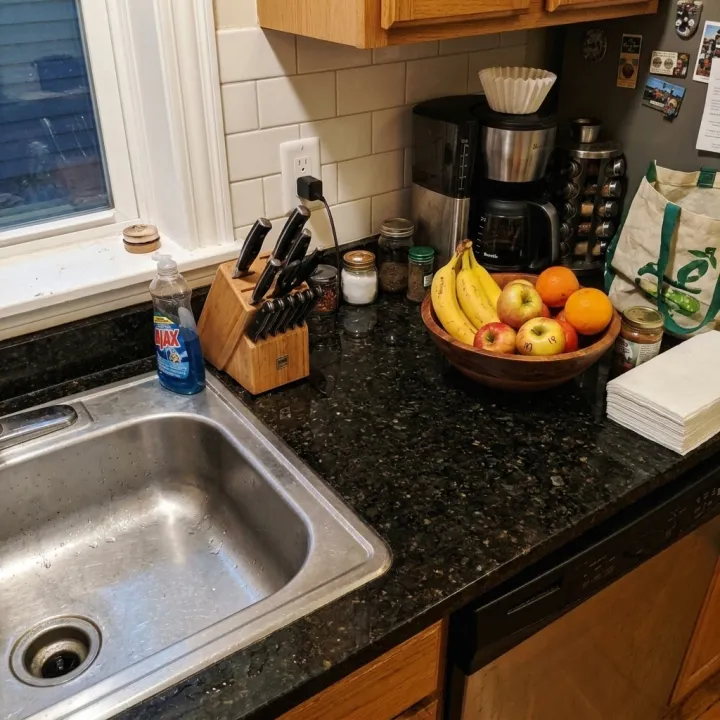
 元の写真
元の写真