商品ラインナップ × シーン
すべてのモデルを、すべてのシーンで。
ラインナップ全体を宣伝したい販売店やブランドに。モデルを1つのリストに、シーンをもう1つのリストに書いてください。バッチがすべての組み合わせを、見出しを置く余白のある横長画像で作ります。
初期モデル GPT Image 2 · 2:1 · テキストのみ — 写真は不要です
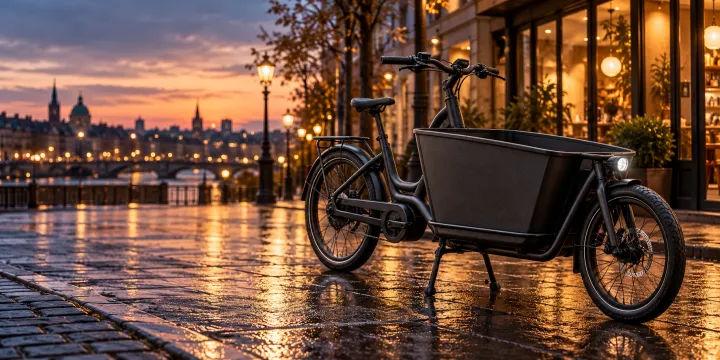
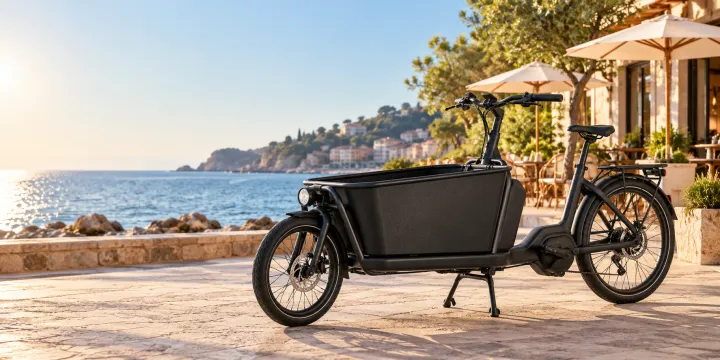
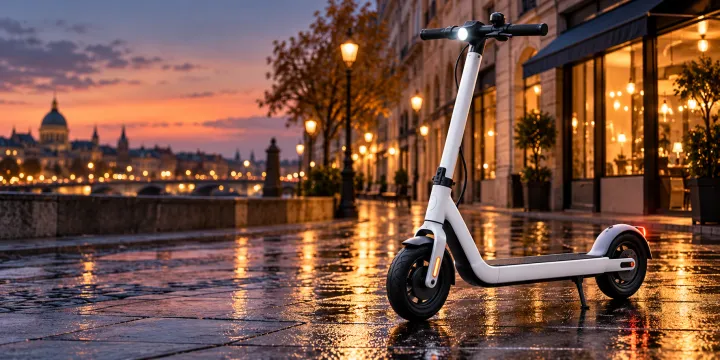
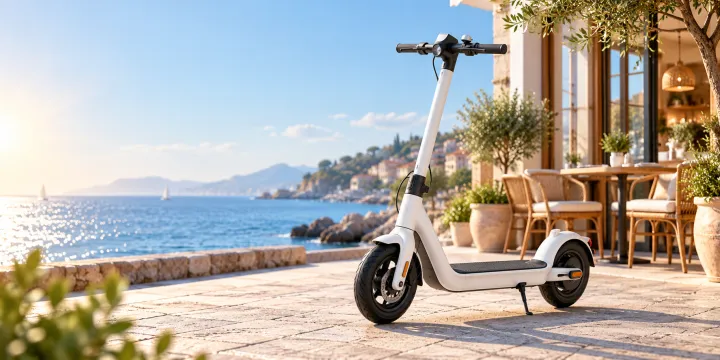
このレシピそのままで生成しました。
これらの画像はこのテンプレートで生成したもので、各画像の下にプロンプトを載せています。あなたのバッチでも、同じレシピにあなたの写真と言葉を組み合わせて生成します。
- 01 · a matte black electric cargo bike · on a wet city street at dusk with glowing shop windows
Advertising photo of a matte black electric cargo bike on a wet city street at dusk with glowing shop windows. Hero composition with the product as the clear focus, premium commercial lighting, calm space on one side for a headline. Unbranded: no logos, no text, no watermark.
- 02 · a matte black electric cargo bike · in front of a sunny seaside café in the morning
Advertising photo of a matte black electric cargo bike in front of a sunny seaside café in the morning. Hero composition with the product as the clear focus, premium commercial lighting, calm space on one side for a headline. Unbranded: no logos, no text, no watermark.
- 03 · a compact white city e-scooter · on a wet city street at dusk with glowing shop windows
Advertising photo of a compact white city e-scooter on a wet city street at dusk with glowing shop windows. Hero composition with the product as the clear focus, premium commercial lighting, calm space on one side for a headline. Unbranded: no logos, no text, no watermark.
- 04 · a compact white city e-scooter · in front of a sunny seaside café in the morning
Advertising photo of a compact white city e-scooter in front of a sunny seaside café in the morning. Hero composition with the product as the clear focus, premium commercial lighting, calm space on one side for a headline. Unbranded: no logos, no text, no watermark.
必要なのはプロンプトではなく、いくつかの項目だけ。
商品
1行に1商品・1モデル。
マットブラックの電動カーゴバイク · コンパクトな白い電動キックボード
シーン
1行に1シーン。どの商品もすべてのシーンに入ります。
夕暮れの濡れた街の通り · 朝の海辺のカフェの前
ブランド・キャンペーン任意
例:都市型自転車ショップの春キャンペーン
レシピを入れれば、バッチで完成。
- Step 01
テンプレートに入力する
写真を追加し、リストを入力し、オプションにチェックを入れます。チェックしたオプションごとに、それぞれ別の画像が作られます。
- Step 02
プランを確認する
テンプレートが画像1枚につき1つのプロンプトを書き出し、クレジット費用とあわせて一覧で表示します。どの行も編集・削除できます。
- Step 03
生成してダウンロード
バッチは一度にまとめて実行されます。結果はライブラリに保存することも、ZIPひとつでまとめてダウンロードすることもできます。
商品ラインナップ × シーン — よくある質問
Q1何枚できますか?
商品数 × シーン数です。2商品を2シーンで作れば4枚。課金の前に、すべての組み合わせが出図プランに表示されます。
Q2自社の実際の商品写真は使えますか?
このテンプレートは説明文から作るので、リアルですがブランドのない商品になります。実物をそのまま使いたい場合は、写真を「商品を実際の部屋に」にアップロードしてください。
Q3比率は変えられますか?
はい。メールヘッダー向けの2:1で始まります。バナーやSNS広告には、設定で16:9、1:1、4:5に切り替えてください。
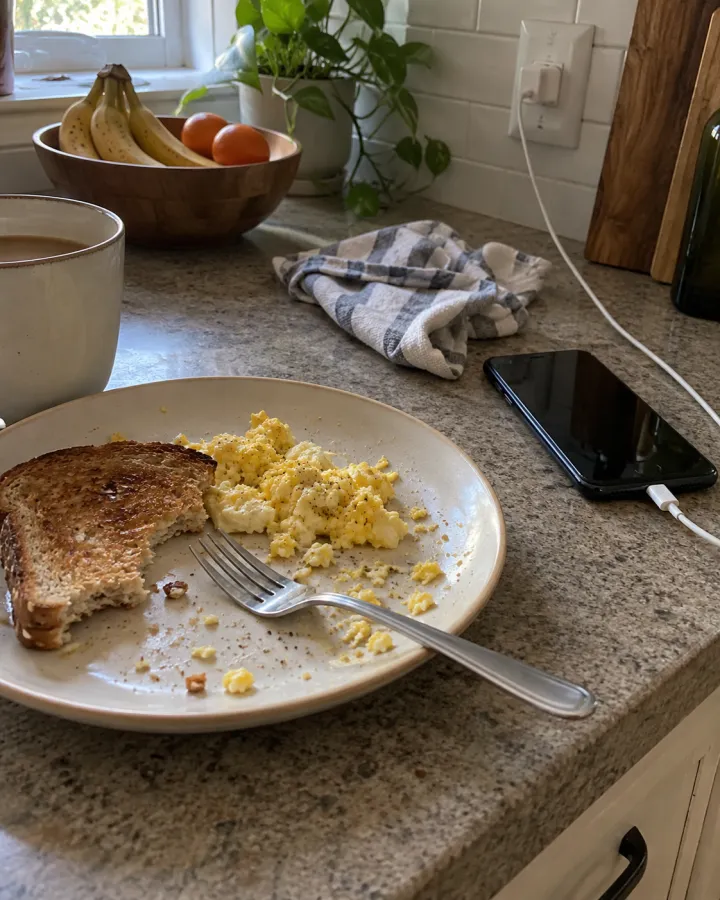


 元の写真
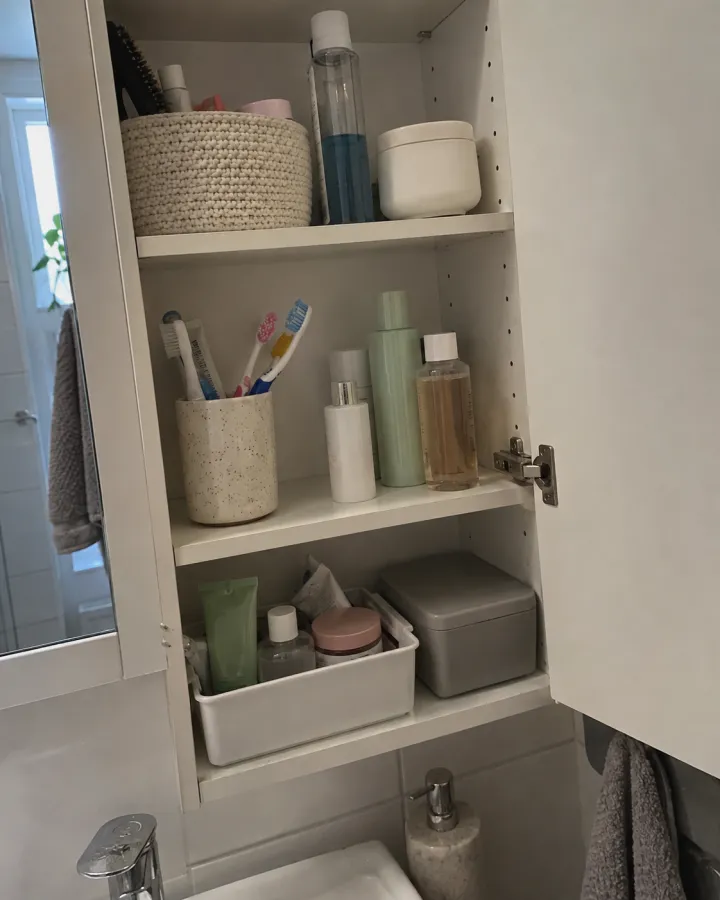
元の写真