클립아트 세트
요소 목록 하나로, 어울리는 클립아트 세트.
가지, 리스, 코너 장식, 작은 소품. 한 줄에 하나씩 적고 스타일과 팔레트를 고른 뒤 테마를 적으세요. 모든 요소가 흰 배경에 따로, 세트의 나머지와 같은 터치로 나와서 바로 배치할 수 있어요.
기본 모델 GPT Image 2 · 1:1 · 텍스트만 — 사진 없이도 돼요
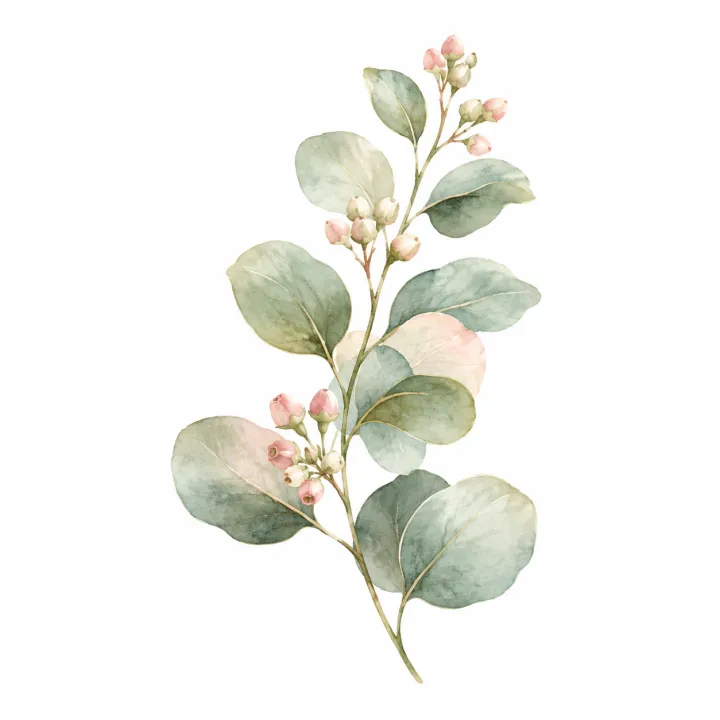

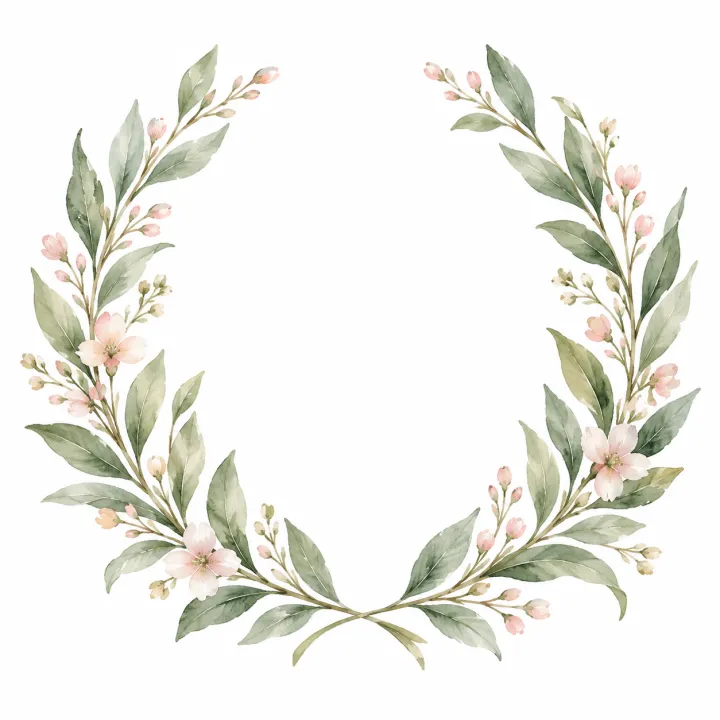
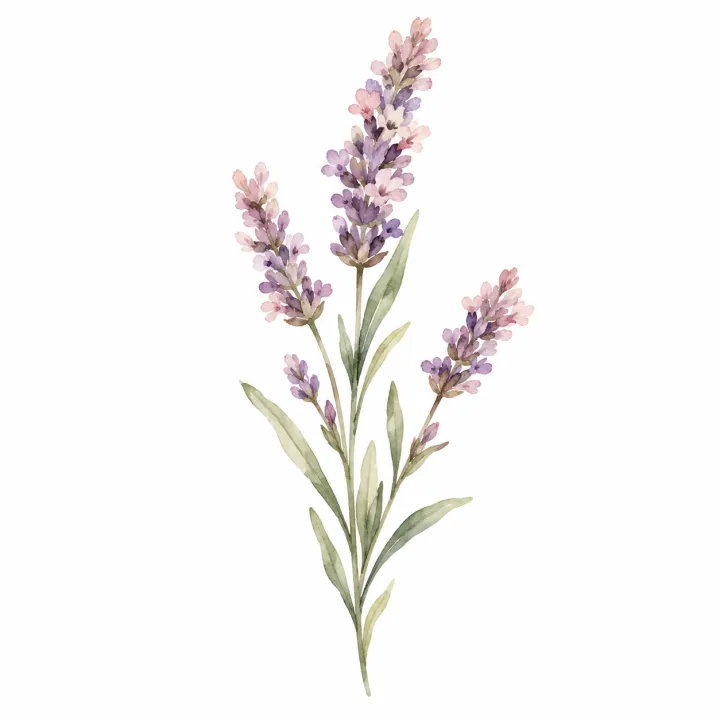
바로 이 레시피로 렌더링했어요.
이 이미지들은 이 템플릿으로 만든 것이고, 각 이미지 아래에 프롬프트가 있어요. 내 배치도 같은 레시피에 내 사진과 내 문구를 넣어 만들어져요.
- 01 · a eucalyptus sprig
Clipart element: a eucalyptus sprig. loose, delicate watercolor painting, palette: sage green, blush pink and cream, part of a wedding stationery set. One isolated element, centered with generous margin, on a pure white background: no frame, no scene, no ground shadow. The same style and palette as every other piece in the set. No text, no watermark.
- 02 · a corner bouquet of blush roses
Clipart element: a corner bouquet of blush roses. loose, delicate watercolor painting, palette: sage green, blush pink and cream, part of a wedding stationery set. One isolated element, centered with generous margin, on a pure white background: no frame, no scene, no ground shadow. The same style and palette as every other piece in the set. No text, no watermark.
- 03 · a laurel wreath
Clipart element: a laurel wreath. loose, delicate watercolor painting, palette: sage green, blush pink and cream, part of a wedding stationery set. One isolated element, centered with generous margin, on a pure white background: no frame, no scene, no ground shadow. The same style and palette as every other piece in the set. No text, no watermark.
- 04 · a sprig of lavender
Clipart element: a sprig of lavender. loose, delicate watercolor painting, palette: sage green, blush pink and cream, part of a wedding stationery set. One isolated element, centered with generous margin, on a pure white background: no frame, no scene, no ground shadow. The same style and palette as every other piece in the set. No text, no watermark.
필요한 건 항목 몇 개, 프롬프트가 아니에요.
요소
한 줄에 요소 하나.
유칼립투스 가지 · 월계수 리스
스타일선택
수채화잉크 선화플랫 벡터빈티지 판화카와이팔레트선택
예: 세이지 그린, 연핑크, 크림
세트 테마선택
예: 웨딩 페이퍼
레시피를 넣으면 배치가 나와요.
- Step 01
템플릿 채우기
사진을 넣고, 리스트를 입력하고, 옵션을 체크하세요. 체크한 옵션마다 각각의 이미지로 곱해져요.
- Step 02
계획 확인하기
템플릿이 이미지마다 프롬프트를 하나씩 쓰고, 전체 목록을 크레딧 비용과 함께 보여 줘요. 어떤 줄이든 고치거나 지울 수 있어요.
- Step 03
렌더링하고 다운로드
배치는 한 번에 실행돼요. 결과는 라이브러리에 보관하거나 ZIP 하나로 전부 다운로드하세요.
클립아트 세트 — FAQ
Q1배경이 투명한가요?
순백 배경으로 나와요. 이미지 편집기나 배경 제거 도구로 흰색을 지우면 레이아웃용 누끼 이미지가 돼요.
Q2세트 전체의 통일감은 어떻게 유지하나요?
세트 전체에 같은 스타일, 팔레트, 테마를 쓰고 한 배치로 만드세요. 모든 프롬프트가 나머지 조각과 같은 느낌을 요청해요. 튀는 요소만 다시 돌리세요.
Q3‘항목마다 이미지 한 장’과 뭐가 다른가요?
그 템플릿은 목록을 한 장에 하나씩 그려요. 이 템플릿은 정해진 팔레트로 장식 조각을 만들고, 주변에 여백을 두고 하나씩 떼어 놓아서 한 디자인 안에 조합할 수 있어요.
 내 사진
내 사진



 내 사진
내 사진





