Instagram-Raster
Neun Posts. Ein Feed.
Beschreib deine Marke, wähl Stimmung und Farben und füg optional bis zu drei Produktfotos hinzu. Die Vorlage erstellt neun verschiedene Posts mit einheitlichem Look, in der Vorschau als das Raster, das sie auf deinem Profil ergeben.
Startet mit Nano Banana 2 · 4:5 · Nur Text — kein Foto nötig
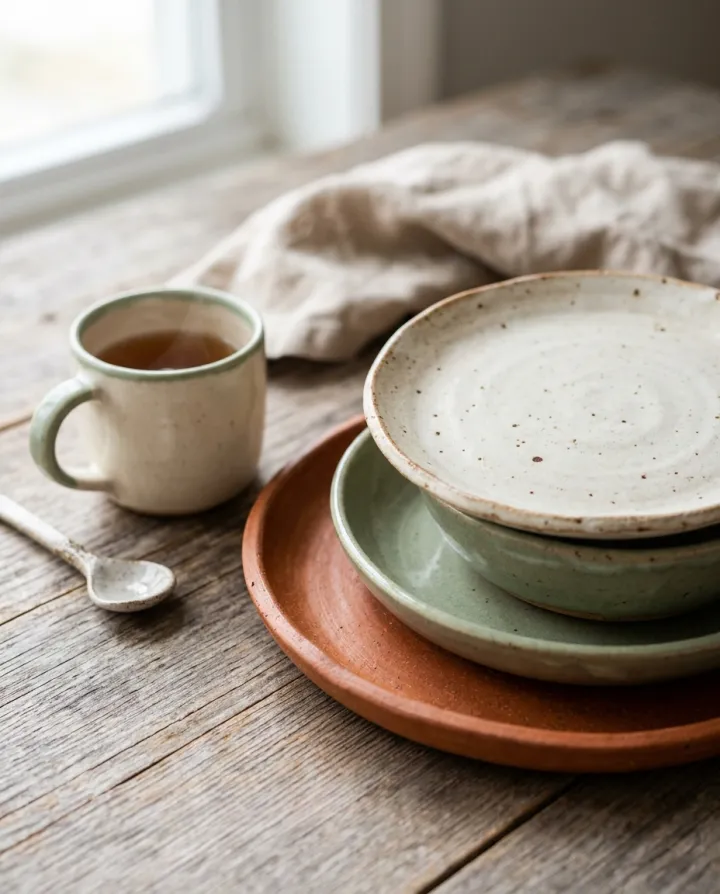
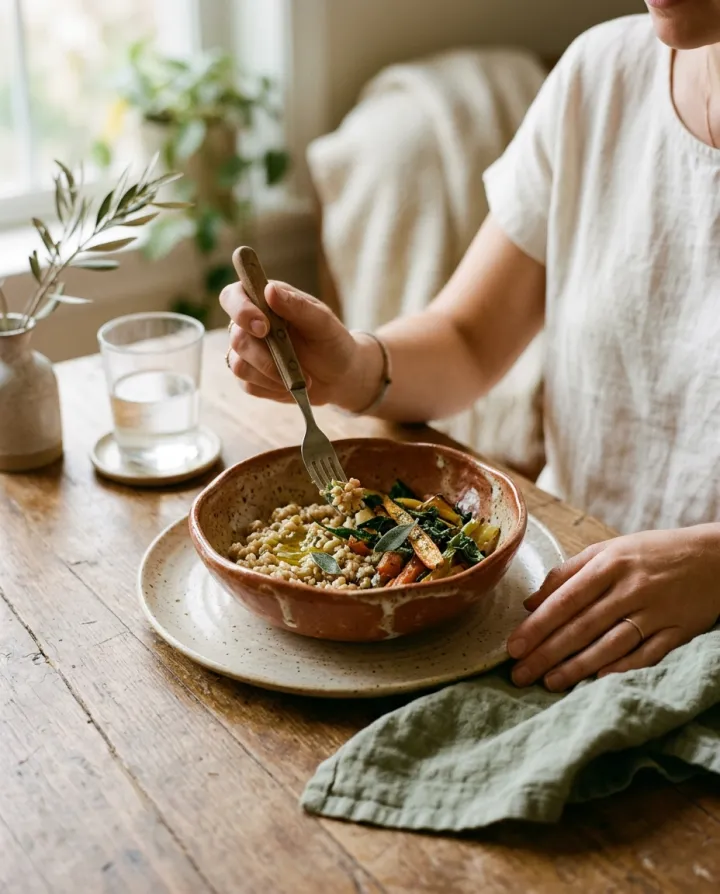
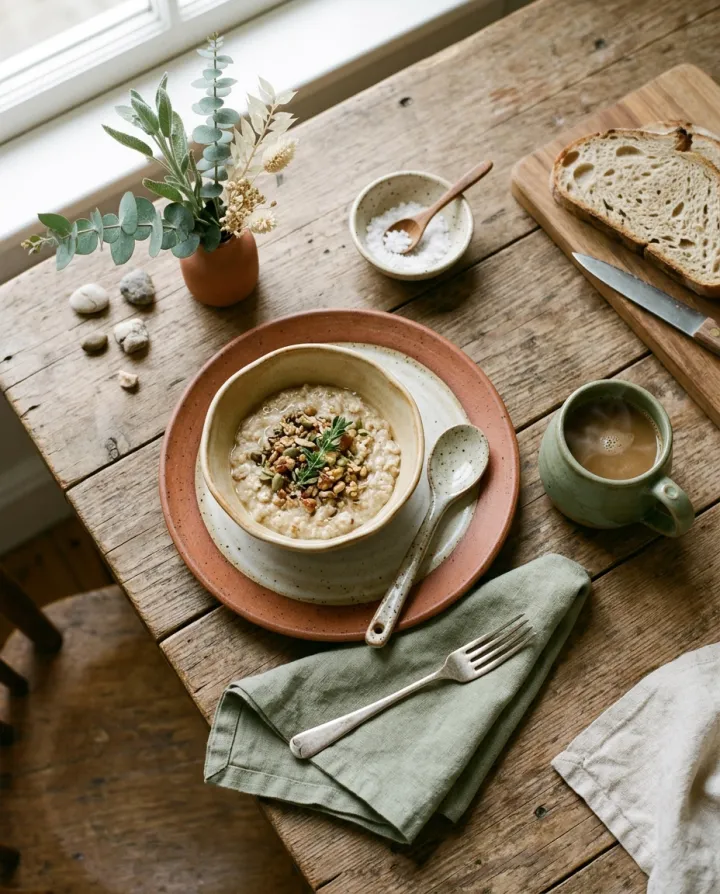
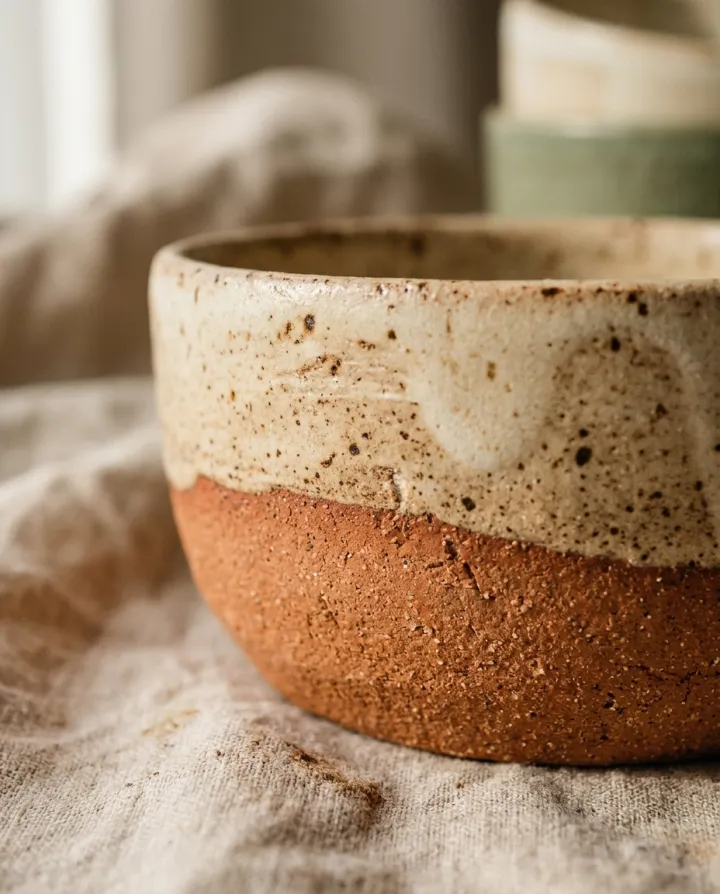
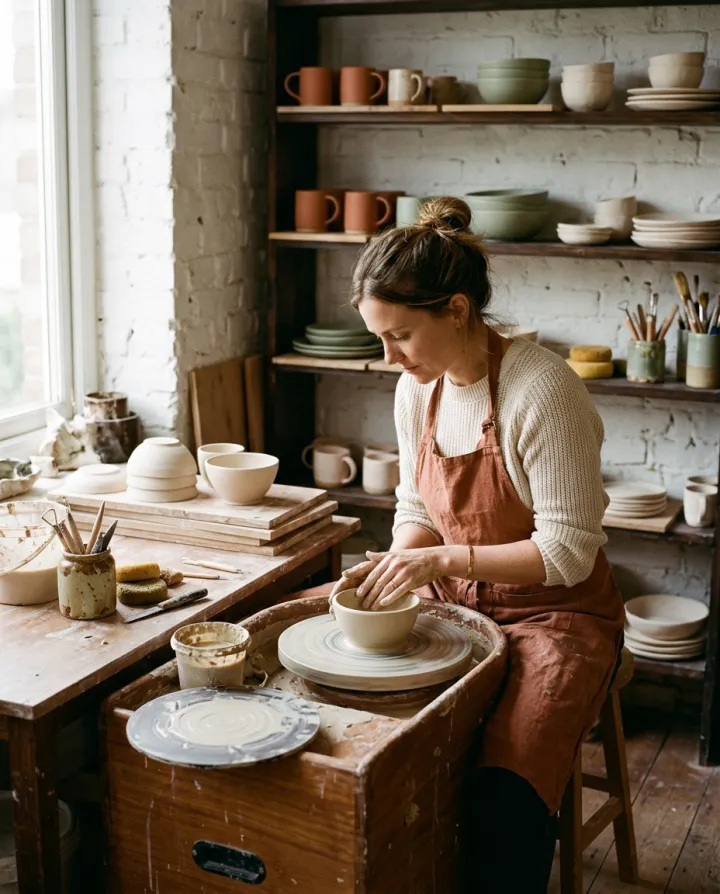
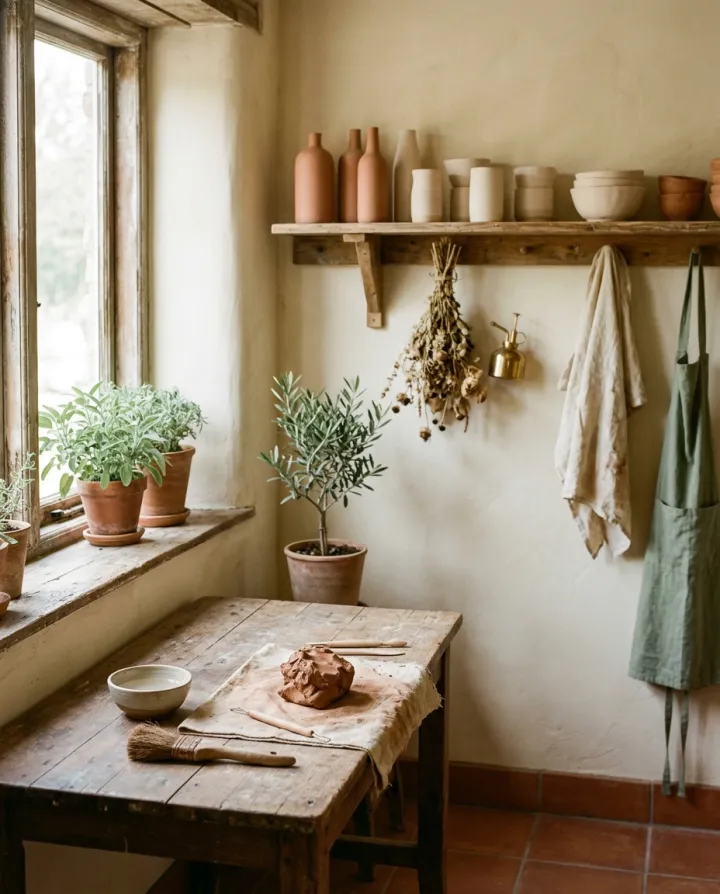
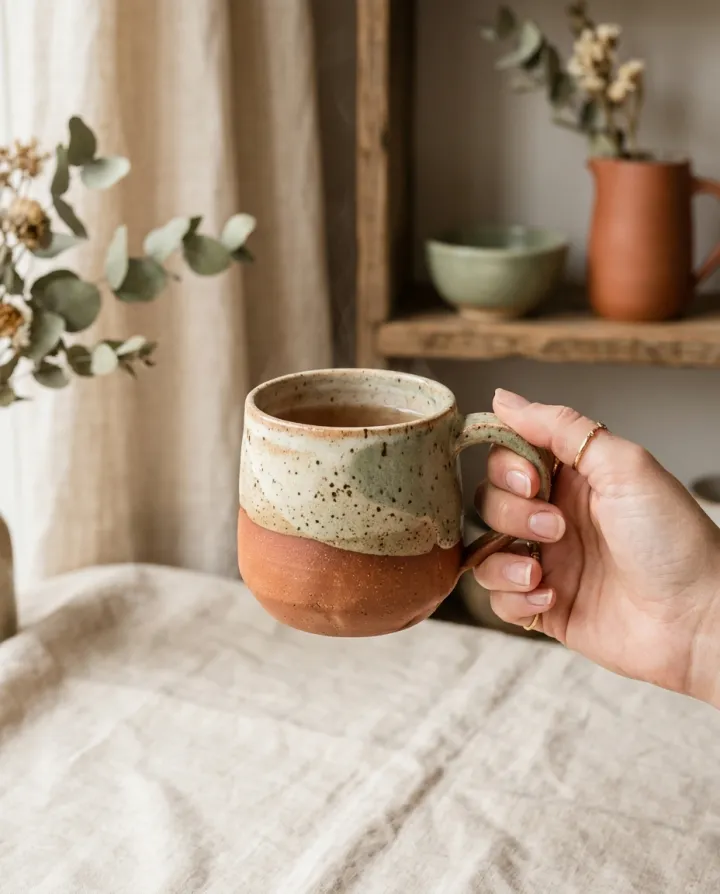
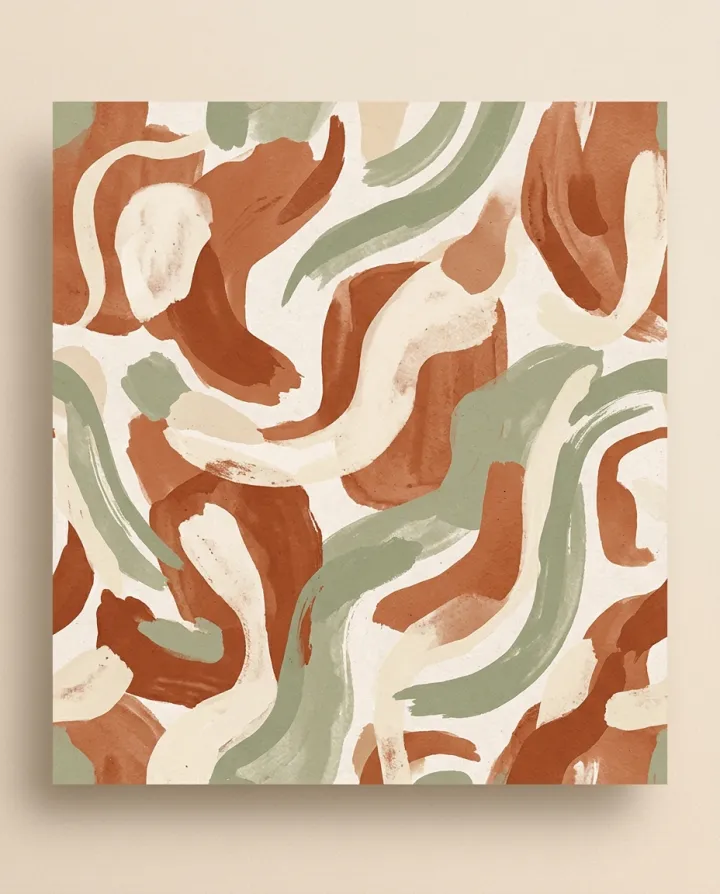
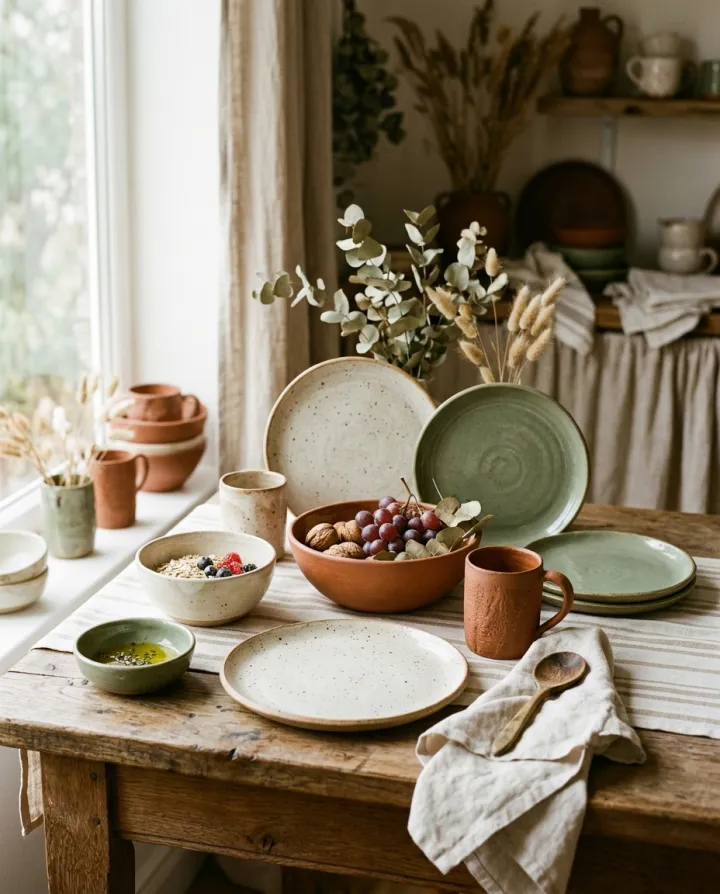
Gerendert mit genau diesem Rezept.
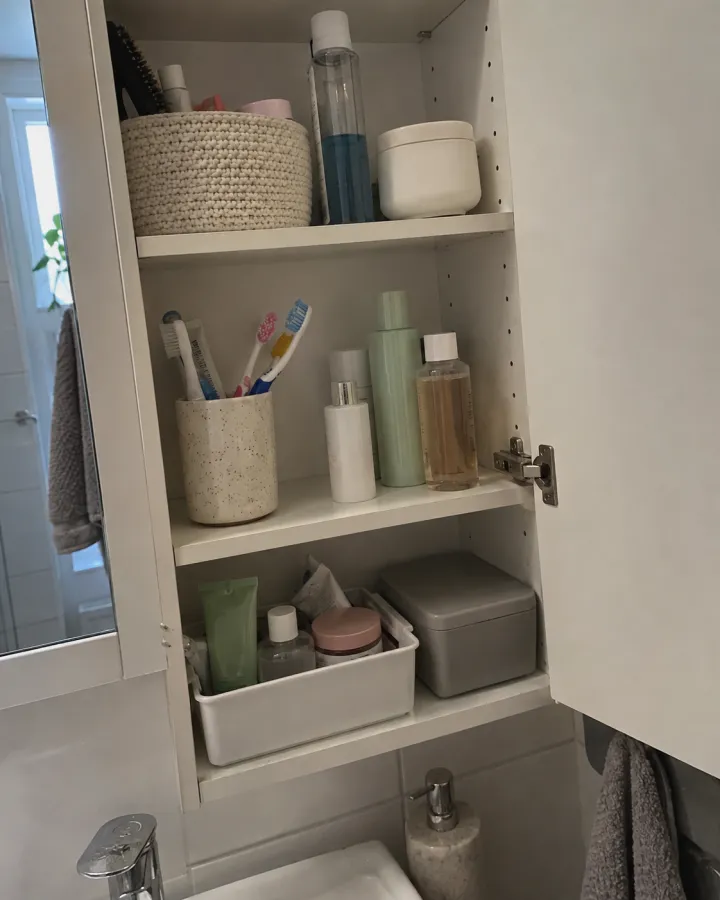
Diese Bilder stammen aus dieser Vorlage, mit dem Prompt jeweils darunter. Deine Serie nutzt dasselbe Rezept mit deinen Fotos und deinen Worten.
- 01 · Nahaufnahme
Instagram post for a small handmade ceramic tableware studio: a close-up product shot, warm, earthy tones and soft daylight, color palette: terracotta, cream and sage, cohesive feed aesthetic, no text, no logos.
- 02 · Im Einsatz
Instagram post for a small handmade ceramic tableware studio: the product being used by a person, hands visible, warm, earthy tones and soft daylight, color palette: terracotta, cream and sage, cohesive feed aesthetic, no text, no logos.
- 03 · Flatlay
Instagram post for a small handmade ceramic tableware studio: a top-down flat lay styled with props, warm, earthy tones and soft daylight, color palette: terracotta, cream and sage, cohesive feed aesthetic, no text, no logos.
- 04 · Textur
Instagram post for a small handmade ceramic tableware studio: a macro texture detail, warm, earthy tones and soft daylight, color palette: terracotta, cream and sage, cohesive feed aesthetic, no text, no logos.
- 05 · Werkstatt
Instagram post for a small handmade ceramic tableware studio: a behind-the-scenes look at the maker's workspace, warm, earthy tones and soft daylight, color palette: terracotta, cream and sage, cohesive feed aesthetic, no text, no logos.
- 06 · Stimmung
Instagram post for a small handmade ceramic tableware studio: an atmospheric mood shot of a place that fits the brand, no product, warm, earthy tones and soft daylight, color palette: terracotta, cream and sage, cohesive feed aesthetic, no text, no logos.
- 07 · In der Hand
Instagram post for a small handmade ceramic tableware studio: the product held in one hand against a simple background, warm, earthy tones and soft daylight, color palette: terracotta, cream and sage, cohesive feed aesthetic, no text, no logos.
- 08 · Muster
Instagram post for a small handmade ceramic tableware studio: an abstract graphic pattern made from the brand colors, warm, earthy tones and soft daylight, color palette: terracotta, cream and sage, cohesive feed aesthetic, no text, no logos.
- 09 · Gruppe
Instagram post for a small handmade ceramic tableware studio: a styled group shot of several products together, warm, earthy tones and soft daylight, color palette: terracotta, cream and sage, cohesive feed aesthetic, no text, no logos.
Ein paar Felder, kein Prompt.
Deine Marke
z. B. ein kleines Keramikstudio
Produktfotosoptional
Alle Fotos in jedem Bild · Optional. Bis zu 3, in jedem Post verwendet.
Stimmungoptional
WarmKlarBlitzlichtFilmFarbenoptional
z. B. Terrakotta, Creme und Salbei
Posts
NahaufnahmeIm EinsatzFlatlayTexturWerkstattStimmungIn der HandMusterGruppe
Rezept rein, Serie raus.
- Step 01
Vorlage ausfüllen
Füg deine Fotos hinzu, tipp deine Liste ein, hak die Optionen an. Jede angehakte Option wird zu einem eigenen Bild.
- Step 02
Plan prüfen
Die Vorlage schreibt einen Prompt pro Bild und zeigt die ganze Liste mit den Credit-Kosten. Du kannst jede Zeile bearbeiten oder entfernen.
- Step 03
Rendern und herunterladen
Die Serie läuft in einem Durchgang. Behalte die Ergebnisse in deiner Bibliothek oder lade alle zusammen als ZIP herunter.
Instagram-Raster — FAQ
Q1Passen die Posts zueinander?
Jeder Post nutzt dieselbe Markenbeschreibung, Stimmung und Farbpalette, sodass die neun Bilder wie ein Feed wirken. Der Plan zeigt sie als 3×3-Raster, bevor du renderst.
Q2Kann ich auswählen, welche Posts ins Raster kommen?
Ja. Entferne den Haken bei einem beliebigen Post-Typ — Nahaufnahme, Im Einsatz, Flatlay, Textur, Werkstatt, Stimmung, In der Hand, Muster, Gruppe — oder bearbeite einzelne Zeilen.
Q3Können meine Produkte in den Posts vorkommen?
Füg Produktfotos hinzu, und sie werden in jedem Post verwendet. Ohne Fotos arbeitet die Vorlage mit deiner Markenbeschreibung.
Weitere Vorlagen
Alle Vorlagen →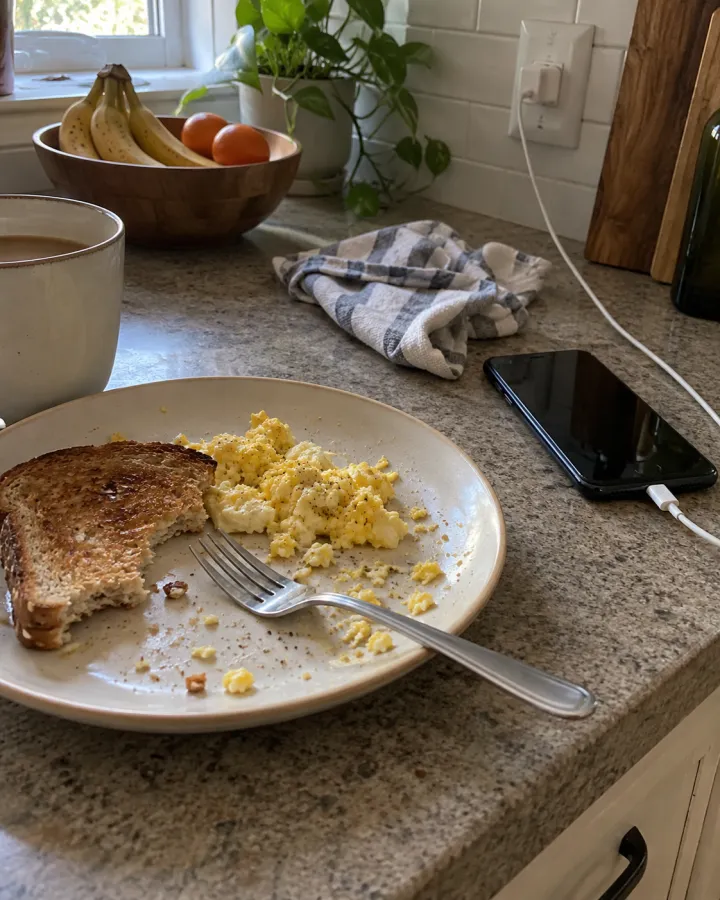
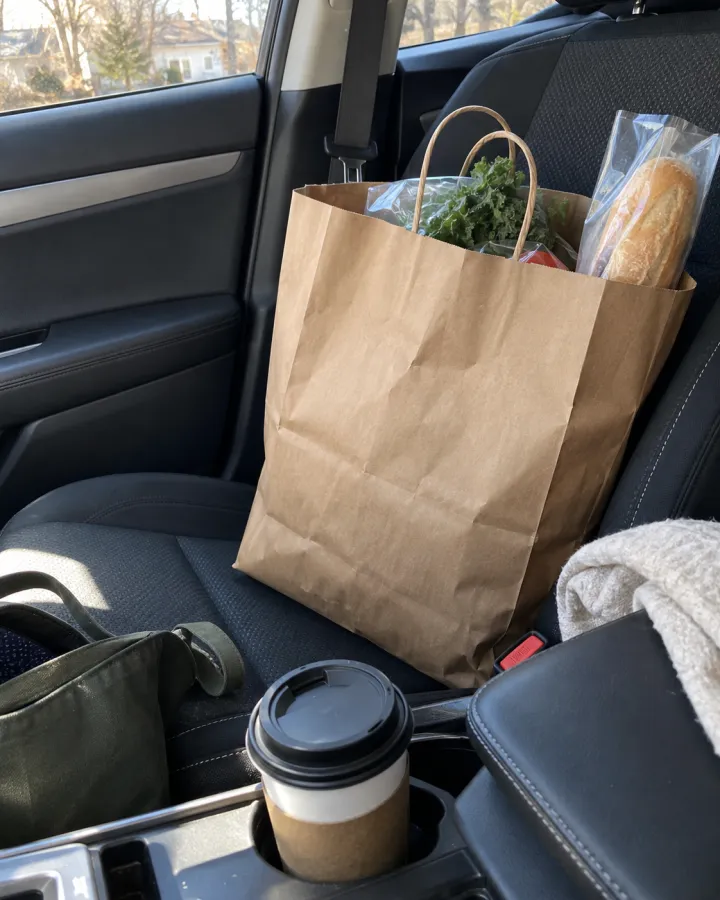
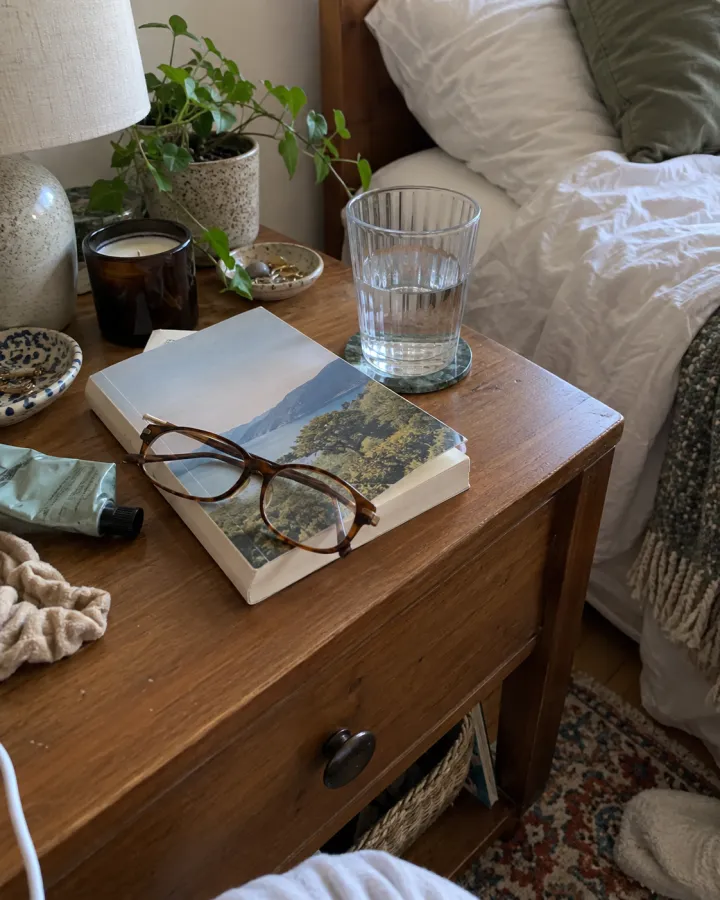 Social & AdsHandy-SchnappschüsseEcht wirkende, ungestellte Handyfotos für Advertorials und Anzeigen im UGC-Stil — eins pro Szene.Vorlage ansehen →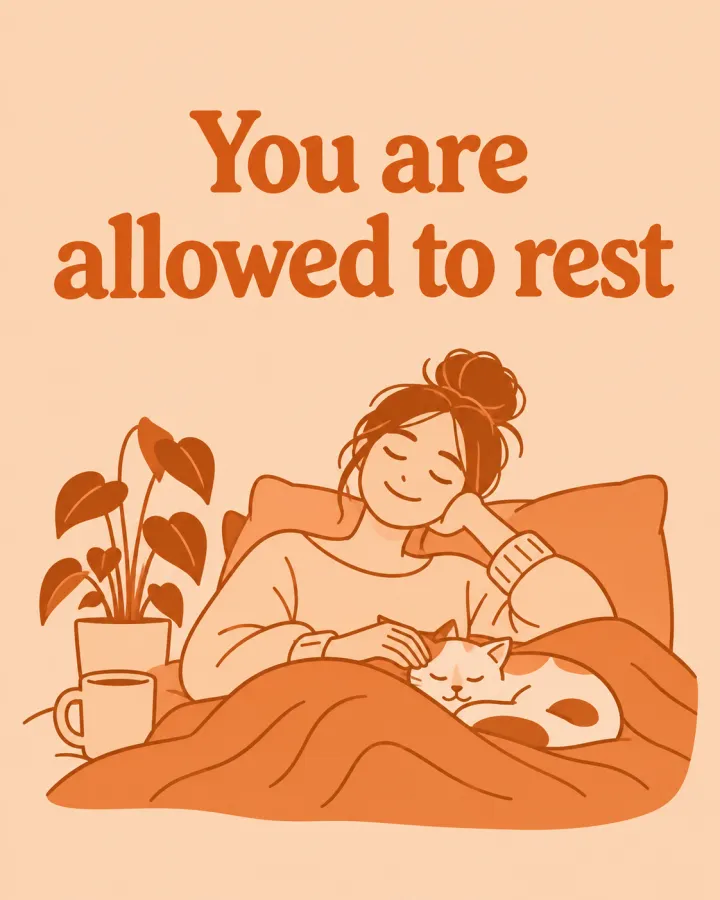
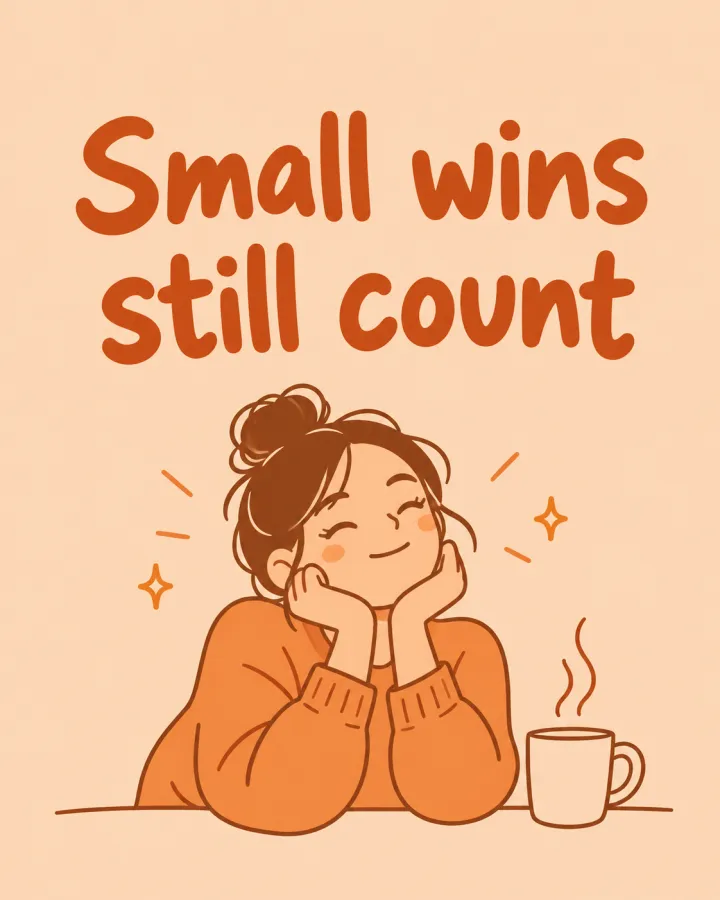

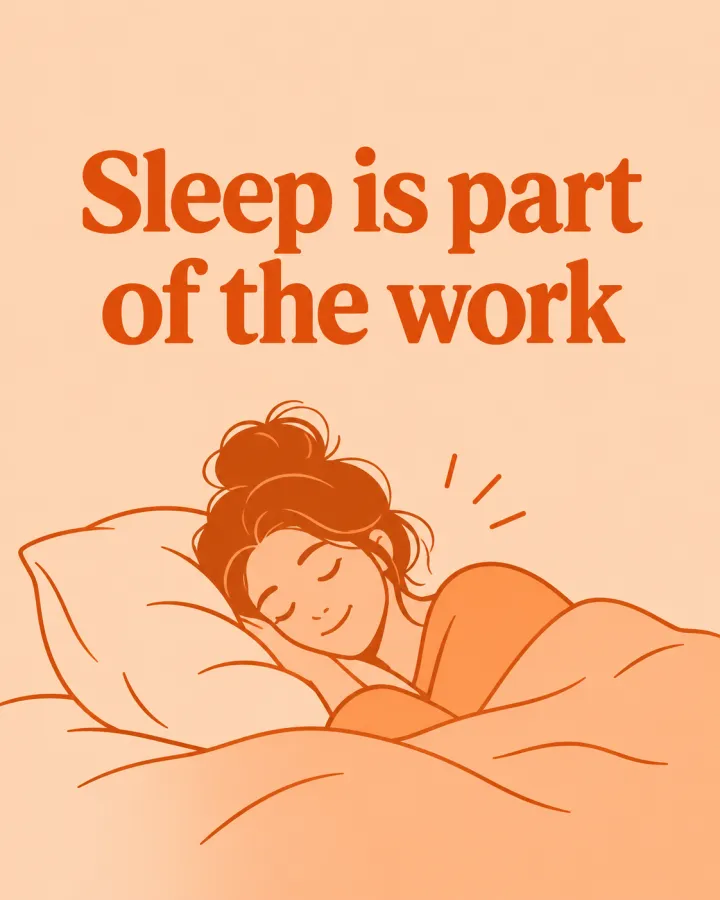 Social & AdsKarussell-Slides in deinem StilEine Zeile pro Slide oder Post, alle im selben Look und in denselben Farben — auf Wunsch mit der Zeile als Überschrift.Vorlage ansehen →
 Dein Foto
 Social & AdsAnzeigen-VariantenEin Angebot, mehrere Anzeigenstile zum Gegeneinander-Testen.Vorlage ansehen →
 Dein Foto

 VideoVideoszenen aus einem SkriptEine Zeile pro Szene, in jedem Bild derselbe Stil und dieselben Figuren. Für YouTube-Erklärvideos, Dokus und Animation.Vorlage ansehen →
Dein Set ist nur ein paar Felder entfernt.
Vorlage wählen, ausfüllen, Plan prüfen, rendern. 50 Gratis-Credits zum Start — keine Karte.
Diese Vorlage nutzen